
Character Studio
One consistent character. Every shot. Every ad.
Train a character from photos of one person. Or pick one from the screened stock cast. Then cast it in images and videos.
Create your character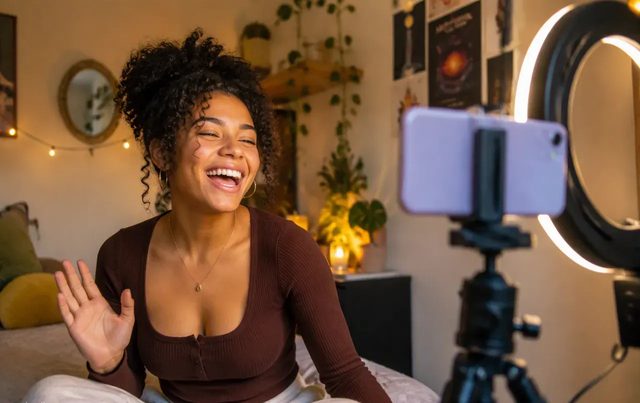


How it worksThree angles in. One character out.
01 Photos
Start with a front shot. Add a three-quarter and a profile. More angles keep the face steady.
02 Training
We train one Custom Avatar from them. It waits in the Library, beside the stock cast.
03 Casting
Attach it in the composer. The same face carries into image and video renders.
Stock castSynthetic faces. Screened first.
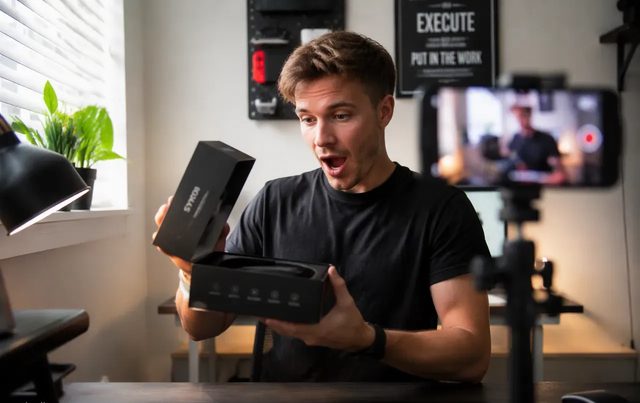
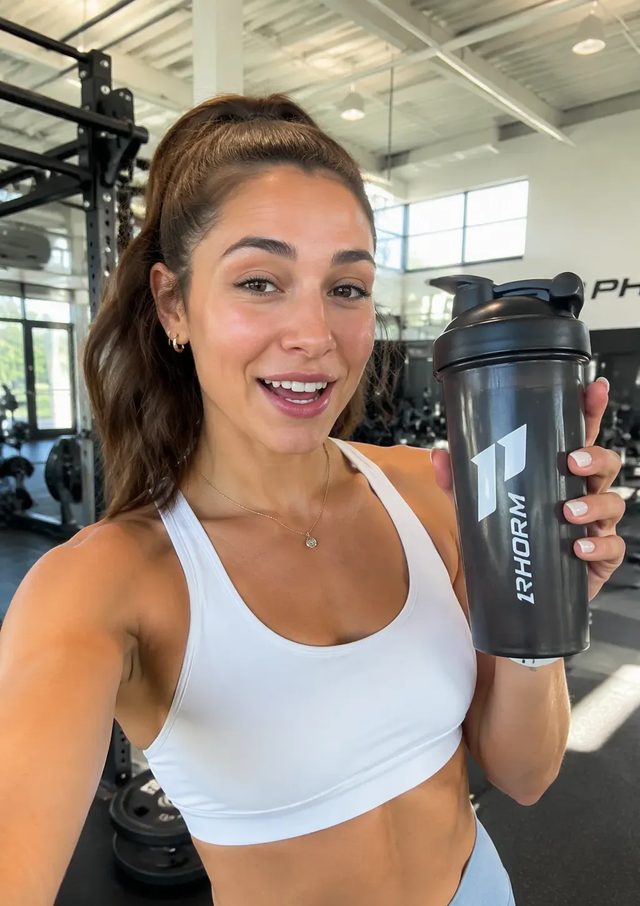
- Every stock avatar is a synthetic persona, not a real person.
- Each one is screened against a public-figure watch-list before release.
- A match blocks it.
- Pick one and cast it. No training needed.
- See your own face in one? Report it and we suspend it.
ConsentA real person’s face needs their consent.
- You record consent in the product before any photo uploads.
- Someone else’s face needs their written consent and release.
- Withdraw consent by deleting the avatar.
- The photos, the avatar and its embeddings go within 30 days.
Character Studio questions
Character Studio is where your avatars live. Pick a screened stock avatar, or train a Custom Avatar from photos of one person. Then cast that character across image and video renders.
Upload a front shot of one person, then a three-quarter and a profile shot. More angles keep the face steady from clip to clip. We train a Custom Avatar from them, and it waits in the Library.
Yes. Stock avatars are made for lawful commercial communications. They may not carry political or religious messages, give professional advice, or imply that a real person endorses you.
No. Stock avatars are synthetic personas, not modelled on any specific person. Each one is screened against a watch-list of recognised public figures before release, and a match blocks it. If you recognise yourself in one, write to legal@openclips.ai and we suspend it.
Only with that person’s written consent and release, obtained before you upload. We may ask for a copy, and you keep the signed original.
Delete the Custom Avatar from your account, or contact us. We then delete the source photos, the trained avatar and its embeddings within 30 days.
You do. On the date of generation we assign you all of our rights in the output, commercial use included.