


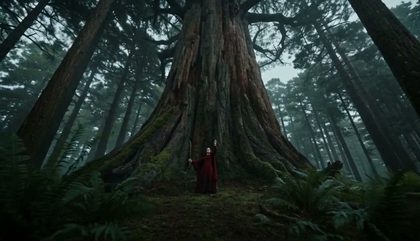
Start from footage you already shot
Most generated video begins with a blank prompt and invents everything. That is the wrong tool when the performance already exists on your drive: the timing is right, the framing is right, and what you want changed is the look. The models below take the clip itself as the input, so the motion survives the render. What this page adds is the shortlist. Instead of opening every model page to find out which ones accept footage, you read one roster the platform catalog writes.
What the roster is, and where it comes from
Every model here qualified by the same gate the composer and the workflow runner use before they will hand a clip over. That gate is deliberately narrow. Several image-to-video models say media is required and mean a photograph, and their request schemas reject a video outright, so listing them would sell a failed render. Length ceilings and resolutions come from the same feed.
Each card says what it wants
A model that will not render without footage is not the same as one that reads a clip as an optional extra, and a model that will take a still instead is a third thing. Every card carries that row because the difference decides whether you can press Generate at all, and the composer enforces the same rule before it spends anything.
The price is visible before you spend
Each card carries a floor price in credits and the same figure in dollars at the pay-as-you-go pack rate. A model that bills per second of output rather than per clip says so on the figure itself. The binding quote is still the one on the Generate button, computed for the exact length and tier you picked.