Watch it.
One prompt, every major text-to-video model — Seedance, Veo 3.1, Kling, Grok Imagine. Compare takes side by side and keep the winner — priced per render.
Best models for text-to-video
Best models for text-to-video
50⚡grant on signup
Seedance 2.5
FLAGSHIPThe most controllable AI video model — full scenes in a single generation.
Kling 3.0
HOTThe creator favorite — fluid motion, strong image-to-video, huge community.
Veo 3.1
Google's cinematic video model with native audio generation.
Grok Imagine 1.5
FLAGSHIPxAI's fast, unfiltered take on video generation.
Hailuo 2.3
Image to video, fast drafts, dependable physics.
Wan 3.0
FLAGSHIPOpen-weights powerhouse with excellent value.
Made with OpenClips
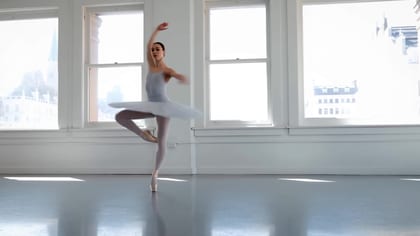
“A paper boat sails down a city gutter at golden hour, macro lens”
MINIMAX H3
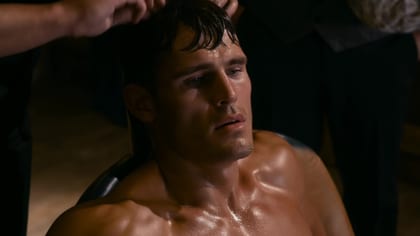
“Problem-agitate-solution ad: messy desk, panic, then calm — one continuous shot”
KLING 3.0
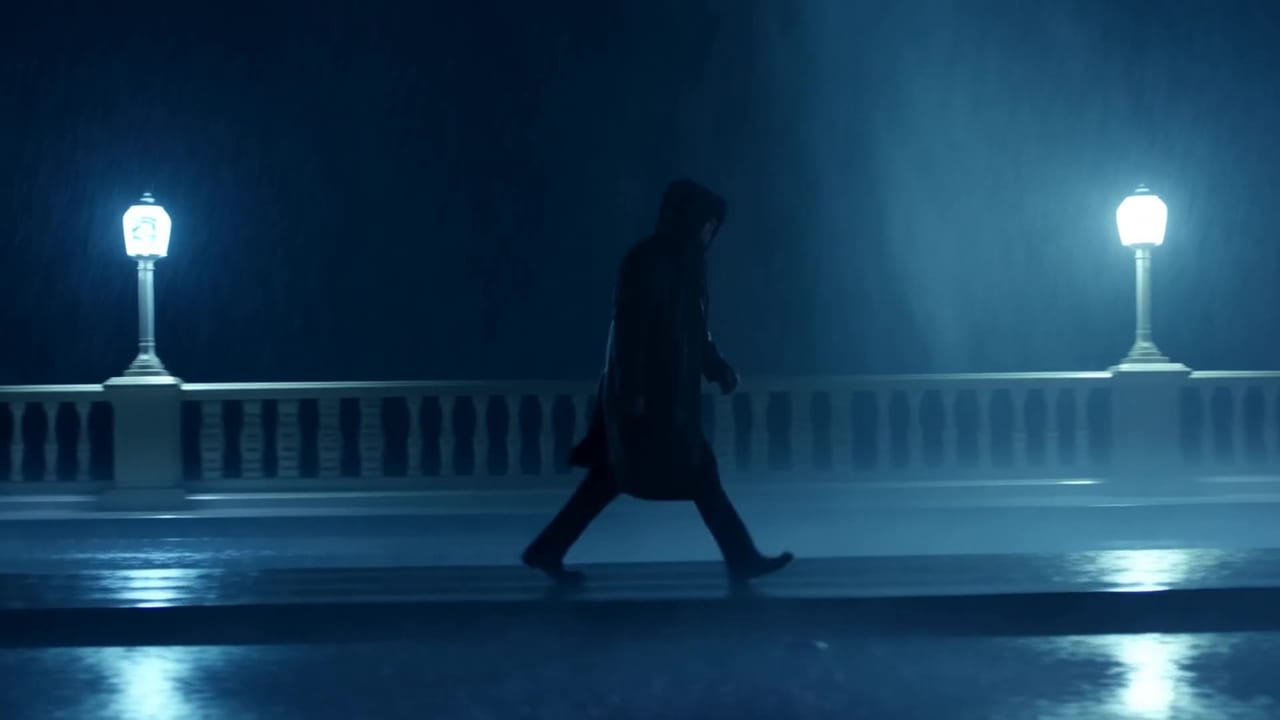
“Documentary style: old fisherman mends nets, natural light, patient camera”
SEEDANCE 2.5
Three moves
Three steps from words to footage
Write the shot
Subject, action, camera, light, mood — the composer guides you with per-model prompt hints as you type.
Run the roster
One prompt, multiple models. Veo for audio, Seedance for control, Grok for speed, Hailuo for drafts. Compare takes, keep the winner.
Iterate in chat
'Make it night.' 'Cut to 9:16.' Follow-ups re-render the same clip — the timeline is a conversation.
Prompts are free. Renders are priced upfront.
Compose as long as you like — you only spend credits when a render actually starts.
See plans & render prices →One sentence in, a finished shot out
Text to video is the purest form of the craft: no footage, no photos, no timeline — just a sentence and a model that dreams in motion. It's also where prompt craft pays the highest interest. The same words that produce mush on one platform produce cinema on another, because models read differently. OpenClips exists so you never have to guess which one reads your sentence best — run it across the roster and watch the takes disagree.
The prompt patterns that work
After thousands of community renders, the pattern is consistent: subject + action + camera + light + mood, in that order. "A paper boat sails down a city gutter at golden hour, macro lens, shallow depth of field" gives the model five anchors; "beautiful boat video" gives it nothing. Camera language is the biggest lever — "slow push-in", "orbit", "crane down" — because it converts a scene description into a shot. Every clip in our community feed ships with its full prompt attached, and every prompt card has a copy button. Steal the patterns shamelessly; that's what they're for.
Compare, don't commit
Here is the dirty secret of single-model platforms: half your "prompt engineering" is actually model matching. A dreamy atmospheric prompt sings on one model and flops on a physics-tuned one; a complex multi-subject action needs Seedance-grade control. On OpenClips, one prompt runs across Seedance 2.5, Veo 3.1, Kling 3.0 and Grok Imagine in the same session, and the takes land side by side in your library. You keep the winner, remix it, or iterate in chat — "make it night", "cut to 9:16" — until it's the shot you saw in your head.
Priced like a vending machine, not a lease
Composing costs nothing: write, tweak, attach, re-tune — the meter stays at zero until a render actually starts. Then it's a Hailuo sketch, the Kling workhorse, or the flagships — after sign-in, the exact price is always on the Generate button before you commit. One wallet, every model, no subscription shuffle. Write the sentence. We'll bring the cameras.
Frequently asked questions
Text to video AI turns a written prompt into a moving clip — you describe the shot, the model renders subject, motion, camera and light. OpenClips.AI runs your text across Seedance, Veo 3.1, Kling 3.0 and more from one composer, so you compare models instead of guessing.
Think like a director, not a poet: subject + action + camera + light + mood. 'A paper boat sails down a city gutter at golden hour, macro lens, shallow depth' beats 'beautiful boat video'. Our prompt guides and community feed (every clip ships with its prompt) teach the patterns fast.
Per shot, not overall. Veo 3.1 when you need sound in the same pass. Seedance 2.5 for control and multi-reference scenes. Kling 3.0 for image-to-video, Grok Imagine for fast edgy drafts, Hailuo 2.3 for sketches.
Length is per model, and the composer shows each model's own ladder before you render. Seedance 2.5 holds the longest single take at 30 seconds. Shorter models cap lower, and the price moves with the length you pick.
Seedance 2.5, Seedance 2.0, Seedance 1.5 Pro, MiniMax H3 Max, Veo 3.1, Kling 3.0, Wan 3.0, FLUX 3, Gemini Omni Flash render sound with the picture. Kling O1 can carry an attached clip's own track instead. The rest render silent. Add sound in your editor, or cast a model that carries it in the same pass.
Composing is free; credits are spent only when a render starts — after sign-in, the exact price shows on the Generate button. The public rate card lives on /pricing.