
AI video generator. Your ideas, in motion

−50%Sign-up offer
Sign up. Save up to 50% yearly.
- Director Agent
- Seedance 2.5
- 86 AI models
- Templates on Starter

500+Community workflows
Recreate it. Starring you.
Pick a workflow other creators already ran. Upload one photo. Press run.

NewOpenClips Marketing Studio
Paste a link. Get the ads.
Your product link, a photo or a few words. We line up the templates that sell it.
What would you create?


 1
1 2
2 3
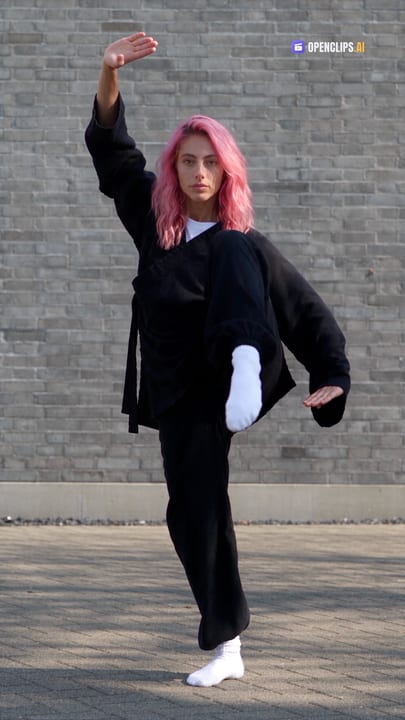
3Viral Dances
One photo. One signature move. Your face, on the beat.
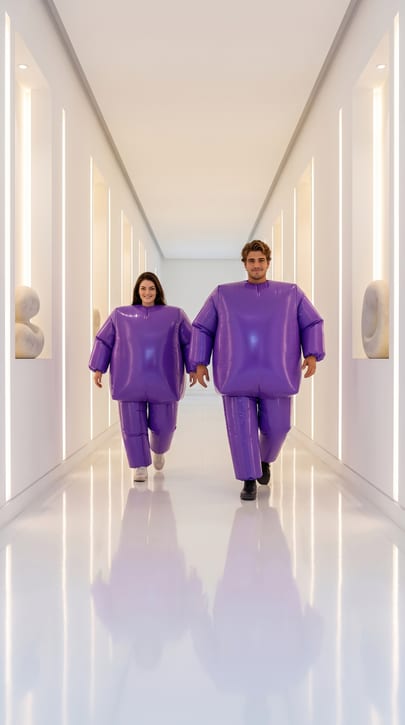 Puffy Suit Strut
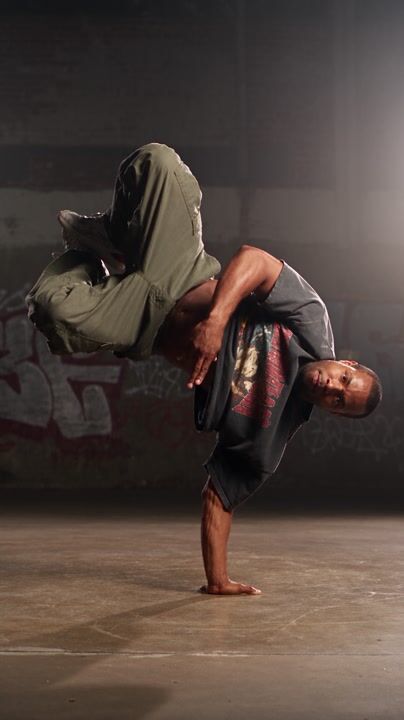 Street Dance — Breaking Cypher
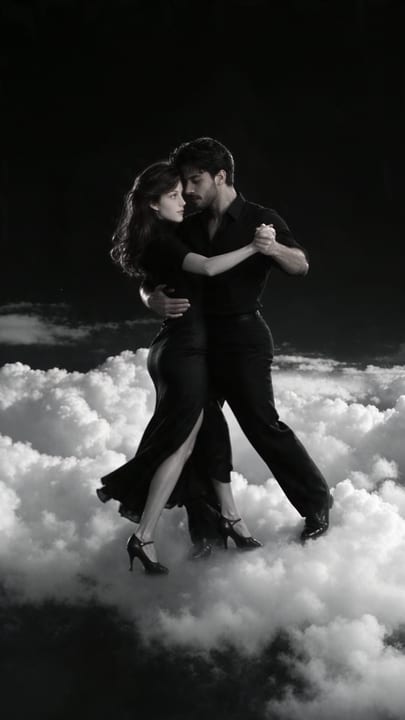 Tango Cloud Descent
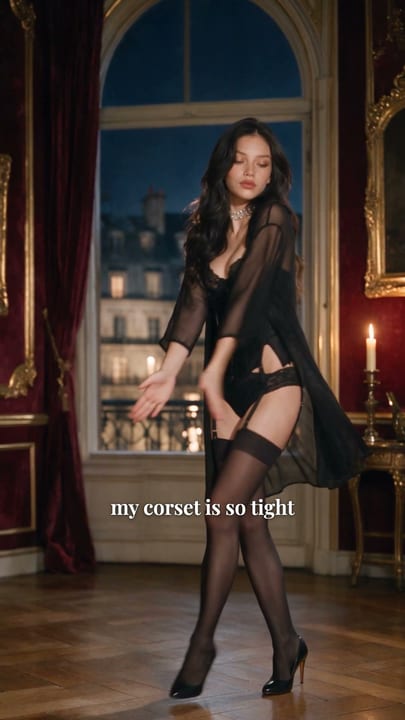 Corset Dance Trend AI Video — "I Feel Like Nicole" Parisian Salon Dance With Your Face
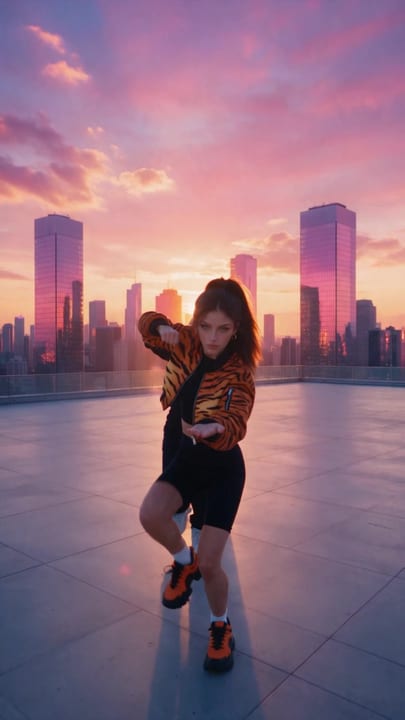 Viral Group Dance Trend AI Video — Rooftop Sunset Crew Dance With You and 2 Friends
 Tip Toe Dance Trend — Rumpelstiltskin Barn Scene With Your Faces
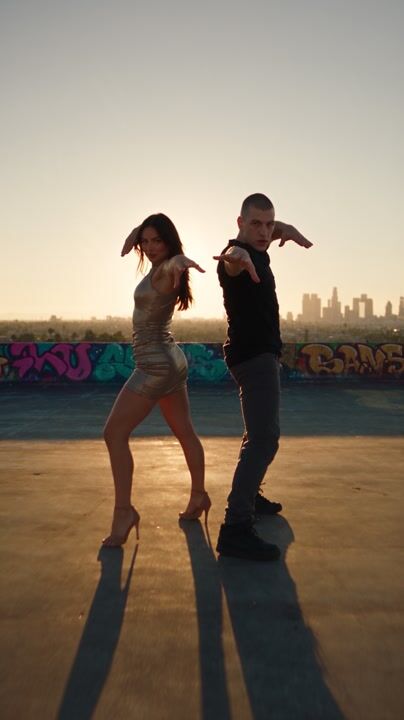 Duo Dance — Rooftop Hip-Hop
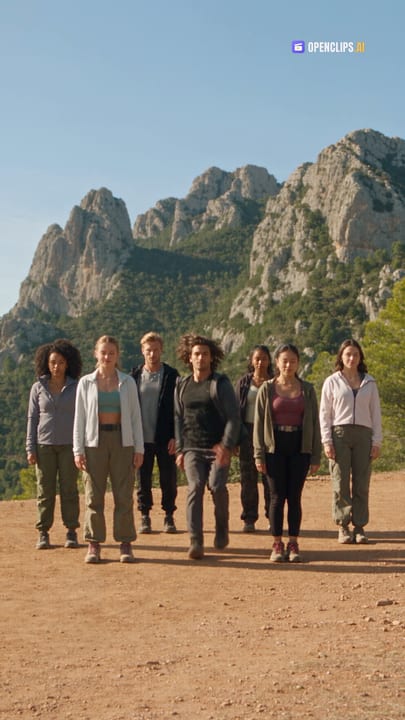 Mountain Form
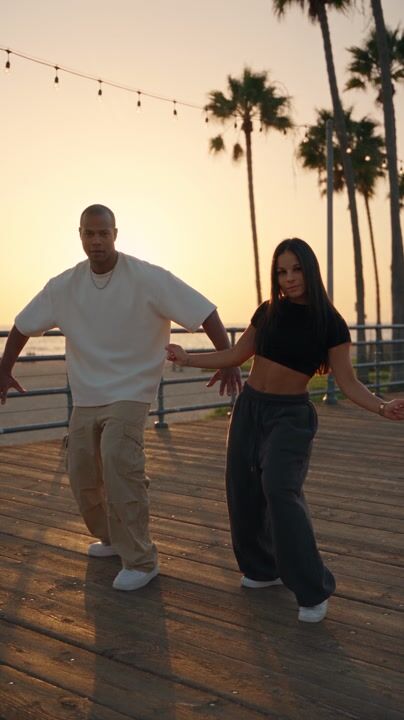 Duo Dance — Boardwalk Afro-House
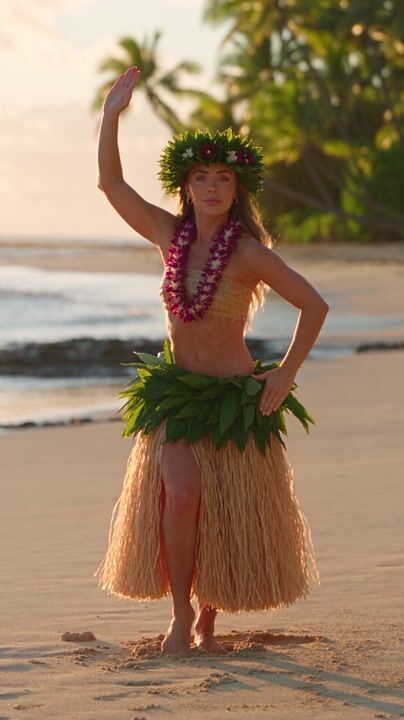 Regional Beat Dance — Hawaiian Hula
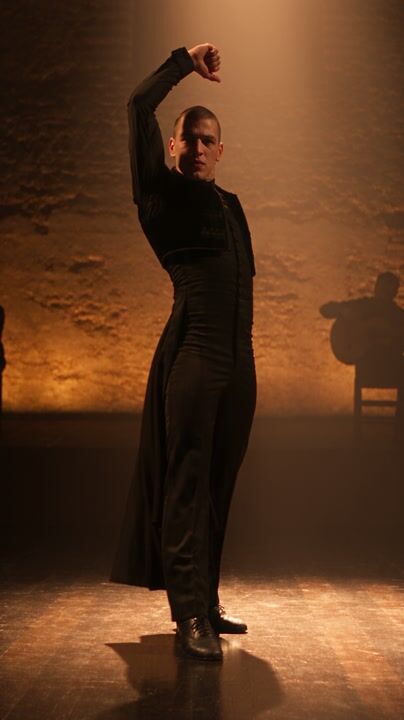 Regional Beat Dance — Spanish Flamenco
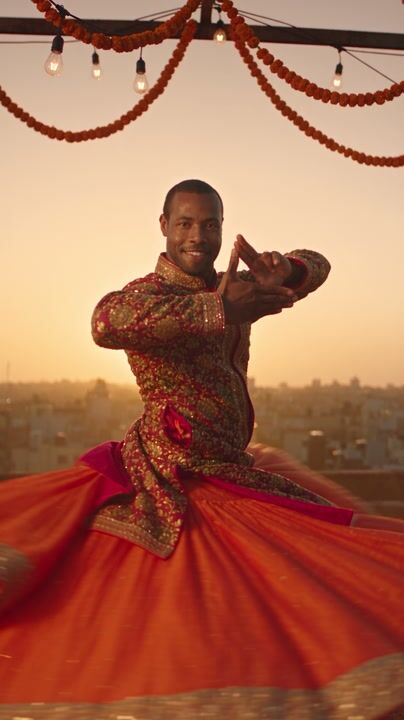 Regional Beat Dance — Bollywood Festival
Monsters, ghosts and jump scares. Starring you.
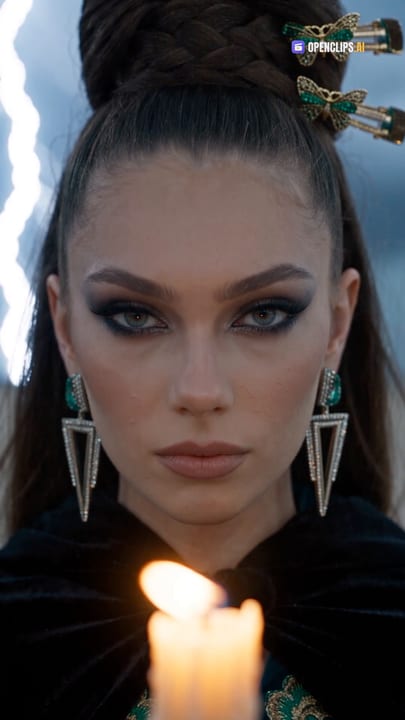 Every Witch
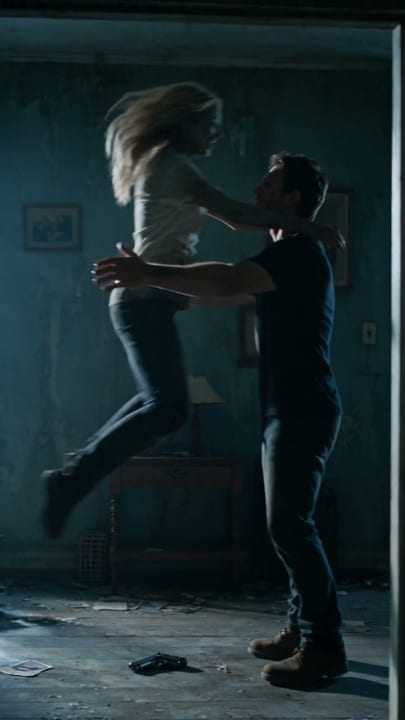 Zombie Love Story AI Video — Heartbreaking Apocalypse Hug to a Happy Beach Memory
 Last In Town
 Beat Drops
 Ghost Want
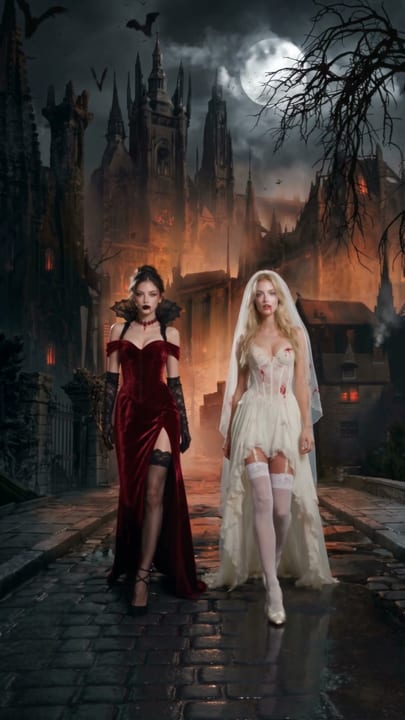
 Halloween Costume Walk Video — Strut Your Costume With Two Friends
 Halloween Costume Walk Video — Strut Your Costume With a Friend
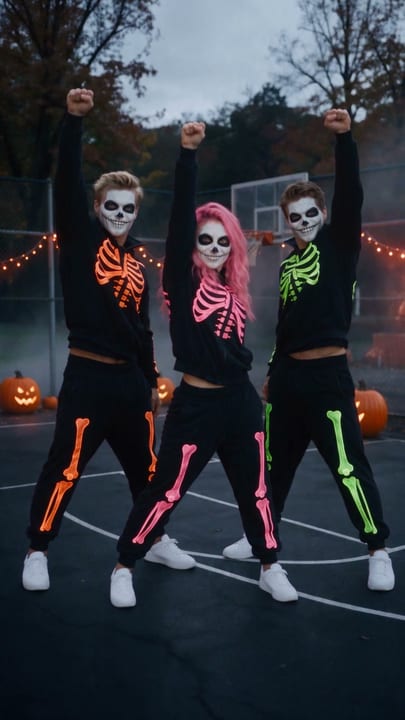 Halloween Dance Trend Video — Skeleton Crew Hip-Hop Routine With Two Friends
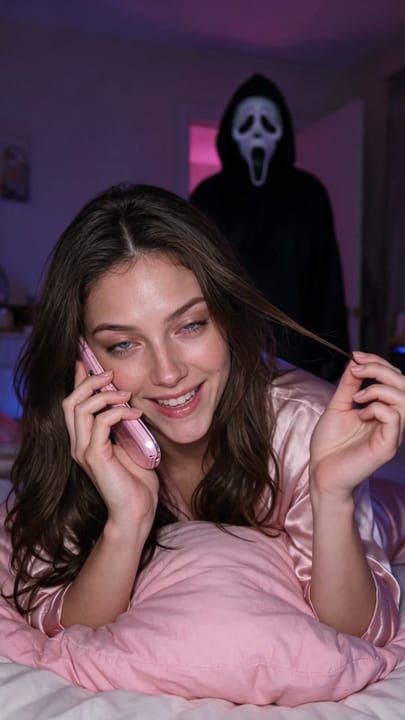 Ghostface Phone Call Halloween Video — Flirty 90s Call While the Masked Caller Creeps In
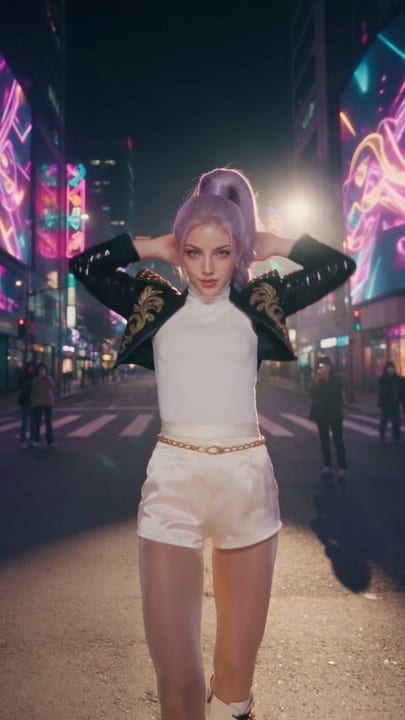 K-Pop Idol Halloween Costume Dance Video — Purple Braid Stage Look on a Seoul Night Street
 Too Early
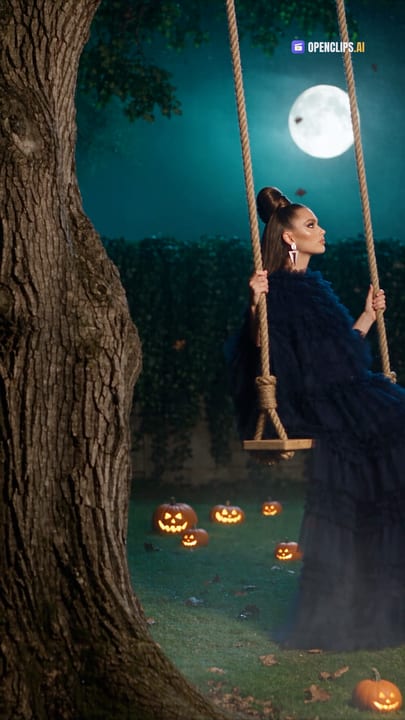 Oak Swing
Furry Friends
Your pet stars. A dance, a day job, an interview, a getaway.

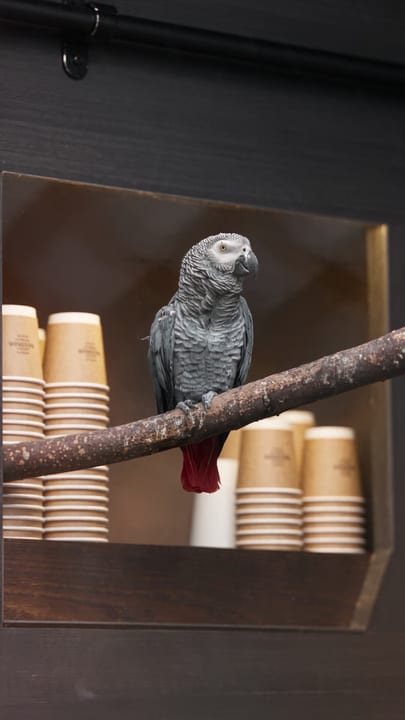
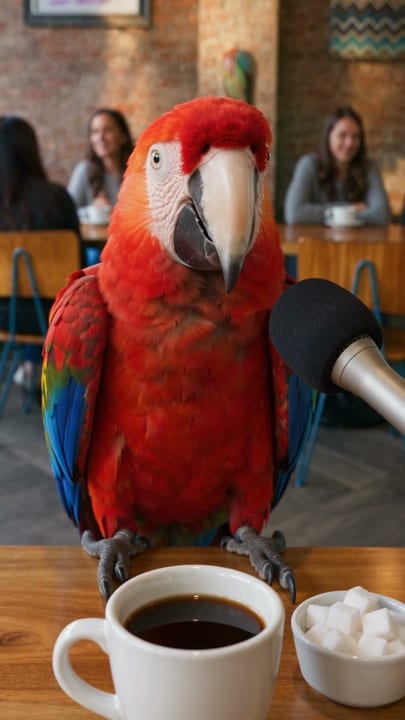

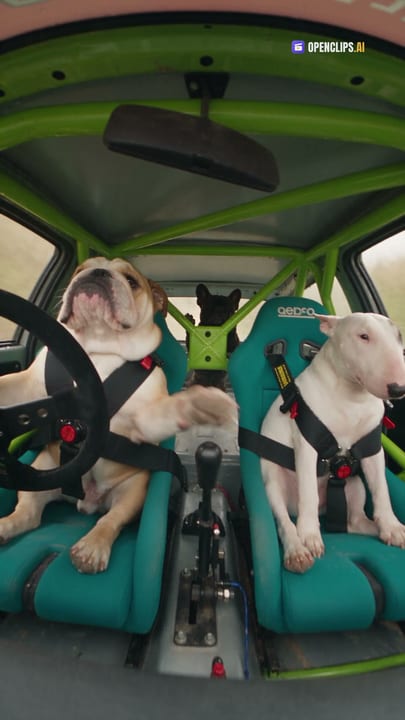
Photo to Life
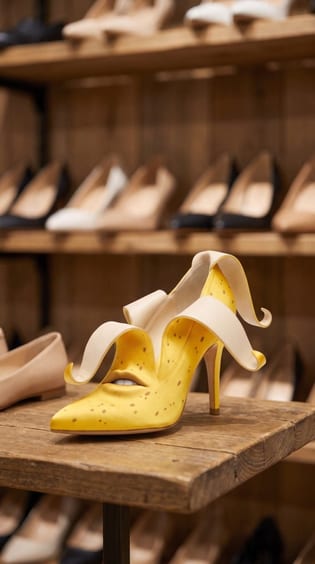
Portraits, family and old photos, moving again.
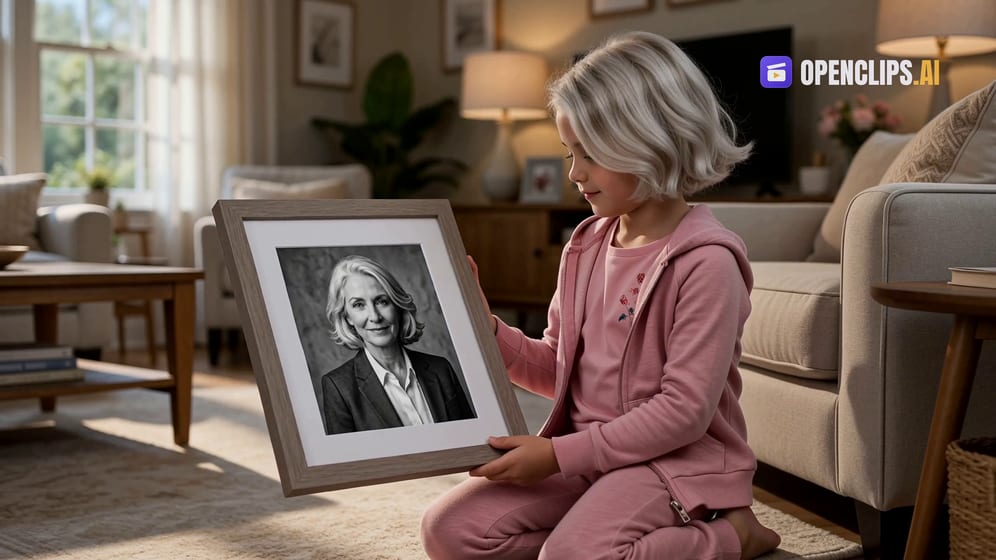
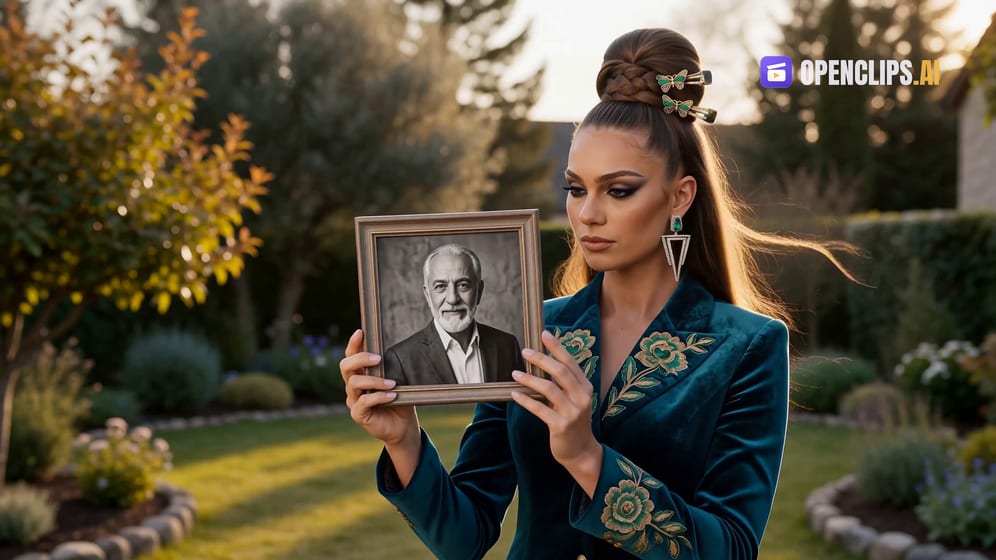
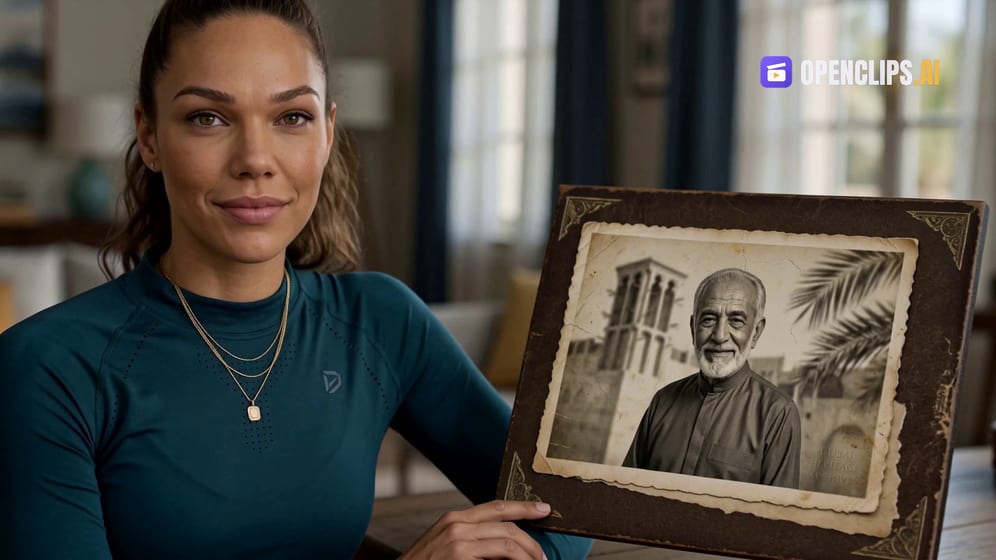

Viral Effects
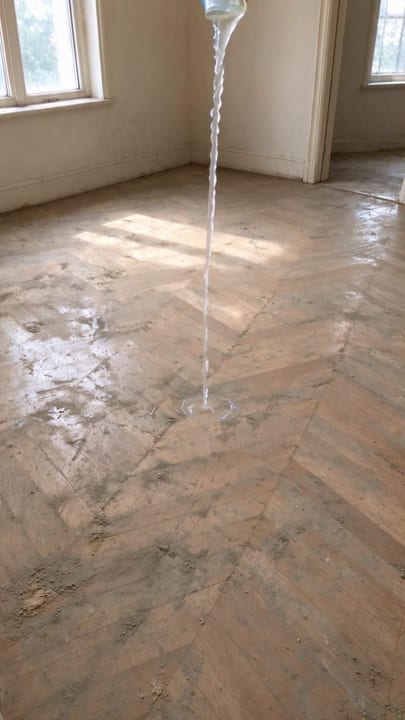
One photo, one big change. Morph, levitate, catch fire, turn to water.
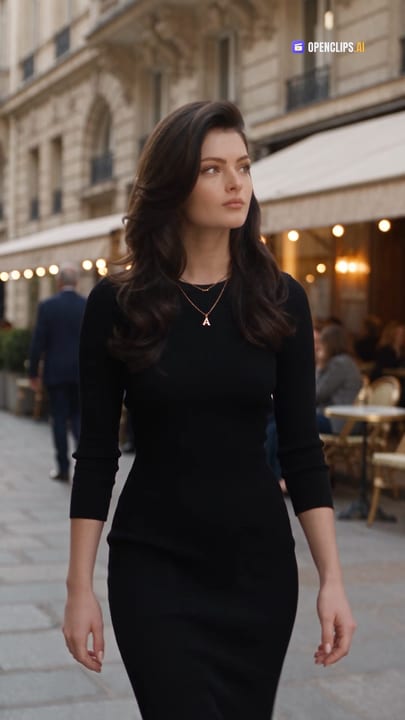 Window Transformation
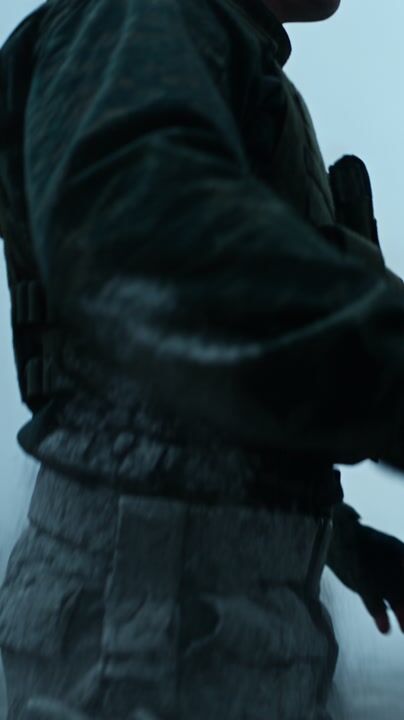 Turn to Stone
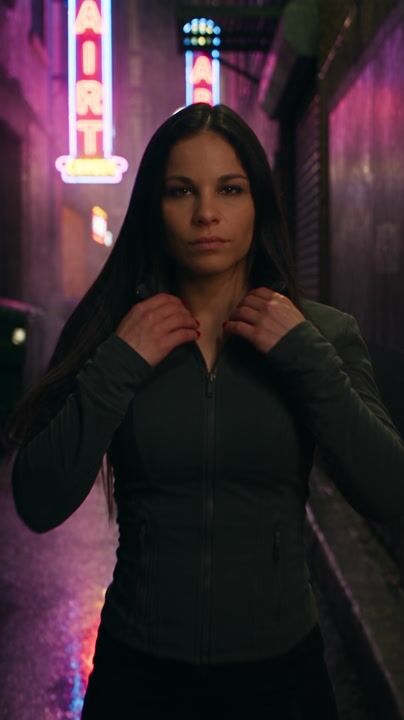 Melt — Liquid Chrome
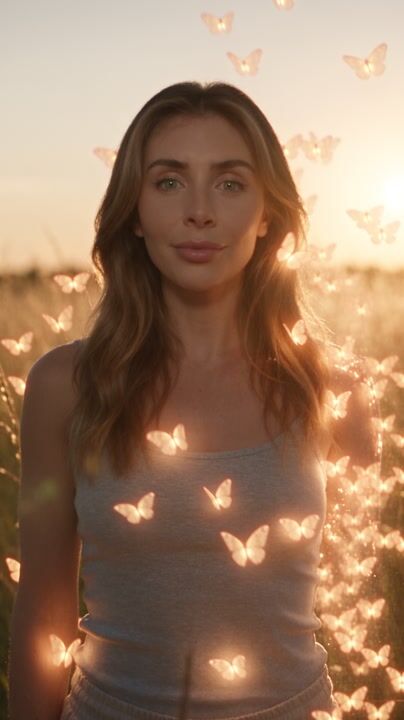 Dissolve — Butterfly
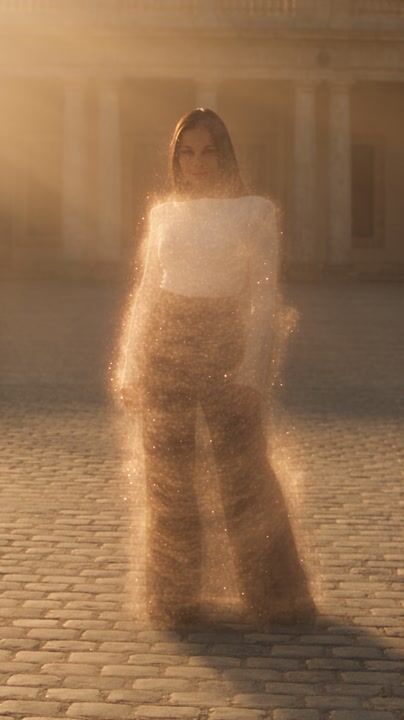 Dissolve — Sand & Reform
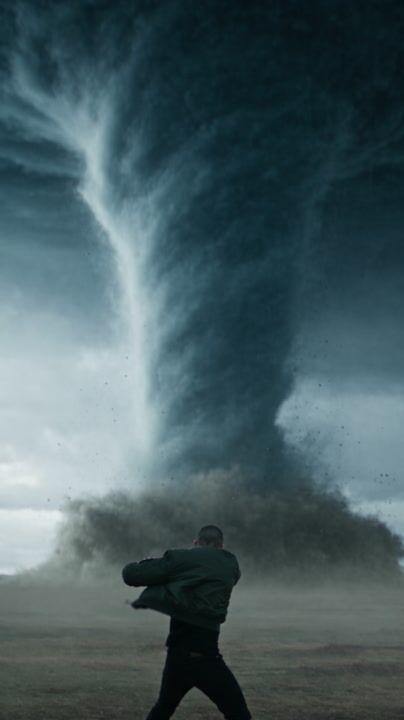 Tornado — Summon & Hurl
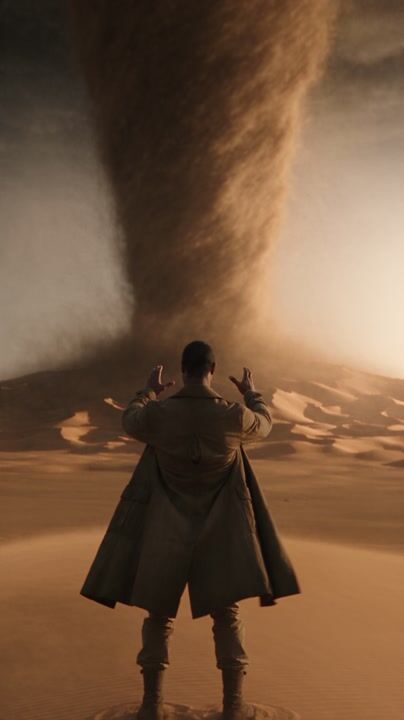 Sandstorm Summon — Desert Vortex
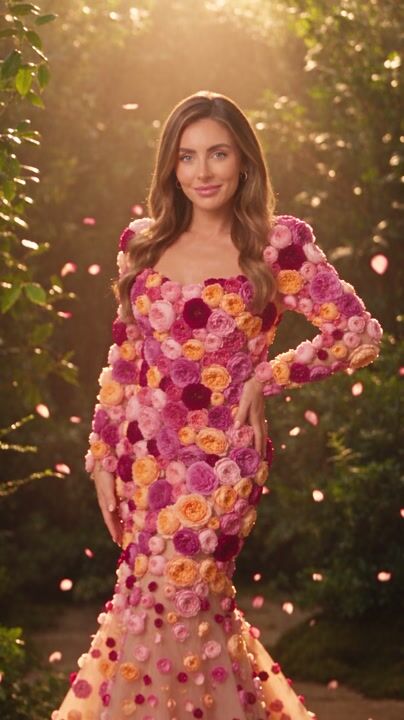 Flower Morph — Petal Explosion Reveal
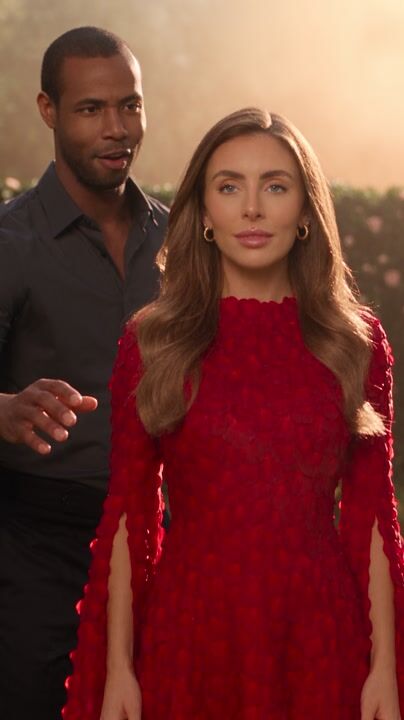 Flower Morph — The Bush Becomes a Person
 Animal Morph — Into a Lion
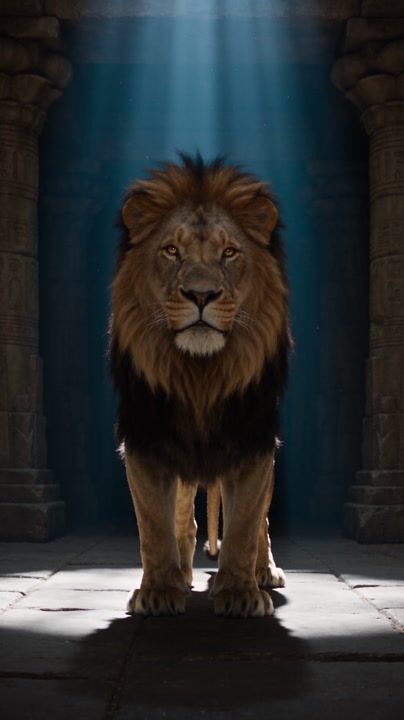 Beast to Human — Awakening
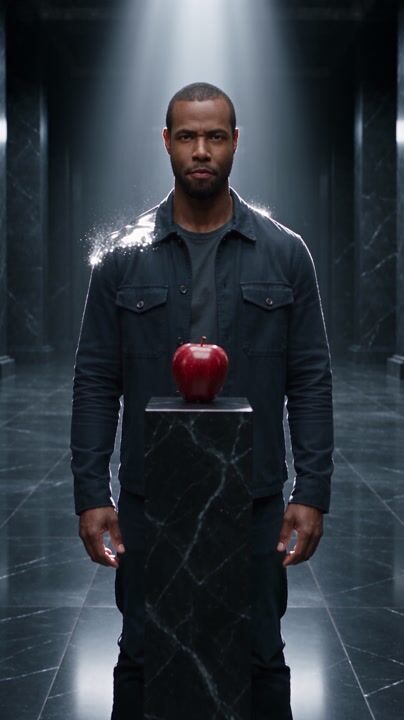 Liquid Shift — Silver Midas
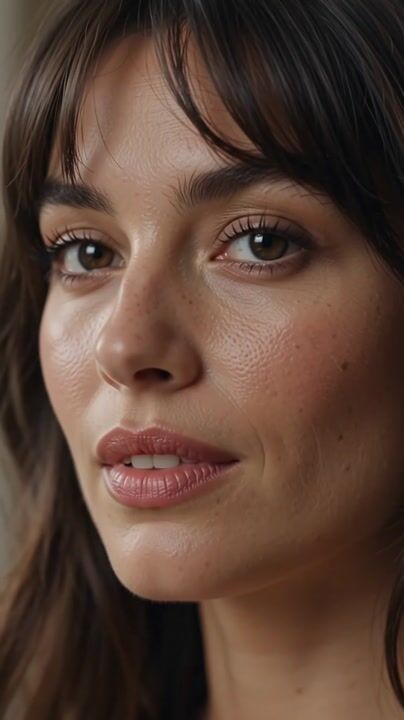
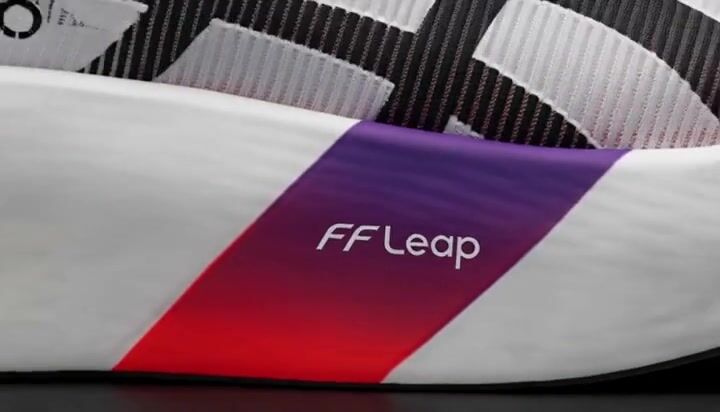
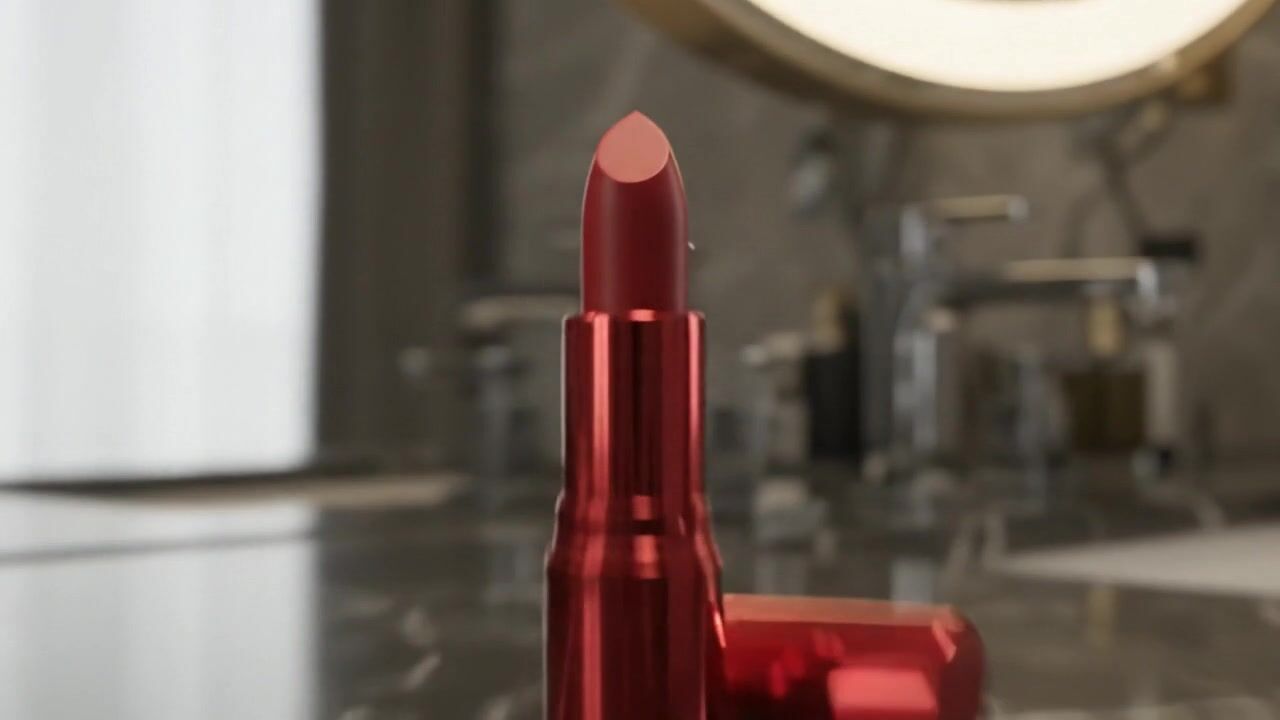
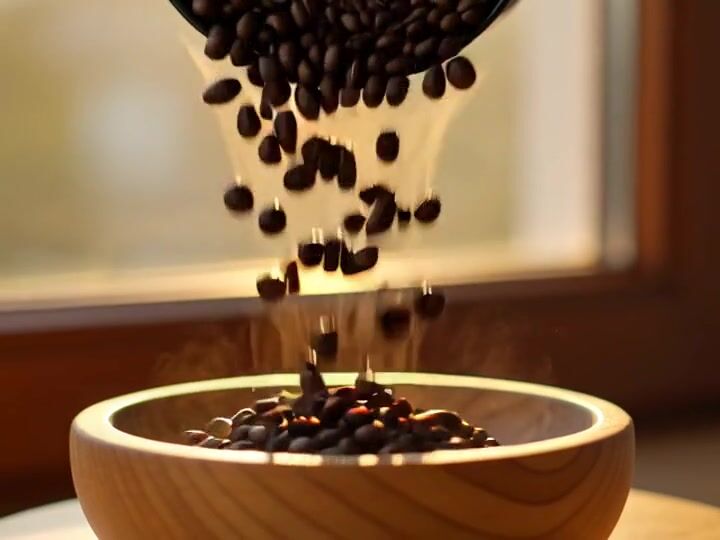
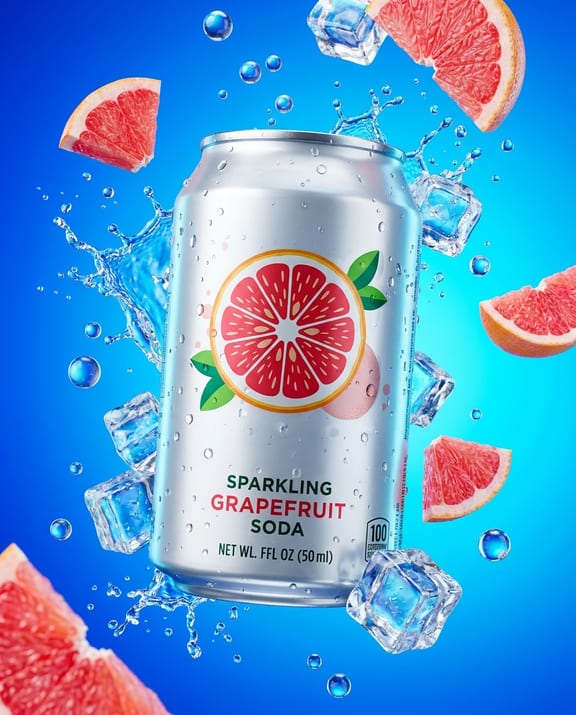
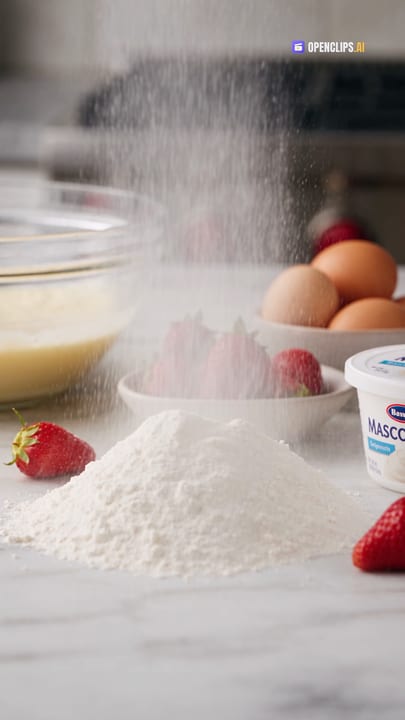
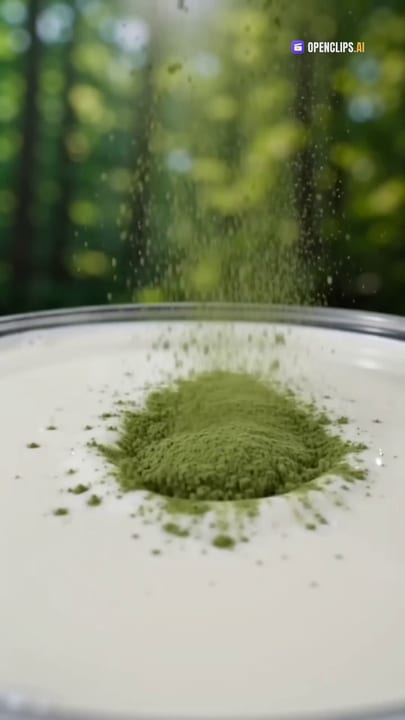
Product Ads & Showcase
A product photo or a link becomes the ad. Hero shot, demo, reveal.

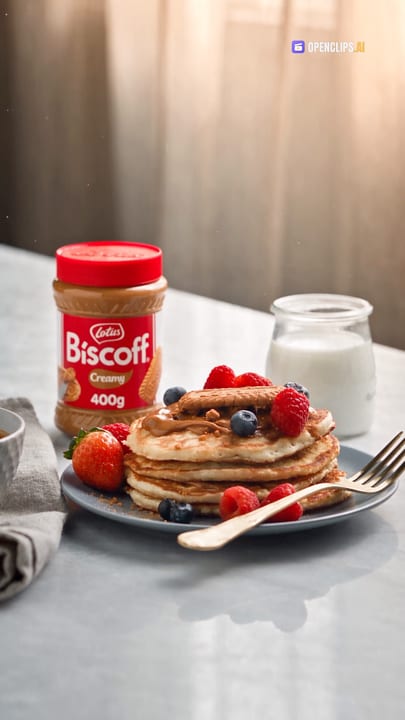



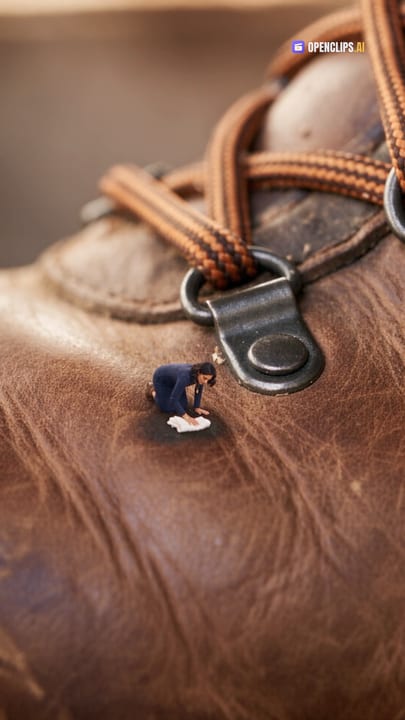
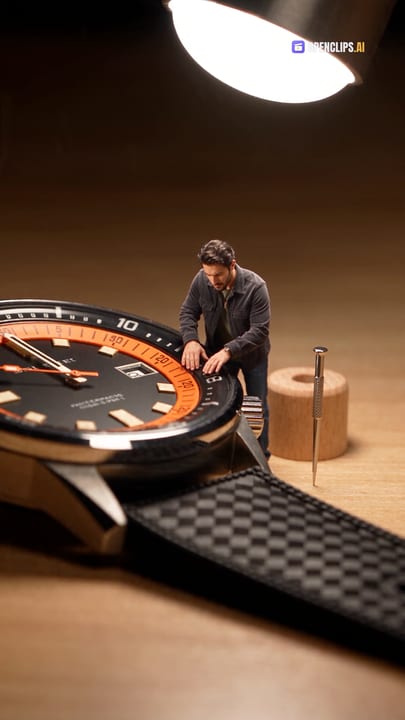
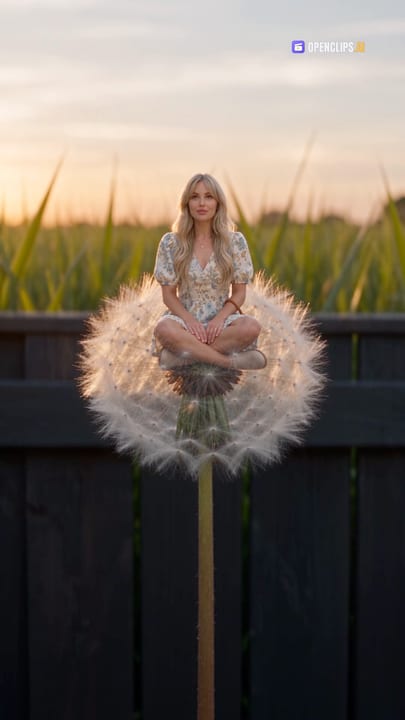
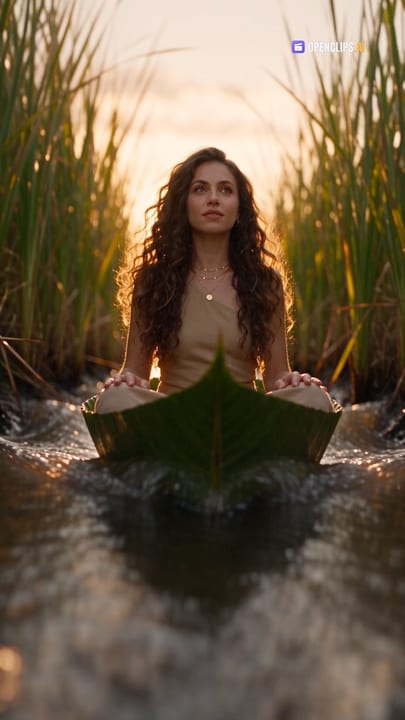
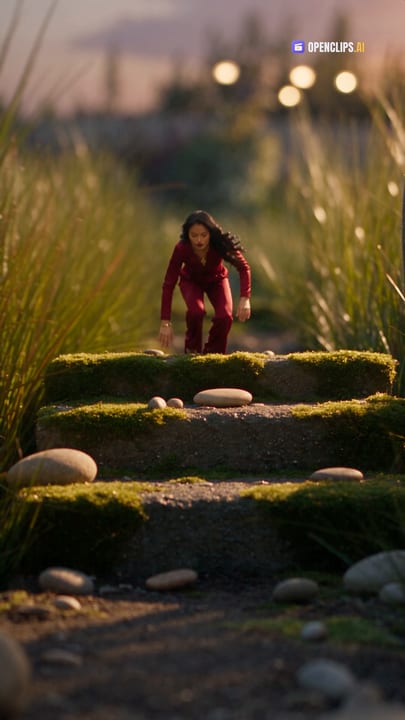
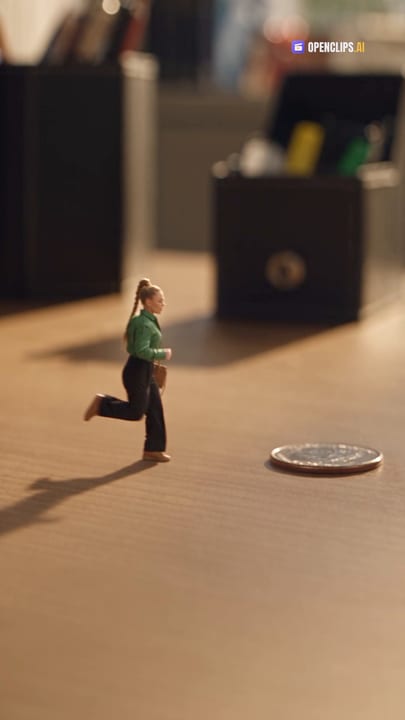
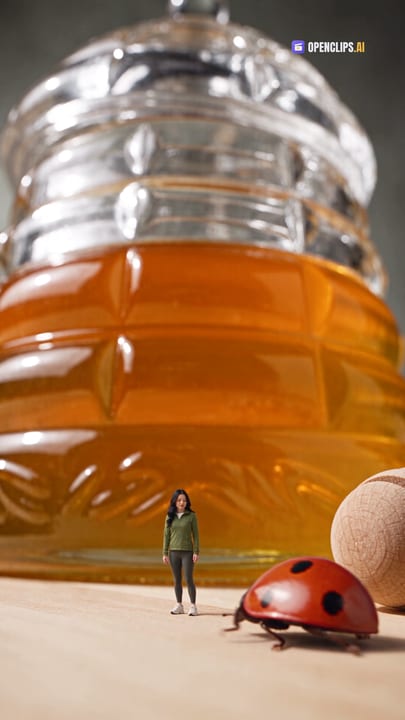
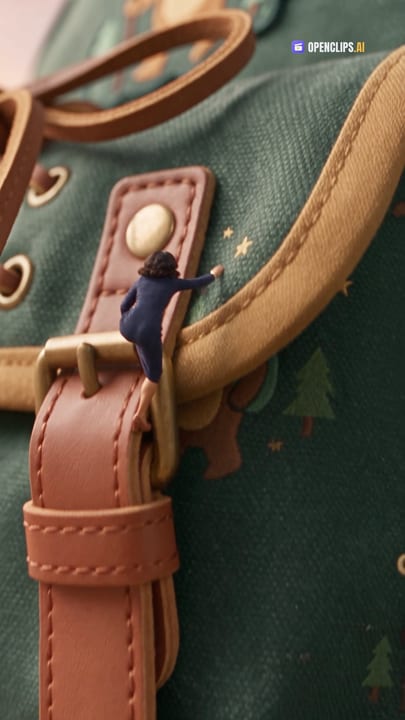
Mini Me & Mini Worlds
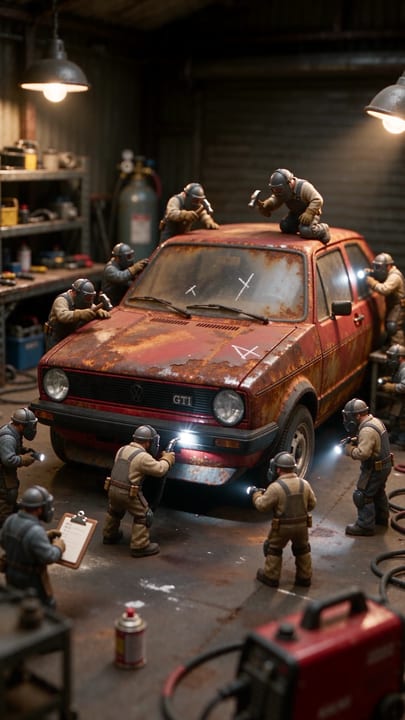
You or your product, miniature. A figure in a palm, a world in a box.
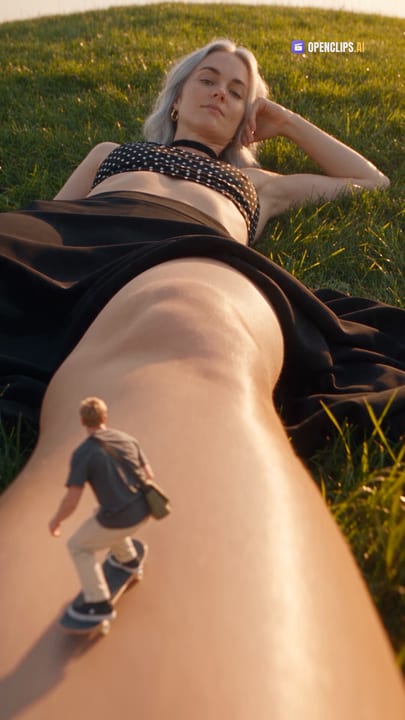



AI Photoshoots
A selfie becomes the shoot. Profile, editorial, old money, monochrome.
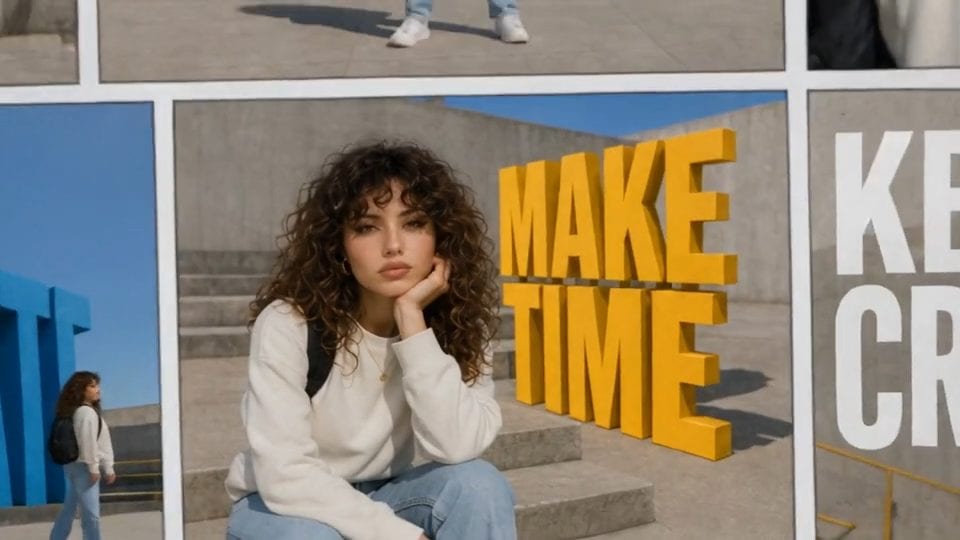
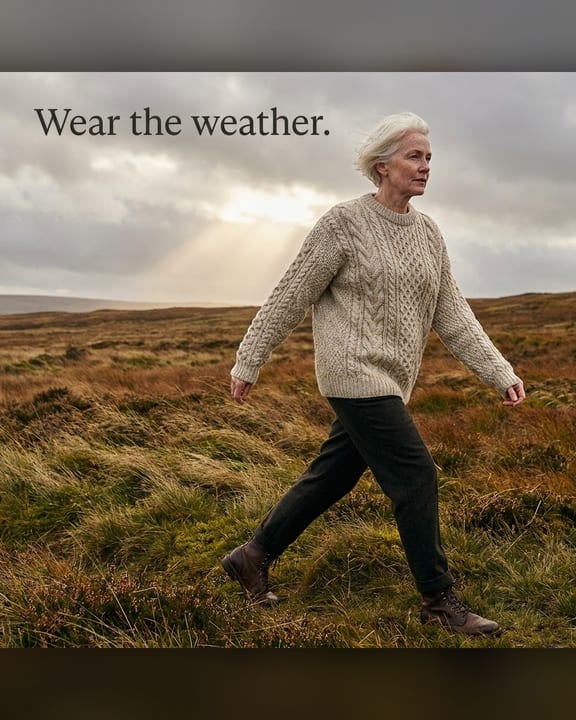
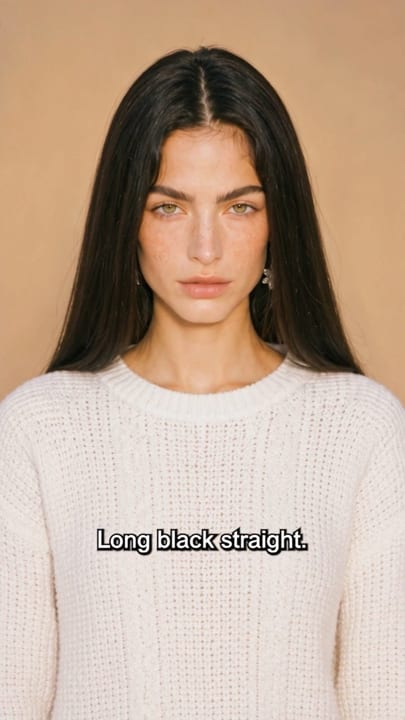
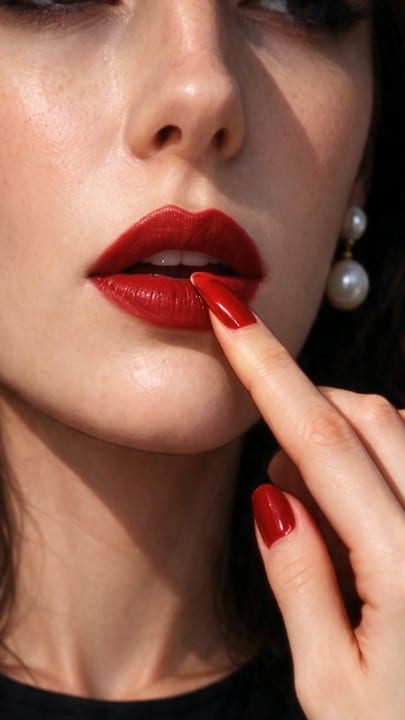
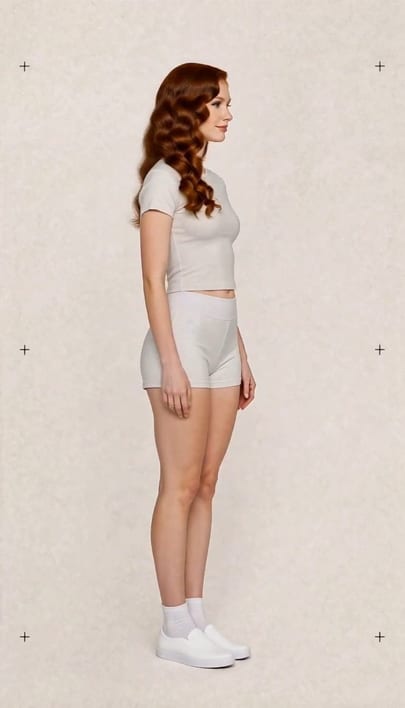
Fashion & Beauty
Outfit swaps, lookbooks, hair and beauty. Your face stays yours.
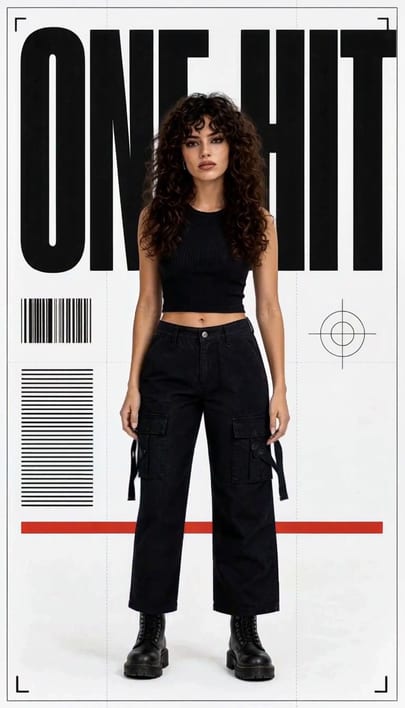
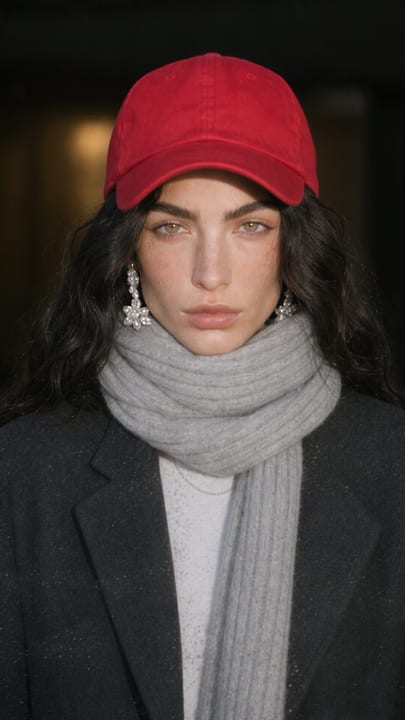


ASMR & Satisfying
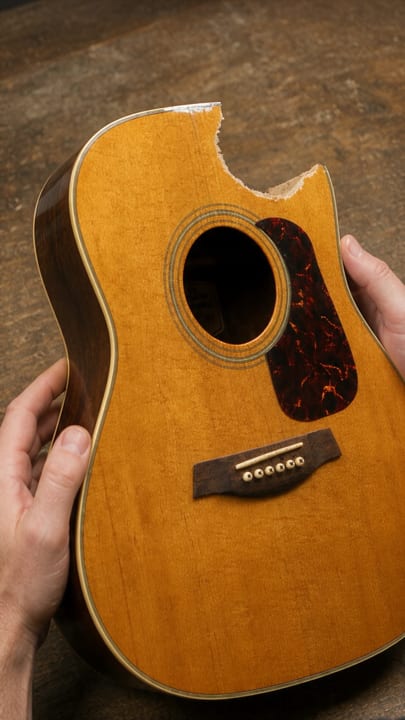
Soft melts, impossible cuts, textures that loop.
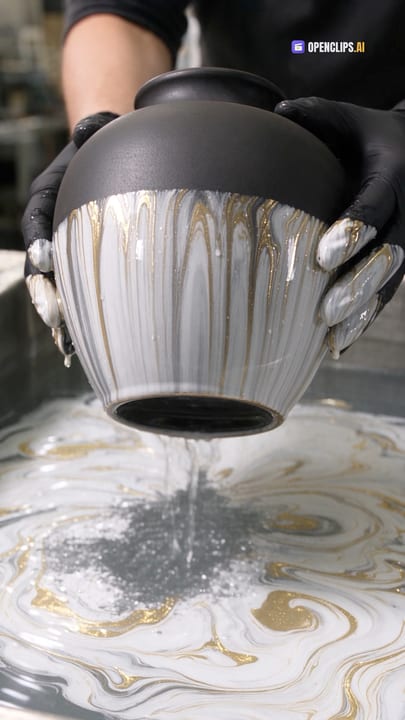
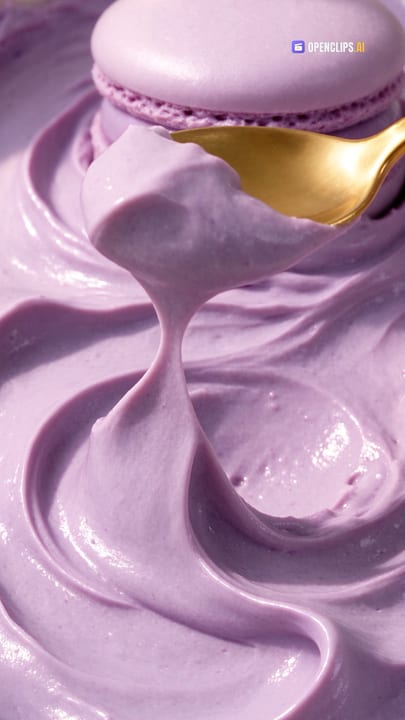
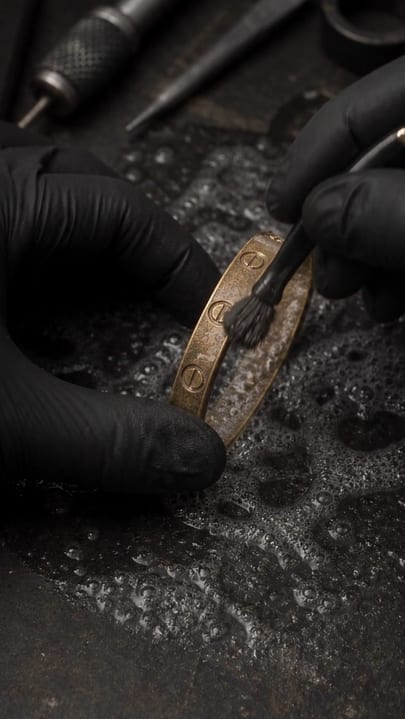
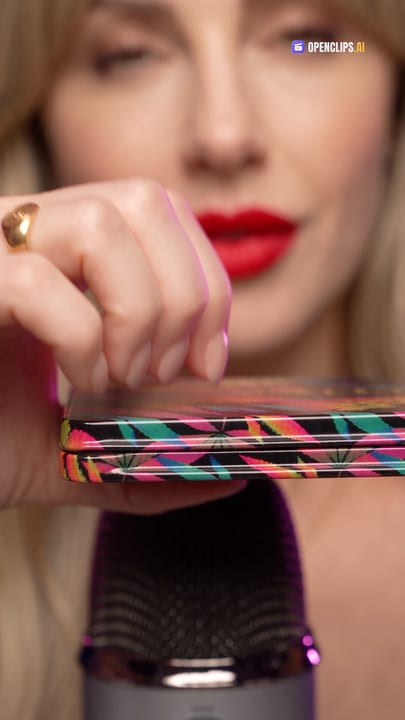

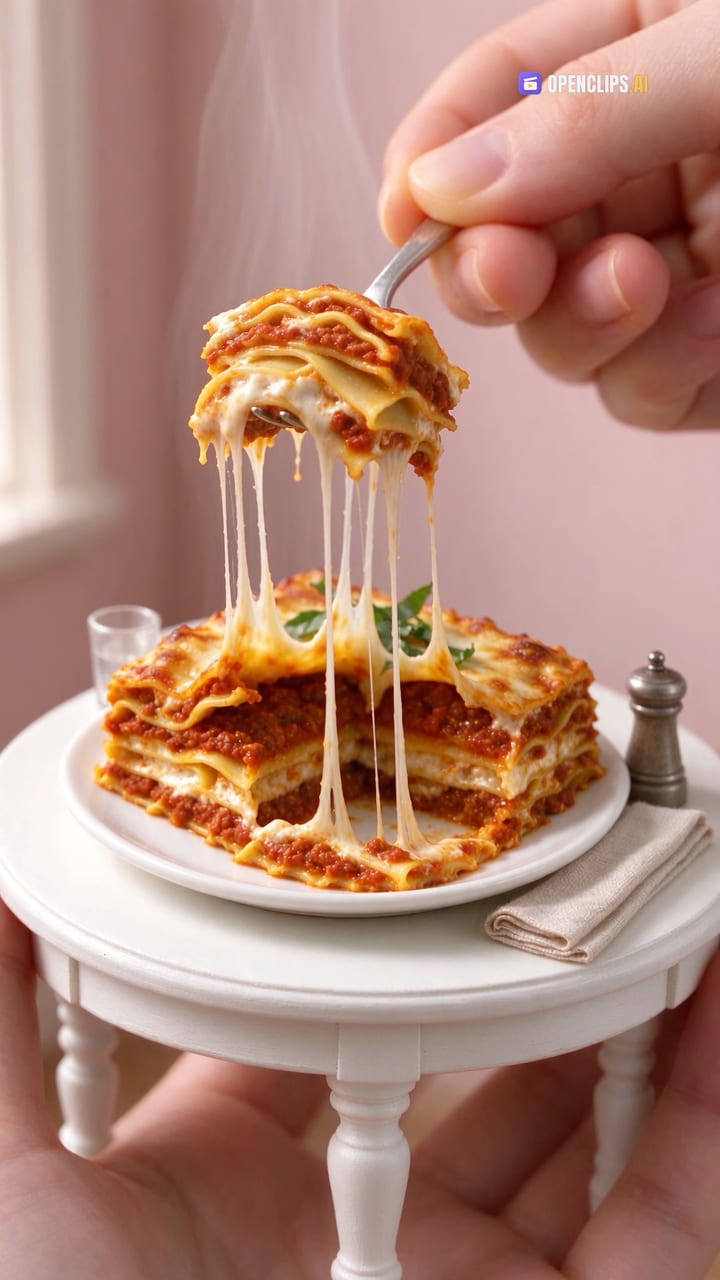
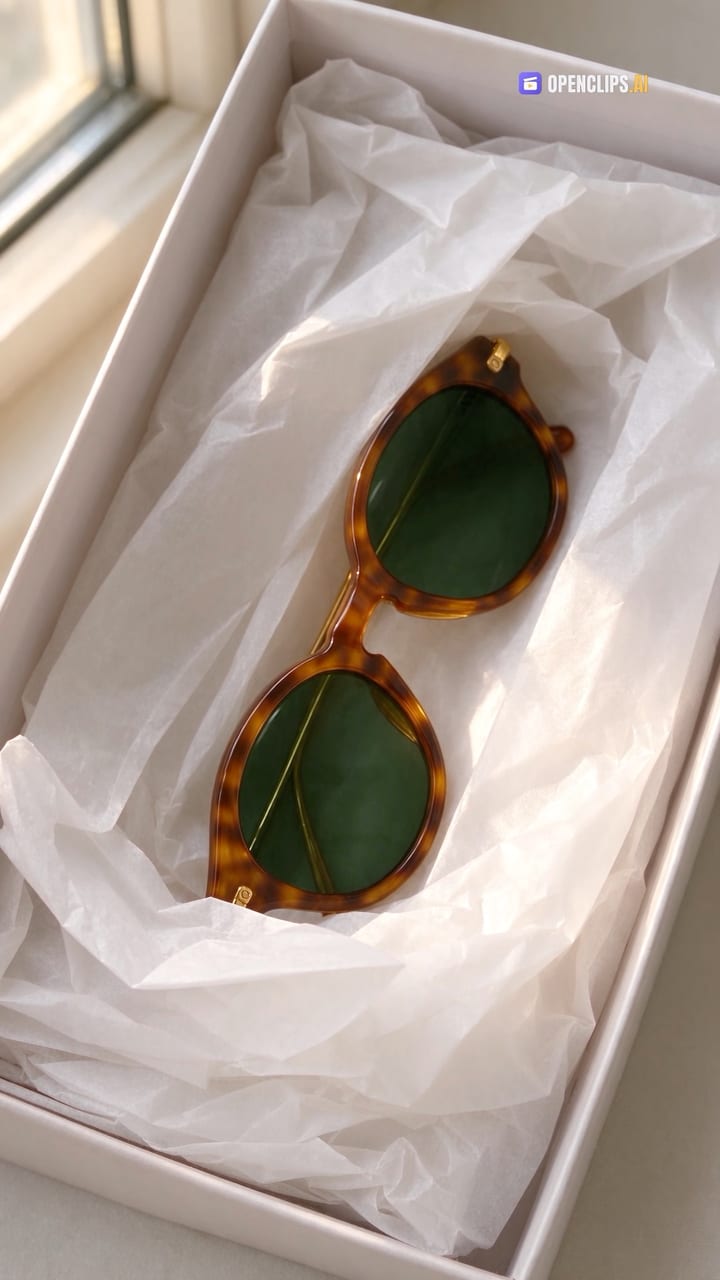
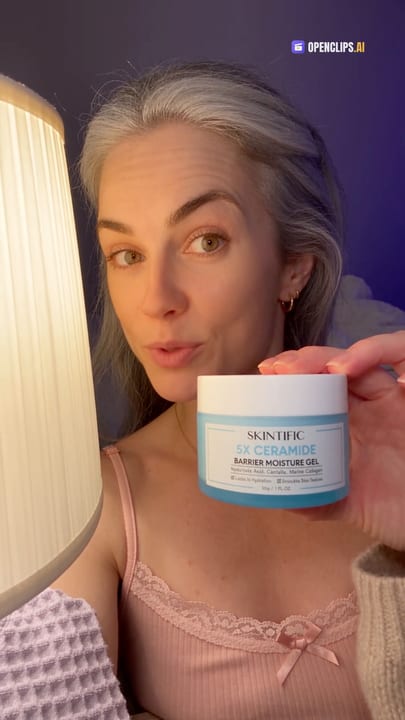
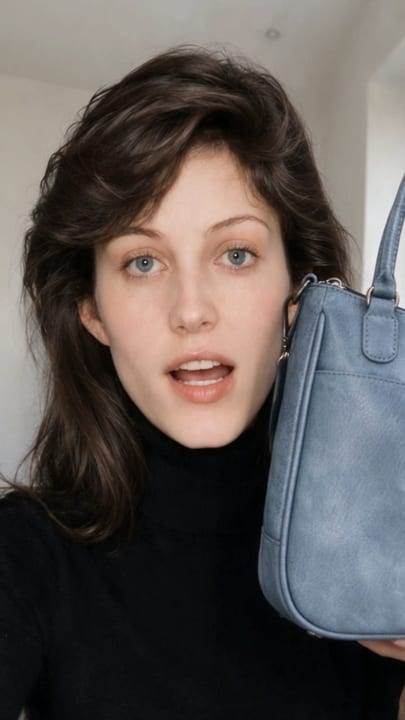
AI UGC & Reviews
Creator-style ads. Hold it, explain it, POV, street interview.

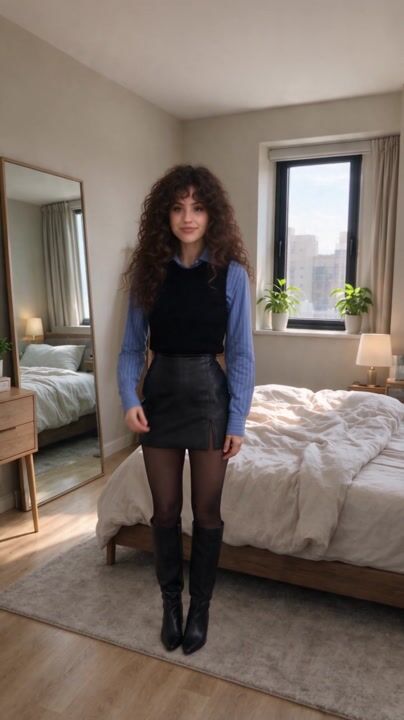
Talking Photos & Lip Sync
A person, a character or a thing says your line.
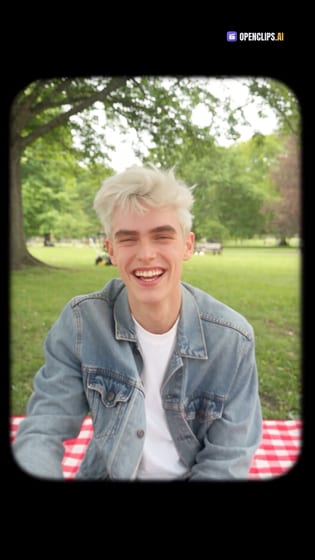
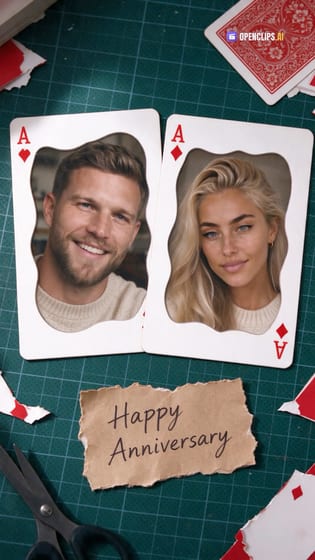
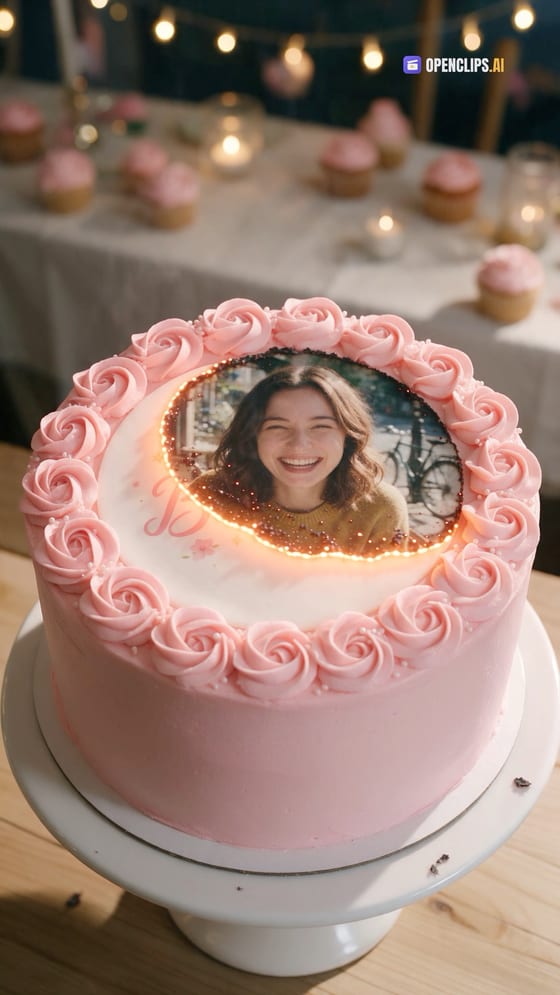
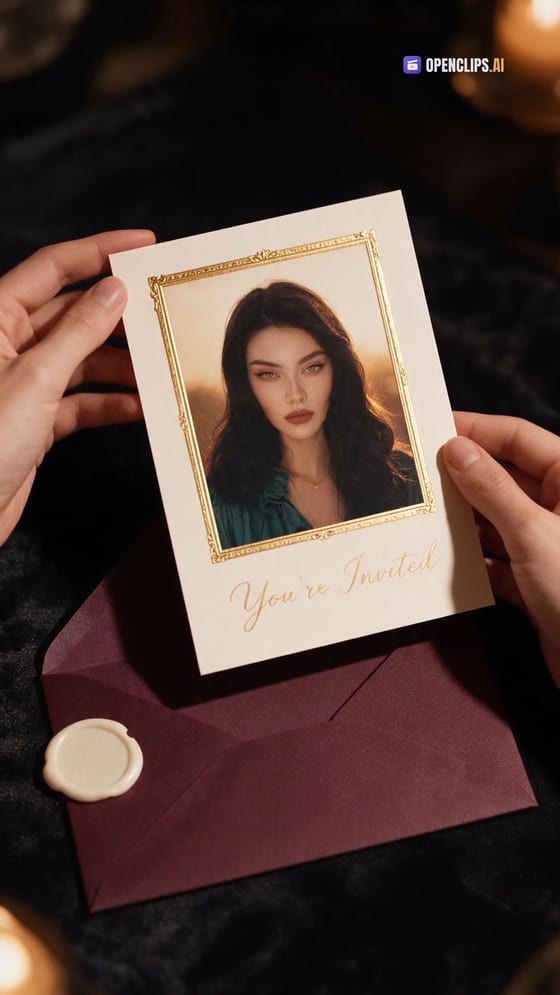
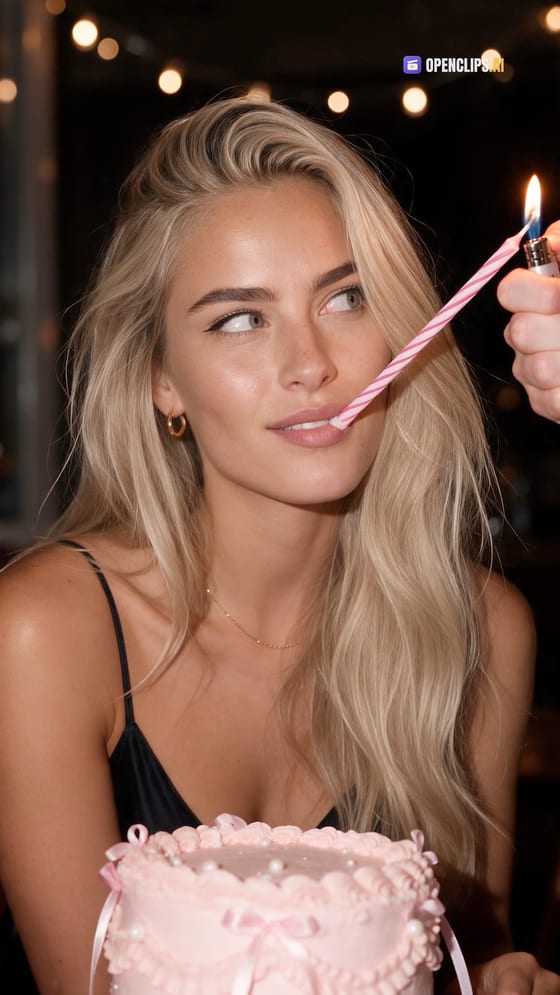
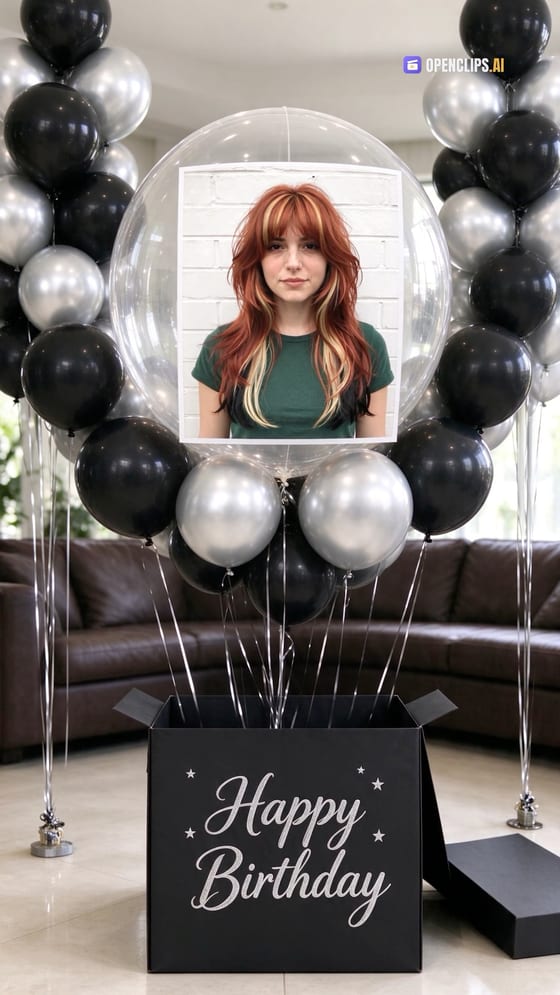
Birthdays & Celebrations
Birthday films, personal greetings, invites and the party.






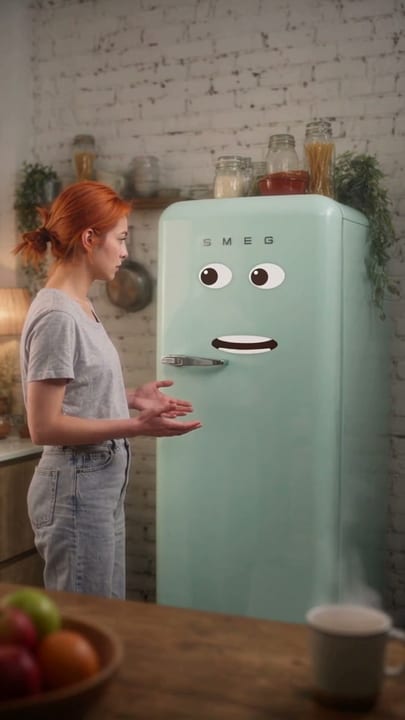
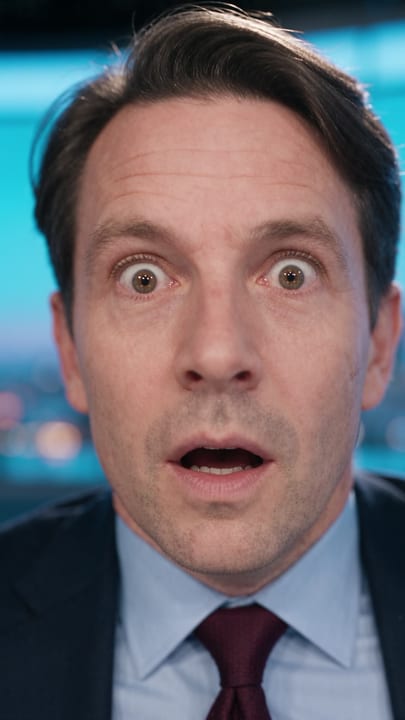
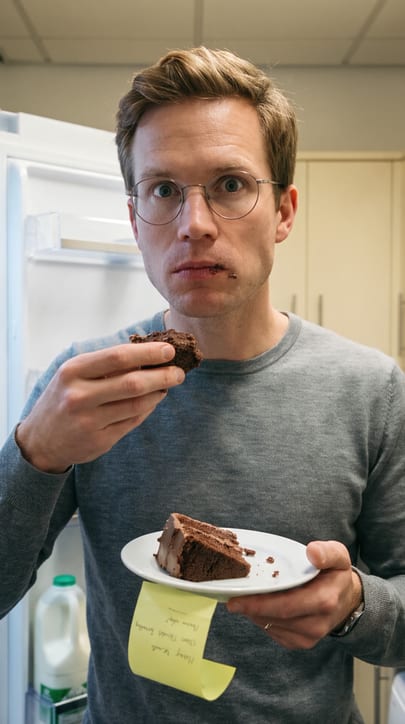
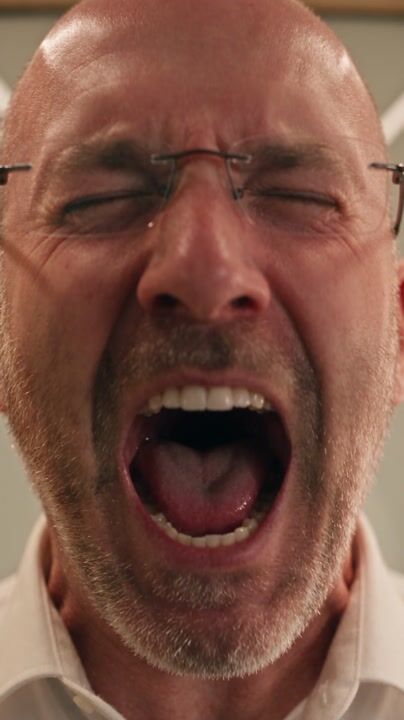
Memes & Reactions
Share-first humour. Reactions, talking objects, fake breaking news.
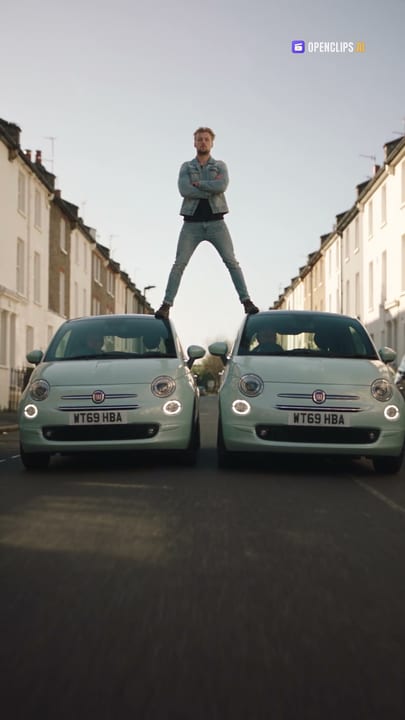
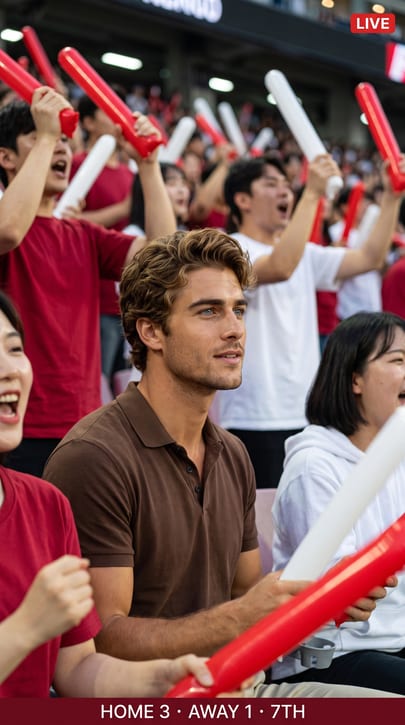
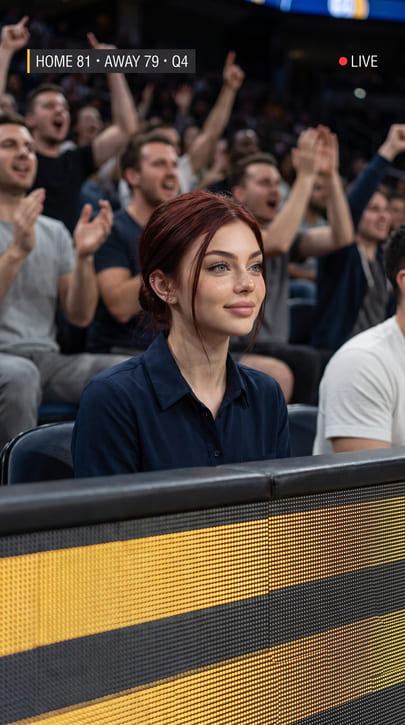
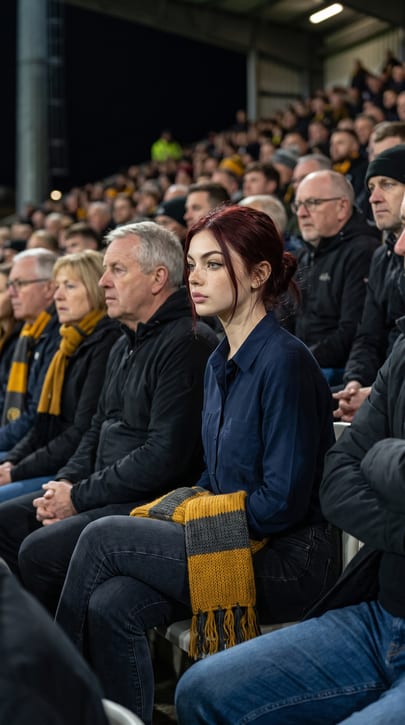
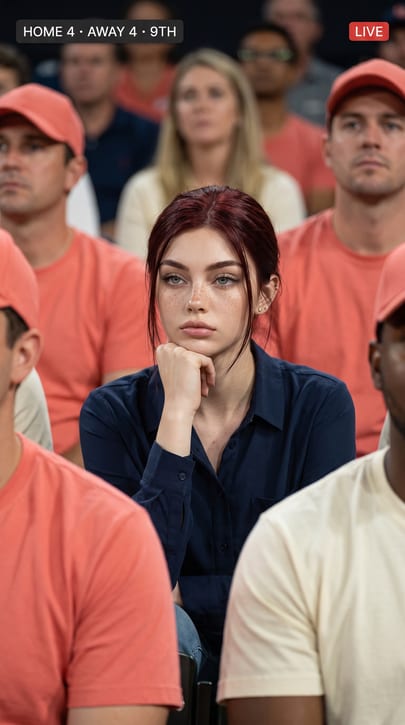
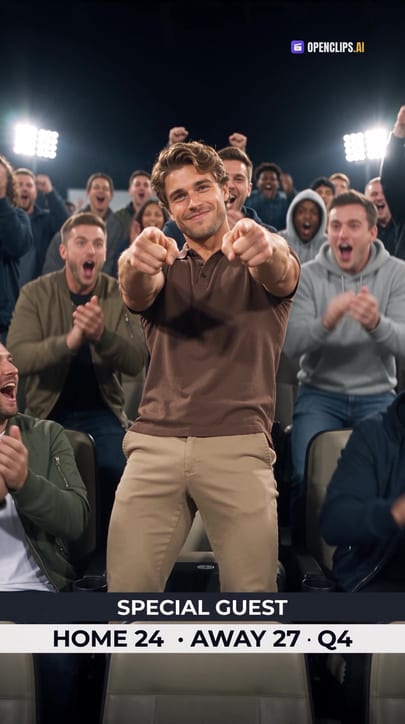
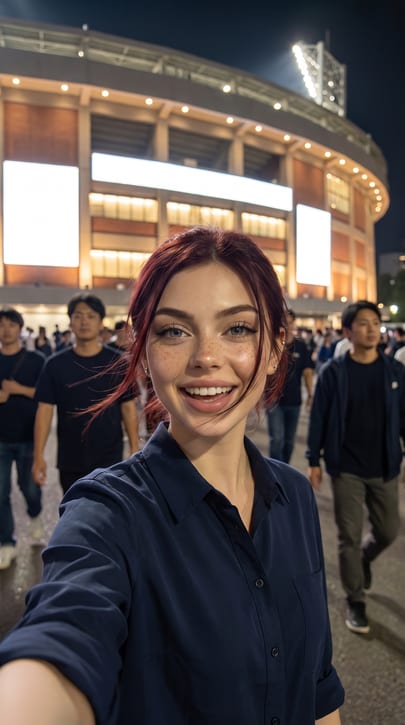
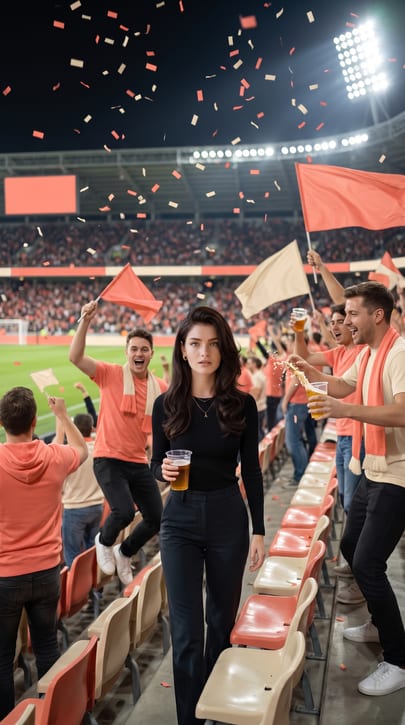
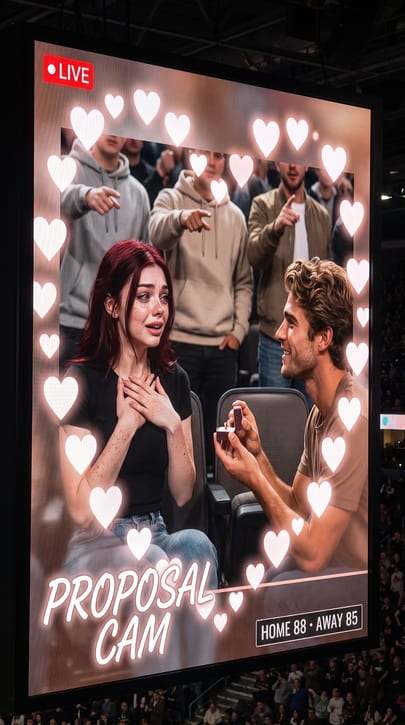
Fan Cams
You on the big screen. The crowd, the court, the pitch.

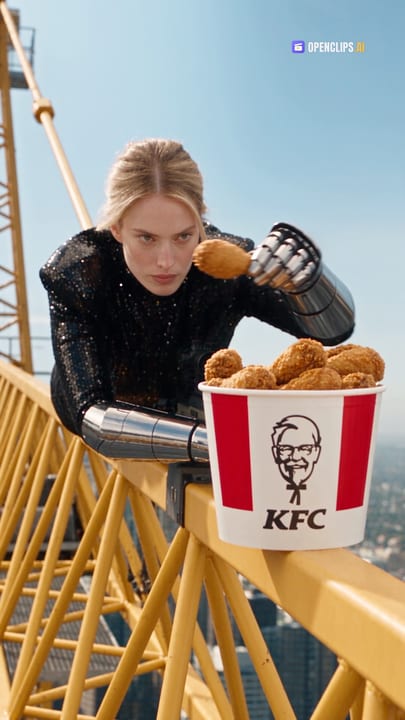
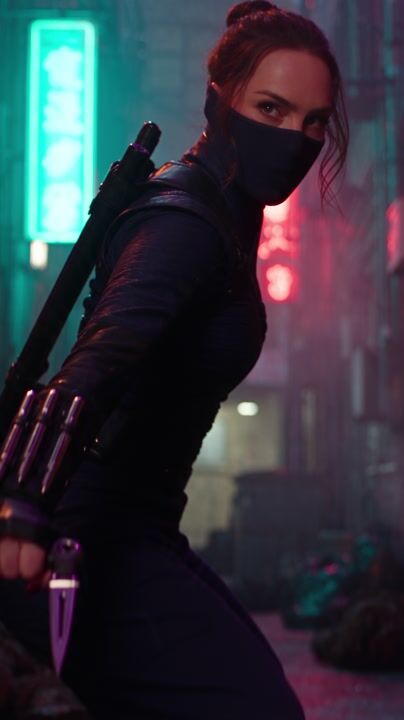
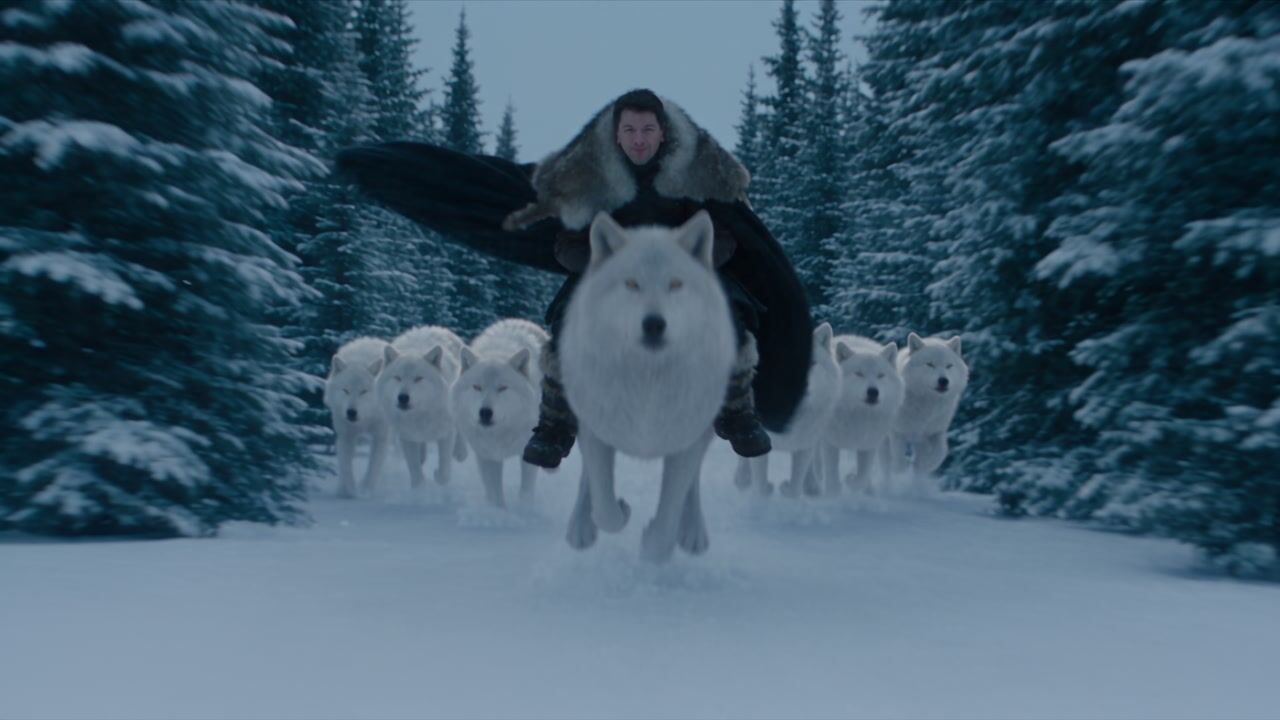
Action & Movie Makeovers
Fly, fight, pull the impossible stunt, outrun the monster.
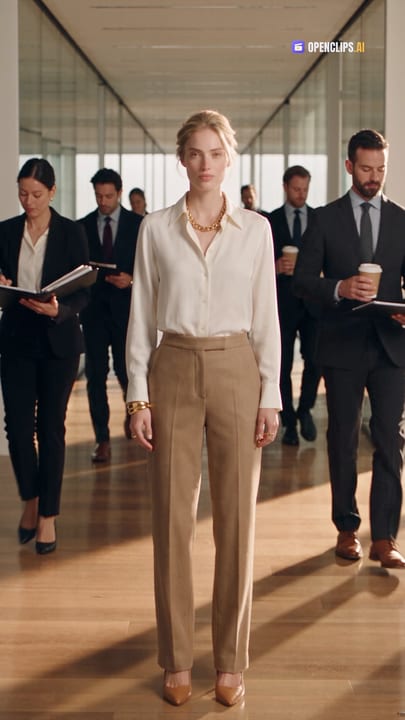

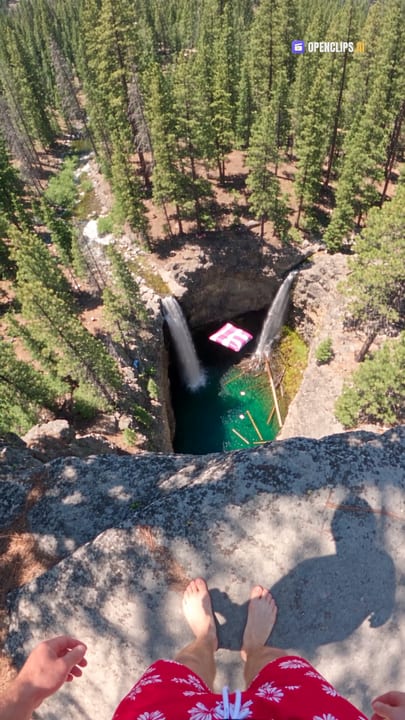
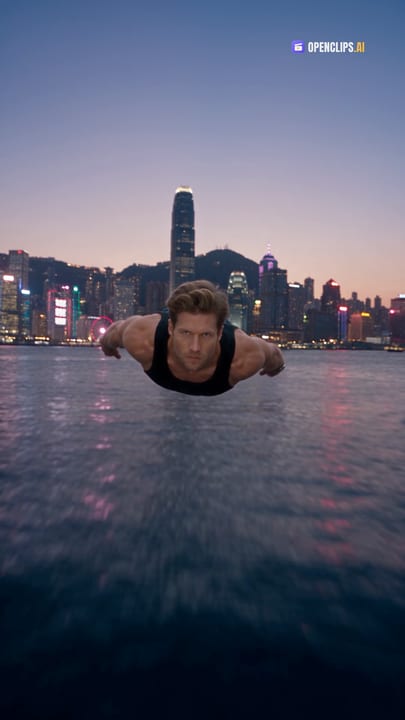
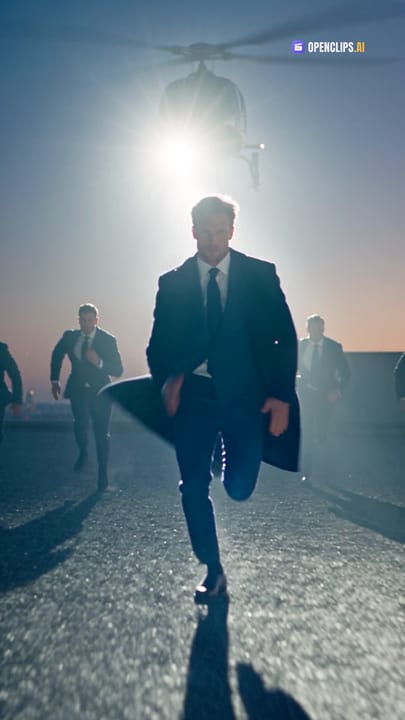
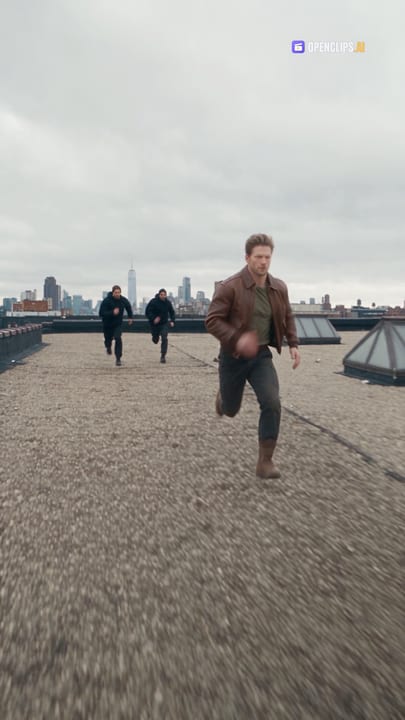
Story to Video
A short idea becomes a story. A start, a twist, an ending.
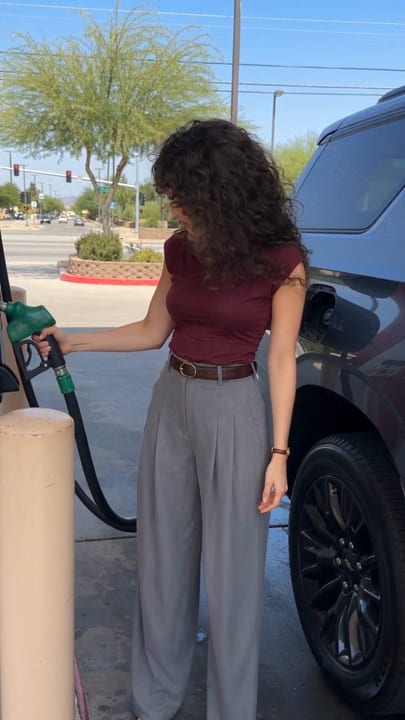
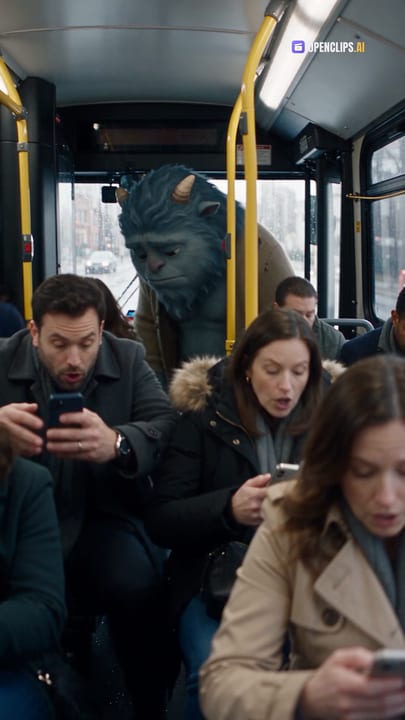
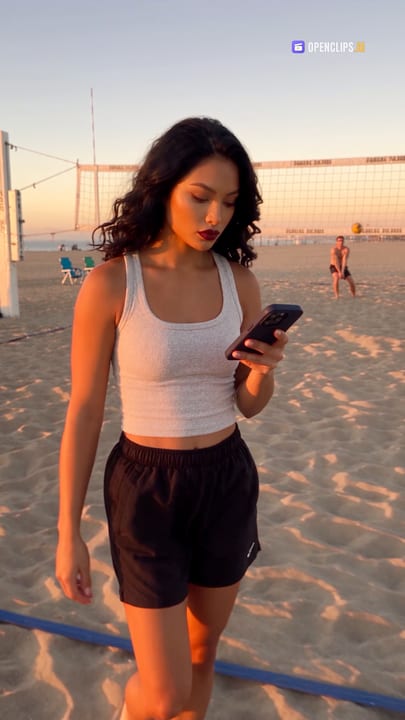
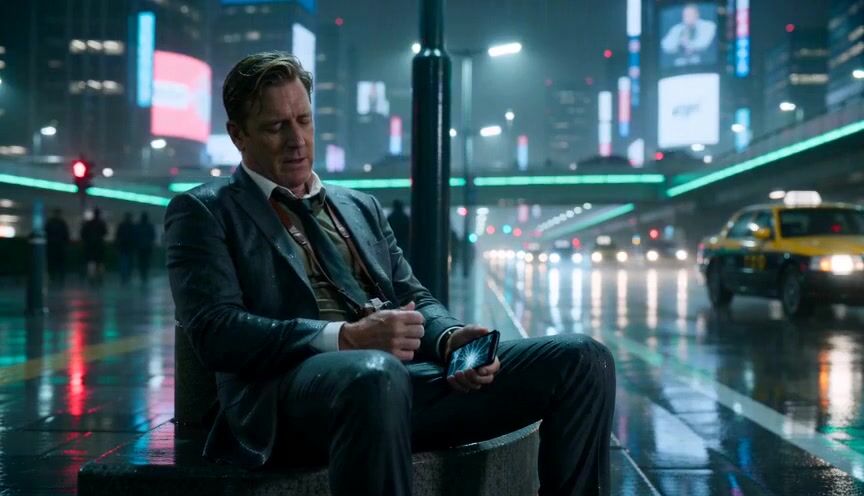



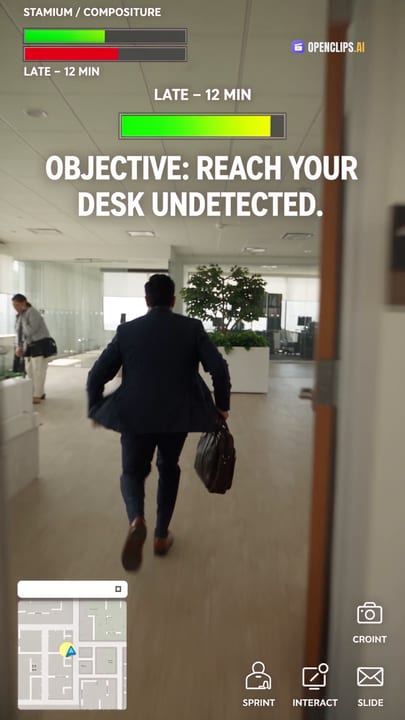
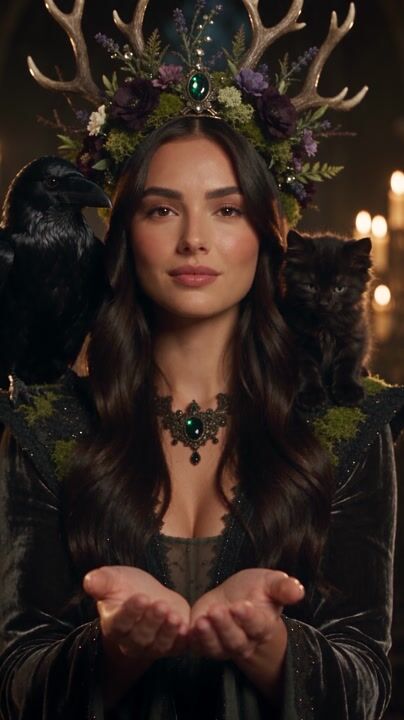
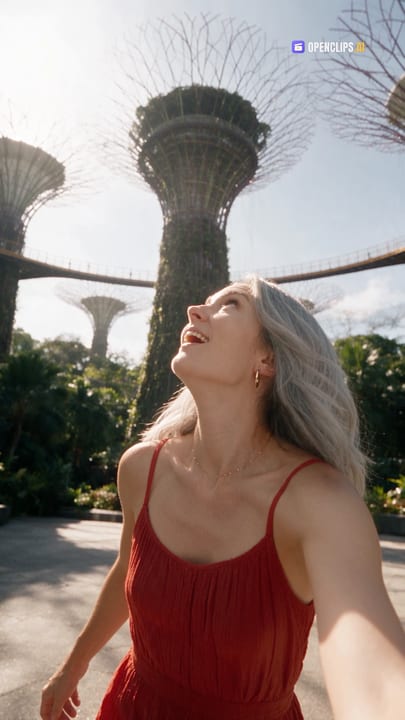
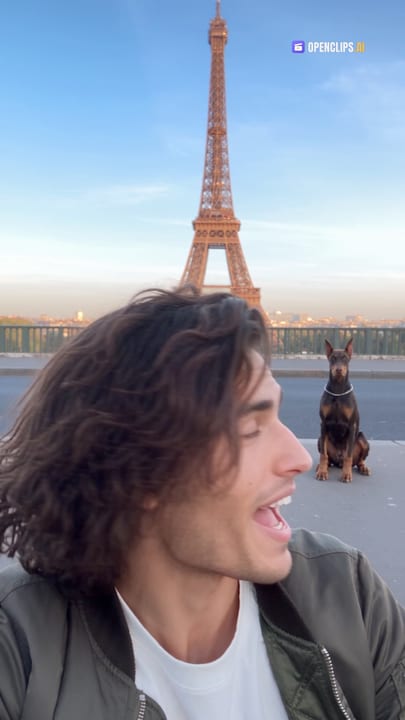
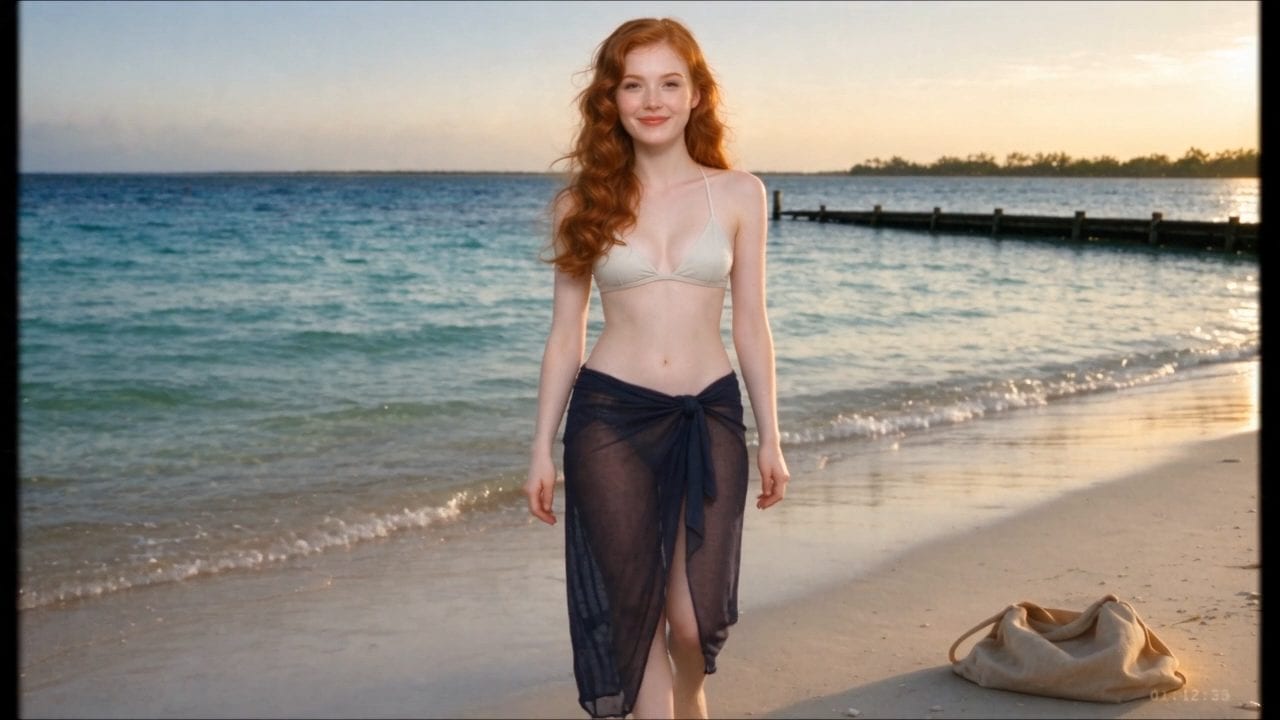
Travel & Fantasy Worlds
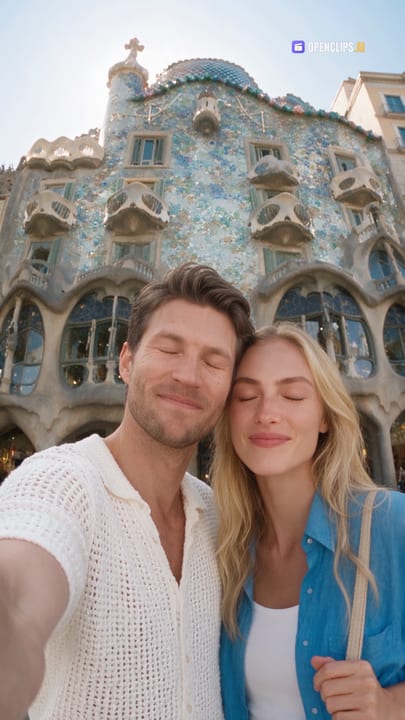
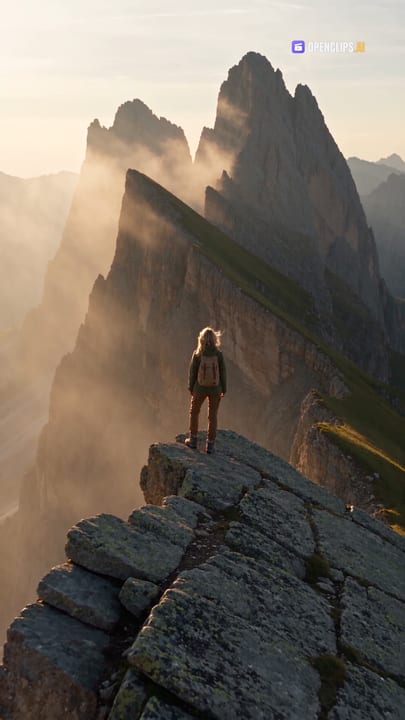
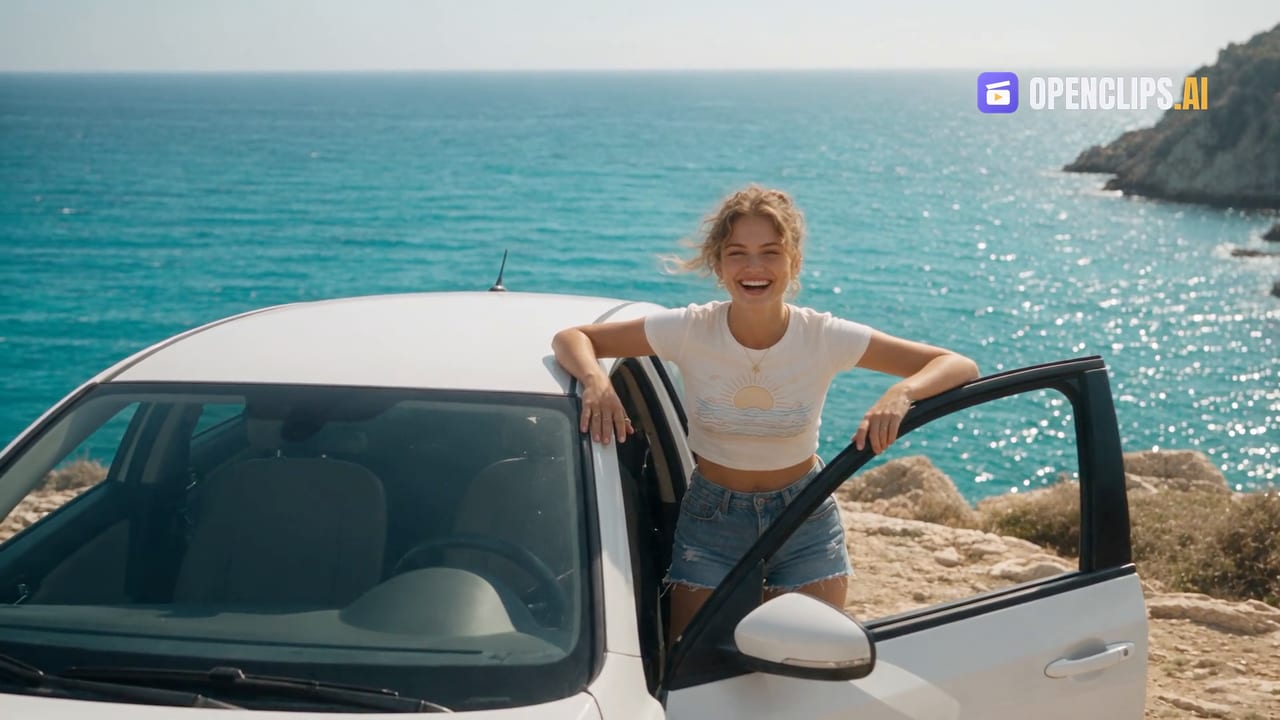
Walk real cities and unreal worlds. Starring you.



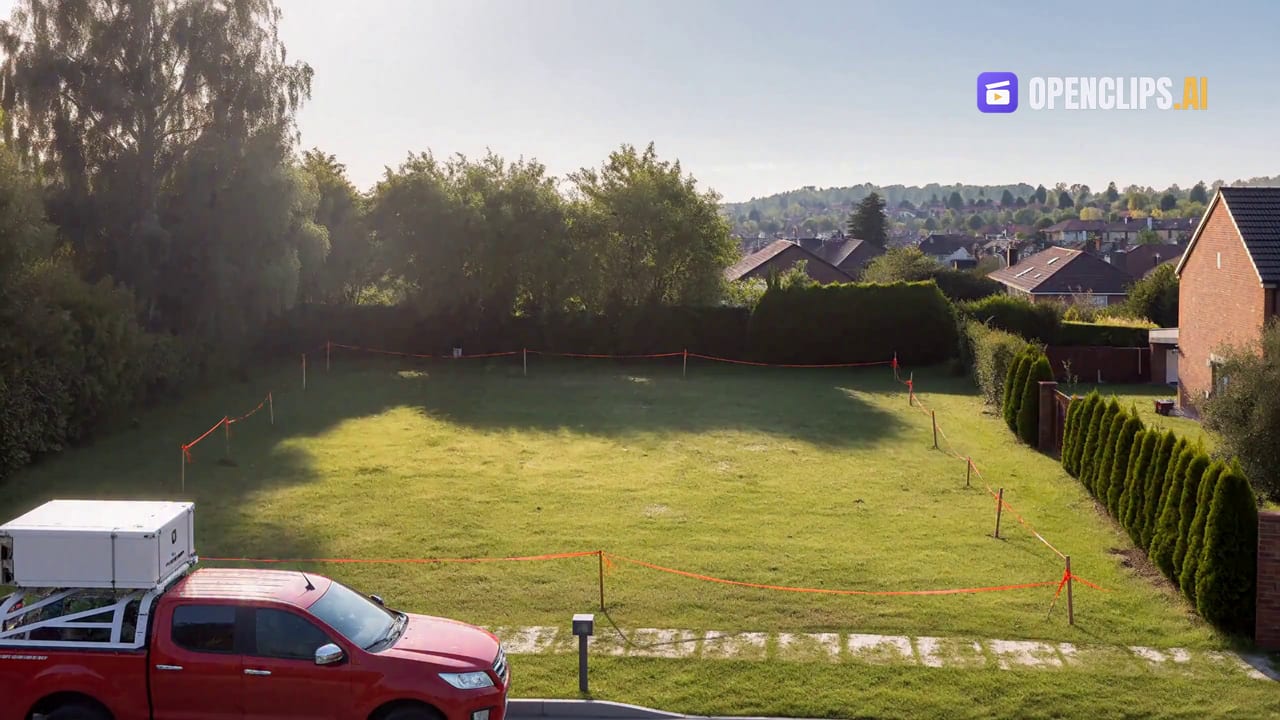
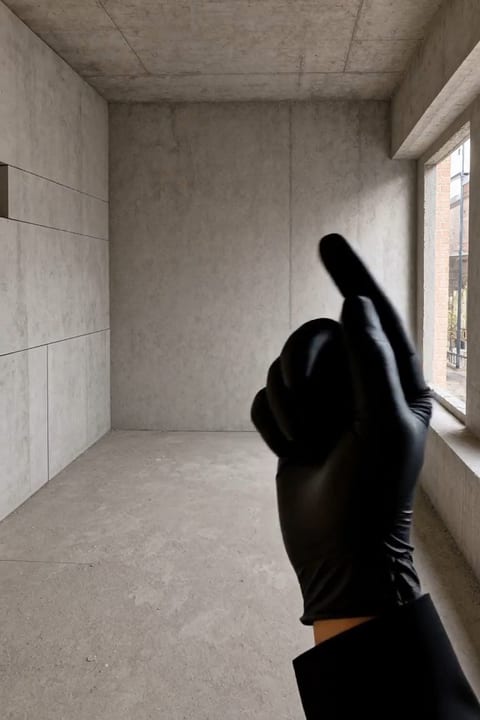
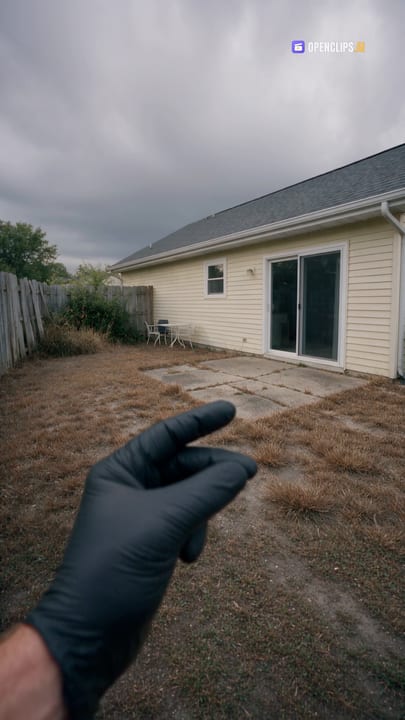
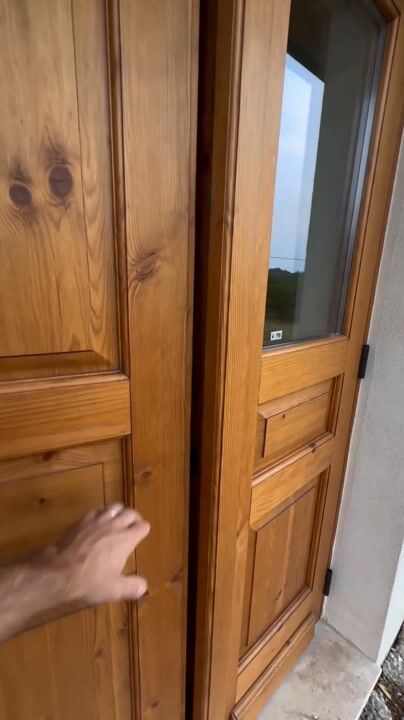
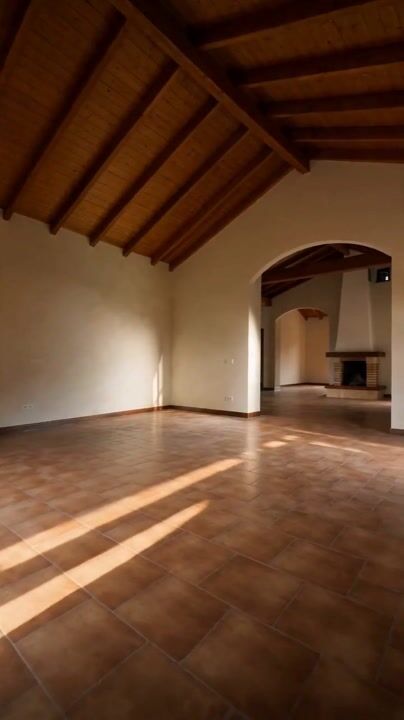
Property & Space Makeovers
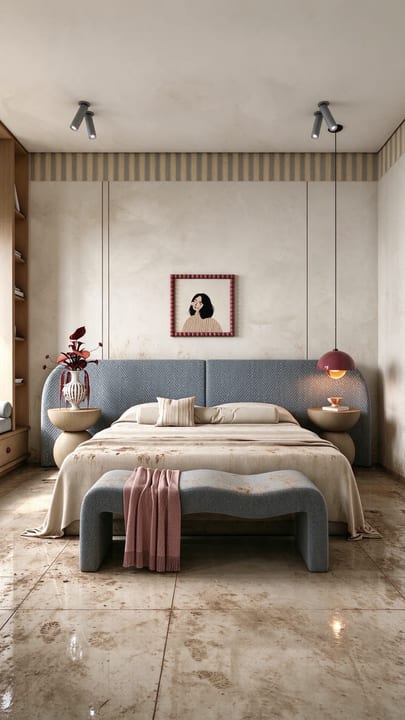
Listing films, virtual tours, new interiors, before and after.

Explore more AI features
- AI Video Generator
- AI Image Generator
- Image to Video
- Text to Video
- AI Video Ads
- UGC Ads
- Product Videos
- Real Estate Videos
- AI Video With Audio
- Multi-Reference Video
- Video To Video
- Character Studio
- AI Reel Maker
- Marketing Studio
- Static Ads
- Ads by Industry
- Pricing
- Seedance 2.5
- Seedance 2.0
- Gemini Omni Flash
- MiniMax H3
- Hailuo 2.3
- Kling 3.0
- Happy Horse 1.1
- Grok Imagine 1.5
- Veo 3.1
- Runway Gen-4.5
- Seedream 5.0 Pro
- Nano Banana 2
- GPT Image 2
- Ideogram 4.0
- Qwen-Image 3.0 Pro
- Recraft V4.1
- Wan 2.7 Image
- Z-Image Turbo
- Wan 3.0
- FLUX 3
- FLUX 3 Max
- Arrow 2
- Pruna P-Image
- Muse Image
- OpenClips MCP
- Claude MCP
- Claude Code MCP
- Cursor MCP
- ChatGPT MCP
- Community Workflows
- Viral Effects
- Action & Movie Makeovers
- Horror & Halloween
- Product Ads & Showcase
- AI UGC & Reviews
- Travel & Fantasy Worlds
- Furry Friends
- Mini Me & Mini Worlds
- Fashion & Beauty
- ASMR & Satisfying
- Fan Cams
- All AI Models
- Seedance 2.5 Prompts
- AI Video Model Prices
- AI Video Guides
Before your first clip
AI video questions, answered.
An AI video generator turns a text prompt, an image, or an existing clip into a new video. You describe what you want, choose a model, and the model renders it. OpenClips puts the major video and image models behind one composer, so the same idea can run on any of them.
Yes. Every clip in the community gallery shows the prompt behind it, and one click loads that prompt into the composer. The ready-made templates work the same way: pick the shape you need and the composer opens filled in, waiting for your product and your words.
Yes. Choose an image-to-video model, add your image, and describe the movement you want. Your selected model determines the supported inputs and settings. Use an image you have permission to use.
You can explore examples and prepare your idea for free. New accounts receive a one-time ⚡50 grant for selected starter image models. Video generation requires paid credits from a plan or credit pack. No card is required to create an account.
The credit cost depends on the model and settings you choose. After sign-in, the Generate button shows the quoted credit price before you confirm. Compare plans, credit packs, and the model rate card on the pricing page.
Choose a model or template that supports the shape your post needs. You can create a social clip, a product scene, or an ad, then review and download the result. Available aspect ratios depend on the selected model or template.
Length, resolution, and audio options depend on the model or template. The composer shows the settings available for your selection. Check those options before generating, especially when your project needs speech or sound.
No. You can buy a credit pack for an individual project or choose a plan for ongoing work. Credits are shared across the available models. Check the pricing page for billing details and the terms that apply to your purchase.
The flagships you can run today: Seedance 2.5, Kling 3.0, Veo 3.1, Grok Imagine 1.5, Hailuo 2.3, Wan 3.0, FLUX 3, Runway Gen-4.5, Happy Horse 1.1, Gemini Omni Flash, MiniMax H3, FLUX 3 Max on video, and Nano Banana 2, Ideogram 4.0, Recraft V4.1, Seedream 5.0 Pro, Z-Image Turbo, GPT Image 2, Arrow 2, Qwen-Image 3.0 Pro, Pruna P-Image, Muse Image on image. Every older version of each family keeps its own page on the models hub. Pika, Luma Ray, Imagen and SDXL are announced as coming soon. Sora 2 was discontinued by OpenAI, and its page shows what replaces it. New models ship fast.
Still have a question? Talk to OpenClips