






Pricing
VIDEOHOTKuaishou

Kling 3.0The still that starts moving.

You stop stitching silent clips. Kling 3.0 renders up to 4K. Turn native audio on for the same pass.

  • 3–15s takes
  • 720p · 1080p · 4K
  • Optional native audio
  • One reference image
  • Multi-shot prompts
  • 16:9 · 9:16 · 1:1

Free account · 50 on signup · No card

Shot on Kling 3.0

Straight off the model

Six takes, one render each. Nothing regraded, nothing cut.

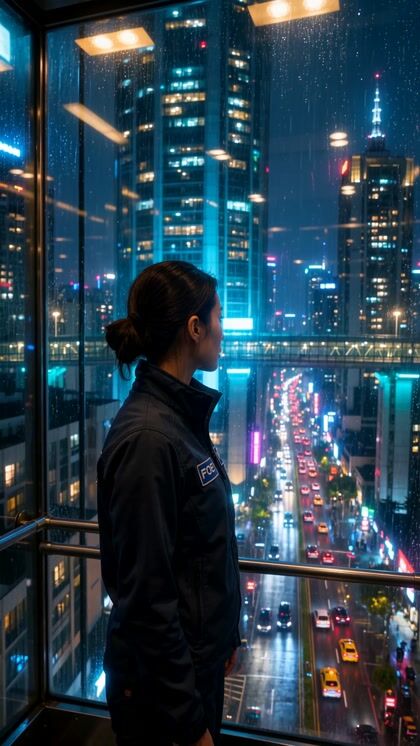
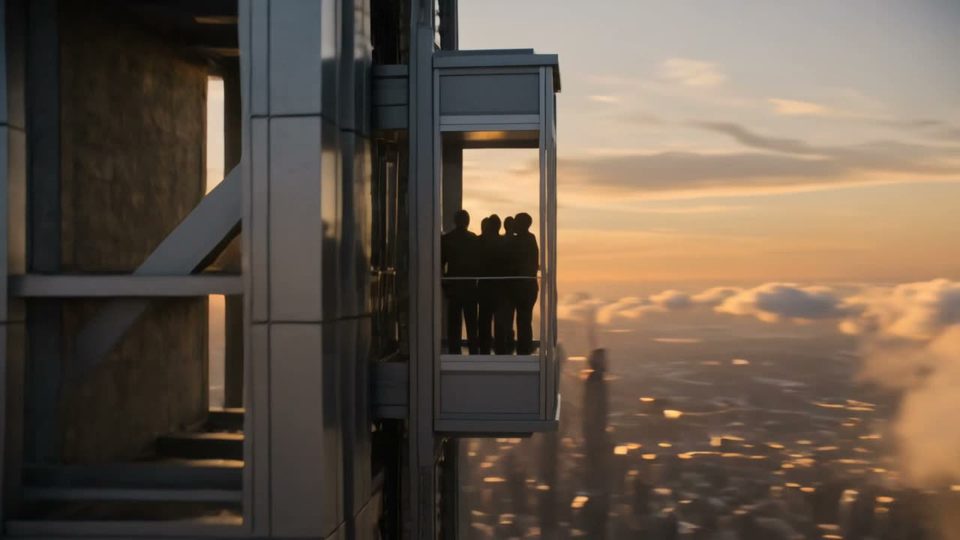
The sky liftCinematic00:00:05:00

The sky lift

Kling 3.0

Watch with sound
The flooded palazzoScene00:00:05:00

The flooded palazzo

Kling 3.0

Watch with sound
Festival on the cliffFestival00:00:05:00

Festival on the cliff

Kling 3.0

Watch with sound
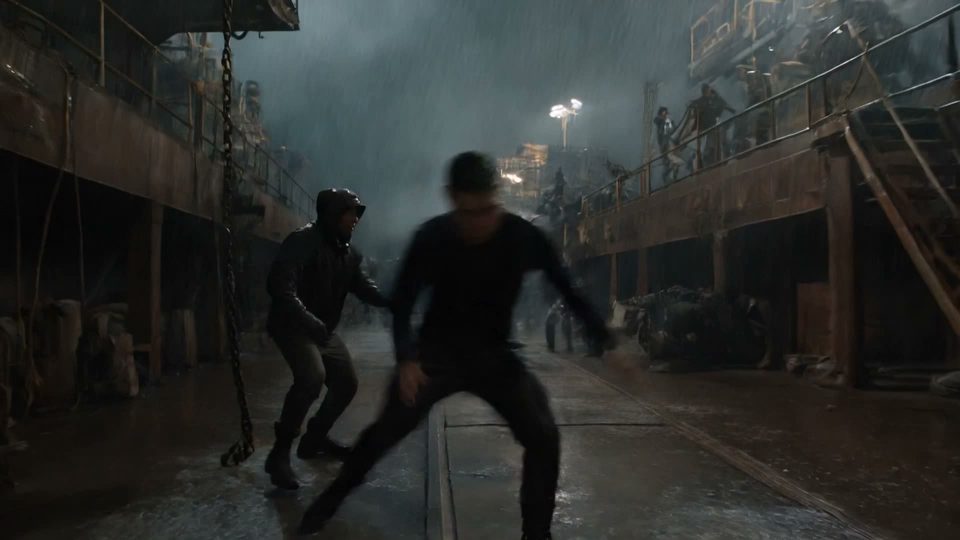
The dockyard brawlAction00:00:05:00

The dockyard brawl

Kling 3.0

Watch with sound
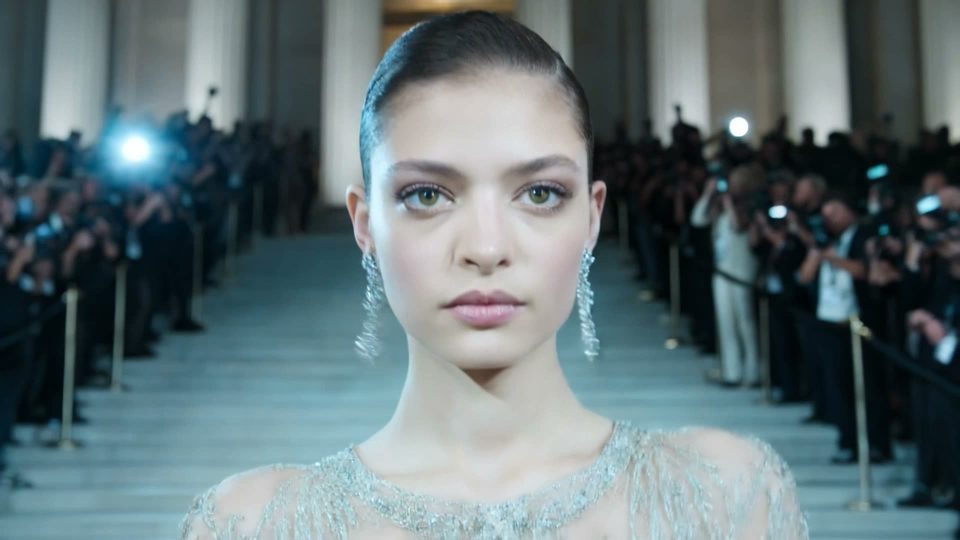
The steps runwayFashion film00:00:05:00

The steps runway

Kling 3.0

Watch with sound
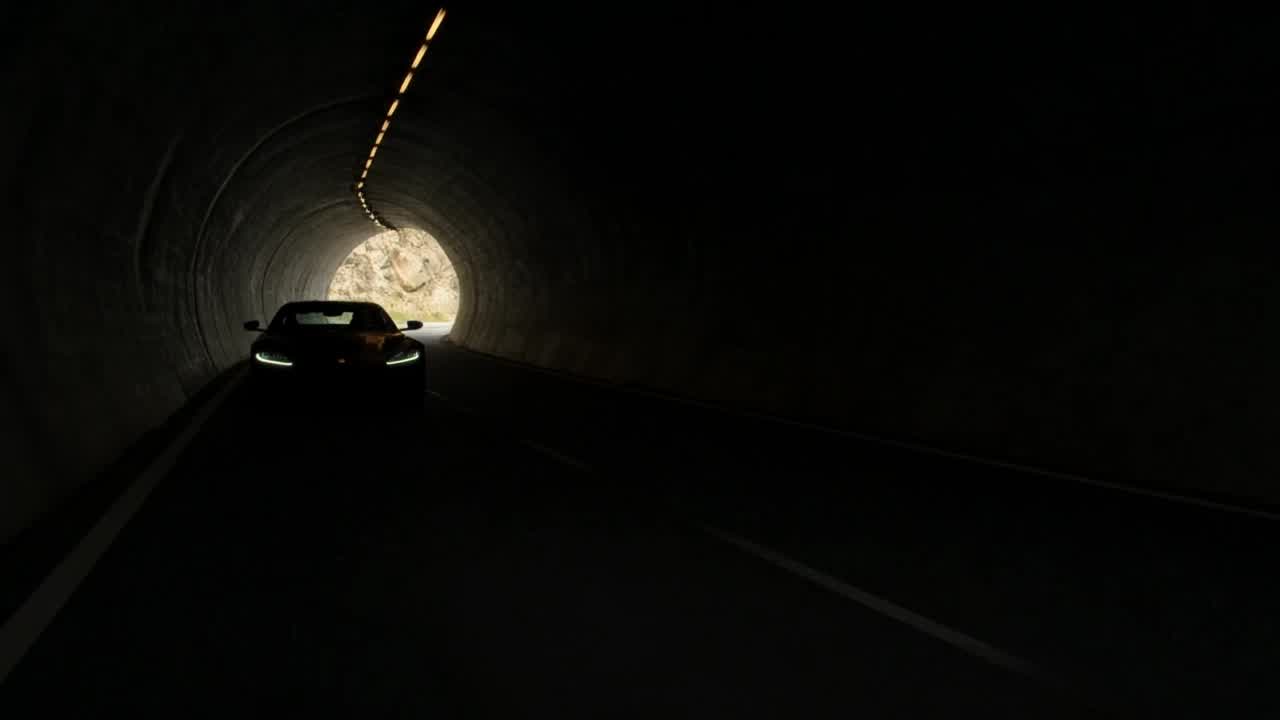
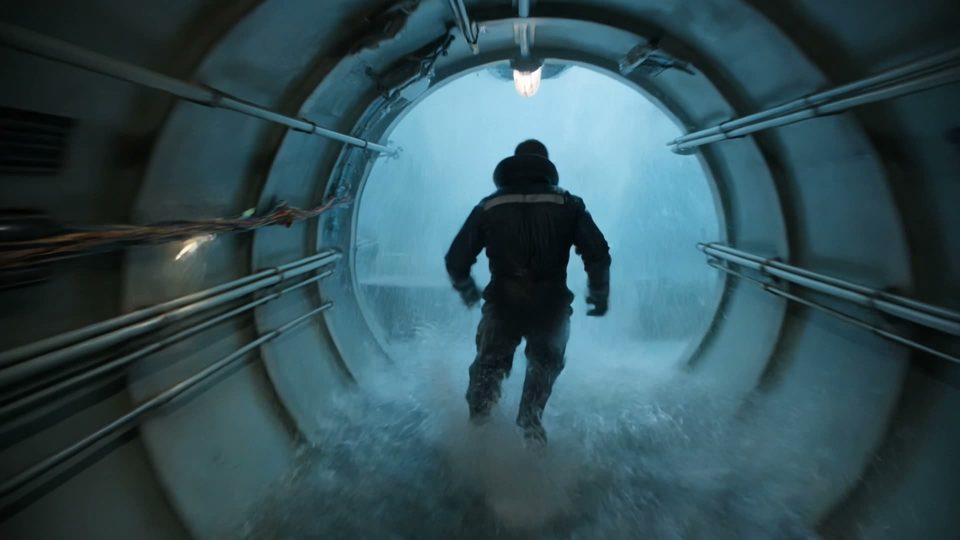
The flooded tunnelAction00:00:08:00

The flooded tunnel

Kling 3.0

Watch with sound

Made with Kling 3.0 on OpenClips

Verbatim prompt
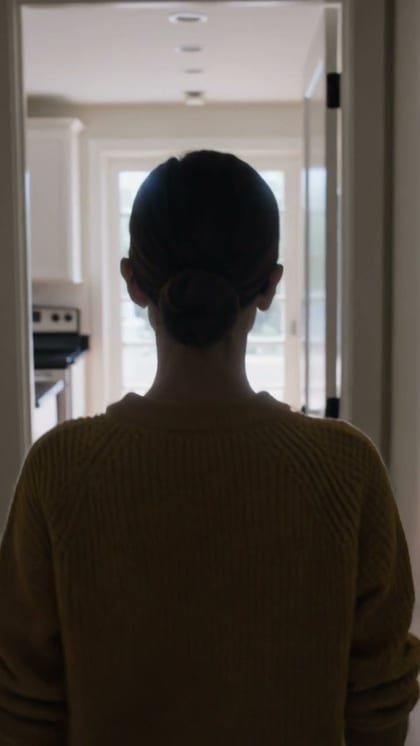
A woman in a yellow knit sweater and round glasses walks from a bright kitchen into a dim hallway and back toward camera, handheld follow, her face, hair and sweater stay identical the whole way

Generated on OpenClips · kling-3.0 · September 2026

Verbatim prompt
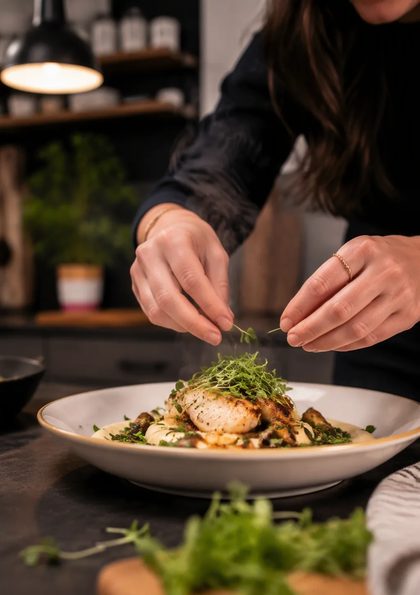
A chef in a white apron plates a dish while the camera orbits half a turn around the counter, his face and apron stay consistent through the move, warm restaurant light

Generated on OpenClips · kling-3.0 · September 2026

Verbatim prompt
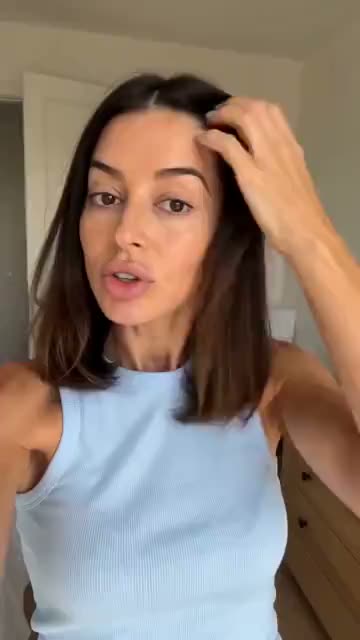
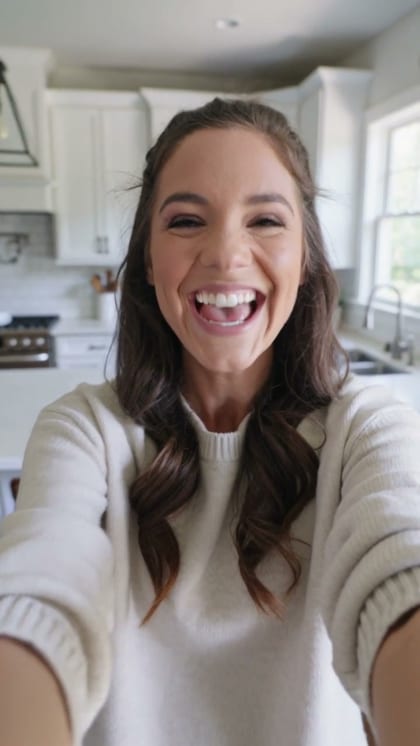
A woman in her late twenties talks straight into her phone camera in a bright kitchen, handheld selfie framing, natural window light, she smiles and gestures mid-sentence, casual creator energy, no on-screen captions

Generated on OpenClips · kling-3.0 · September 2026

Verbatim prompt
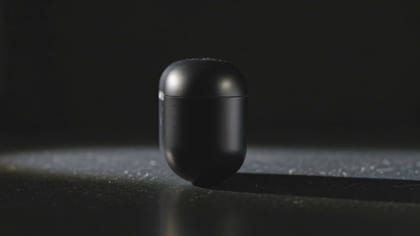
Cinematic product shot: a matte black wireless earbud case turns slowly on a dark reflective surface, a single warm rim light sweeps across it, macro lens, shallow depth of field, slow push-in, plain unbranded case

Generated on OpenClips · kling-3.0 · September 2026

Verbatim prompt
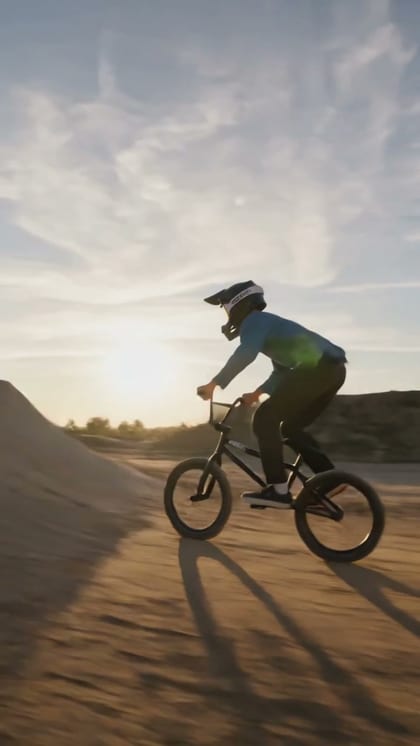
A BMX rider launches off a dirt ramp, spins a full 360 in the air and lands clean, dust kicks up, low angle tracking shot, golden hour

Generated on OpenClips · kling-3.0 · September 2026

Release notes

What's new in Kling 3.0

01

Chapter 01 · Roll

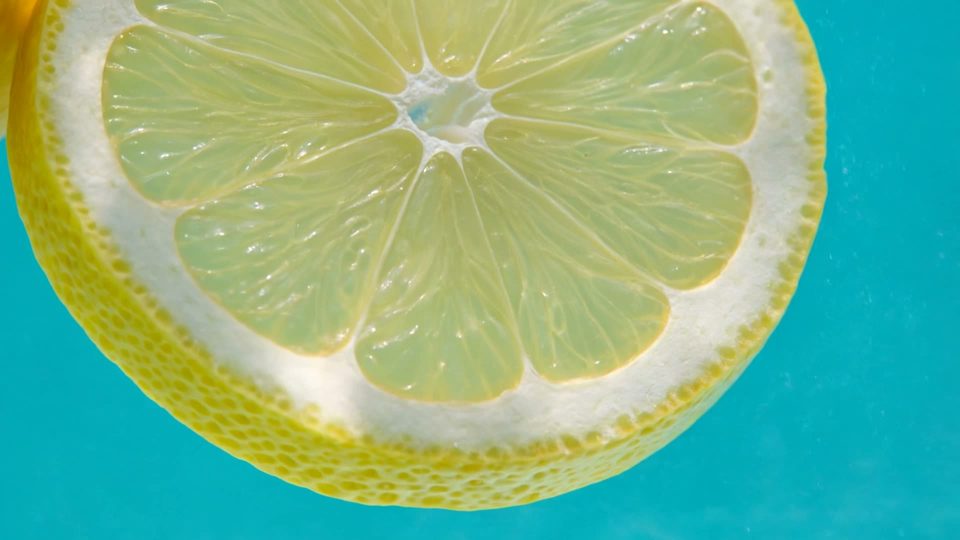
4K, not just 1080p

The 4K rung renders in the composer. Same prompt box, same wallet.

Lemon on turquoise
02

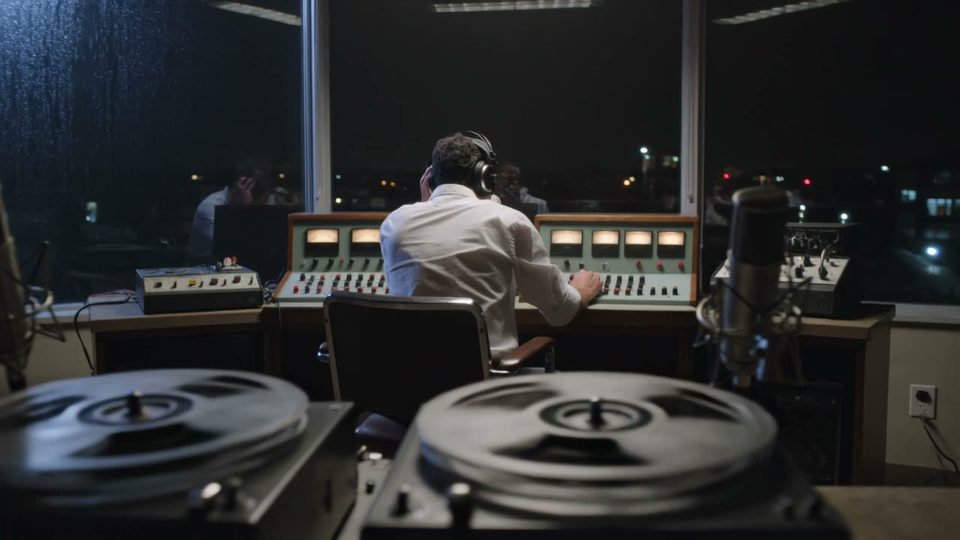
Chapter 02 · The sound

Sound in the same pass

Flip audio on. Dialogue, room tone and effects render with the picture.

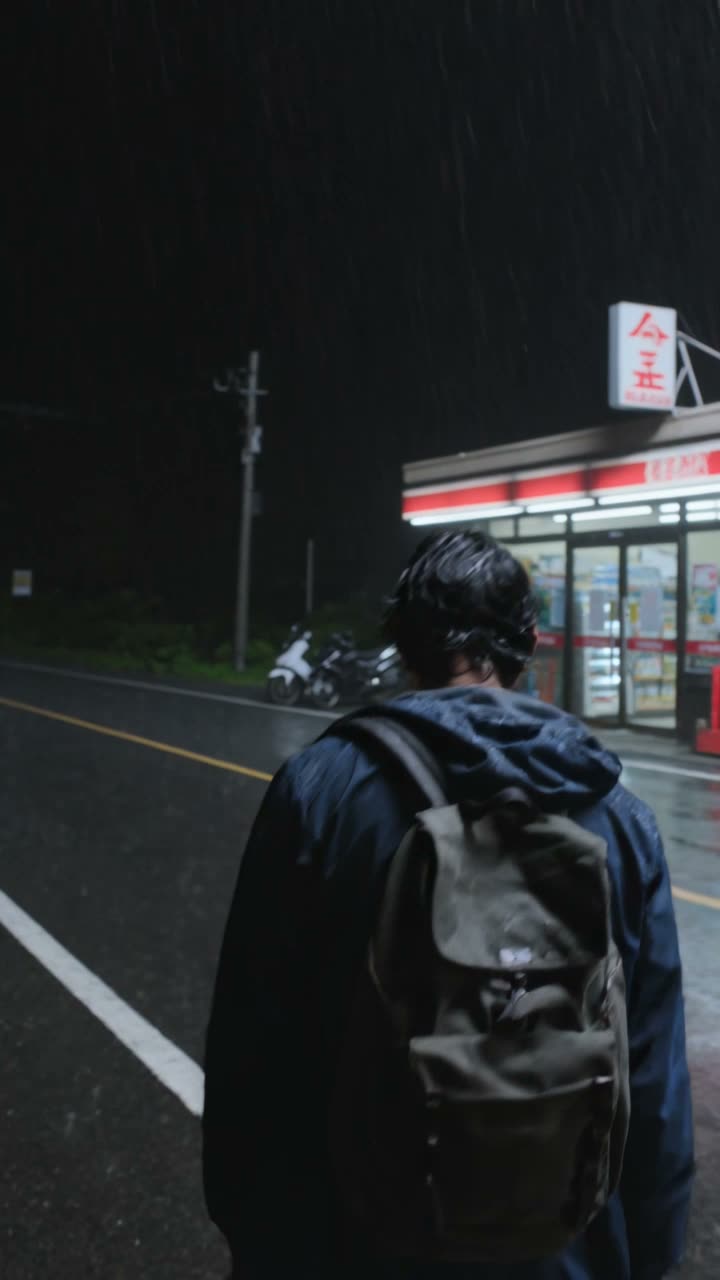
The late broadcast
03

Chapter 03 · The move

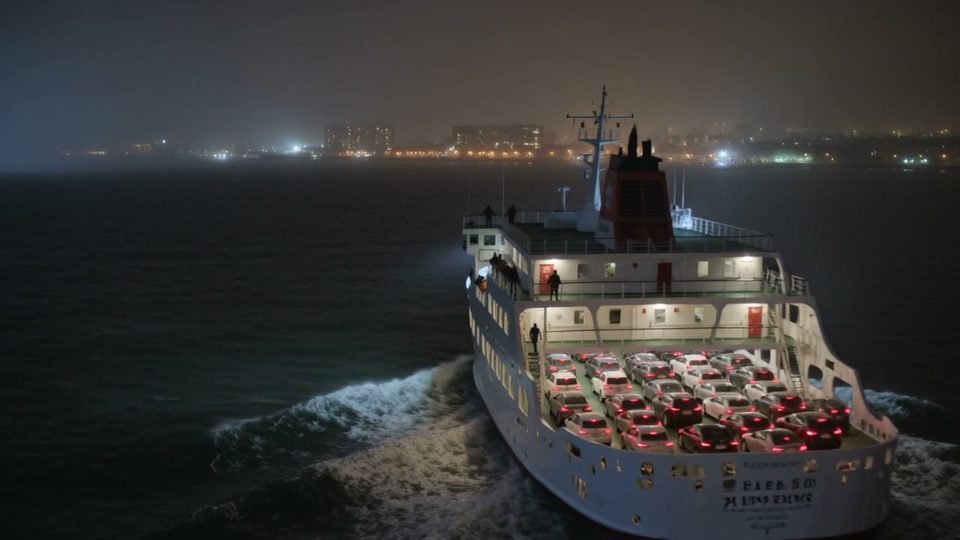
Motion that holds

Kuaishou says the model adjusts camera angles across multi-shot takes.

The night ferry
04

Chapter 04 · The draft

Turbo for the draft

720p and 1080p, back sooner and cheaper than the flagship.

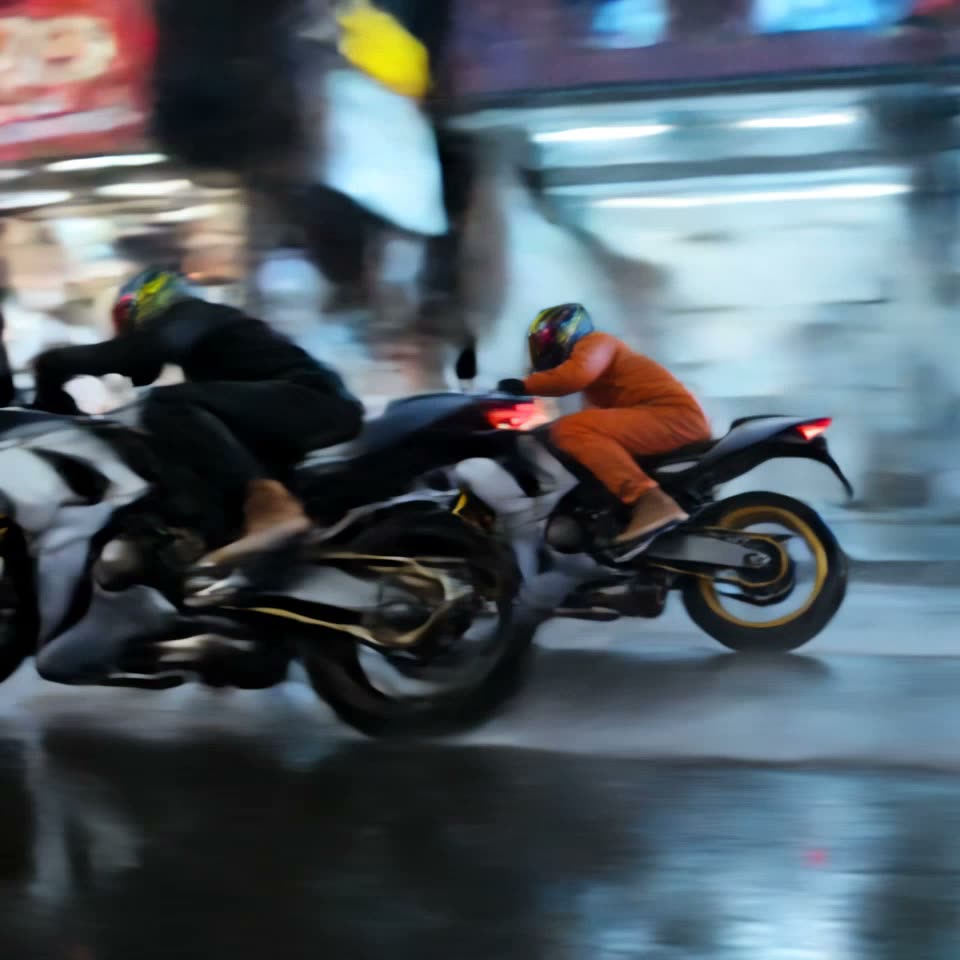
Neon street drift

Nine by sixteen

Cut for the feed

Vertical is a setting, not a re-shoot. The same prompt returns 9:16.

The night chase

The night chase

Kling 3.0

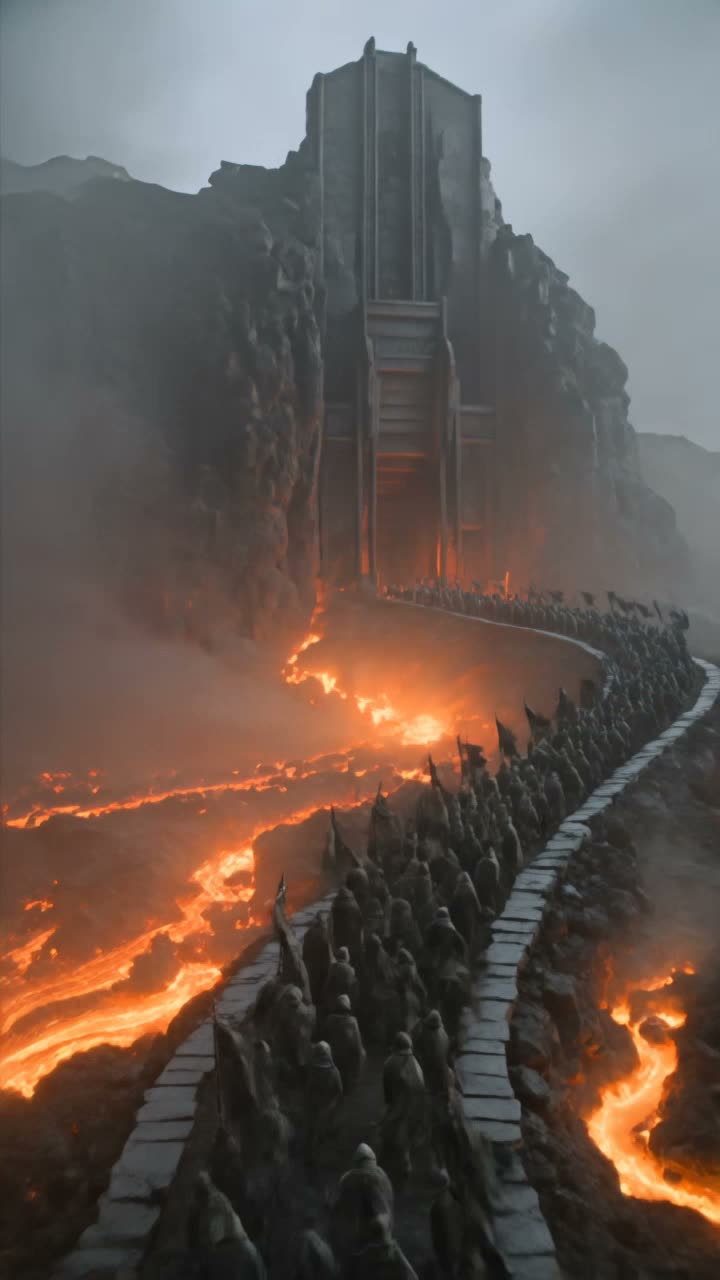
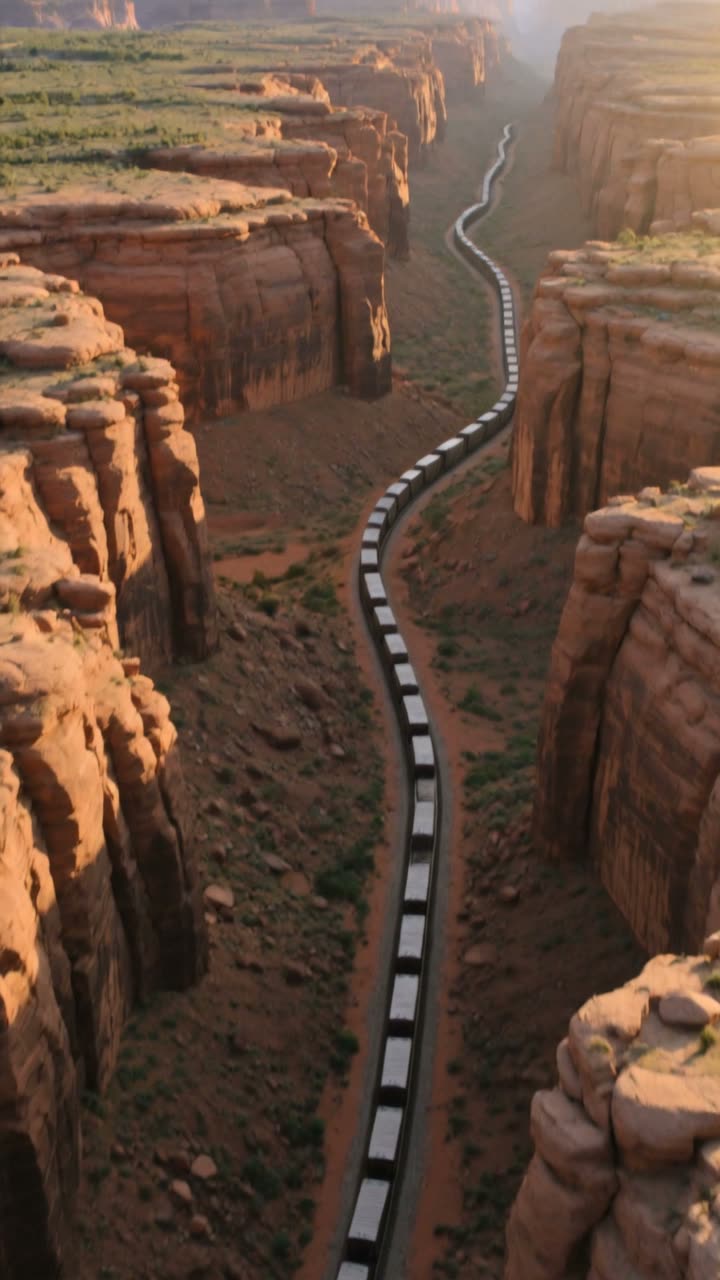
The canyon freight

The canyon freight

Kling 3.0

The gear city

The gear city

Kling 3.0

How to

How do you use Kling 3.0 on OpenClips?

Three steps from a still to a finished take. The page works logged out. Sign-in gates the render only.

  1. Start from a format

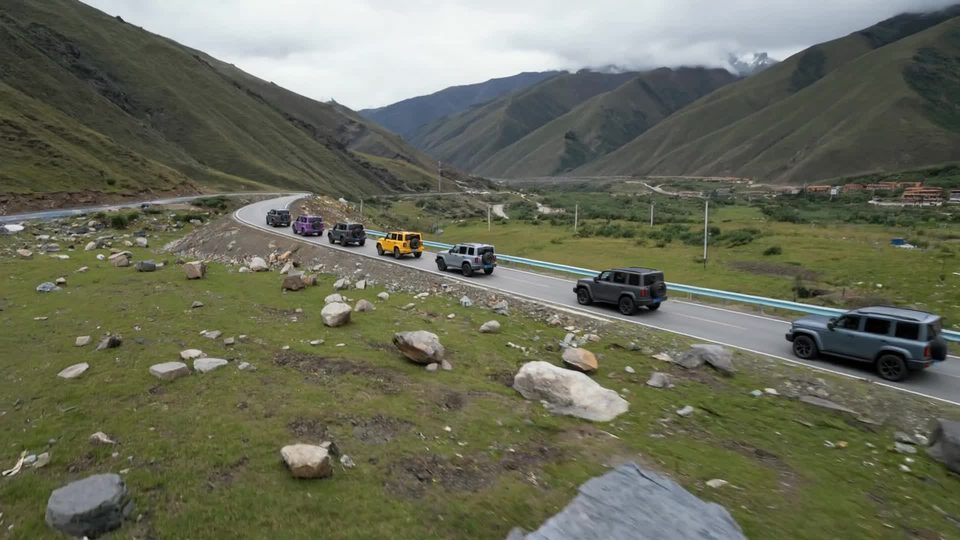
    Make an SUV caravan on the road

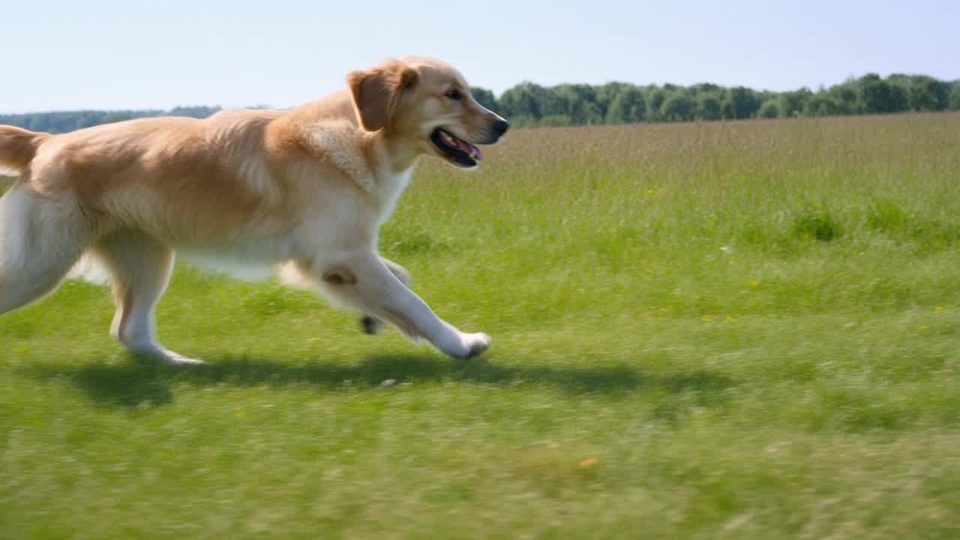
    Make a golden retriever running through a sunny meadow

    Press a theme

    01 ·

    ≈ 1 min

    Pick a theme or write the shot

    Press a theme to load a prompt from the sheet. Or name the subject, the move and the light.

  2. Add
    16:9720p5sUp to 1 refs

    02 ·

    ≈ 1 min

    Attach your still, set the frame

    Kling 3.0 takes one reference image. Pick the ratio and the length.

  3. VideoMODELKling 3.0
    Generate Video ·77

    03 ·

    ≈ 90 sec

    Generate and ship

    Pick 720p, 1080p or 4K. Confirm the ⚡ quote. Render, download, remix.

Two ways in

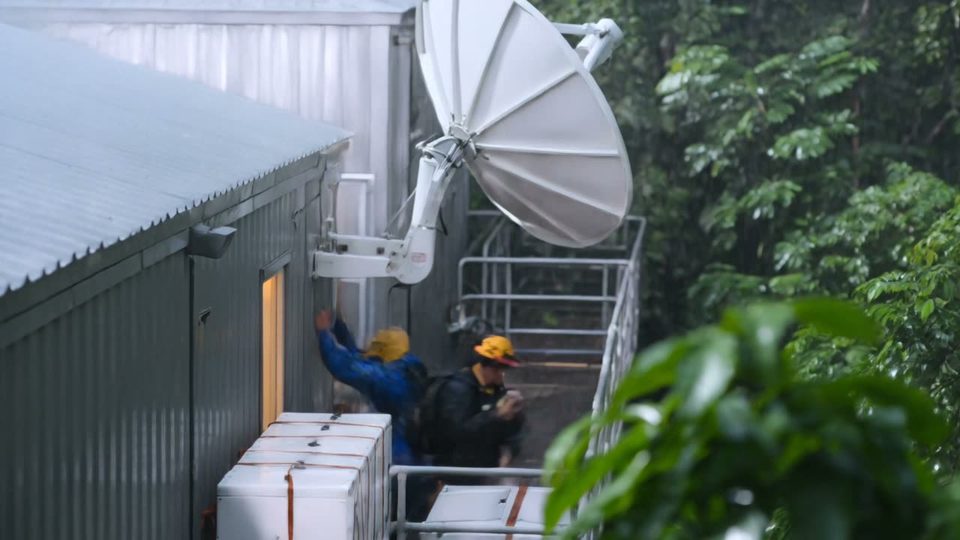
The jungle uplink

Kling 3.0 image to video

Start from the frame you already have. One still steers the look, the cast and the palette. Name the camera move and the take follows it. Steal working setups from the community wall.

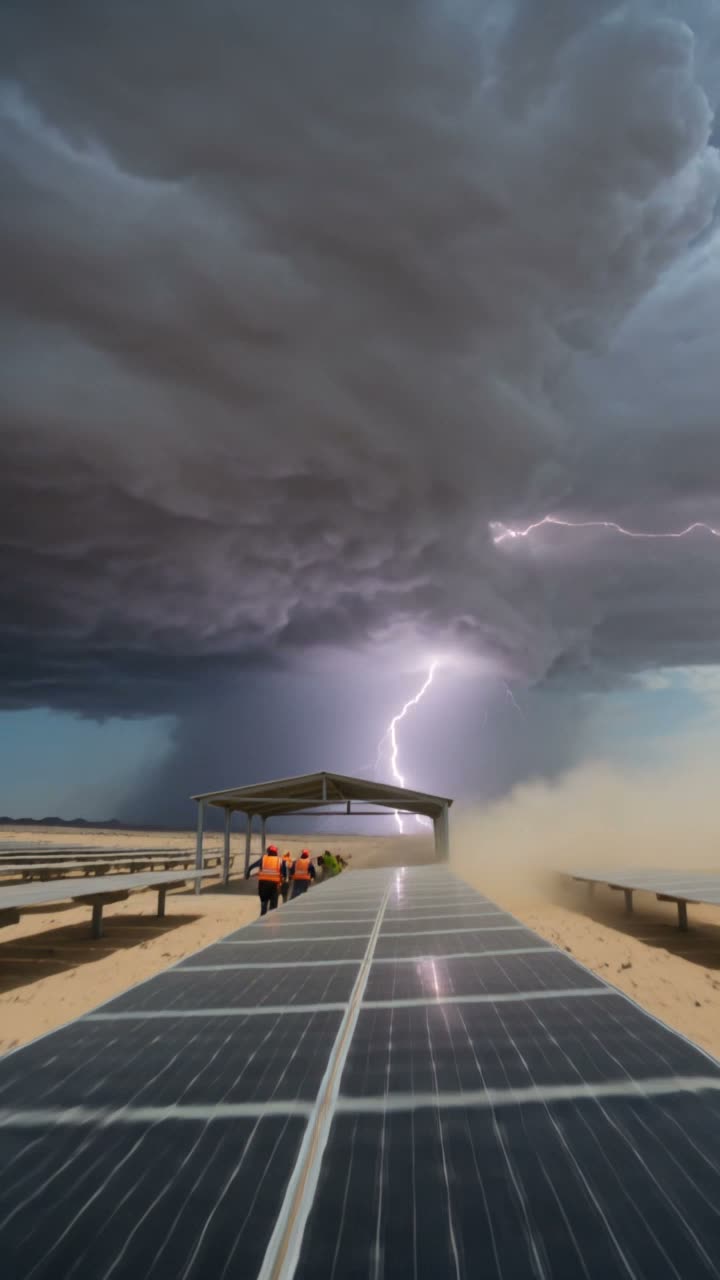
The solar field

Kling 3.0 text to video

Write the shot and get the shot. Multi-shot prompts hold a face across beats. Full rates live on the pricing page.

Steer it with a still

Show it the frame. It moves the frame.

One reference image locks the look. The prompt drives the motion.

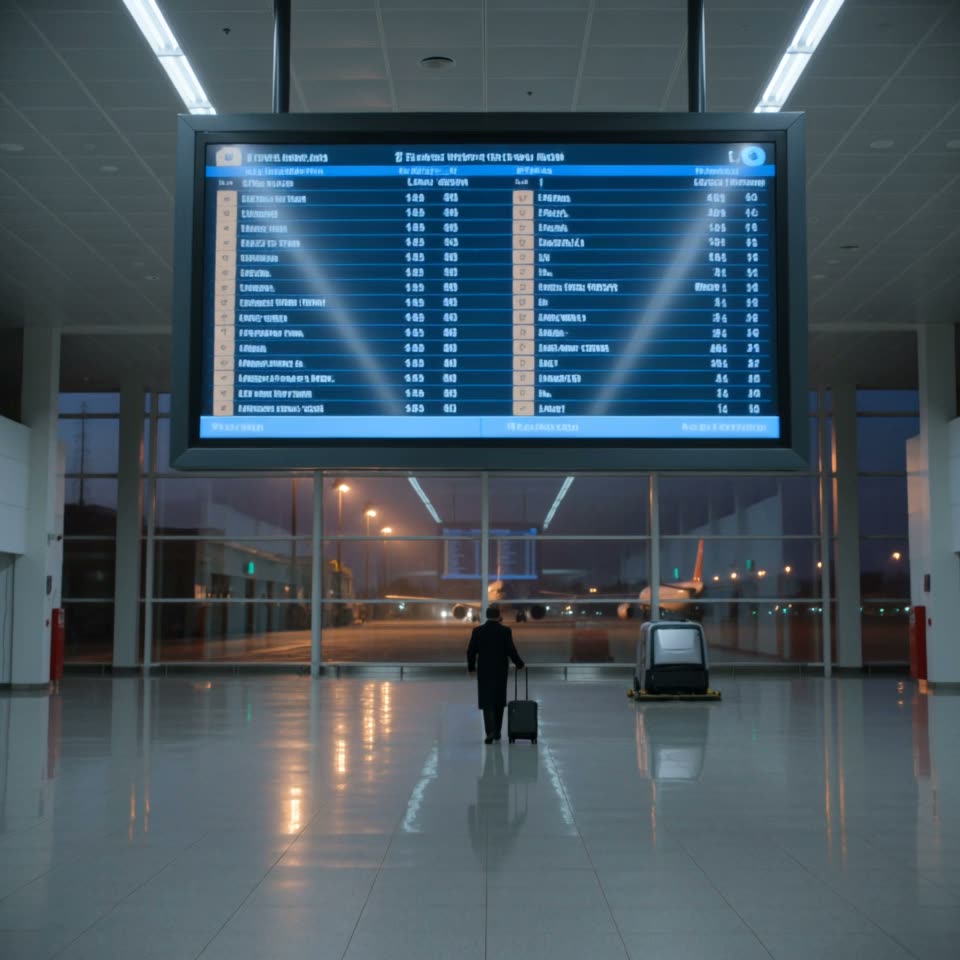
The first flight out
Image to video

The still becomes the take

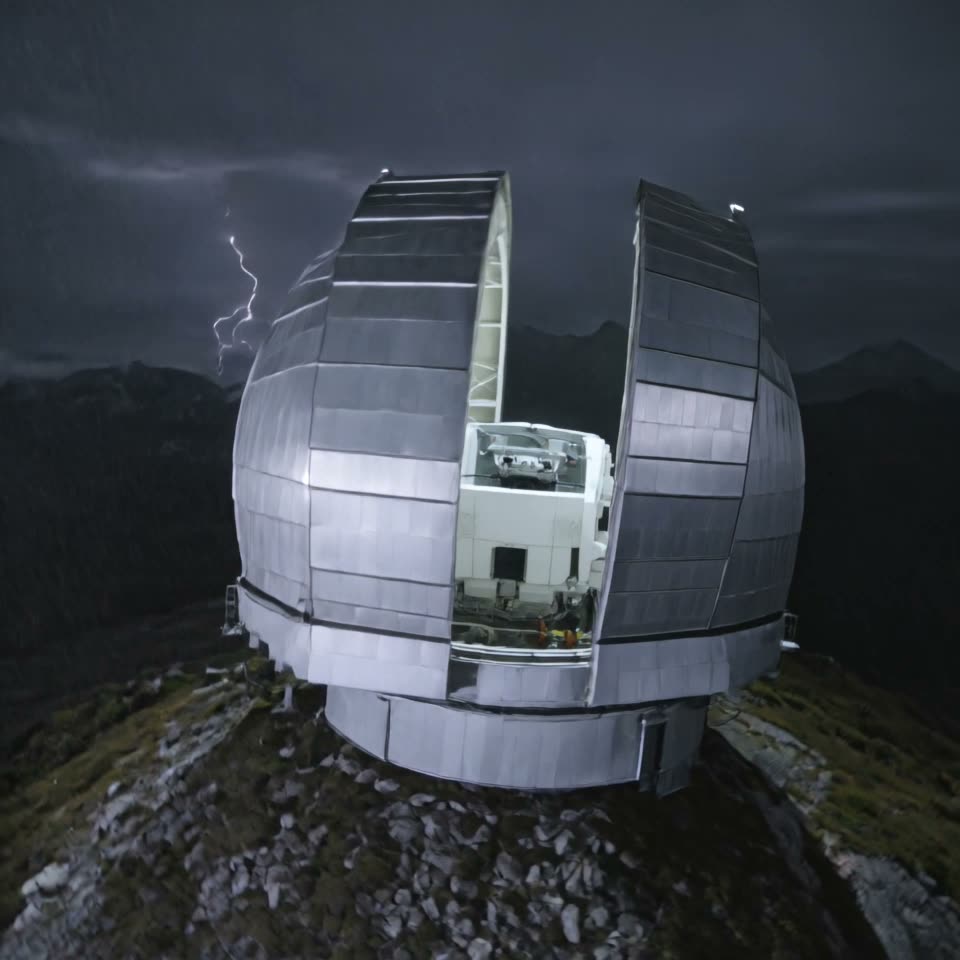
Storm over the dome
Camera

Name the move, get the move

Places, everyone
Multi-shot

One face across the beats

Use cases

Built for the product shot

Ads, drafts and feed cuts from one composer.

Up to 4K
Product

The hero shot, moving

Your still becomes the ad. The label stays yours.

One take
Macro

Texture in motion

Macro detail that survives the move.

9:16 native
Creator

The vertical hook

Feed-ready 9:16 from the same prompt.

Same wallet
Draft

Turbo for the sketch

Prove the beat cheap. Buy 4K when it lands.

Every format

Kling 3.0 video examples

Landscape, vertical and square from the same model. Turn audio on for the same pass.

The sheet

Kling 3.0, Turbo and O1

Kling 3.0 finishes the take. Turbo drafts while you find the shot. O1 carries seven references.

SpecKling 3.0Kling 3.0 TurboKling O1
StatusLive in the composerLiveLive
Resolutions720p · 1080p · 4K720p · 1080p720p · 1080p
Clip length3–15s3–15s3–10s
AudioOptional native audioSilentKeeps the source clip's audio
Reference imagesUp to 1Up to 1Up to 7
Video inputFeature or base clip
Aspect ratios16:9 · 9:16 · 1:116:9 · 9:16 · 1:116:9 · 9:16 · 1:1
On-screen textSignage and logos stay sharpSignage and logos stay sharp
SpeechEN · ZH · JA · KO · ES
From776977

Spec sheet

Kling 3.0 model parameters

Resolutions
720p, 1080p, 4K
Aspect ratios
16:9, 9:16, 1:1
Clip length
3–15s, 5s default
Audio
Optional native audio, off by default
Reference images
Up to 1
Multi-shot
On by default
Cost on OpenClips
From 77
Typical render
About 90 sec
Vendor
Kuaishou
Turbo variant
Kling 3.0 Turbo, 720p and 1080p, from 69

Figures reflect OpenClips defaults, September 2026.

Compare every model that renders sound.

Kling 3.0 variants

ModelSpecs
Kling 3.0kling-3.0Next-gen motion control and consistency.720p / 1080p / 4k · 16:9 9:16 1:1 · up to 15s · audiofrom ⚡77$0.77 at pack rateGenerate →
Kling 3.0 Turbokling-3.0-turboFast Kling for quick drafts.720p / 1080p · 16:9 9:16 1:1 · up to 15sfrom ⚡69$0.69 at pack rateGenerate →

One model, ten jobs

What people point it at

Photo-first work, product beats and volume social all fit one render.

Product spinsUGC hooksLifestyle b-rollTalking to cameraCar and motionAnimals on setStorefront signageVertical cutdownsMulti-shot beatsStill to motion

Quoted first

How much does a Kling 3.0 render cost?

720p

3s · kling-3.0

77

$0.77 at pack rate

Boards and blocking.

Most used

1080p

3s · kling-3.0

103

$1.03 at pack rate

The working resolution for social delivery.

4K

3s · kling-3.0

257

$2.57 at pack rate

Big-panel and broadcast cuts.

The price grid

Every length, every tier

Read the cell you plan to render.

Kling 3.0

Length720p1080p4k
3s77$0.77103$1.03257$2.57
4s103$1.03137$1.37343$3.43
5s129$1.29172$1.72428$4.28
6s154$1.54206$2.06514$5.14
7s180$1.80240$2.40599$5.99
8s206$2.06274$2.74685$6.85
9s231$2.31308$3.08770$7.70
10s257$2.57343$3.43856$8.56
11s283$2.83377$3.77941$9.41
12s308$3.08411$4.111027$10.27
13s334$3.34445$4.451112$11.12
14s360$3.60479$4.791198$11.98
15s385$3.85514$5.141283$12.83

Kling 3.0 Turbo

Length720p1080p
3s69$0.6986$0.86
4s92$0.92115$1.15
5s115$1.15143$1.43
6s137$1.37172$1.72
7s160$1.60200$2.00
8s183$1.83229$2.29
9s206$2.06257$2.57
10s229$2.29286$2.86
11s251$2.51314$3.14
12s274$2.74343$3.43
13s297$2.97371$3.71
14s320$3.20400$4.00
15s343$3.43428$4.28

Dollars are the pack rate: $10/1,000⚡. Plans buy credits cheaper. The exact ⚡ price shows on the Generate button before you spend.

OpenClips MCP

Drive Kling 3.0 from your AI agent

No console and no syntax. Your agent briefs Kling 3.0 through the OpenClips MCP server. It queues the render and hands back the cut.

Server addresshttps://mcp.openclips.ai
ClaudeClaude CodeChatGPTCursorVS CodeGrokHermes agentOpenClawOther MCP client
  1. Step 01

    Say it in plain words

    One sentence is the brief. Subject, move, platform. No syntax to learn.

  2. Step 02

    Your agent sets the shot

    Reference, ratio, length and the ⚡ quote. Drafted and queued for you.

  3. Step 03

    The cut lands in your library

    Download it, remix it, or ship it. Credits settle automatically.

Director's notes

Tips for best results with Kling 3.0

Four habits that separate a clean take from an expensive re-roll.

  • Lead with the still

    One reference beats a paragraph of description. Attach it first, then write the move.

    Still first, prompt second

  • Name one camera move

    Push in, orbit, crane. One named move per take reads cleaner than three.

    One move per take

  • Ask for the sound you want

    Audio is off until you flip it. Describe the room, the voice, the effects.

    Flip audio, then describe it

  • Draft on Turbo, finish at 4K

    Find the shot cheap. Spend the 4K render once, on the keeper.

    Draft cheap, finish once

From the blog

Read the director's cut

The gaps

What can Kling 3.0 do that OpenClips cannot?

The vendor ships these. The composer does not.

  • Kling AI documents Start and End Frames: two stills, one transition. The composer sends Kling 3.0 no frame pair.

    Read the vendor page
  • Kuaishou launched Image 3.0 and Image 3.0 Omni beside the 3.0 video models. OpenClips carries the video line only.

    Read the vendor page

Version history

What changed in each Kling release?

Newest first, straight off the roster.

  1. Kling 3.0

    video · Live on OpenClips

    Next-gen motion control and consistency.

  2. Kling O1

    video · Live on OpenClips

    Multi-reference omni model — motion transfer and clip editing.

Questions

Frequently asked questions

Kling is free to try on OpenClips. A new account opens with ⚡50 and no card. Video renders draw from that wallet, and Kling 3.0 starts at ⚡77 for the shortest 720p clip, so the grant buys a first look rather than a campaign. Packs start at $10/1,000⚡. No subscription is required to render.

Kling is Kuaishou's family of AI video models, known for motion and image-to-video. On OpenClips three of them run in the same composer. Kling 3.0 renders up to 4K with optional native audio, Kling 3.0 Turbo is the cheaper 1080p draft lane, and Kling O1 takes up to seven references for motion transfer and clip editing.

Kuaishou announced the Kling 3.0 model series with stronger consistency and narrative control. On OpenClips that shows up as 4K output, an audio switch on the render itself, and multi-shot prompts that hold a face across beats. It runs text-to-video and image-to-video from the same box, with one reference image per render.

Kling 3.0 is priced per render. A 720p 3s clip is ⚡77, a 1080p 3s take is ⚡103, and the same length in 4K is ⚡257. Longer takes cost more, and the fifteen-second 4K cell is the top of the grid. The composer prints the exact ⚡ on the Generate button before you press it.

Yes, when you switch audio on for the render. It is a per-render toggle and it is off by default. With it on, sound is generated in the same pass as the picture, so dialogue, room tone and effects arrive with the frame. Kuaishou says the series adds native audio generation across multiple languages, dialects and accents.

The composer runs Kling 3.0 from 3 to 15 seconds, with 5 seconds as the default. Kuaishou says Video 3.0 supports generation up to 15 seconds, including long takes and plot twists. For a longer sequence, render several takes and cut them together. Each take is priced on its own, and the button shows that number first.

Cast Kling 3.0 for the finish: it is the one with 4K and generated sound. Cast Kling O1 when the shot leans on references or when you are fixing a clip you already have, because it takes up to seven stills and edits from plain prompts. Cast Turbo while you are still finding the shot, from ⚡69. All three share one composer and one library.

Kling runs in your browser through OpenClips, so there is nothing to install and no vendor app to sign into. Your prompts, references and finished clips stay in your own library. Credits leave your wallet only when a render starts, and the cost is shown first. Normal content rules apply to what you generate.

The receipts

Where do these Kling 3.0 facts come from?

Every link goes to the vendor's own page.

Render a 4K take with sound

One still. One prompt. The price on the button before you press it.

Generate with Kling 3.0

Your still, already moving

You shot the photo. Kling gives it motion. Attach one reference image, name the camera move, and the take comes back at up to 4K. Length runs 3 to 15 seconds, in 16:9, 9:16 or 1:1, so the vertical cut is a setting rather than a re-shoot. Kuaishou says the model adjusts camera angles across multi-shot instructions, which is what keeps a face the same face from beat to beat.

Sound in the same render

Audio is a switch on the render, off until you flip it. With it on, dialogue, room tone and effects arrive with the picture, and the edit starts at the cut instead of at the sound design. Kuaishou says the series adds native audio generation across multiple languages, dialects and accents.

When another Kling fits better

Drafting? Kling 3.0 Turbo runs the same prompt box at 720p or 1080p from ⚡69, and it rides this page. Leaning on references or fixing a clip you already have? That is Kling O1, which takes up to 7 stills and edits from plain prompts. Browse the rest of the roster on the models hub, or start from the AI Video Generator and swap models without moving your prompt.

Where to go next

Related models