Start from a template
Describe your clip… @ to tag what you attached
01 ·
≈ 2 min
Write the shot and the sound
Describe the scene. Name the dialogue, the room, the effects.
You stop dubbing the take. FLUX 3 renders picture and sound together. Text or a still goes in.


Free account · ⚡50 on signup · No card
● Shot on FLUX 3
Six takes from the composer. Press any one for its audio.
Rendered on OpenClips with FLUX 3. September 2026.
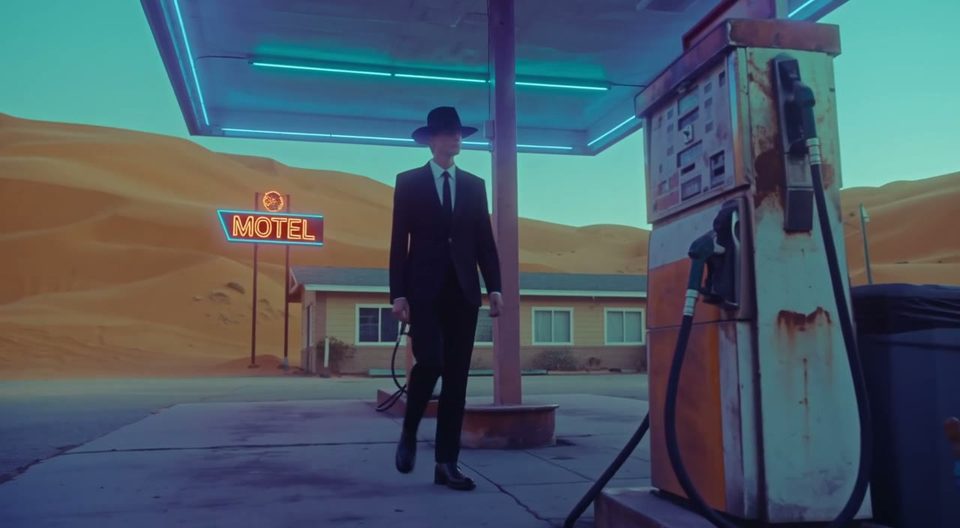 Noir00:00:10:00
FLUX 3
Watch with sound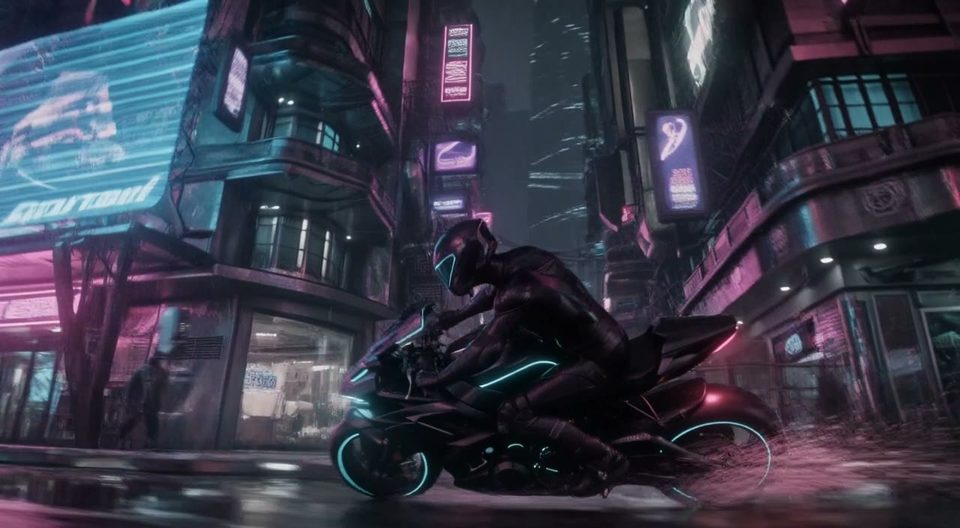 Motion00:00:10:00
FLUX 3
Watch with sound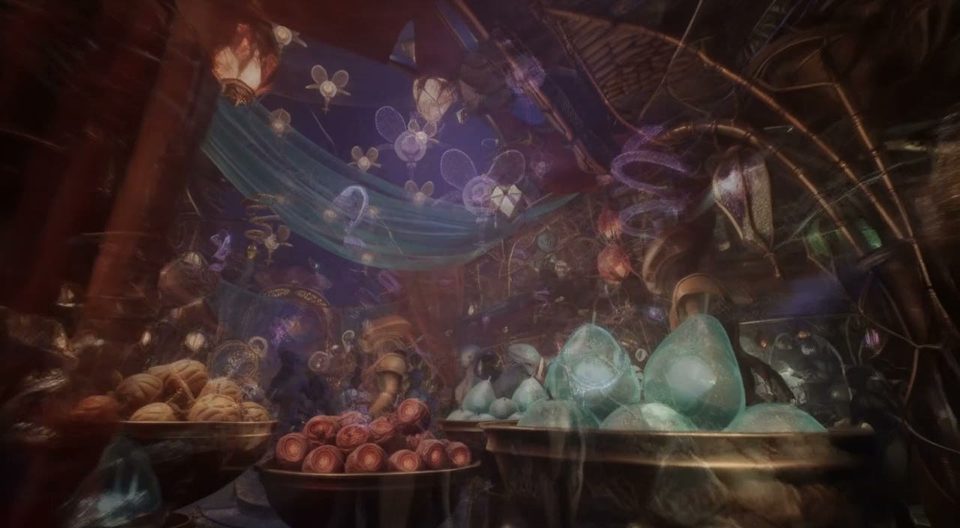 Fantasy00:00:10:00
FLUX 3
Watch with sound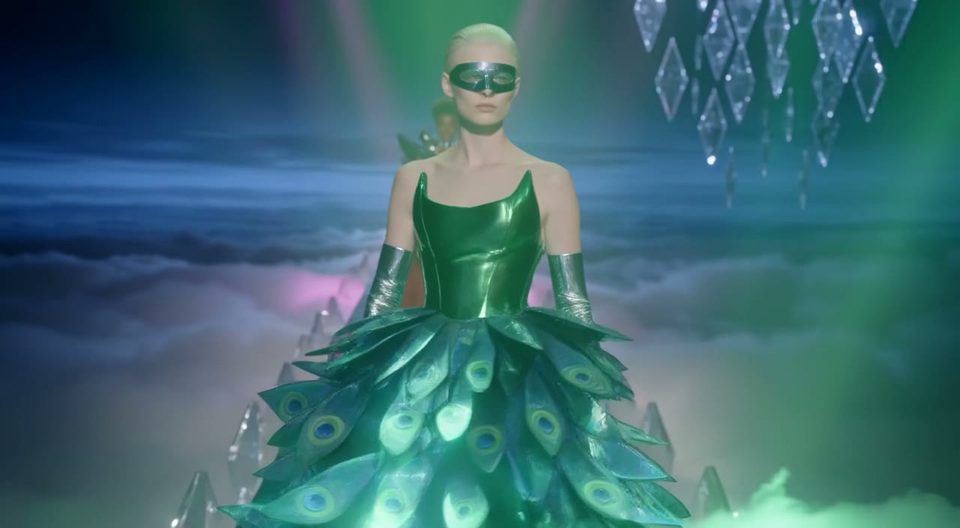 Fashion00:00:10:00
FLUX 3
Watch with sound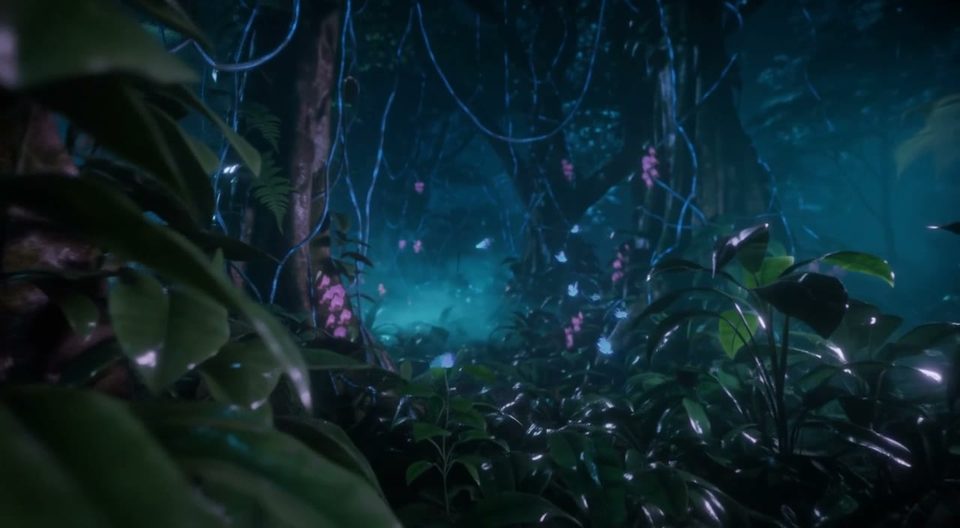 Nature00:00:10:00
FLUX 3
Watch with sound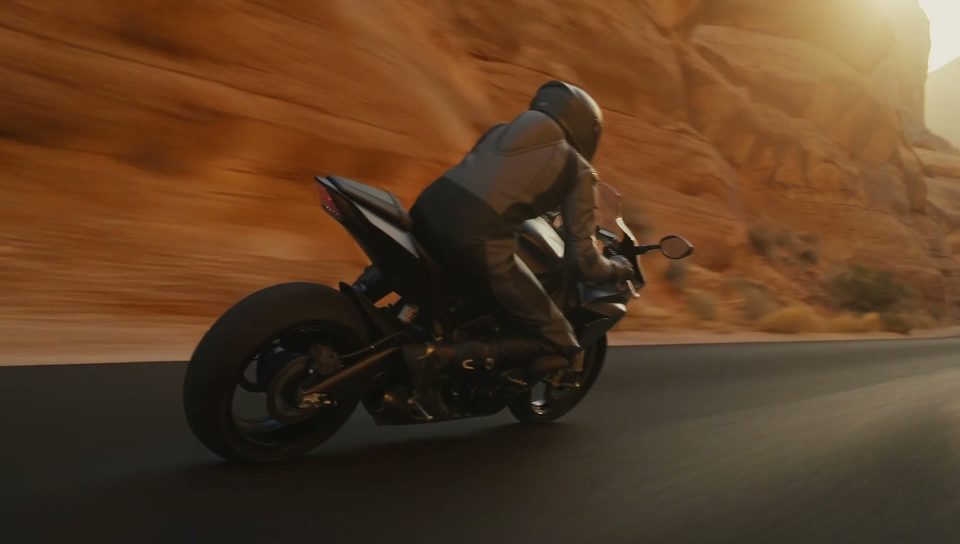 Action00:00:10:00
FLUX 3
Watch with sound● Release notes
Chapter 01 · The mix
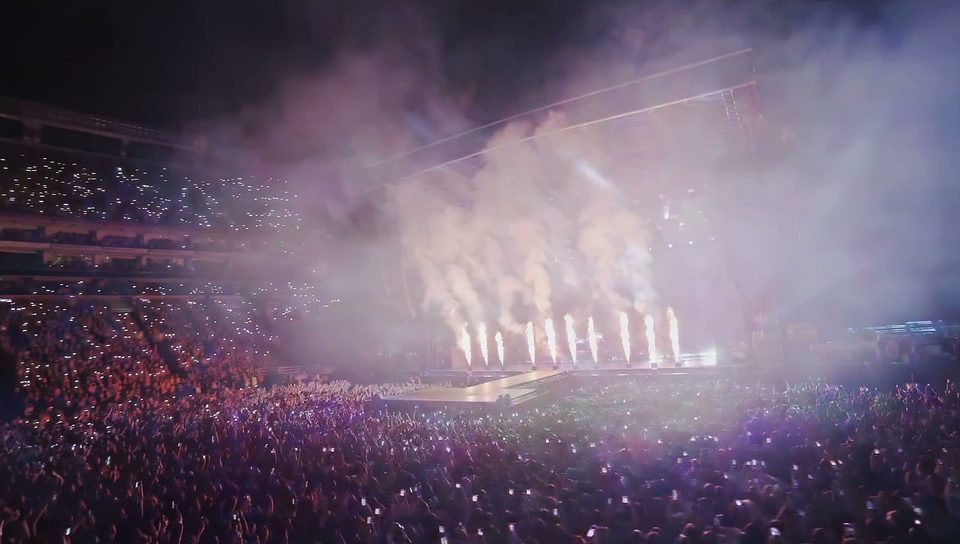
Speech, effects and ambience arrive in the same pass. No dub.
Chapter 02 · Roll
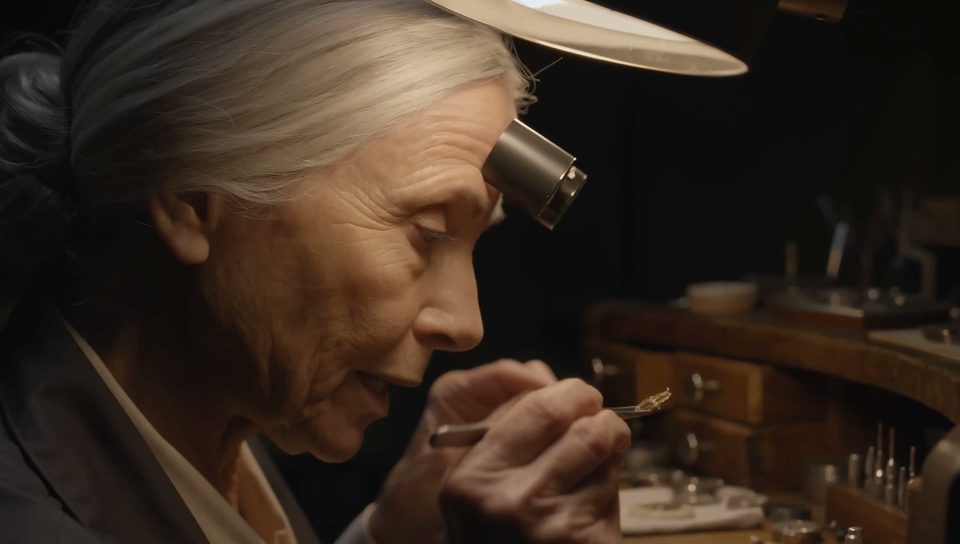
Any whole second from 5 to 20. The composer opens on 5.
Chapter 03 · The frames
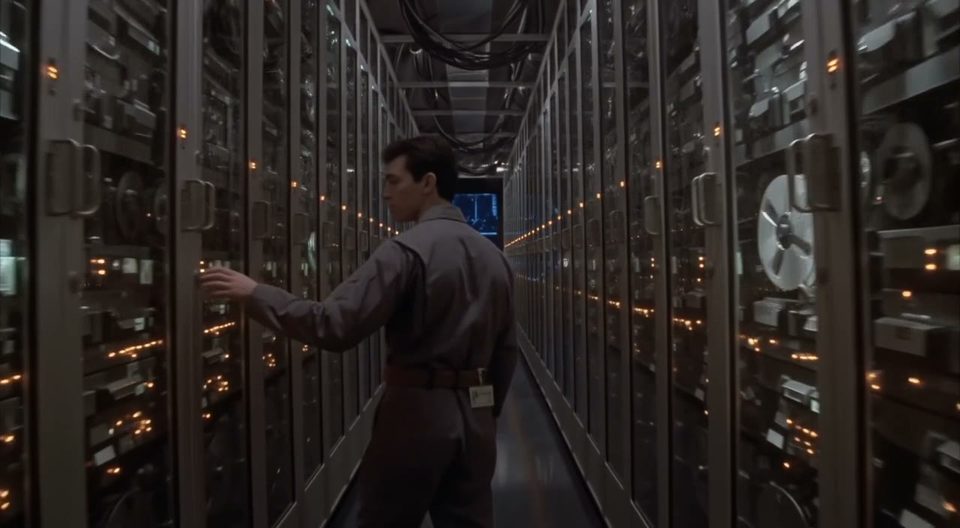
Up to ten images. Position decides what each one means.
Chapter 04 · The tiers
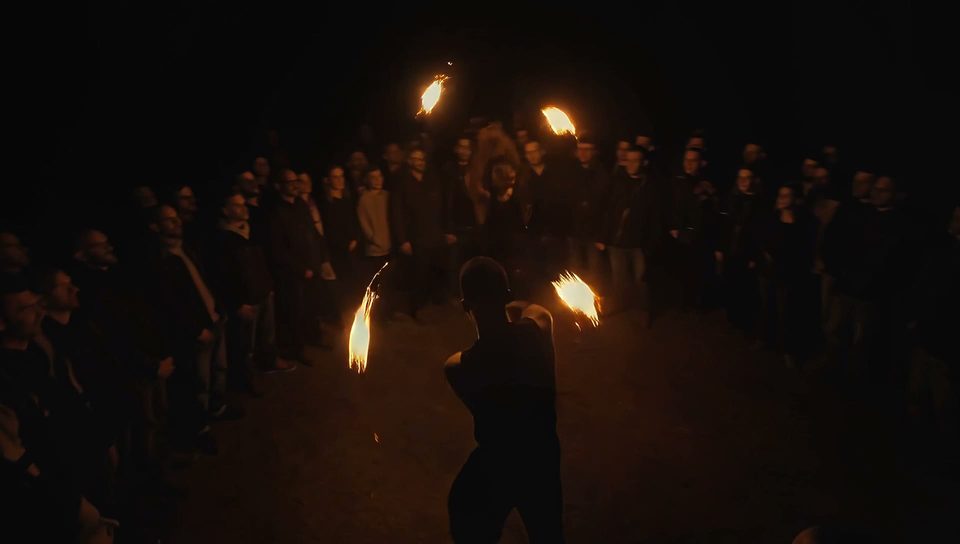
HD for drafts. FHD for the deliverable. Same take, same call.
● Somewhere else entirely
The same model builds the room and the noise in it.
Rendered on OpenClips with FLUX 3. September 2026.
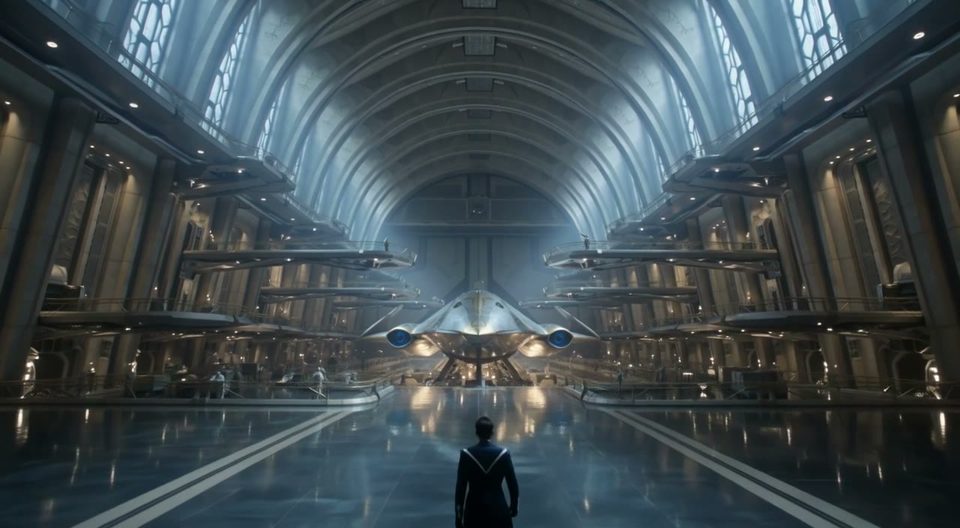 Scale00:00:10:00
FLUX 3
Watch with sound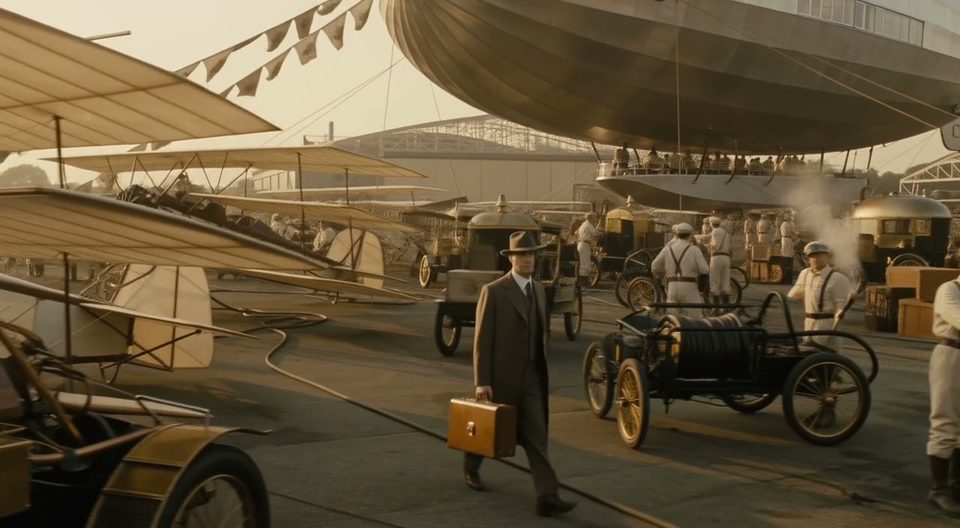 Period00:00:10:00
FLUX 3
Watch with sound Sci-fi00:00:10:00
FLUX 3
Watch with sound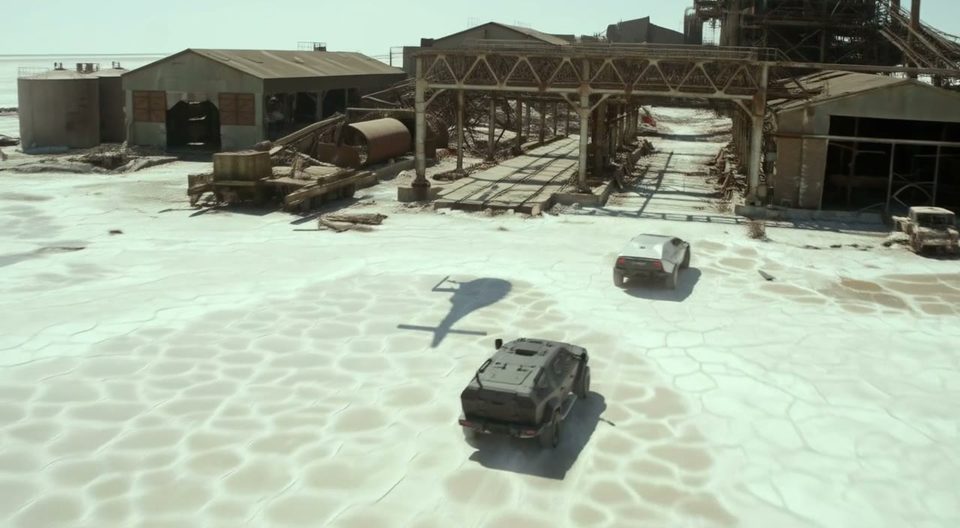 Weather00:00:10:00
FLUX 3
Watch with sound● How to
Three steps from blank box to a take with sound. The page works logged out. Sign-in gates the render only.
Describe your clip… @ to tag what you attached
01 ·
≈ 2 min
Describe the scene. Name the dialogue, the room, the effects.
02 ·
≈ 1 min
Up to ten stills. Pick the ratio, the length and HD or FHD.
03 ·
~1–4 min
Confirm the ⚡ quote. Render, download, remix.
● Two ways in
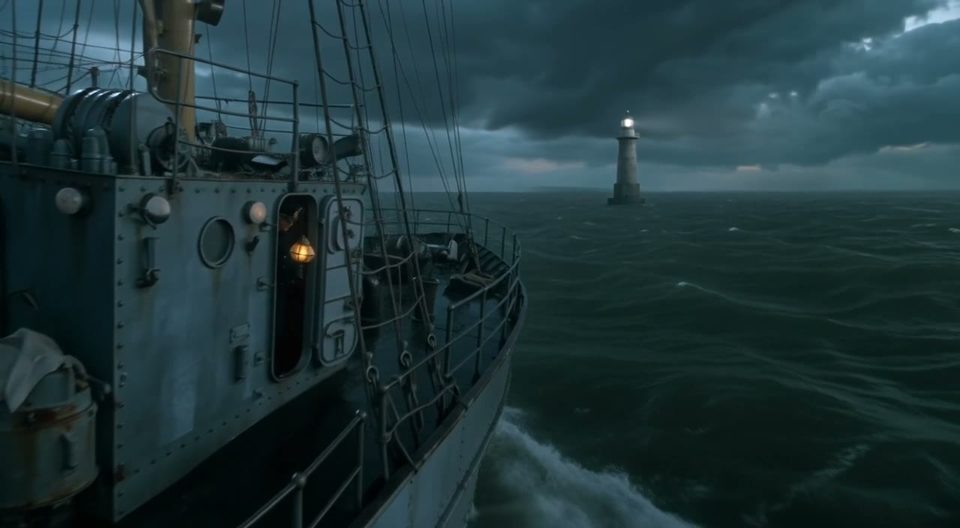
Write the scene and the sound. The take comes back mixed. Steal a working setup from the community wall.
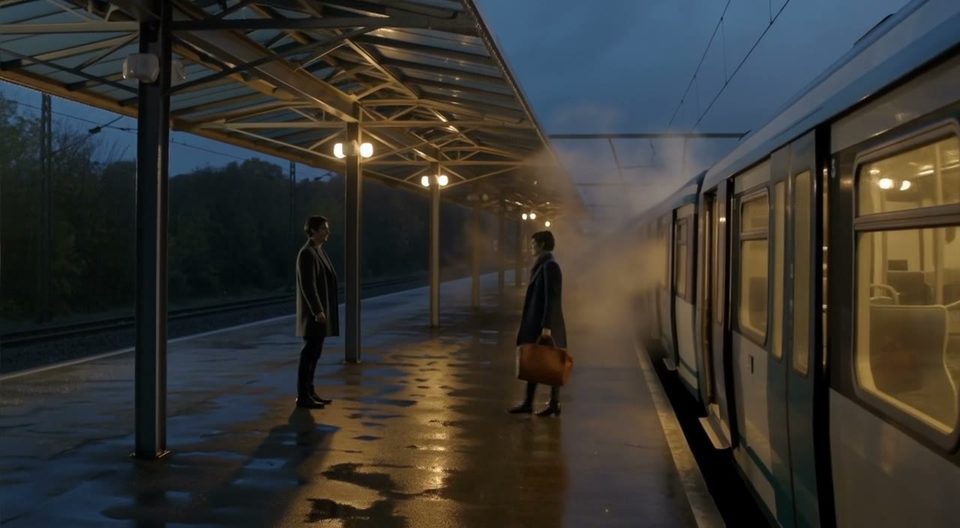
Drop one still for the opening frame. Drop ten to shape the whole take. Full rates sit on the pricing page.
● Steer it with sound
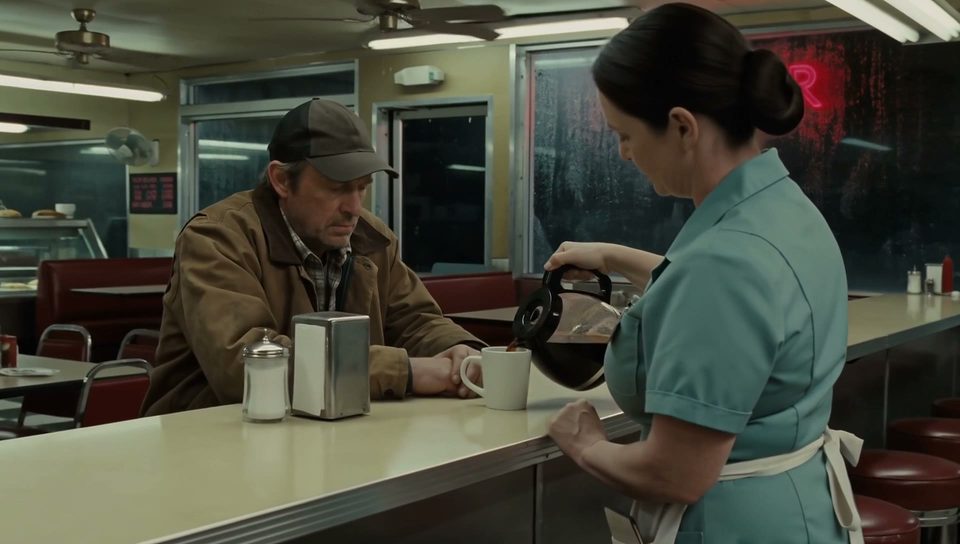
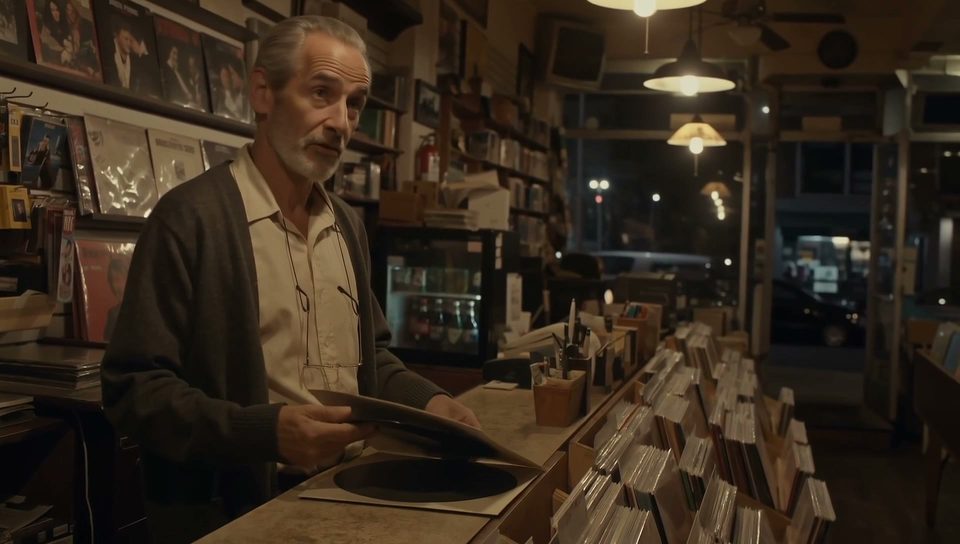
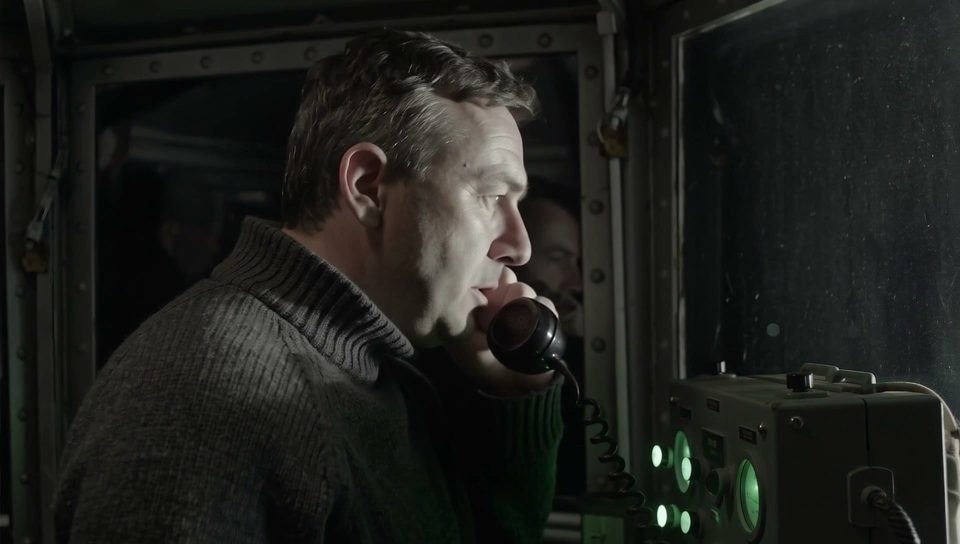
Dialogue, foley and ambience render with the picture. Press any card for sound.
● Use cases
Twenty seconds with sound covers a spot, a hook, a scene. One call each.
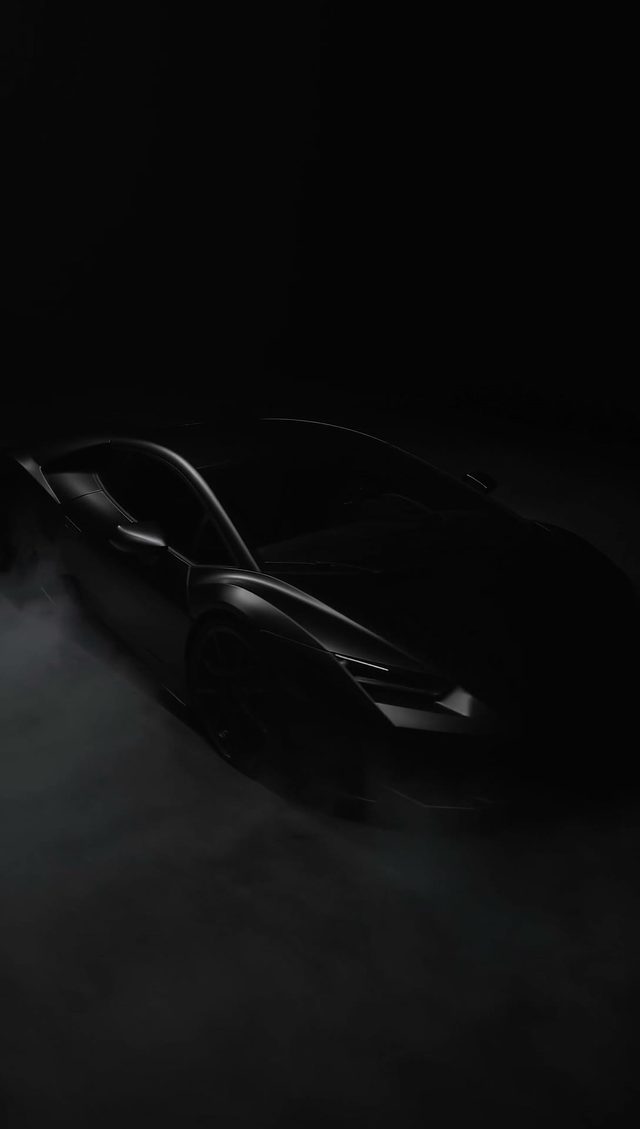 9:16 native
The turn and the room tone in the same render.
 From 5s
The cheapest stop on the grid still ships with audio.
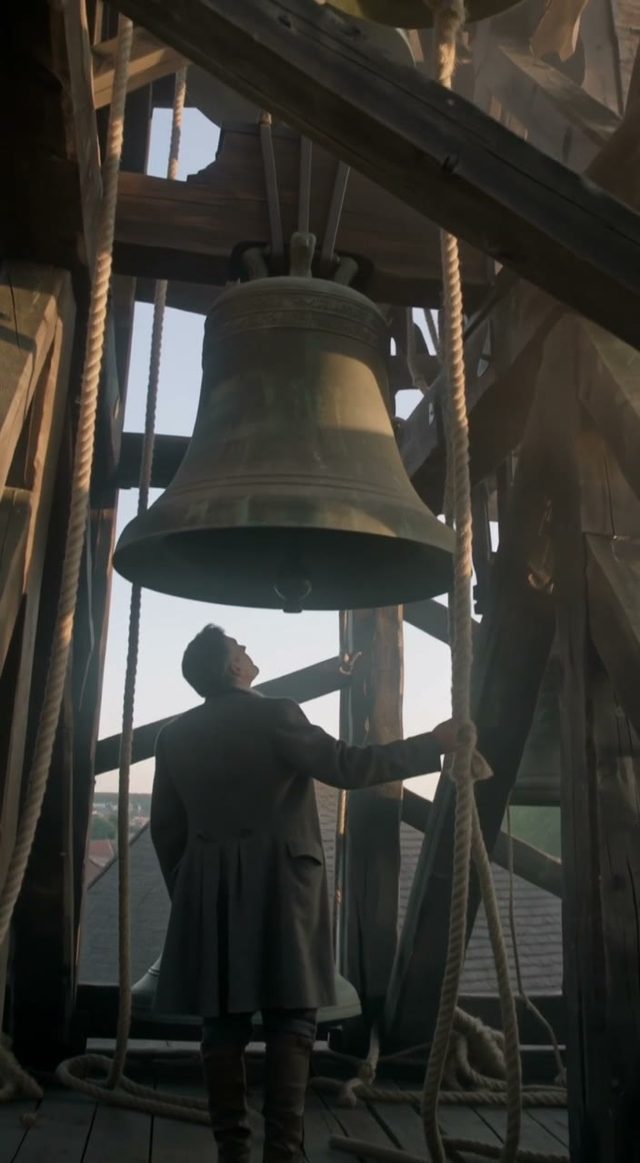 Sound on
The swing and the bell, mixed as it renders.
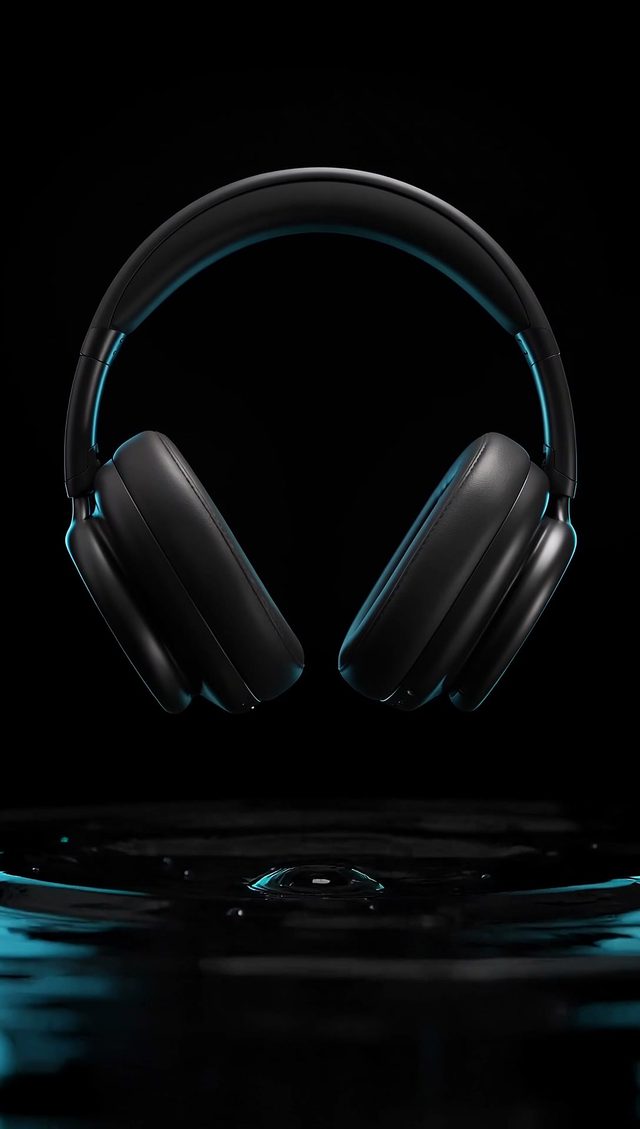 HD or FHD
A drop, a ripple, and the sound both of them make.
● Every format
Wide, tall and everything between. Press any tile for sound.
Rendered on OpenClips with FLUX 3. September 2026.
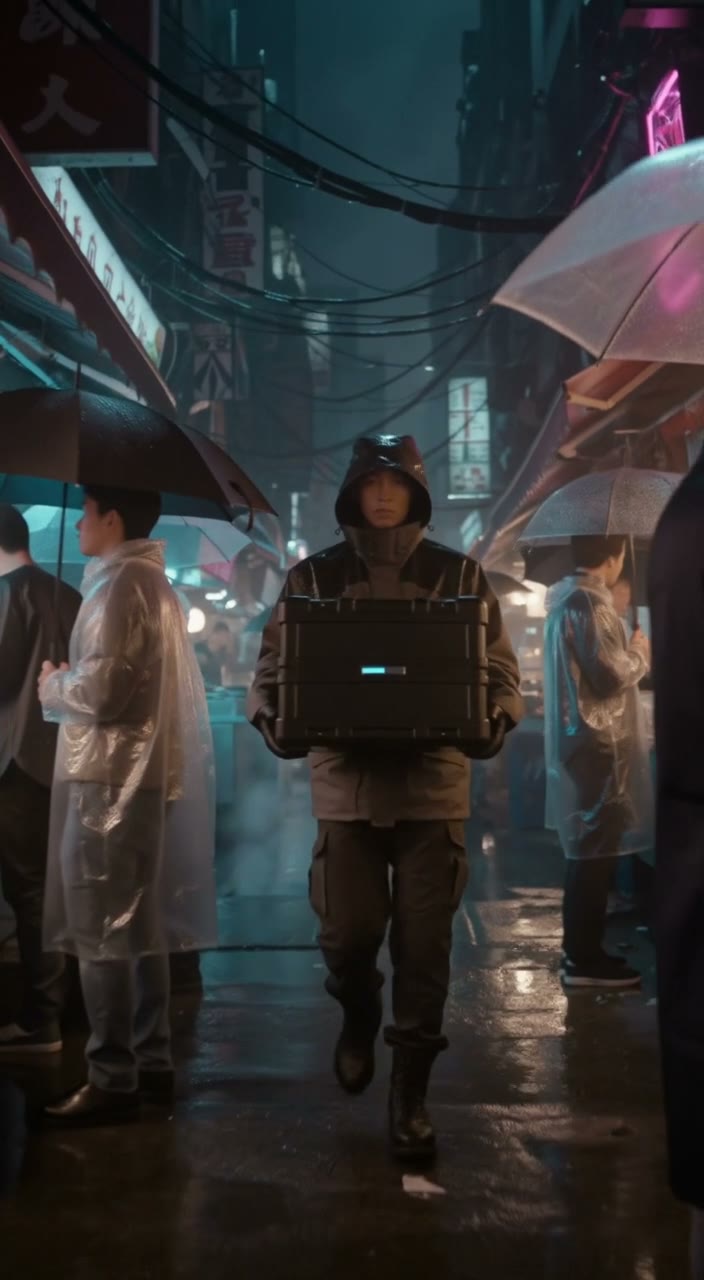 Story00:00:10:00
FLUX 3
Watch with sound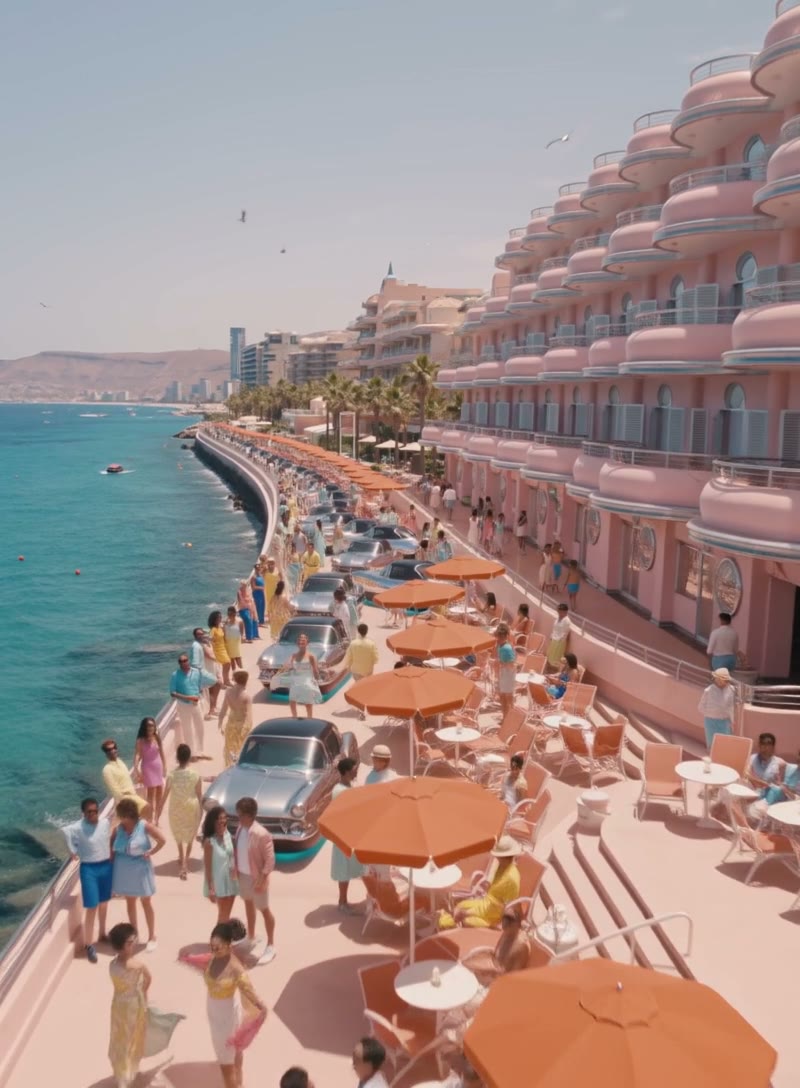 Travel00:00:10:00
FLUX 3
Watch with sound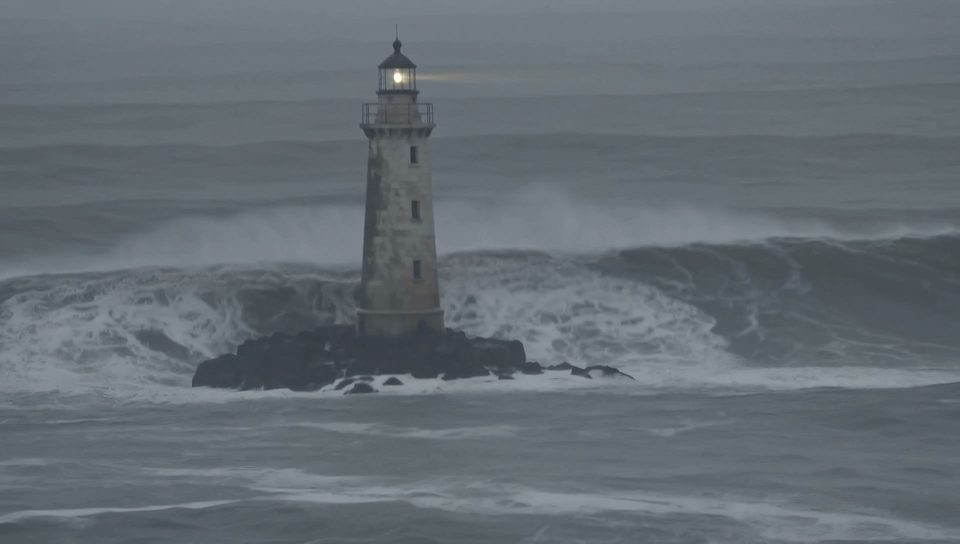 Weather00:00:10:00
FLUX 3
Watch with sound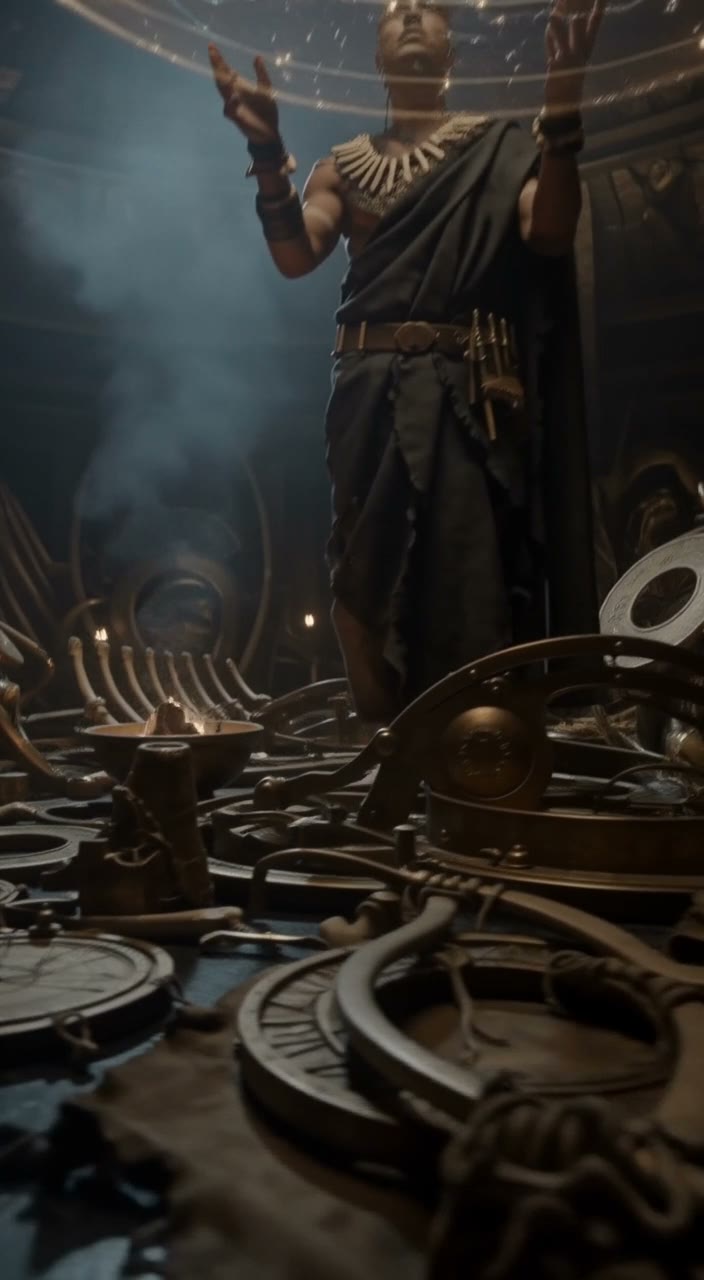 Fantasy00:00:10:00
FLUX 3
Watch with sound Nature00:00:10:00
FLUX 3
Watch with sound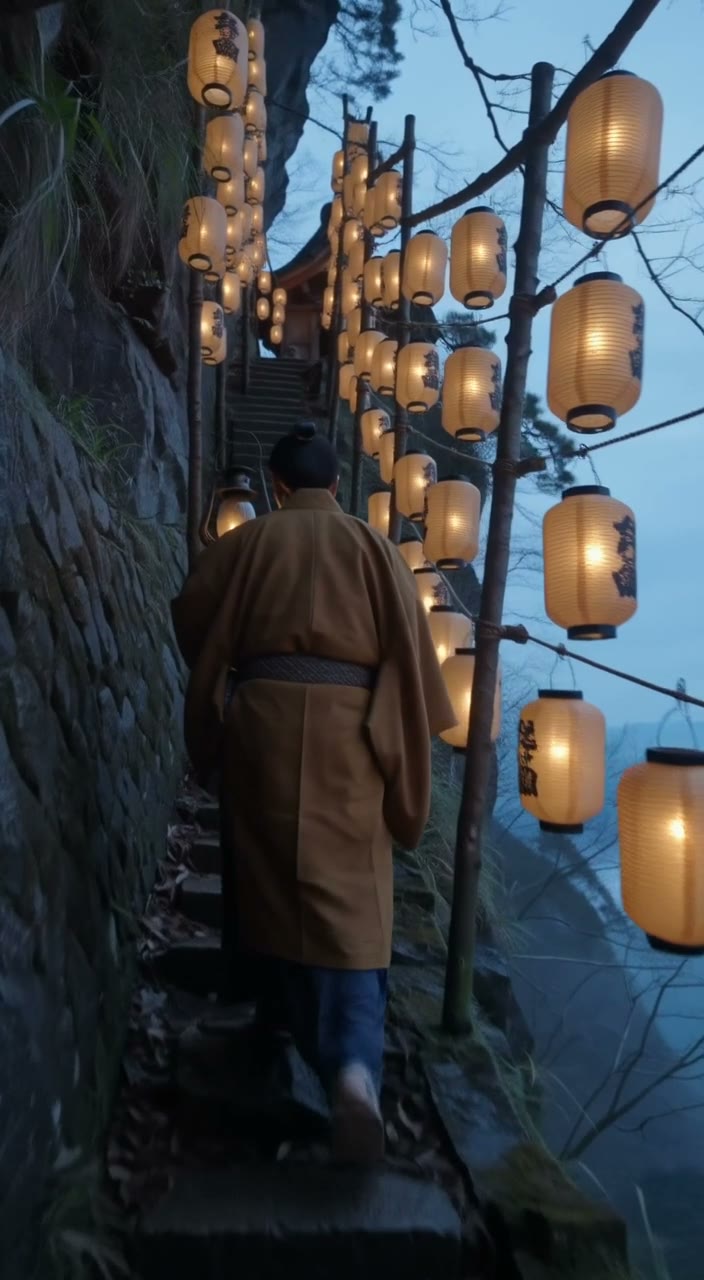 Ritual00:00:10:00
FLUX 3
Watch with sound Storm00:00:10:00
FLUX 3
Watch with sound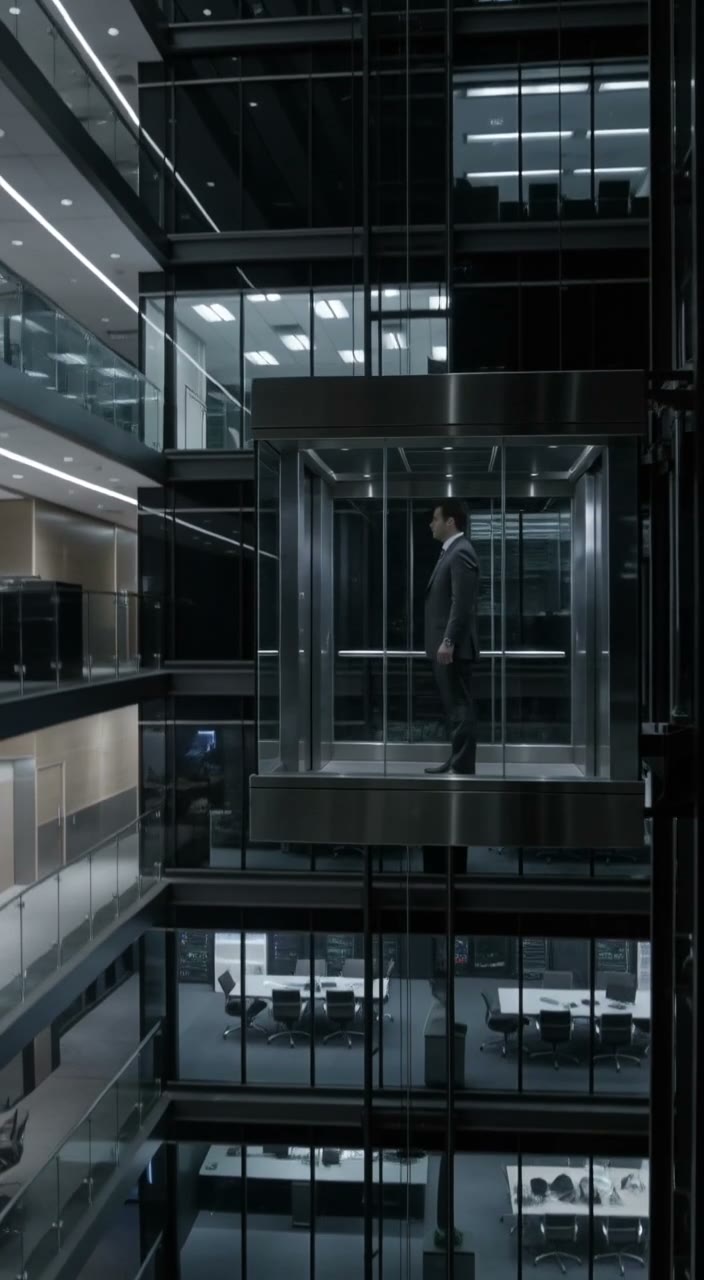 Corporate00:00:10:00
FLUX 3
Watch with sound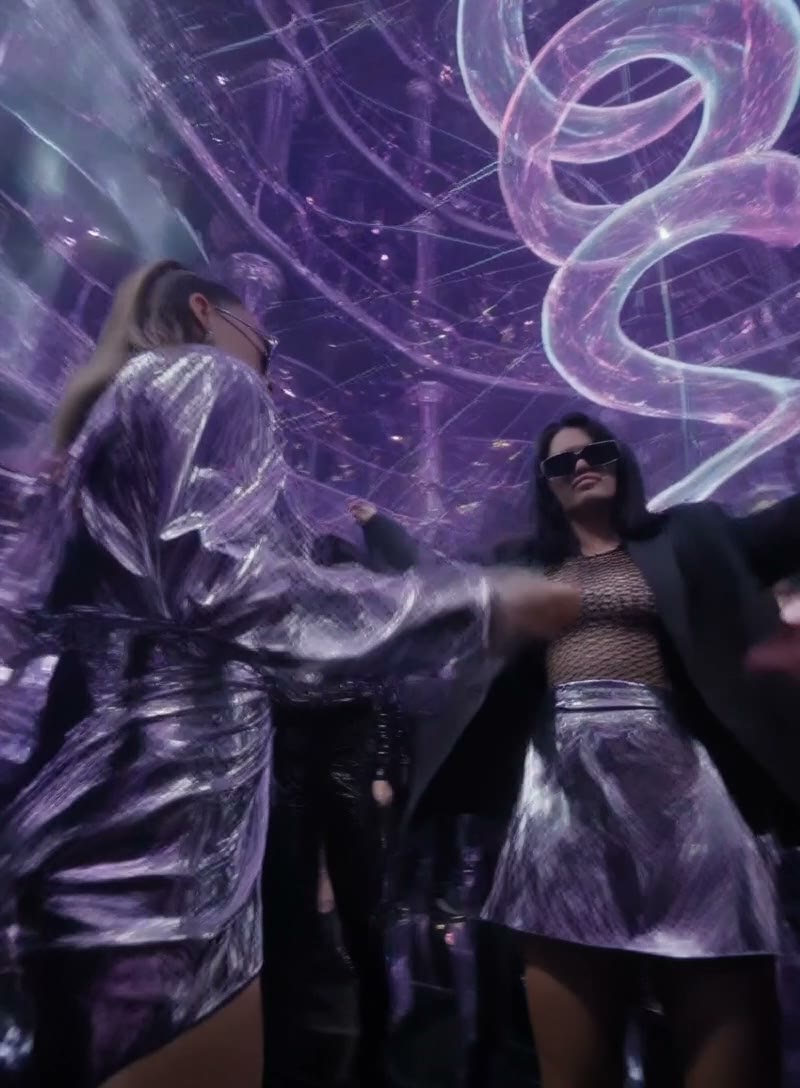 Nightlife00:00:10:00
FLUX 3
Watch with sound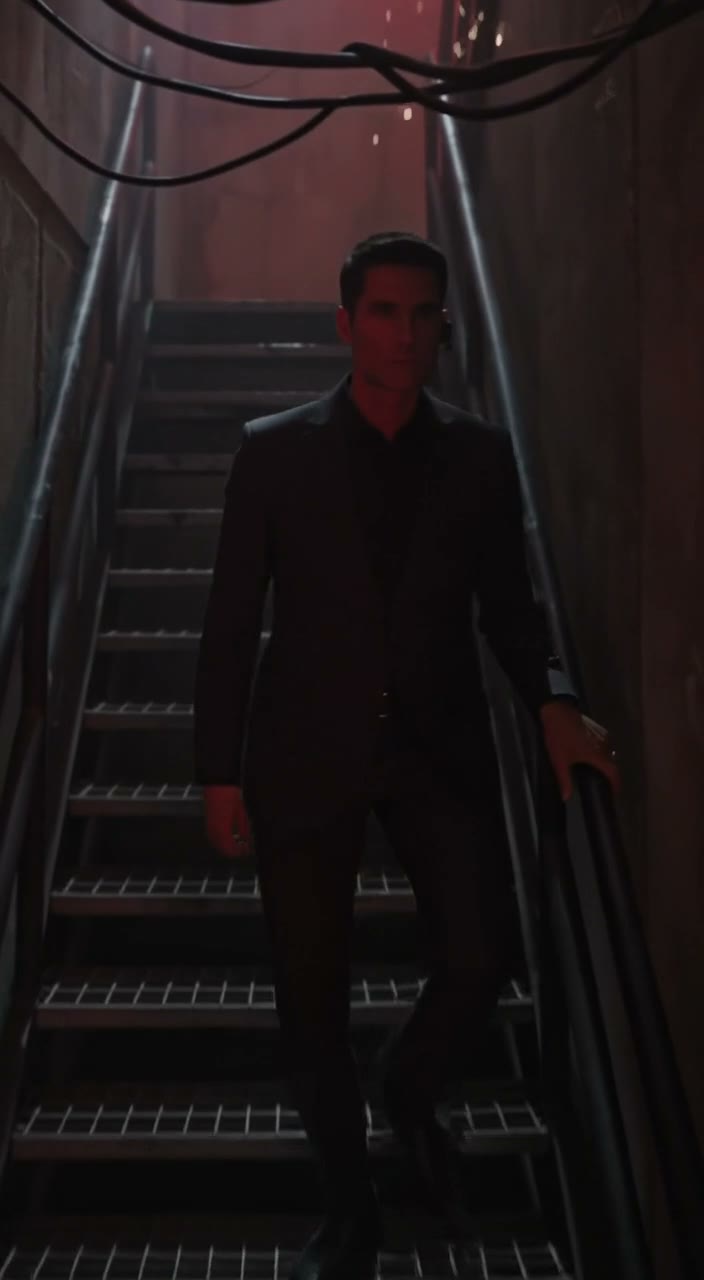 Thriller00:00:10:00
FLUX 3
Watch with sound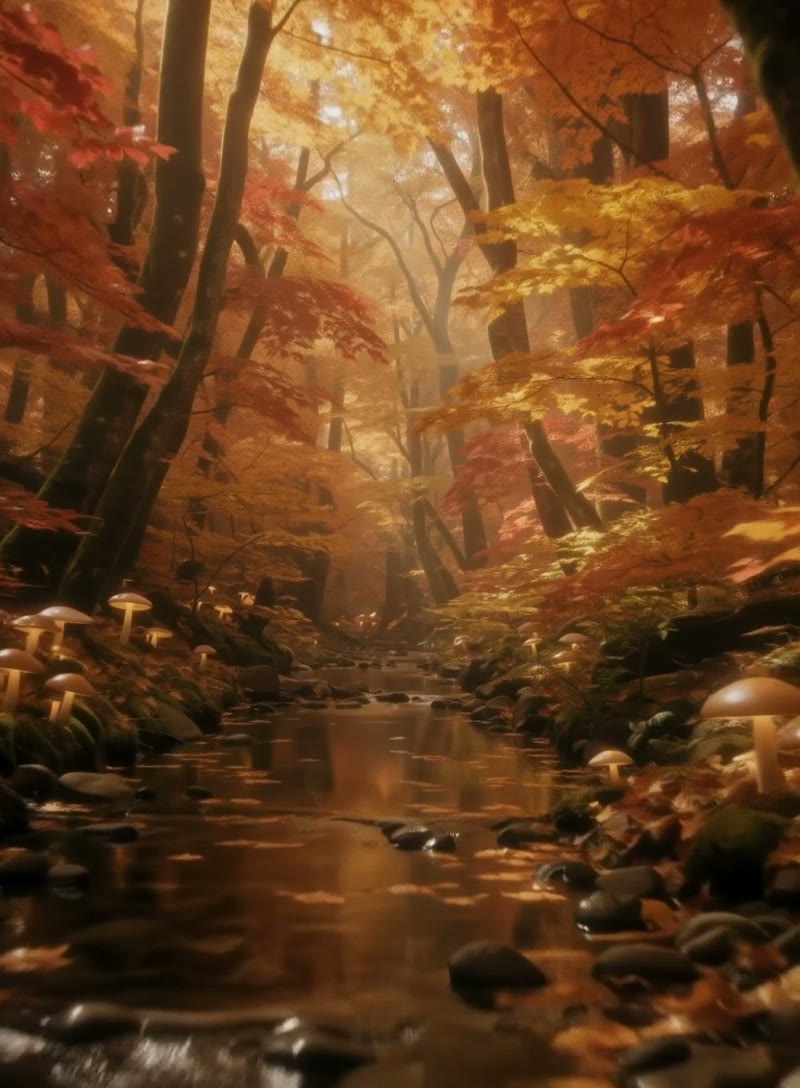 Wildlife00:00:10:00
FLUX 3
Watch with sound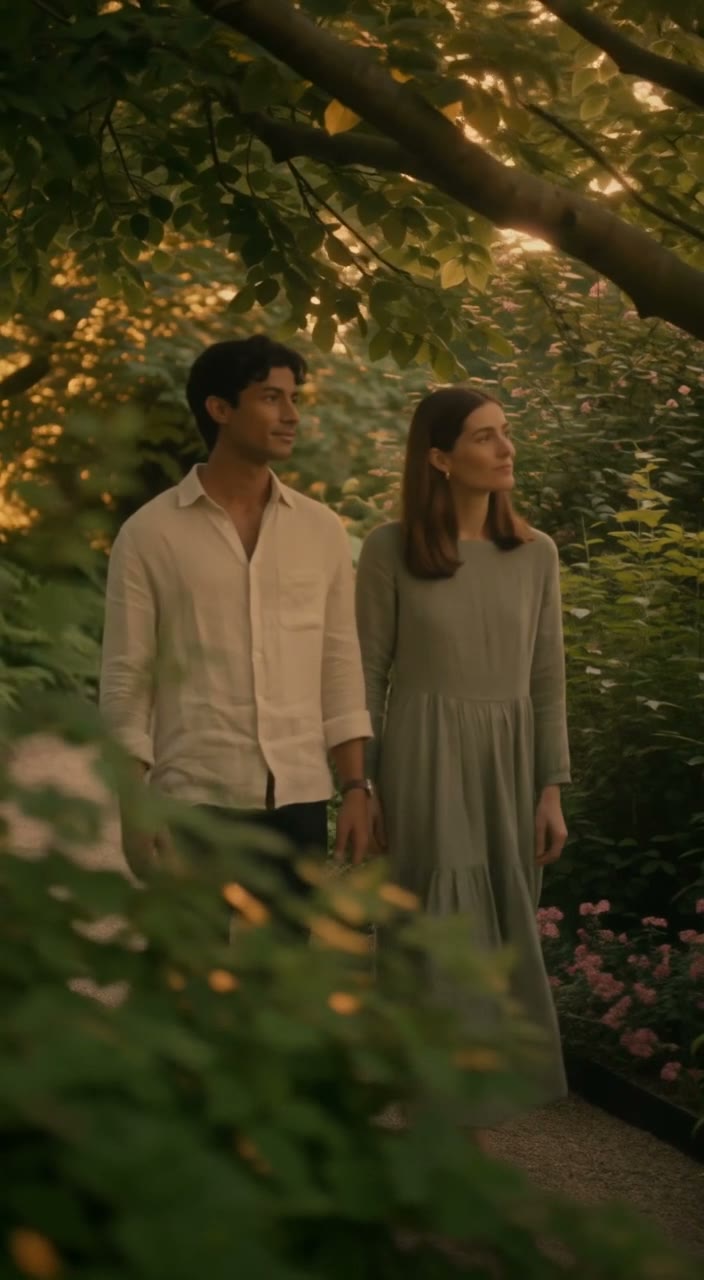 Lifestyle00:00:10:00
FLUX 3
Watch with sound● The sheet
FLUX 3 for a mixed take under 20 seconds. Seedance 2.5 for the long one take.
| Spec | FLUX 3 | Seedance 2.5 |
|---|---|---|
| Status | FLUX 3Live in the composer | Seedance 2.5Live in the composer |
| Input | FLUX 3Text, or up to 10 frames | Seedance 2.5Text, images, video and audio |
| Length | FLUX 35 to 20s | Seedance 2.54 to 30s |
| Audio | FLUX 3On by default | Seedance 2.5Optional native audio |
| Resolution | FLUX 3HD or FHD | Seedance 2.5480p, 720p or 1080p |
| References | FLUX 3Up to 10 frames | Seedance 2.5Up to 30 |
| Frames | FLUX 3Auto plus 7 ratios | Seedance 2.5Adaptive plus 6 ratios |
| From | FLUX 3⚡174 | Seedance 2.5⚡41 |
● Spec sheet
Figures reflect OpenClips defaults, September 2026.
Compare every model that renders sound.Compare every model that takes several references.
● What it covers
The jobs FLUX 3 lands. And the ones it wins.
● Quoted first
5s · flux-3-video
174
from $1.08
Where the composer opens. Prove the beat here.
20s · flux-3-video
693
from $4.30
The full twenty seconds, on the cheap tier.
20s · flux-3-video
1182
from $7.34
The deliverable. Top of the grid.
The price is on the button before you press it. Muting the audio does not change it.
● OpenClips MCP
No console and no syntax. Your agent briefs FLUX 3 through the OpenClips MCP server. It queues the render and hands back the cut.
https://mcp.openclips.aiStep 01
One sentence is the brief. Subject, sound, platform.
Step 02
Frame, length, tier, frames in and the ⚡ quote.
Step 03
Download it, remix it, or ship it.
● Director's notes
Four habits that separate a clean take from a re-roll.
Name the dialogue, the room tone, the effects. Audio renders either way.
Say what it sounds like
Position is the instruction. First is the open, last is the close.
Attach them in order
Prove the beat on the cheapest cell. Then buy the length.
Test short, buy long
Pick 9:16 or 21:9 before you render. There is no reframe pass.
Pick the frame first
● From the blog
 Prompt Craft
Six beats that turn one line of text into a trailer-grade clip.
Read it → Prompt Craft
Which frame wins where, and how to compose for it before you render.
Read it → Model Guides
Eight AI video generators, ranked by the shot each one wins.
Read it →● Not on OpenClips
The vendor ships more than the composer sells.
FLUX 3 is one model trained jointly across image and video. OpenClips serves the video half only.
Read the vendor page● Questions
FLUX 3 is free to try. A new account gets ⚡50 on signup with no card. Video renders draw from that wallet, and a FLUX 3 take costs more than the grant, so top up when the deliverable matters. Packs start at $10/800⚡. Image models stretch the grant furthest.
Yes. Speech, effects and ambience render in the same pass as the picture, and the audio arrives on the timeline ready for the editor. It is on by default. You can switch it off, and the render costs the same either way.
Any whole second from 5 to 20. It is a range, not a ladder, so 13 seconds is as dispatchable as 5. The composer opens on 5. On HD a 5-second take is ⚡174 (from $1.08) and a 20-second one is ⚡693 (from $4.30).
Yes, and the stills are frames rather than style references. One image is the opening frame. Two are the open and the close. Three to ten space out evenly across the take, or you place each one on the timeline yourself. Up to ten per render.
Two tiers: HD and FHD. The composer opens on HD. FHD costs more at every length, so draft on HD and buy the tier for the deliverable. A 20-second FHD take is ⚡1182 (from $7.34), against ⚡693 (from $4.30) on HD.
No. FLUX 3 is a video model on OpenClips, and the vendor's image family stays on FLUX.2, which OpenClips does not serve. Image work goes to the live image roster. Seedream 5.0 Pro covers typography and key art, Nano Banana Pro covers photo edits, GPT Image 2 covers precision work.
Seedance 2.5 for one unbroken take up to 30 seconds at ⚡41 (from $0.25). FLUX 3 for a mixed take under 20 seconds with sound already on it, at ⚡174 (from $1.08). Both share the composer, the wallet and the library.
● The receipts
Every link goes to the vendor's own page.
Black Forest Labs announced FLUX 3 on 23 July 2026 as one model trained jointly across image and video, in early access.
https://docs.bfl.ml/release-notesTwenty seconds of it, priced before you press.
Generate with FLUX 3Or roll with a sibling model
Black Forest Labs announced FLUX 3 on 23 July 2026. One model, trained jointly across image and video, in early access at the vendor. OpenClips exposes the video half as flux-3-video. Text goes in, or up to ten stills, and a take comes back with its sound already on the timeline.
Speech, effects and ambience render in the same pass as the picture. There is no foley session and no dub. You can switch the audio off, and it costs the same either way.
Attached images are frames, not style references. One still is the opening frame. Two are the open and the close. Three to ten space out across the take, or land where you place them.
The vendor's image family stays on FLUX.2, and OpenClips does not serve it. Typography-heavy key art goes to Seedream 5.0 Pro, photo edits to Nano Banana Pro, precision work to GPT Image 2.
● Where to go next