
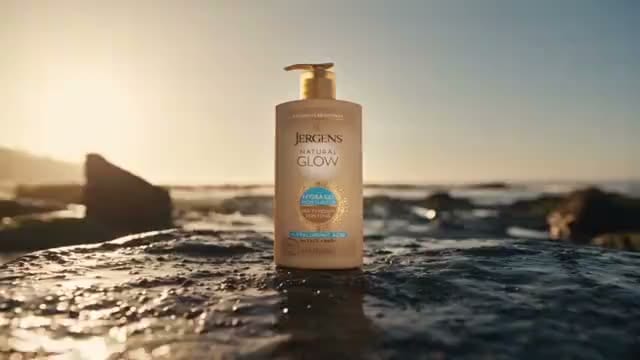
one product shot.
You stop booking a studio for every angle. Pick a template. The price is on the card.
The templates
Every product angle, priced.
Pick a shape. The card carries what it costs.
Image ads
studio layout & copy included
⚡31from $0.13
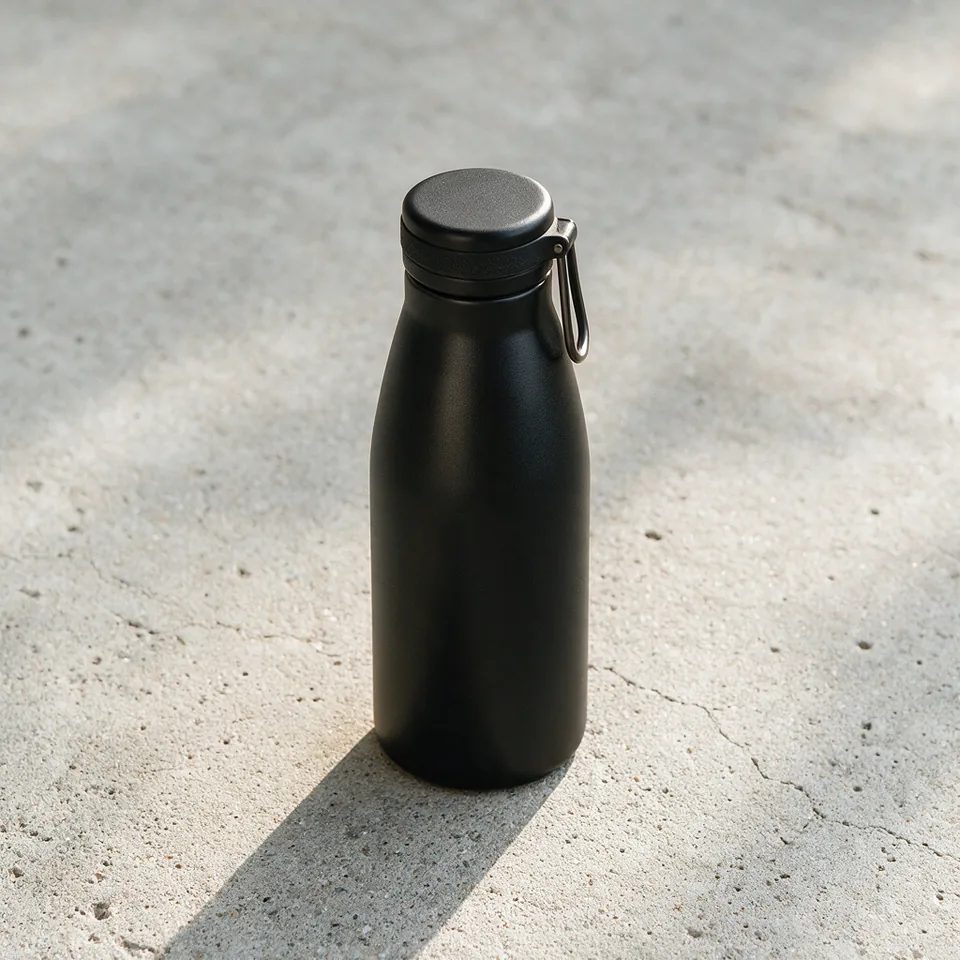 Product Hero
 Bold Typographic
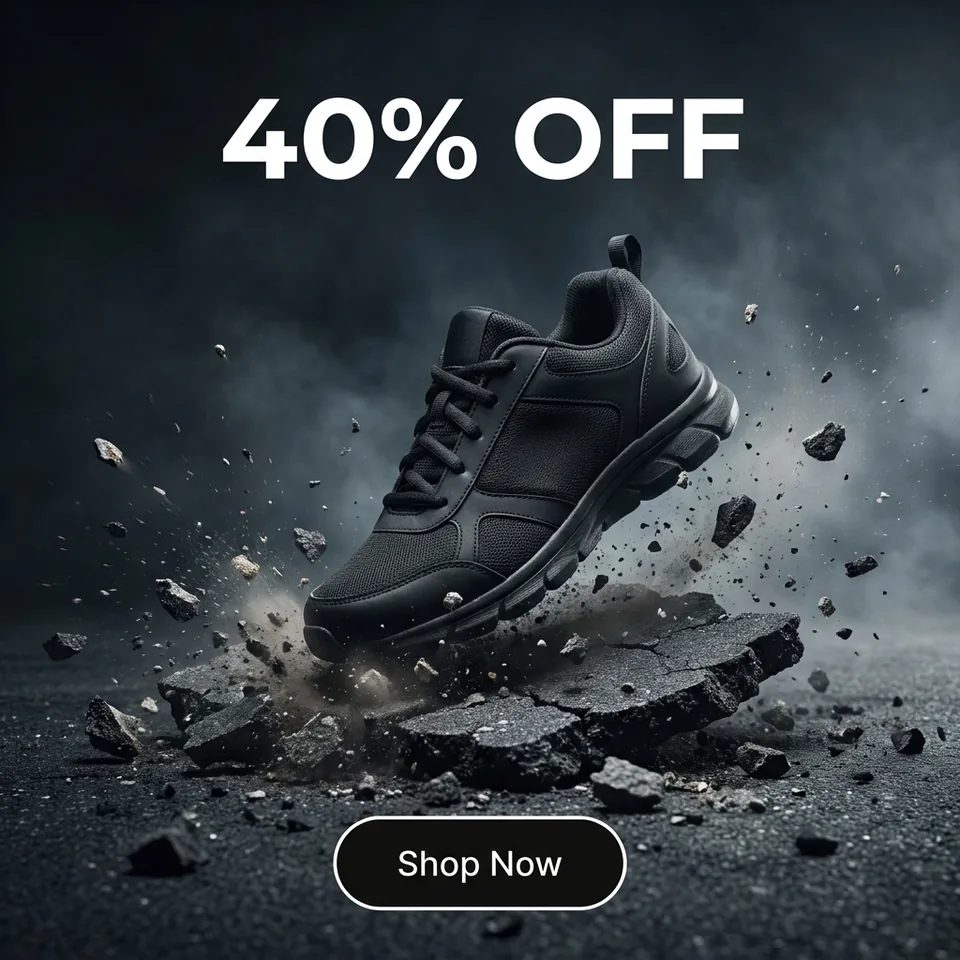 Offer / Promo
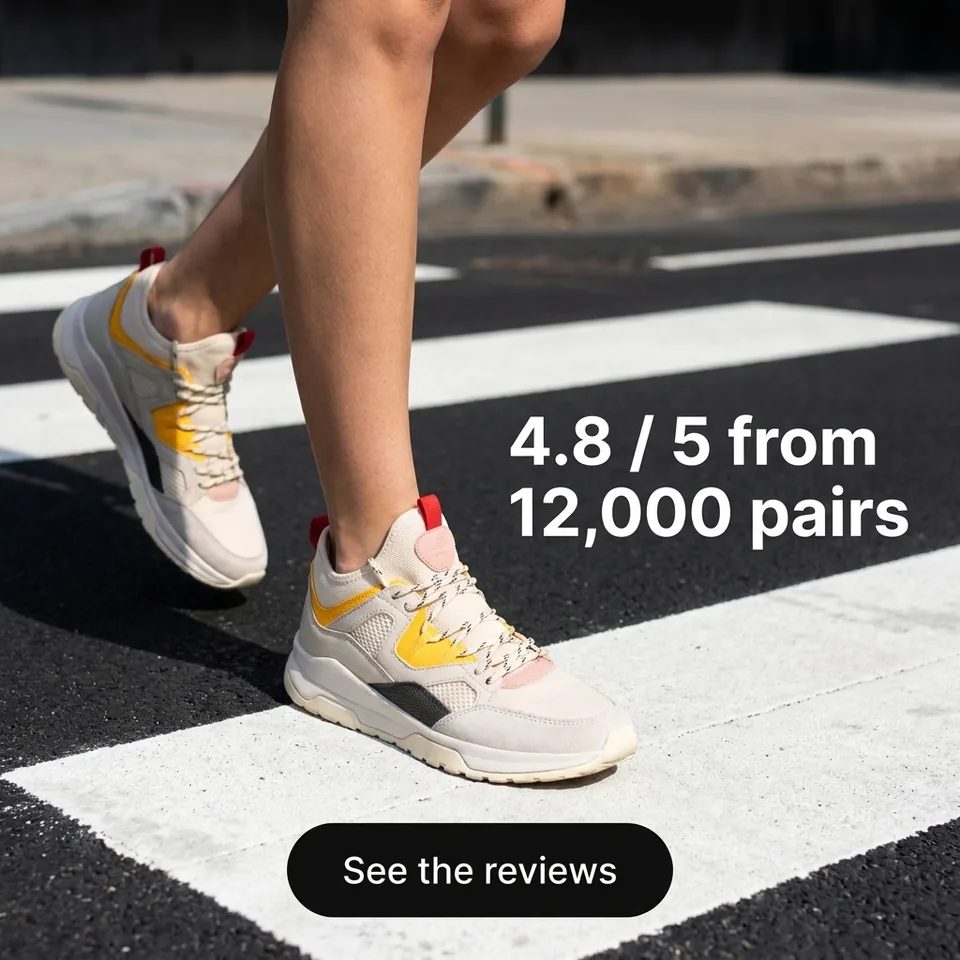 Social Proof
 Before / After
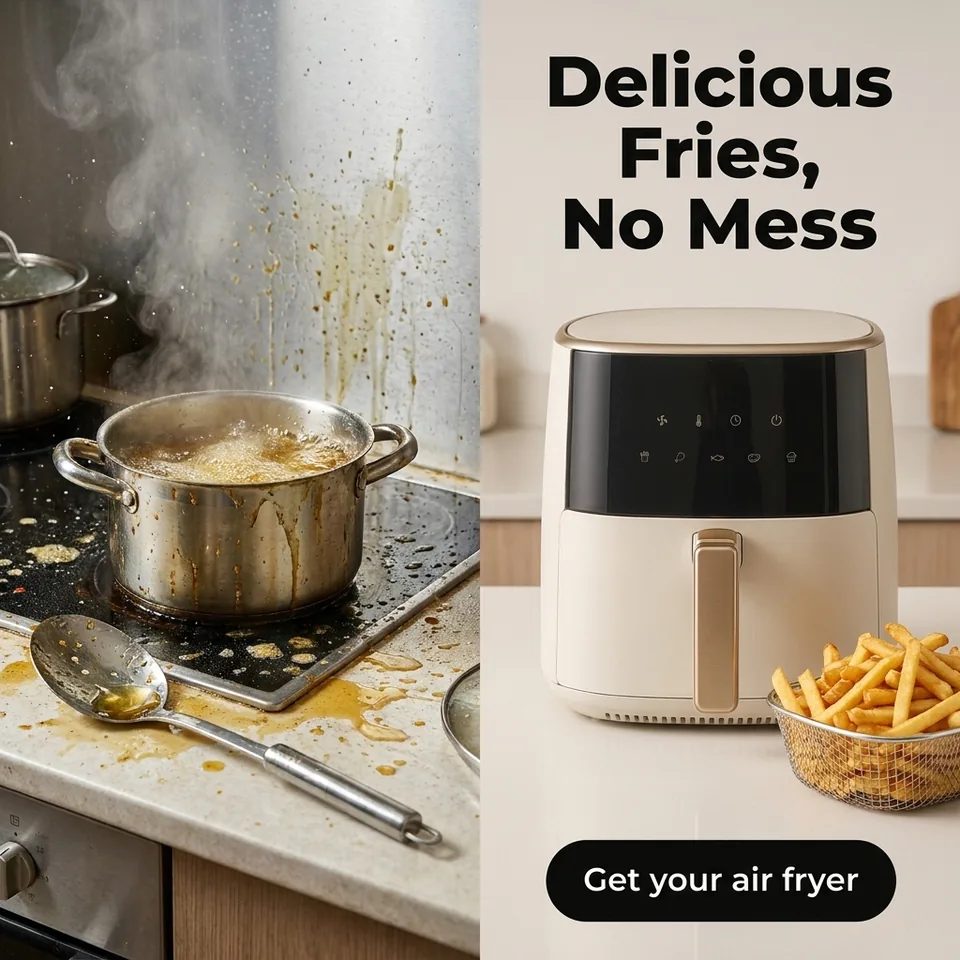 Comparison / Versus
 Problem → Solution
 Statistics & Data
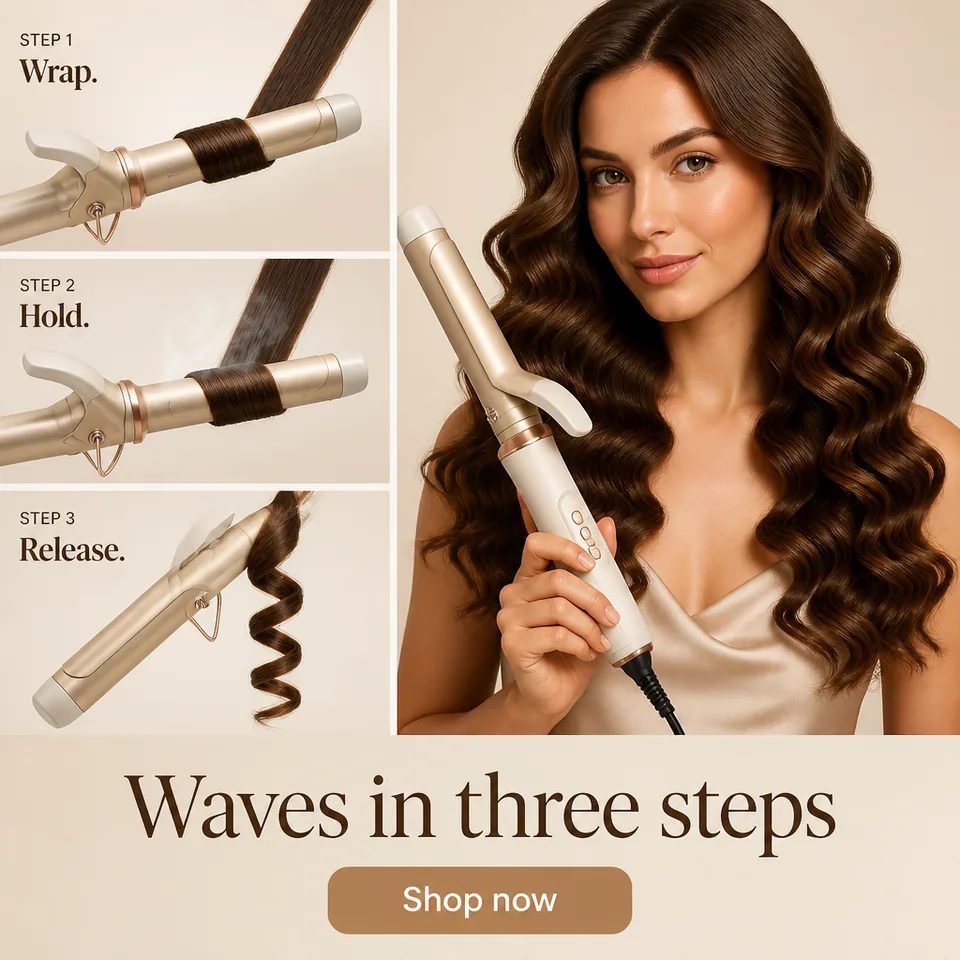 How-to / Steps
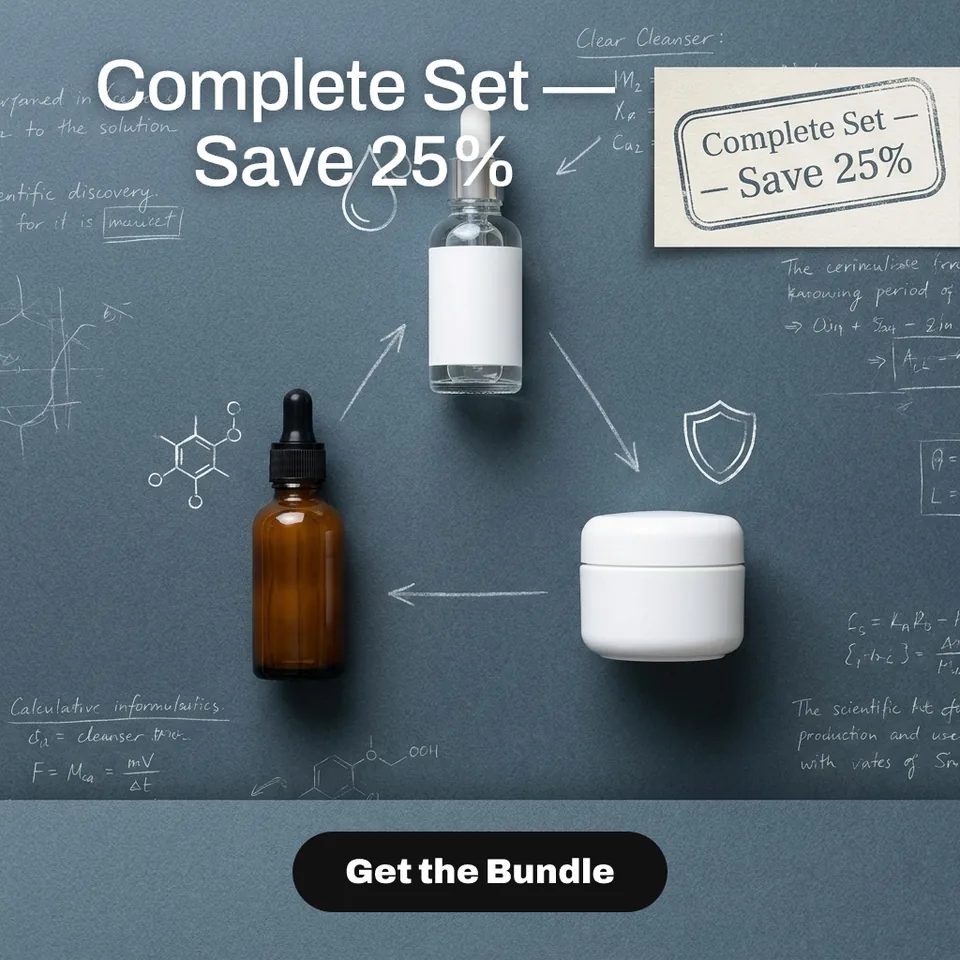 Bundle & Combo
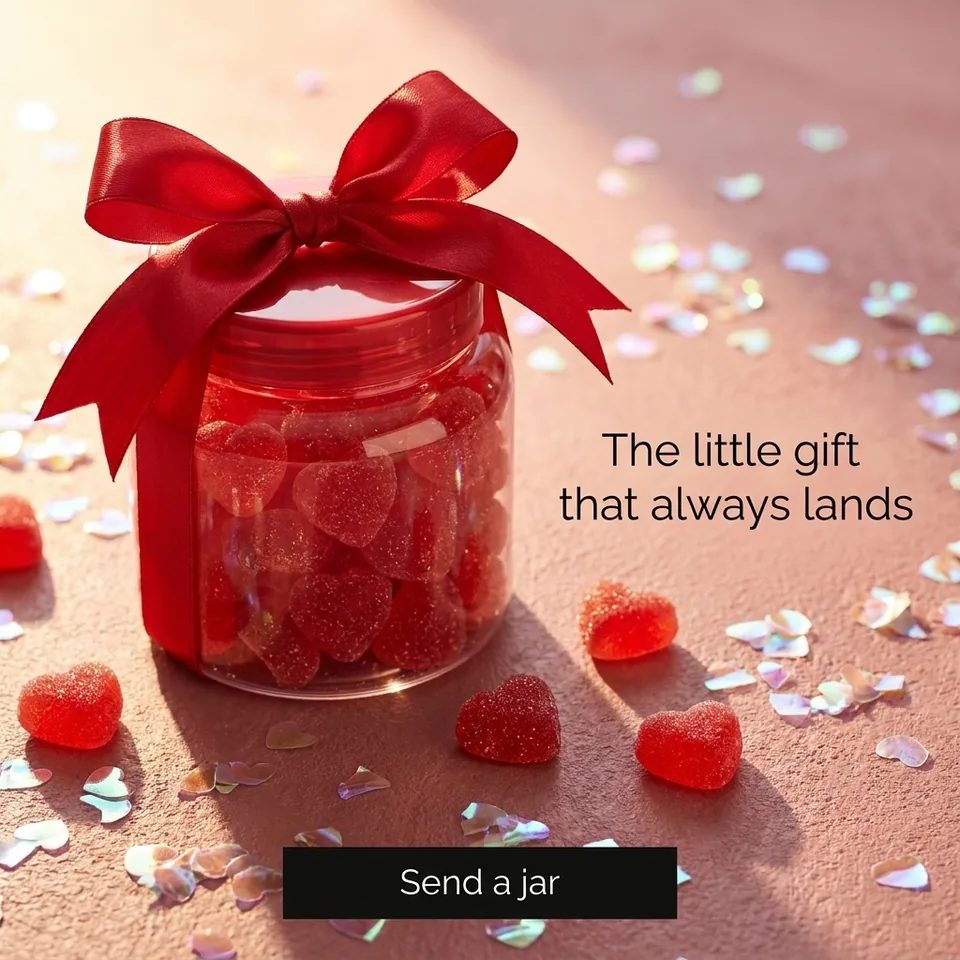 Gift & Occasion
 Seasonal Moment
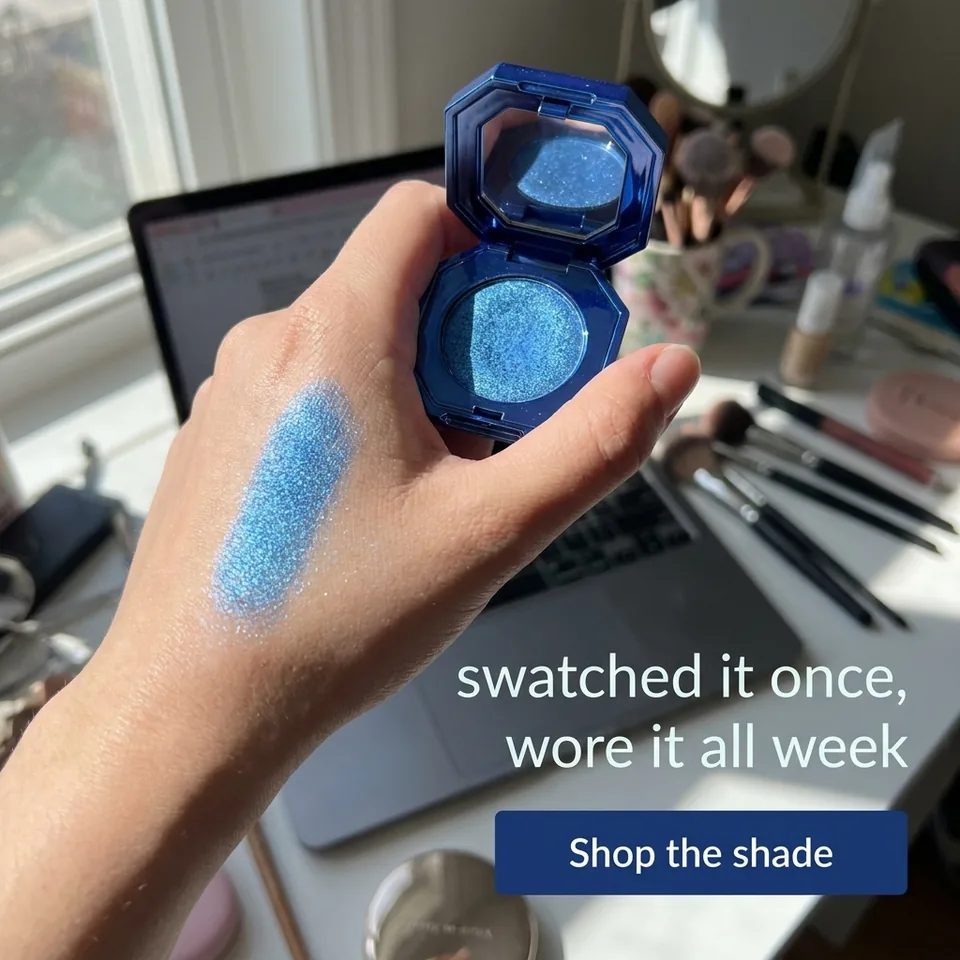 UGC / Authentic
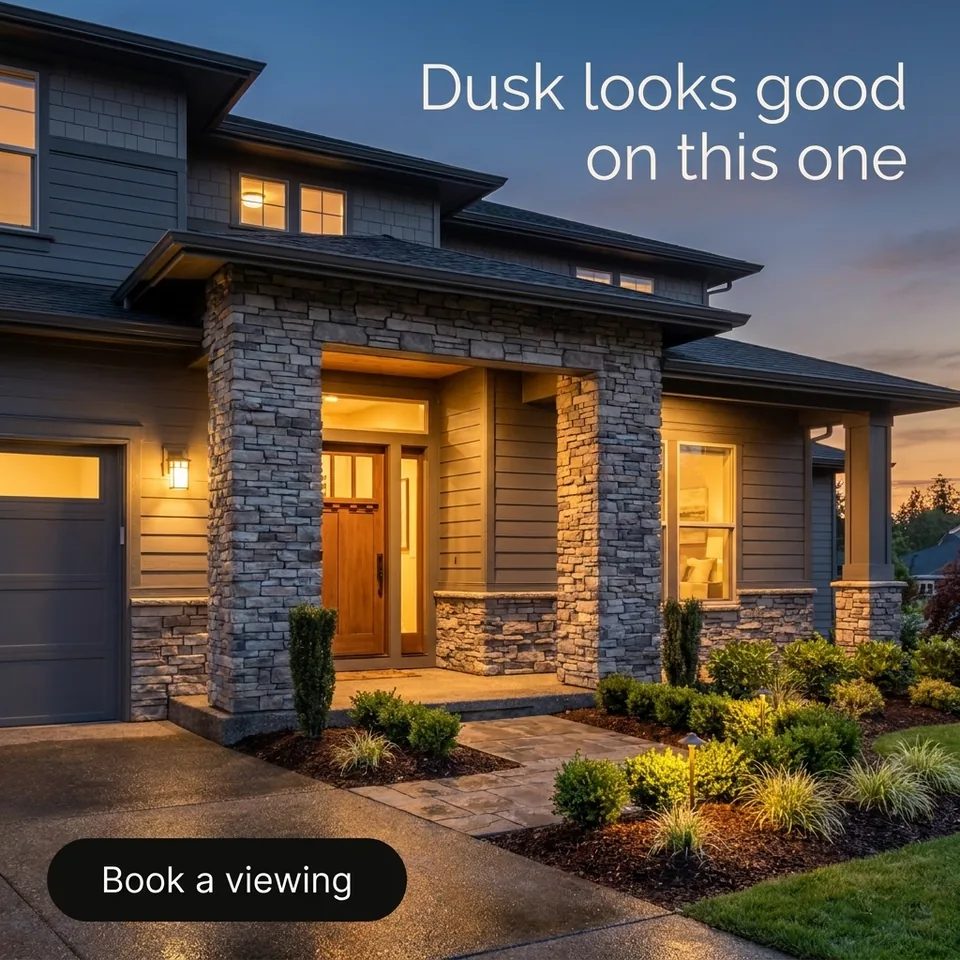 Real Estate
 Automotive
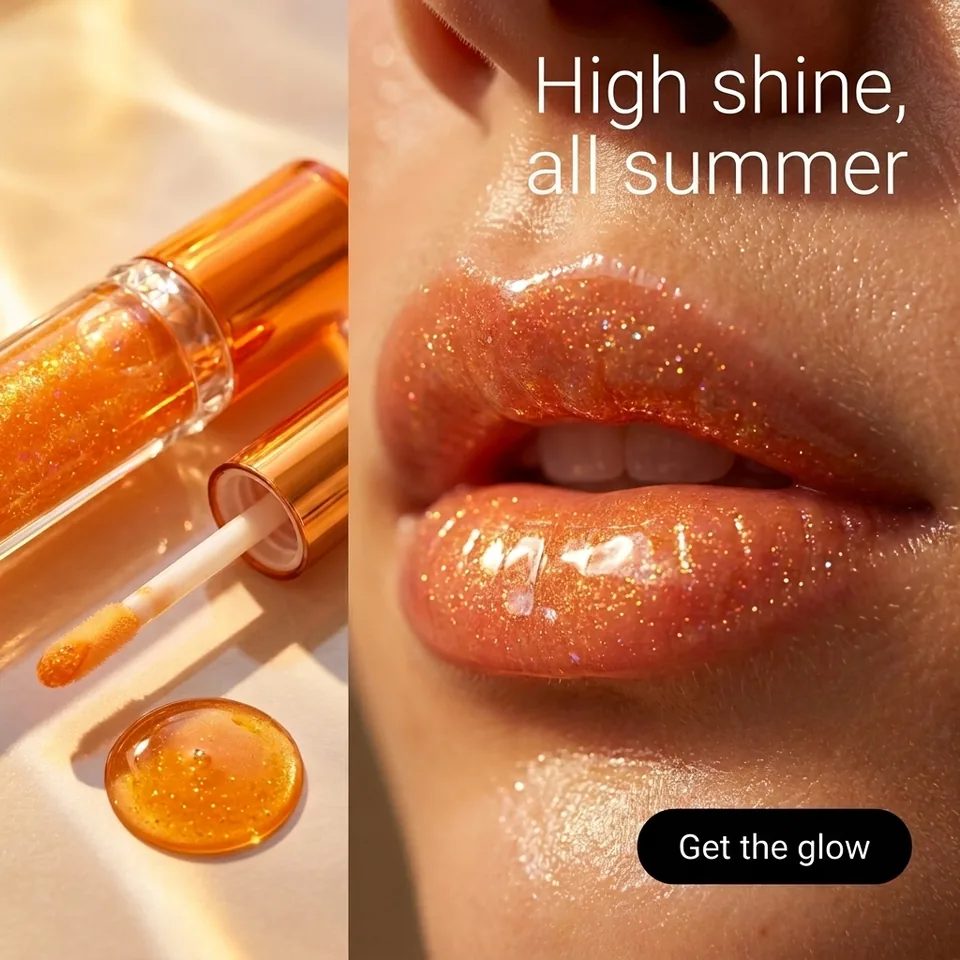 Beauty
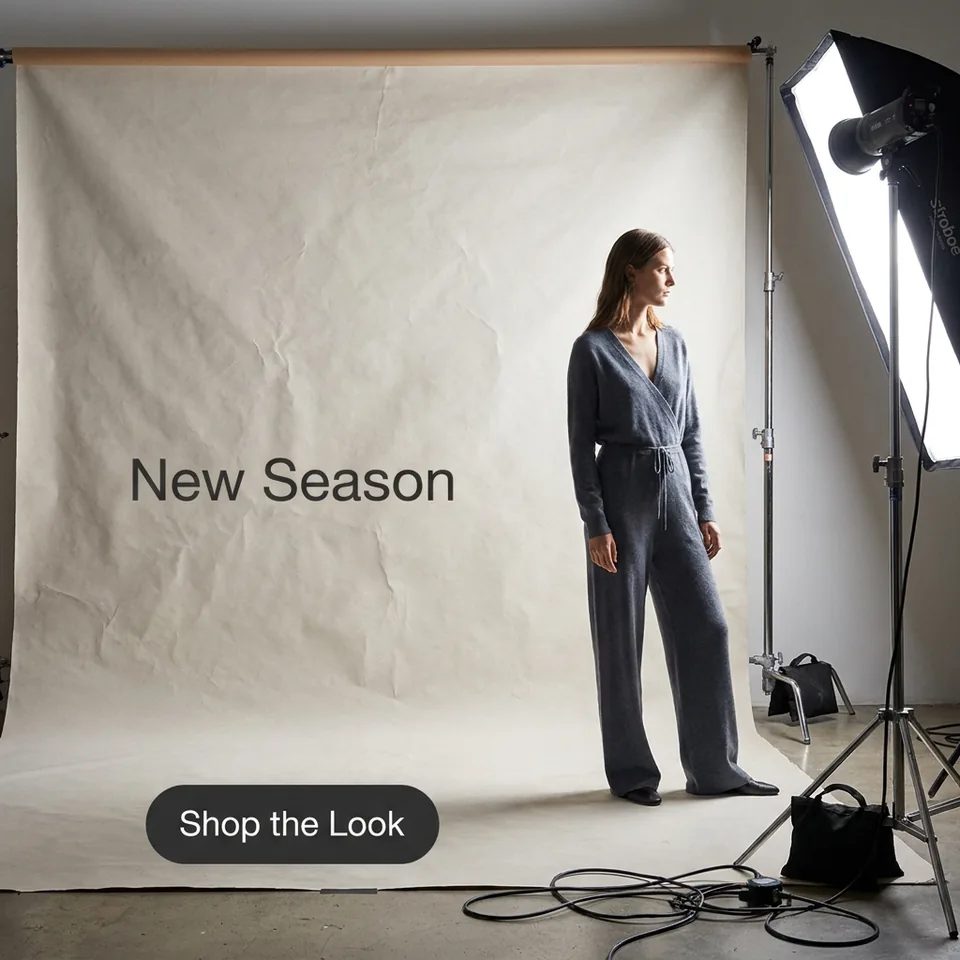 Fashion
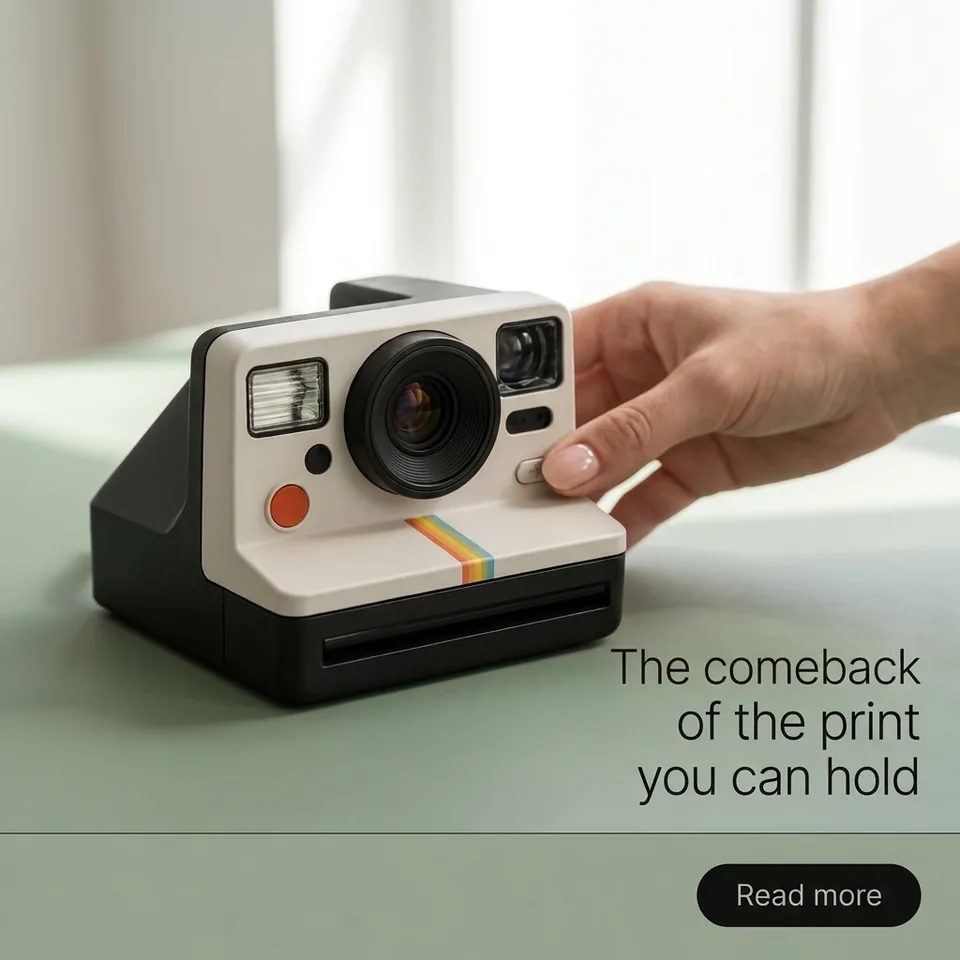 Press / Editorial
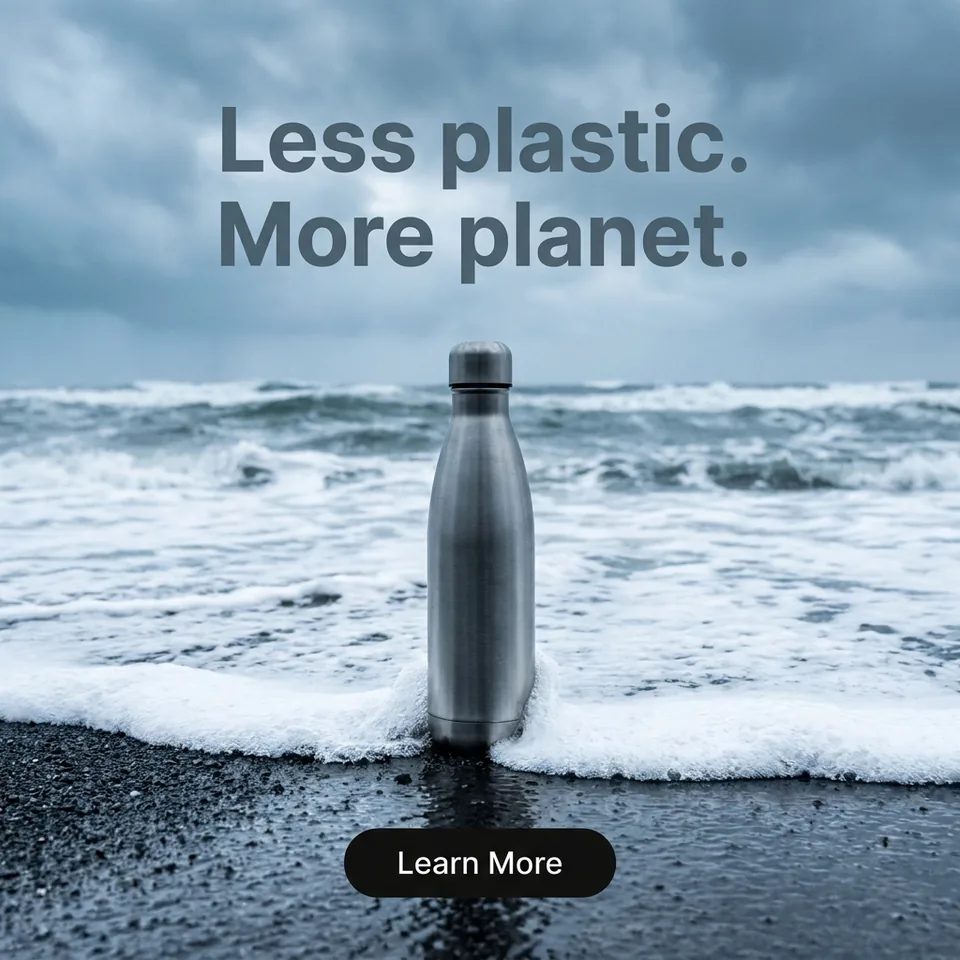 Mission & Values
Real renders
Made here. Prompt included.
Product work from the gallery. Every prompt is verbatim.
Slow-motion hero shot of a matte-black bottle rotating on wet stone, studio rim light
Extreme macro: espresso crema swirling, steam catching golden light
Fifteen-second brand anthem: dawn over the city, logo forms from light trails, orchestral hit
Three moves
From one product shot to a finished ad.
Upload the product
Add one clean product photo. That is the reference.
Pick the angle
Choose the layout you need. The card shows its price.
Render the set
The exact price sits on the button. Press it once.
Behind the render
The model pages for these templates.
Nano Banana Pro renders the stills on this page. Seedance 2.5 and Omni Flash render the motion on the ad pages.
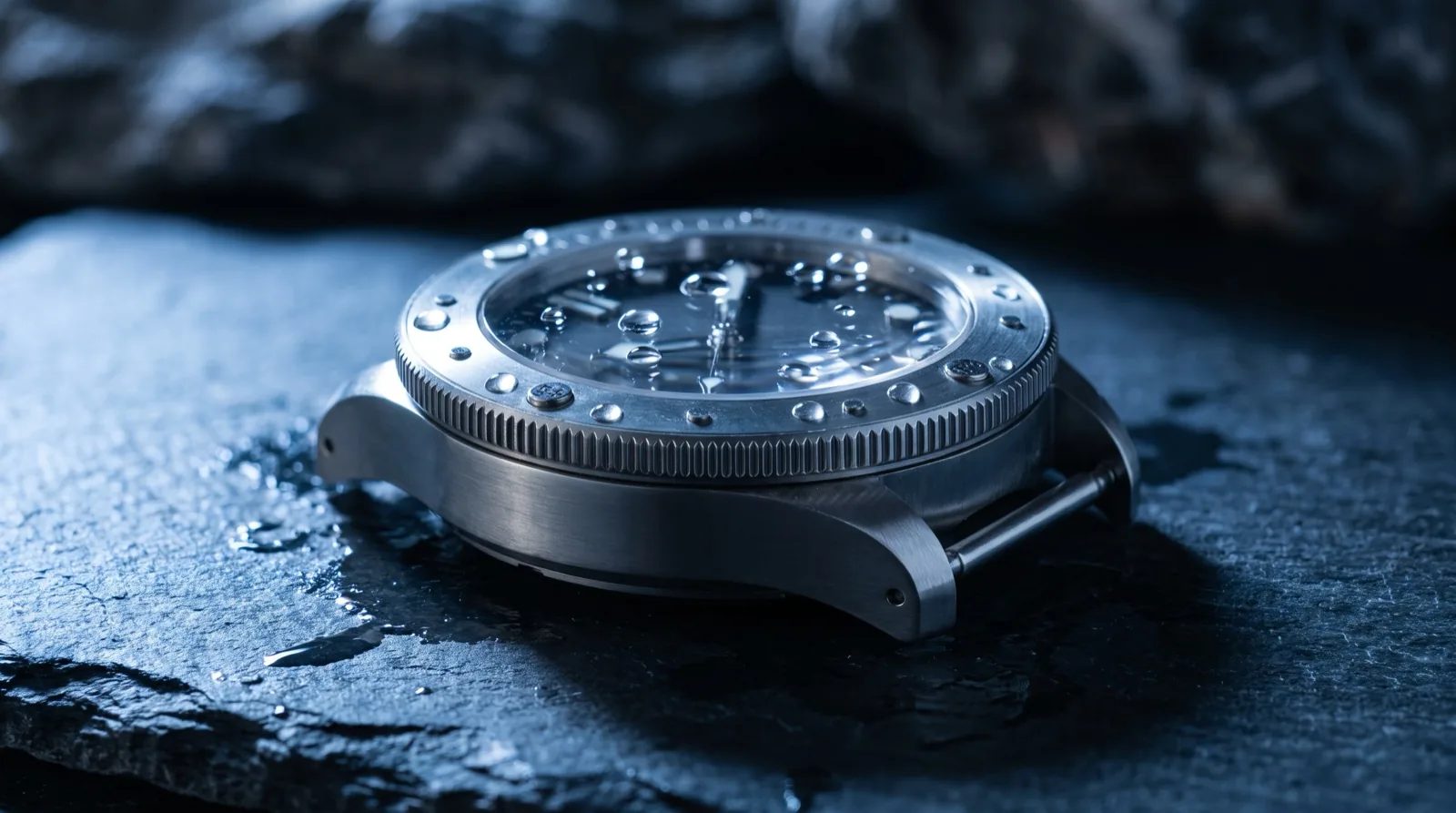

Product ads from one product shot
An angle set used to mean a studio, a photographer and a day. A product ad generator replaces the booking with a reference: you upload one clean product photo, pick the angle and describe the placement, and the platform composes the layout. What changes here is that the templates are not invented copy on a landing page. They are the angles the platform actually dispatches, read straight from the catalog, and each one carries the price of the render it produces.
Stills on this page, motion on the ad pages
The lane on this page renders stills, priced per image, because that is what the product angle templates are. When the brief needs motion, the commercial templates live on the AI video ads page and the creator-style ones on the UGC ads page, each with the same kind of price on every card. One product photo can seed either.
Product photos from the same product link
The same link makes studio product photography on a clean set and lifestyle product photography in a real scene. The product ads page shows which image templates fit an online store, best fit first.
The price is visible before you spend
Every figure on this page comes from the published price grid. The credit price is the cell the composer will fire for that template, and the dollar beside it is the same figure at the pay-as-you-go pack rate. Nothing here is a list price we typed. When the rate card moves, this page moves with it, and the binding quote is still the one on the Generate button.
Frequently asked questions
A product video generator turns a product photo and a written brief into ad creative without a studio booking. On OpenClips the angle sets on this page render as stills, priced per image. The moving product templates sit on the AI video ads page. Both read their templates and their prices from the same catalog.
The lane on this page is the still angle set: one product photo becomes a finished layout with the copy placed, priced per image. For a moving product ad, open the AI video ads page, which carries the commercial and creator-style templates with the same kind of price on every card. The same product photo seeds either one.
Each template card on this page shows its price in credits and the same figure in dollars at the pay-as-you-go pack rate. The dollar figure is labeled because credits sell at several rates, and plans or larger packs buy them cheaper. Before you render, the composer puts the exact price of your configured image on the Generate button.
No. One clean product photo is the reference every template on this page works from. You pick the angle and the placement, and the model composes the layout around the product you uploaded. The templates here are the angles the platform can render today, and each card names the model page behind it.
Free to try. A new account gets a one-time credit grant and no card is asked for. Packs start at $10/800⚡. A still costs less than a clip, so the grant goes further on the angle sets than on video.

Ship the angle set today
Upload the product. Pick the angle. Render it.
Render a product adThe price is on the button before you press it.