







































Sign up and save up to 25% on a yearly plan.Sign up free →
Pricing, save up to 25% on yearly plans

AI video prompt examples, by category

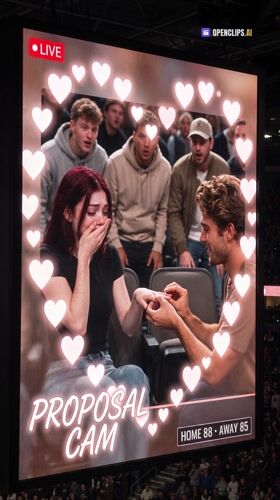
Every workflow shows its full prompt. Pick a category. Run one with your own photo.

  • 17 categories
  • 629 workflows
  • Full prompt on every one

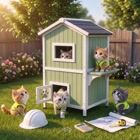
For your pet

You upload one photo of your dog or cat.

How to use these prompts

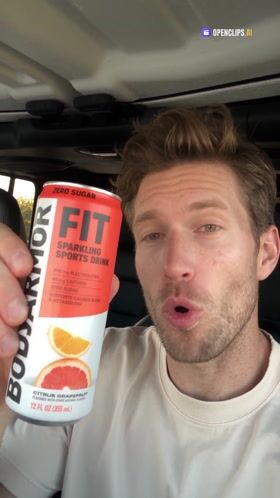
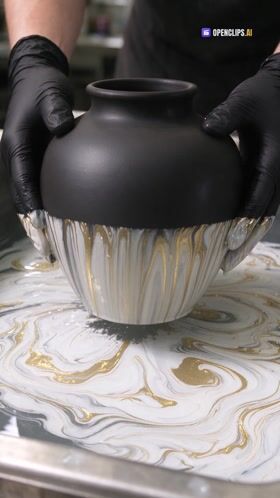
Each category collects workflows that already worked. Open one and you see three things: the finished video, the full prompt and the photo it asks for. Run it as it is with your photo, or change one line of the prompt to make it yours.

Read the prompt before you run it

A good AI video prompt names the role, the action, the camera and the sound. Every prompt here shows those parts, so the examples double as a guide to writing your own. Copy the structure, swap the subject, keep what makes it work.

Questions

Frequently asked questions

A workflow someone already ran, shown with its finished video and its full prompt. You see the result first, read exactly what produced it, then run the same recipe with your own photo. Nothing is hidden behind a button.

Yes. Open any workflow and add the photo it asks for: your face, your product or your pet. The workflow keeps the scene, the camera and the sound, and puts your subject in it. Change one line of the prompt first if you want a different take.

Start from what you have. A selfie fits every category under Starring you. A product photo fits the product categories. A photo of your dog or cat fits the pet category. Each category page opens with its most watched workflows.