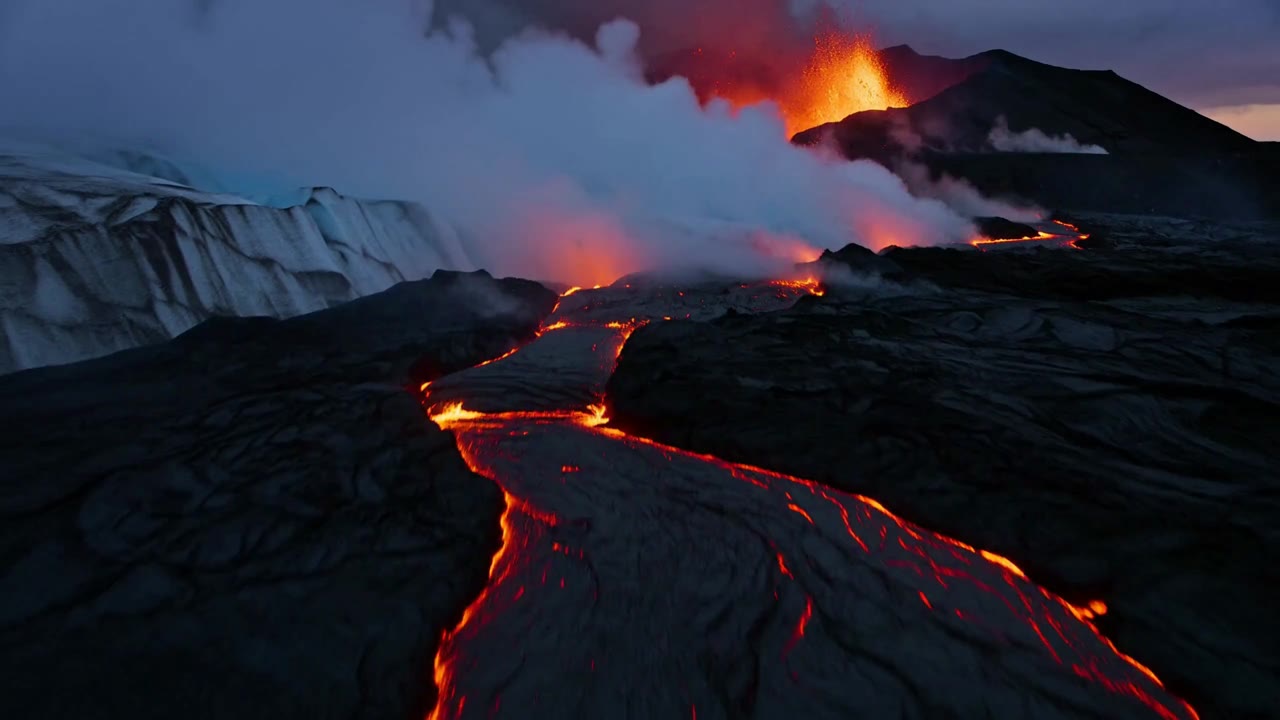
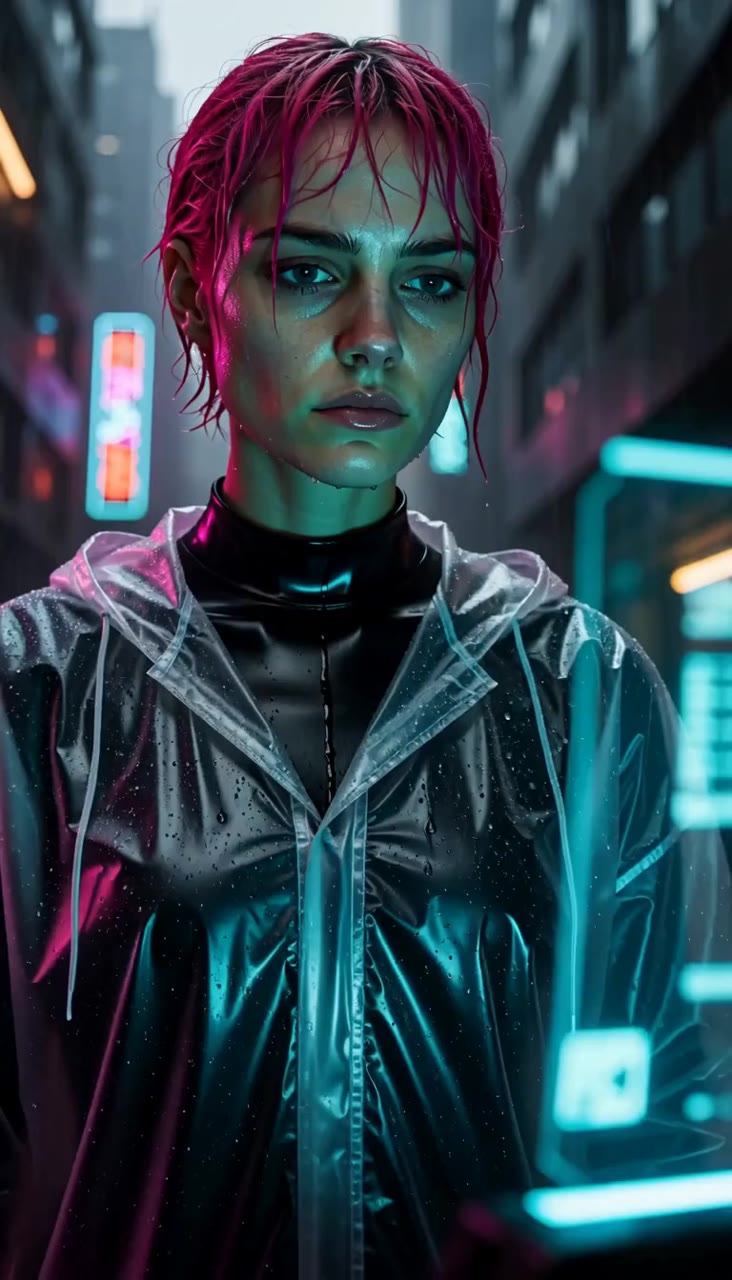
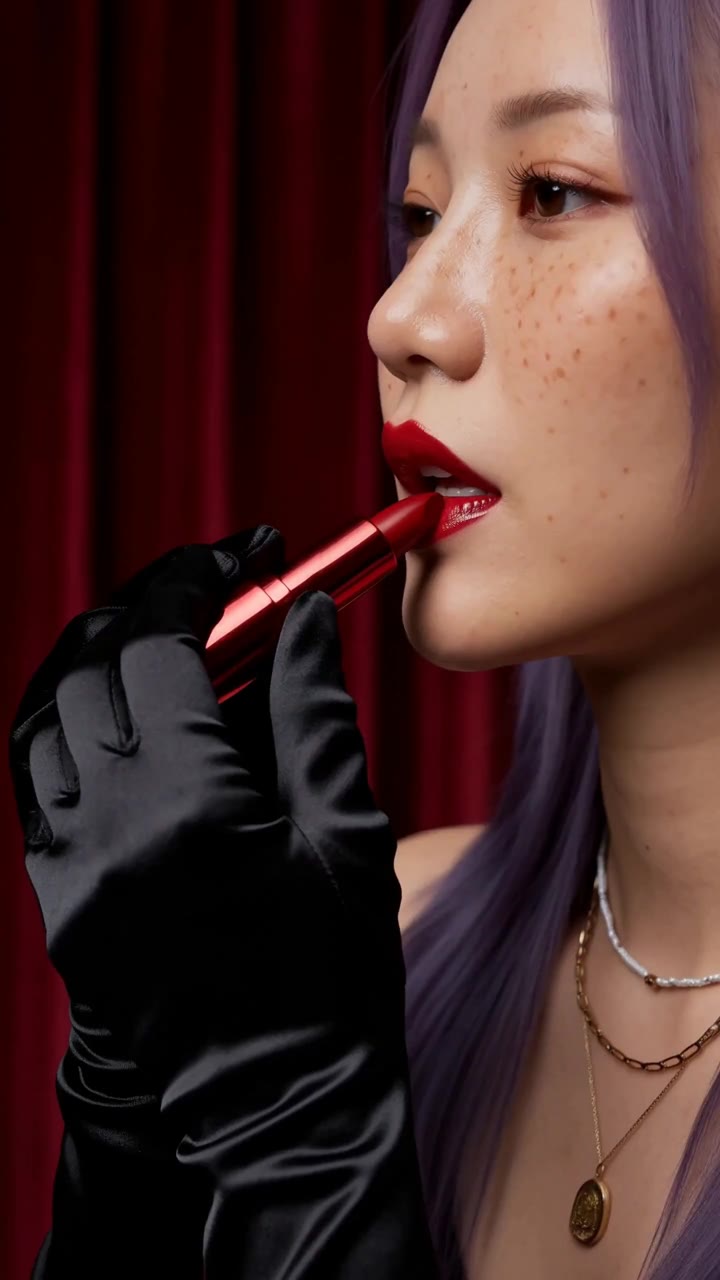
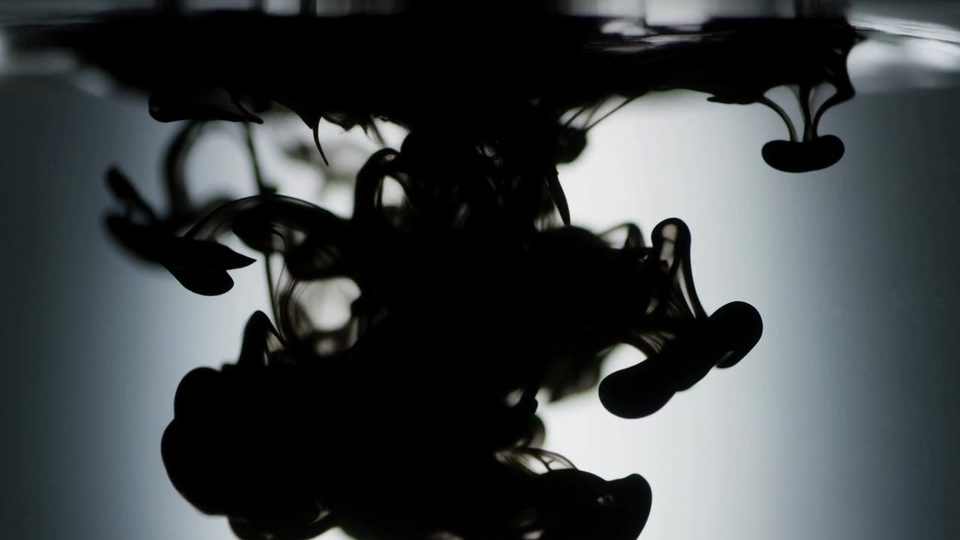
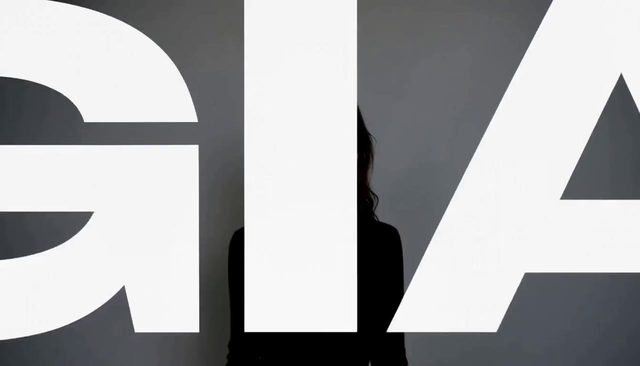
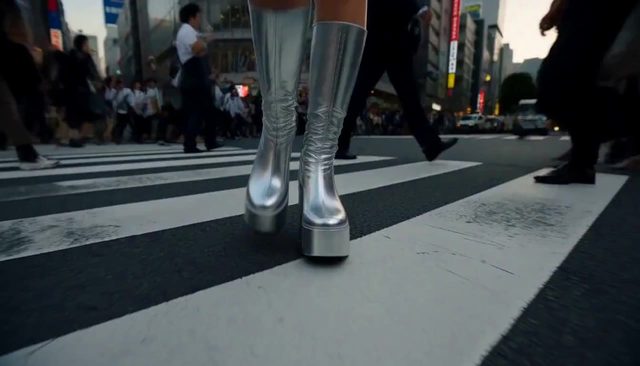
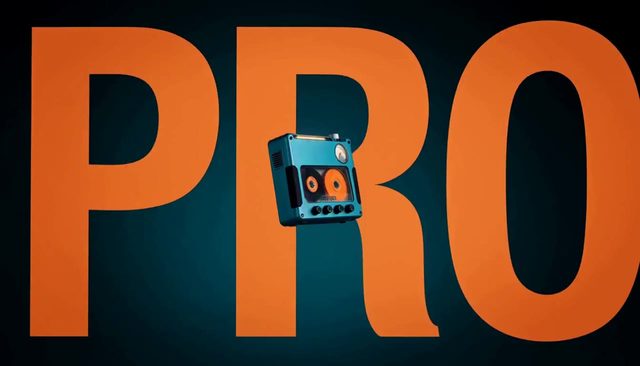
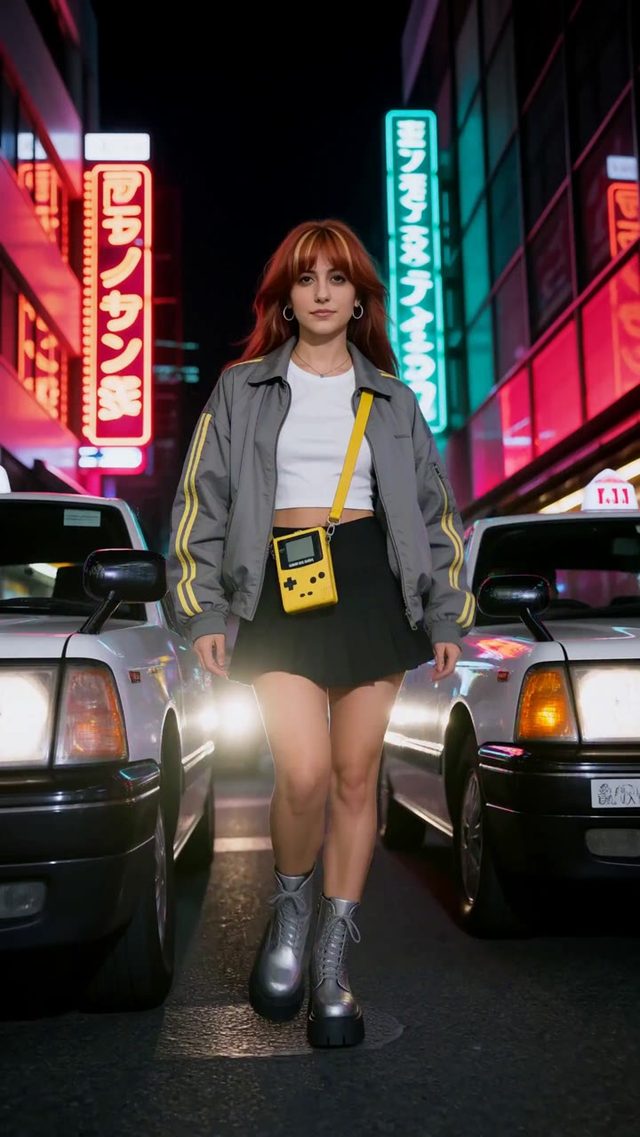
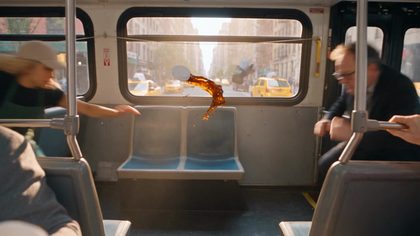
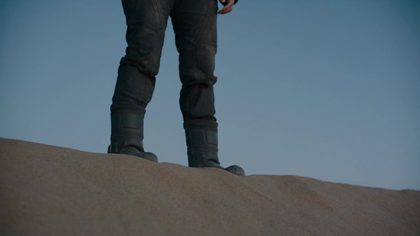
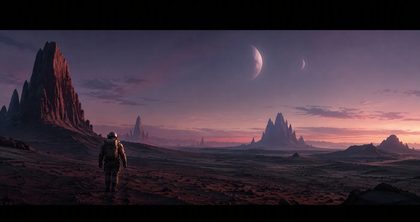
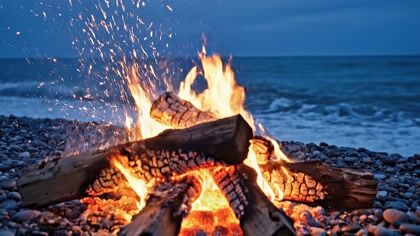
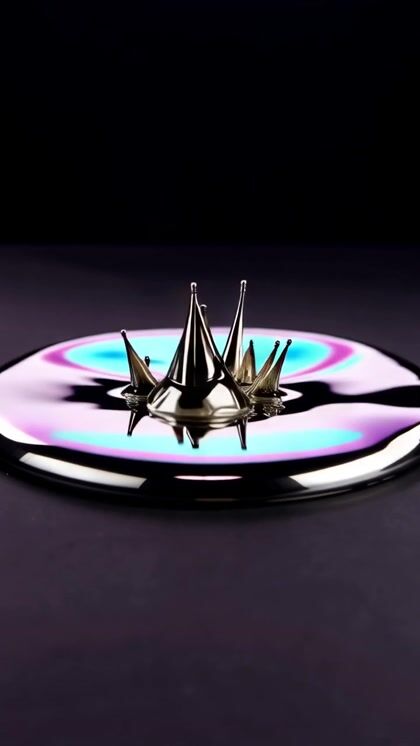
Fifteen seconds each, 2K, straight out of the composer. The wide plates are 21:9, a frame only H3 offers.
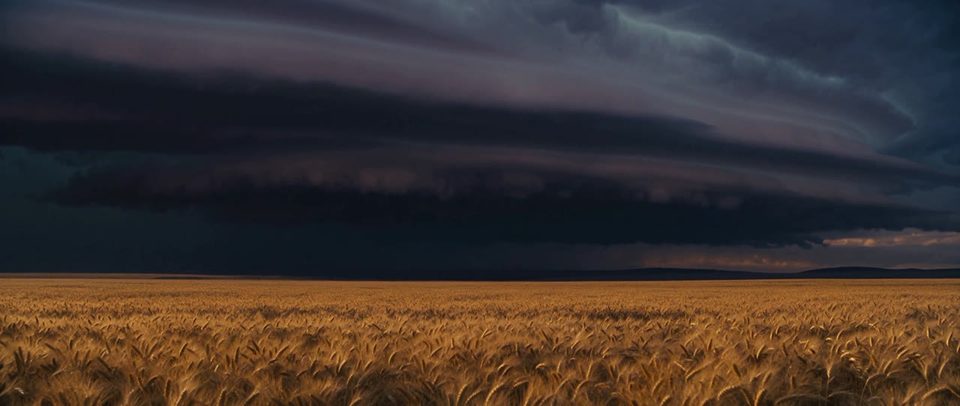
The gust front
MiniMax H3 · 15s
“Locked-off wide on open prairie at golden hour, a storm cell filling the upper two thirds. Lightning flickers inside the anvil. The gust front arrives mid-take: wheat bends in a travelling wave from the back of frame toward camera, dust lifting behind it. Warm foreground against bruised purple sky.”
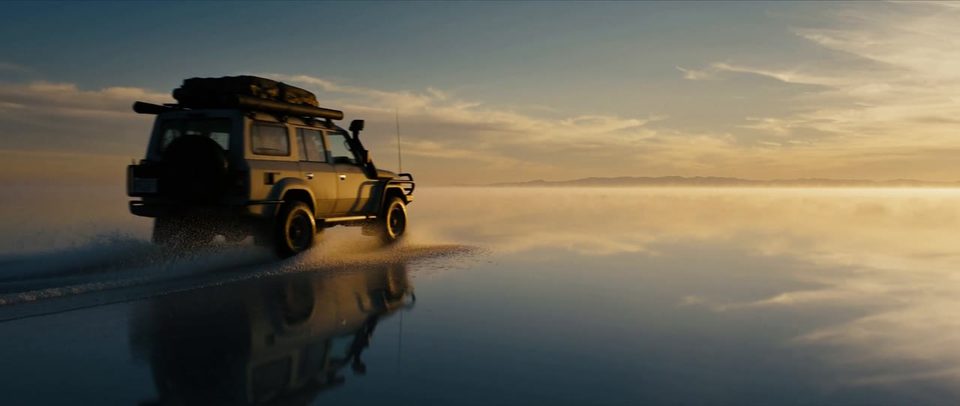
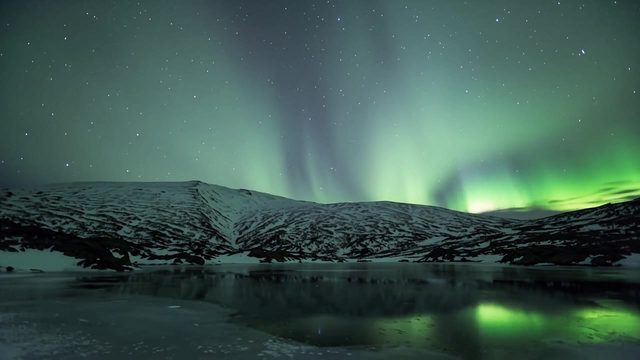
Mirror of the sky
MiniMax H3 · 15s
“Aerial wide, low altitude, slow forward push over a salt flat after rain - a mirror of sky in a millimetre of water. A lone 4x4 enters frame left and crosses right; its wake widens, then settles back to glass behind it. Dawn light, long shadows, cool blue giving way to warm gold. Anamorphic, fine grain.”
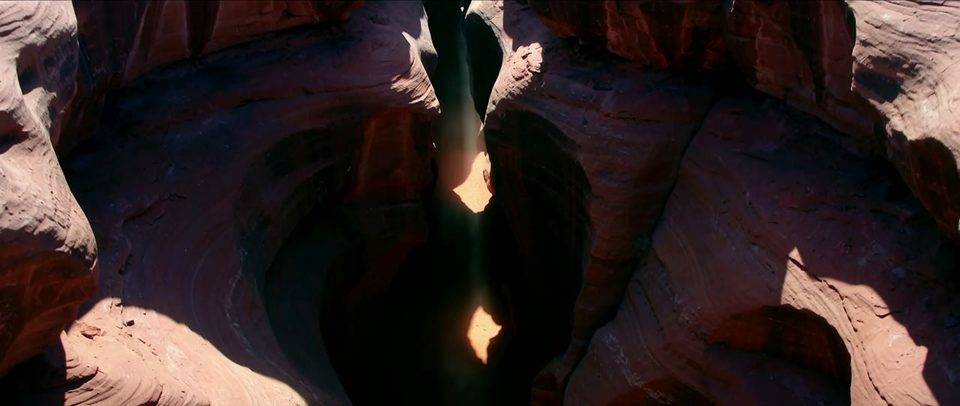
Into the canyon
MiniMax H3 · 15s
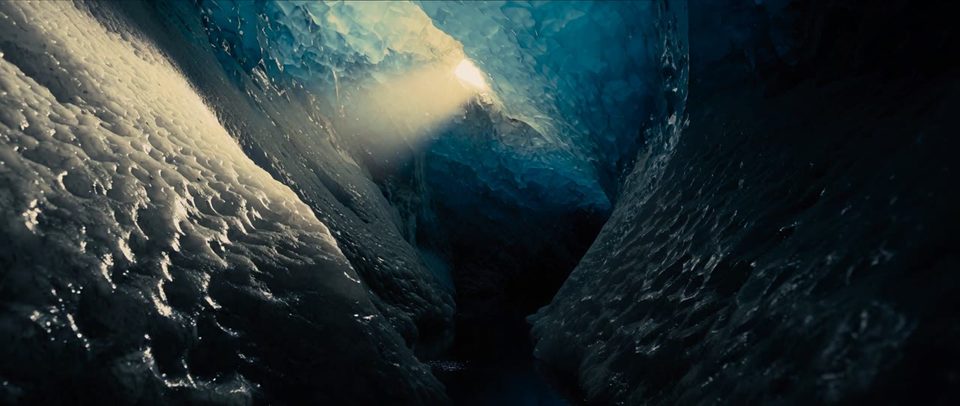
“Descending drone shot into a slot canyon at midday, walls narrowing as the camera drops. One blade of light reaches the floor and widens as the descent continues. Dust turns slowly in the beam. Sandstone reds and violets, hard contrast between lit wall and shadow.”
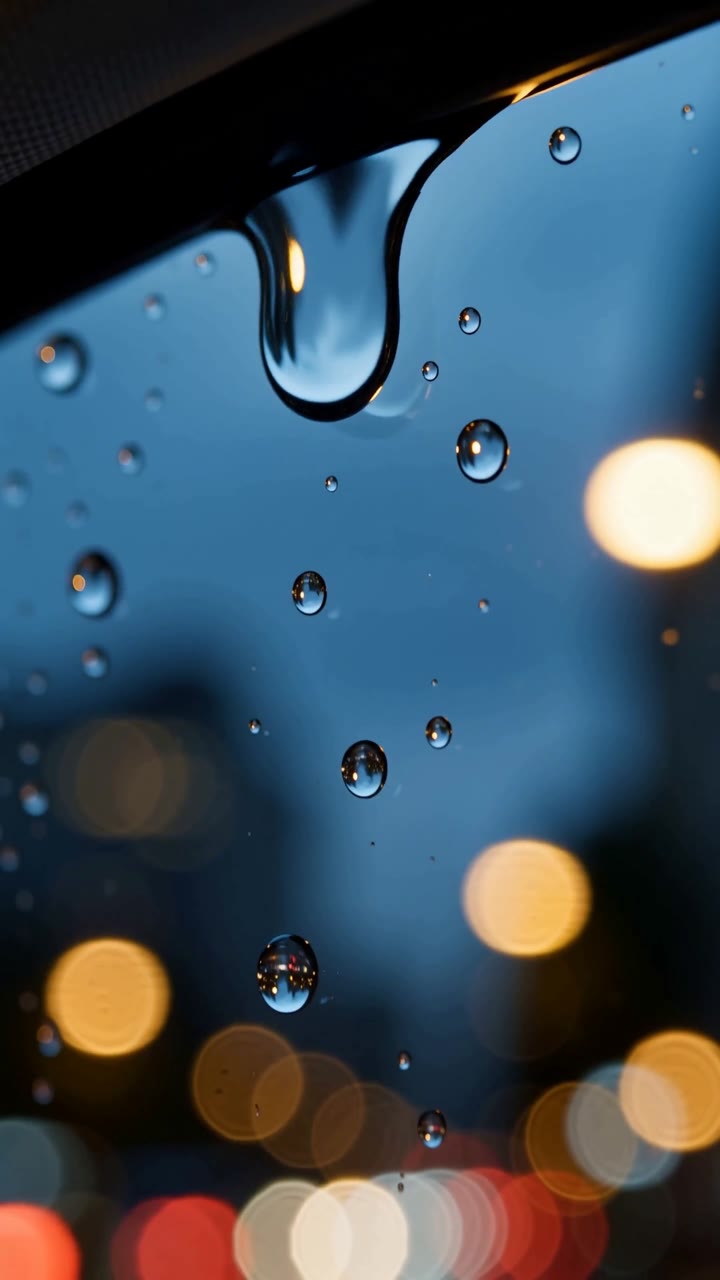
Rain on the window
MiniMax H3 · 15s
“Vertical, macro on a car window at night, city bokeh racking softly behind. One droplet gathers weight at the top of frame, breaks loose, races down and swallows the smaller drops in its path. Cool blue base with warm bokeh, shallow focus held on the glass surface.”
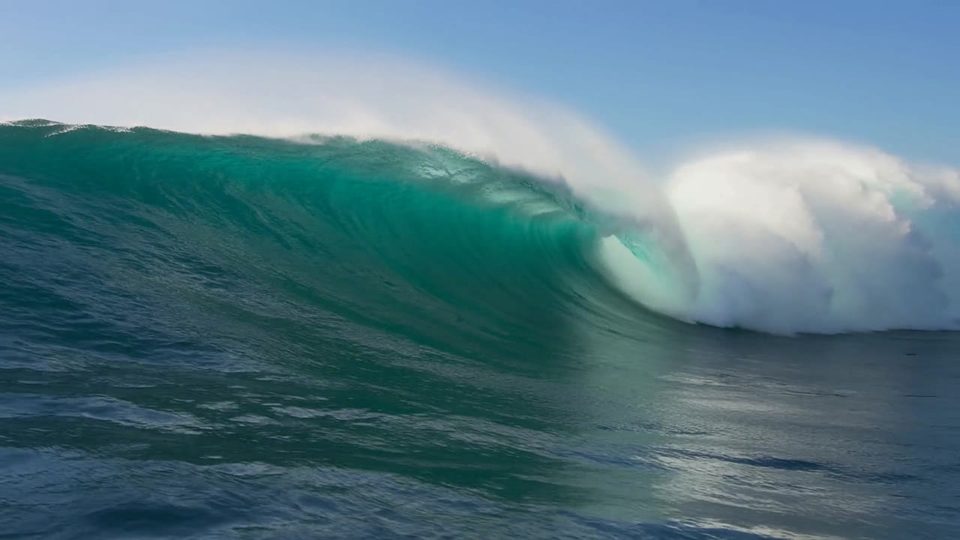
Green glass
MiniMax H3 · 15s
“Water-level slow motion, wide, as a wave barrels toward camera. Sunlight through the lip turns the face translucent green; spray feathers off the crest and blows back in the offshore wind. The barrel narrows through the take and collapses just before it reaches frame. Sharp droplets, high shutter.”
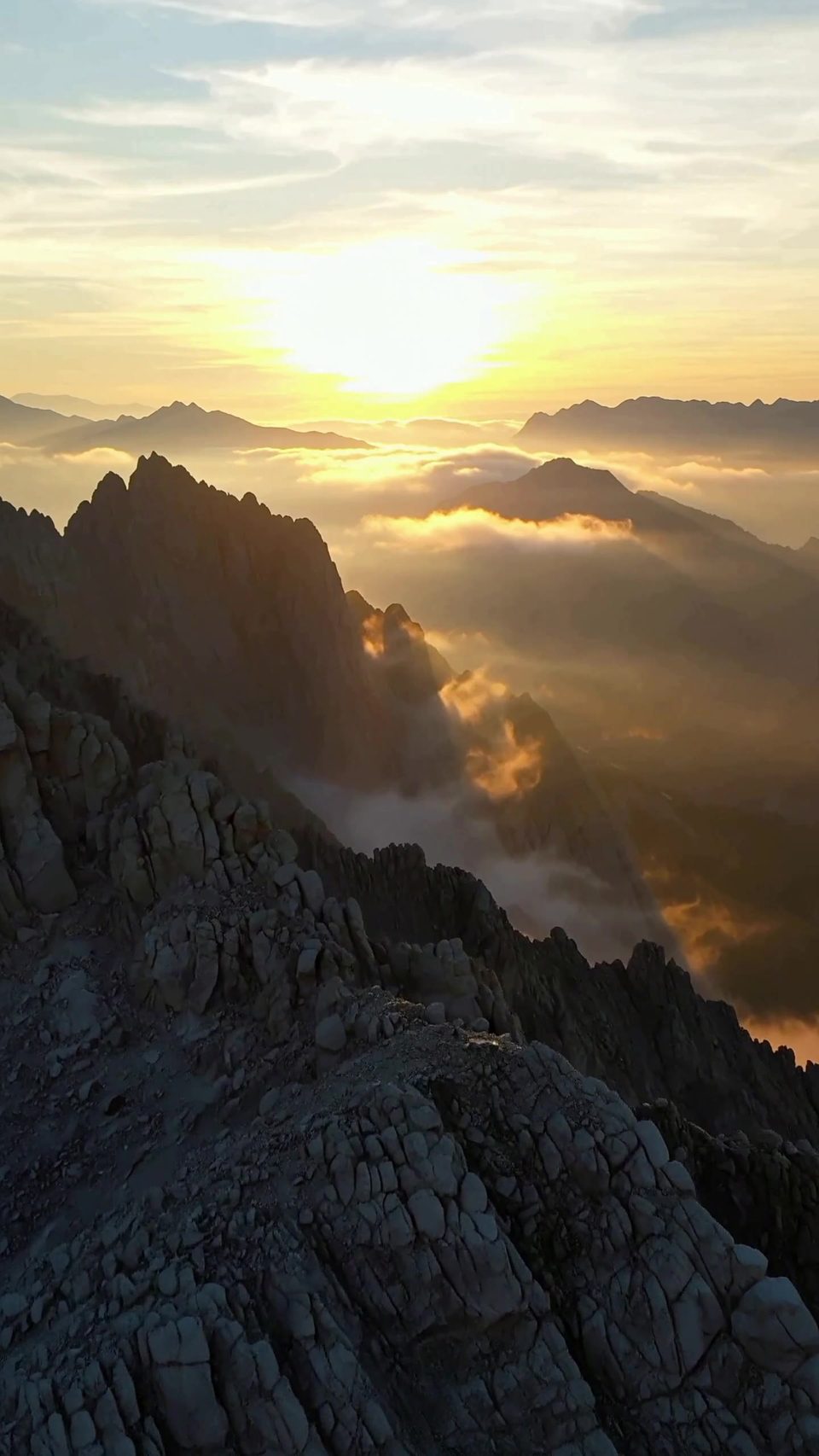
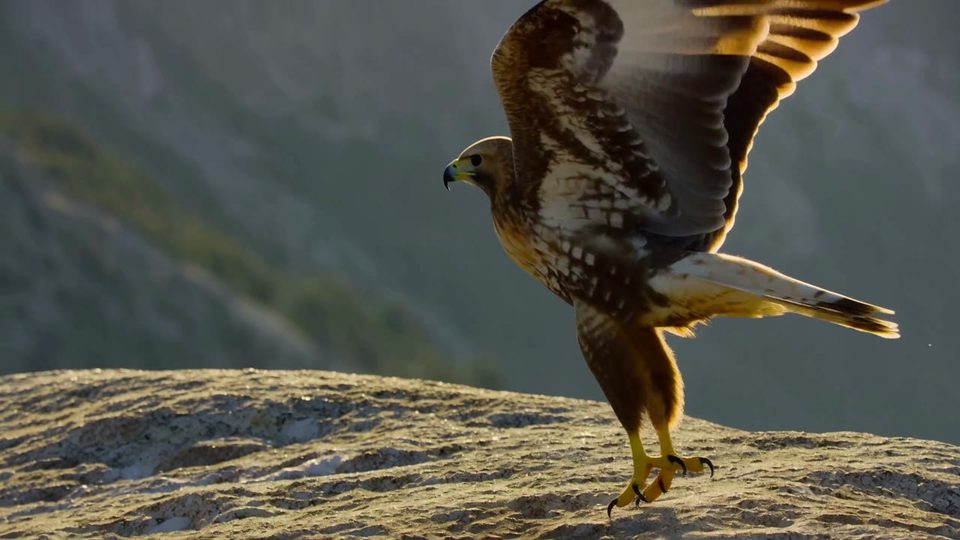
Sunrise over granite
MiniMax H3 · 8s
“Golden sunrise breaking through soft mist over jagged granite mountain peaks.”
MiniMax H3 ●4 to 15 seconds ●768p or 2K ●Nine references ●First and last frame ●Text to Video ●Image to Video ●MiniMax ●MiniMax H3 ●4 to 15 seconds ●768p or 2K ●Nine references ●First and last frame ●Text to Video ●Image to Video ●MiniMax ●MiniMax H3 ●4 to 15 seconds ●768p or 2K ●Nine references ●First and last frame ●Text to Video ●Image to Video ●MiniMax ●
MiniMax H3 ●4 to 15 seconds ●768p or 2K ●Nine references ●First and last frame ●Text to Video ●Image to Video ●MiniMax ●MiniMax H3 ●4 to 15 seconds ●768p or 2K ●Nine references ●First and last frame ●Text to Video ●Image to Video ●MiniMax ●MiniMax H3 ●4 to 15 seconds ●768p or 2K ●Nine references ●First and last frame ●Text to Video ●Image to Video ●MiniMax ●
● Release notes
What's new in MiniMax H3
01
Chapter 01 · The frame
Nine references, one context
A face, a product, a palette. All in one brief.
01
02
Chapter 02 · The finish
2K, not just 768p
Delivery size straight out of the composer. No upscaler in between.
02
03
Chapter 03 · The cut
Both ends pinned
Give it a first and a last frame. H3 fills the motion.
03
04
Chapter 04 · Roll
Length is a slider
Any whole second from 4 to 15. The 2.3 line has two stops.
04
● Cut for the feed
Vertical, straight out of the render
Pick 9:16 in the composer. No crop and no reframe afterwards.
The espresso pull
MiniMax H3 · 15s
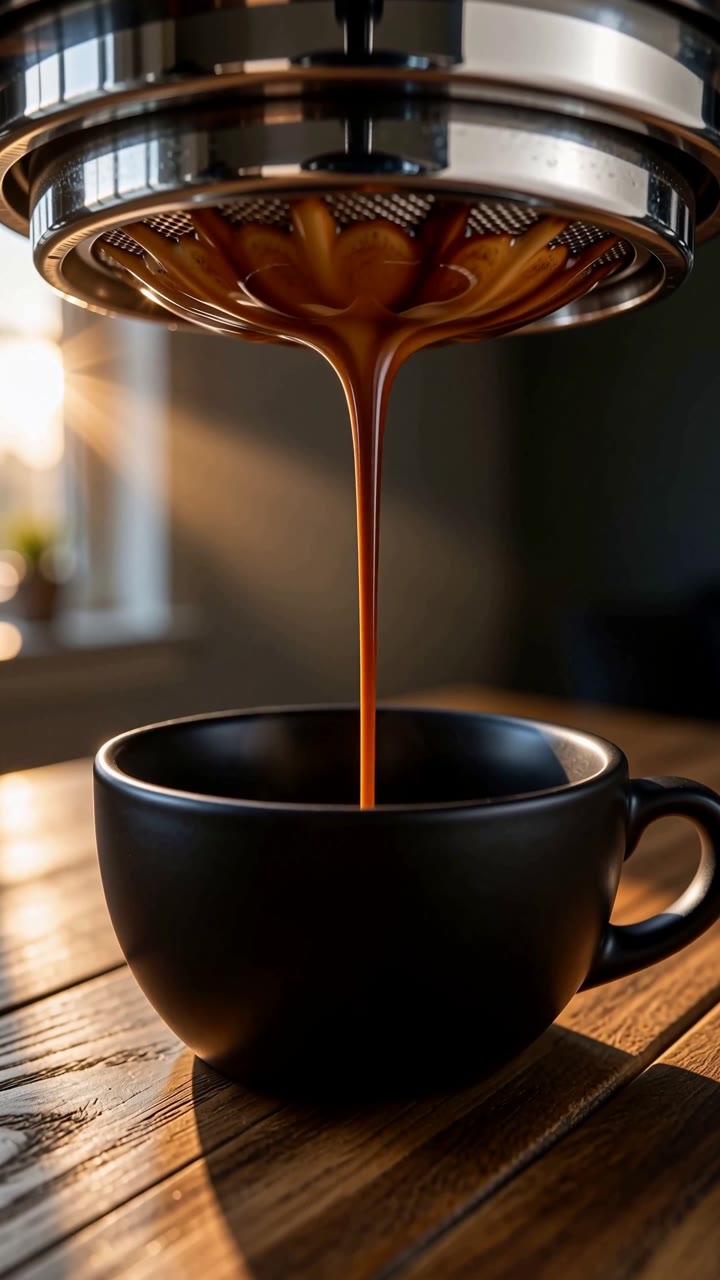
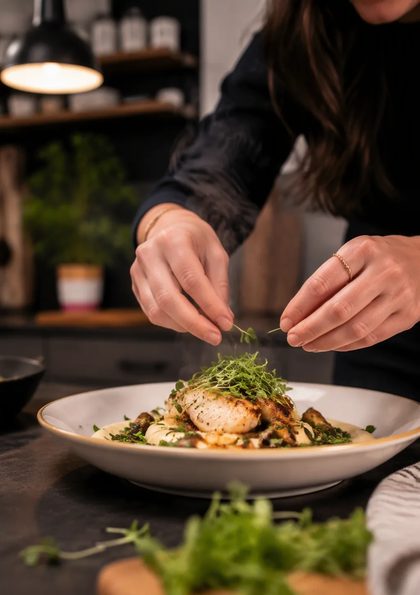
“Vertical macro, morning light through a window from the left. Espresso pulls from a bottomless portafilter - first drops, then a steady rope that thickens and blonds. Crema swirls into the cup. Steam rises into the light shaft. Warm wood underneath, shallow depth, background falls off.”
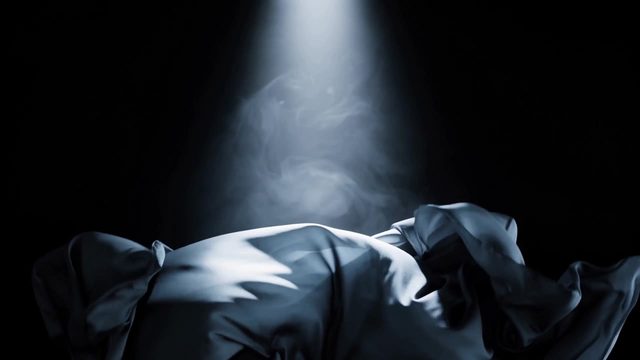
Silk, turning
MiniMax H3 · 15s
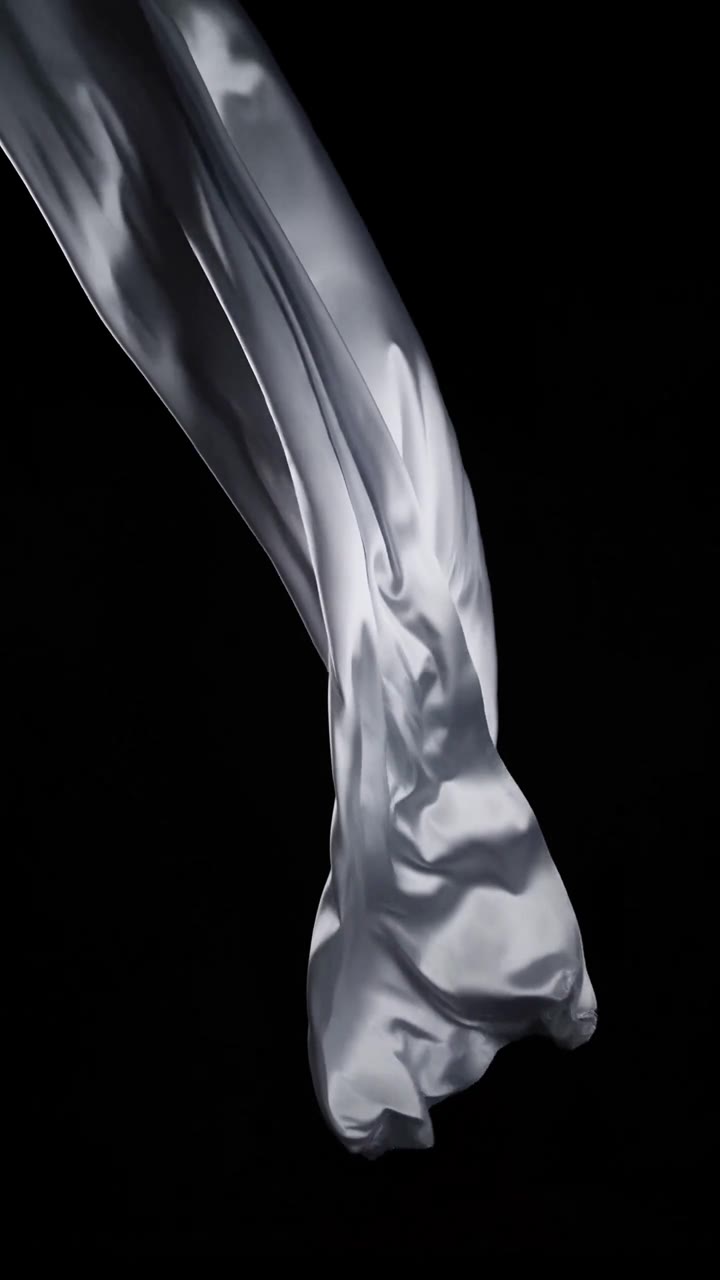
“Vertical, black background, rim-lit from one side. A length of silk enters from frame top and turns in a wind machine, folding and unfolding like liquid. The motion builds through the take, then eases as the air drops. Fabric catches light only on the leading edges.”
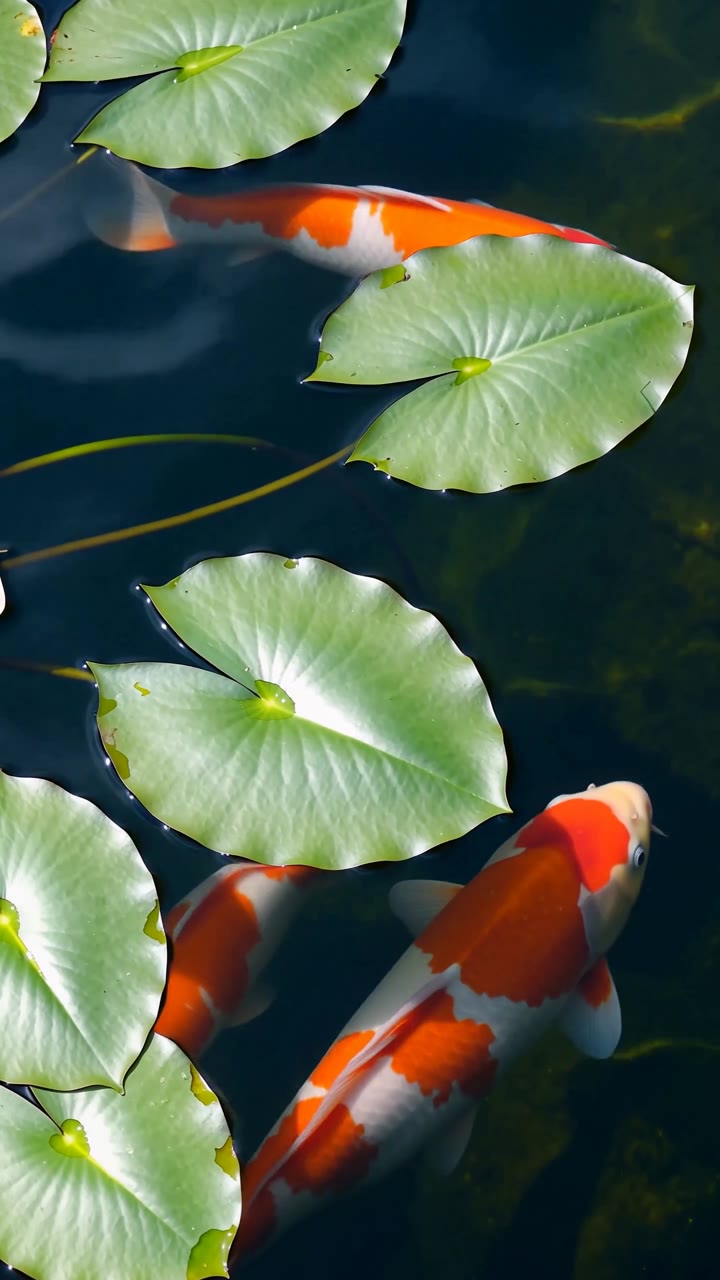
Koi under the pads
MiniMax H3 · 15s
“Vertical, locked-off directly overhead on a pond, lily pads across the frame. Sunlight ripples across the koi backs. One fish turns slowly through the centre of frame and passes under a pad, then out. Dappled surface caustics, deep green water, no visible bottom.”
● How to
How do you use MiniMax H3 on OpenClips?
Three steps from blank box to a 2K take. The page works logged out. Sign-in gates the render only.
1
MiniMax H3 · Composer
Press a themeIt loads a real prompt
“Locked-off wide on open prairie at golden hour, a storm cell filling the upper two thirds. Lightning flickers inside the anvil. The gust front arrives mid-take: wheat bends in a travelling wave from the back of frame toward camera, dust lifting behind it. Warm foreground against bruised purple sky.”
“Water-level slow motion, wide, as a wave barrels toward camera. Sunlight through the lip turns the face translucent green; spray feathers off the crest and blows back in the offshore wind. The barrel narrows through the take and collapses just before it reaches frame. Sharp droplets, high shutter.”
“Vertical macro, morning light through a window from the left. Espresso pulls from a bottomless portafilter - first drops, then a steady rope that thickens and blonds. Crema swirls into the cup. Steam rises into the light shaft. Warm wood underneath, shallow depth, background falls off.”
“Extreme macro on a letterpress bed: a steel plate stamps bold black PRESS into thick cotton paper, ink squeezing out at the letter edges, the plate lifts slowly, raking sidelight, dust drifting in the beam, no people.”
01 ·
≈ 2 min
Pick a theme or write the brief
Press a theme to load a working prompt. Or describe the shot, the tone and the pacing.
2
MiniMax H3 · Composer
+6
16:99:161:115s
02 ·
≈ 1 min
Attach references, set the frame
Up to 9 stills. The model holds them across the take. Pick the ratio and the length.
3
MiniMax H3 · Composer
Rendering
From ⚡39Generate
03 ·
≈ 90 sec
Generate and ship
Pick 768p or 2K. Confirm the ⚡ quote. Render, download, remix.
Write the brief, get the take. Shot, tone and pacing in one paragraph, up to fifteen seconds out. Or start from a community prompt in our AI video examples.
MiniMax H3 image to video
Start from the frames you already have. Attach up to 9 stills, or pin the first and last frame. Full rates live on the pricing page.
Lettering, product and colour in one pass. Fifteen seconds a take, 2K out.
Print
Pressed into the page
Verbatim prompt
Extreme macro on a letterpress bed: a steel plate stamps bold black PRESS into thick cotton paper, ink squeezing out at the letter edges, the plate lifts slowly, raking sidelight, dust drifting in the beam, no people.
Studio
Carved in ice
Verbatim prompt
Studio macro: the word COLD carved from clear ice on a black slab, backlit so the letters glow from within, meltwater running toward camera, cold vapour rolling off the surface, locked-off shot, no people.
3D type
Flower, spelled soft
Verbatim prompt
LETTER: F WORD: FLOWER — must start with the LETTER. Keep it to 6 letters, because every letter becomes a part of the thing, one after another THE THING: a flower — what the word turns into. Works best with an animal, insect, flower or vehicle whose shape has separate parts the letters can become Create a cute, funny, educational creative animation video for kids ages 3 to 7. CONCEPT: Teach the LETTER using the WORD, with two major visual highlights: 1. a slow, satisfying, highly engaging transformation from the WORD into THE THING 2. a slow, magical transformation from the stylized animated world into a fully realistic natural scene with a realistic version of THE THING The video should feel beautiful, colourful, charming, educational and visually mesmerizing. The transformations must not feel rushed. They should be the centrepiece of the video and should unfold clearly enough for children to enjoy and understand. MAIN LEARNING MESSAGE: "LETTER is for WORD." — spoken and shown with the actual letter and the actual word from the fields above, never with the placeholder names. VISUAL STYLE AT THE BEGINNING: Use a premium kid-friendly animated style with soft pastel skies, rounded shapes, bright happy colours, smooth motion, clean composition, playful details, expressive design, and a light sense of humour. The early part should feel like a beautiful storybook mixed with polished modern animation. ANIMATION PRIORITIES: The word-to-thing transformation must be gradual, elegant, readable and creatively staged. Children should be able to see how the letters slowly become parts of THE THING. The stylized-to-realistic transformation must also happen gradually and beautifully, as if the animated world is blooming into real life. TIMING AND SCENE FLOW 0:00–0:02 — Open on a soft dreamy pastel background with floating flowers, tiny sparkles and gentle clouds. A large uppercase LETTER appears in the centre with its smaller lowercase form beside it. Both letters bounce softly into place with a cheerful and friendly feeling. The narrator says slowly and clearly: "LETTER is for WORD." Hold the letters long enough for recognition. 0:02–0:04 — The WORD writes itself slowly across the screen in large rounded colourful letters. Each letter fills with a different beautiful pattern — gradients, dots, stripes, floral shapes, soft textures. Keep the word fully readable and centred. Let the audience admire the full word before the transformation begins. 0:04–0:09 — THIS IS THE MAIN HIGHLIGHT. The WORD transforms slowly and satisfyingly into THE THING. Work out which part of THE THING each letter of the WORD becomes, and morph them one after another in that order — one letter, one part, in a smooth chain reaction. Choose the mapping from the letter's own shape: round letters open outward into wings, petals or wheels; tall straight letters slim down into bodies, stems or masts; curved letters curl upward into antennae, tails or handles; angular letters reshape into markings, fins or details. As a worked example, for the word BUTTERFLY becoming a butterfly: the B gently opens outward and unfolds into the top wings, the U stretches and curves into one lower wing, the two T's slim down and merge into the long body, the E softens and reshapes into decorative wing markings, the R curls upward into one antenna, the F reshapes into the second antenna with a playful wobble, and the L and Y arc outward to become the final wing edges and tail details. Apply the same kind of thinking to whatever word is given. IMPORTANT: Do not transform everything at once. Let each part morph one after another in a smooth chain reaction. The letters should bend, curl, unfurl, rotate, stretch and softly glide into their new forms. The child should still sense the original word during the transformation. Use sparkling trails, flowing colour transfer and soft elastic motion to make it deeply satisfying. The morph should feel magical, clear and creatively intelligent. 0:09–0:11 — THE THING is now fully formed as a cute stylized cartoon version of itself, with lovely colours, a tiny smiling face, big friendly eyes and soft funny charm. It moves in a playful little loop, almost has a small comedic mishap — a sneeze, a wobble, a stumble — then recovers and smiles. Show the WORD below it briefly for reinforcement. The narrator repeats: "WORD." 0:11–0:14 — THIS IS THE SECOND MAJOR HIGHLIGHT. The entire animated scene slowly transforms into a realistic world. THE THING moves in slow motion and with each movement realism increases gradually: its textures become more detailed, the colours gain natural variation, the body becomes more lifelike, the surroundings gain realistic detail and depth, the background softens into a real sunlit setting, the lighting becomes natural and golden, and the air gains subtle movement and realistic depth of field. This transformation should feel breathtaking, seamless and immersive. Do not cut abruptly from cartoon to realistic. Instead, let the animated world gently bloom into reality in layers. The viewer should feel they are witnessing imagination turn into nature. 0:14–0:15 — End on a beautiful realistic version of THE THING in warm sunlight. Display the text "LETTER is for WORD." The narrator says warmly: "LETTER is for WORD." THE THING moves gently once, then settles or lifts away lightly. STYLE AND QUALITY REQUIREMENTS: Keep the LETTER and the WORD clearly readable before and during transformation. Make the word-to-thing morph slow, rich and visually rewarding. Make the stylized-to-realistic transformation equally slow, smooth and magical. Use polished motion design, soft easing, beautiful colour transitions, gentle humour and strong visual clarity. Maintain a child-friendly tone throughout. Use clean typography, stable spelling and seamless morphing. AUDIO: Cheerful, soft, magical music. Delicate sparkles, soft pops, movement sounds, a tiny comedic sniffle or stumble, and a gentle emotional swell during the realism transition. Voiceover warm, clear, slow and easy for children to follow. AVOID: rushed transformations, unreadable letters, clutter, hard cuts, scary expressions, excessive camera motion, chaotic effects, misspelled words, extra invented words, or anything visually confusing for children.
Sports edit
Press play
Verbatim prompt
HERO WORD: PLAY — the main title. Keep it 3 to 6 letters; it gets split, shattered and rebuilt TRACK LABEL: TRACK 01 RING WORD: MAX VOLUME DROP WORD: DROP LOOP WORD: LOOP FOUR WORDS: LOUD / WILD / TEAL / HEAT ACCENT COLOUR: vivid orange SECOND COLOUR: mint teal WARDROBE: an oversized colour-block windbreaker in navy with vivid orange sleeves, white ribbed cuffs, silver zippers and circular teal tech buttons, worn open over an orange cropped turtleneck, with light-wash ripped denim shorts, a thick orange belt with a silver buckle, navy thigh-high socks with orange ribbed cuffs, chunky white sneakers with orange details, and large orange over-ear headphones with mint accents ATTACHED IMAGES ARE MANDATORY AND FINAL: If an avatar image is attached, that is the person — reproduce them exactly, in every single frame, and never invent a different face, hairline, hair colour, skin tone, body or age. If a product image is attached, that is the product — reproduce it exactly and never invent a different shape, colour, material or branding. The attached images outrank every word written below them: wherever an attached image and this text disagree, follow the image. Nothing about an attached avatar or an attached product may be imagined, substituted, swapped, restyled, simplified or "improved". Create an explosive, motion-graphics-driven character reveal trailer, exactly 13 distinct cuts, built around the person in the attached avatar reference. CHARACTER LOCK — HIGHEST PRIORITY: The character in every cut is exactly the person in the attached avatar reference. Copy their face, facial structure, eye shape and spacing, eyebrows, nose, mouth, exact skin tone, hairline, hair length, texture and colour, facial hair as shown or none if none, eyeglasses, freckles and distinctive marks, apparent age, build and body proportions — identically, in every frame of every cut. Preserve their gender presentation exactly as shown; do not masculinize, feminize or otherwise reinterpret it. Do not beautify, slim, de-age or restyle them. Never replace them with a generic model. Preserve their exact face, proportions and hairstyle in every frame, and never redesign them. No other characters. WARDROBE: Dress the character in exactly the outfit described in the WARDROBE field above, and nothing else. The avatar reference shows the face and build, not this outfit — put the outfit on them. Adapt the fit of the garments to the character naturally, cut loose and straight so the outfit reads the same on any build, without restyling the person. Keep the outfit identical from cut to cut — same garments, same colours, same proportions. Do not add jewellery, prints, patterns or logos that are not named in the WARDROBE field. This film is 80% bold graphic design in motion and 20% character action. Graphic language is retro OS chrome plus music-player UI. Use slamming window frames, title bars, close and minimize widgets, equalizer bars, waveforms, progress ticks, folder tiles, cursor arrows, CRT scanlines, pixel shatter, vinyl-ring stamps, music-note particles and media-player transport icons. Palette: the SECOND COLOUR, the ACCENT COLOUR, navy, cream-white and silver. Style: premium AAA motion-graphics title sequence × streetwear campaign film × Windows-era media player. Every graphic element moves fast and snaps hard on the beat. CUT 01 | 0.00–1.00s — Pure graphics: a title bar in the SECOND COLOUR slams onto a cream field, a CLOSE widget in the ACCENT COLOUR punches the corner, two navy window borders wipe in. Tiny equalizer ticks and a progress strip flicker. The HERO WORD punches in, split into two parts that land one after another with heavy impact shake. CUT 02 | 1.00–2.00s — A letter of the HERO WORD becomes a headphone cup: extreme close-up of the character's eye inside the earcup, glancing up; RGB split flash, then the cup shatters into flat tiles in the SECOND COLOUR and the ACCENT COLOUR. CUT 03 | 2.00–3.10s — Navy frame with the enormous cream HERO WORD. The character sprints in from frame left and power-slides across the baseline of the type, speed lines and ACCENT-coloured streaks trailing, shards of the letters kicked up like sparks. Whip-pan out. CUT 04 | 3.10–4.00s — A giant retro media-player waveform explodes across the frame as a thick audio spectrum in the SECOND COLOUR and the ACCENT COLOUR bends into a tunnel. The character bursts through the centre at full speed, briefly breaking into three stroboscopic motion trails. Each trail leaves behind chunky navy equalizer blocks that rise and collapse to the beat. The camera rapidly pushes through the waveform tunnel with them, while the TRACK LABEL scrolls continuously in huge vertical text in the background. The waveform compresses into a single horizontal line and snaps shut behind them on the final beat. CUT 05 | 4.00–5.10s — The character leaps through a giant rotating ring of typography reading the RING WORD. Camera tracks their mid-air spin in slow motion as the letters scatter, then snap-zooms on their face. CUT 06 | 5.10–6.00s — Hard cut: cream editorial card, the huge navy DROP WORD with an ACCENT-coloured slash. The character vaults over the word itself, palm planted on its first letter, legs whipping across frame; the word compresses like a spring under their hand and rebounds. CUT 07 | 6.00–7.00s — A field in the SECOND COLOUR with a navy diagonal window-bar. The character back-flips along the bar in three stroboscopic ghost frames, each ghost tinted with the SECOND COLOUR, the ACCENT COLOUR or navy. The giant outlined LOOP WORD rotates 180 degrees in sync with their rotation. CUT 08 | 7.00–8.00s — Kinetic type barrage: the FOUR WORDS slam in one per beat with shutter flashes and camera shake, while the character slides on their knees across the foreground, outer layer flaring, music-note particles bursting from their shoes. CUT 09 | 8.00–9.00s — Navy frame, giant cream wireframe window-grid tilting in 3D. The character runs up the grid like a wall, kicks off, and hangs in the air as everything freezes. An ACCENT-coloured circular stamp locks around their pose like a media-player target, with transport icons and EQ ticks. CUT 10 | 9.00–10.10s — The freeze releases into a burst: the character dives toward camera through layered flat-colour window panes that shatter one by one like glass shutters, each pane revealing a bigger letter of the HERO WORD. Foreground wipe with their shoe. CUT 11 | 10.10–11.10s — Rapid-fire poster montage: four full-screen graphic posters of the character in different action poses — mid-flip, sliding, landing, hands-up — snap past with hard cuts. Each has a different bold layout, oversized numbers 01 to 04, equalizer strips and slashes. CUT 12 | 11.10–13.00s — Hero moment on a clean cream cyclorama: the character lands a final backflip dead centre in slow motion, straightens with one hand on their headphones, and a shockwave of concentric rings in the SECOND COLOUR, wind streaks and shattered typography blasts outward from the landing. Brief iconic freeze on a faint confident look, overexposing to white. CUT 13 | 13.00–15.00s — Final identity card: the enormous navy HERO WORD dominates a pale cream field with translucent rings in the SECOND COLOUR, technical arcs, scanlines, and a rough circular emblem in the ACCENT COLOUR containing a ghosted headphone and waveform motif. The character stands relaxed overlapping the letters, wind rippling their outer layer. One last ACCENT-coloured pulse sweeps through the typography and a window-chrome flash punctuates the end. TYPOGRAPHY: All wording comes from the fields above — the HERO WORD, TRACK LABEL, RING WORD, DROP WORD, LOOP WORD and FOUR WORDS, plus the numbers 01 to 04. Every piece of text must be spelled exactly as given and be fully readable. Do not invent extra words, do not use pseudo-language, do not add fake foreign characters. Typography is always fully readable before the character overlaps it. EDITING: Extremely aggressive rhythm — hard cuts on every beat, graphic matches, whip pans, snap zooms, stroboscopic freezes, foreground wipes, RGB splits, shutter flashes, impact shakes and speed ramps. Every cut must feel compositionally different. ENERGY: No weapons, no combat, no fire. All energy comes from motion design, wind, glass, UI chrome and the character's parkour-style athleticism. AUDIO: Hard-hitting electronic, drum-heavy future bass with aggressive drops, risers, sub hits and glitch fills locked to every cut. Shoe impacts, whooshes, glass shatters, window-slam hits and typography slams as rhythmic sound-design elements. Peak at CUT 12, ending on a cold electronic logo stinger. QUALITY: Premium AAA, anime-inspired cinematic rendering, stylish and explosive, strong graphic-design identity, consistent character design, exactly 13 cuts. NEGATIVE: No colour outside the stated palette. No identity drift, no face changes, no wardrobe changes. No misspelled, garbled or invented text. No letter morphing. No subtitles, captions, logos or watermarks beyond the film's own wordmark. No extra characters. No distorted hands or fingers. No random slow motion outside the specified beats.
Food
Sakura sushi
Verbatim prompt
Create a high-end cinematic burger commercial in portrait format, designed like a premium restaurant campaign. Open on an extreme macro shot of a golden toasted bun, revealing tiny bake-specks, soft flour dusting and rich surface texture under warm directional light. The camera glides smoothly across the bun, then pulls back as the burger ingredients separate into a perfectly aligned exploded stack above a matte wooden tabletop. The full burger floats on a single vertical axis: toasted top bun, crisp ruffled lettuce, glossy tomato slices, translucent purple-red onion rings, melted cheddar, a thick char-grilled beef patty and toasted bottom bun. Each layer moves with elegant controlled motion, subtle rotation and realistic weight. Use premium food-commercial camera movement throughout: macro tracking shots, smooth dolly pushes, slow orbital moves, shallow-focus passes between ingredients and precise rack focuses. Add occasional speed ramps into slow-motion beauty moments. Let tiny crumbs, droplets and subtle steam move through the light for additional depth. Integrate bold hand-lettered white typography directly into the composition. Words appear between the floating burger layers, following the camera movement with kinetic typography. Letters can slide behind ingredients, reveal through depth, stretch slightly during transitions and lock cleanly into place. Add minimal white doodle strokes and graphic accent lines that animate around key ingredients. Lighting is luxurious and appetizing: soft directional key from upper-left, controlled fill, warm highlights, deep dimensional shadows and glossy specular detail on tomato, cheese and meat. Background is a refined warm brown gradient with subtle cinematic falloff. Build toward a final satisfying moment where all ingredients rapidly assemble into one perfect burger. The camera performs a fast controlled push-in, then settles into a polished hero shot. Steam rises gently from the patty, cheese settles over the edges and the typography resolves beside the burger. Final frame: centered premium burger hero shot, clean composition, elegant white campaign typography and subtle animated graphic accents. Visual style: luxury food advertising, modern restaurant campaign, cinematic macro photography, rich warm tones, high contrast, shallow depth of field, highly detailed food textures, sophisticated motion design, premium typography, smooth dynamic camera choreography, polished commercial finish.
Night
Neon through rain
Verbatim prompt
Night macro through rain-beaded glass: a hand-bent neon sign spelling OPEN stutters to life inside a closed diner, pink and cyan light bleeding across the wet window, slow push-in, shallow depth of field, no people.
H3 starts at ⚡39 and climbs with length and resolution, so a 4 second draft is cheap and a 15 second 2K finish is not. The composer quotes the exact ⚡ for your settings before anything runs. The ⚡50 signup grant is there to try the roster, not to fund a campaign. Packs start at $10/800⚡.
● OpenClips MCP
Drive MiniMax H3 from your AI agent
No console and no syntax. Your agent briefs MiniMax H3 through the OpenClips MCP server. References and all.
Text plus up to nine reference images, all in one context. You can also pin a first frame, or pin a first and a last frame and let H3 render the motion between them. Reference footage and audio notes are not inputs the model takes on OpenClips today.
Either 768p or 2K, straight out of the composer, with 768p as the default. Pick 768p for drafts and 2K for the finish. Resolution and length together set the price, and the composer shows the exact ⚡ before you render.
Any whole second from 4 to 15, and the composer starts at 6. For longer sequences, render several takes against the same reference stack and cut them together in your editor. Every take lands in the same library.
H3 when the brief carries references, needs a frame shape, or has to run past ten seconds. Hailuo 2.3 from ⚡100 and Hailuo 2.3 Fast from ⚡66 render two fixed stops, six seconds or ten. 2.3 reaches 1080p at the six second stop, and Fast stays at 768p. Both lanes sit one chip apart in the same composer.
No. Every H3 take comes back silent, and there is no audio switch on the render. Cast Veo 3.1 when the deliverable needs sound in the same pass. The same wallet covers both, so you can score an H3 take on another model.
● Version history
What changed in each MiniMax release?
Newest first, straight off the roster.
MiniMax H3
video · Live on OpenClips
Reads a written brief and reference stills in one pass.
MiniMax H3 Max
Vendor states no date
video · Live on OpenClips
A prompt, a first frame or up to nine references — 5-15s at 480P or 768P. Turbo renders the same lanes for less.
Up to nine reference images ride with the text in one context: a face, a product, a palette, a set. Pin the first frame, or pin the first and the last, and H3 renders the motion between them. Takes run any whole second from 4 to 15, and deliver at 768p or 2K.
Seven frames, one model
21:9 for the wide plate, 9:16 for the cutdown, 1:1 for the grid, and 16:9, 4:3 or 3:4 in between. Leave it adaptive and the model picks. The same brief renders every shape without moving to a second model.
When the 2.3 line fits better
Hailuo 2.3 renders two stops, six seconds or ten, from ⚡100. Hailuo 2.3 Fast turns a still into a take from ⚡66. Neither reads a stack of references. 2.3 reaches 1080p at the six second stop, and Fast stays at 768p. Reach for them when the length is settled and the brief is one line.
One composer, one wallet
Every take lands in the same library, whatever model made it. Browse the roster on the models hub, or start from the AI Video Generator and switch models without moving your prompt. The price sits on the button before you press it.