Seedance 2.530s · 9:16
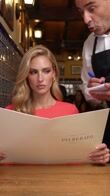
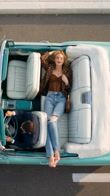
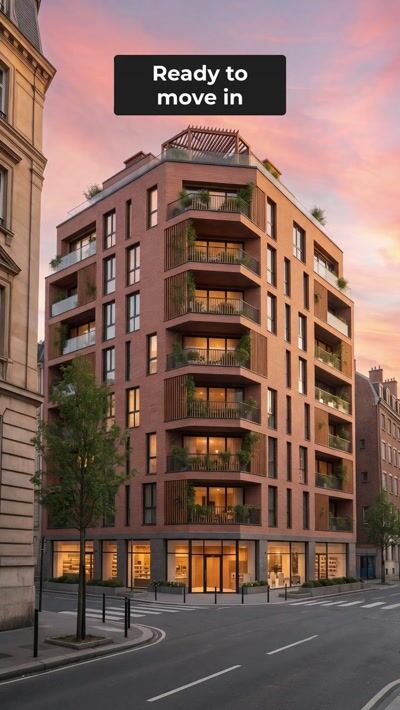
Real clips from the OpenClips community, filed by category. Open one. Run it with your photo.
Pick a category
Your model in four outfits on a burgundy velvet sofa, the camera swooping over them with slow-motion holds and palm-leaf outfit changes. Upload a model photo; outfits optional. 15 s, vertical, with music.
How it works
Browse the workflows. Every one shows the finished video first.
Upload one clear photo. The workflow keeps your face in every shot.
The workflow runs its own prompt. Your video lands in your library.
These are AI video examples from the OpenClips community. Some were made here. Others are trending posts from other creators, rebuilt as workflows, with the original credited on the clip's page. Open one to see the prompt behind it and run it with your own photo, your product or your pet. The wall shows the newest first, and it keeps loading as you scroll.
The wall mixes everything. The categories split it by what you want to make. Halloween AI videos put your face in a horror scene. UGC video examples swap in your face and your product. Product video examples turn one product photo into an ad. AI video effects freeze time and drop the camera. Each of these has its own page, with a how-to and the questions people ask. See every category.
A clip's page shows its prompt word for word, with the model and every step. Read a few and a pattern shows. A subject. One action. A camera move. The light. Copy that structure into your own idea and change one part at a time. Or skip the writing. Press the workflow, add your photo, and the steps run for you.
The wall above is built for scrolling. The clip index is built for reading: every shared clip, newest first, page by page. Open any clip there to read the prompt behind it, the model and the workflow.
Questions
Short AI videos from the OpenClips community, filed by category: dances, Halloween scenes, UGC ads, product films, effects and more. Some were made on OpenClips. Others are trending posts from other creators, rebuilt as workflows and credited on their page. Open any example to read the prompt behind it and run it with your own photo.
Yes. Open the clip and its page shows the prompt word for word, with the model it runs on and each step of the workflow. Copy the prompt as it is, or keep its structure and change the subject, the action or the camera.
Open the example and press its workflow. Add what it asks for: a photo of your face, your product or your pet. The steps run on their own, and the finished video lands in your library. No prompt writing needed.
Each card names the model its workflow runs on, and the clip page names it again beside the prompt. The mix follows what is live in the OpenClips catalog, so it changes as new models land. Pick a clip for its look: the workflow keeps its model.
Use the categories. Halloween, UGC ads, product videos, effects and pet dances each have a page of their own, with the newest examples, a how-to and the questions people ask. The All categories page lists every one, grouped by what you upload: your face, your product or your pet.
The index
The index lists every shared clip, newest first. Each one has its own page.
Every workflow is a finished scene. You bring the face.
Pick a workflow