Now in motion.
Upload any image — product shot, portrait, key art — and watch Kling, Seedance, Wan and more models turn it into a cinematic moving shot — priced per render.
Best models for image-to-video
Best models for image-to-video
50⚡grant on signup
Kling 3.0
HOTThe creator favorite — fluid motion, strong image-to-video, huge community.
Seedance 2.5
FLAGSHIPThe most controllable AI video model — full scenes in a single generation.
Veo 3.1
Google's cinematic video model with native audio generation.
Grok Imagine 1.5
FLAGSHIPxAI's fast, unfiltered take on video generation.
Hailuo 2.3
Image to video, fast drafts, dependable physics.
Wan 3.0
FLAGSHIPOpen-weights powerhouse with excellent value.
Made with OpenClips
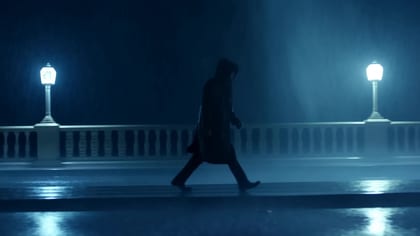
“One still of a surfer at dawn → slow push-in with drifting mist”
KLING 3.0
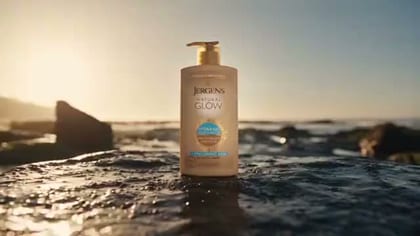
“Product photo → rotating hero loop on wet stone”
VEO 3.1
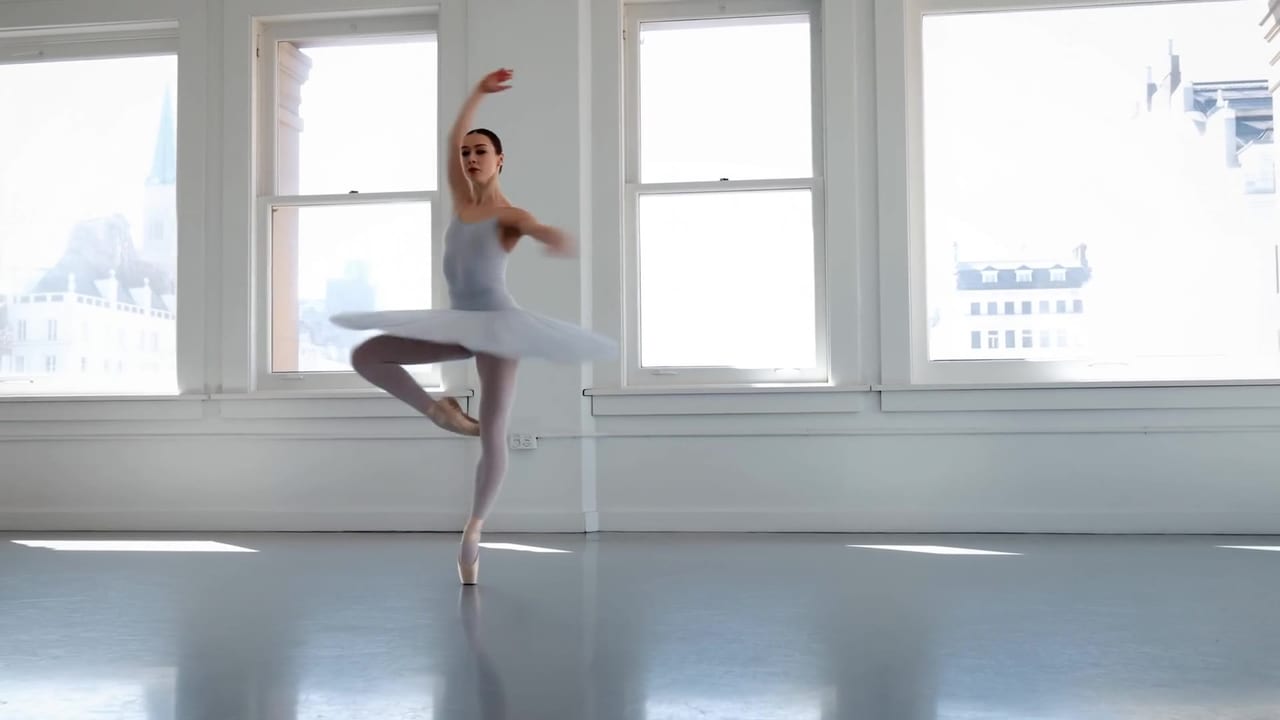
“Old family photo → gentle motion, light through the window”
HAILUO 2.3
Three moves
Three steps from still to motion
Attach your image
Product shot, portrait, illustration, AI-generated key art — the composer accepts any reference and keeps it front and center.
Direct the motion
Describe the camera and the action: 'slow push-in, drifting mist', 'rotate on wet stone'. The model animates your still, not a random scene.
Pick the best take
Run the same image across Kling, Wan and Seedance in one session. Compare motion quality, keep the winner.
Animation
Draft the motion cheap, render the final on a flagship — all in the same session.
See plans & render prices →The photo is the storyboard
Text-to-video starts from nothing; image to video starts from your best frame. That product shot you already love, the portrait with the perfect expression, the key art you just generated — the model treats it as frame one and invents everything after: the camera move, the atmosphere, the motion. It's the highest-control workflow in AI video, because you're not describing the scene, you're showing it.
Why multi-model matters here more than anywhere
Image-to-video is where models disagree most. Feed the same portrait to five models and you'll get five different interpretations of "slow push-in" — one nails the face, one invents beautiful light, one melts the hands. On a single-model platform, you get what you get. On OpenClips, one upload runs across Kling, Wan, Seedance, Veo and Hailuo in the same session, and the takes sit side by side in your library. Motion quality is subjective; comparisons are objective.
The workflows that convert
E-commerce: product photo → rotating hero loop → into a Launch-Ready template → a finished 15-second ad. Three renders, one afternoon, no studio. Social: meme still or reaction photo → subtle motion → 10× the watch time of a static post. Real estate and hospitality: interior shots → slow cinematic pans. Family and memory: old photographs → gentle motion that makes people cry in the good way. And creators: generate key art on the starter image models, animate it on Kling, post the process — the behind-the-scenes is content too.
Draft cheap, finish flagship
The pro pattern: sketch the motion on Hailuo 2.3 — camera direction, timing, vibe. When the move is right, re-render the final on Kling 3.0 or Seedance 2.5 at full quality. Same session, same image, same prompt — one credit wallet across all of it, with the exact price on the Generate button after sign-in. That's how image-to-video should work: your photo, every model, zero platform shuffle.
Frequently asked questions
Image to video AI animates a still image into a moving clip: the model reads your photo and your motion instructions, then renders camera moves, subject animation and atmosphere. OpenClips.AI offers image-to-video across Kling, Seedance, Veo, Wan, Hailuo and more — one upload, any model.
Kling 3.0 is the community favorite for motion quality per credit. Wan 3.0 runs a long take and mixes its own sound. Seedance 2.5 excels at multi-reference control, Hailuo 2.3 at fast drafts. Run your image across two or three and compare — takes are cheap, regret is expensive.
Sharp, well-lit images with a clear subject. Product photos animate beautifully; portraits need models strong at faces (Kling, Seedance); illustrations and AI art from our image generator work as first-class references. Blurry or cluttered stills produce mushy motion.
Yes — describe it in the prompt: push-in, orbit, pan, tilt, crash zoom. Seedance and Kling follow camera language best. Extreme moves read better when you also name the speed and the end frame.
Credits are spent only when a render starts — after sign-in, the exact price shows on the Generate button. A typical workflow: draft motion on Hailuo, final render on Kling or Seedance.
Yes, with the right model and consent. Portraits animate well on Kling and Seedance. Only animate photos you own or have rights to — our terms require it, and likeness misuse gets accounts banned.