
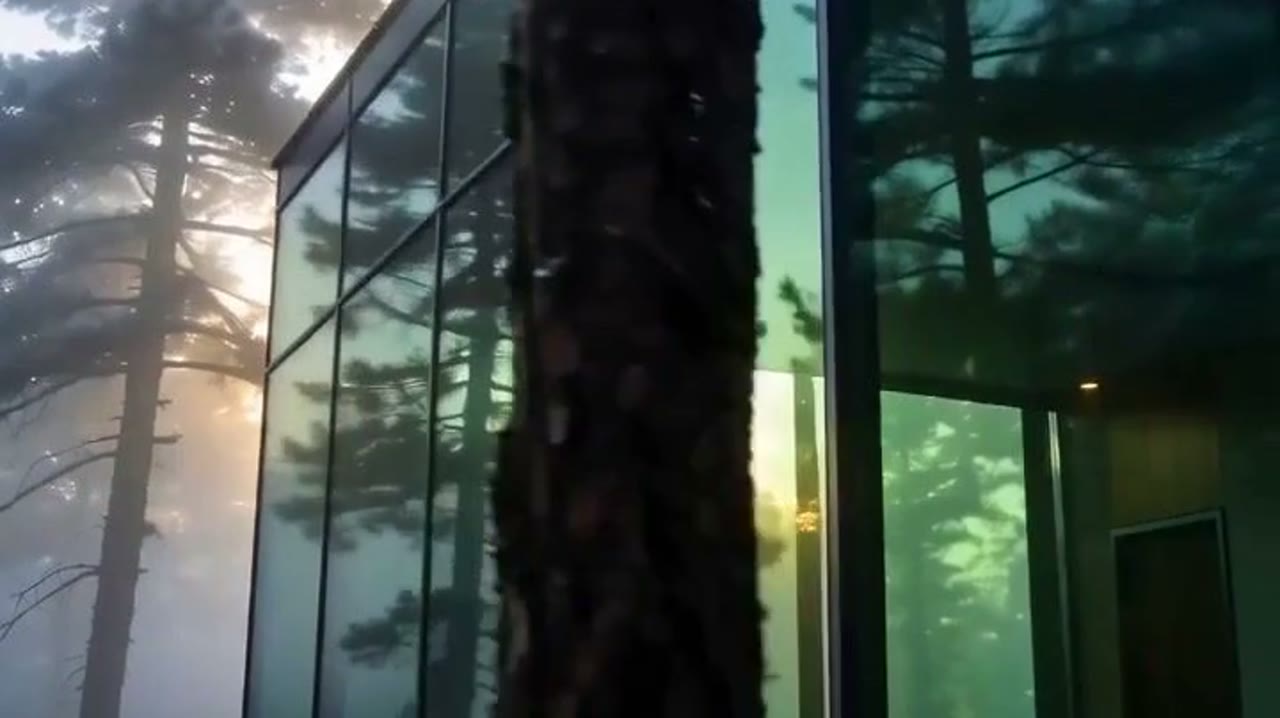
from listing photos.
You stop hiring a crew for every listing. Pick a shape. The price is on the card.
The templates
Every listing shape, priced.
Pick a shape. The card carries what it costs.
Real estate
listing-led tours & edits
Case study
Estitor handed over four Podgorica listings.
Estitor lists property across Montenegro. Four apartments came in for this study. Their listing photos are the reference.
The listings
Four apartments for sale in Zagorič, Podgorica. Every fact below is cited.
The photos
Estitor already shot every room. Those photos go in as the reference. OpenClips renders the motion from them.
The templates
Listing tour, Vertical reel and Listing teaser. All three cut from the same photos. The ladder tops out at 15 seconds.
Apartment for sale, 86 m², two rooms, two bathrooms, Zagorič, Podgorica. Seven photos in the gallery. The price is on request.
Source ↗Apartment for sale, 60 m², one room, one bathroom, Zagorič, Podgorica. Seven photos in the gallery. The price is on request.
Source ↗Apartment for sale, 93 m², three rooms, two bathrooms, Zagorič, Podgorica. Six photos in the gallery. The price is on request.
Source ↗Apartment for sale, 58 m², one room, one bathroom, Zagorič, Podgorica. Eight photos in the gallery. The price is on request.
Source ↗
Three moves
Listing photos to a finished clip.
Add the listing
Upload the best photos. They are the reference.
Pick the shape
Choose the cut you need. The card shows its price.
Render and send
The exact price sits on the button. Press it once.
Behind the render
The model page for these shapes.

Listing video without a crew
A listing film used to mean a videographer, a gimbal and a scheduling window around the owner. A real estate video maker replaces the shoot with the photos you already have: you pick the shape, add the listing images and a short brief, and the platform renders the cut. What changes here is that the shapes are not invented copy on a landing page. Each one is a cell of the published price grid, read straight from the catalog, and it carries the price of the render it produces.
What this page sells today
Listing clips price up to 15 seconds here, and the 30-second tour arrives the day the catalog prices it. Nothing on this page quotes a length the model behind it will not render, which is why the ladder stops where it does rather than rounding up to the number an agent expects.
Listing images and floor plans
A listing needs stills as well as a tour. Real estate ads turn the same listing into posters, price drops and open house ads, and floor plan to 3D renders the plan as a furnished 3D image with a sales sheet beside it.
The price is visible before you spend
Every figure on this page comes from that same grid. The credit price is the cell the render is charged at, and the dollar beside it is the same figure at the pay-as-you-go pack rate. Nothing here is a list price we typed. When the rate card moves, this page moves with it, and the binding quote is still the one on the Generate button.
Frequently asked questions
A real estate video maker turns listing photos and a short brief into a clip without a camera crew. On OpenClips you pick a listing shape, add the photos, and the platform renders it on the model that lane is bound to. The shapes on this page are the listing cuts the platform can price and render today.
Each card on this page shows its price in credits and the same figure in dollars at the pay-as-you-go pack rate. The dollar figure is labeled because credits sell at several rates, and plans or larger packs buy them cheaper. Before you render, the composer puts the exact price of your configured clip on the Generate button.
Not on this page yet. Every card here names a length the bound model actually prices, and that ladder tops out at 15 seconds today. The 30-second tour is a gap in the catalog rather than a limit of the page. It appears here the day the catalog prices it, and no card will quote it before that.
One model renders this lane, and the rail on this page links its page. That page carries the full price grid, the vendor features the composer does not expose, and the sources behind every claim. A card never quotes a model it cannot fire.
Free to try. A new account gets a one-time credit grant and no card is asked for. Packs start at $10/800⚡. A listing clip costs more than a still, so the grant is there to let you judge the output rather than to cover a portfolio.
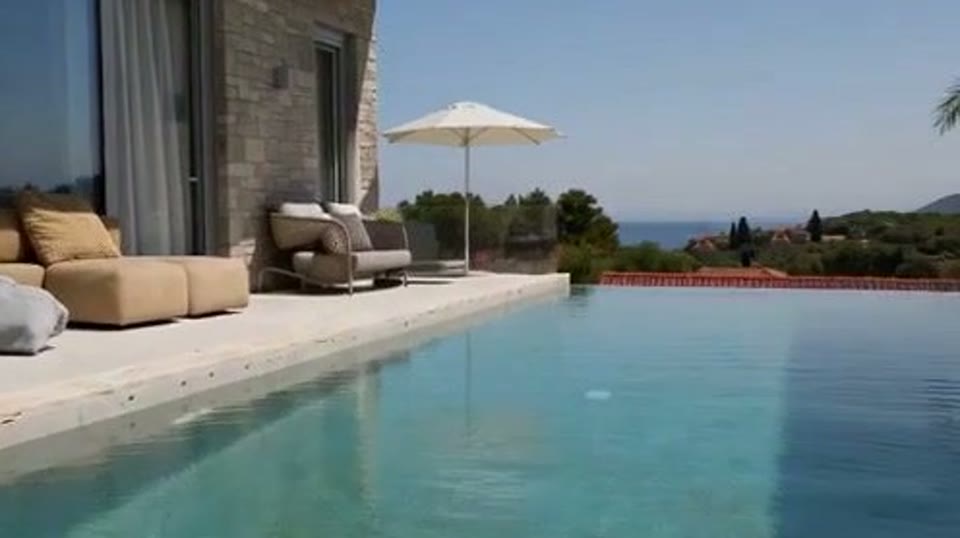
List it with a video this week
Add the photos. Pick the shape. Render it.
Render a listing videoThe price is on the button before you press it.