Grok Imagine 1.5 image to video
Attach one still. It moves. Or start from a community prompt in our AI video examples.
You stop describing a scene you already shot. Grok Imagine 1.5 moves the still. Fifteen seconds, up to 1080p.
Free account · ⚡50 on signup · No card
● Shot on Grok Imagine 1.5
Widescreen proof of the one thing the model does.
Grok Imagine 1.5 · 6s
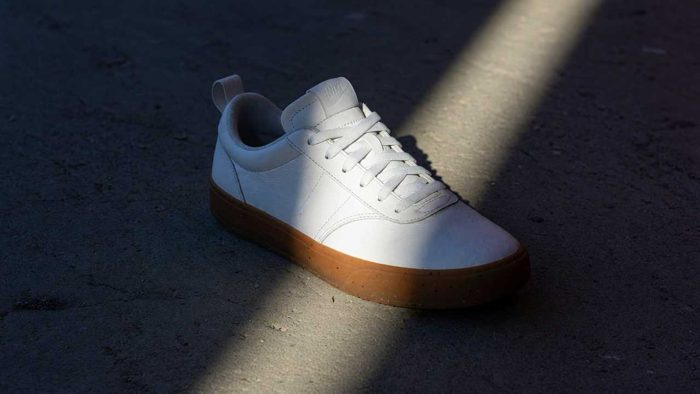
Watch with soundThe shaft of light sweeps slowly across the upper, the camera pushes in on the toe.
Grok Imagine 1.5 · 8s
Watch with soundMake a slow-motion nature video of a hummingbird drinking from a red flower in golden light.
Grok Imagine 1.5 · 8s
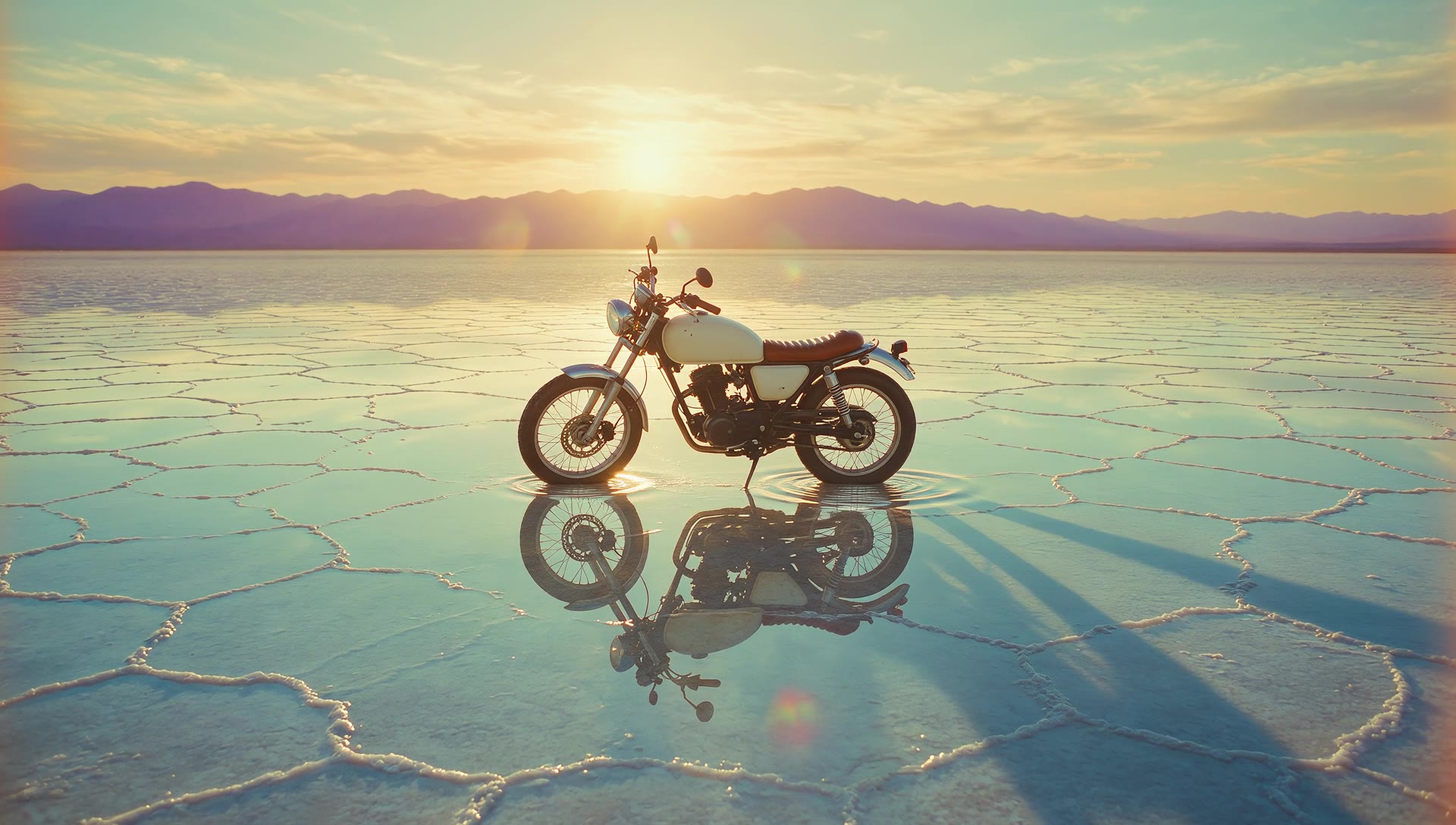
Watch with soundMake a dreamy retro commercial video of a vintage motorcycle alone on a mirrored salt flat.
Grok Imagine 1.5 · 6s
Watch with soundThe wheat bends in a gust and lightning flashes inside the cloud.
Grok Imagine 1.5 · 6s
Watch with soundThe camera glides forward over the stacks, the cranes track along the quay.
Grok Imagine 1.5 · 6s
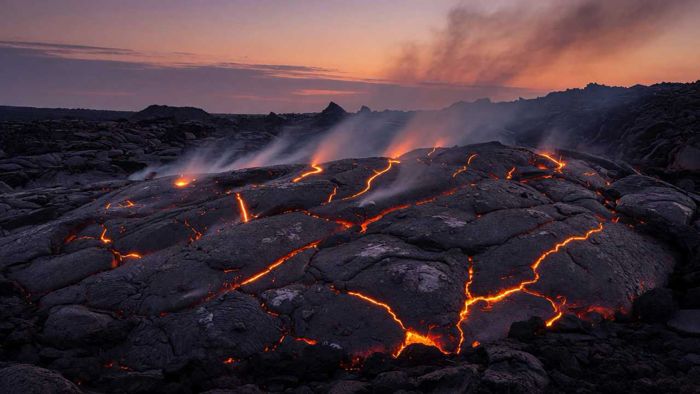
Watch with soundThe embers pulse brighter and smoke rises slowly through the frame.
● Why people pick it
Chapter 01 · The input
Attach the frame you own. The composition survives the render.
Chapter 02 · Any frame
Widescreen, vertical, square and four more. Same model.
Chapter 03 · The length
The ladder runs 1 to 15. Nothing to stitch.

Chapter 04 · The pace
Ten takes in the time a flagship spends on one.
● Two ways in
Attach one still. It moves. Or start from a community prompt in our AI video examples.
No still yet. The older line writes the shot from words. Up to eight references, 720p ceiling. Full rates sit on the pricing page.
● Three moves
01
One reference image. That is the brief.
02
One to fifteen seconds. Seven frames.
03
The ⚡ price is on the button before you press it.
● One still in
Left is the still. Right is the take it produced. Nothing else went in.
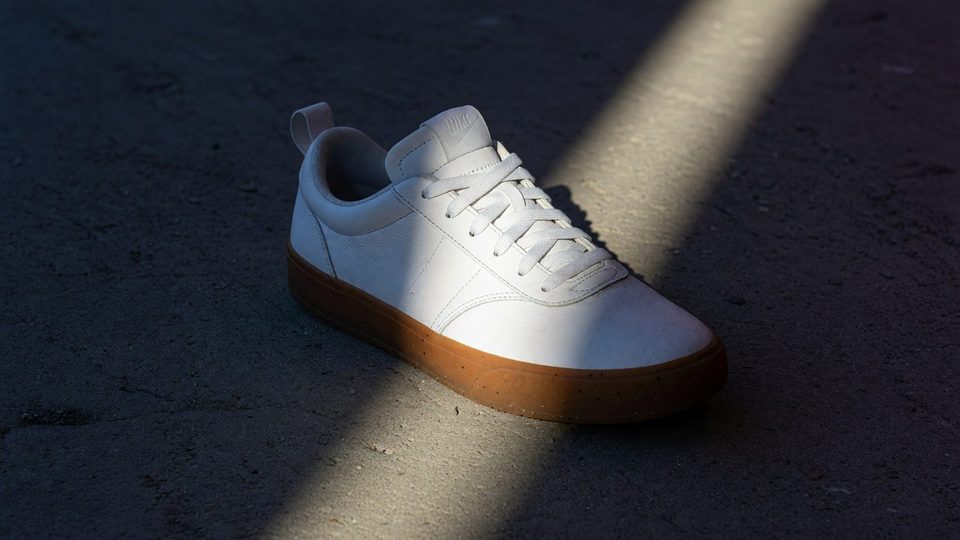
The shaft of light sweeps slowly across the upper, the camera pushes in on the toe.
● Every format
Vertical, widescreen and square. Twelve takes, one still each.
Grok Imagine 1.5 · 6s
Watch with soundThe skater drops through the frame, the shadow travels across the concrete.
Grok Imagine 1.5 · 6s
Watch with soundThe embers pulse brighter and smoke rises slowly through the frame.
Grok Imagine 1.5 · 6s
Watch with soundThe red light sweeps around the shell, the reflection travels across the visor.
Grok Imagine 1.5 · 6s
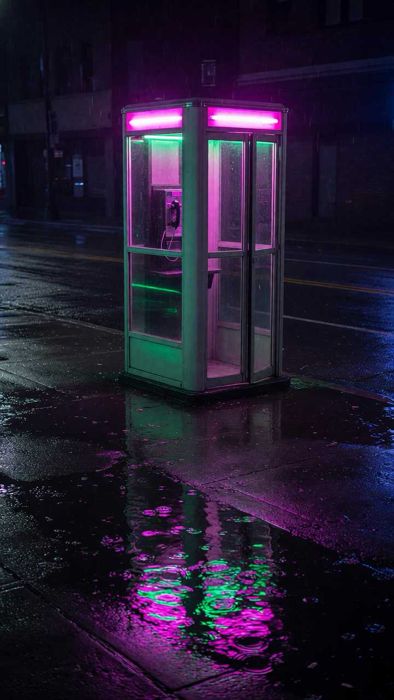
Watch with soundThe rain grows heavier, the neon flickers and the puddles ripple.
Grok Imagine 1.5 · 6s
Watch with soundThe wall of dust advances toward the camera and swallows the road.
Grok Imagine 1.5 · 6s
Watch with soundA drop falls into the surface, the crown rises and collapses.
Grok Imagine 1.5 · 6s
Watch with soundThe figure walks out of frame, the shadow stretches behind them.
Grok Imagine 1.5 · 6s
Watch with soundThe crack spreads through the ice and bubbles rise through the liquid.
Grok Imagine 1.5 · 6s
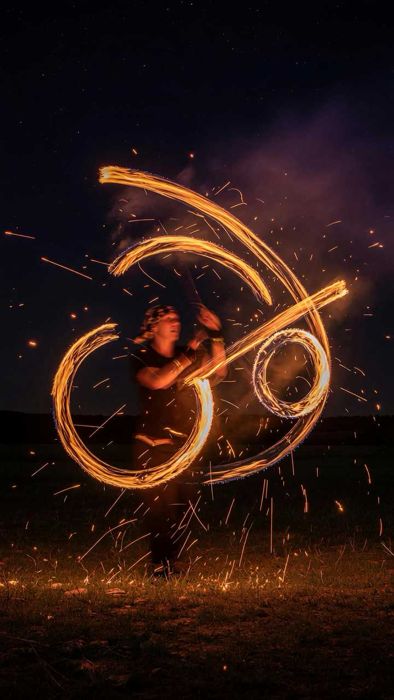
Watch with soundThe dancer completes a full circle, the fire trails close into a ring.
Grok Imagine 1.5 · 6s
Watch with soundThe camera glides forward over the stacks, the cranes track along the quay.
Grok Imagine 1.5 · 6s
Watch with soundThe balloon sways on the breeze, its shadow travelling across the wall.
Grok Imagine 1.5 · 6s
Watch with soundA wiper sweeps across the glass and the lights bloom back out of focus.
● Look closer
A still of a cloud. Then the gust, and the strike.
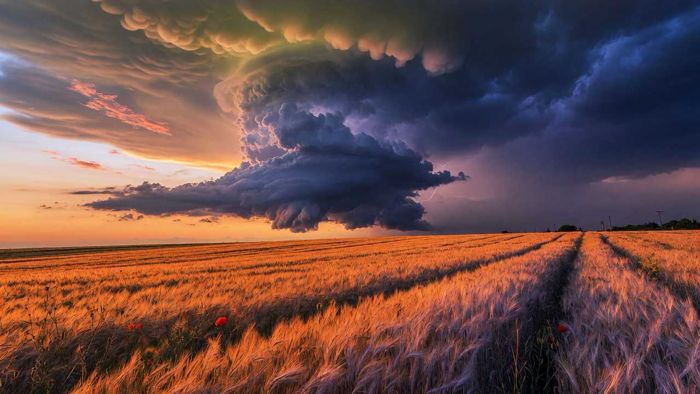
The wheat bends in a gust and lightning flashes inside the cloud.
● One model, ten jobs
Whatever already exists as a frame.
● The sheet
Grok Imagine 1.5 when the still exists. Grok Imagine when it does not. Grok Imagine image for the still itself.
| Spec | Grok Imagine 1.5 | Grok Imagine | Grok Imagine image |
|---|---|---|---|
| Output | Grok Imagine 1.5Video | Grok ImagineVideo | Grok Imagine imageStill images |
| Input | Grok Imagine 1.5One still, and it is required | Grok ImagineText, or up to 8 references | Grok Imagine imageText, or up to 3 references |
| Length | Grok Imagine 1.51 to 15 seconds | Grok Imagine1 to 15 seconds | Grok Imagine imageNot applicable |
| Resolution | Grok Imagine 1.5480p, 720p or 1080p | Grok Imagine480p or 720p | Grok Imagine image1K or 2K |
| Frames | Grok Imagine 1.516:9 · 9:16 · 1:1 · 4:3 · 3:4 · 3:2 · 2:3 | Grok Imagine16:9 · 9:16 · 1:1 · 4:3 · 3:4 · 3:2 · 2:3 | Grok Imagine imageFifteen, plus auto |
| Audio | Grok Imagine 1.5Silent | Grok ImagineSilent | Grok Imagine imageNot applicable |
| Typical wait | Grok Imagine 1.5About 90 seconds | Grok ImagineAbout 90 seconds | Grok Imagine imageAbout 10 seconds |
| From | Grok Imagine 1.5⚡19 | Grok Imagine⚡11 | Grok Imagine image⚡11 |
● The sheet
Figures reflect the OpenClips catalog, August 2026.
● Quoted first
6s · grok-imagine-video-1.5
100
from $0.41
Where the composer opens.
6s · grok-imagine-video-1.5
174
from $0.72
Same beat, more detail.
15s · grok-imagine-video-1.5
766
from $3.16
Fifteen seconds, full tier.
● OpenClips MCP
No console and no syntax. Your agent briefs Grok Imagine 1.5 through the OpenClips MCP server. It queues the render and hands back the take.
https://mcp.openclips.aiStep 01
One frame and one sentence. That is the brief.
Step 02
Length, resolution, frame and the ⚡ quote.
Step 03
Download it, remix it, or ship it.
● Director's notes
Four habits that separate a clean take from a re-roll.
The still decides the take. Attach the sharpest one you have.
One still in
Prove the motion on the cheapest stop. Then buy length.
Test short, buy long
Seven frames. Pick the placement first, not in the edit.
Frame first
The take comes back silent. Score it in your editor.
Silent by design
● From the community
Real renders from real accounts. Open one and remix it.

“Over-caffeinated founder races through a morning routine, whip-pans, chaos”
OC StudioGrok Imagine 1.5
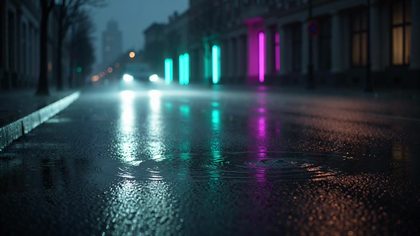
“Rain-slicked city asphalt at night mirrors shapeless neon glow in teal and magenta, a car's headlights sweep across the puddles and the reflections ripple apart, slow dolly forward at street level, wet texture and specular highlights, no signage, no lettering and no logos anywhere in frame”
OC StudioGrok Imagine Video
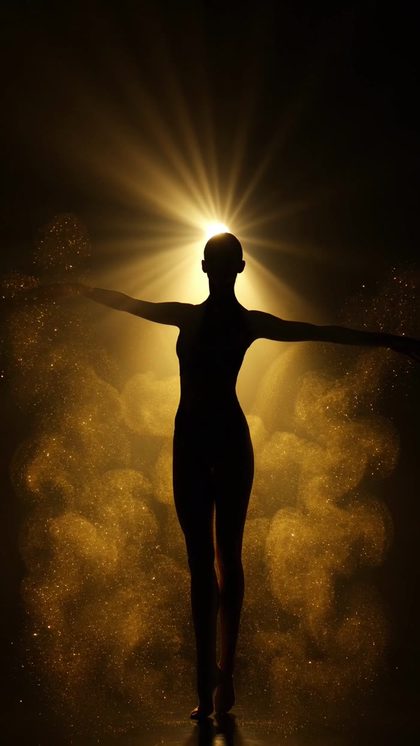
“A dancer's silhouette turns inside a swirling cloud of gold dust, a single hard beam of backlight rakes through the particles, dust flaring where the light catches it, deep black surround, vertical framing, slow motion, no text and no lettering”
OC StudioGrok Imagine Video
● From the blog
 Prompt Craft
Six beats that turn one line of text into a trailer-grade clip.
Read it → Prompt Craft
Which frame wins where, and how to compose for it before you render.
Read it → Studio News
One wallet, every model, and where the free signup grant goes.
Read it →● Version history
Newest first, straight off the roster.
video · Live on OpenClips
Rapid generation with bold aesthetics.
video · Live on OpenClips
Expressive, stylized looks — pattern-interrupt creatives.
image · Live on OpenClips
xAI's expressive, stylized images.
● Questions
Yes. Grok Imagine 1.5 is an image-to-video model, so one reference still is required. It animates the frame you attach. With no still in hand, render one on Grok Imagine image first, or write the shot on Grok Imagine instead.
One to fifteen seconds in one call, set in the composer. It opens at six. The price moves with the length and the resolution, and the exact figure sits on the Generate button before you press it.
No. It renders silent. Score it in your editor, or render the shot on Veo 3.1 when the scene needs sound recorded in the same call.
From ⚡19 (from $0.08) for one second at 480p, up to ⚡766 for fifteen seconds at 1080p. A free account opens with ⚡50. Packs start at $10/800⚡.
The 1.5 line animates a still you attach and reaches 1080p. The older line writes the shot from words, takes up to eight reference images, and stops at 720p. Both run one to fifteen seconds, both come back silent, both draw on the same wallet.
Grok for speed and edge on a still you already have. Seedance 2.5 for controllable cinematic scenes and longer takes. Both sit in the same composer, so a common flow is drafting here and finishing there.
● The receipts
Every link goes to the vendor's own page.
Find the two that have that thing. Then decide where to finish.
Generate with Grok Imagine 1.5Free account · ⚡50 on signup · No card
Or roll with a sibling model
Grok Imagine 1.5 is xAI's image-to-video model. It never starts from a blank page. You attach one frame and it animates that frame, one to fifteen seconds, up to 1080p. Bold, fast, a little unpredictable. That is the trade it makes.
Grok Imagine writes the shot from words, or from up to eight reference images. It stops at 720p and costs less per second. Two doors into one family, on one wallet.
Grok Imagine image renders the frame you are about to move. Up to 2K, about ten seconds a pass. Render the still there, animate it here, and the whole loop stays inside one models roster.
Grok Imagine 1.5 renders silent. There is no audio pass. Score it in your editor, or take the scene to Veo 3.1 when the shot needs sound recorded in the same call.
● Where to go next