

You stop briefing an agency for every cut. Pick an ad template. The price is on the card before you render.
The templates
Every ad template, priced.
Pick a shape. The card carries what it costs.
Cinematic & brand
multi-model pipeline · scored & voiced
UGC ads
creator-style · volume pricing
Real renders
Made here. Prompt included.
Ads from the gallery. Every prompt is verbatim.
Five-second portrait: a blue-haired woman cheek to cheek with a snow leopard, hearts drifting past
Fifteen-second anime action: two armored duellists clash above black water, red ribbons whipping around the strike
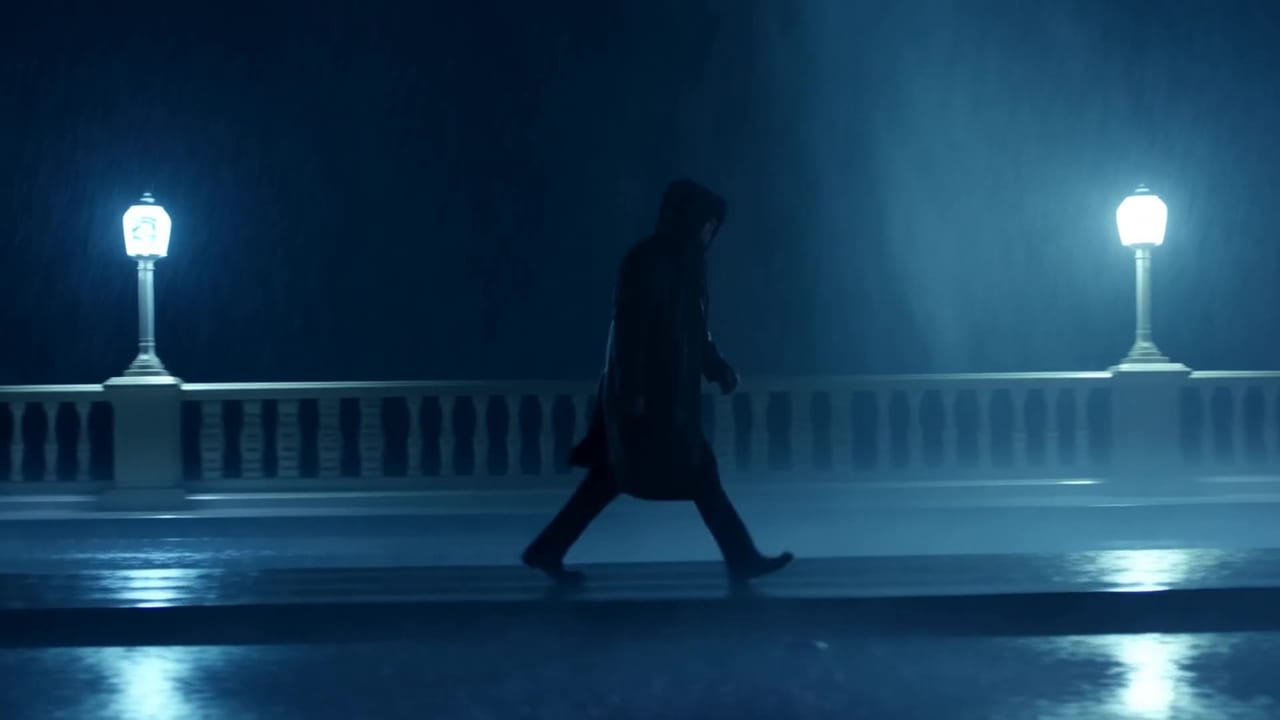
Fifteen-second fantasy: a cloaked conjurer lifts a mossy branch, the rain hangs still, then the great trees
Three moves
Brief to finished ad in three moves.
Pick the template
Choose the ad shape you need. The card shows its price.
Write the brief
Name the product and the beat. Add a reference image.
Render and check
The exact price sits on the button. Press it once.
What renders it
The models behind these ads.
Each template fires one model. Read its page first.
AI video ads without a shoot
A video ad used to need a crew, a location and a week. An AI video ad generator replaces the shoot with a brief: you describe the product, the beat and the look, and the platform renders the cut. What changes with OpenClips is that the templates are not invented copy on a landing page. They are the ad shapes the platform actually dispatches, read straight from the catalog, and each one carries the price of the render it produces.
Commercial or creator-style
The two lanes on this page answer two different briefs. The commercial lane is brand work: scored, paced and shot like a spot. The creator-style lane is volume: vertical, hand-held, the shape a paid social feed rewards. Media buyers usually need both, because the same product needs an anthem and thirty variants of a testimonial.
Static ads for the placements that want a still
Feeds, marketplaces and banners still run on images. The static ads hub holds every image ad template, from a sale banner to the AI poster maker, and the advertisement examples by industry show each one on products like yours.
The price is visible before you spend
Every figure on this page comes from the published price grid. The credit price is the cell the composer will fire for that template, and the dollar beside it is the same figure at the pay-as-you-go pack rate. Nothing here is a list price we typed. When the rate card moves, this page moves with it, and the binding quote is still the one on the Generate button.
Frequently asked questions
An AI commercial generator turns a written brief into a finished video ad. On OpenClips you pick an ad template, describe the product, and the platform renders the clip on the model that template is bound to. You get a cut-ready file with no shoot, no crew and no edit suite. The templates on this page are the ad shapes the platform can render today.
Each template card on this page shows its price in credits and the same figure in dollars at the pay-as-you-go pack rate. The dollar figure is labeled because credits sell at several rates: plans and larger packs buy them cheaper. Before you render, the composer puts the exact price of your configured ad on the Generate button.
Yes. The creator-style lane on this page holds the vertical shapes a paid social feed rewards, and every card carries its own price. Each template is a saved composer state, so pressing one lands you in the generator with the brief already shaped. You supply the product and the angle.
Every template is bound to one model, and the model rail on this page links the page for each one. Those pages carry the full price grid, what the vendor exposes that we do not, and the sources behind every claim. A template never quotes a model it cannot fire.
Free to try. A new account gets a one-time credit grant and no card is asked for. Packs start at $10/800⚡. Video ads cost more than stills, so the grant is there to let you judge the output rather than to fund a campaign.
Ship the ad this afternoon
Pick a template. Write the brief. Render it.
Render your first adThe price is on the button before you press it.