What is Mirage Swap?
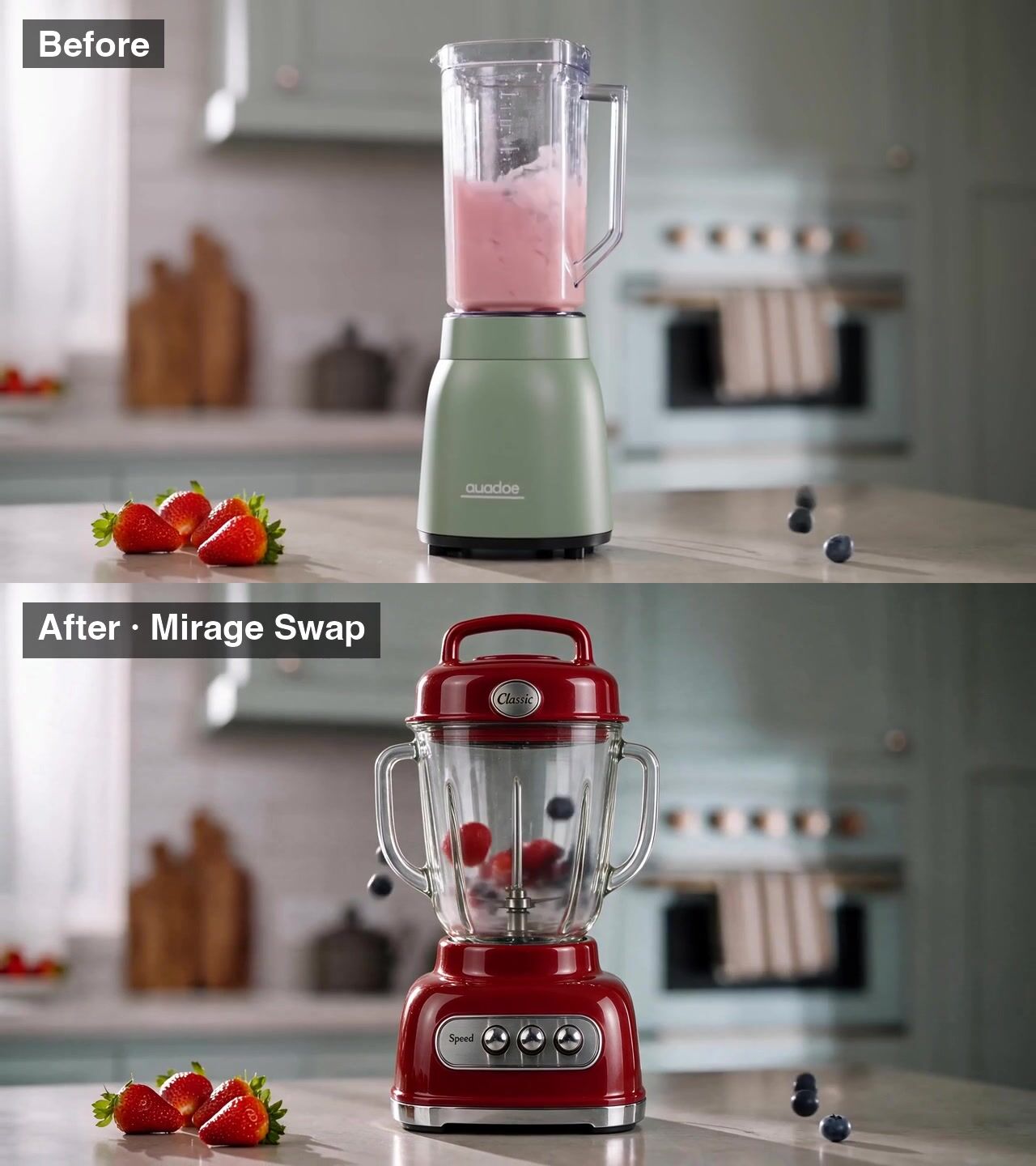
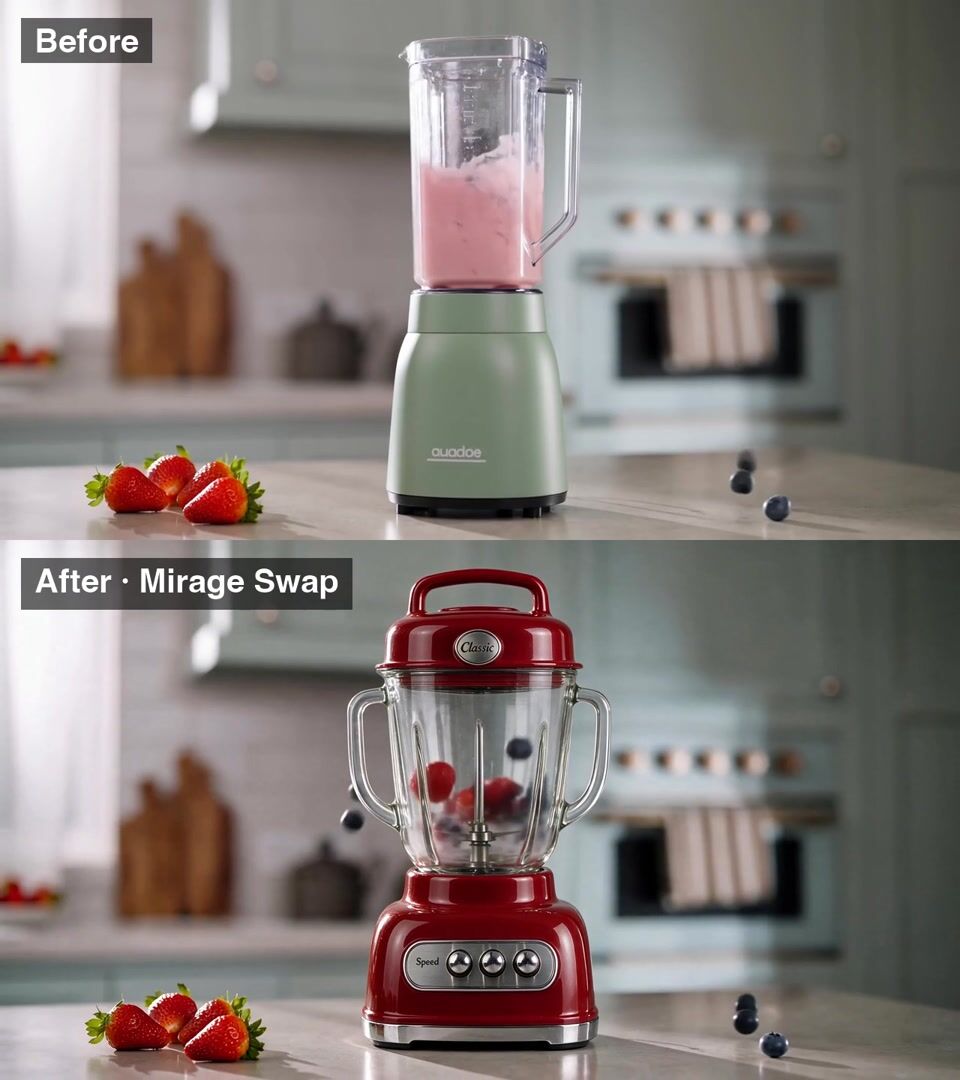
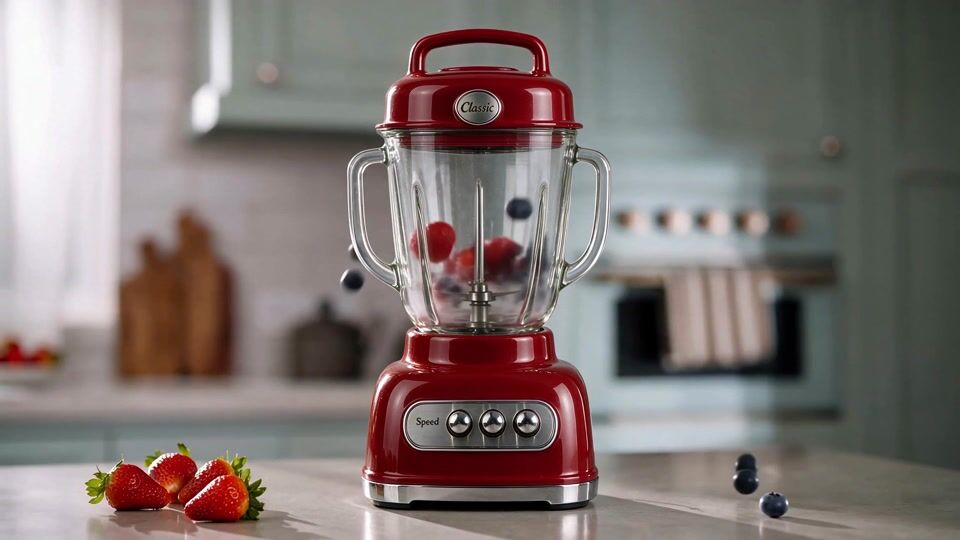
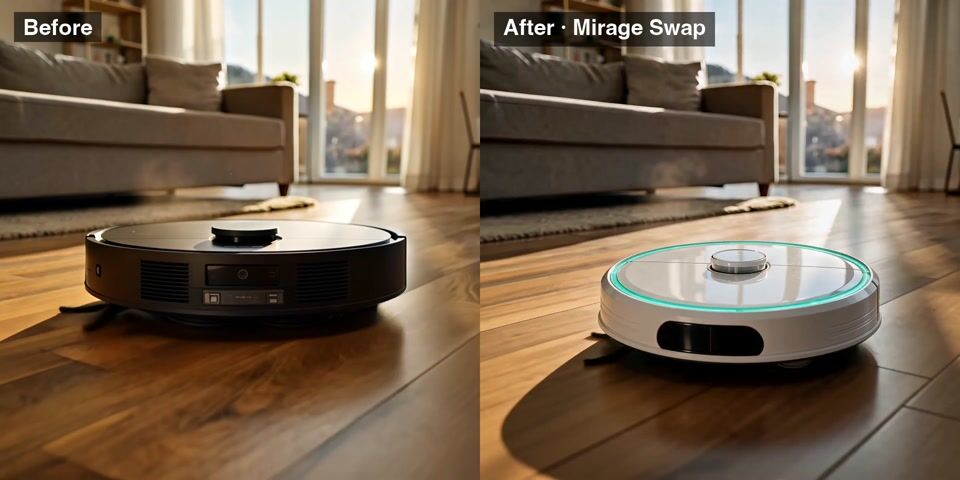
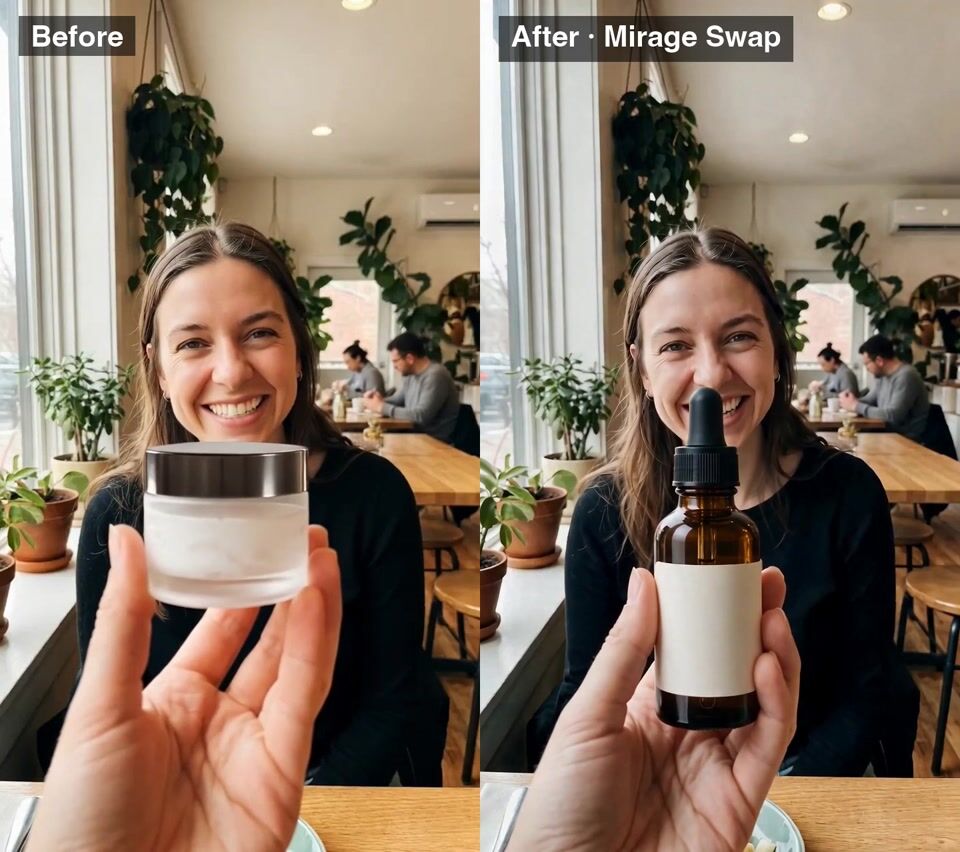
Mirage Swap is an AI video editor that replaces what is in a shot and keeps the shot. Upload a clip of up to 15 seconds, attach a photo of the new person, product or place, and say what changes. The motion, the camera move and the timing carry over, so the new version drops straight into your cut. On OpenClips it runs in the app, through the REST API and through the MCP server, and every result lands in your library.
Four ways to edit a video
- Replace a product or background: put a new product in the same hand, or move the same scene somewhere new.
- Replace a person: change who is on screen and keep every move.
- Restyle the video: turn live footage into anime, claymation or another look.
- Free edit: describe any other change in plain words.
The Mirage Swap line-up
- [Mirage Swap](/models/mirage-swap/) renders up to 1080p. Use it for the final version.
- [Mirage Swap Plus](/models/mirage-swap-plus/) runs on the newest Mirage engine. Use it to swap several people at once.
- [Mirage Swap Fast](/models/mirage-swap-fast/) costs less, at 480p or 720p.
- [Mirage Swap Mini](/models/mirage-swap-mini/) is the cheapest, for drafts and quick tests.
All four take the same inputs: one clip of up to 15 seconds, up to 9 reference images and a prompt.
Prompt guide for video swaps
Name the swap in one sentence: "Replace the frosted cream jar she holds with the amber serum bottle from image 1." Then list what stays: "Keep her face, her words, her hand movement, the kitchen and the lighting unchanged." One clear swap per run gives the cleanest result.