What Is FLUX 3? Black Forest Labs’ Talking Video Model, Tested Frame by Frame
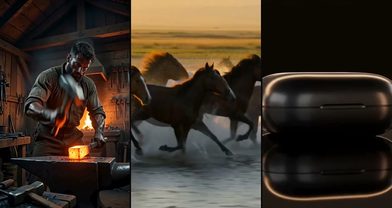
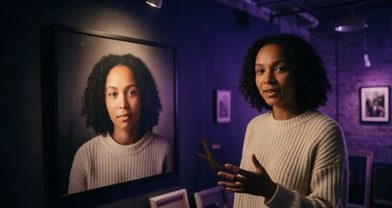
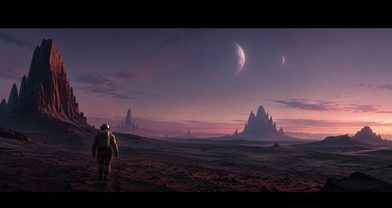
Black Forest Labs built the FLUX image models. FLUX 3 is their move into video: you write the lines, and the characters say them, in the shot you asked for, with the room sound around them. We checked one render frame by frame.
Scene select — 8 scenes
Black Forest Labs built the FLUX image models. FLUX 3, announced on 23 July 2026, is their move into video: one model that handles images, video, audio and even robot actions. For creators, the part that matters is simple. You write the lines, and the characters say them, in the shot you asked for, with the room sound around them.
What FLUX 3 does
- Dialogue in the pass: speech, ambience and effects are generated with the picture and synced to it.
- Several shots in one clip: describe the cuts and it changes angles inside one generation.
- On-screen text and multilingual speech: quote the sign or the line exactly, in any language.
- Image frames: images become frames of the clip. One image opens it, two open and close it, more are spread across it.
Length, resolution, sound and the starting price on OpenClips:
| Modality | Video |
|---|---|
| Length | 5s to 20s |
| Resolutions | HD, FHD |
| Audio | Available |
| References | Up to 10 |
| Price | from ⚡153 per render (from ≈$0.13/s) |
We tested it: one prompt, four shots, two speaking characters
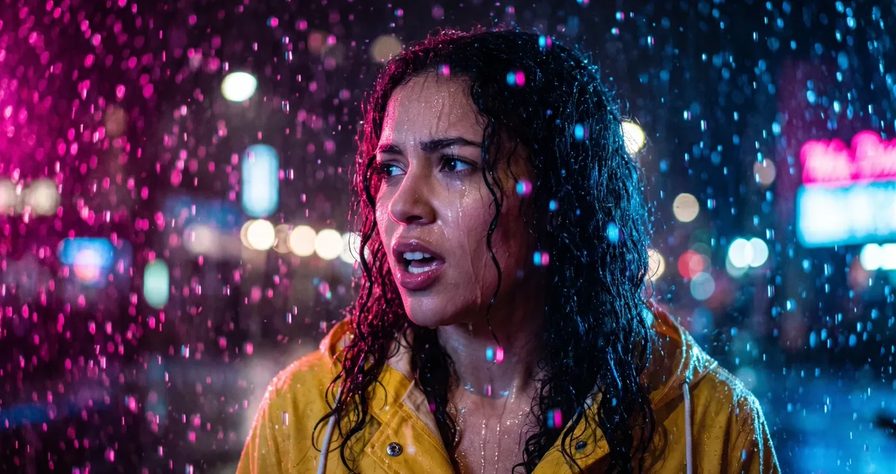
One text prompt, no images, no edits. A rainy-night cafe in four timed beats with two lines of dialogue.
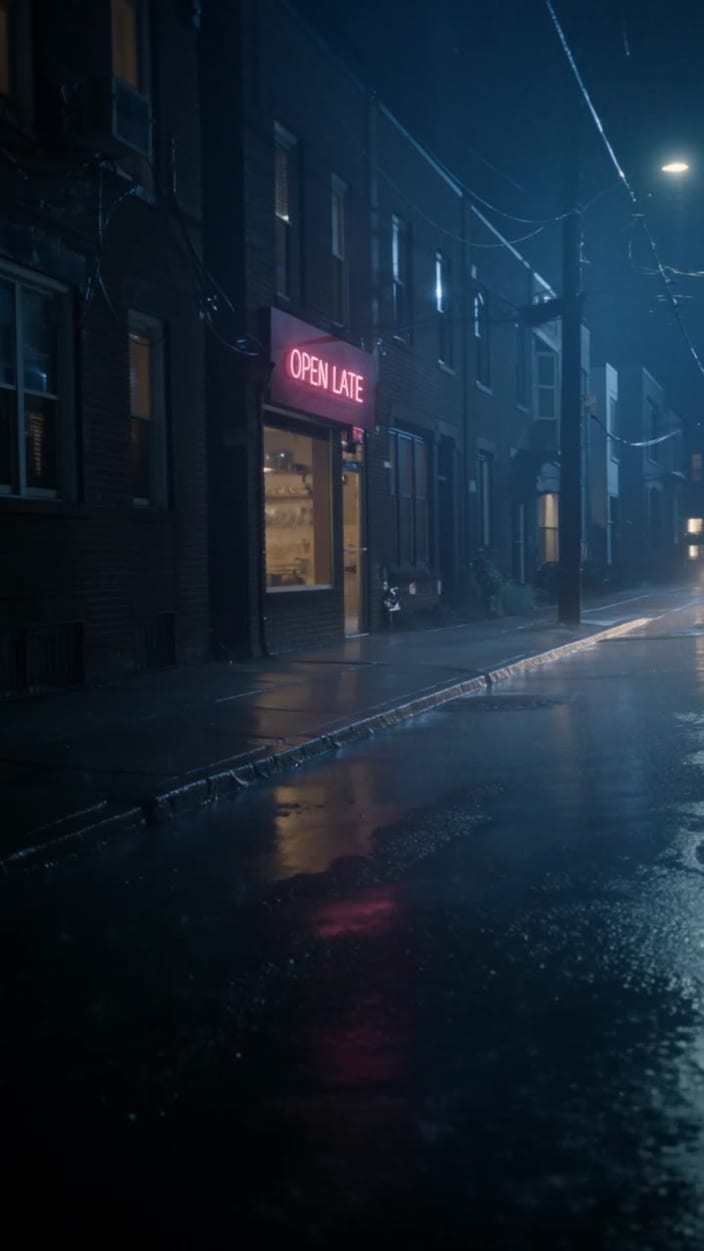
A wet brick street with a pink neon “OPEN LATE” over a lit doorway, then a barista in a green apron and a woman in a yellow raincoat meeting over a white cup at a wooden counter, a close-up of the barista against a rain-streaked window, and the woman cradling the cup and smiling.
What we measured, not just eyeballed:
| Check | Prompt asked | What came out |
|---|---|---|
| Shot count | 4 beats | 4 shots, in order |
| Cut times | 5 s, 11 s, 17 s | 4.6 s, 10.3 s, 16.1 s |
| Line 1 (customer) | “You’re still open? I thought I was too late.” | Word for word, 6.7 to 9.8 s |
| Line 2 (barista) | “We never close when it’s raining.” | Word for word, 10.6 to 12.2 s, just after the cut to her close-up |
| Neon sign | “OPEN LATE” | Spelled correctly |
| Subtitles | None | None in any frame we sampled |
We transcribed the audio with Whisper and found the cuts with ffmpeg scene detection. Every cut landed 0.4 to 0.9 seconds early. If a beat must hit an exact second, allow for that.
Two honest notes: our prompt said “three camera angles” but described four beats, and the model followed the beats. And one render is a data point, not a benchmark.
The prompt:
A cinematic 20-second scene in one continuous generation with three different camera angles. Rainy night, a small cozy neighborhood cafe. Photoreal, film look, warm tungsten light inside, cold blue rain outside. 0-5s: Exterior wide shot from across the wet street. Above the door a pink neon sign reads exactly "OPEN LATE". Sound: steady rain, a car passing. 5-11s: Inside, medium shot across the counter. A young barista with curly dark hair and a green apron slides a coffee cup to a woman in a bright yellow raincoat. The woman says: "You're still open? I thought I was too late." 11-17s: Close-up on the barista. She smiles and says: "We never close when it's raining." The door bell jingles. 17-20s: Close-up of the woman laughing softly, steam rising from the cup. Natural lip-synced English dialogue, realistic sound effects matched to each action. No music, no subtitles, no on-screen text except the neon sign.Run this prompt →
FLUX 3 prompts: 4 templates for real jobs
These follow the structure that worked above plus the published FLUX 3 prompting guidance: quote every spoken line, give each line a visible speaker, end with “no subtitles”, and name every sound you care about. We have not rendered these four yet, so treat them as starting points and swap the bracketed parts.
1. Dialogue skit (two speakers)
Two shots, 10 seconds. SHOT ONE: medium two-shot, static camera, [a man in his 30s in a grey hoodie] and [a woman in her 20s with a red scarf] at [a bus stop at dusk]. He says, deadpan: "[Line one, under 10 words.]" HARD CUT. SHOT TWO: close-up on her, she says quickly, laughing: "[Line two.]" Sound: light traffic in the distance, a bus braking. No music, no subtitles, no on-screen text.
Short, conversational lines deliver best. Budget about 5 seconds per shot.
2. Product ad with a spoken hook (ends on your product)
Attach two images: a scene still to open on, and your product photo to close on. On FLUX 3, two images open and close the clip.
10 seconds. A [woman in her 20s] looks straight into the camera, handheld selfie framing, and says: "[Hook line, 6 to 8 words.]" She lifts [the product] toward the lens, the camera pushes in, and the clip settles on the product on [a marble counter]. Sound: a soft click as she sets it down, quiet room tone. No music, no subtitles.
Your product photo appears literally as the last frame: exactly right for a packshot.
3. Multi-angle scene (three shots, no dialogue)
Three shots, 15 seconds, one consistent warm palette. SHOT ONE: wide, slow dolly in, [a ceramicist's studio at sunrise]. HARD CUT. SHOT TWO: medium, static, her hands shaping clay on the wheel, the wheel humming. HARD CUT. SHOT THREE: close-up, she lifts the finished bowl and turns it toward the window light. Ambient: birdsong outside, the wheel slowing down. No music, no subtitles.
Move shot size in one direction and end each shot on a pause. Cuts mid-motion read as glitches.
4. Three images, one move between them
Attach three images in order: the opening frame, a midpoint and the final wide frame. FLUX 3 spreads them across the clip; then describe the motion between them.
10 seconds. From the first frame, the camera orbits slowly around [the sneaker on a concrete plinth] as the light shifts from cool morning to warm sunset, reaching the second frame at the midpoint, then pulls back to the final wide frame. Sound: wind, a distant city hum. No music, no subtitles.
Frames are strong guidance, not a pixel lock. Frames that share camera, light and objects blend best.
FLUX 3 vs FLUX 3 Max
FLUX 3 Max is a faster version of FLUX 3 Video that Black Forest Labs and fal post-trained together, released in October 2026. The companies claim about 12 seconds to make a 10-second clip with audio. On OpenClips the wait depends on the queue, so expect Max to come back sooner, not instantly.
| FLUX 3 | FLUX 3 Max | |
|---|---|---|
| Modes on OpenClips | Text, or images as frames | Text, or a first frame (and an optional last) |
| Images | One opens, two open and close, more are spread | First frame, or first and last |
| Pick it for | Dialogue and multi-shot scenes | Speed: fast drafts and quick variations |
Black Forest Labs’ own API also offers Max keyframes pinned to exact frames; that mode is not in the OpenClips composer yet.
| Modality | Video |
|---|---|
| Length | 5s to 20s |
| Resolutions | 720p, 1080p |
| Audio | Available |
| References | None |
| Price | from ⚡174 per render (from ≈$0.14/s) |
FLUX 3 vs Seedance and other models
Black Forest Labs published preliminary win rates on 10-second clips: 93% against Ray 3.2, 77% against Gen-4.5, 69% against Grok Imagine, 60% against Kling v3 Pro, and about 52% against Seedance 2.0 and Gemini Omni Flash. These are the lab’s own tests, not independent ones. Against Seedance 2.0 that is close to a coin flip.
The practical differences matter more than the scores:
- Pick FLUX 3 for short scripted dialogue where you write every line, and for product clips that must end on your exact packshot.
- Pick Seedance 2.5 when you need a longer take in one pass, or a specific person held through the clip from reference images.
- Pick OmniHuman 2.0 when you already have the voiceover and need someone to speak it.
Price on OpenClips and how to budget
Billing is per second, and the price shows on the Generate button before you render. Turning audio off does not lower it. The spec tables above carry the starting price for each model.
A sensible plan for one finished dialogue clip: test the hardest beat as a short clip first, fix the prompt, then run the full length in HD. Two short tests plus the final render cost far less than three full renders. Move to Full HD only for the take you will publish.
When not to use FLUX 3
- You need a specific face. Images are frames, not references: a photo appears literally as one frame, and that person is not carried through new shots. Use a reference model such as Seedance 2.5.
- You have your own voice or script audio. On OpenClips, FLUX 3 writes the voices itself and cannot speak a track you upload. Use OmniHuman 2.0.
- You need to extend a clip. Clip continuation exists in BFL’s API but is not available on OpenClips. For a longer take in one pass, look at Seedance 2.5.
- You need a recurring brand jingle. Generated music is not identical between runs. Add your own track in the edit.
- You plan to ship long multi-shot ads untouched. Early reviewers say they still need a check of props, text, pace and audio at every cut.
Prompting rules that held up
- Structure shots with timed beats (“0-5s:”) as in our test, or “SHOT ONE: … HARD CUT. SHOT TWO:” as BFL’s partner docs show.
- Give every quoted line a visible speaker. Lines without one can come out as on-screen text instead of speech.
- Name the camera, including “static camera”. Otherwise expect a slight drift.
- Name every sound and every absence. Music only appears if you ask for it, and “no music” keeps tense scenes from getting a score.
Write the lines, get the scene with its sound. New to OpenClips? Start free with ⚡50 on signup, no card.
Sources, read on 22 October 2026: invideo’s FLUX 3 explainer, DataNorth and TechTimes on the FLUX 3 launch, Runware’s FLUX 3 Video guides (prompting, audio and speech, multi-shot sequences, keyframes), Black Forest Labs’ official FLUX 3 skills on GitHub, AlphaSignal on the FLUX 3 Max launch, and PixVerse’s FLUX 3 Video review.