What Is OmniHuman 2.0? ByteDance's New AI Avatar Model, Explained
Most AI avatars give themselves away in three seconds. OmniHuman 2.0 is ByteDance’s answer: one photo and one voice track become a video of that person talking or singing. We tested it, made it sing, and priced every second.
Scene select — 8 scenes
Most AI avatars give themselves away in three seconds: the head bobs, the mouth flaps, the body never moves. OmniHuman 2.0 is ByteDance’s answer, and it is now on OpenClips as Dreamina OmniHuman 2.0. We tested it so you do not have to guess.
What it does
You give it one image (a portrait, a selfie, a drawing, a character), one audio track (speech or a song) and, if you want, a short prompt for emotion, gestures and camera. It returns a video where the mouth, face and body follow the audio.
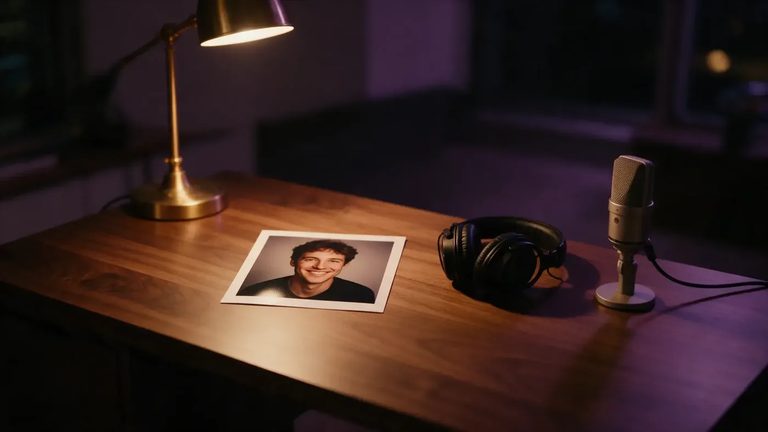
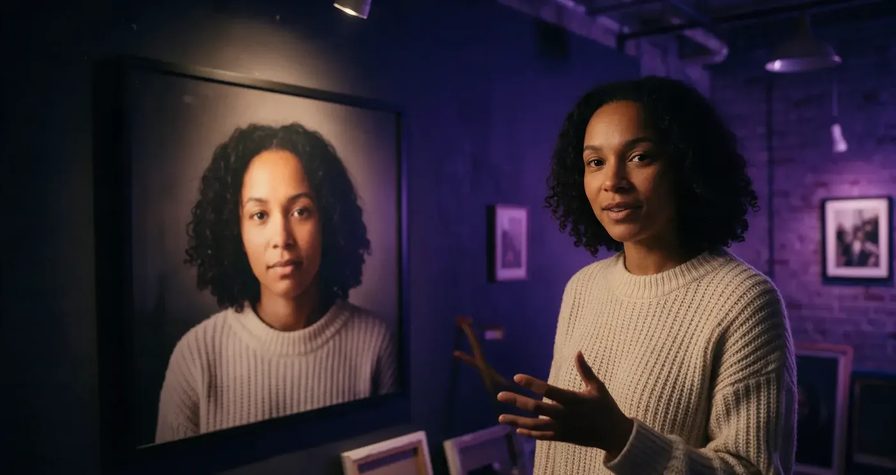
Here is a real one, made on OpenClips from one portrait and 9 seconds of recorded voice:
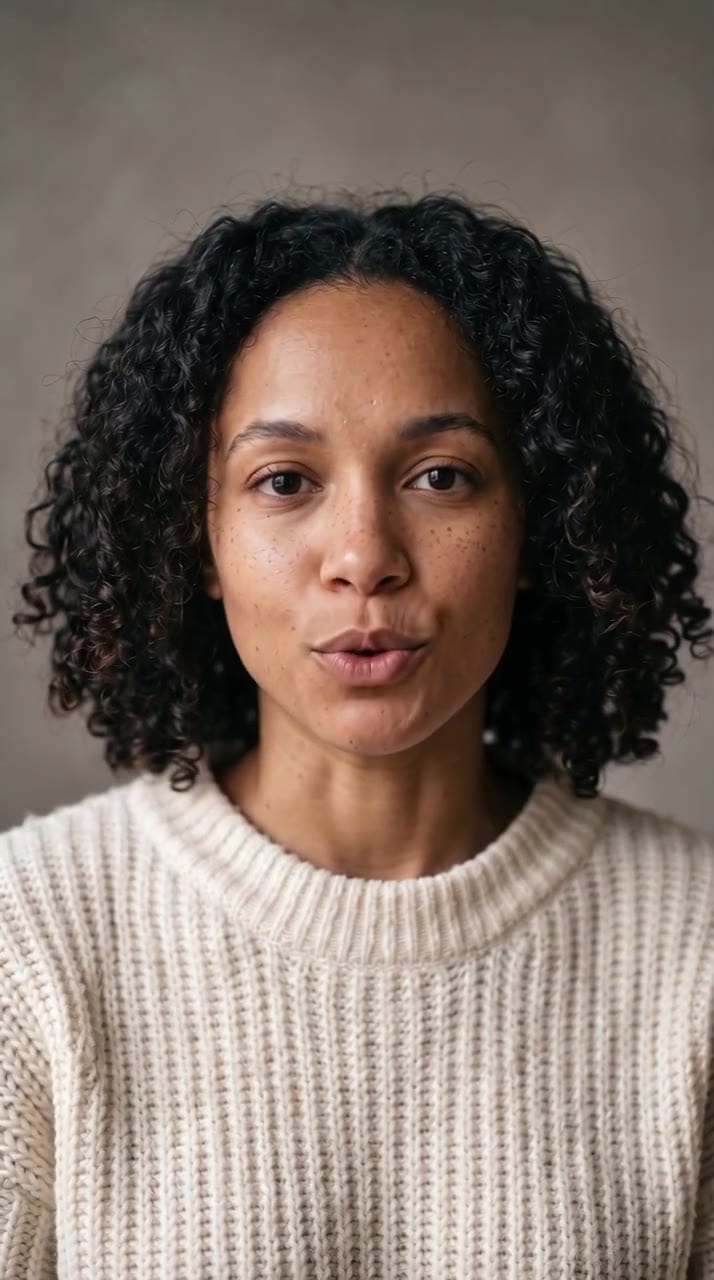
9 seconds, 720p, ⚡129, about 3 minutes to render.
The same photo with a directed prompt: a nod, a hand on the key words, a smile at the end, and a push-in.
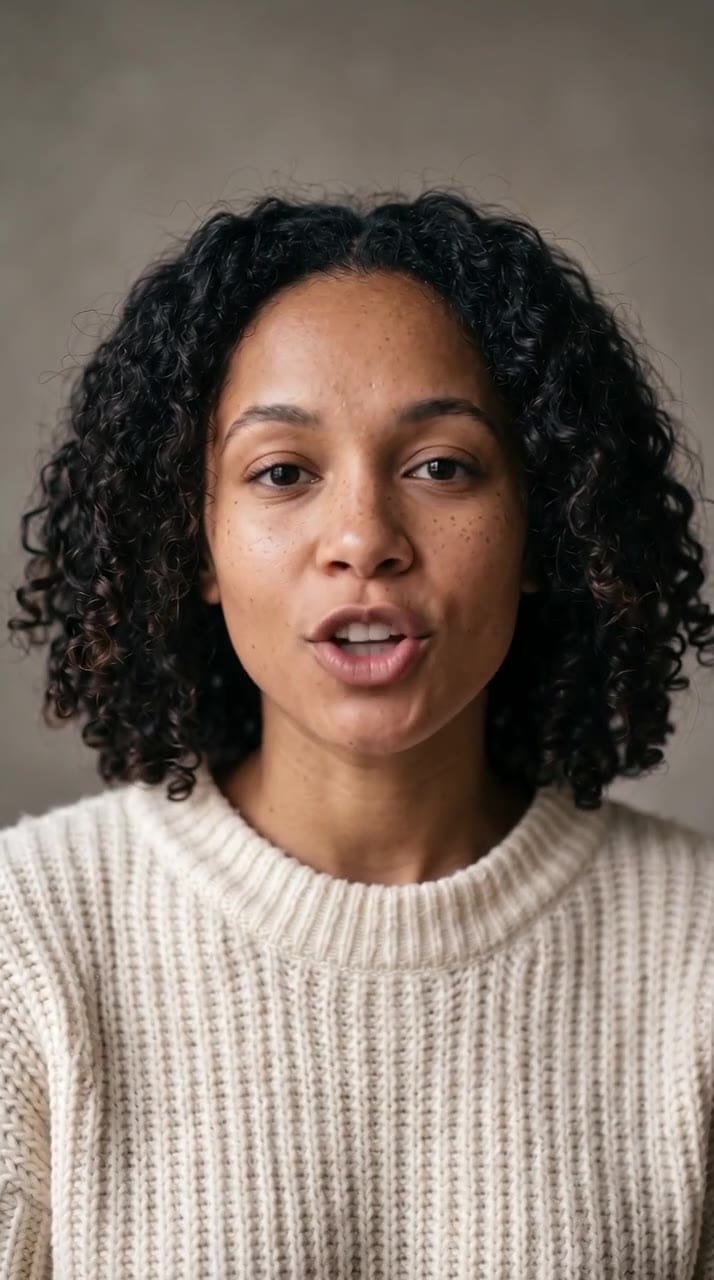
5 seconds, ⚡72. The gesture and the smile landed exactly on cue. The push-in came out gentle, so ask for a bigger move if you want it to read on a phone.
And singing, to an original 10-second track we made for this post:
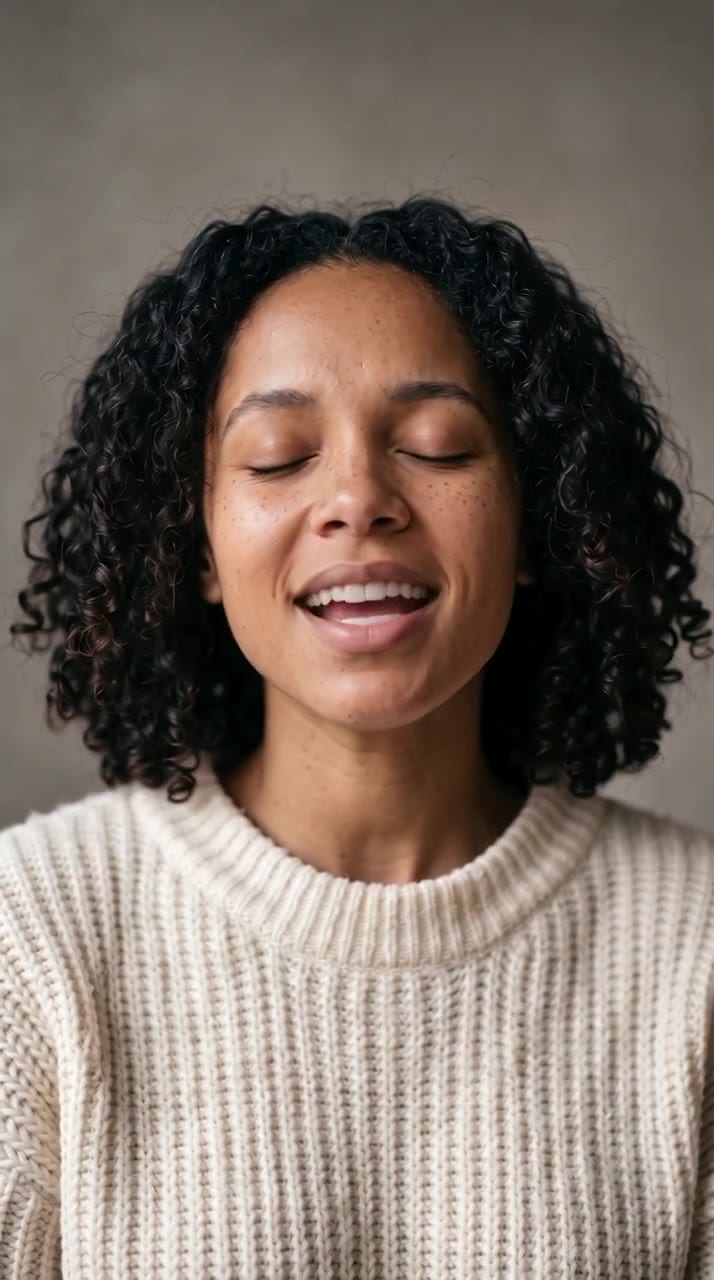
5 seconds, ⚡72, plus ⚡4 for the song. Eyes closed through the phrase, head lifting on the high note. One miss: we asked her to open her eyes at the end, and she did not.
What is new in 2.0
OmniHuman 1.5 (September 2025) already brought camera control, multiple people and text prompts. Version 2.0 adds, according to BytePlus:
- Longer takes: up to 5 minutes on the API, up to 2 minutes on OpenClips.
- Better motion for less: marketed as “40% lower cost, better motion.”
- Gestures that match the words, not just the volume.
- More subjects: animals, 3D and non-human characters are now officially supported.
- Extras by prompt: objects and effects that are not in the photo.
- One model for speech and song, with no separate singing mode.
Specs and price
| OmniHuman 2.0 on OpenClips | |
|---|---|
| Input | 1 image + 1 audio track + optional prompt |
| Audio length | 4 seconds to 2 minutes |
| Resolution | 720p |
| Render time | About 2 to 10 minutes |
| Price | About ⚡14 per second: 10 s = ⚡143, 30 s = ⚡428, 60 s = ⚡856, 2 min = ⚡1,711 |
| Copy motion from a video | No, image only |
We tested it: same photo, same voice, two models
We ran the same portrait and the same 9 seconds of voice through OmniHuman 2.0 and Pruna P-Video 2, a cheaper audio-driven model also on OpenClips.
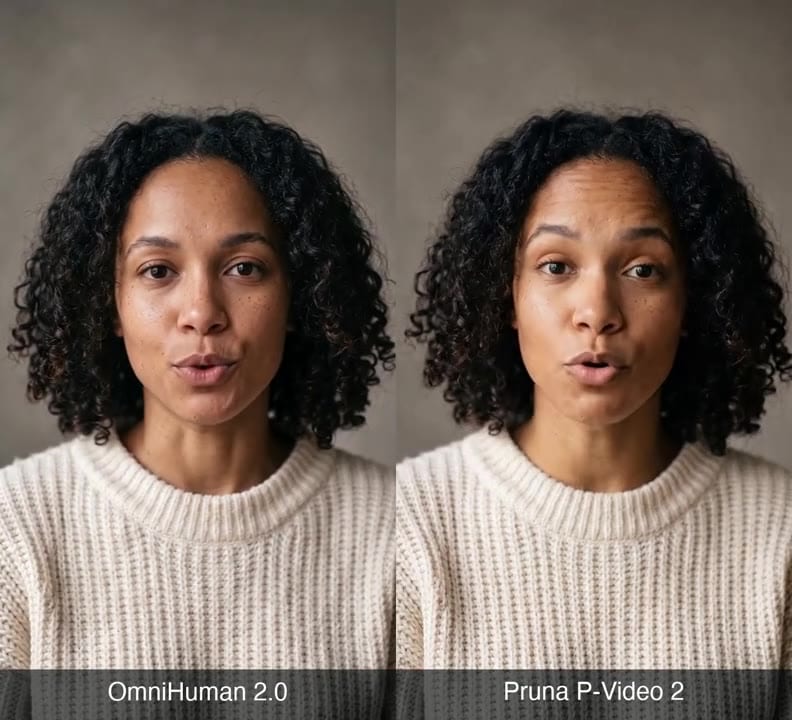
| OmniHuman 2.0 | Pruna P-Video 2 | |
|---|---|---|
| Cost for 9 s | ⚡129 | ⚡46 |
| Render time | About 3 minutes | Seconds |
| Head and eyes | Calm, natural blinks | More tilt, eyes often closed |
| Mouth | Measured | Wider, more exaggerated |
| Longest clip | 2 minutes | 20 seconds |
| Reads as | A real person | Livelier, more theatrical |
Our take: P-Video 2 is fine for cheap drafts. When the clip has to pass as a real person, or runs past 20 seconds, OmniHuman 2.0 is the one we would ship.
Where it beats other avatar tools
- The body acts, not just the mouth. Head, shoulders and hands move with the meaning of the audio.
- It sings. Held notes and high notes come through the face, as our demo shows. Most presenter avatars only talk.
- One photo, no training. No footage of yourself, no digital twin to build.
- More than humans. BytePlus lists mascots, cartoons and pets as supported subjects.
Where others still win: HeyGen-style platforms are better when you need one digital twin across hundreds of videos, built-in translation, or a full presenter studio.
Where it still slips
- Teeth can smear in close-ups. Frame a little wider.
- Gliding vowels (“boy”, “now”) can miss the sync.
- Over-acting is the default. Ask for calm, natural delivery.
- Busy backgrounds can drift. Use a plain one with a single face.
How to prompt it
Use one order: camera + emotion + speaking state + actions.
Static medium shot with a slow push-in on the last sentence. She starts calm, then warms into a smile. She talks directly to the camera, first a slight nod, then an open palm on the key line. Background stays still.
Say “talks” or “sings” explicitly, give one camera move, and do not ask for emotion that fights the voice. Start with a clear face photo with a relaxed mouth, and a clean voice recording with no music under it.
How to use it on OpenClips
- Open the video generator and pick Dreamina OmniHuman 2.0.
- Upload a photo and an audio track (4 seconds to 2 minutes).
- Add a short prompt, check the price, and generate.
Test 5 seconds first (⚡72), then render the full take. Made something good? Publish it as a community workflow. Here’s how sharing earns you credits →
One photo, one voice, up to two minutes. New to OpenClips? Start free with ⚡50 on signup, no card.
Sources, read on 19 October 2026: BytePlus’s OmniHuman 2.0 product page, the Supermaker and MindStudio launch write-ups, the OmniHuman-1.5 project page, and fal’s OmniHuman 1.5 prompt guide.