
Kling 4.0 image to video
Start from frames you already have. Pin them as first, middle and last frames. The take lands on each one at its moment. Or attach reference images and say what each one holds.

Thirty seconds. One take.
You stop stitching short clips into an ad. Kling 4.0 writes 30 seconds in one pass. One face, no seam.
From $0.396 per render on MAX yearly
● Shot on Kling 4.0
Six takes, one render each. The prompt under each one.
 Kling 4.000:00:10:00
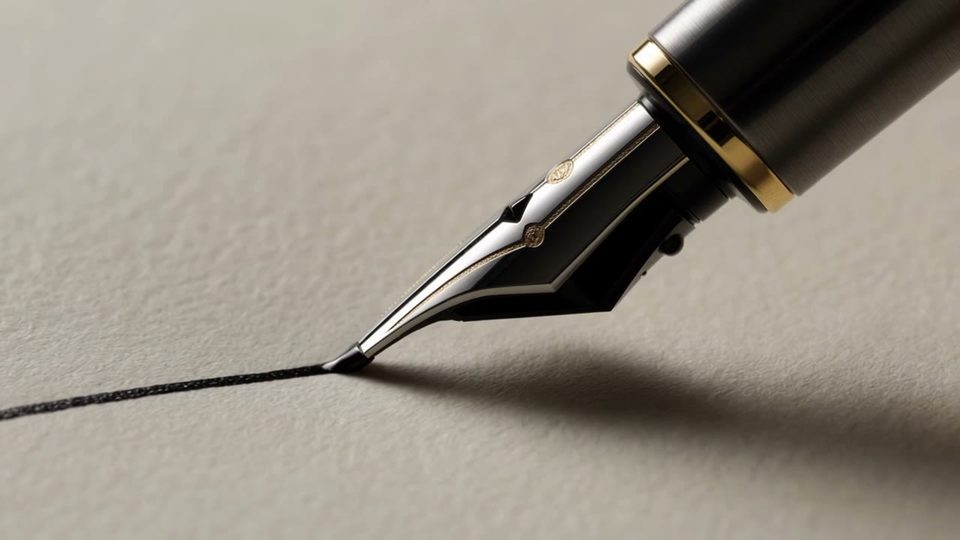
“Make a macro video of a fountain pen nib drawing one slow ink line across textured paper in soft side light.”
 Kling 4.000:00:10:00
“Make a video of a hand setting a cobalt glass queen on a glass chessboard by a bright window, the camera gliding low past the pieces.”
 Kling 4.000:00:10:00
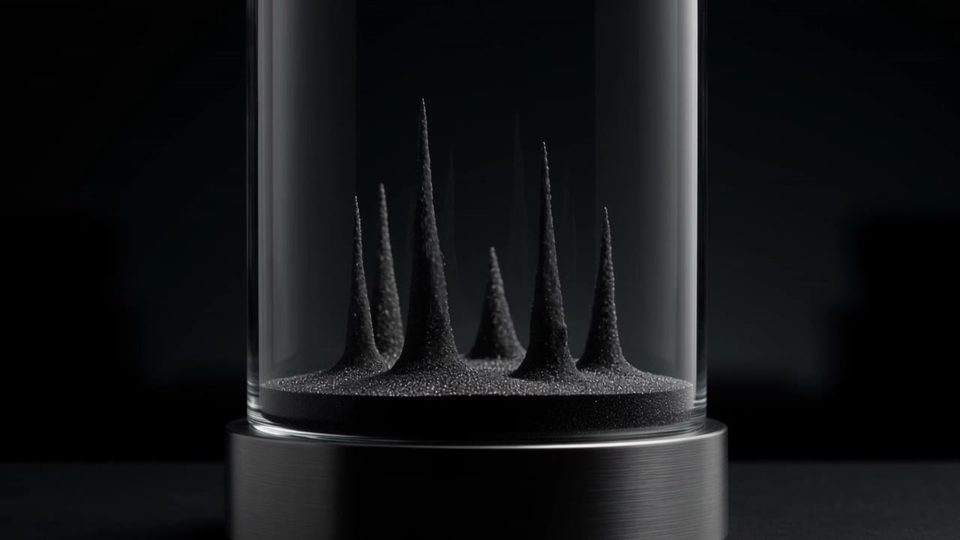
“Make a video of black sand in a glass cylinder rising into a forest of branching trees, lit against pure black.”
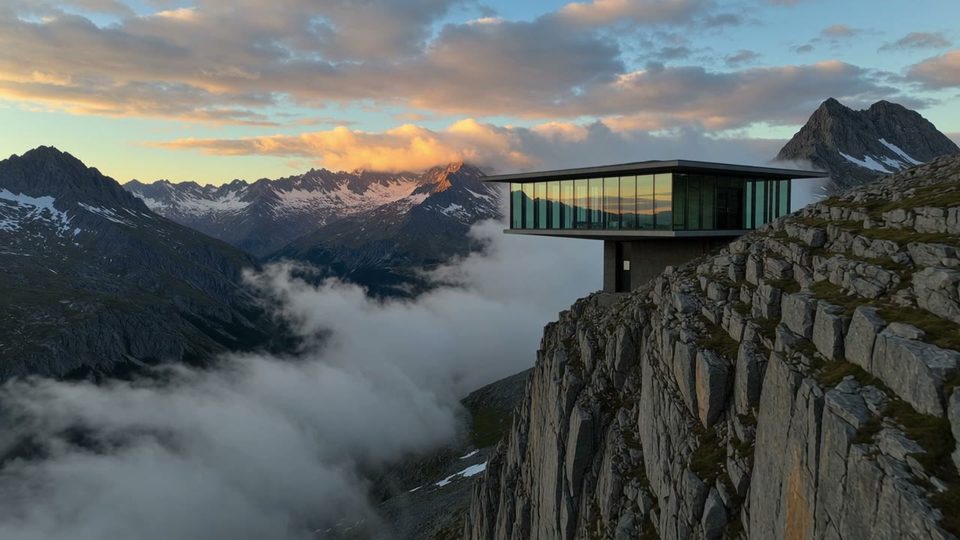 Kling 4.000:00:10:00
“Make an aerial video of a glass house cantilevered off a mountain cliff above a sea of clouds at sunrise.”
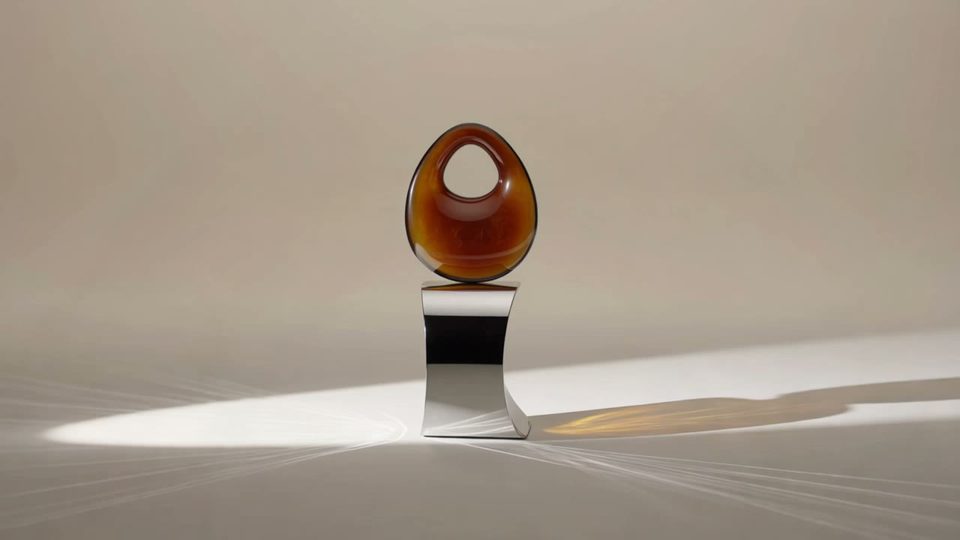 Kling 4.000:00:10:00
“Make a product film of an amber resin sculpture on a steel stand, cutting from wide shots to macro detail of the grain.”
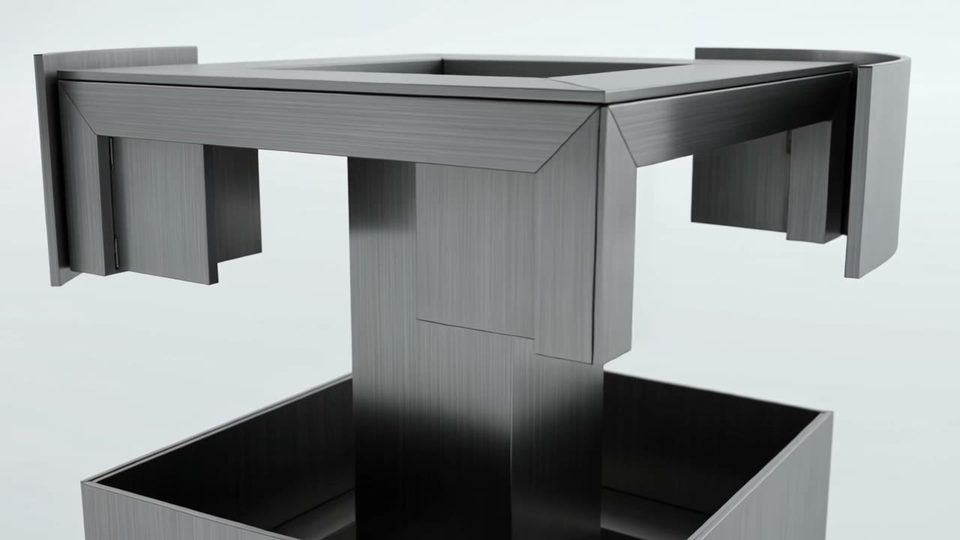 Kling 4.000:00:10:00
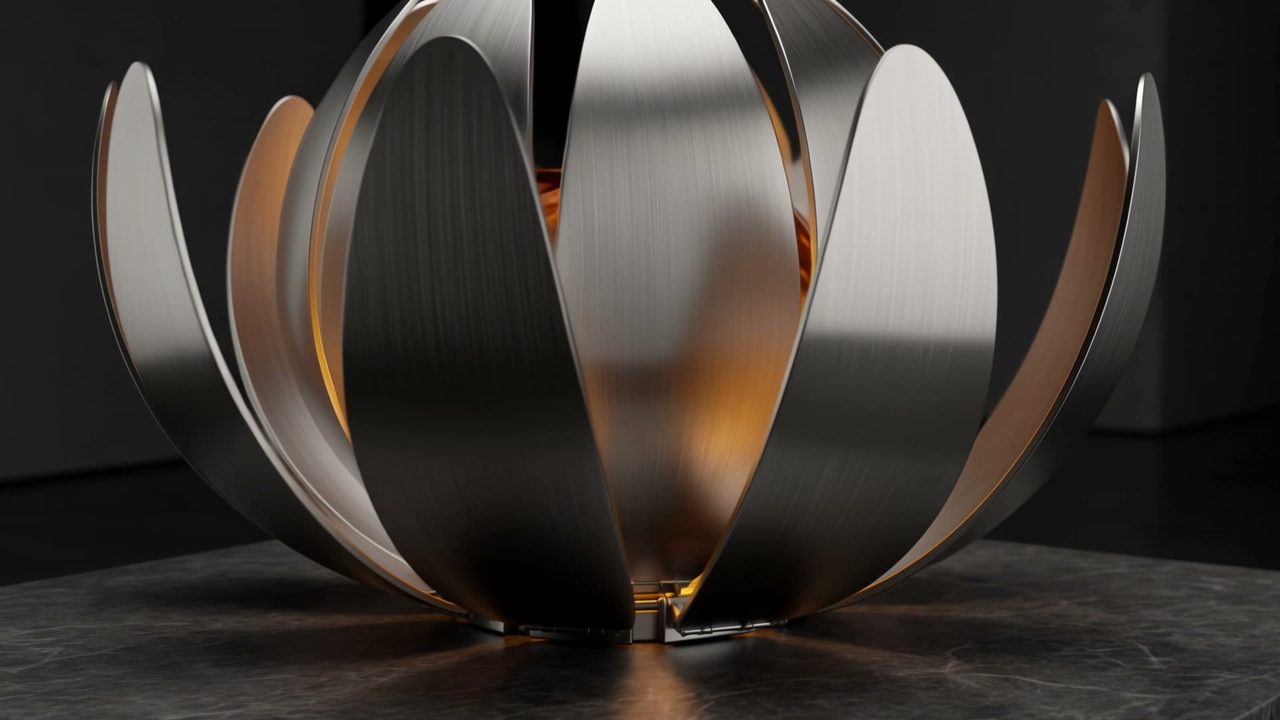
“Make a product video of a brushed-steel cube unfolding into a stacked architectural sculpture on a white sweep.”
● Release notes
Chapter 01 · The take
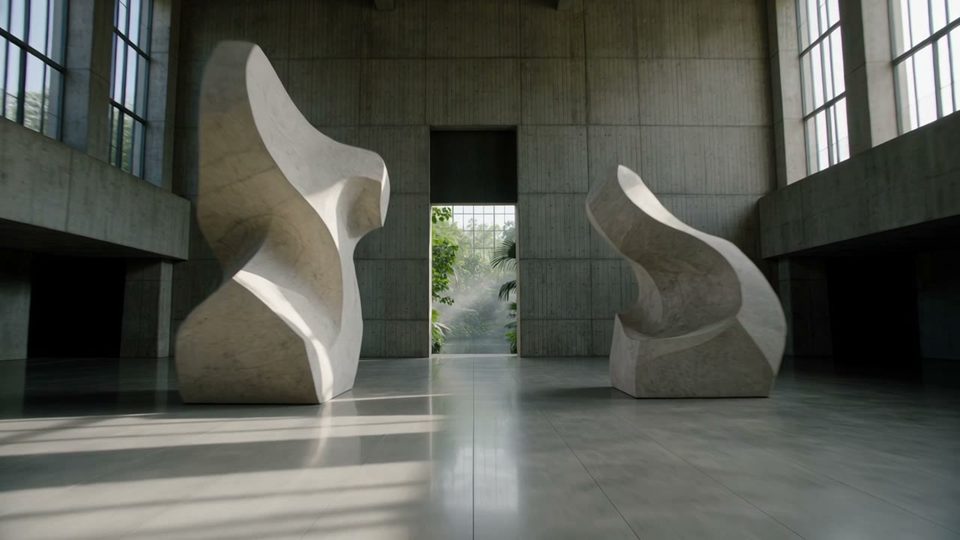
Up to 30 seconds in one generation. No cut to hide.
Chapter 02 · The kit
Faces, products and places. Up to 10 reference images.
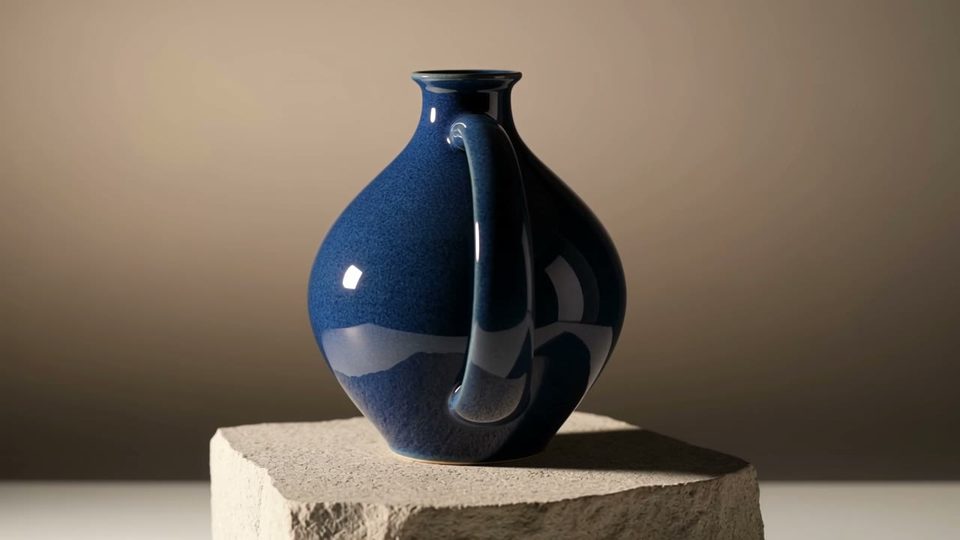
Chapter 03 · The type
Prices, hooks and logos stay legible through the move.
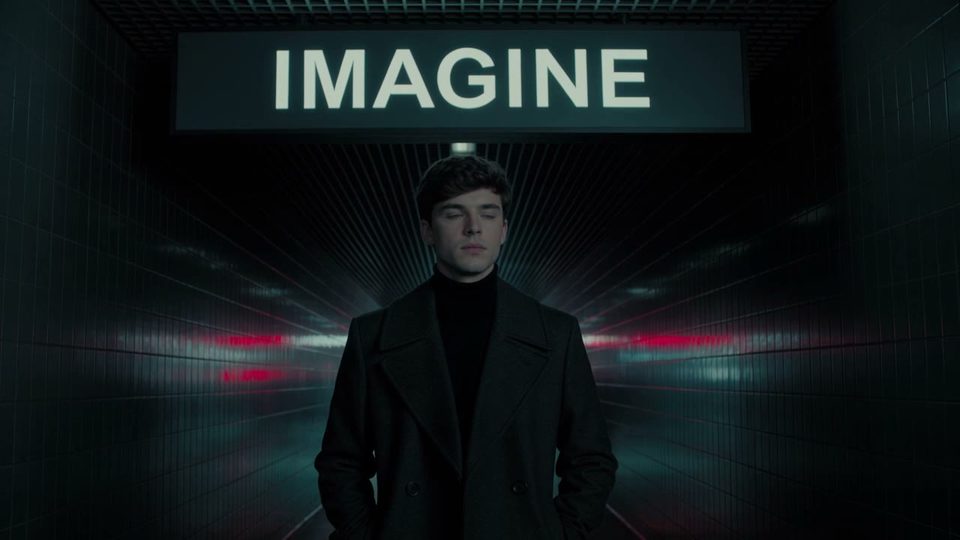
● Nine by sixteen
Vertical from the same prompt box. No re-shoot.
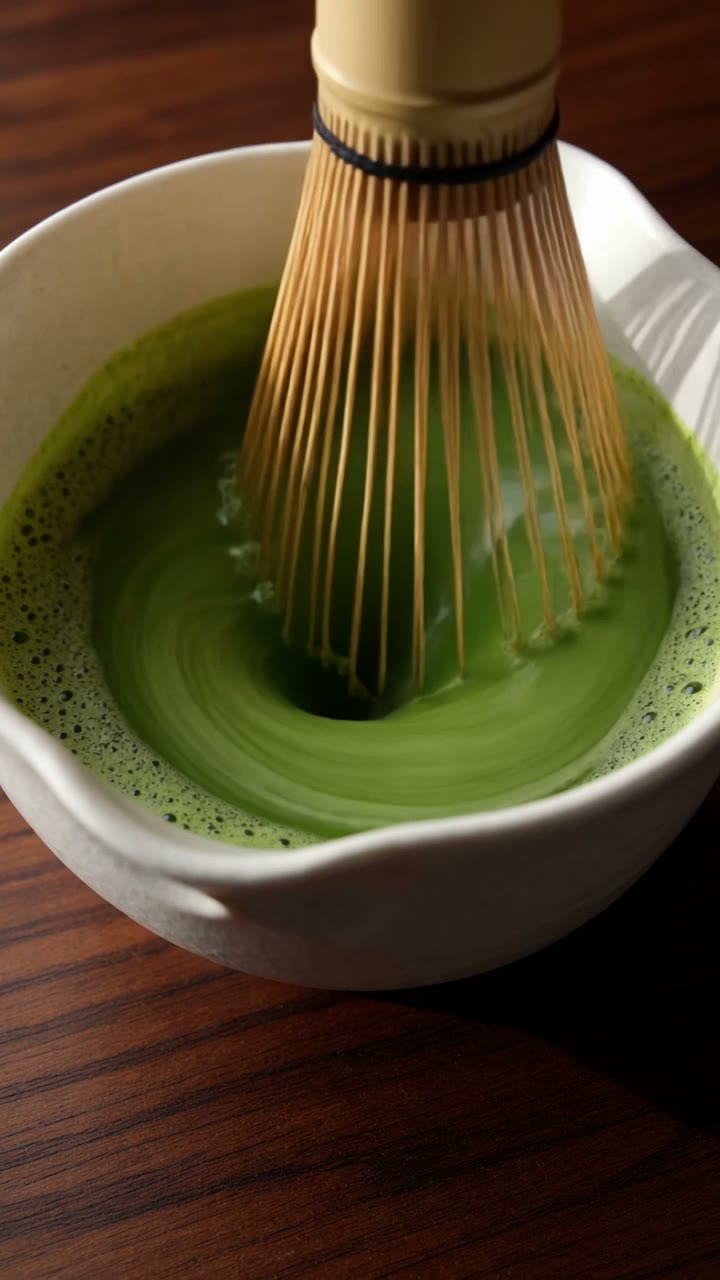
“Make a vertical video of a bamboo whisk frothing bright green matcha in a white ceramic bowl on dark wood.”
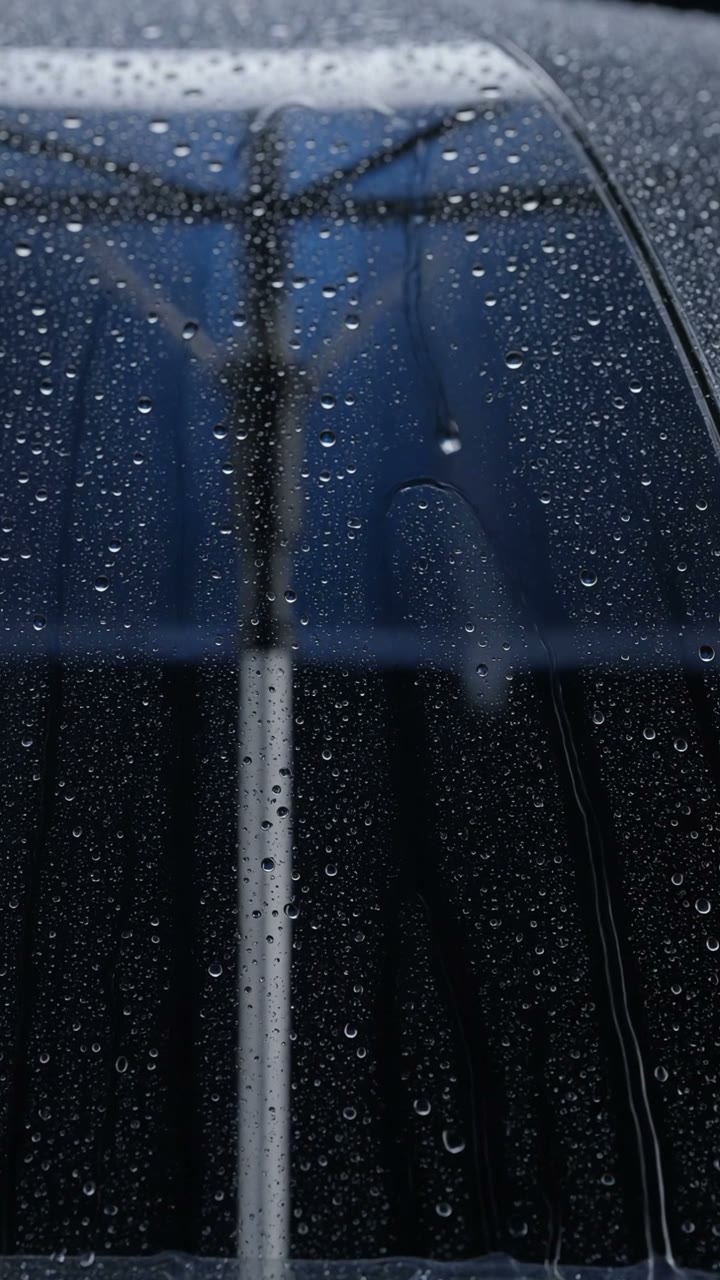
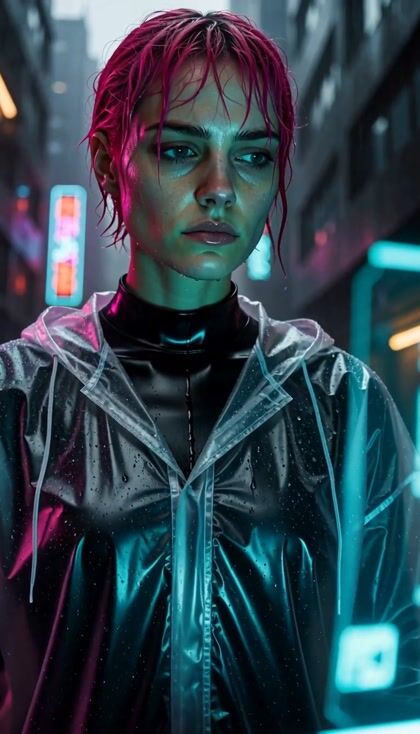
“Make a vertical product video of a clear umbrella in falling rain, cutting from the open canopy to the steel handle and back.”
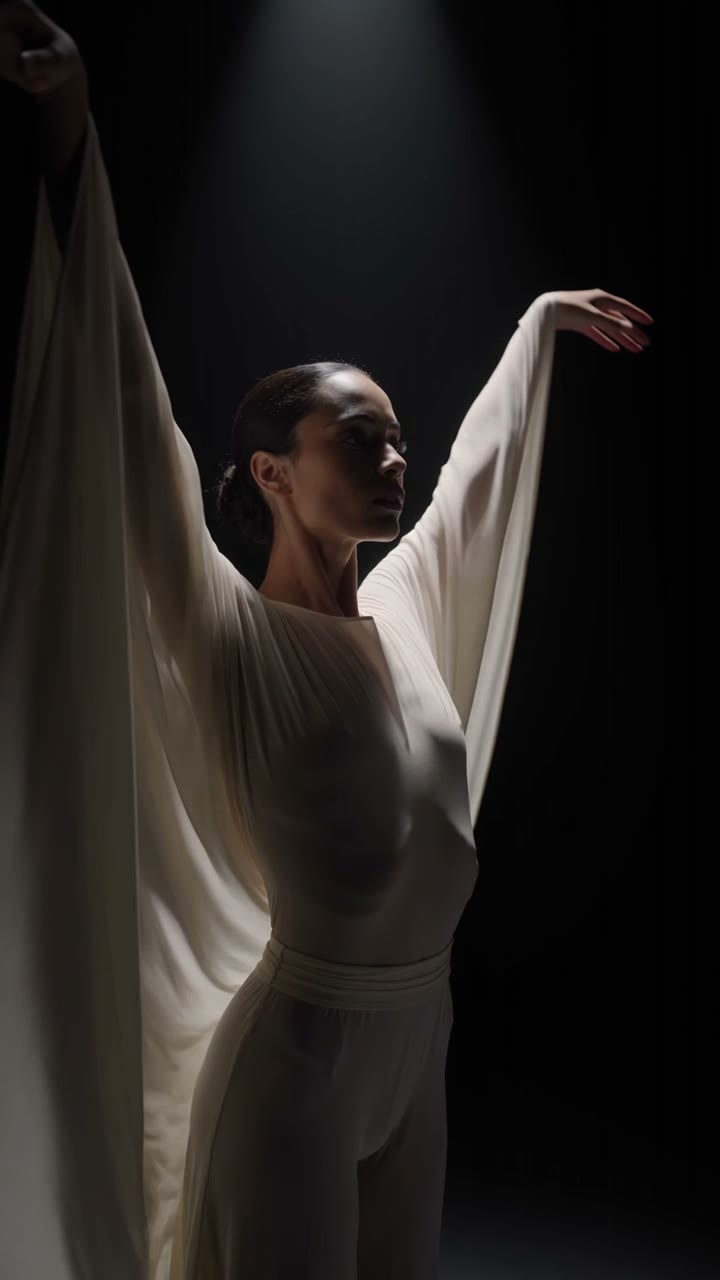
“Make a vertical video of a dancer in flowing white drapes moving under a single spotlight on a black stage.”
● How to
01
Set the scene. Then list what happens, second by second.
02
Keyframes for timing. References for who and what.
03
The ⚡ price sits on the button before you press it.
● Two ways in
Start from frames you already have. Pin them as first, middle and last frames. The take lands on each one at its moment. Or attach reference images and say what each one holds.
Write the scene, then the beats. Kling says 4.0 follows long, timed prompts. One face holds across 30 seconds. Fixing a clip you already have? Attach it as the clip to edit, or use Kling O1.
● The sheet
Kling 4.0 for the long take. Kling 3.0 for the short one.
| Spec | Kling 4.0 | Kling 3.0 |
|---|---|---|
| Released | Kling 4.015 October 2026 | Kling 3.05 February 2026 |
| Longest take | Kling 4.030s | Kling 3.015s |
| Keyframes | Kling 4.0First and last | Kling 3.0— |
| Reference images | Kling 4.0Up to 10 | Kling 3.0Up to 1 |
| Sound | Kling 4.0In every take | Kling 3.0Native audio, per render |
| Resolutions | Kling 4.0720p · 1080p | Kling 3.0720p · 1080p · 4K |
| Aspect ratios | Kling 4.0Auto · 21:9 · 16:9 · 9:16 · 1:1 | Kling 3.016:9 · 9:16 · 1:1 |
| From | Kling 4.0⚡96 | Kling 3.0⚡46 |
● Spec sheet
Figures reflect OpenClips defaults, October 2026.
Compare every model that renders sound.Compare every model that takes several references.Compare every model that takes a clip.
● What it is cast for
The jobs one long pass makes easier.
● Quoted first
From ⚡96 (from $0.396).
From $0.063/s. 720p $0.063/s. 1080p $0.084/s. 4k $0.209/s.
From $0.042/s. 720p $0.042/s. 1080p $0.056/s.
Kling 4.0 prices by the second, so a long take costs more than a short one. The composer quotes the exact ⚡ before anything runs. Packs start at $10/800⚡.
● OpenClips MCP
No console and no syntax. Your agent briefs Kling 4.0 through the OpenClips MCP server.
https://mcp.openclips.aiStep 01
One sentence is the brief. Subject, move, platform.
Step 02
Reference, ratio, length and the ⚡ quote. Queued for you.
Step 03
Download it, remix it, or ship it. Credits settle automatically.
● Director's notes
Four habits from Kling’s own guide.
Give each stretch of seconds one action and one move.
Timed beats
Keyframes or references. One generation takes one of them.
One way in
Say what each image or clip controls. Face, product or place.
Role per asset
The model may add both. Those two negatives are worth writing.
Two negatives only
● From the blog
 Model Guides
Four side-by-side tests, a prompt kit and the limits nobody mentions.
Read it → Prompt Craft
Start long, write in beats, chain from a frame with a person in it.
Read it →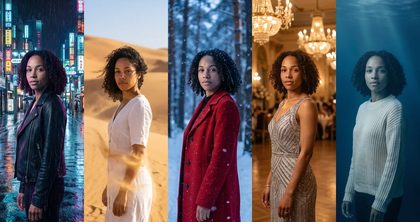 Prompt Craft
One portrait, one sheet, one locked description. A fix for every kind of drift.
Read it →● The gaps
The vendor ships these. The composer does not.
Kling lists 4K output and 10-bit HDR. The composer renders Kling 4.0 at 720p and 1080p.
Read the vendor pageKling’s Omni Reference also takes elements and voice profiles. The composer attaches images and clips.
Read the vendor page● Version history
Newest first, straight off the roster.
video · Live on OpenClips
One-pass long takes, keyframes and a full reference kit.
video · Live on OpenClips
Next-gen motion control and consistency.
video · Live on OpenClips
Multi-reference omni model — motion transfer and clip editing.
● Questions
Kling 4.0 is Kuaishou’s newest video model, launched on 15 October 2026. On OpenClips it writes up to 30 seconds in one pass at 720p or 1080p, takes first, middle and last frames or up to 10 reference images, and renders sound in every take. It also renders text, emoji and logos in frame.
No. Kling 4.0 opens with your first purchase: a plan from $9/month or a credit pack. Packs start at $10/800⚡. A new account still gets ⚡30 on signup with no card. Spend it on the models the free plan runs.
Kling 4.0 starts at ⚡96 for the shortest 720p take, and it prices by the second, so longer takes and 1080p cost more. The composer prints the exact ⚡ on the Generate button before you press it.
The composer runs Kling 4.0 from 3 to 30 seconds in one pass. Kuaishou says extending a clip to two minutes is coming soon.
Not in one generation, per Kling’s guide. Keyframes lock what the frame looks like at set moments. References lock who and what is in it. Pick the one your brief depends on.
Kling 4.0 for a long take, timed keyframes, a full reference kit or text in frame. Kling 3.0 for short takes, up to 4K, from ⚡46.
Flash is the faster, cheaper mode of Kling 4.0 in Kling’s own app. Kling lists it at up to 20 seconds and up to 720p, without start and end frames or multiple keyframes. OpenClips runs the full model.
● The receipts
Every link goes to the vendor's own page.
Kuaishou announced that Kling 4.0 officially launched on October 15, 2026.
https://bernama.com/en/press/news.php?id=2622471Kling 4.0 generates 3 to 30 seconds in a single pass, adjustable in 1-second steps.
https://kling.ai/quickstart/kling-4-model-user-guideKling 4.0 takes first, middle and last frames as keyframes, pinned to moments in the take.
https://kling.ai/quickstart/kling-4-model-user-guideOmni Reference combines images, videos, elements and voice profiles in one task.
https://kling.ai/quickstart/kling-4-model-user-guideKeyframes and Omni Reference are separate entry points and cannot be combined in one generation.
https://kling.ai/quickstart/kling-4-model-user-guideKling 4.0 renders multilingual text, emoji and logos that stay readable through camera moves.
https://kling.ai/quickstart/kling-4-model-user-guideKling 4.0 Flash runs up to 20 seconds at up to 720p, without start and end frames or multiple keyframes.
https://kling.ai/quickstart/kling-4-model-user-guideVideo extension to two minutes and API access for developers are announced as coming soon.
https://bernama.com/en/press/news.php?id=2622471One prompt. 30 seconds. The price shows before you press it.
Generate with Kling 4.0Or roll with a sibling model
Before 4.0, a long Kling ad meant several short clips cut together, and a face could change at every cut. Kling 4.0 writes up to 30 seconds in a single generation. The scene, the cast and the light carry through the whole take, so there is no seam to hide.
Pin stills as first, middle and last frames, and the take lands on each one at its moment. Or attach up to 10 reference images and up to 5 clips, give each one a role, and the face, product and place hold across the take. An attached clip either sets the motion and pacing or is the clip to edit. Every take renders with sound.
Kling 4.0 is priced per second. From ⚡96 (from $0.396). The composer quotes the exact ⚡ on the button before any render, at 720p or 1080p.
Kling 3.0 stays for short takes and 4K, in the same composer and on the same wallet. Kling O1 carries references and edits clips you already have. The whole roster sits on the models hub.
● Where to go next