


Sign up and save up to 25% on a yearly plan.Sign up free →
Pricing, save up to 25% on yearly plans
VIDEOFLAGSHIPAny-to-anyGoogle

Gemini Omni Flash Any input. Sound included.

You stop adding sound in a second pass. Gemini Omni Flash renders picture and audio in one call. Text, a still or references go in.

  • 4 · 6 · 8 · 10s
  • Sound always on
  • Text · image · reference in
  • Up to 6 references
  • 16:9 · 9:16

Free account · ⚡50 on signup · No card

● Made with Omni Flash

Three takes, sound in each

Audio rendered with the picture. Every take, one call.

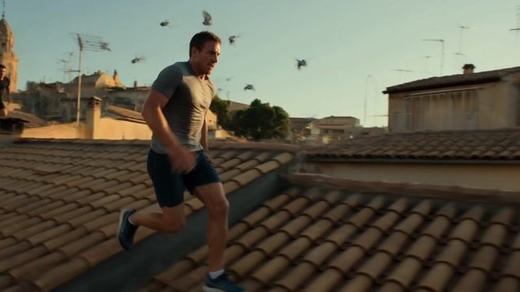
Rooftops at golden hour

Rooftops at golden hour

Gemini Omni Flash

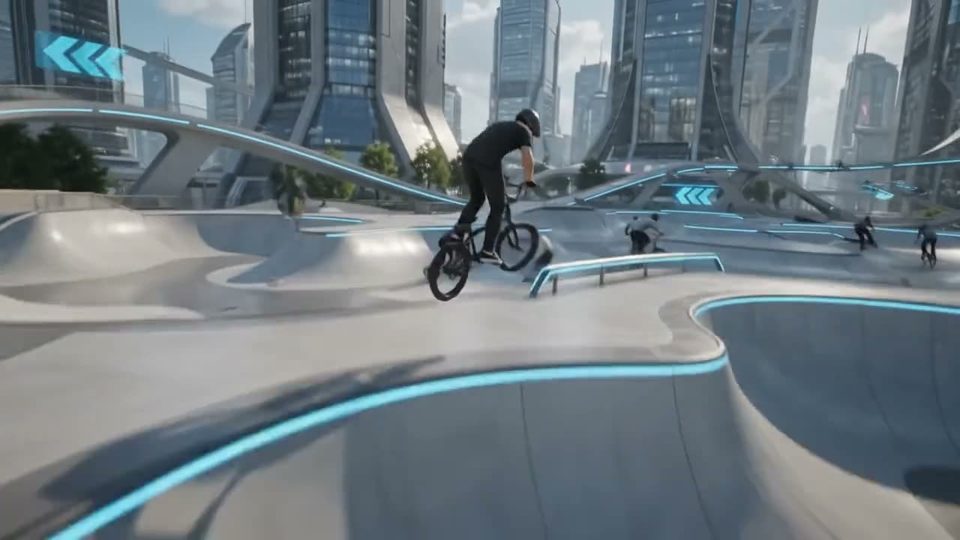
“Make a photorealistic cinematic video of a man free-running across Italian rooftops at golden hour.”

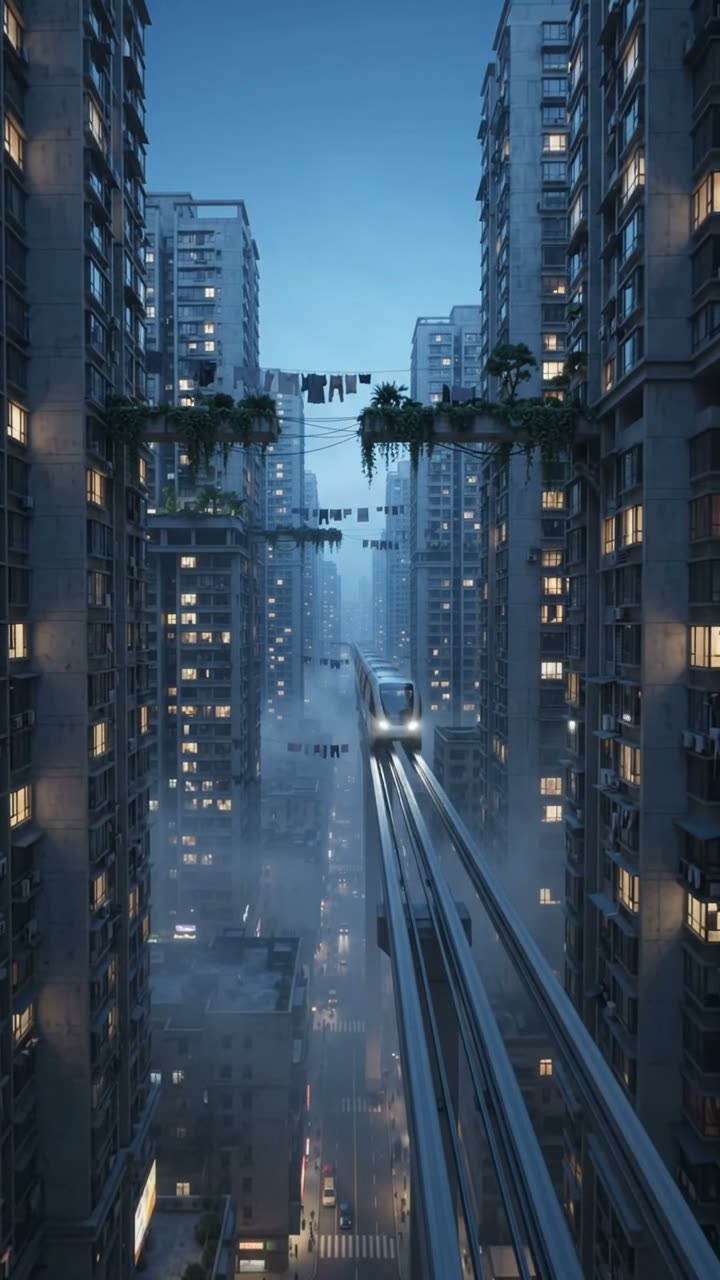
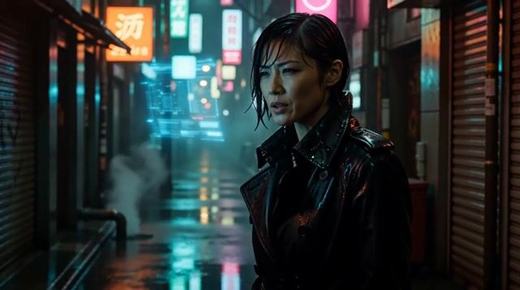
Woman in the cyberpunk city10s

Woman in the cyberpunk city

Gemini Omni Flash

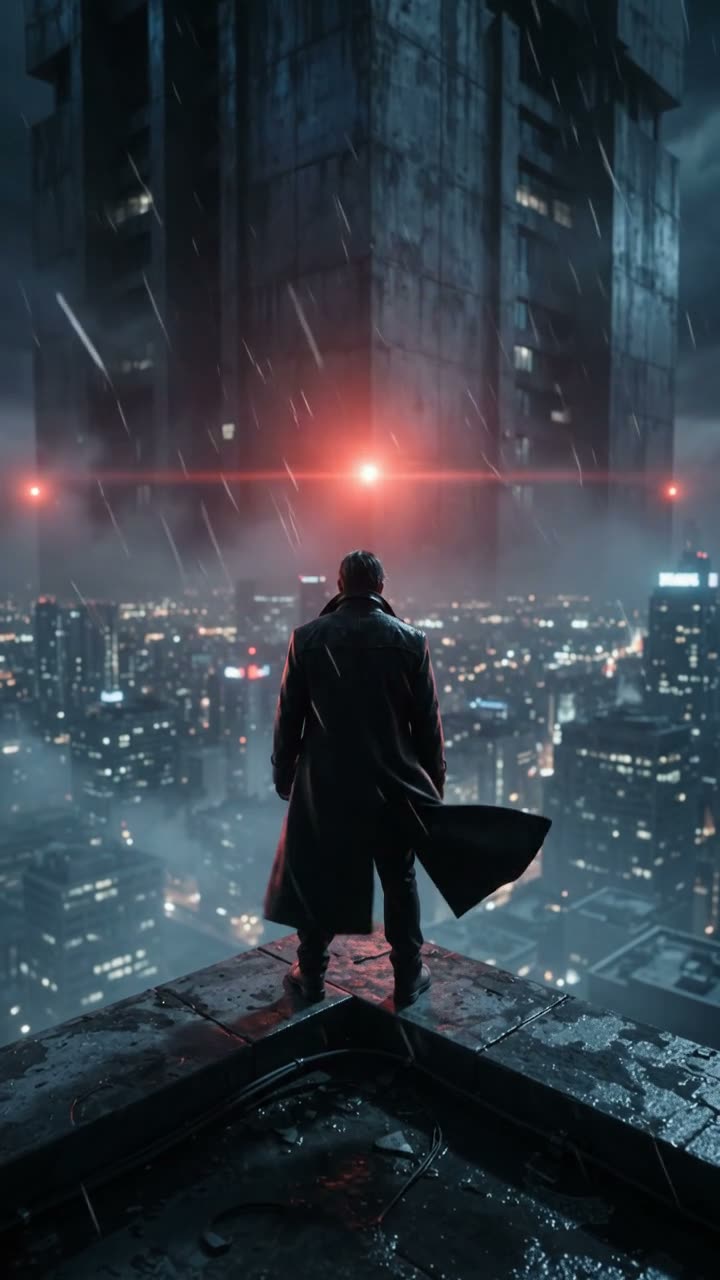
“Make a cinematic video of a woman in cyberpunk city.”

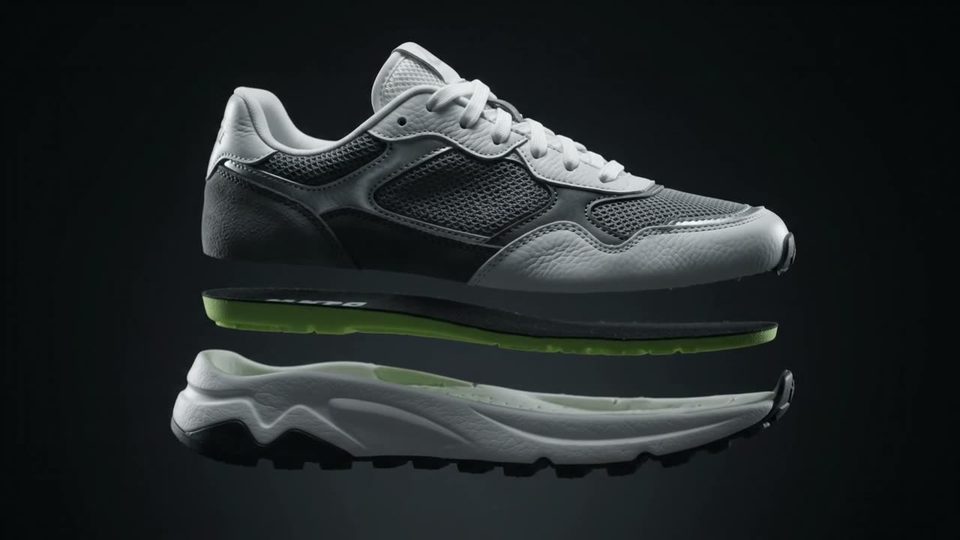
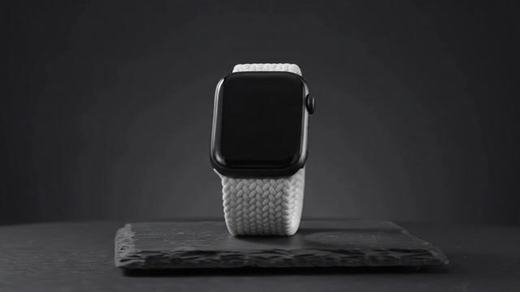
Editorial watch film10s

Editorial watch film

Gemini Omni Flash

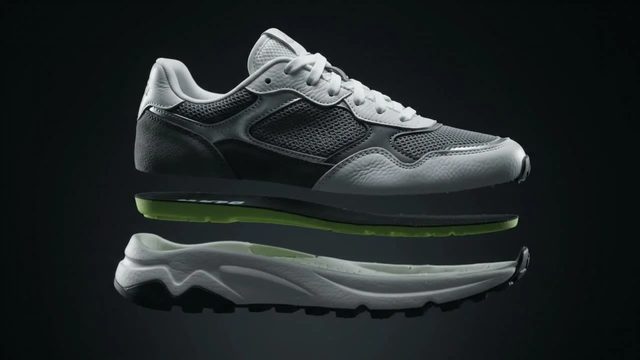
“Make an editorial video of a watch.”

● Release notes

What's new in Omni Flash

01

Chapter 01 · The mix

Sound, not a second pass

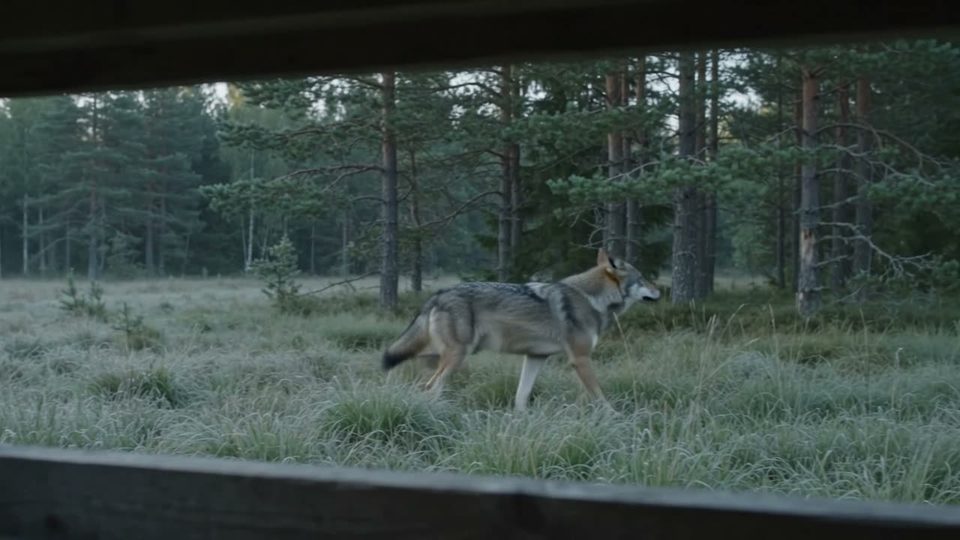
Audio renders with the picture. No foley, no switch.

The wolf in the clearing
02

Chapter 02 · Doors in

Three doors in, not one

Text, an image or references. Same model, same call.

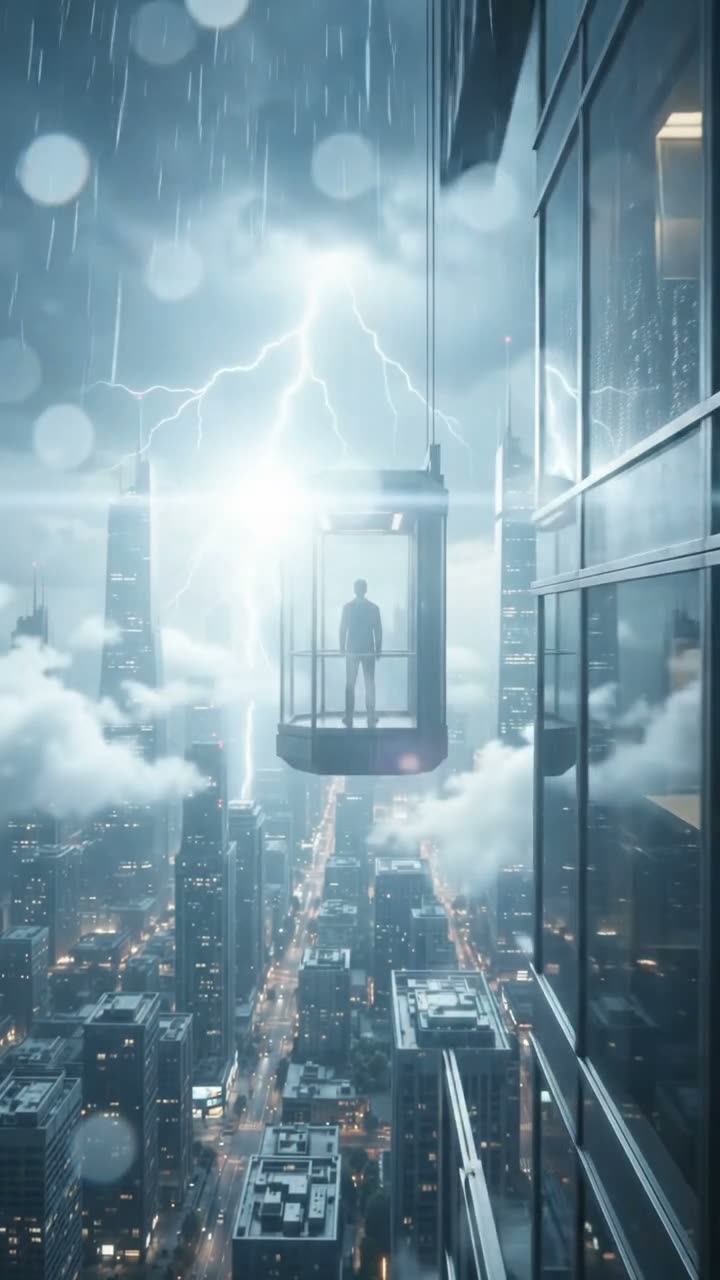
The elevator opens elsewhere
03

Chapter 03 · The cast

Six references held

Cast, product and palette carry across the take.

Morning in the courtyard
04

Chapter 04 · The engine

Google engine

Google model. Three input modes in one call.

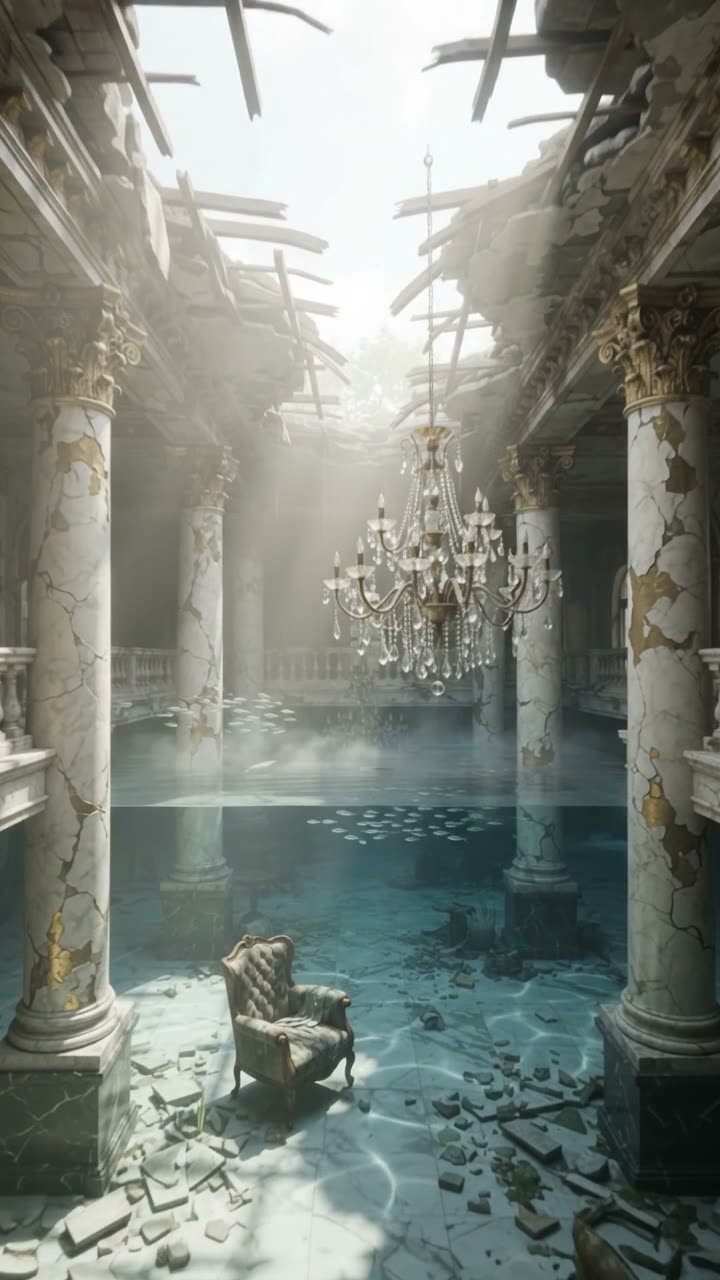
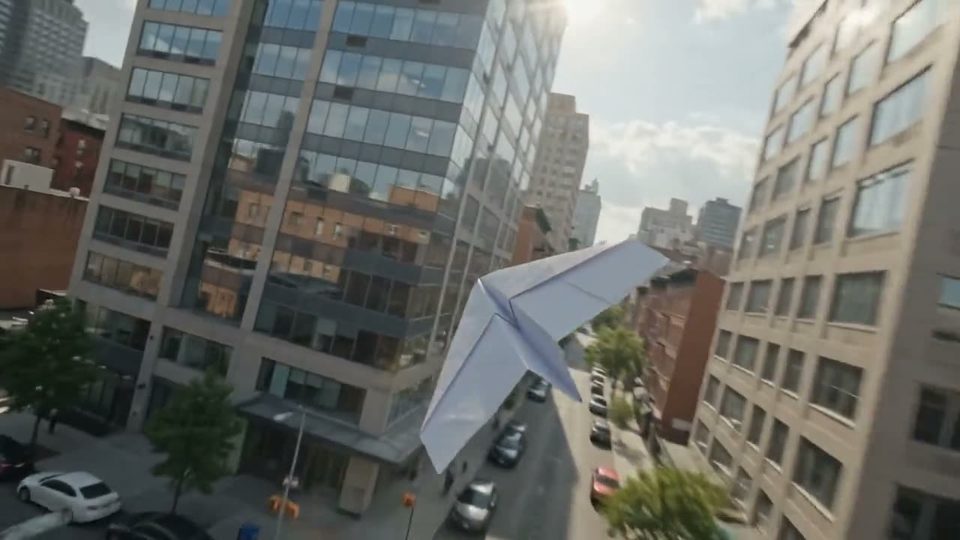
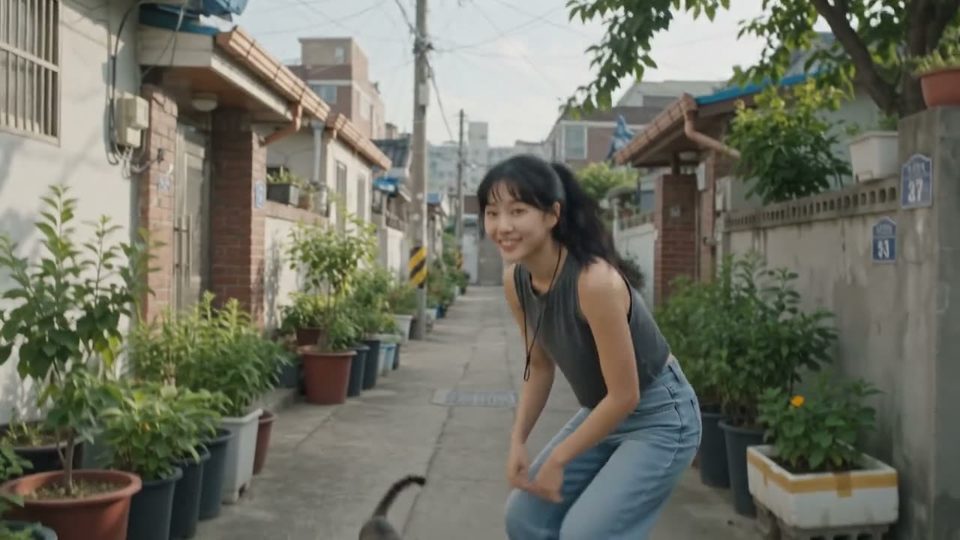
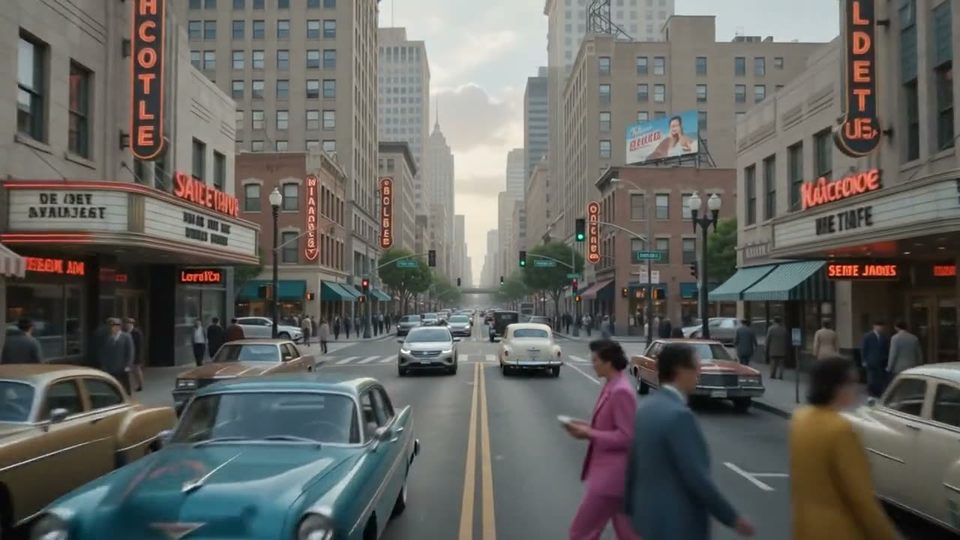
One street, one century

● Nine by sixteen

Cut for the feed

The same model returns vertical when you pick the frame.

Night market, wok first

Night market, wok first

Gemini Omni Flash

The iced latte

The iced latte

Gemini Omni Flash

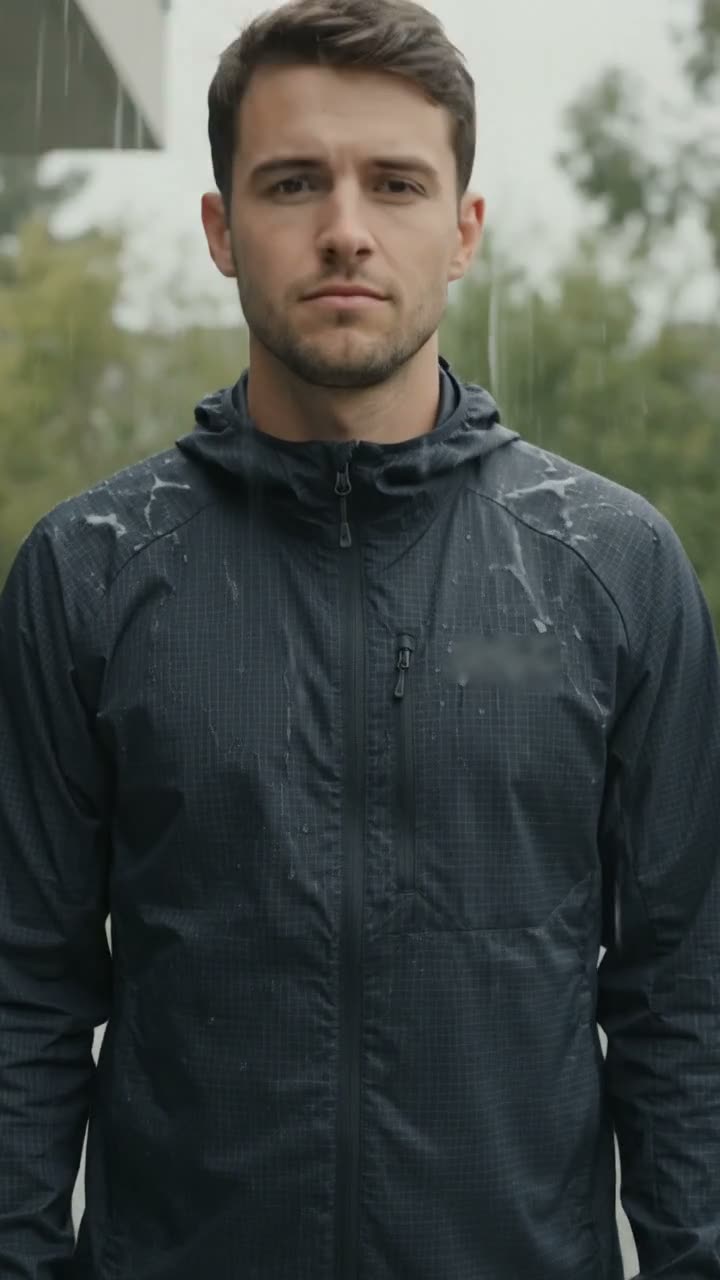
The rain check

The rain check

Gemini Omni Flash

Vertical is a frame you pick

Ask for the frame in the prompt and pick 9:16 in the composer. Omni Flash returns vertical with sound. Same four length stops either way.

Render a 9:16 take

Made with Omni Flash on OpenClips

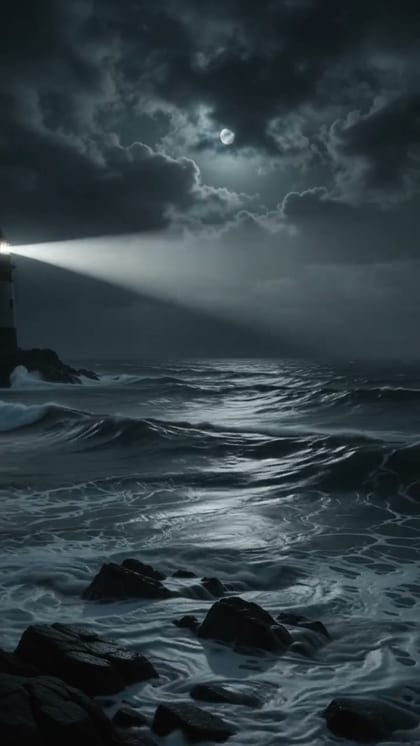
  • Verbatim prompt
    A four-second clip: a lighthouse beam sweeps once across a stormy sea at night, waves hit the rocks, rain in the beam

    Generated on OpenClips · omni-flash · September 2026

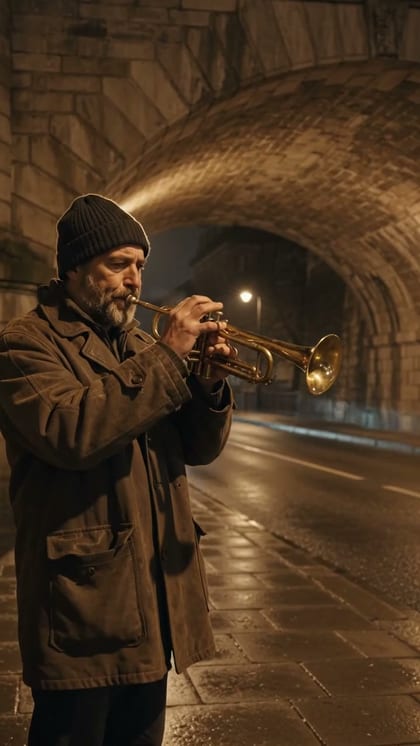
  • Verbatim prompt
    A street musician plays trumpet under a bridge at night, passing cars echo under the arch, warm sodium light on wet stone, medium shot

    Generated on OpenClips · omni-flash · September 2026

  • Verbatim prompt
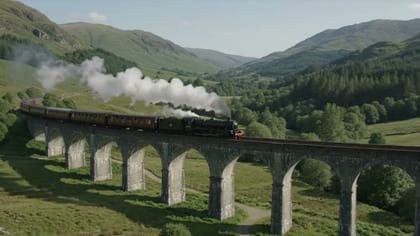
    Wide shot of a steam train crossing a viaduct in a green valley, the whistle blows and echoes, smoke drifts, slow pan following the train

    Generated on OpenClips · omni-flash · September 2026

  • Verbatim prompt
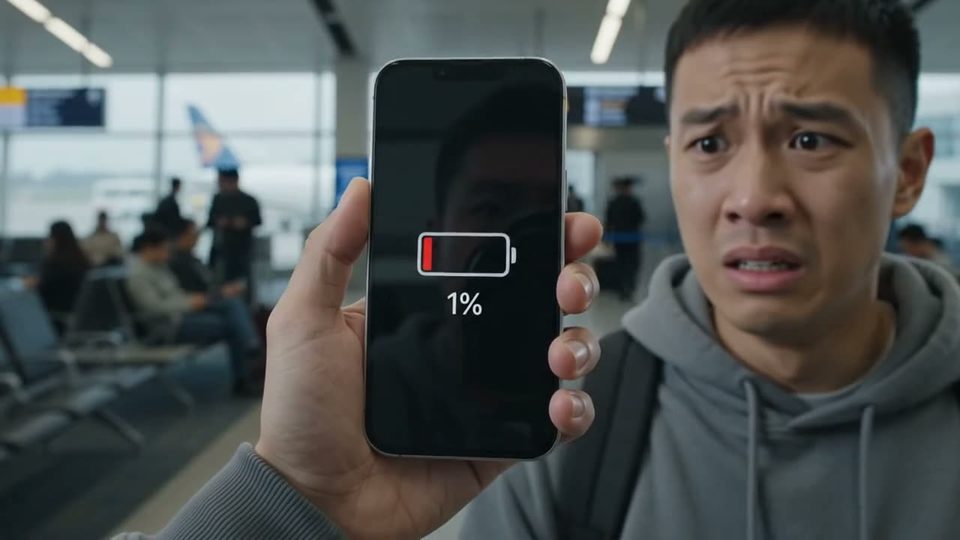
    A woman in her late twenties talks straight into her phone camera in a bright kitchen, handheld selfie framing, natural window light, she smiles and gestures mid-sentence, casual creator energy, no on-screen captions

    Generated on OpenClips · omni-flash · September 2026

  • Verbatim prompt
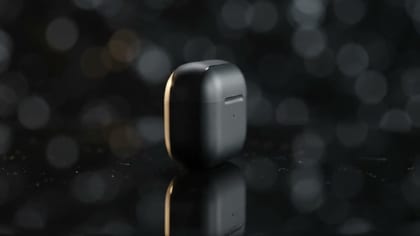
    Cinematic product shot: a matte black wireless earbud case turns slowly on a dark reflective surface, a single warm rim light sweeps across it, macro lens, shallow depth of field, slow push-in, plain unbranded case

    Generated on OpenClips · omni-flash · September 2026

● How to

How do you use Omni Flash on OpenClips?

Three steps from blank box to a take with sound. The page works logged out. Sign-in gates the render only.

  1. Start from a template

    Make a photorealistic cinematic video of a man free-running across Italian rooftops at golden hour.

    Make a cinematic video of a woman in cyberpunk city.

    Make an editorial video of a watch.

    Press a theme

    01 ·

    ≈ 2 min

    Pick a theme or write the shot

    Press a theme to load a verbatim sheet prompt. Or describe the scene and the sound you want to hear.

  2. Add
    16:9360p8sUp to 6 refs

    02 ·

    ≈ 1 min

    Attach references, set the frame

    Up to 6 stills. The model holds them across the take. Pick the frame and the length.

  3. VideoMODELGemini Omni Flash 1.1
    Generate Video ·17

    03 ·

    ~1–2 min

    Generate and ship

    Pick the stop. Confirm the ⚡ quote. Render, download, remix.

● Three ways in

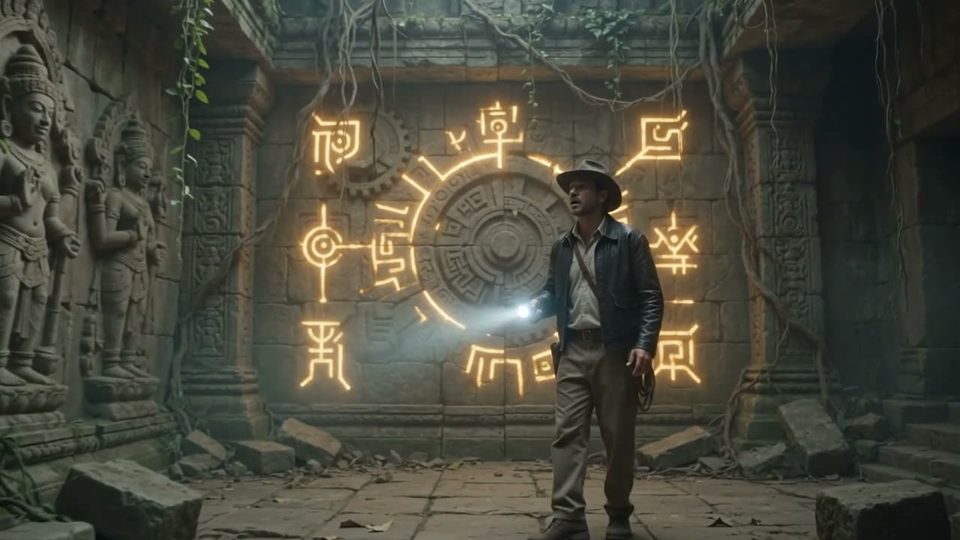
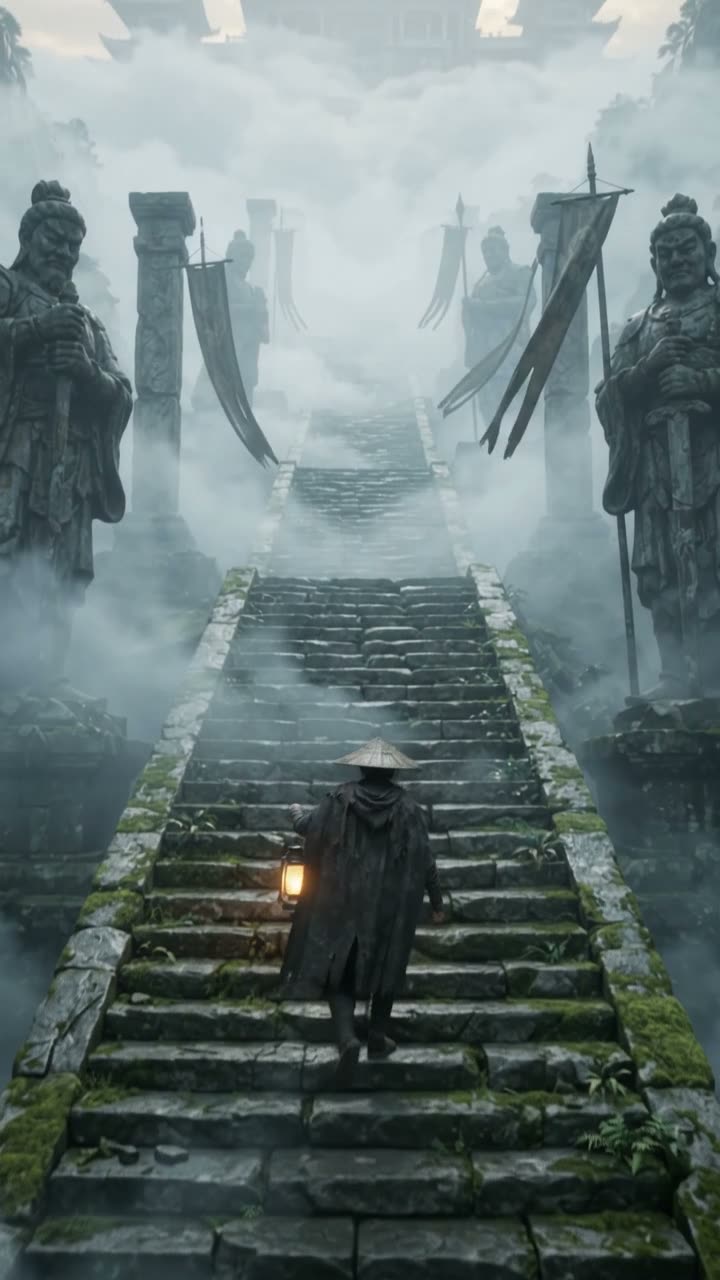
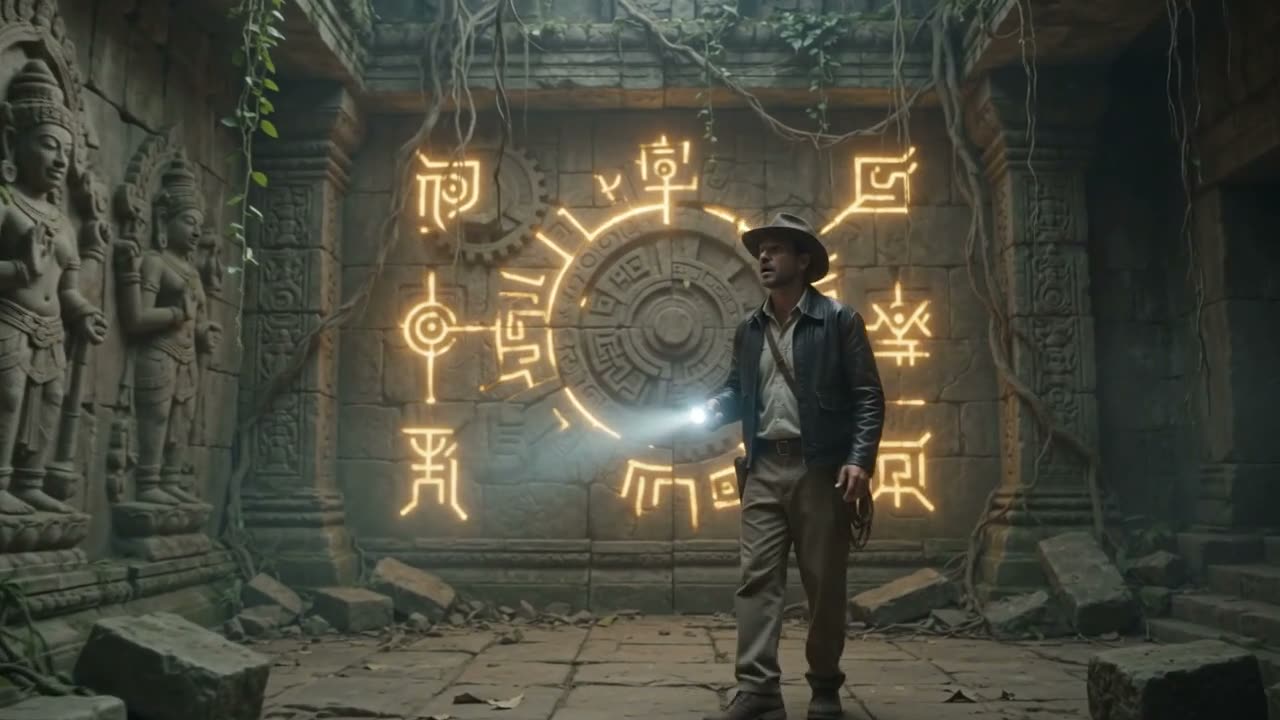
The glyphs light the door

Gemini Omni Flash text to video

Write the scene. The take comes back with sound. Or start from a community prompt in our AI video examples.

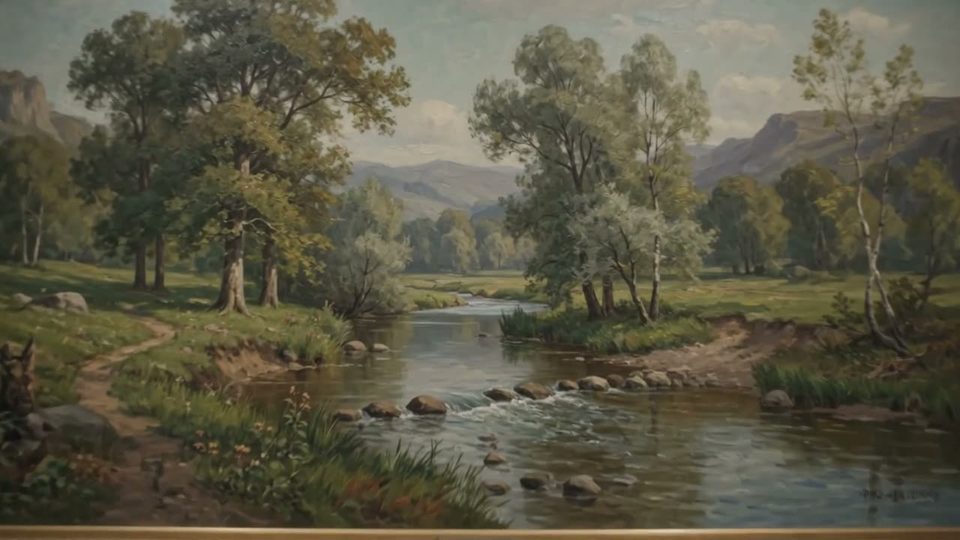
Into the painting

Gemini Omni Flash image to video

Start from the frame you already have. The still becomes a take. Full rates sit on the pricing page.

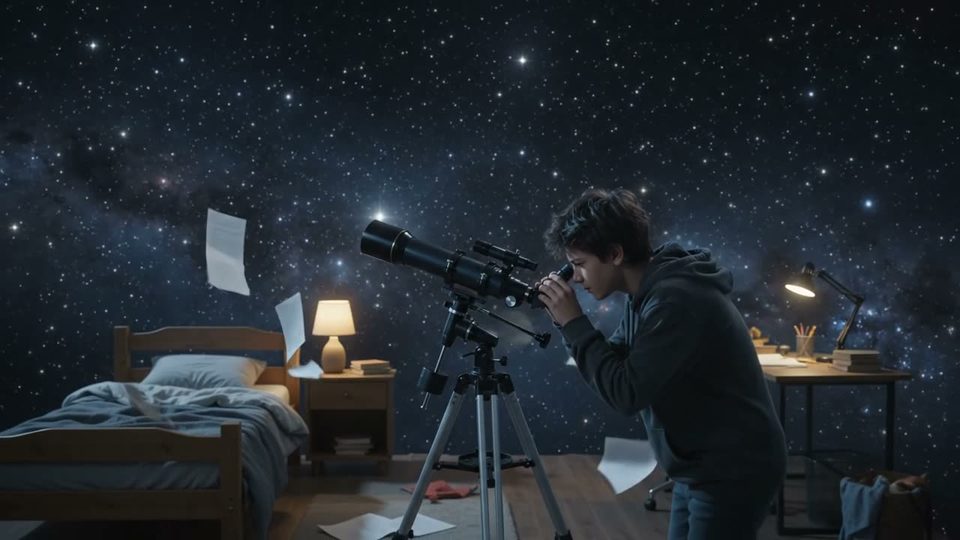
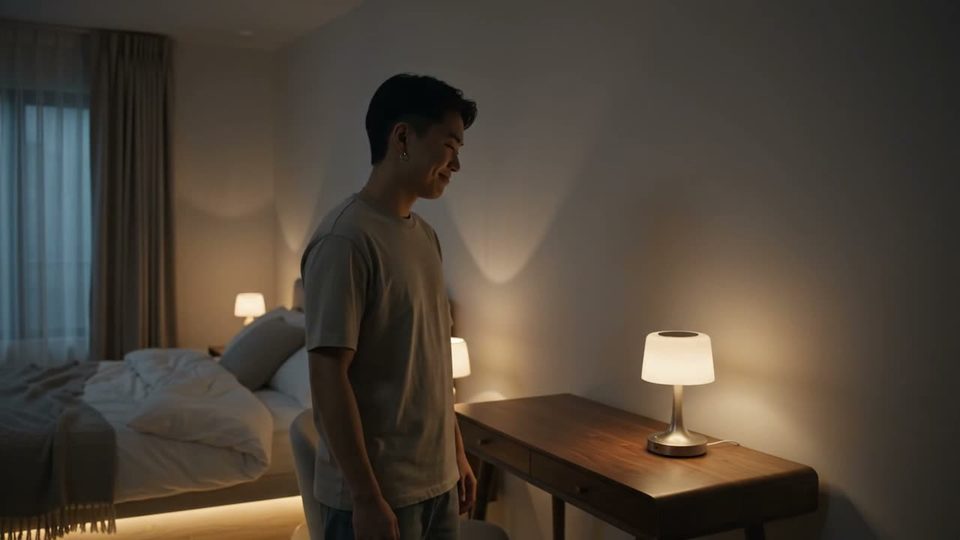
The bedroom observatory

Gemini Omni Flash reference to video

Attach up to 6 references. Cast, product and palette hold across the take.

● Steer it with sound

Say the mix. Hear the mix.

Ambience, foley and dialogue render with the picture. Press any card for sound.

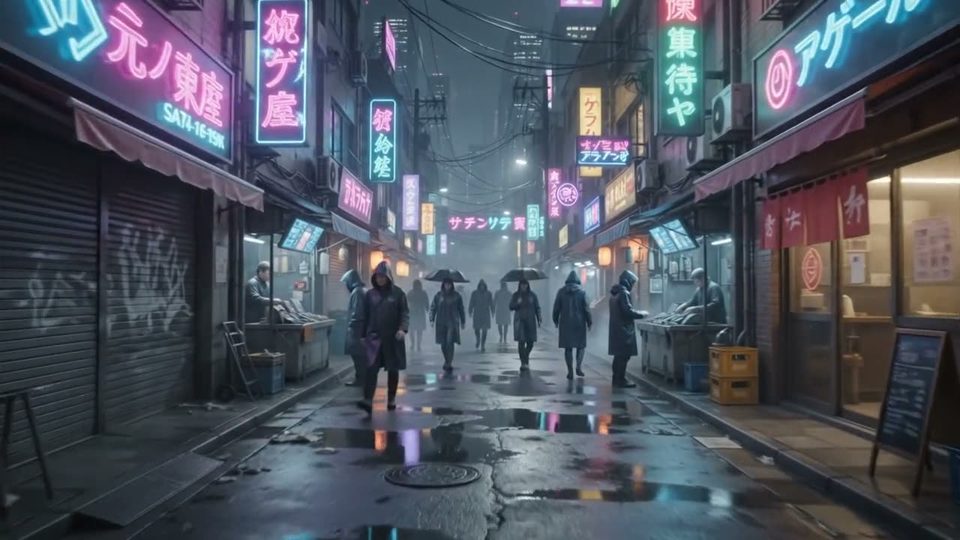
The neon quarter
Ambience

Rain, crowd and neon hum

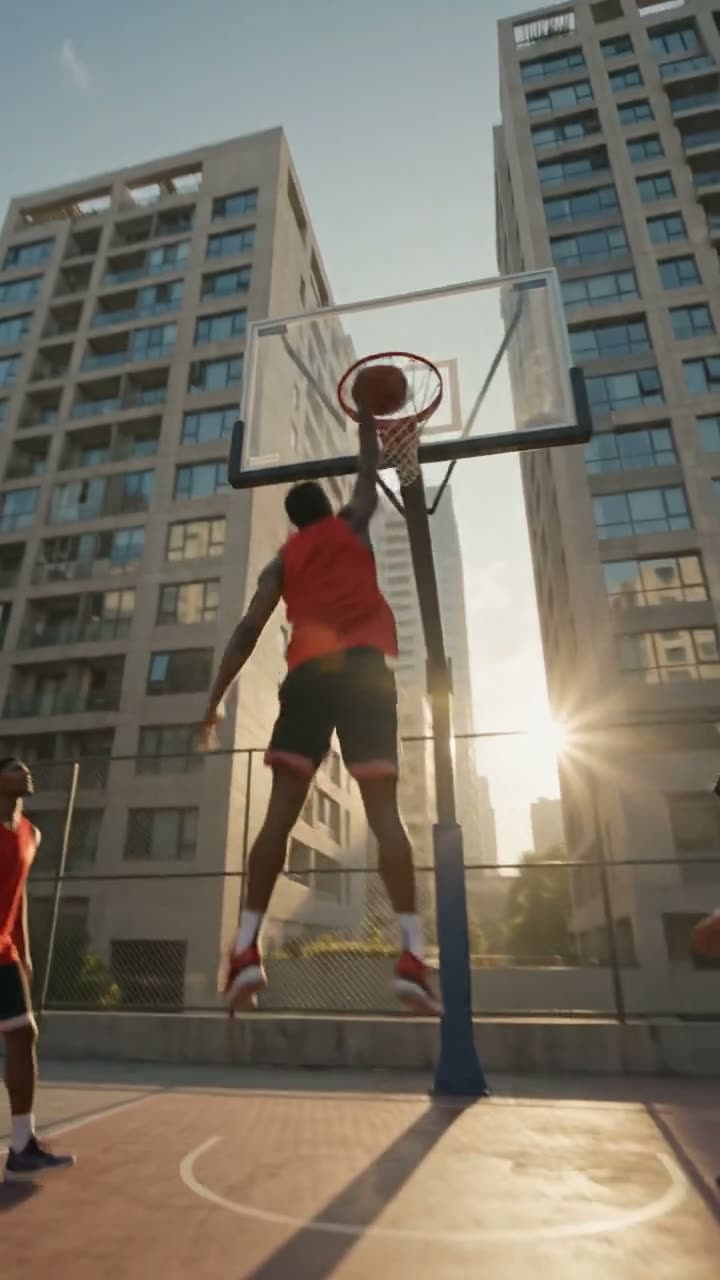
Skypark run
Foley

Wheels, wind and contact

The sauropod outside
Dialogue

Two voices, one sauropod

● Use cases

Built for mixed input

Ten seconds with sound covers an ad, a hook, a beat. One call each.

9:16 native
Creator

A hook that speaks

Feed-ready vertical with dialogue attached.

Sound on
Product

A product demo that talks

The pitch renders with the picture. No voiceover session.

One call
Macro

Texture with a soundtrack

Macro detail and the sound it makes, one pass.

10s ceiling
Story

Story beats, one take

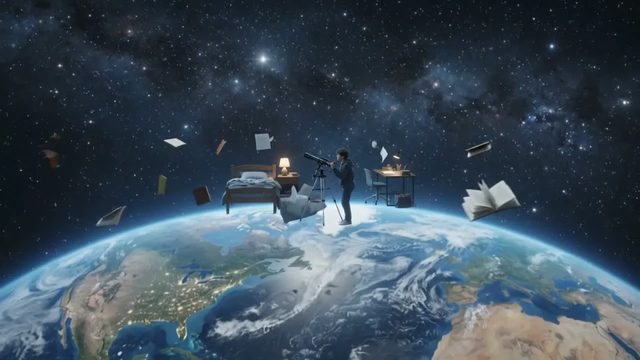
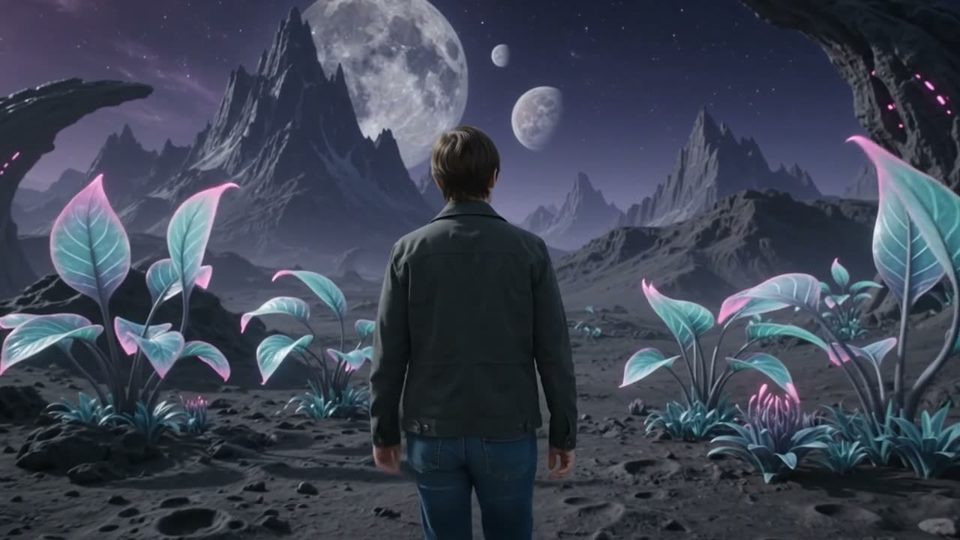
A bedroom becomes orbit without a cut.

● Every format

Gemini Omni Flash video examples

Landscape and vertical from the same model. Press any tile for sound.

● The sheet

Omni Flash against Veo 3.1

Omni Flash for mixed input and sound you cannot switch off. Veo 3.1 for cinematic polish.

SpecGemini Omni FlashVeo 3.1
StatusGemini Omni FlashLive in the composerVeo 3.1Live in the composer
InputGemini Omni FlashText, image or referenceVeo 3.1Text and reference images
LengthGemini Omni Flash4, 6, 8 or 10sVeo 3.14, 6 or 8s
AudioGemini Omni FlashAlways onVeo 3.1Opt in per render
ResolutionGemini Omni Flash360p, 720p, 1080p or 4kVeo 3.1720p or 1080p
ReferencesGemini Omni FlashUp to 6Veo 3.1Up to 3
FramesGemini Omni Flash16:9 · 9:16Veo 3.116:9 · 9:16
FromGemini Omni Flash⚡17Veo 3.1⚡326

● Spec sheet

Gemini Omni Flash model parameters

Modality
video
Resolutions
360p, 720p, 1080p, 4k
Aspect ratios
16:9, 9:16
Duration
Up to 10s
Audio
Native audio, always on

Figures reflect OpenClips defaults, September 2026.

Compare every model that renders sound.Compare every model that takes several references.

● What the takes cover

Short-form work, mostly

The jobs Omni Flash lands. And the ones it wins.

Product demosUGC adsDialogue beatsAmbient loopsStory cutsSound-led hooksFeed teasersReference casts

● Quoted first

How much does an Omni Flash render cost?

Short

4s · omni-flash

50

from $0.31

The cheapest way to test a beat.

Most used

Default

8s · omni-flash

100

from $0.62

Where the composer opens.

Longest

10s · omni-flash

125

from $0.78

The top of the ladder. Sound included.

● OpenClips MCP

Drive Omni Flash from your AI agent

No console and no syntax. Your agent briefs Omni Flash through the OpenClips MCP server. It queues the render and hands back the cut.

Server addresshttps://mcp.openclips.ai
ClaudeClaude CodeChatGPTCursorVS CodeGrokHermes agentOpenClawOther MCP client
  1. Step 01

    Say it in plain words

    One sentence is the brief. Subject, vibe, platform.

  2. Step 02

    Your agent writes the shot list

    Frame, length, references and the ⚡ quote.

  3. Step 03

    The cut lands in your library

    Download it, remix it, or ship it.

● Director's notes

Tips for best results with Omni Flash

Four habits that separate a clean take from a re-roll.

  • Write the sound, not just the shot

    Name the dialogue, the room tone, the effects. Audio renders either way.

    Say what it sounds like

  • Reference every recurring subject

    One still per character or product. Six slots per render.

    One still per subject

  • Draft at 4 seconds

    Prove the beat on the cheapest stop. Then buy the length.

    Test short, buy long

  • Ask for the frame you ship in

    Pick 9:16 before you render, not after. There is no reframe pass.

    Pick the frame first

● From the blog

Read before you render

● Questions

Frequently asked questions

Omni Flash is free to try. A new account gets ⚡50 on signup with no card. Video renders draw from that wallet, and an Omni Flash take costs more than the grant, so top up when the deliverable matters. Packs start at $10/800⚡. Image models stretch the grant furthest.

Yes, and there is no switch to turn it off. Audio is not a second pass on Omni Flash. It renders with the picture in the same call. Dialogue, ambience and effects come back on the timeline, ready for the editor.

Four stops: 4, 6, 8 or 10 seconds. The composer opens on 8. It is a ladder, not a free length, so a take never runs past 10 seconds. A 10-second render is ⚡125 and a 4-second one is ⚡50.

Text, an image or references. Omni Flash is the any-to-any surface in the Google column. Type the brief, drop a still to animate, or attach up to 6 references to hold a cast. All three land on the same composer chip. Audio references are not an input.

Yes. Google embeds SynthID into the video its models generate. SynthID is a digital watermark that is imperceptible to humans. It is designed to survive cropping, filters and compression. OpenClips passes the render through untouched, so the mark stays with the file. You can check any clip in Gemini or the SynthID Detector.

Veo 3.1 for cinematic polish at ⚡326 (from $2.02). Omni Flash for mixed input and sound that is always on at ⚡17 (from $0.11). Both are Google models and share the composer, wallet and library.

● The receipts

Where do these Omni Flash facts come from?

Every link goes to the vendor's own page.

Any input. One render.

Sound included. Four stops, priced before you press.

Generate with Omni Flash

Any input, with the audio attached

Omni Flash takes a prompt, a still or a set of references and returns video with sound. Audio is not a second pass. It renders in the same call, and there is no switch to turn it off.

Where the take stops

Length is a ladder, not a slider: 4, 6, 8 or 10 seconds. The composer prices the stop before you render. Anything longer belongs to another model on the roster.

When Veo 3.1 fits better

Reach for Veo 3.1 when the deliverable needs cinematic polish. Reach for Omni Flash when the brief starts from mixed input and the sound has to be there.

● Where to go next

Related models