
Template · Comparison Table
Comparison chart template Ticks against crosses.
A clean table of real facts. Your brand's ticks against the rest.
No link? Press anyway. Add a photo or a few words next.
- From ⚡80 per image
- 1 to 3 min
- 1:1 · 4:5 · 3:4 · 9:16 · 16:9
- Every template included
Made with Comparison Table. Tap the front one to make yours.
Your link in. Your ad out.
No brief to write. No prompt to learn.
- 1Paste your product linkA photo or a few words work too.
- 2Comparison Table sets the lookScene, light, layout and type. You pick the frame.
- 3Your ad, ready to postChecked before it lands. Download and post.
Why comparison charts sell
- 01
Comparison shoppers want a table.
- 02
Ticks and crosses read in one glance.
- 03
Real facts only. No invented claims.
Best forMarketplace imagesSwitching campaignsRetargeting
Made for your industry
Comparison chart template and every other template, on products like yours.
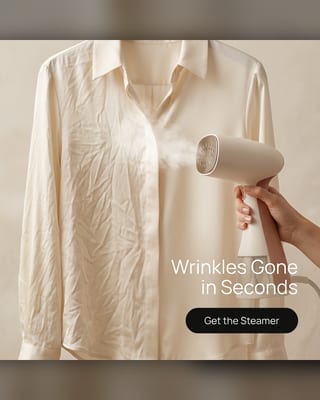 Amazon listing imagesAmazon FBA, Etsy, TikTok Shop and eBay sellers
 App and SaaS advertisingMobile apps, SaaS, fintech and subscription products
 Car adsFranchise and independent dealers, rental, EV and accessory brands
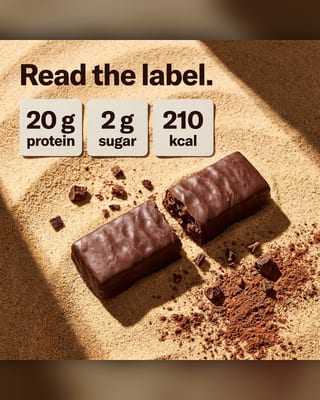 Fitness adsSupplement brands, gyms, trainers, wellness apps
 Electronics advertisingConsumer electronics, accessories, smart-home brands
 Real estate adsAgents, brokerages, developers, property marketers
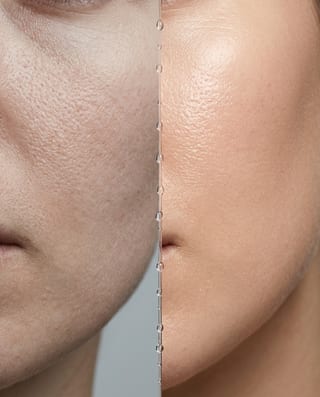 Beauty adsSkincare, cosmetics, fragrance and haircare brands, and salons selling retail
Marketing Studio · 62 templates
One link. Every template.
Same product, a new look in minutes. Your plan includes them all.





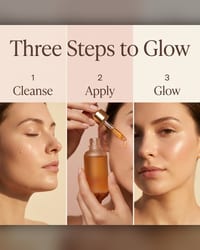

















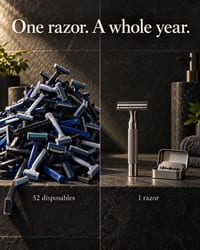
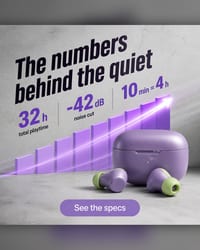
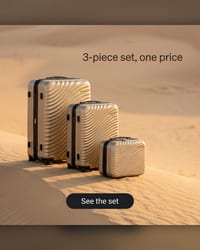





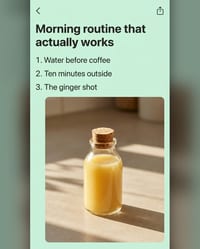





Related templates
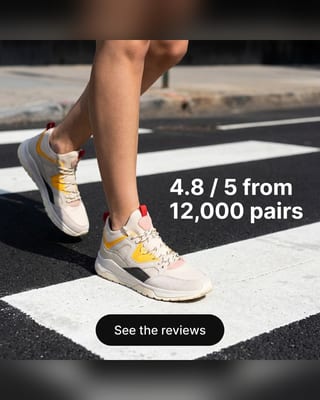 Testimonial adsPaste a real review. Your customer does the selling.
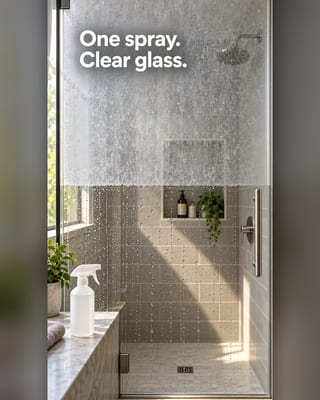 Before and after templateTwo states, side by side. Your product is what changed.
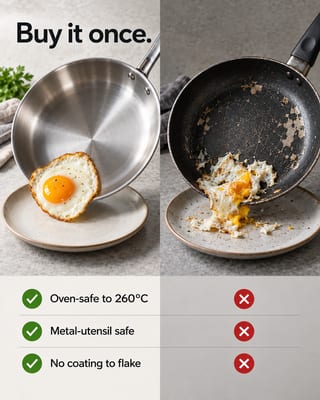 Us vs them adsYour product against the usual option. Clear wins, real facts.
 Problem solution adsShow the problem your buyer knows. Then show your product ending it.
Questions about comparison charts
What is a comparison chart?
A comparison chart is a table that sets options side by side on the same features, so the differences read at a glance. The OpenClips template builds one as a product ad from your link: your ticks against generic crosses.
How do I make a comparison chart for my product?
Pick the features buyers ask about and make sure each claim is true. Paste your product link and the template builds the table with your product in the frame.
Can I compare my product with a named brand?
This template compares against a generic alternative, which keeps claims easy to back up. If you name a brand, check the comparative advertising rules where you sell.
Should I use a comparison chart or an us vs them ad?
Use the chart when buyers compare many features. Use an us vs them ad when one or two big differences decide the sale.
What do I need to make a comparison chart?
One product: a photo, its page link or a few words. Reference images can steer the look.
How long does it take?
One to three minutes. The agent plans the image, renders it and checks it.
Which sizes do I get?
Pick a frame per image: 1:1, 4:5, 3:4, 9:16, 16:9. Each image comes at 1K or 2K.
What does one image cost?
⚡80 at 1K · ⚡90 at 2K, per image. The exact price shows before you render. See pricing.
When do comparison charts work best?
Marketplace images. Switching campaigns. Retargeting.
Comparison chart template. Ready in minutes.
Starter from $9/mo. Every template included.
No link? Press anyway. Add a photo or a few words next.