
Template · How-to / Steps
Step by step infographic ads Use it in three steps.
Show how your product works. Numbered, clear, ready for any feed.
No link? Press anyway. Add a photo or a few words next.
- From ⚡80 per image
- 1 to 3 min
- 1:1 · 4:5 · 3:4 · 9:16 · 16:9
- Every template included
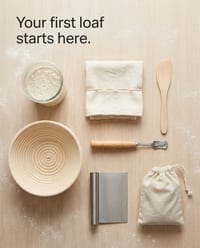
Made with How-to / Steps. Tap the front one to make yours.
Your link in. Your ad out.
No brief to write. No prompt to learn.
- 1Paste your product linkA photo or a few words work too.
- 2How-to / Steps sets the lookScene, light, layout and type. You pick the frame.
- 3Your ad, ready to postChecked before it lands. Download and post.
Why step by step infographics sell
- 01
Removes the "is it hard to use?" doubt.
- 02
Numbered steps are easy to follow.
- 03
Saves support questions later.
Best forNew categoriesTools and devicesBeauty routines
Made for your industry
Step by step infographics and every other template, on products like yours.
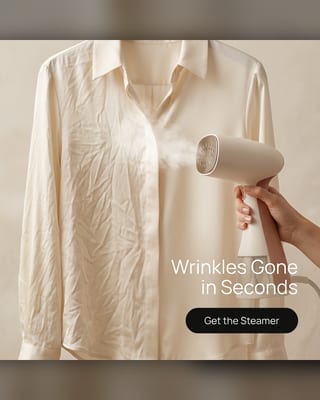 Amazon listing imagesAmazon FBA, Etsy, TikTok Shop and eBay sellers
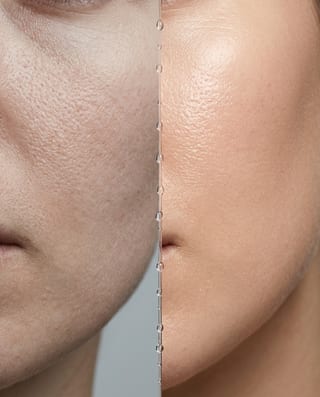 Beauty adsSkincare, cosmetics, fragrance and haircare brands, and salons selling retail
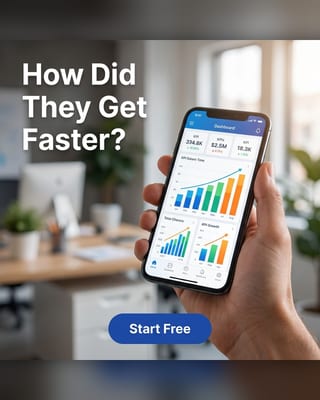 App and SaaS advertisingMobile apps, SaaS, fintech and subscription products
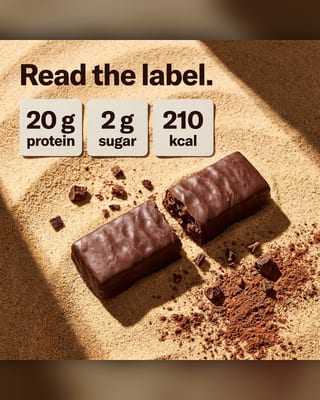 Fitness adsSupplement brands, gyms, trainers, wellness apps
 Food adsRestaurants, cafes, bakeries, delivery kitchens, packaged-food brands
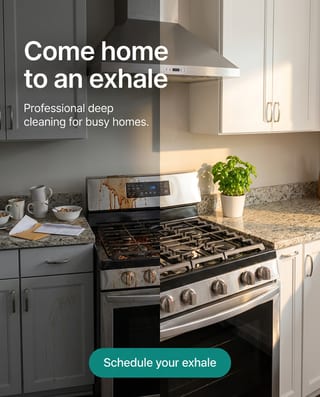 Dental ads and salon adsDentists, med spas, salons, barbers and other local services
Marketing Studio · 62 templates
One link. Every template.
Same product, a new look in minutes. Your plan includes them all.








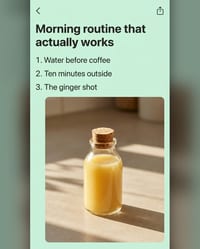

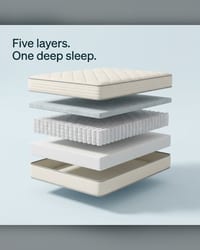
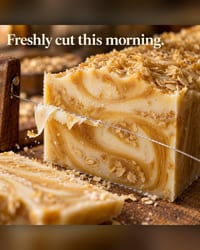


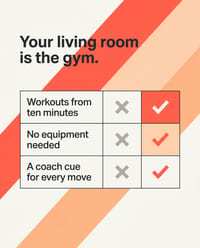
















Related templates
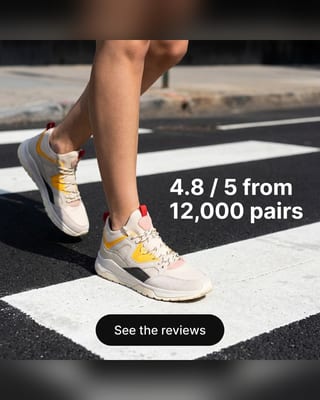 Testimonial adsPaste a real review. Your customer does the selling.
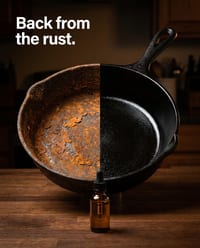
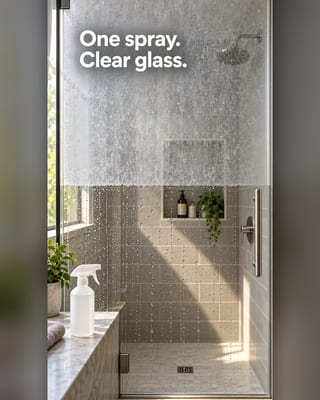 Before and after templateTwo states, side by side. Your product is what changed.
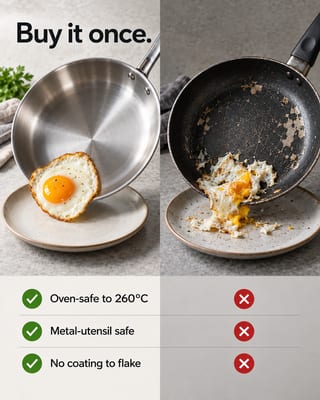 Us vs them adsYour product against the usual option. Clear wins, real facts.
 Problem solution adsShow the problem your buyer knows. Then show your product ending it.
Questions about step by step infographics
What is a step by step infographic?
A step by step infographic shows a process as numbered steps, each with a short label and a picture. For a product, it shows a buyer how to use it. Paste your product link and the OpenClips template lays out the steps around your product.
How do you create a step by step infographic?
List the steps in order, keep each to a few words and give each one a picture. Here you paste your product link and the template numbers the steps and sets the layout.
How many steps should a how-to ad show?
As few as the task allows. Three short steps read well on a phone. Anything longer belongs in a manual or a video.
What is a process infographic?
A visual that maps a sequence, like onboarding or a workflow, as numbered stages. A step by step product infographic is the buyer's version: how to use what they bought.
What do I need to make a step by step infographic?
One product: a photo, its page link or a few words. Reference images can steer the look.
How long does it take?
One to three minutes. The agent plans the image, renders it and checks it.
Which sizes do I get?
Pick a frame per image: 1:1, 4:5, 3:4, 9:16, 16:9. Each image comes at 1K or 2K.
What does one image cost?
⚡80 at 1K · ⚡90 at 2K, per image. The exact price shows before you render. See pricing.
When do step by step infographics work best?
New categories. Tools and devices. Beauty routines.
Step by step infographic ads. Ready in minutes.
Starter from $9/mo. Every template included.
No link? Press anyway. Add a photo or a few words next.