

Sign up and save up to 50% on a yearly plan.Sign up free →

One photo. Your voice. On camera.

OmniHuman 2.0 AI video generator

You stop booking a studio. One photo talks. Your voice, your words.

From $0.059/s on MAX yearly

  • 4 to 120 seconds
  • Portrait and voice clip in
  • Lip-synced
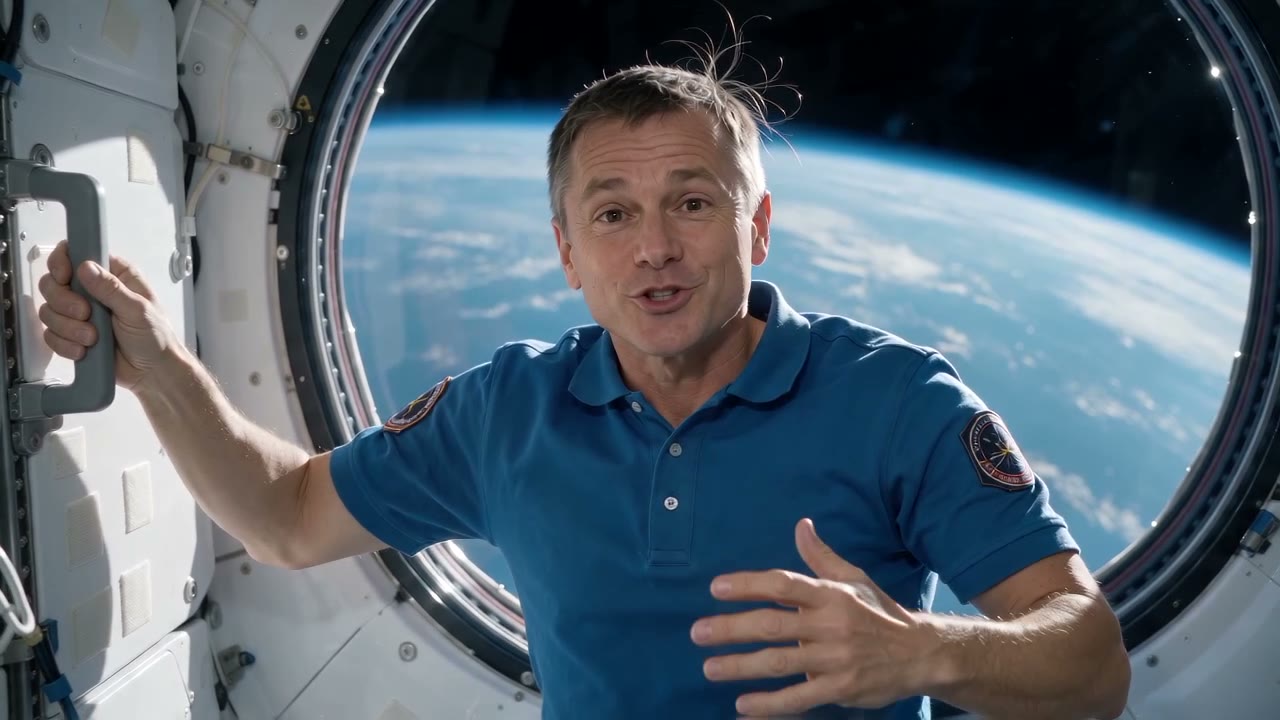
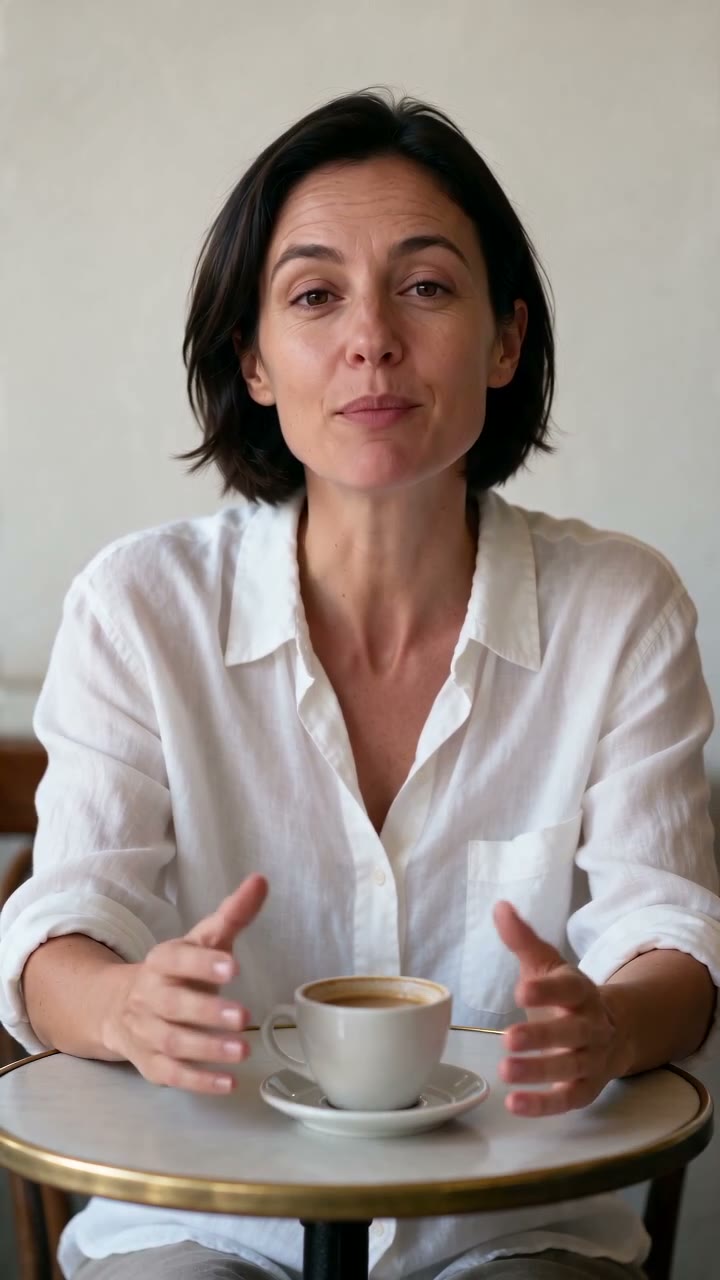
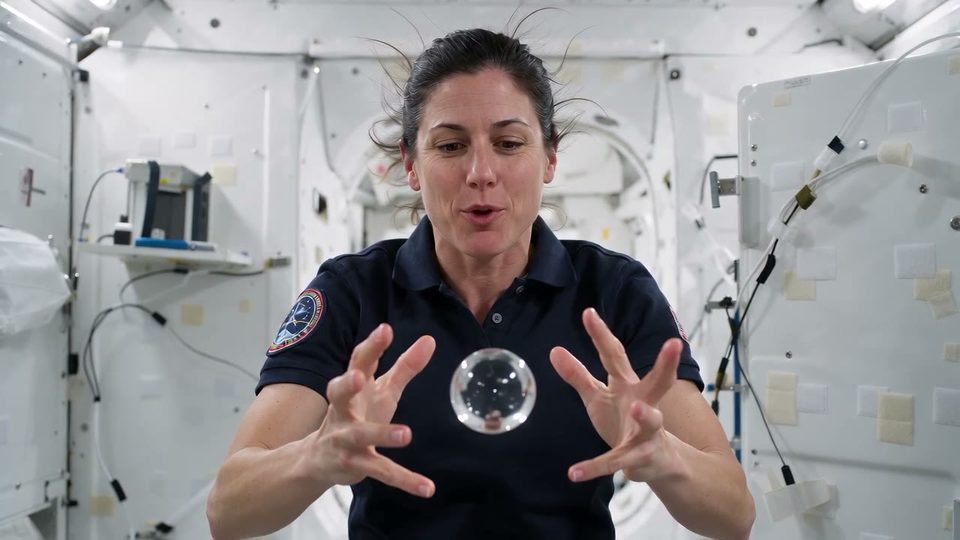
Message from orbit
  • 4 to 120 seconds
  • Portrait and voice clip in
  • Lip-synced

● Made with OmniHuman 2.0

Sell it on camera

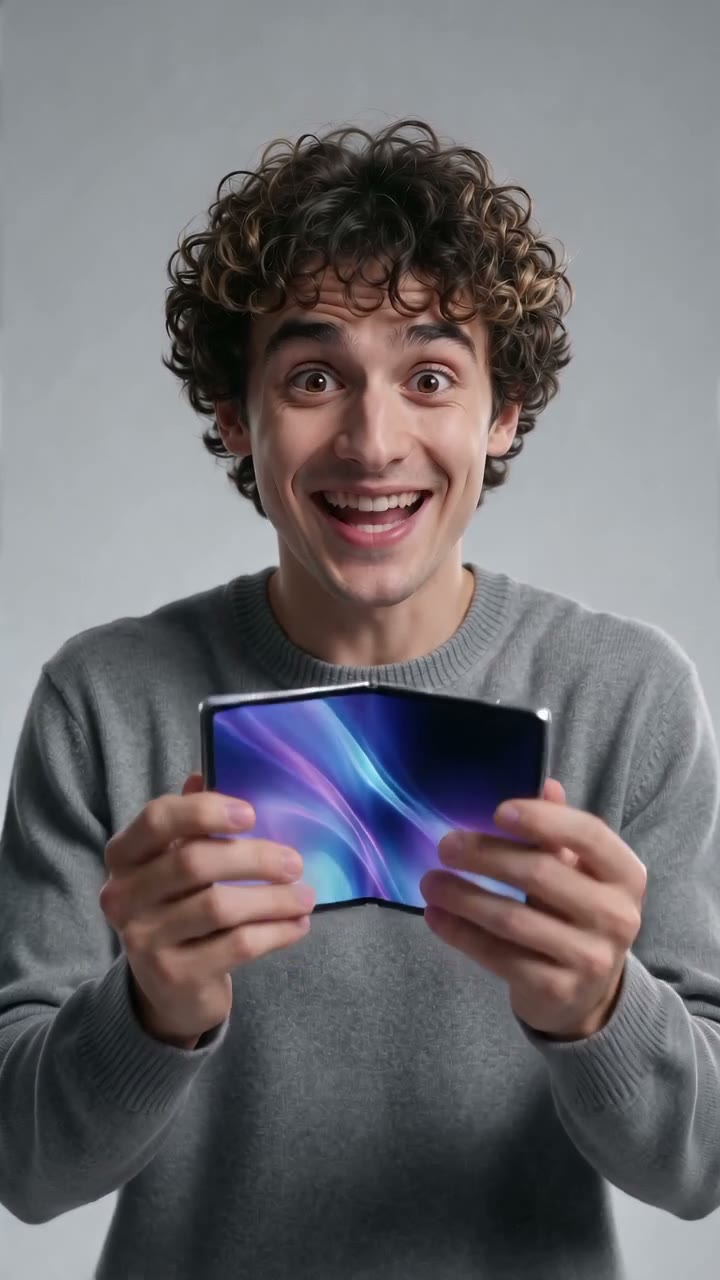
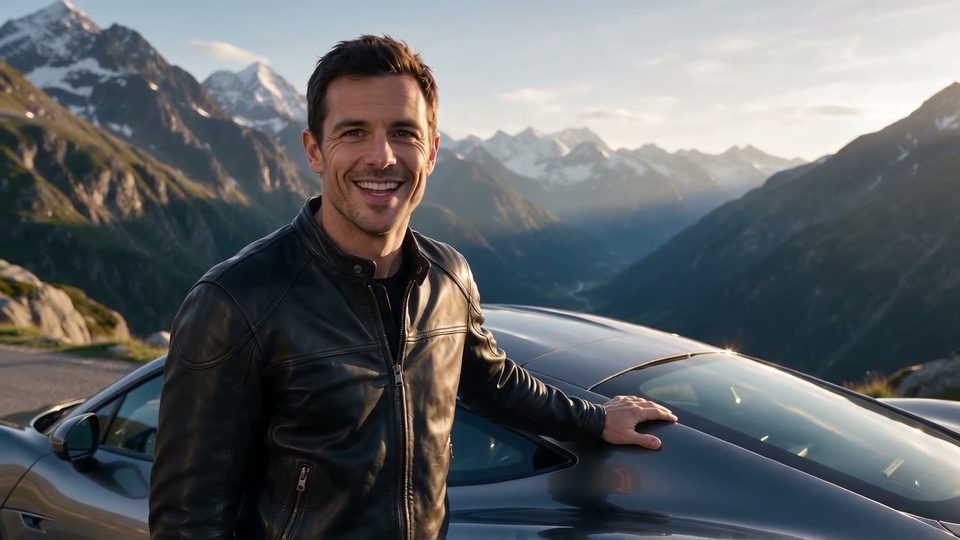
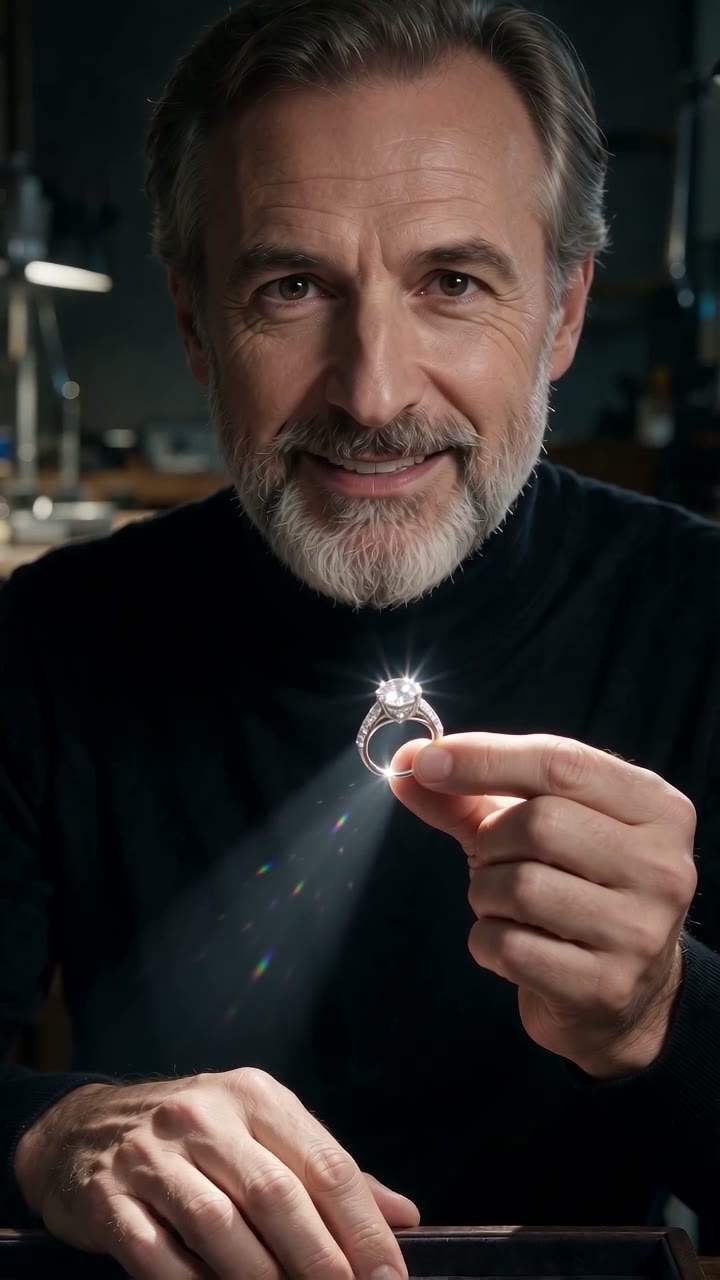
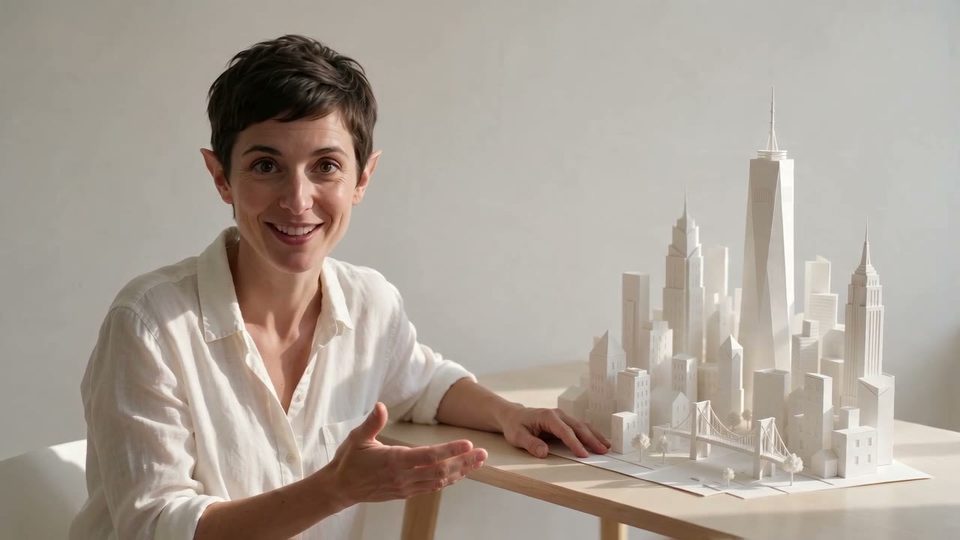
One portrait. One voice clip. A spokesperson who holds the product.

The watchmaker

OmniHuman 2.0 · 8s

Performance sneaker

OmniHuman 2.0 · 9s

Skincare serum

OmniHuman 2.0 · 6s

Perfume

OmniHuman 2.0 · 5s

● What's new

What OmniHuman 2.0 can do

01

Chapter 01 · Song

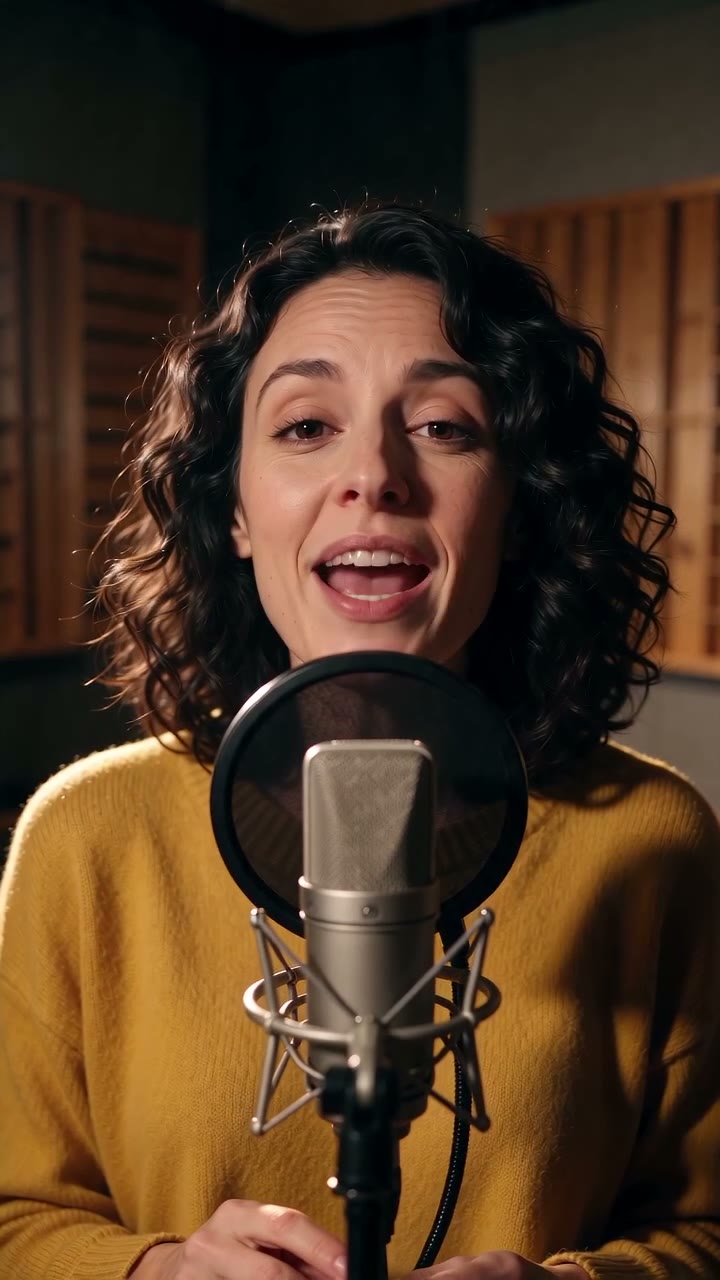
It sings

Hand it a sung track. The face performs the song.

The singer
02

Chapter 02 · Length

One long take

One recording drives the whole clip. Face and hands hold to the last word.

One long take
03

Chapter 03 · Languages

Speaks your language

The lips follow the audio, not a script. This one speaks Serbian.

Serbian voiceover

● Two inputs

A portrait and a voice

What goes in, and what comes back.

  • A spokesperson

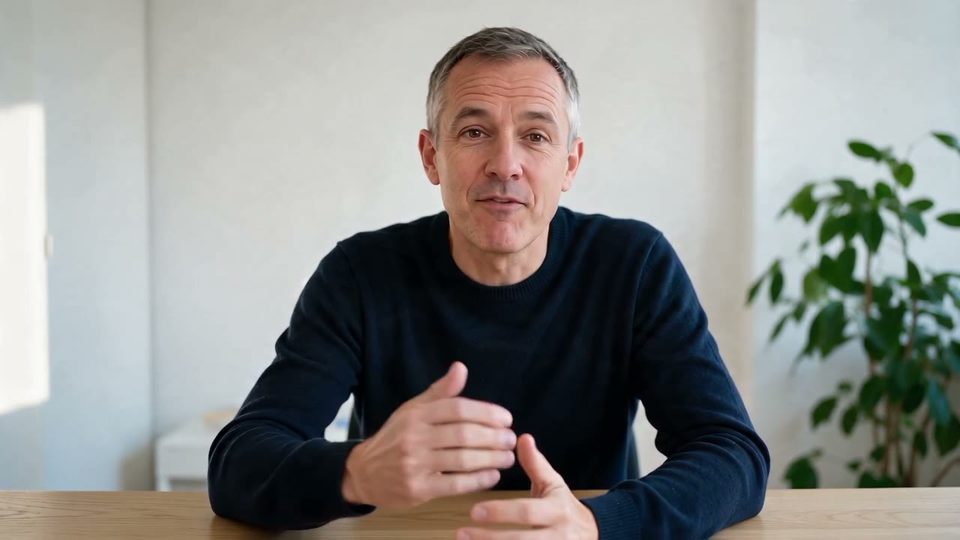
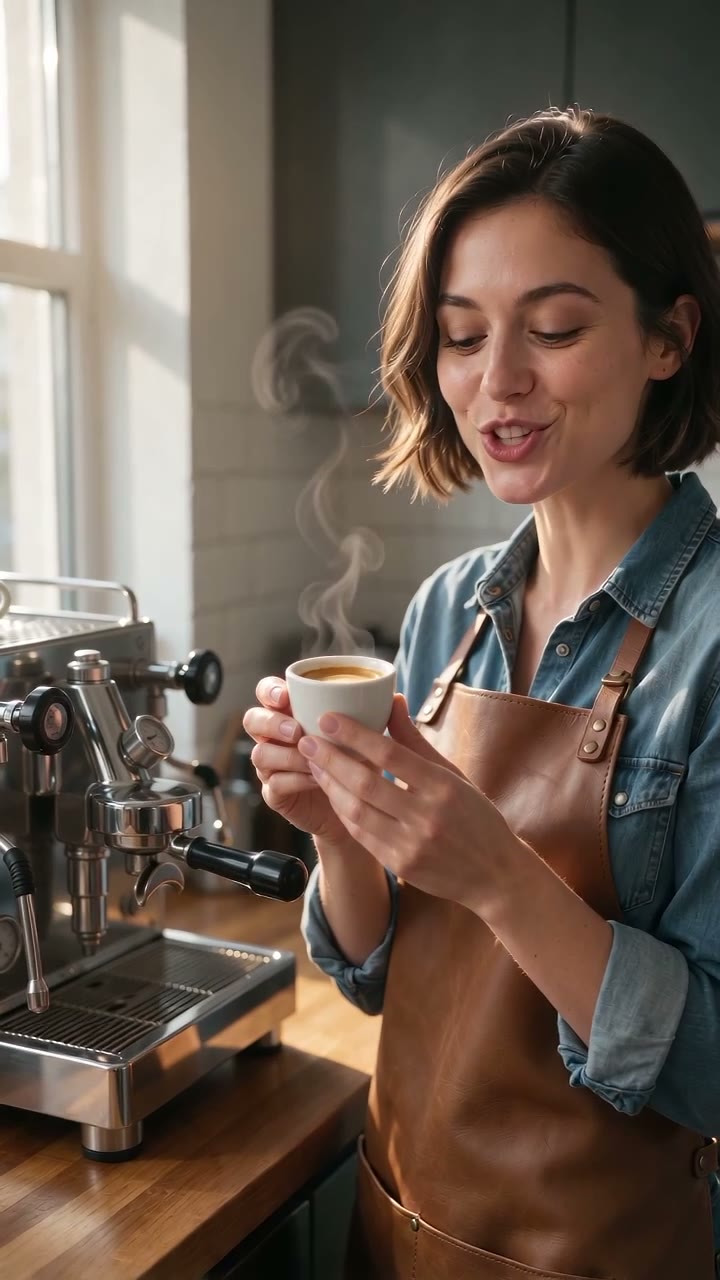
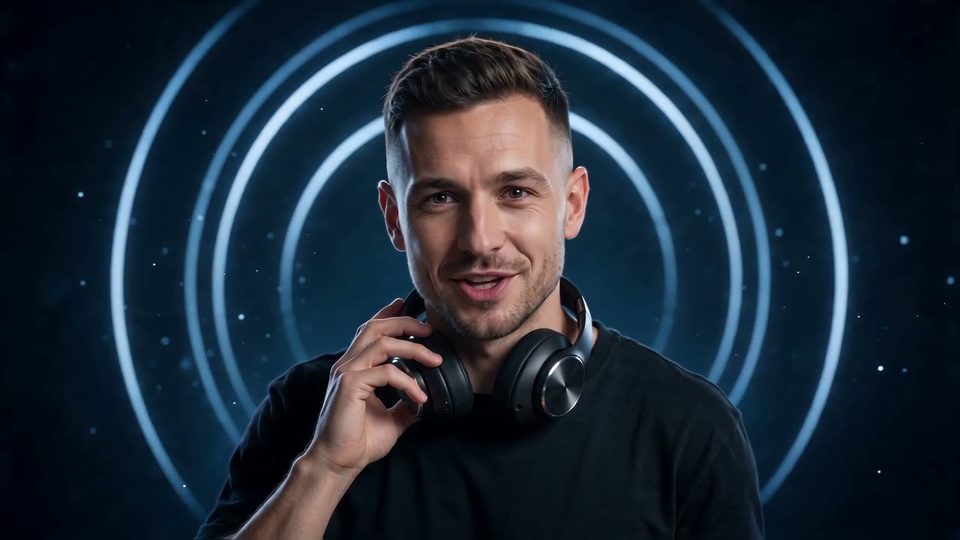
    Talking head

    Your clip sets the words. The face and hands follow them.

  • On location

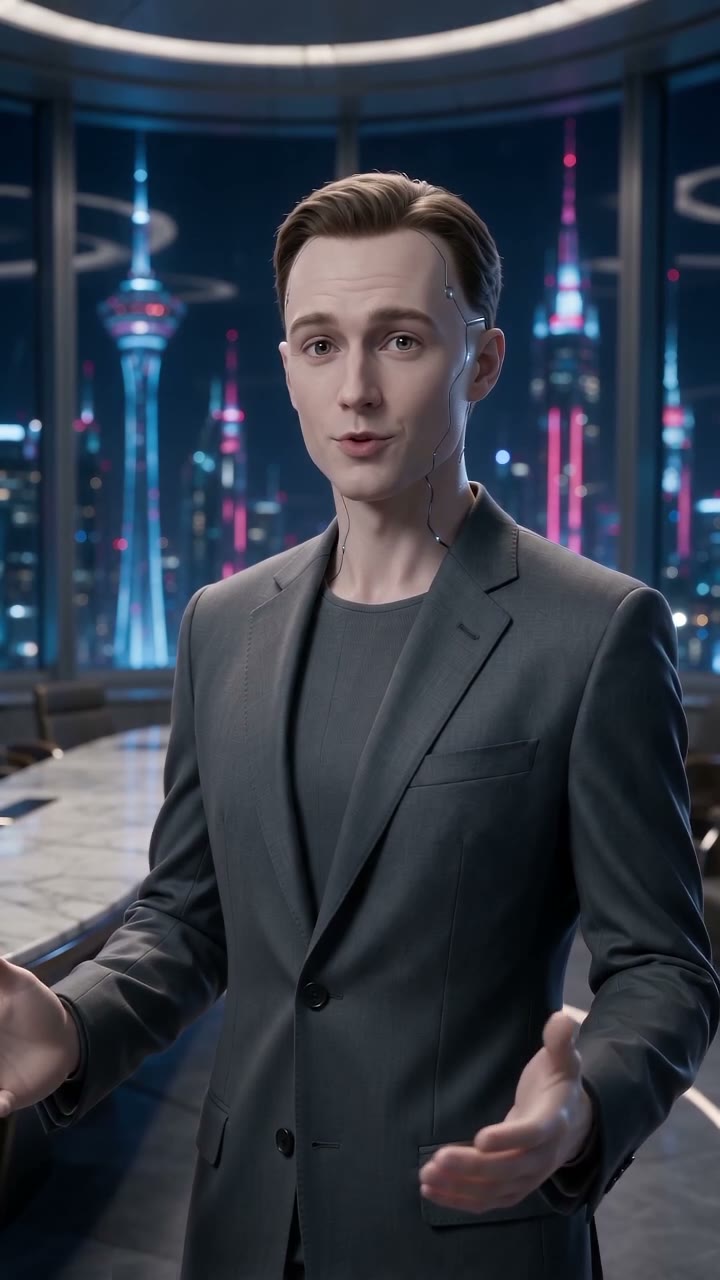
    Presenter

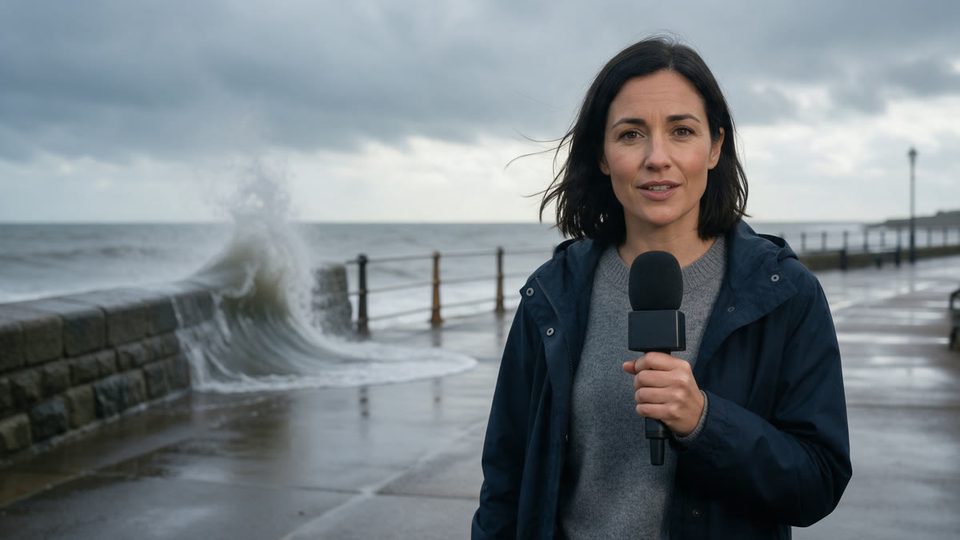
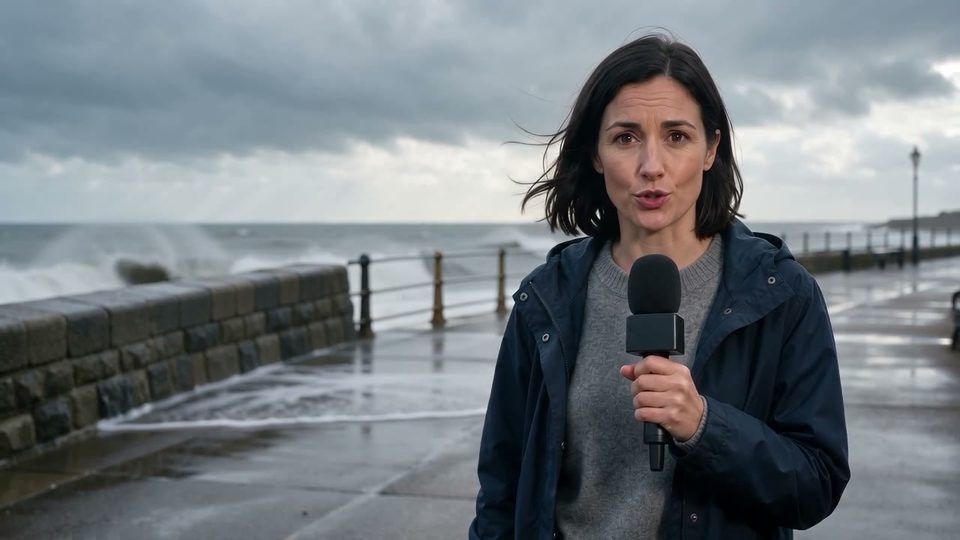
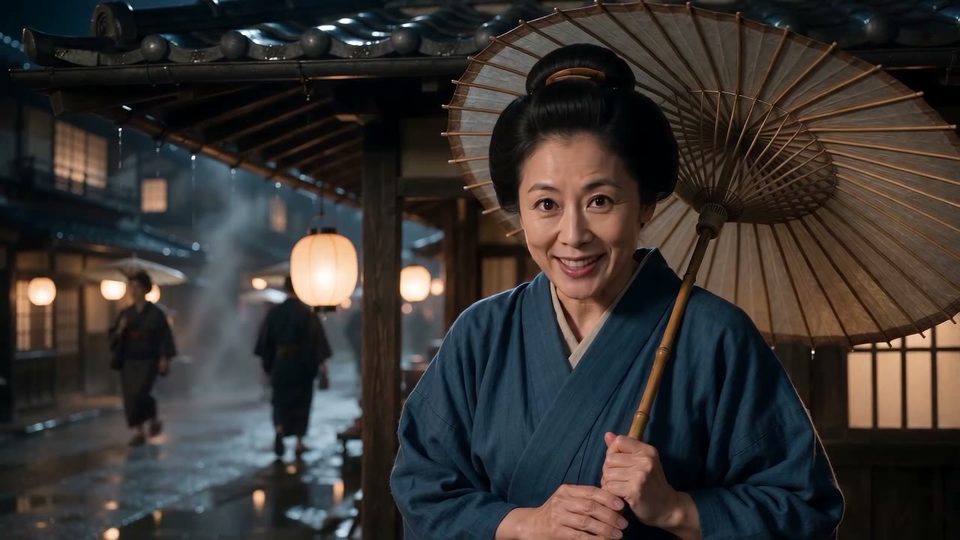
    Shoot the portrait where the story is. Street, studio, storm.

  • Characters too

    Character

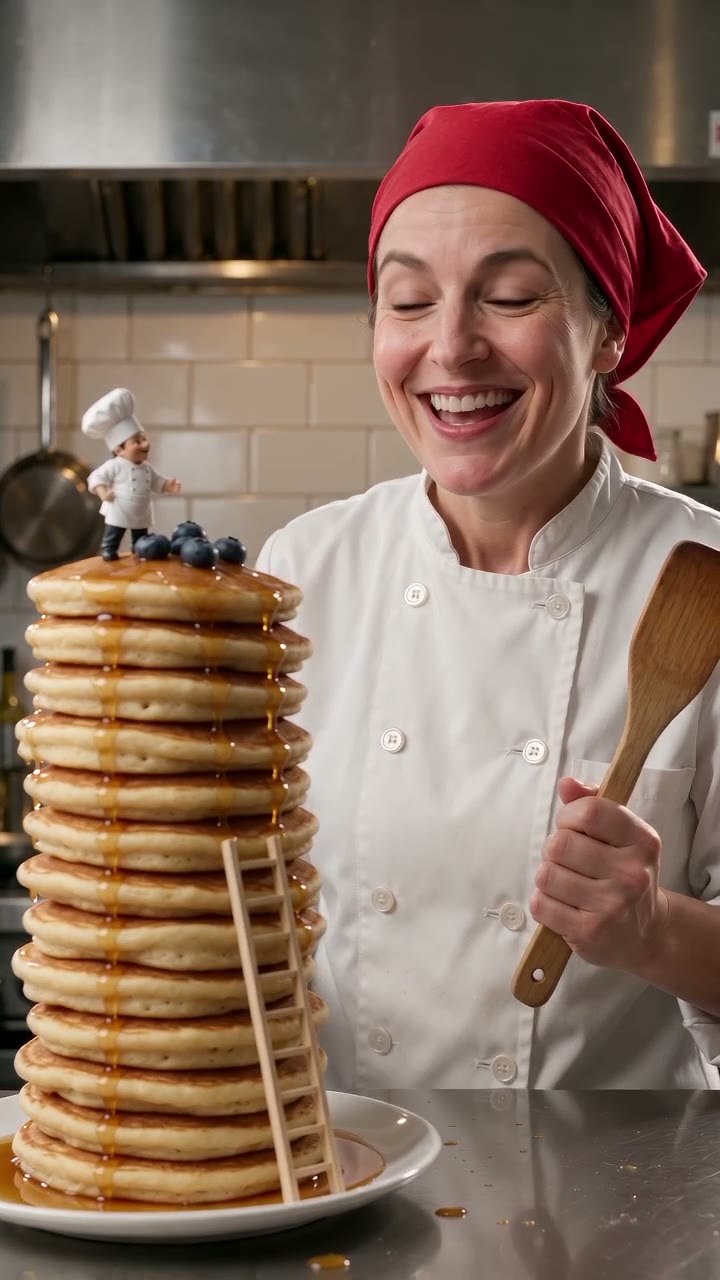
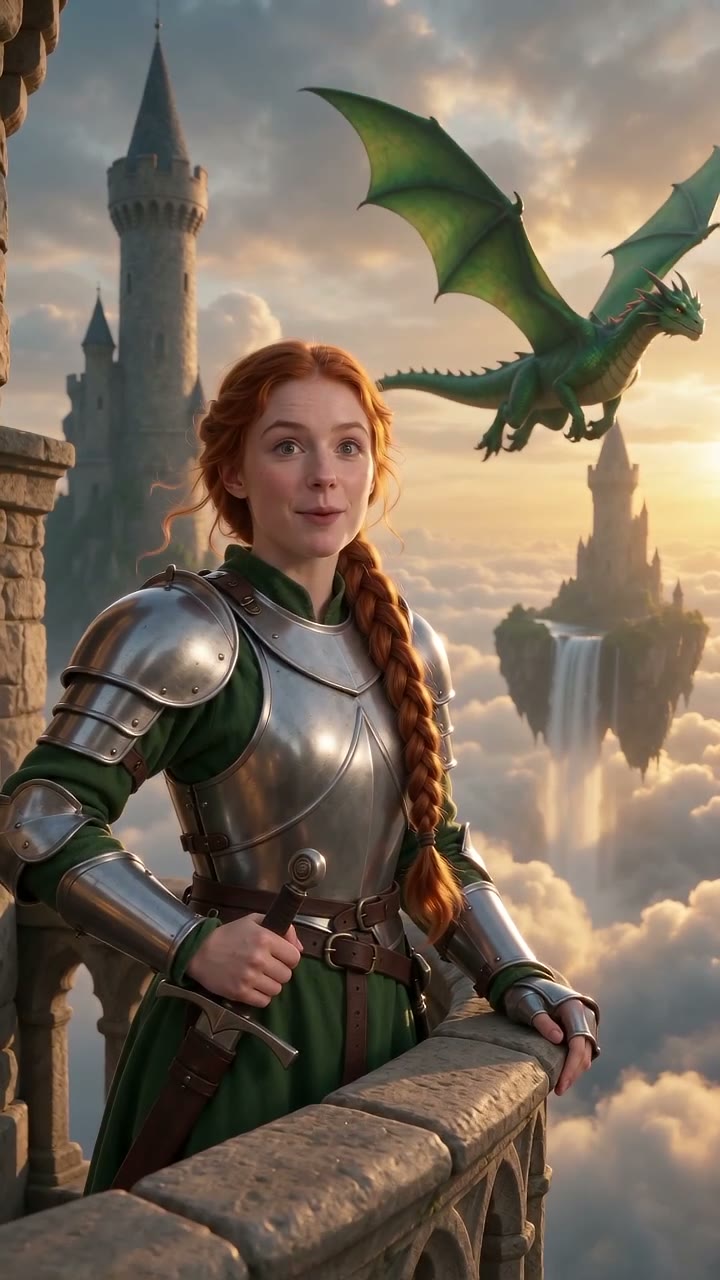
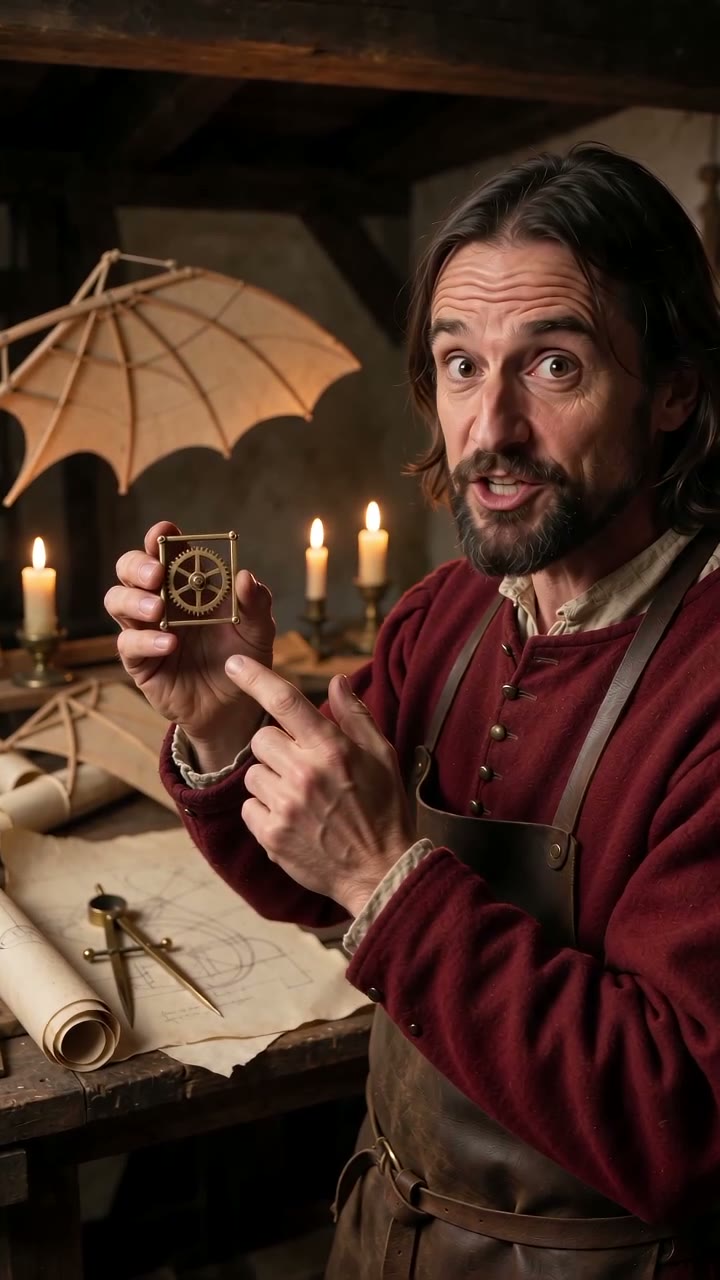
    Robots, knights, inventors. If it has a face, it talks.

  • Your frame

    Any ratio

    The portrait sets the frame. Vertical, square or ultrawide.

● Before and after

The photo, then the take

One still in. The same person, talking.

The reporter portrait
The portrait
OmniHuman 2.0 · 11s

● Use cases

Where a talking head earns its place

Reviews, lessons, listings, support. One portrait and one voice clip each.

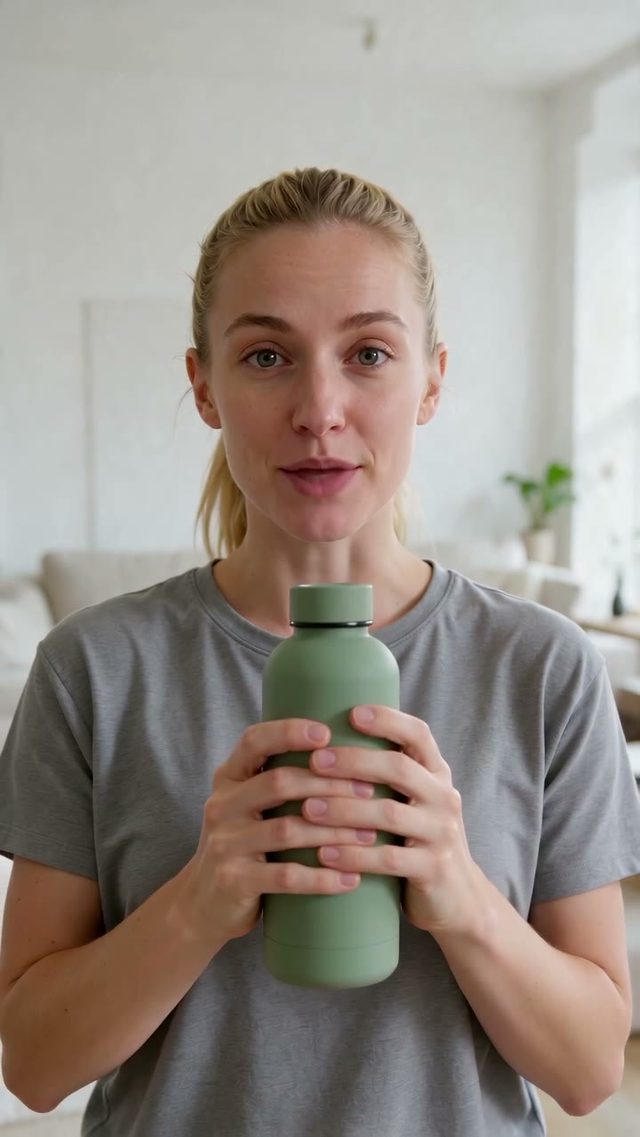
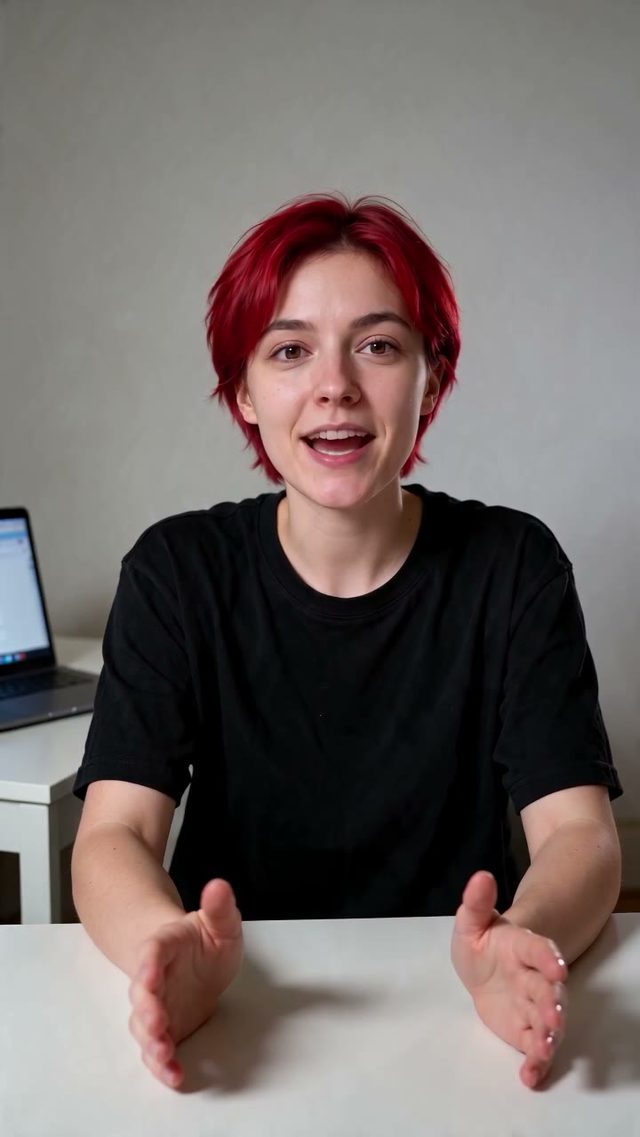
Water bottle review
UGC
UGC

The honest review

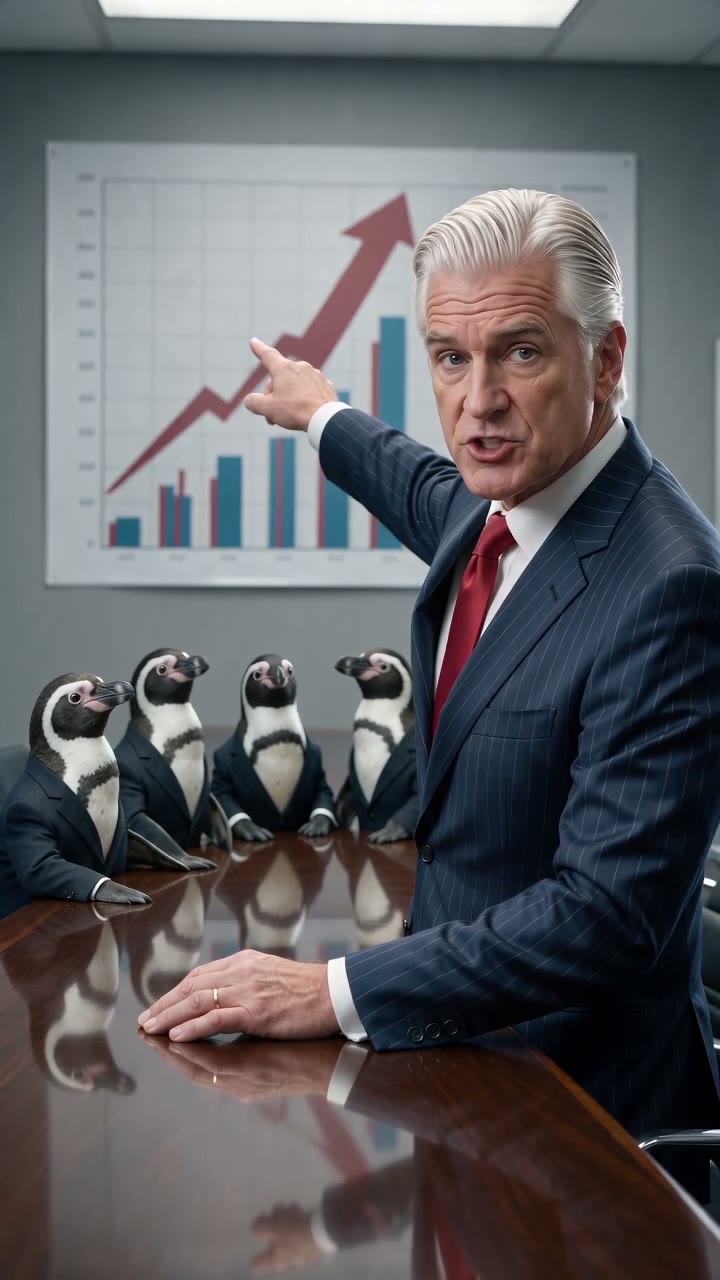
A creator, a product in hand, ten seconds.

Course intro
EDU
Courses

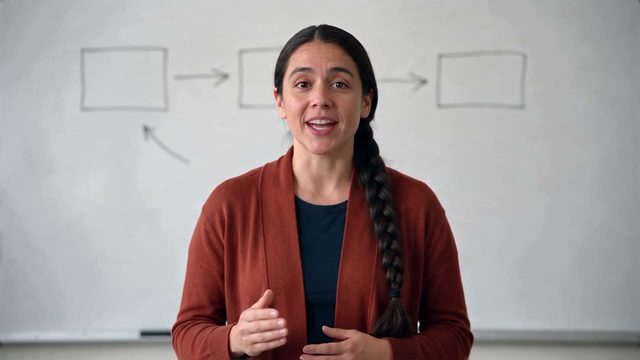
The lesson intro

A teacher at the board opens the module.

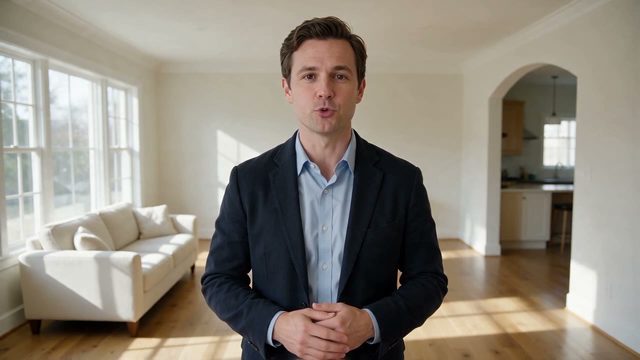
Listing walkthrough
LISTING
Real estate

The listing tour

The agent points the way to the kitchen.

Support answer
SUPPORT
Support

The help answer

A friendly face for the FAQ.

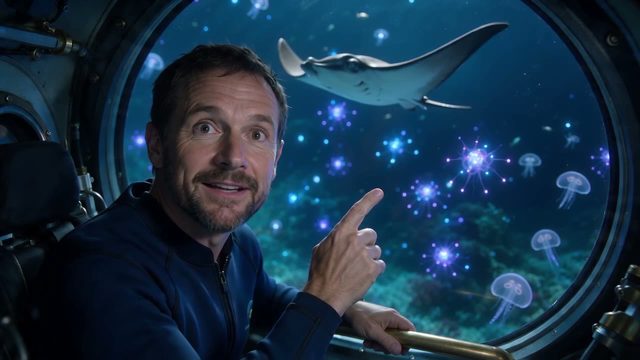
Marine biologist
EXPLAINER
Explainers

The expert on location

A scientist at the porthole, mid-dive.

● Every format

OmniHuman 2.0 video examples

Vertical and widescreen. Fifteen takes, one portrait each.

● Three moves

How do you use OmniHuman 2.0 on OpenClips?

01

Add one portrait

One person, face to camera.

02

Add the voice clip

A recording, a cloned voice or a voiceover. 4 to 120 seconds.

03

Read the quote, then render

The clip length sets the price. It is on the button.

● The sheet

OmniHuman 2.0
model parameters

Modality
video
Duration
Up to 120s
Audio
Native audio, always on

Read from the live catalog. The composer quotes your exact render before it runs.

Compare every model that renders sound.

● What it covers

Briefs it lands

Anywhere a face has to say it.

Spokesperson adsProduct explainersUGC-style reviewsCourse introsNews-style updatesCharacter hostsLocalised voiceoversFounder messages

● Quoted first

What an OmniHuman 2.0 clip costs

OmniHuman 2.0

From $0.059/s.

Priced by the second of audio, never per month. The composer shows the exact ⚡ before you press it. A free account starts with ⚡30. Packs start at $10/800⚡.

● OpenClips MCP

Drive OmniHuman 2.0 from your AI agent

No console and no syntax. Your agent briefs the model through the OpenClips MCP server.

Server addresshttps://mcp.openclips.ai
ClaudeClaude CodeChatGPTCursorVS CodeGrokHermes agentOpenClawOther MCP client
  1. Step 01

    Voice the script

    One clip, one block.

  2. Step 02

    Hand it the portrait

    One face, one frame.

  3. Step 03

    Read the quote back

    The server prices it first.

● Director's notes

Tips for best results with OmniHuman 2.0

Four habits that save a re-roll.

  • Face the camera

    One person, face visible, hands in frame if they should move.

    One face

  • Clean audio

    No music bed under the voice. Add it in the edit.

    Voice only

  • Direct the gestures

    The prompt steers expression and camera. Not the words.

    Mood, not script

  • Frame it first

    The portrait is the shot. Crop it to the ratio you will post.

    Ratio first

● Questions

OmniHuman 2.0 FAQ

ByteDance’s talking-video model. You give it one portrait and one voice clip, and it returns a video of that person speaking the clip, with expression, gestures and a gentle camera.

One portrait and one audio clip, MP3 or WAV, 4 to 120 seconds long. The prompt is optional and directs expression, gestures and camera.

No. The audio clip carries the words. Record it, clone a voice or generate a voiceover first, then hand it to OmniHuman.

No. The person stays in the portrait’s frame and talks. For action, render the shot on a video model such as Seedance and add the voice after.

The portrait’s. A vertical photo makes a vertical video, a wide one makes a wide video.

~3–7 min per clip, read from the live catalog.

From ⚡58 for the shortest clip. The price rises with the length of your audio, and the composer quotes it before you render. A free account opens with ⚡30. Packs start at $10/800⚡.

● The receipts

Where do these OmniHuman 2.0 facts come from?

Every link goes to the vendor's own page.

One photo. Your voice. Ship it.

A portrait and a voice clip. The price is on the button.

Generate with OmniHuman 2.0

Free account · ⚡30 on signup · No card

ByteDance's talking-video model

OmniHuman 2.0 turns one portrait and one voice clip into a video of that person talking. The face, the hands and the camera move with what is said. On OpenClips a clip runs 4 to 120 seconds. The clip sets the length and the price. From ⚡58.

Where it earns its place

Spokesperson ads, product explainers, hosts and characters. The person stays in frame and performs the audio you hand it. Bring a recording, a cloned voice or a voiceover. For a full test and pricing walk-through, read OmniHuman 2.0, explained.

When to reach for something else

OmniHuman does not walk, act out a scene or handle a product in motion. For action, render the shot on Seedance and lay the voice on after. Browse the whole models roster.

● Where to go next

Related models