


Pruna P-Video text to video
Write the brief, get the clip. Shot, subject and movement in one paragraph.
Video in seconds, not minutes. 1 to 20 seconds at 720p or 1080p. Four more tools for the clips you already have.
Free account · ⚡50 on signup · No card
● Made with Pruna P-Video
Every clip here came out of the P-Video line. The prompt is the one Pruna received.
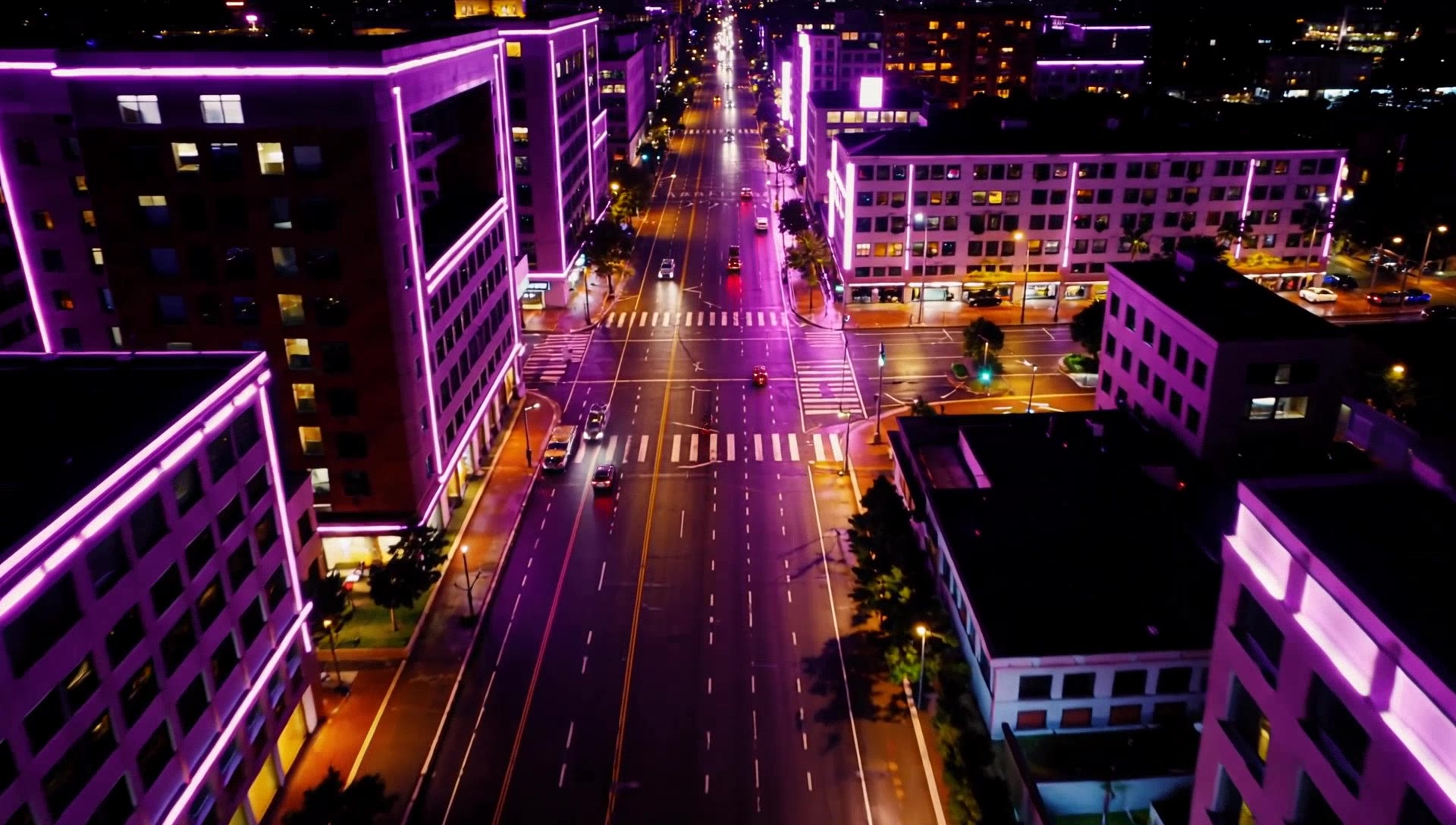
Pruna P-Video · 5s
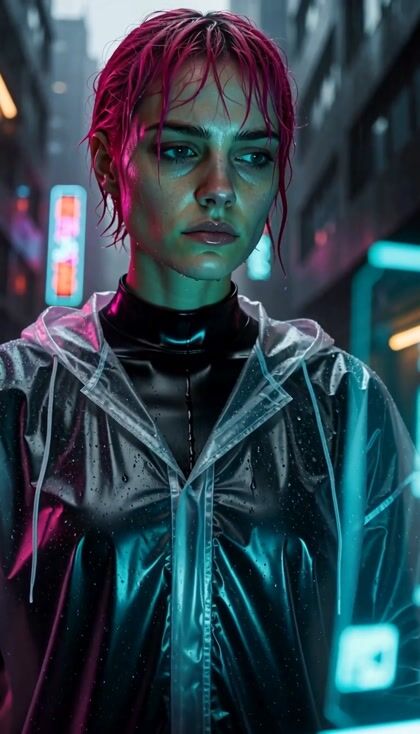
“Slow aerial push over a neon-lit rainy city at night, violet and amber reflections on wet streets, light traffic trails, cinematic, smooth camera”
Pruna P-Video · 5s
“In a dark restaurant kitchen, a chef flambés vegetables; a burst of orange flame lights her face, sparks move in slow motion, camera is a handheld close-up.”
Pruna P-Video · 5s
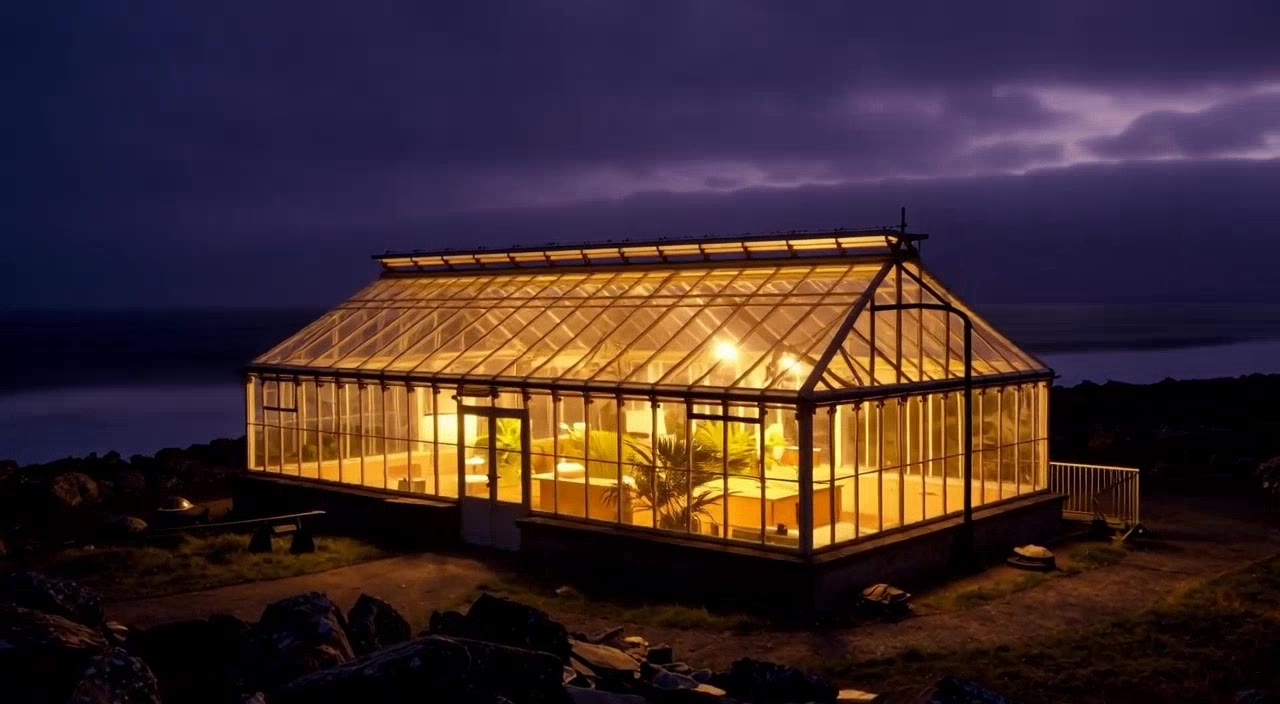
“Fog drifts across the water, light inside the greenhouse flickers warmly, camera slowly pushes toward the greenhouse.”
Pruna P-Video Edit · 5s
“Turn the season to deep winter: snow on the ground and trees, breath visible in the cold air, keep the people and their movement unchanged”
● The line
New video, or new life in video you already shot.
Write the shot. Add a first and last frame, or a track to move to. 1 to 20 seconds.
The script is read word for word. Pick a voice and a language, or bring your own recording.
Your subject moves the way the source clip moves. Its timing, its camera.
Up to 3 people from photos. Dropped into your own clip.
Say what changes. The rest of the clip stays. Priced by the second of source.
● People on camera
A portrait that speaks. A dance moved onto someone new.
Pruna P-Video Avatar · 11s
“Hi. I shot this entire video from one photo and one paragraph. No camera, no studio, no second take. That's the point.”
Pruna P-Video Avatar · 8s
“Hola. Este video salió de una foto y un párrafo. Sin cámara, sin estudio.”
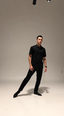
Pruna P-Video · 5s
“A dancer performs a slow, fluid contemporary dance move in a plain studio, full body in frame, static camera, even lighting”
Pruna P-Video Animate · 5s
“Keep the man's face and clothes, follow the dancer's motion”
● Clocked
Render time as our catalog quotes it. Same brief, different wait.
● Three moves
01
New clip, avatar, animate, replace or edit.
02
A prompt, a portrait, a clip. Whatever the tool takes.
03
Priced by the second. Quoted before it runs.
● Three ways in
Write the brief, get the clip. Shot, subject and movement in one paragraph.
Start from a frame you have. Give it the last frame too and it finds the way between.
Hand it a track. The clip moves to it.
| Model | Specs | ⚡ | |
|---|---|---|---|
| Pruna P-Videop-video | Text, image or audio to video, fast.720p / 1080p · 16:9 1:1 9:16 4:3 3:4 3:2 2:3 · up to 20s | from ⚡2from $0.01 | Generate → |
| Pruna P-Video Avatarp-video-avatar | A portrait and a script become a talking head.720p / 1080p | from ⚡6from $0.04 | Generate → |
| Pruna P-Video Animatep-video-animate | Moves your subject with the motion of another video.720p / 1080p · up to 60s | from ⚡7from $0.04 | Generate → |
| Pruna P-Video Replacep-video-replace | Swaps the people in a video for the ones you upload.720p / 1080p · up to 60s | from ⚡7from $0.04 | Generate → |
| Pruna P-Video Editp-video-edit | Edits an existing clip from a prompt.up to 15s | from ⚡6from $0.04 | Generate → |
● The sheet
Read from the live catalog. The composer quotes your exact render before it runs.
● What it covers
Fast turns on new clips and old ones.
● Quoted first
From ⚡2 (from $0.01).
Priced per clip, never per month. Length, resolution and draft mode set the figure, and each tool on this page has its own rate, listed above. The composer shows the exact ⚡ before you press it. A free account starts with ⚡50. Packs start at $10/800⚡.
● OpenClips MCP
No console and no syntax. Your agent briefs the model through the OpenClips MCP server.
https://mcp.openclips.aiStep 01
New clip, avatar or edit.
Step 02
Prompt, portrait, source clip.
Step 03
The server prices it first.
● Director's notes
Four habits that save a re-roll.
Run the draft mode to find the shot. Then render it clean.
Pace, then finish
A first and a last frame make the path explicit.
Two frames, one path
Avatar reads the script as written. Punctuate like speech.
Commas are pauses
Animate and Replace follow the source. A steady clip gives a steady result.
Source sets the ceiling
● Questions
Pruna AI's speed-first video model. Text, image or audio in, a clip out.
1 to 20 seconds, at 720p or 1080p.
Yes. P-Video Avatar takes one portrait and a script or an audio clip. Pick a voice and a language.
Yes, three ways. Animate moves your subject with its motion. Replace swaps the people. Edit changes it from a prompt.
P-Video for fast drafts. P-Video 2 when the finish matters, with a longer ceiling and lip-sync.
From ⚡2 a clip. Length, resolution and draft mode set the rest, and the composer shows the exact ⚡ before you press it. A free account opens with ⚡50. Packs start at $10/800⚡.
● Version history
Newest first, straight off the roster.
image · Live on OpenClips
Text to image on Pruna’s own model.
video · Live on OpenClips
Text, image or audio to video, fast.
video · Live on OpenClips
The quality successor to P-Video, with lip-sync.
● The receipts
Every link goes to the vendor's own page.
One prompt. One clip. Then the next.
Generate with Pruna P-VideoFree account · ⚡50 on signup · No card
Or roll with a sibling model
Pruna AI launched P-Video in February 2026 as its speed-first video model. Text, a first frame or a soundtrack in. A clip out, 1 to 20 seconds long, at 720p or 1080p. Draft mode trades finish for pace.
The same family works on video you bring. Avatar turns a portrait and a script into a talking head. Animate moves your subject with another clip's motion. Replace swaps the people in a clip. Edit changes a clip from a prompt. Each is its own model, each is a row on this page.
Pruna P-Video 2 is the quality successor. Same inputs, a longer ceiling, lip-sync. Take P-Video when the draft matters more than the finish. The whole line sits on the models roster.
● Where to go next