The Video Prompt Formula: Six Beats That Turn Text Into Trailers
Most AI video prompts fail before the render button. Here is the six-beat formula our studio uses to turn one line of text into a trailer-grade clip — with prompts you can copy.
Scene select — 6 scenes
Every week we watch thousands of renders roll through the studio, and the pattern is brutal: the prompt decides the clip long before the model does. Two people type into the same Seedance 2.5 instance — one gets a shampoo ad, the other gets a trailer. The difference is rarely talent. It is structure.
This is the six-beat formula we use internally for every preset and every Launch-Ready workflow. It works on Seedance, Veo, Kling — any model that reads natural language.
Why most prompts flatline
A weak prompt is not a short prompt — it is an undirected one. “A car driving through a city at night” gives the model six jobs and zero instructions, so it improvises all of them: random camera, random light, random pacing. Sometimes that lottery pays off. Usually it looks like stock footage from a dream.
- No camera direction — the model picks a static wide shot, the safest and dullest option.
- No light description — lighting is 80% of “cinematic”, and the default is flat daylight.
- Too many subjects — one clip, one hero. Two products in one render is a coin flip.
- Mood words only — “epic, cinematic, 8k” are seasoning, not the meal.
The six-beat formula
Think of your prompt as a miniature shooting script. Six clauses, six decisions, in this order:
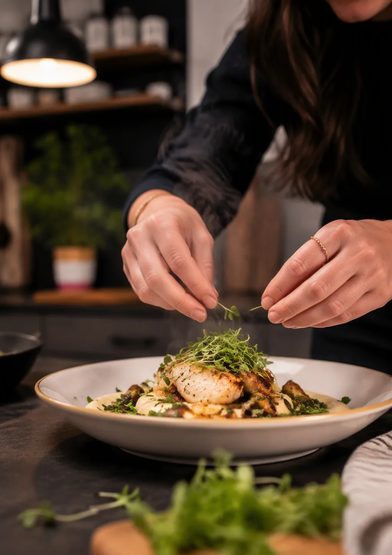
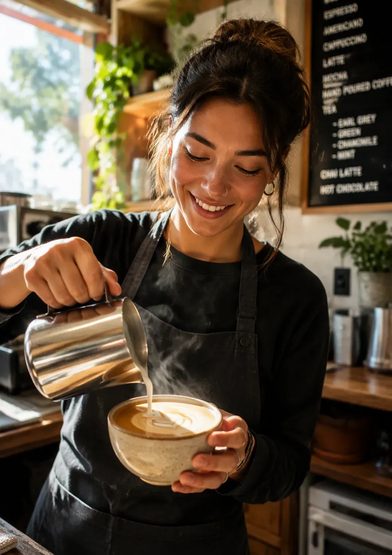
- Subject — who or what owns the frame. Be specific: not “a woman” but “a barista in a green apron”.
- Style — the film stock of your imagination: “shot on 35mm”, “documentary handheld”, “glossy commercial”.
- Camera — angle plus movement: “slow push-in from a low angle”, “orbit around the product”.
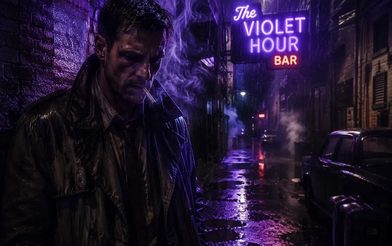
- Light — source and quality: “golden-hour rim light”, “neon spill from the left”, “softbox glow”.
- Motion — what actually happens: “hands mending nets”, “steam rising as the lid lifts”.
- Mood — one emotion word to color the grade: “quiet hope”, “midnight menace”, “Sunday-morning calm”.
The formula, in one line
A weathered fisherman mending nets at dawn, shot on 35mm documentary film, slow push-in from a low angle, golden-hour rim light through sea mist, hands working steadily as gulls circle overhead, quiet stubborn hope.Run this prompt →
Read it back and you can hear the beats: fisherman (subject) → 35mm documentary (style) → low-angle push-in (camera) → golden-hour mist (light) → mending hands, circling gulls (motion) → stubborn hope (mood). The model is not guessing anymore — it is executing.
Before and after
A cinematic sneaker ad, epic, high quality, 8k.
A white sneaker on wet asphalt, glossy commercial style, camera orbiting slowly at ankle height, neon sign spill in violet and cyan, raindrops rippling in a puddle beside it, midnight confidence.Run this prompt →
Same model, same credits. The second prompt wins because every beat is a decision the model no longer has to make.

Starter prompts to copy
A matte-black espresso machine on a stone counter, premium commercial style, slow 360-degree orbit at product height, softbox key light with warm kitchen bokeh, steam curling from the spout, Saturday-morning indulgence.Run this prompt →
A fitness coach in a home gym holding a protein shaker, natural smartphone footage style, locked-off selfie framing at eye level, window daylight, she shakes the bottle and grins at the camera, honest weekday energy.Run this prompt →
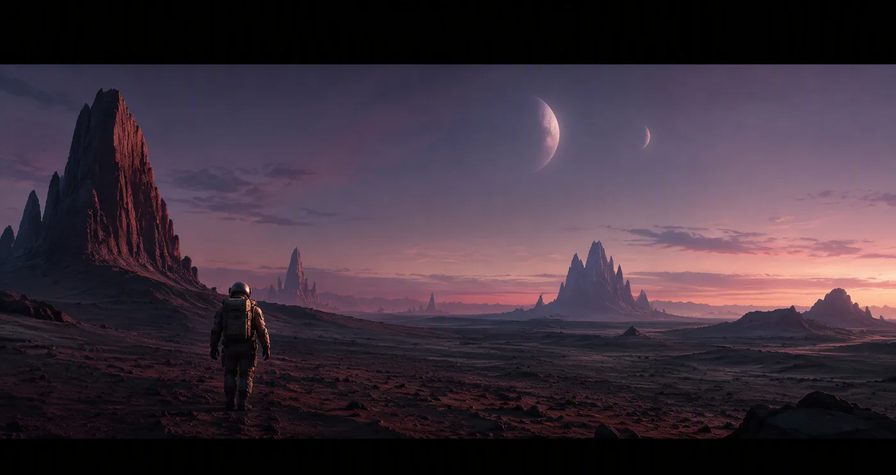
A lone astronaut crossing a rusted hangar, anamorphic sci-fi feature style, tracking shot from behind at shoulder height, shafts of cold blue light through dust, her boots ringing on metal, vast quiet determination.Run this prompt →
Quick fixes for common misfires
- Morphing faces or logos → shorten the clip, simplify the motion beat, re-render with a new seed.
- Camera ignores you → move the camera clause earlier; models weight the first half of the prompt.
- Too dark or too flat → name a light source, not a brightness: “neon spill”, “window daylight”.
- Chaos in the background → anchor it: “empty street”, “blurred café bokeh”, “seamless studio backdrop”.
Now roll camera. Open the composer on the Seedance 2.5 page, paste one of the starters above, and change exactly one beat per render. That is how you learn a model — take by take.