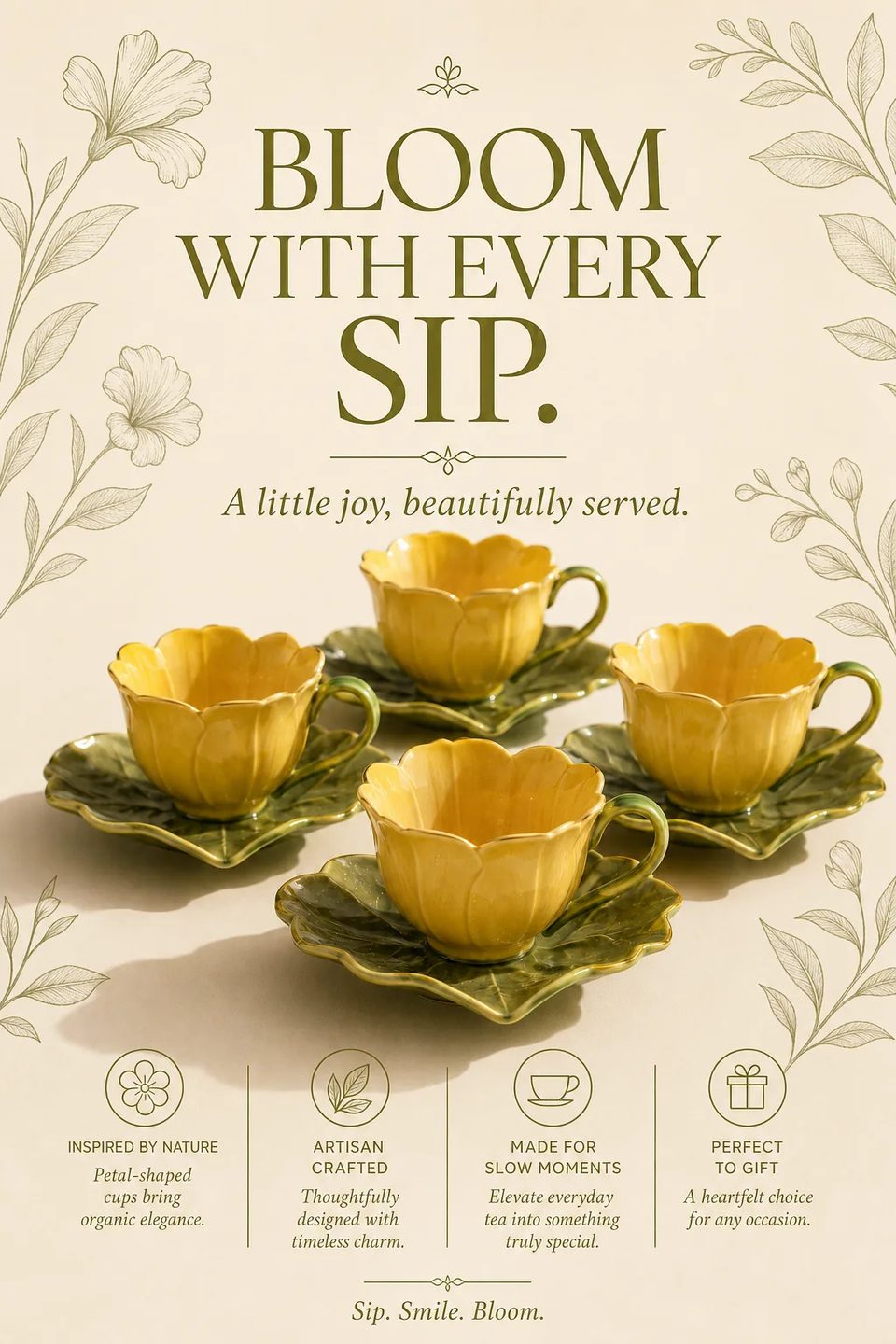
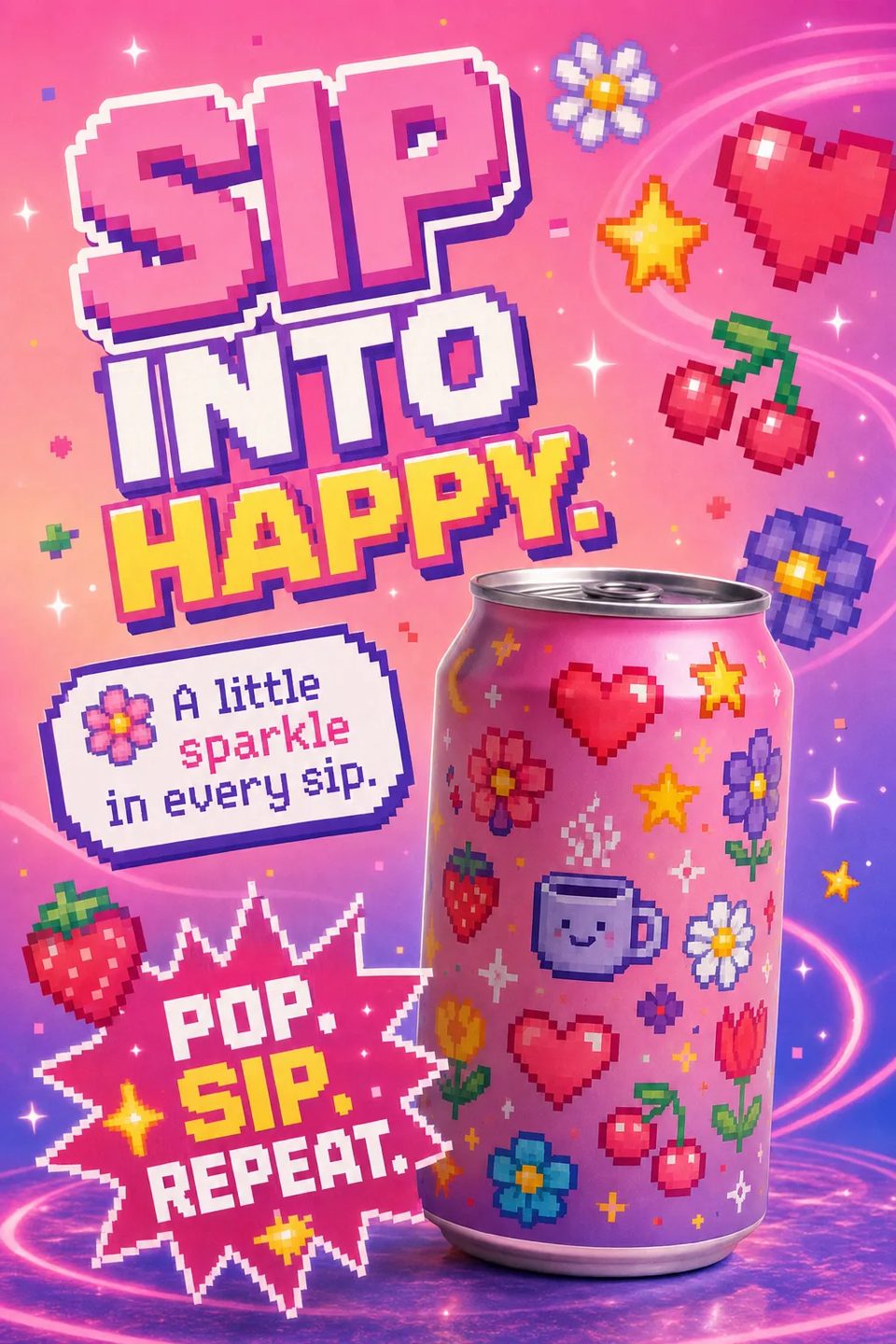
Pricing
IMAGELiteralOpenAI

GPT Image 2It parses the brief.

You stop rewriting prompts the model half-read. GPT Image 2 follows every clause. Headline, subhead, border, placement.

  • Text to image
  • Up to 16 references
  • 7 canvases
  • Text that lands
  • From ⚡43 per render

Free account · 50 on signup · No card

Made with GPT Image

Every clause, honoured

Headline, subhead, border, product placement — read the prompt, then the frame.

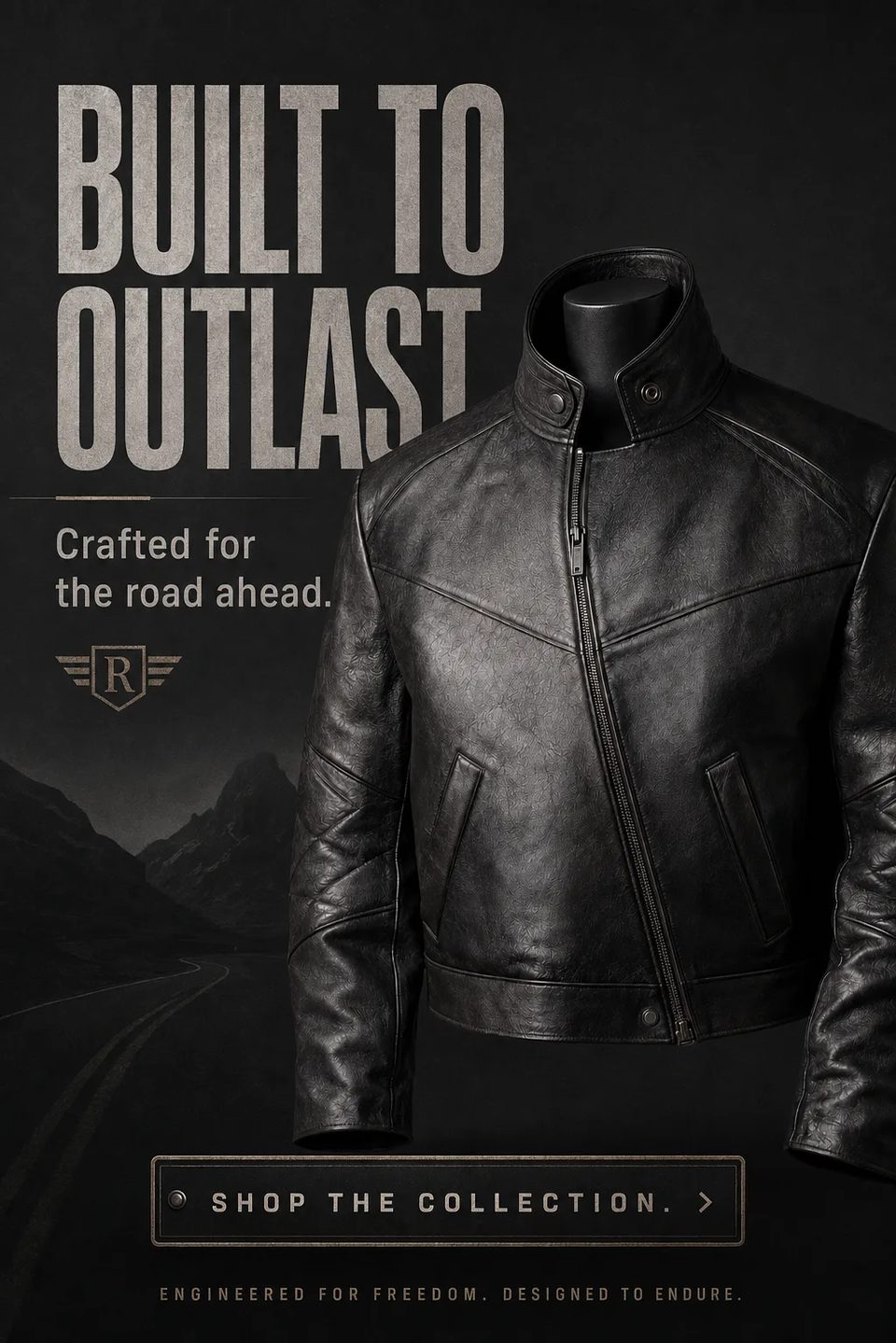
Jacket poster

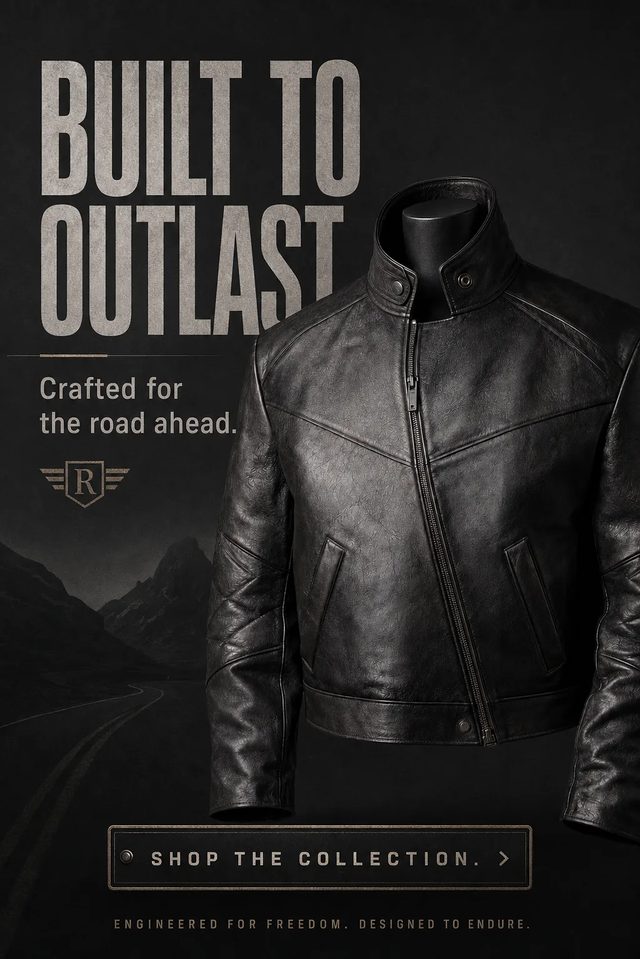
Jacket poster

GPT Image 2

Make a vertical poster of this black leather jacket headlined "BUILT TO OUTLAST" with "Crafted for the road ahead." and a "SHOP THE COLLECTION." button.

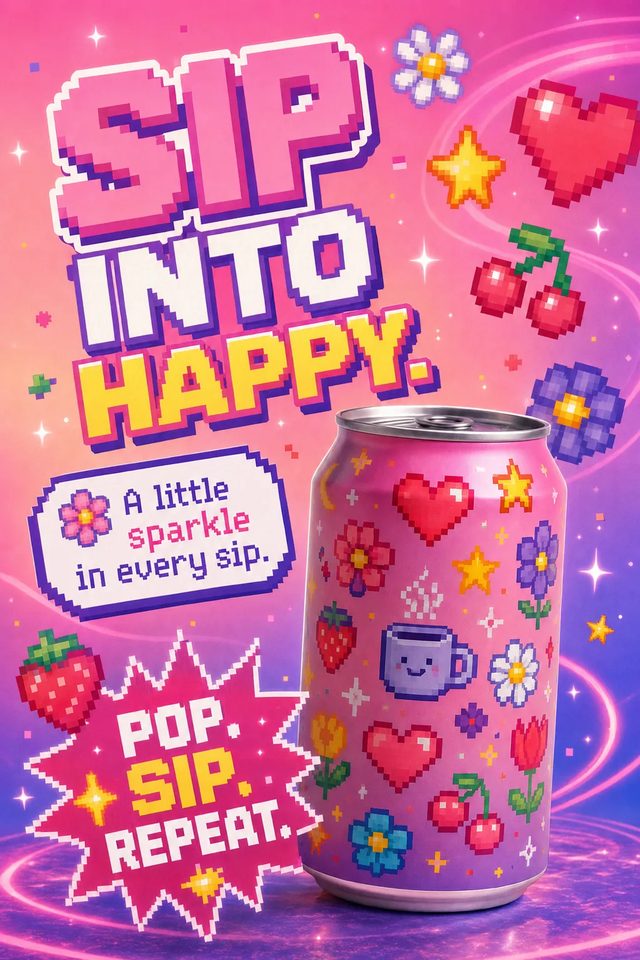
Pixel-art soda poster

Pixel-art soda poster

GPT Image 2

Make a vertical pixel-art poster of this pink soda can headlined "SIP INTO HAPPY." with "A little sparkle in every sip." and "POP. SIP. REPEAT."

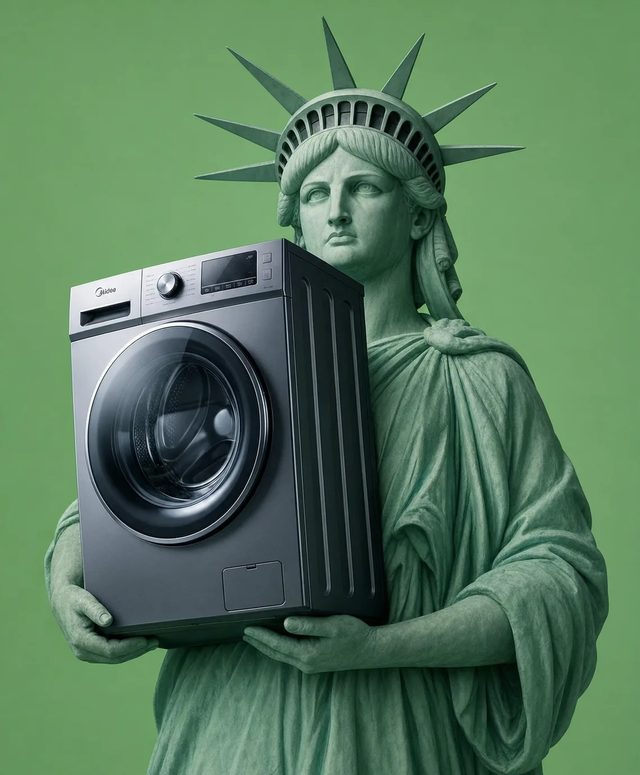
Liberty holds the machine

Liberty holds the machine

GPT Image 2

Make the statue of liberty hold this washing machine.

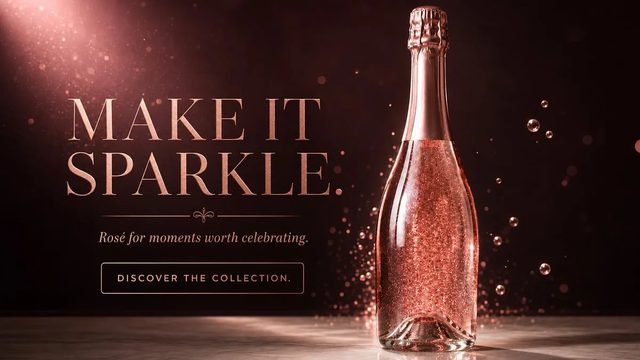
Rosé banner

Rosé banner

GPT Image 2

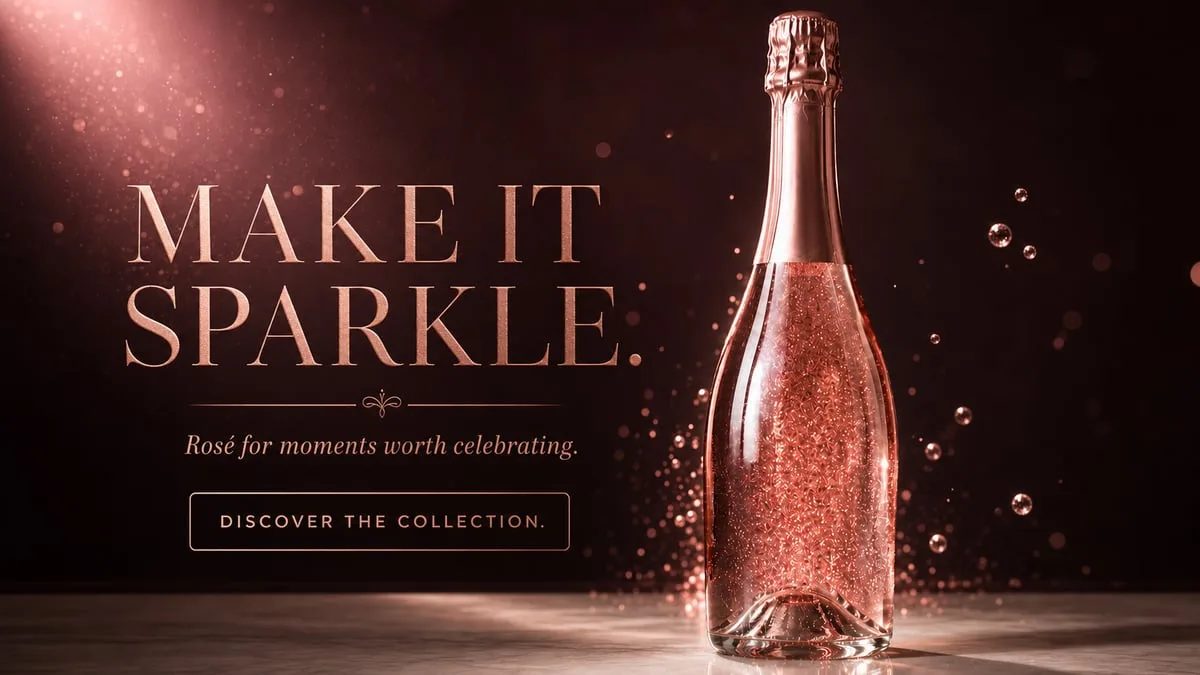
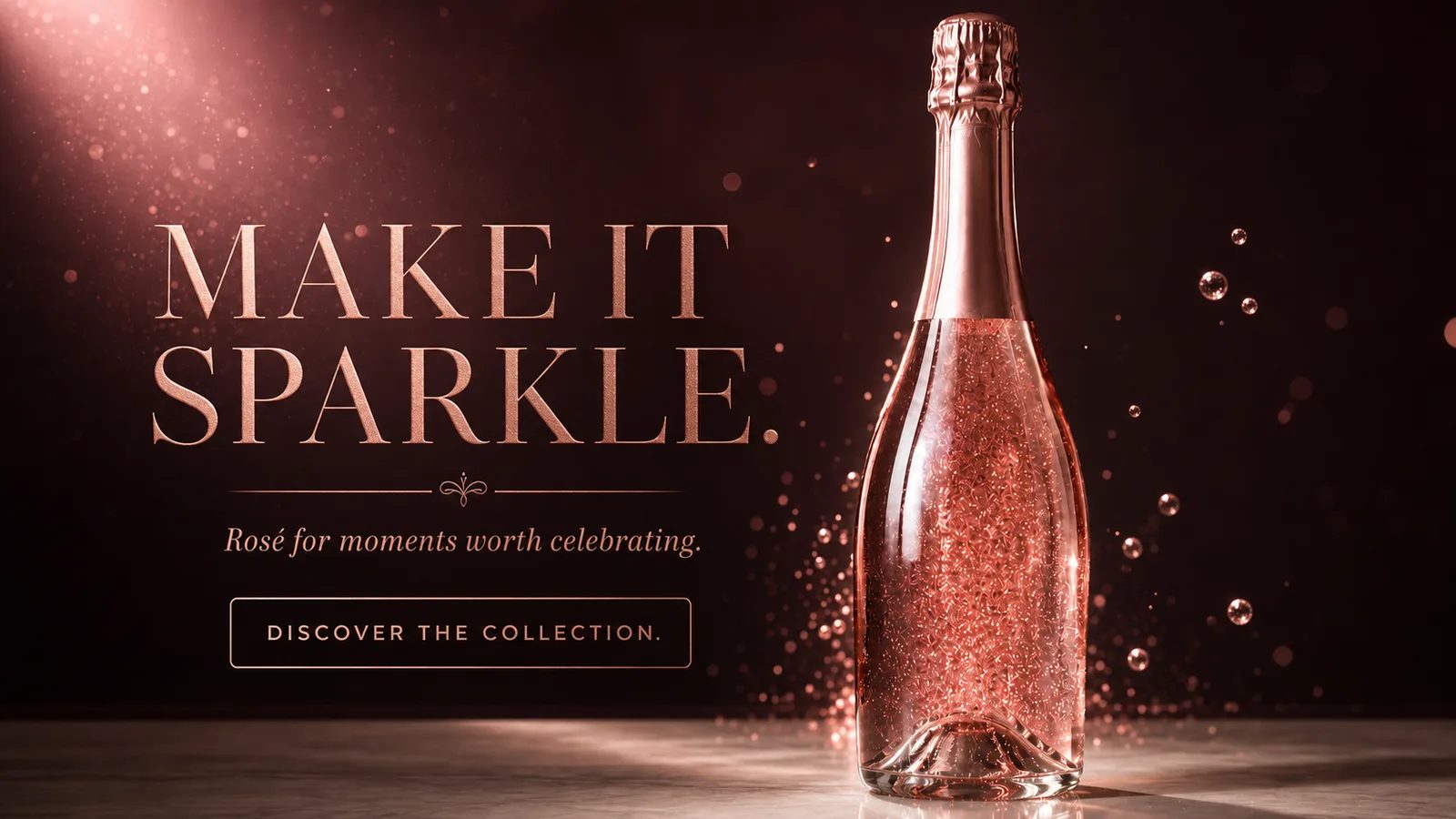
Make a wide banner of this rosé sparkling wine bottle headlined "MAKE IT SPARKLE." above "Rosé for moments worth celebrating." and a "DISCOVER THE COLLECTION." button.

Why people pick it

What is GPT Image 2 good at?

01

Instruction fidelity

Multi-step and specific. It changes what you asked, nothing else.

02

Text-heavy work

Annotated diagrams, infographics, posters with real headlines and subheads.

03

Deliberate composition

Layouts where the arrangement is the brief, not an accident.

04

Edits that stay in scope

Instruction-based edits that leave the rest of the frame untouched.

More clauses

The layout wall

Feature badges, discount ribbons and icon rows. Every element placed by a clause.

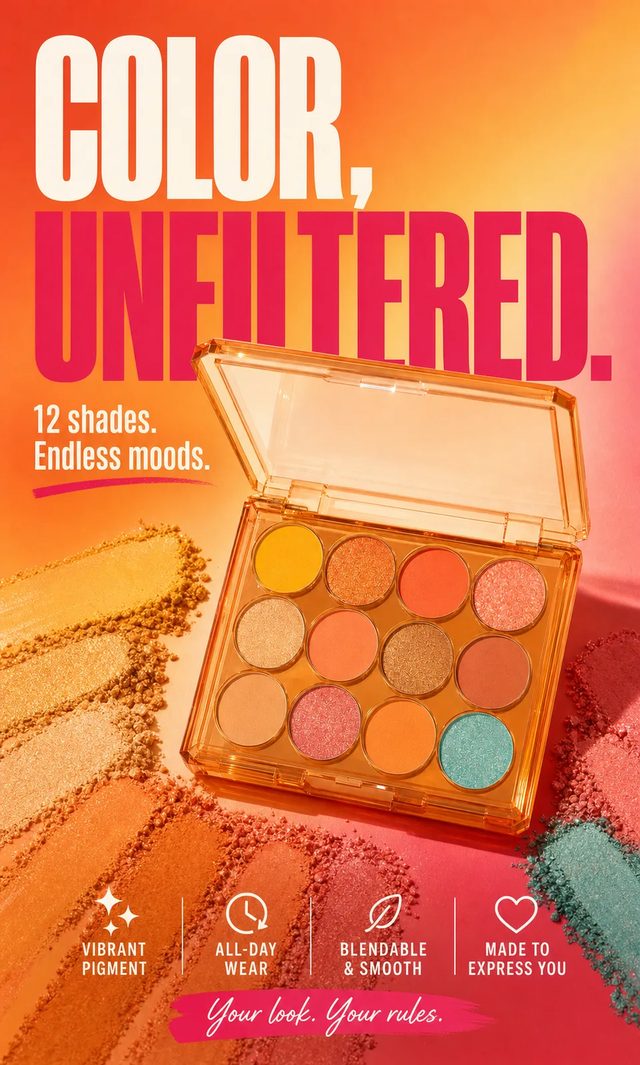
Color, unfiltered

Color, unfiltered

GPT Image 2

Make a vertical poster of this eyeshadow palette headlined "COLOR, UNFILTERED." with "12 shades. Endless moods.", four feature badges and "Your look. Your rules."

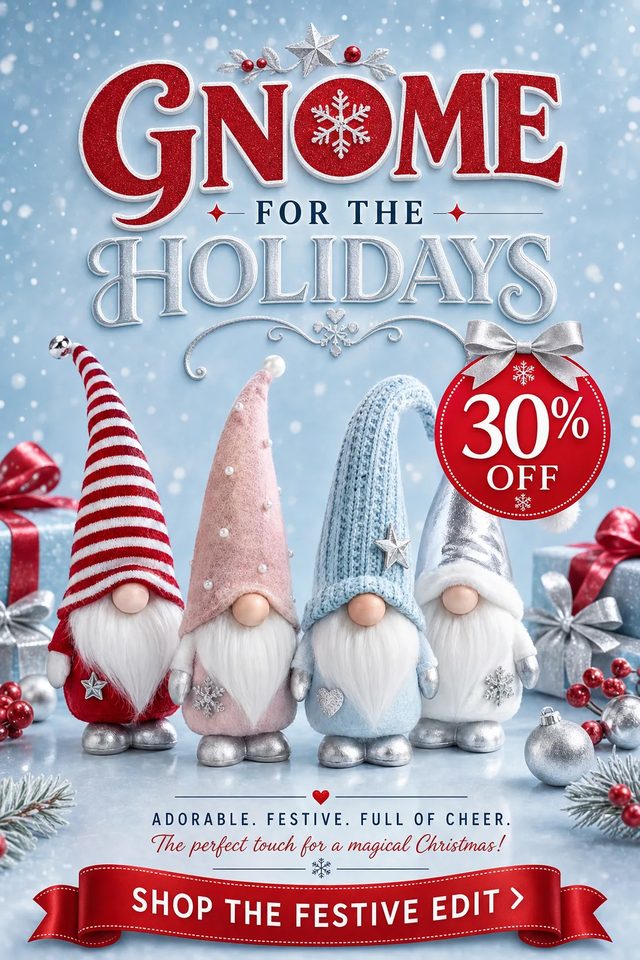
Gnome for the holidays

Gnome for the holidays

GPT Image 2

Make a festive vertical promo of these holiday gnomes headlined "GNOME FOR THE HOLIDAYS" with a 30% off badge and a "SHOP THE FESTIVE EDIT" ribbon button.

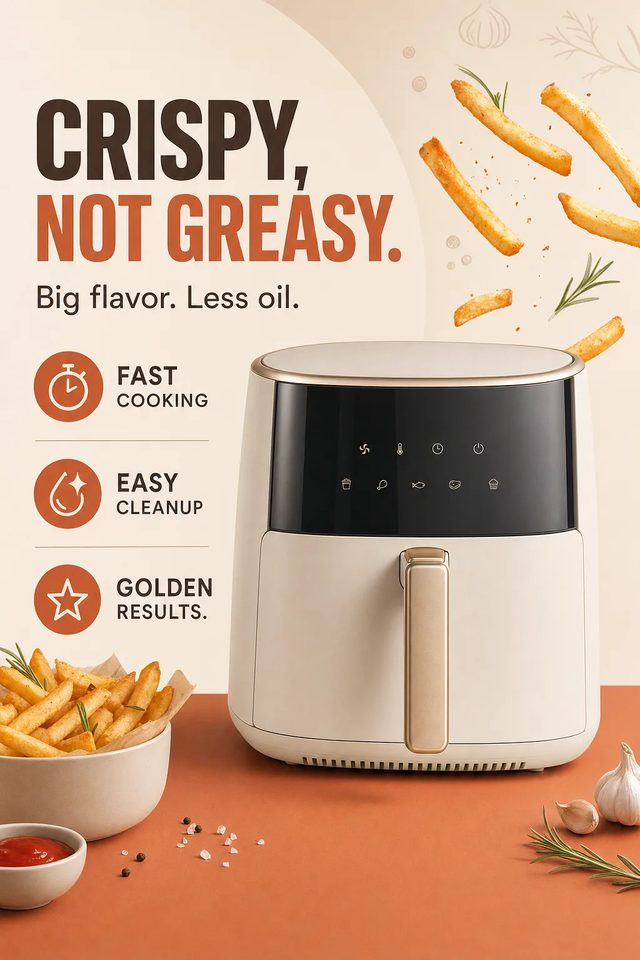
Crispy, not greasy

Crispy, not greasy

GPT Image 2

Make a clean vertical poster of this cream air fryer headlined "CRISPY, NOT GREASY." with "Big flavor. Less oil." and three feature icons.

How to

How do you use GPT Image 2 on OpenClips?

Three steps from blank box to a finished layout. The page works logged out. Sign-in gates the render only.

  1. Start from a format

    Make a vertical poster of this black leather jacket headlined "BUILT TO OUTLAST" with "Crafted for the road ahead." and a "SHOP THE COLLECTION." button.

    Make a vertical pixel-art poster of this pink soda can headlined "SIP INTO HAPPY." with "A little sparkle in every sip." and "POP. SIP. REPEAT."

    Make the statue of liberty hold this washing machine.

    Make a wide banner of this rosé sparkling wine bottle headlined "MAKE IT SPARKLE." above "Rosé for moments worth celebrating." and a "DISCOVER THE COLLECTION." button.

    Press a theme

    01 ·

    ≈ 2 min

    Pick a theme or write every clause

    Press a theme to load a verbatim sheet prompt. Or write the headline, subhead, placement and border yourself.

  2. Add
    1024×1024Up to 16 refs

    02 ·

    ≈ 1 min

    Attach references, set the canvas

    Up to 16 stills. Say what changes and the rest stays put. Pick the canvas.

  3. ImageMODELGPT Image 2
    Generate Image ·43

    03 ·

    ≈ 20 sec

    Generate, then iterate the missed clause

    Change one instruction, not the whole prompt. The ⚡ shows first.

Two ways in

GPT Image 2 text to image

Write every clause. Headline, subhead, placement, border. No upload and no reference slot. The composer quotes the render before it runs. Steal a setup from the community wall.

GPT Image 2 image to image

Attach up to 16 references and say what changes. The rest of the frame stays put. Same price, same canvases. A photoreal retouch belongs on Nano Banana instead.

Every format

GPT Image 2 image examples

Layouts, paintings, packshots and posters. Square, portrait and tall from one composer.

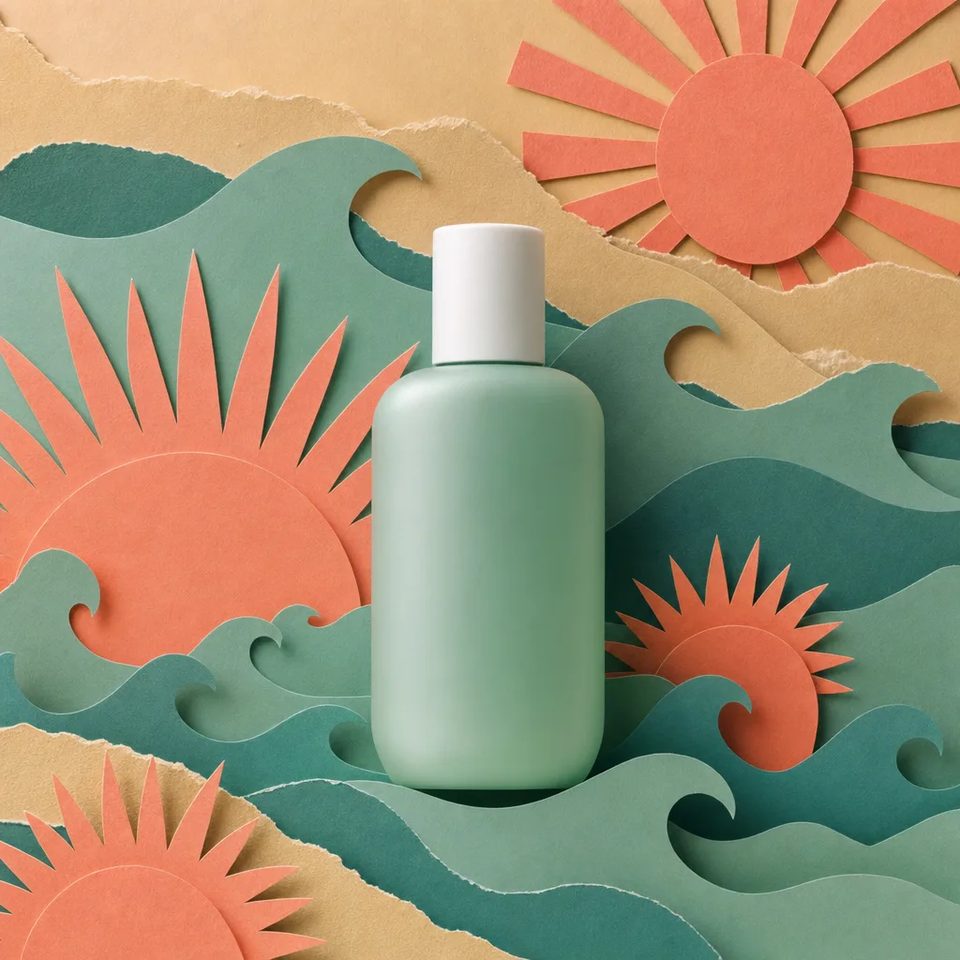
  • The papercraft seaCraft

    The papercraft sea

    GPT Image 2

    Make a square image of a skincare bottle in a papercraft seascape with cut-paper waves and suns.

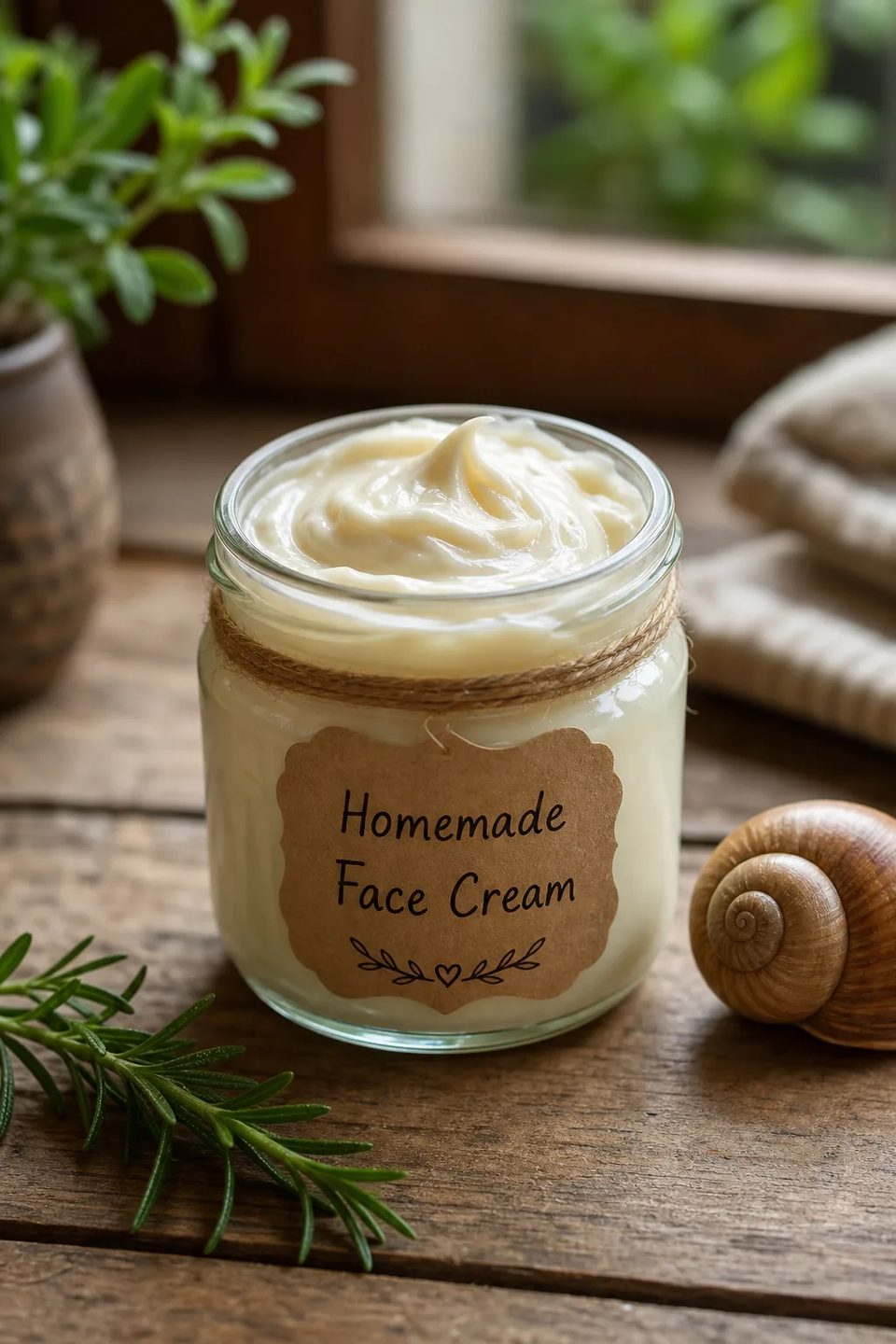
  • The face cream jarPackshot

    The face cream jar

    GPT Image 2

    Make a portrait photo of a homemade face cream jar with a handwritten label in cottage window light.

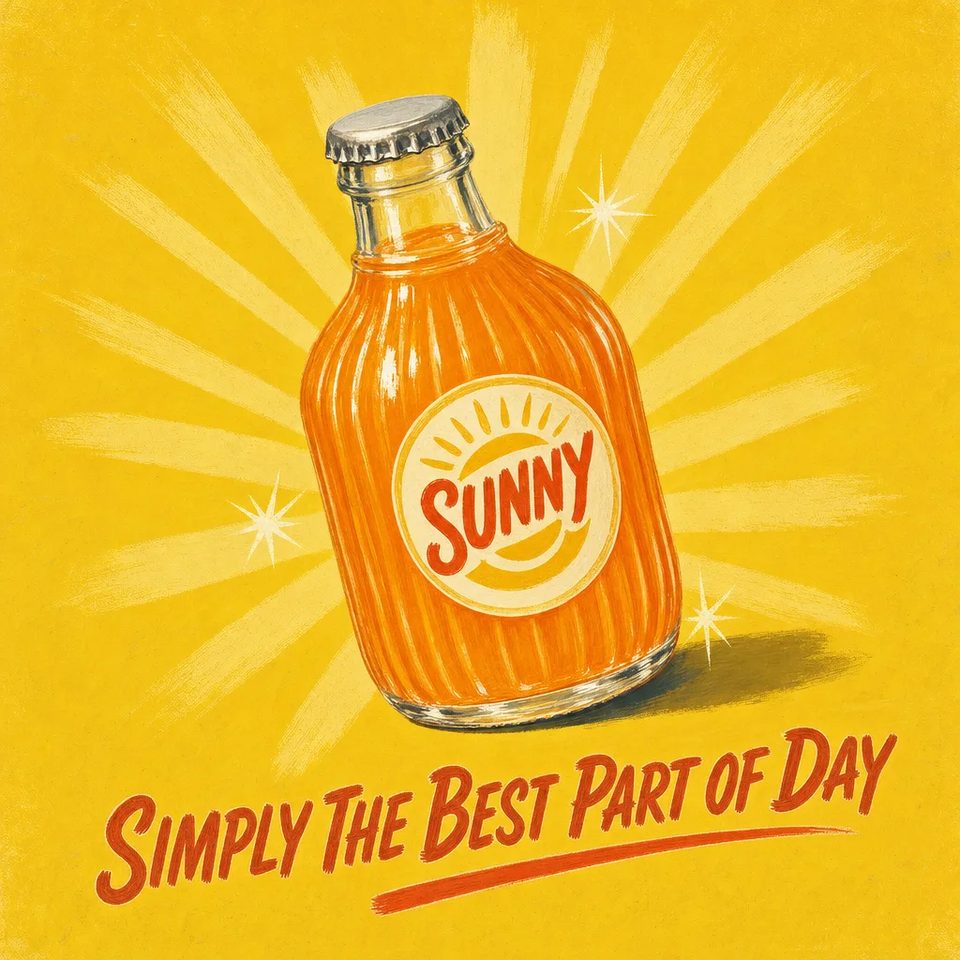
  • The Sunny adAd layout

    The Sunny ad

    GPT Image 2

    Make a retro soda ad for a brand called Sunny with the line, simply the best part of day.

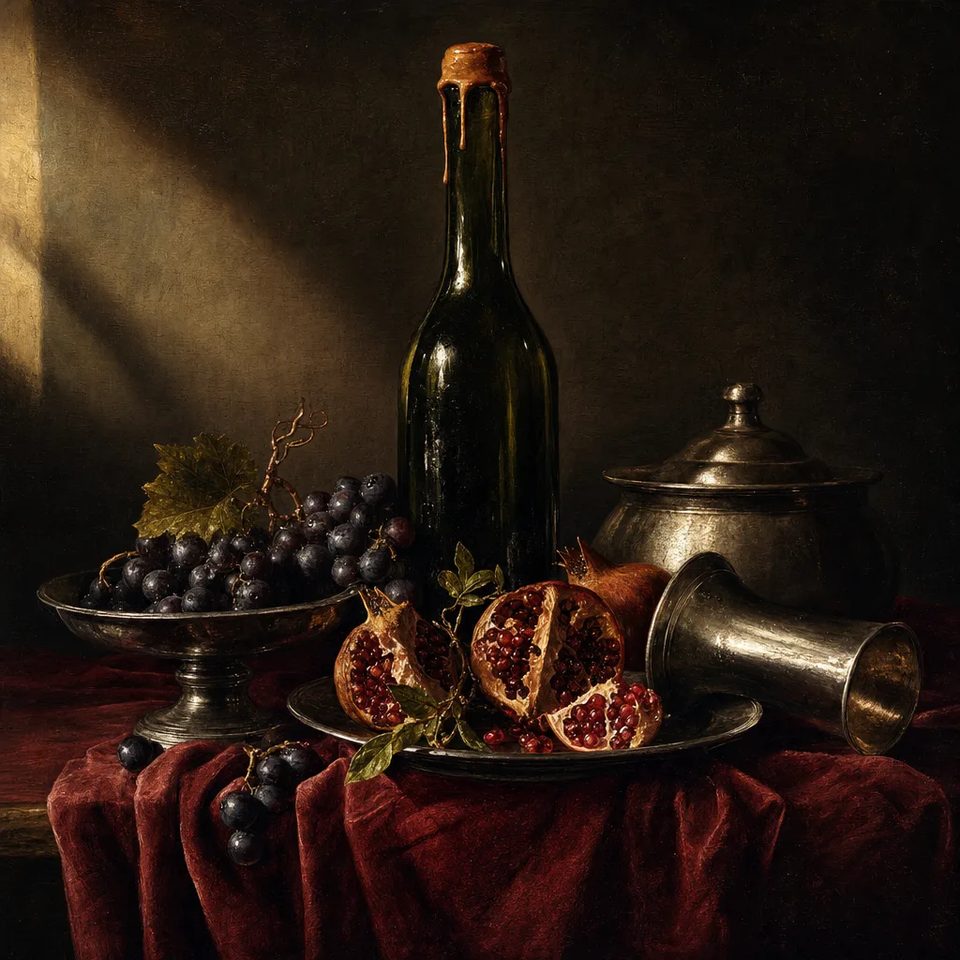
  • The dark still lifePainting

    The dark still life

    GPT Image 2

    Make a square still life of wine, grapes and pomegranate in old-master light on red velvet.

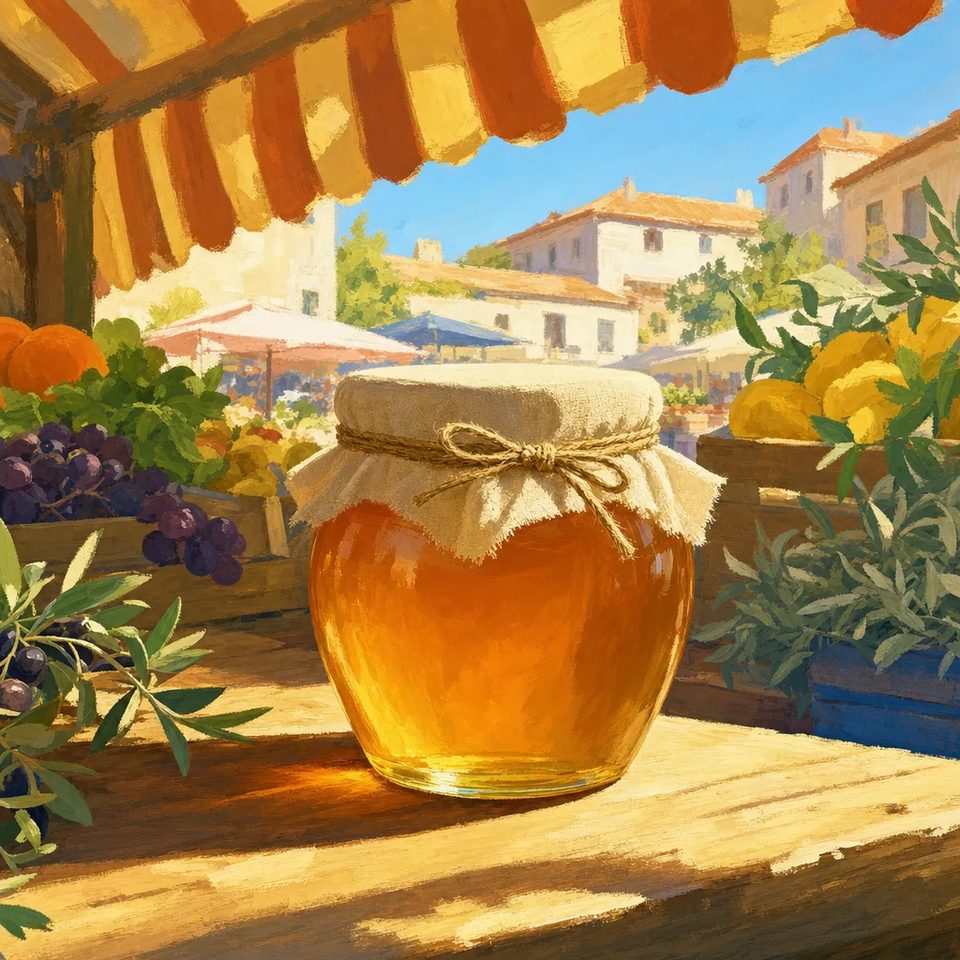
  • Honey at the marketPainting

    Honey at the market

    GPT Image 2

    Make a square painting of a honey jar on a market table under a striped awning, impressionist brushwork.

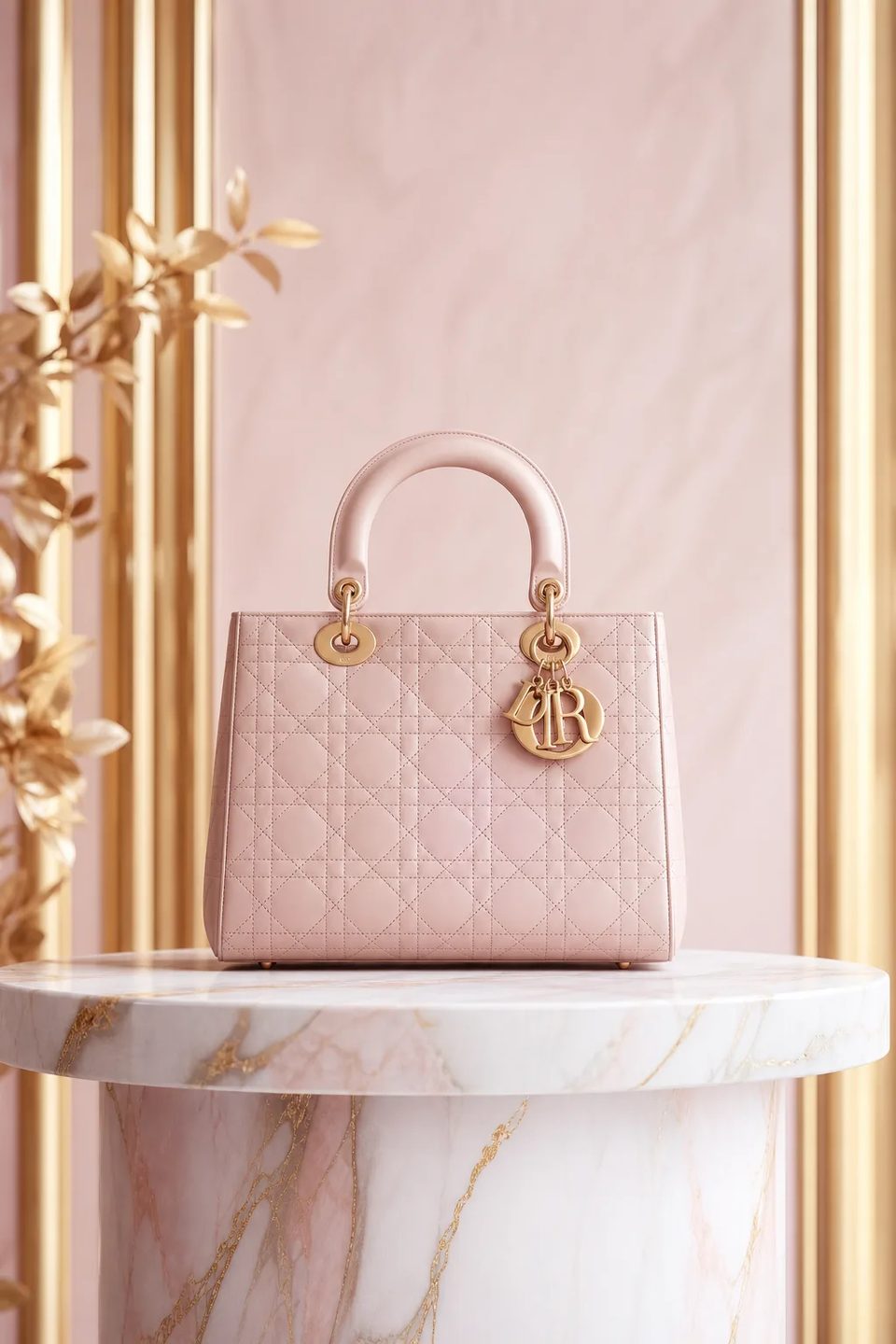
  • The blush handbagPackshot

    The blush handbag

    GPT Image 2

    Make a portrait photo of a blush quilted handbag on a marble pedestal in soft gold light.

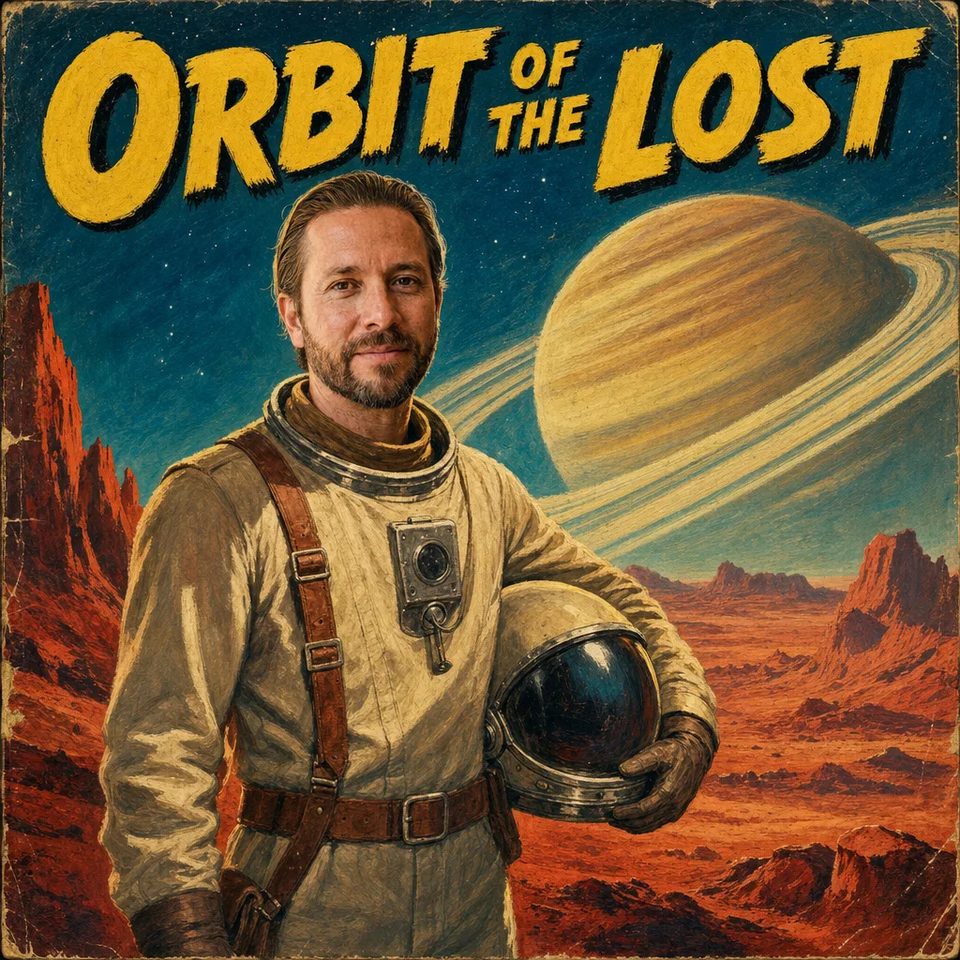
  • Orbit of the LostCover

    Orbit of the Lost

    GPT Image 2

    Make a pulp paperback cover called Orbit of the Lost with an astronaut and Saturn in worn print.

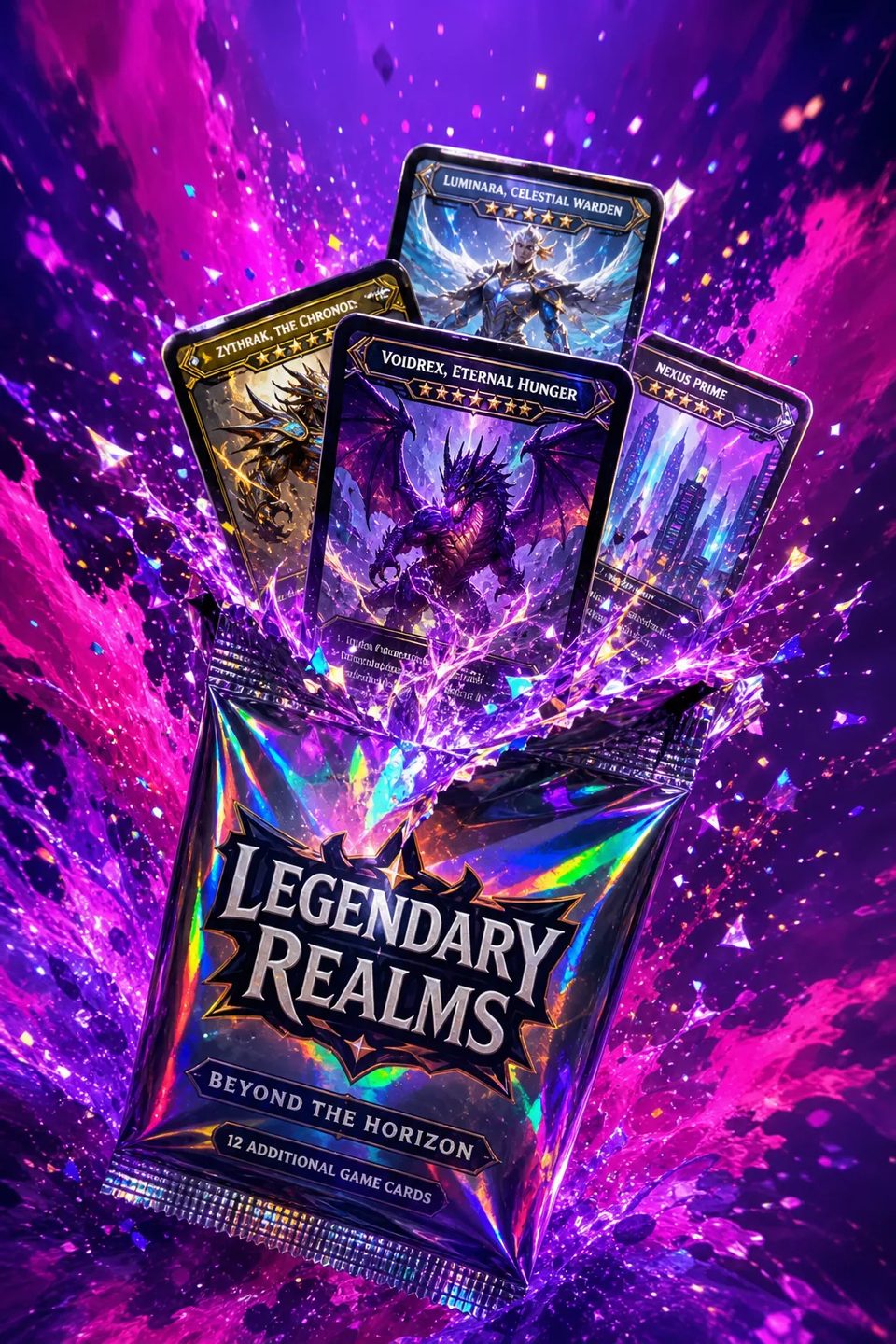
  • Legendary RealmsKey art

    Legendary Realms

    GPT Image 2

    Make a portrait shot of a holographic trading-card pack bursting with cards and violet light.

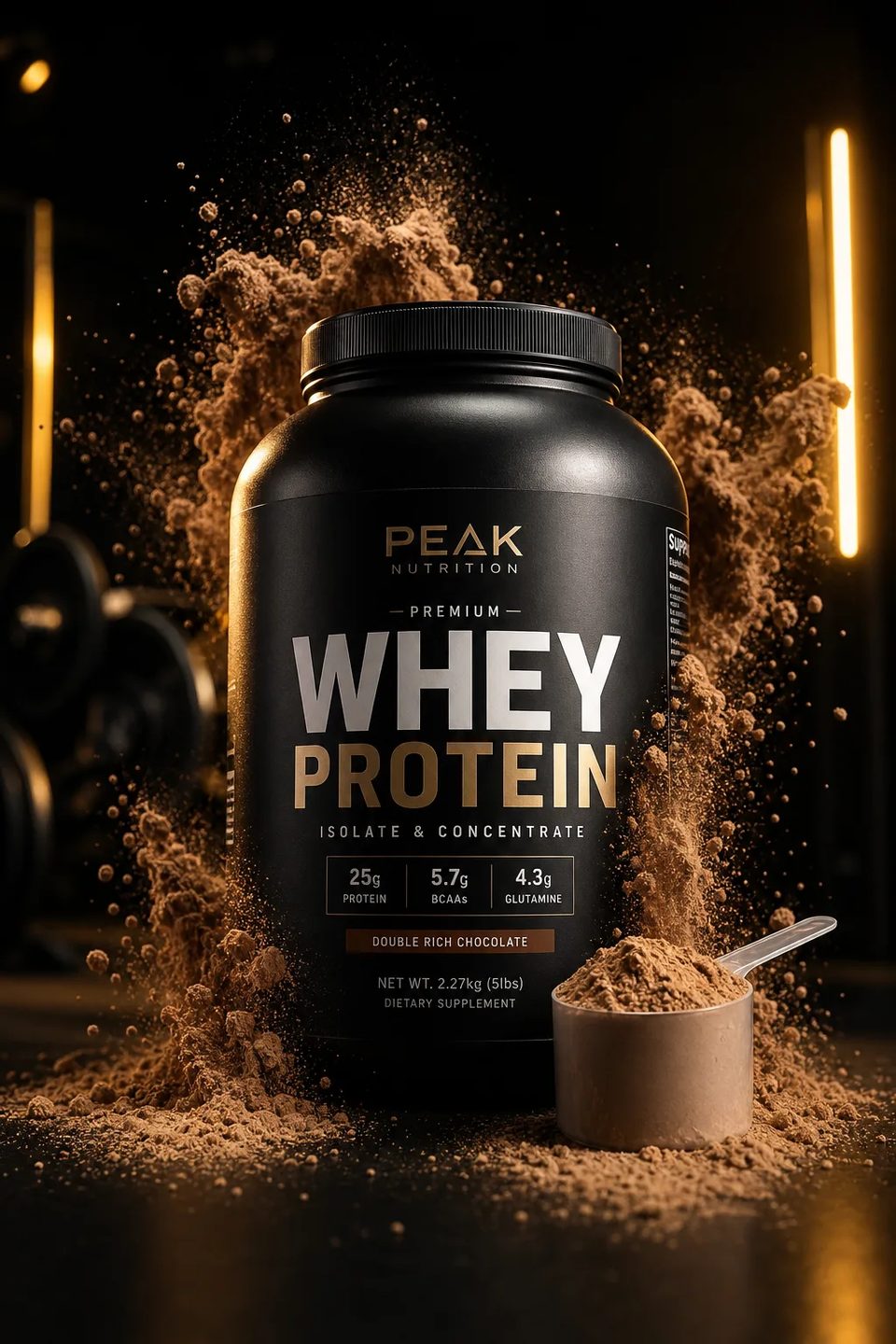
  • The whey slamAd layout

    The whey slam

    GPT Image 2

    Make a portrait ad of a protein tub in an explosion of chocolate powder under gym light.

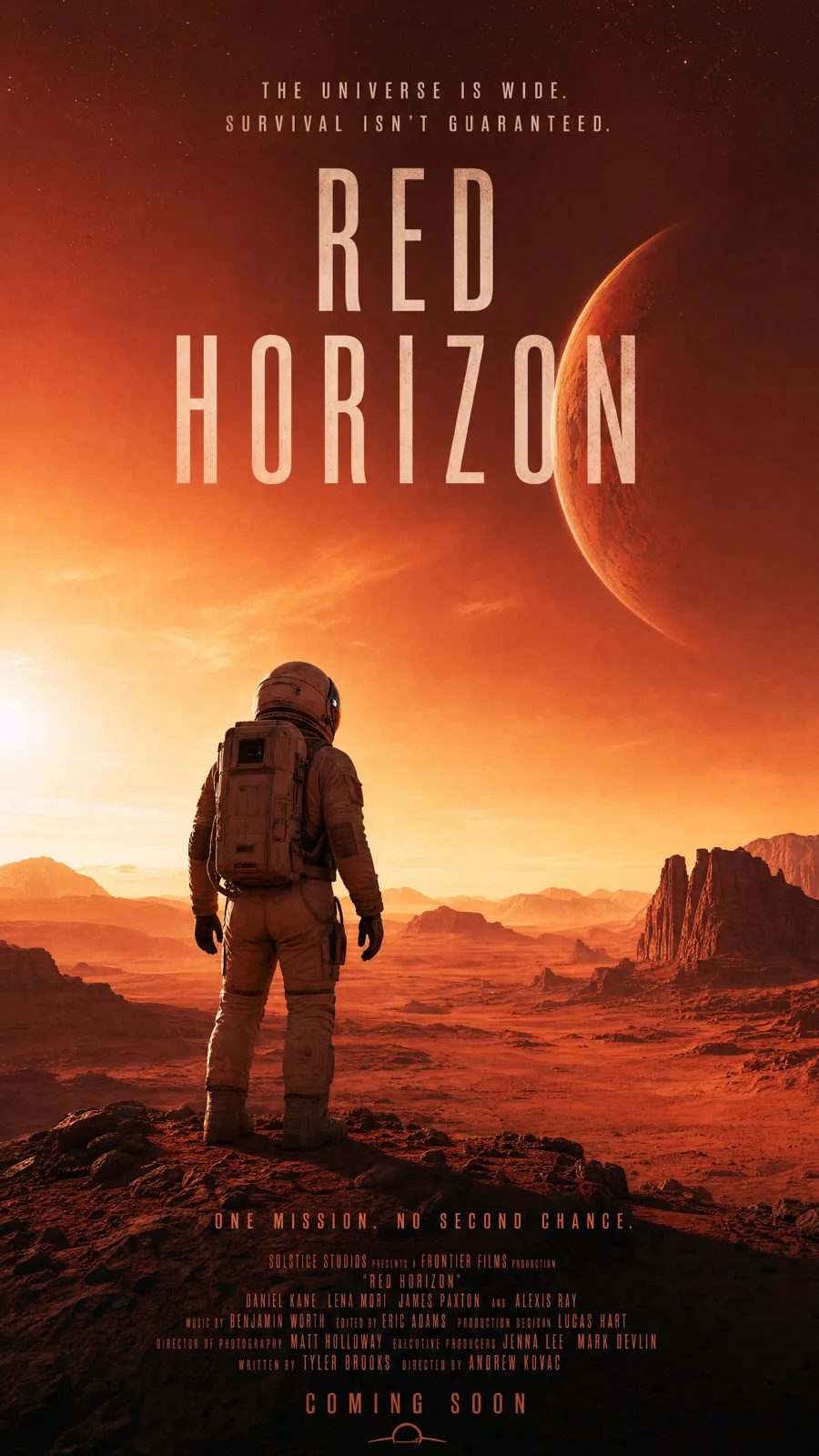
  • Red HorizonPoster

    Red Horizon

    GPT Image 2

    Make a vertical movie poster called Red Horizon with an astronaut on a red plain and a full credits block.

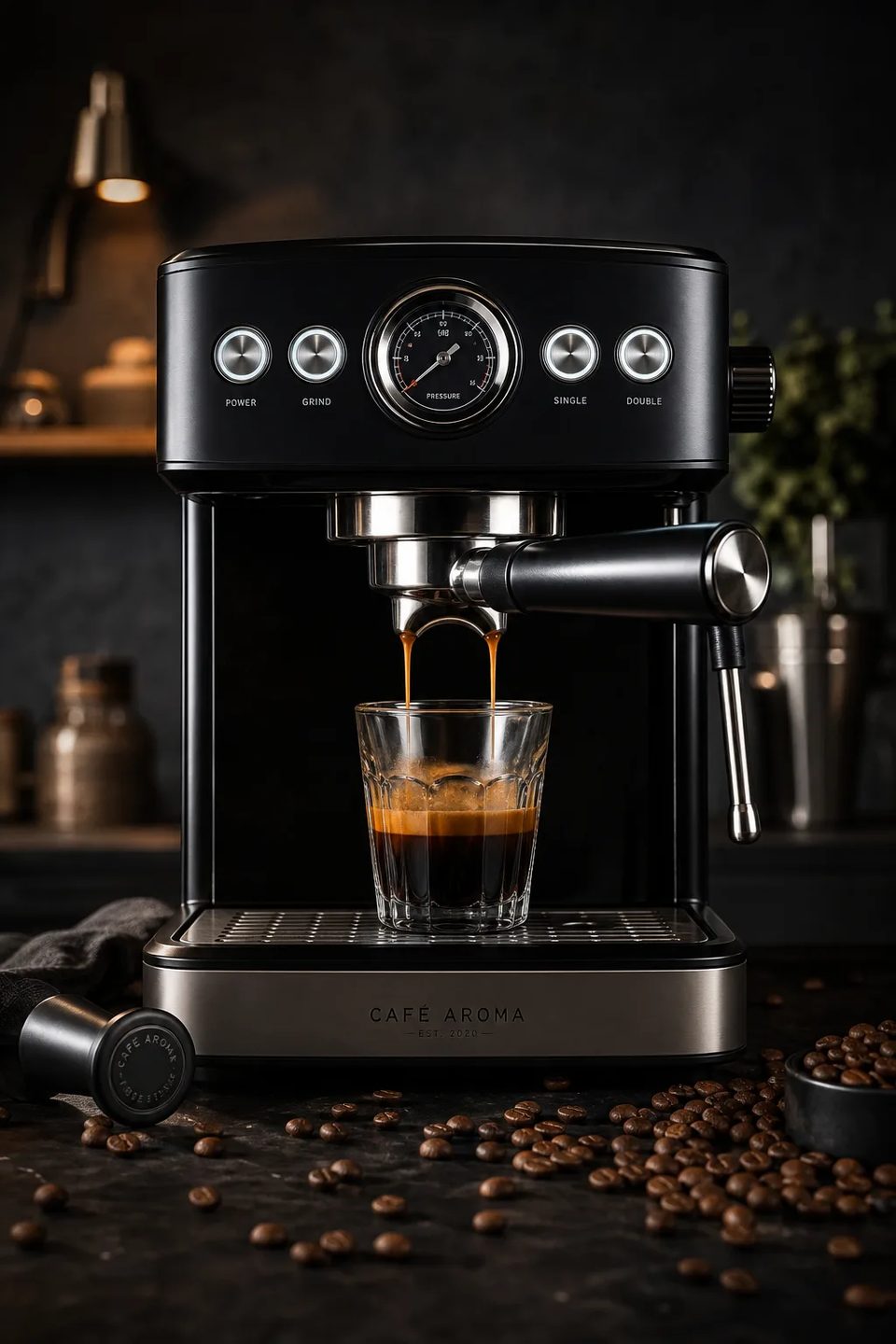
  • The espresso pullPackshot

    The espresso pull

    GPT Image 2

    Make a portrait photo of an espresso machine mid-pull in a dark kitchen with beans scattered.

The sheet

GPT Image 2 against Ideogram 4.0

GPT Image for full-layout briefs. Ideogram when the letterform is the hero.

SpecGPT Image 2Ideogram 4.0
StatusLive in the composerLive in the composer
ModalityImageImage
Best atFull-layout briefsExpressive lettering
Text in imageYes, reliablyThe specialty
From4321

The sheet

GPT Image 2 model parameters

Status
Live in the composer
Input
Text, or text with references
Reference images
Up to 16
Canvases
1024×1024 · 1536×1024 · 1024×1536 · 2048×2048 · 2048×1152 · 3840×2160 · 2160×3840
Output
PNG, JPEG or WebP stills
Text in image
Yes, reliably
Audio
Not applicable
Cost on OpenClips
From 43 per render
Best for
Posters, diagrams and layouts
Vendor
OpenAI

Figures reflect OpenClips defaults, September 2026.

What the set covers

Briefs with words in them

The jobs GPT Image lands. And the ones it wins.

Product postersPixel-art keysFeature columnsAnnotated diagramsInfographicsWide bannersShop buttonsInstruction edits

Quoted first

What a GPT Image 2 render costs

GPT Image 2

From ⚡43 ($0.43 at pack rate).

Priced per render, never per month. No duration to price, and the bigger canvases cost more. The composer shows the exact ⚡ on the button before you press it. A free account starts with ⚡50. Packs start at $10/1,000⚡.

OpenClips MCP

Drive GPT Image 2 from your AI agent

No console and no syntax. Your agent briefs GPT Image 2 through the OpenClips MCP server. Every clause lands.

Server addresshttps://mcp.openclips.ai
ClaudeClaude CodeChatGPTCursorVS CodeGrokHermes agentOpenClawOther MCP client
  1. Step 01

    Say it in plain words

    One sentence is the brief. Headline, subhead, placement.

  2. Step 02

    Your agent writes the layout

    The canvas and the ⚡ quote. Drafted and queued for you.

  3. Step 03

    The frame lands in your library

    Download it, remix it, or ship it. Credits settle automatically.

Director's notes

Tips for best results with GPT Image 2

Four habits that separate a layout from a lottery.

  • Write clauses, not vibes

    Headline, subhead, placement, border. It follows all of them.

    One clause per element

  • Quote the exact copy

    Put the words in quotes. They render as written.

    Bring the copy

  • Reference what must not change

    Up to 16 stills. Say what changes and the rest stays put.

    Scope the edit

  • Iterate the missed clause

    Change one instruction, not the whole prompt. Cheaper and faster.

    One clause per re-roll

From the blog

Read before you render

Questions

Frequently asked questions

OpenAI's GPT Image 2 is the roster's instruction-following model. Multi-step, specific, literal briefs come back honoured: headlines land, subheads land, product placement lands, borders land. Posters, diagrams, infographics, text-heavy visuals. When the arrangement is the brief, not an accident, this is the cast.

Yes. Text in image is a first-class capability. Headlines with specified copy, subheads verbatim, button labels, feature-column headers. If Seedream sets typography with sharp fidelity, GPT Image renders instruction-driven typography as part of a layout.

Yes. Attach up to 16 references and instruction-based edits leave the rest of the frame untouched. This is where instruction fidelity earns its keep. Say what changes, not what to preserve. GPT Image reads the difference. For a photoreal retouch, Nano Banana Pro is the better door.

From ⚡43 per render, and the composer shows the exact ⚡ on the button before you press it. A free account starts with ⚡50, which covers a first run of layout tests. Packs start at $10/1,000⚡.

Ideogram for expressive lettering. GPT Image for full-layout briefs where headline, subhead, product and border all land as instructed. Both live in the same composer, so a common flow is generating the layout on GPT Image and re-cutting a hero letterform on Ideogram.

The composer offers 7 canvases: 1024×1024 · 1536×1024 · 1024×1536 · 2048×2048 · 2048×1152 · 3840×2160 · 2160×3840. Square for social, portrait for posters, landscape for banners, and 4K in either orientation when the layout has to hold up in print. The canvas and its exact ⚡ show before you render.

In the OpenClips composer, from any browser, with no install and no OpenAI account to set up. Sign in, pick GPT Image 2 from the model list, and render. The same wallet covers the rest of the roster, so a layout can be finished on another model without moving files.

The receipts

Where do these GPT Image 2 facts come from?

Every link goes to the vendor's own page.

Read the brief twice

So you only have to write it once.

Generate with GPT Image 2

⚡50 on signup. No card. The price shows before every render.

The model that reads the brief twice

Most image models hear your prompt. GPT Image 2 parses it. Built on OpenAI's GPT lineage, it follows multi-step, specific, literal instructions with a fidelity the rest of the roster does not match.

Annotated diagrams, instruction-based edits that change exactly what you asked and nothing else, layouts with deliberate composition, infographics, text-heavy visuals. Your ⚡50 signup grant covers the first pass.

Canvases and references

The composer offers 7 canvases: 1024×1024 · 1536×1024 · 1024×1536 · 2048×2048 · 2048×1152 · 3840×2160 · 2160×3840. Square for social, portrait for posters, landscape for banners, and 4K in either orientation when the layout has to survive print. Bigger canvases cost more, and the composer quotes each one before it runs. Up to 16 reference images ride along when the brief has to match something you already own.

What it does not do

It renders stills, not video. Take a winning layout to Nano Banana for a photoreal edit, or feed it to a video model as a first frame. Every take lands in the same library, and one wallet covers the whole models roster.

Where to go next

Related models