
Recraft raster
Packaging, key art and editorial still life. Five raster tiers, from ⚡8. V3 carries 65 named styles. Name the look instead of describing it. Or start from a community prompt that already works.
You stop tracing logos by hand. Recraft hands back real SVG. The raster tiers cover the print work.

Free account · ⚡50 on signup · No card
● Made with Recraft
Six raster renders across the V3 and V4 lines. Every prompt is on the tile.
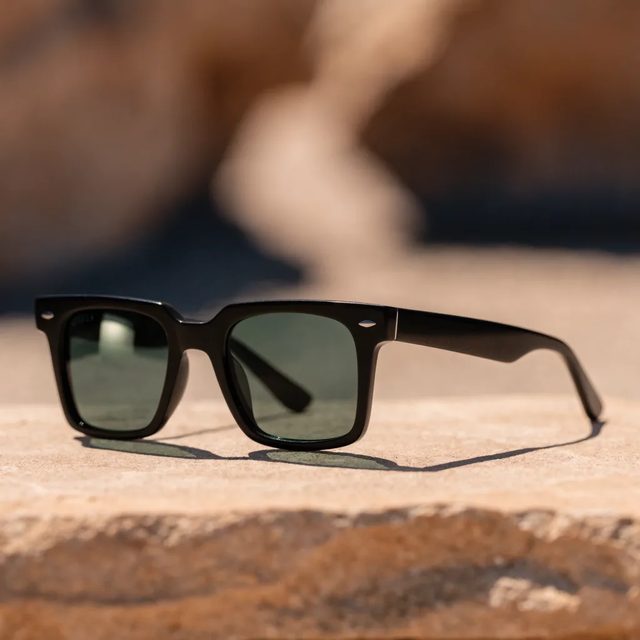
Recraft V4.1 Pro
“Generate a studio product photograph of a pair of unbranded sunglasses standing three-quarter view on a warm sand-coloured stone slab in hard afternoon sunlight.”

Recraft V4
“Generate a fashion product photograph of a pair of knee-high bubblegum-pink glitter platform boots, standing on a glossy pale-pink acrylic riser under a disco-lit haze.”
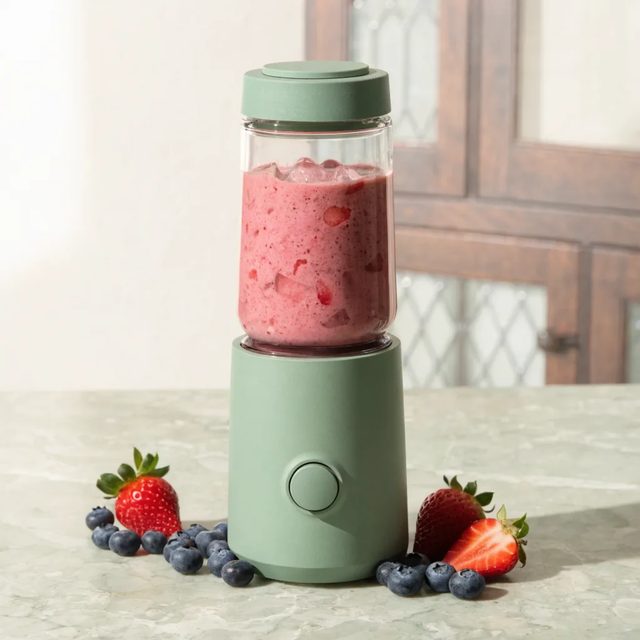
Recraft V4 Pro
“Product photograph of a compact personal smoothie blender on a pale stone kitchen surface. Fresh strawberries and blueberries scattered around the base, one strawberry cut open.”

Recraft V3
“Make golden honey dripping into a glass jar”
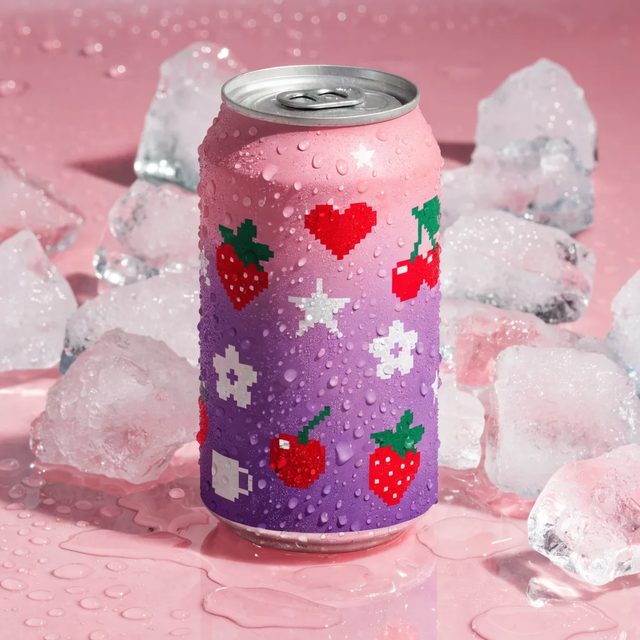
Recraft V4.1
“Generate a photograph of a slim aluminium drink can wrapped in a pink-to-purple gradient covered in cute pixel-art icons, standing on a wet pale pink acrylic surface with scattered ice cubes and water droplets.”
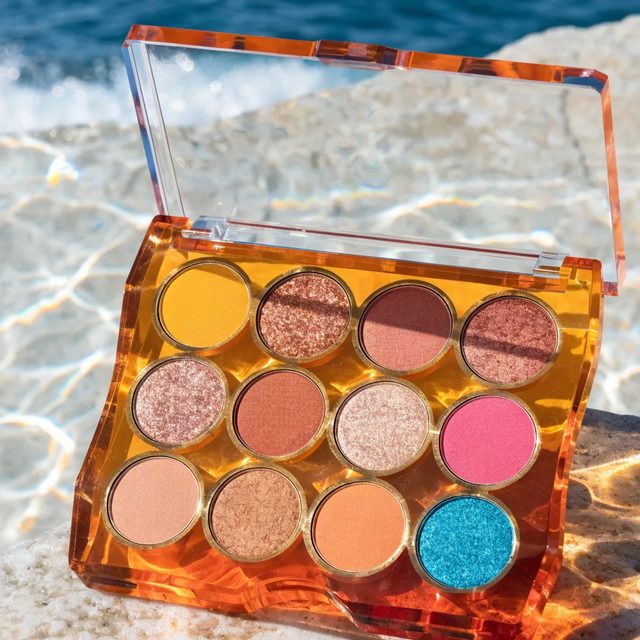
Recraft V4
“Generate a beauty product photograph of an open twelve-pan eyeshadow palette, lying on a sunlit pale stone surface with rippling water-caustic light across it.”
Chapter 01 · The library
65 named raster styles, 23 vector ones. Photoreal through pop art. Still ⚡9.
Chapter 02 · The engine
A newer generation, still design-grade. Same ⚡9 as V3.
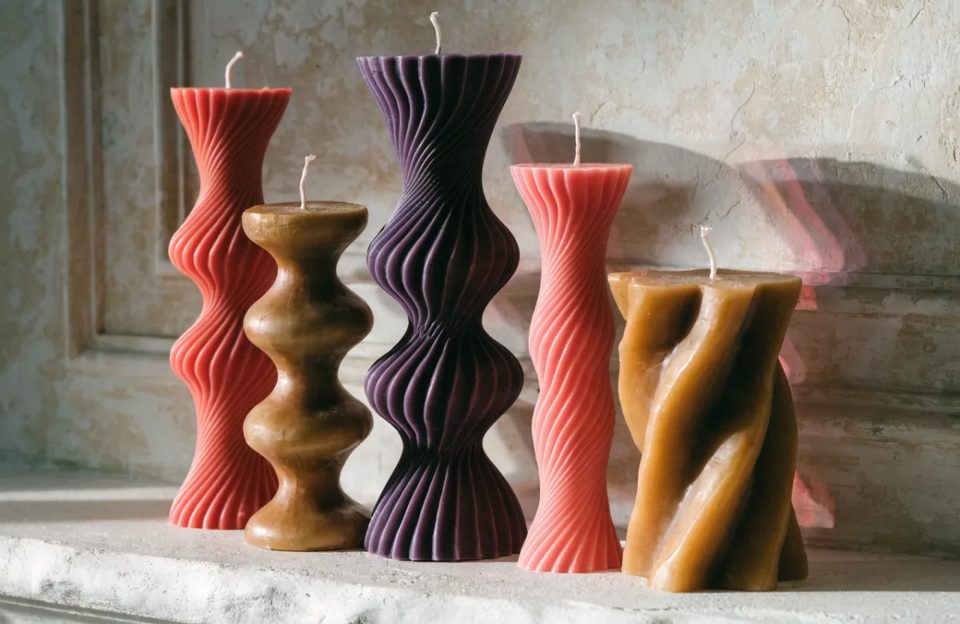
Chapter 03 · The flagship
Fine style control at ⚡8. That undercuts both older raster tiers.
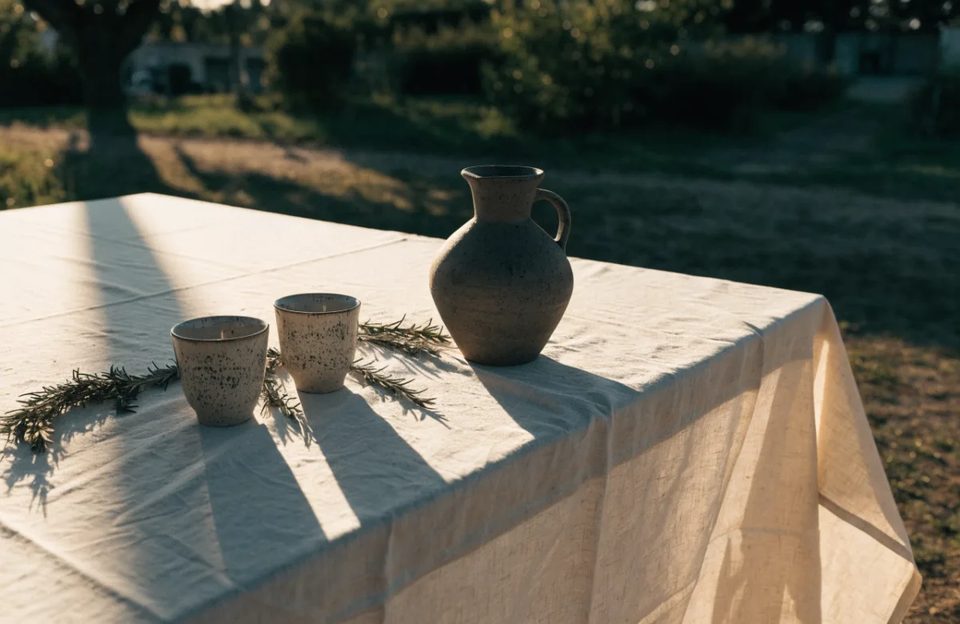
Chapter 04 · The paths
V3 and V4 vector hand back paths, not a trace. Flat ⚡17, 14 ratios.
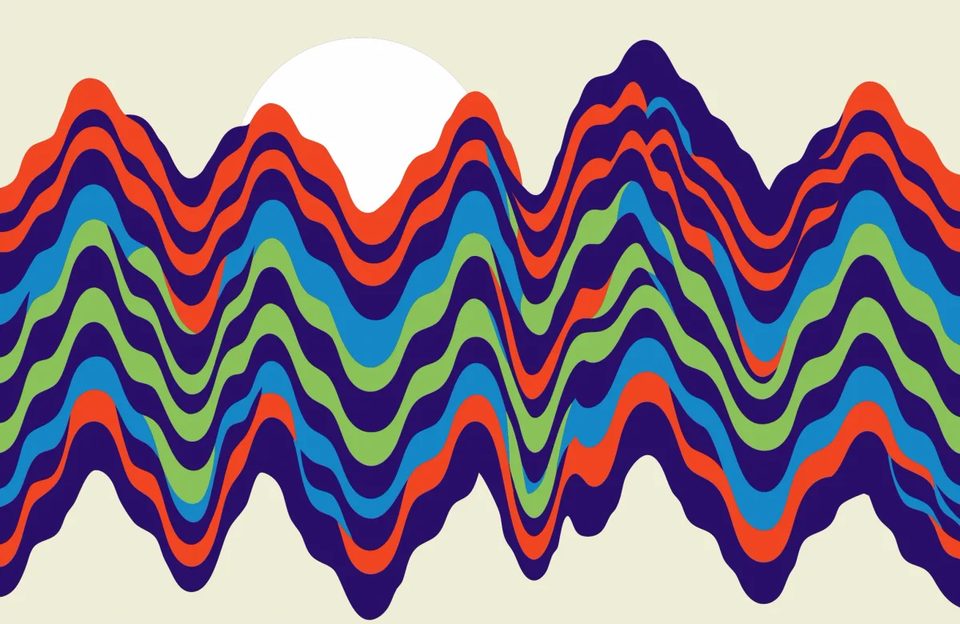
Chapter 05 · The canvas
V4.1 Pro from ⚡43, V4 Pro from ⚡51. For work going to print.
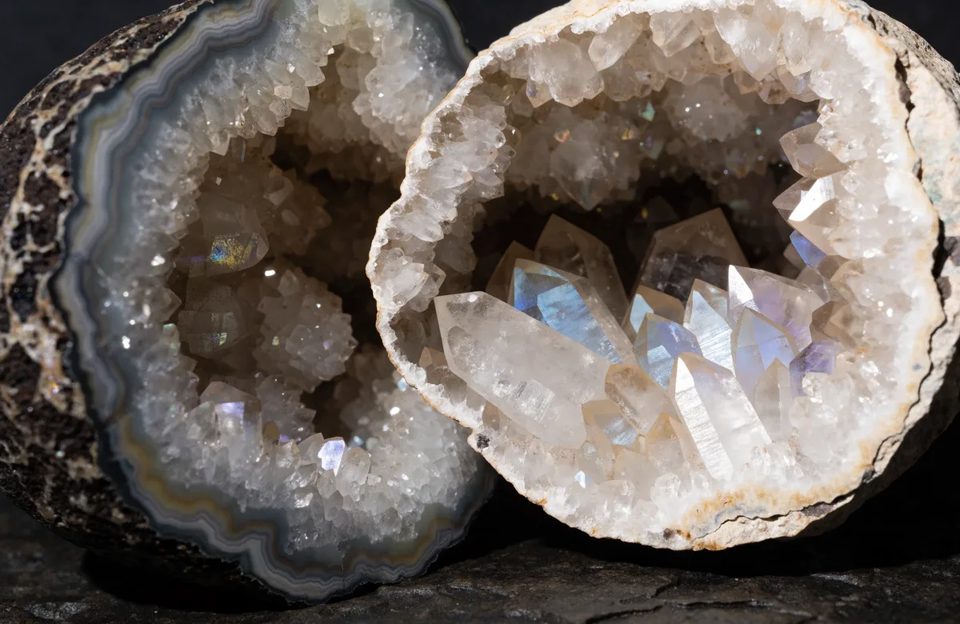
● Why people pick it
01
Paths you open in Illustrator. Not a bitmap with soft edges.
02
V3 ships 65 named raster styles. The vector engine has 23.
03
The V4 line is built for packaging and key art. Editorial still life too.
04
Pro renders large canvases when the deliverable is going to print.
● Two ways in
Packaging, key art and editorial still life. Five raster tiers, from ⚡8. V3 carries 65 named styles. Name the look instead of describing it. Or start from a community prompt that already works.

A real SVG file, not a traced raster. Both engines cover the same fourteen ratios at a flat ⚡17. Open the result in Illustrator and keep working.
● True SVG
The vector line returns real SVG, not a traced raster. Below: one file, then the same file three times closer.

Recraft V3 vector
“Generate a goldfish bowl on a sunny shelf”

Recraft V3 vector
“Zoomed into the SVG. No pixels to find.”

Recraft V4 vector
“Make a retro cinema camera in flat vector style”

Recraft V4 vector
“Generate a melting strawberry popsicle illustration”

Recraft V3 vector
“Generate a telescope under the full moon”

Recraft V4 vector
“Generate a rocking horse against a retro sunset”

Recraft V3 vector
“Make a hot air balloon drifting over golden clouds”
Both vector engines cover 1:1, 2:1, 1:2, 3:2, 2:3, 4:3, 3:4, 5:4, 4:5, 6:10, 14:10, 10:14, 16:9 and 9:16. Every one hands back SVG.
● Variant by variant
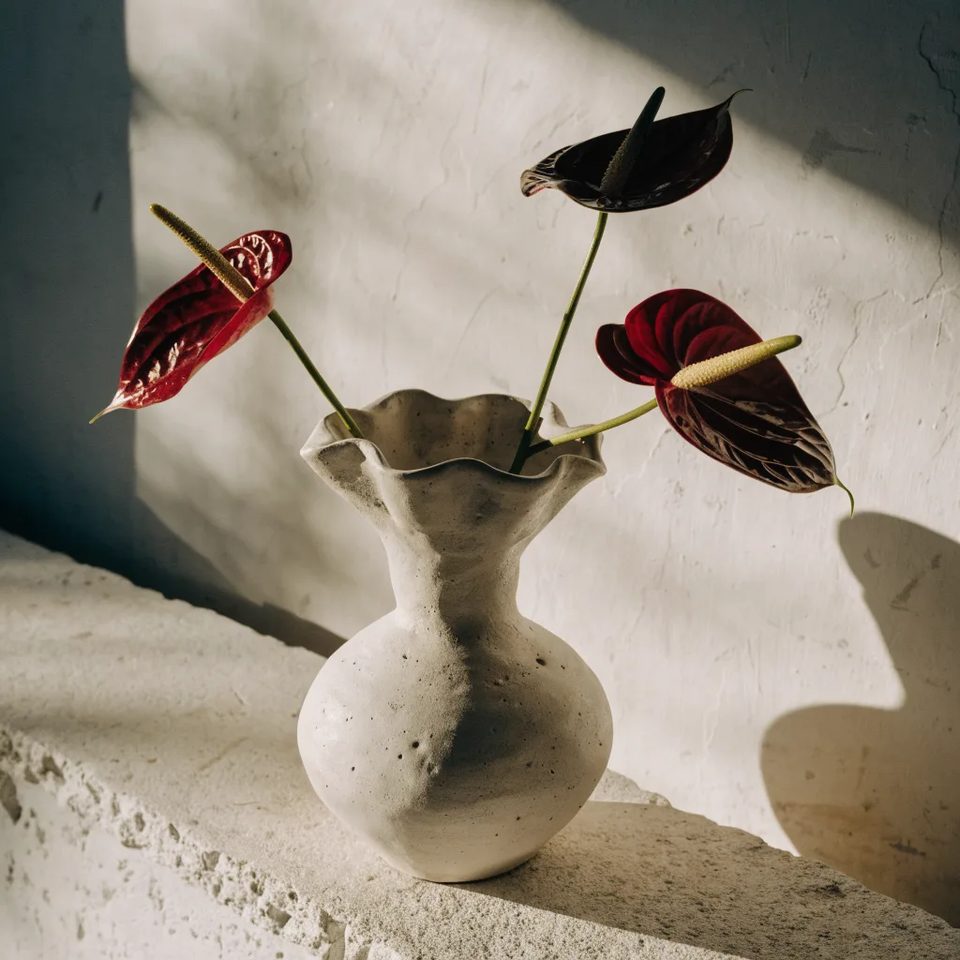
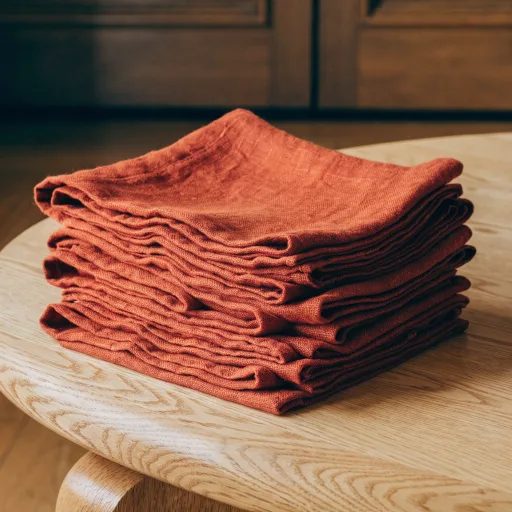
Design-grade stills with fine style control, from ⚡8. That undercuts both older raster tiers. This is where a job starts.



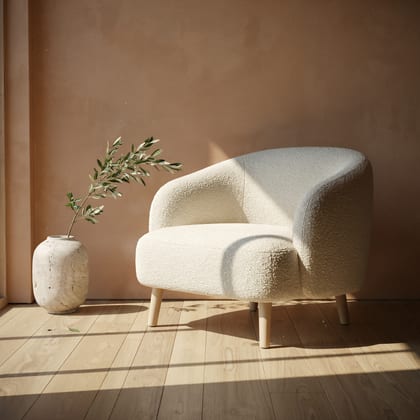
Editorial still life of a chunky hand-thrown ceramic vase holding three red anthuriums, low sun raking across a plaster wall.
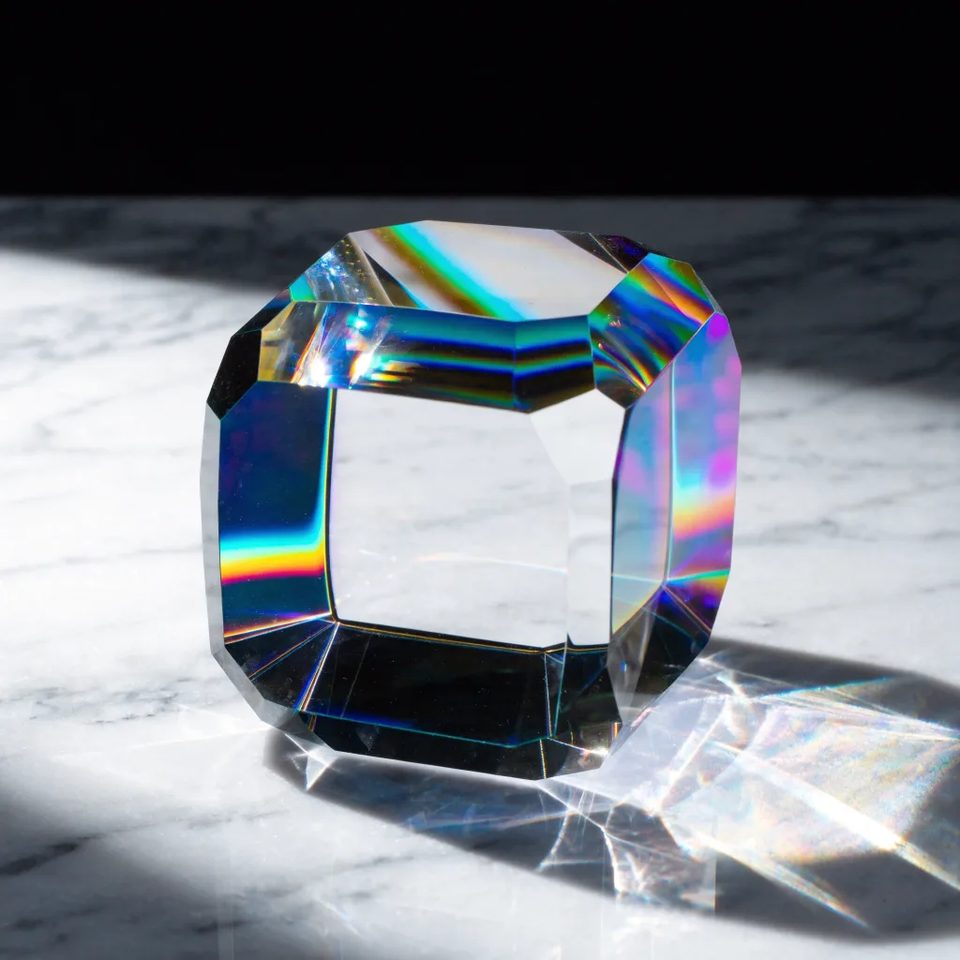
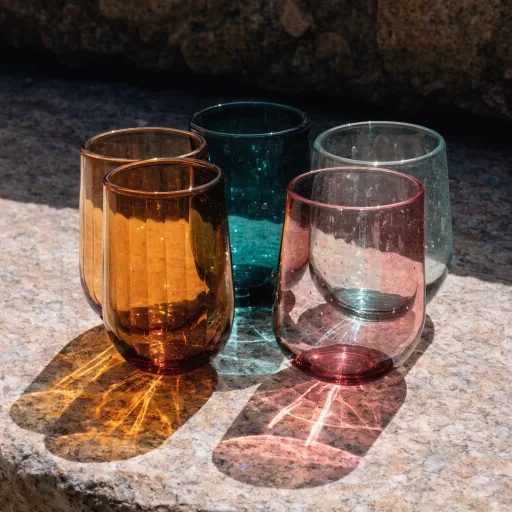
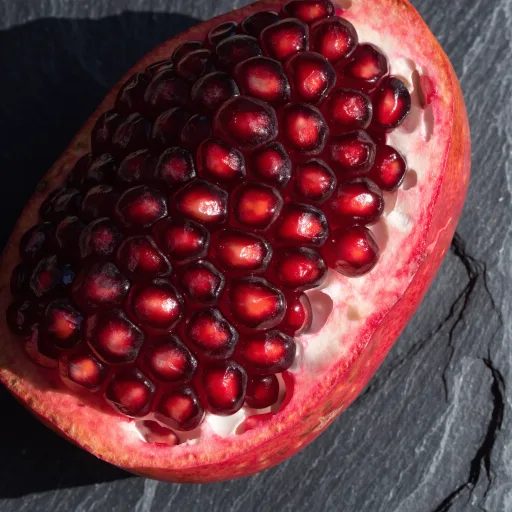
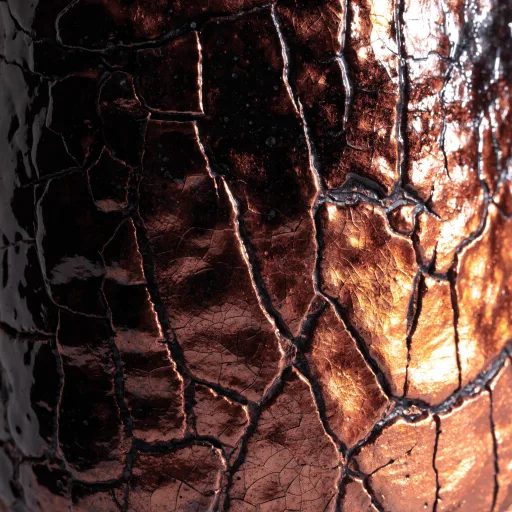
Large canvases only, from ⚡43. These render at 2048px, against 1024 on the standard tiers. Refraction and fibre are what that buys.

Studio product photograph of a dichroic glass paperweight on white marble, hard light splitting into oil-slick spectra across every bevel.
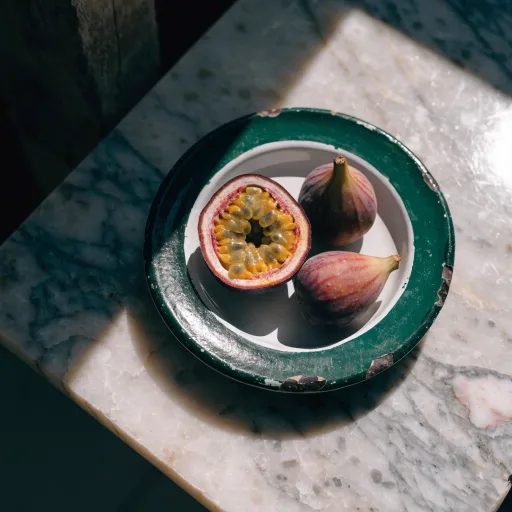
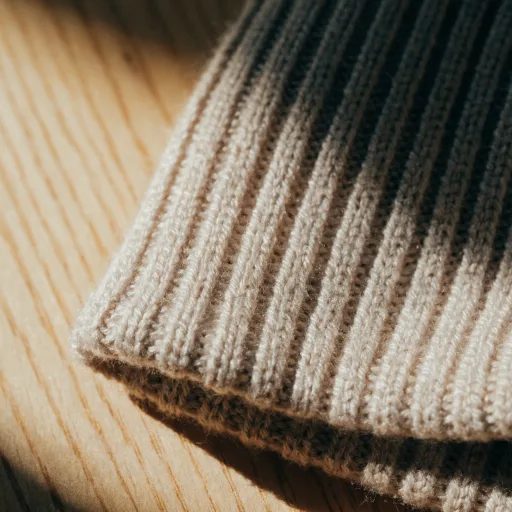
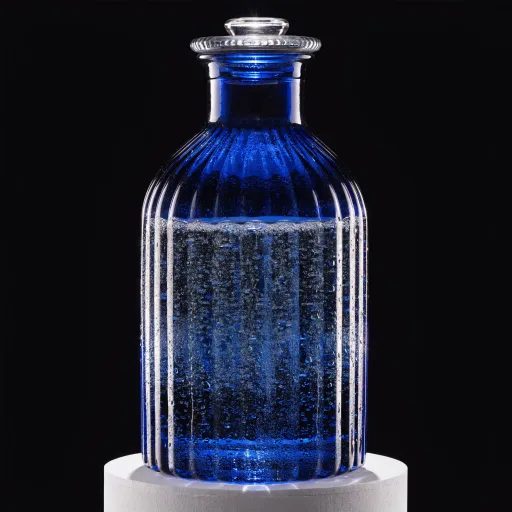
The generation before the flagship, at ⚡9. Reach for it when V4.1 gives a look you did not want. Same class, different taste.
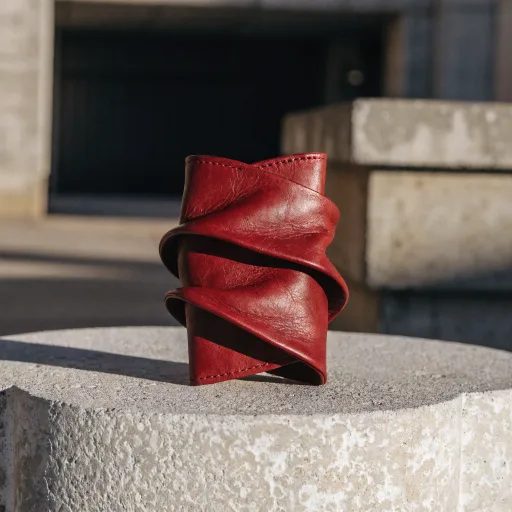
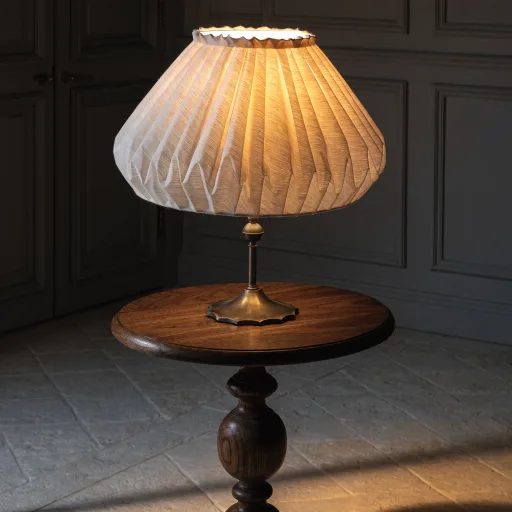
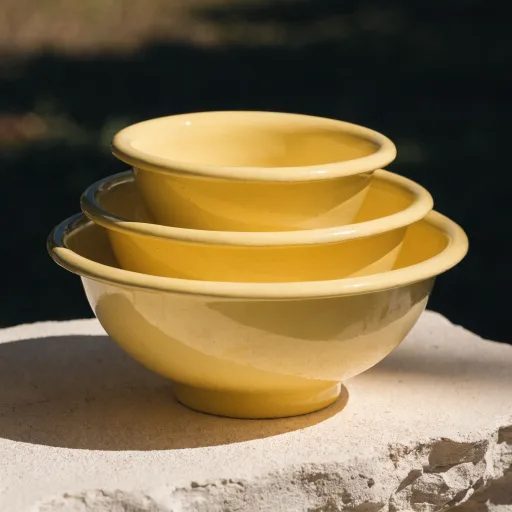
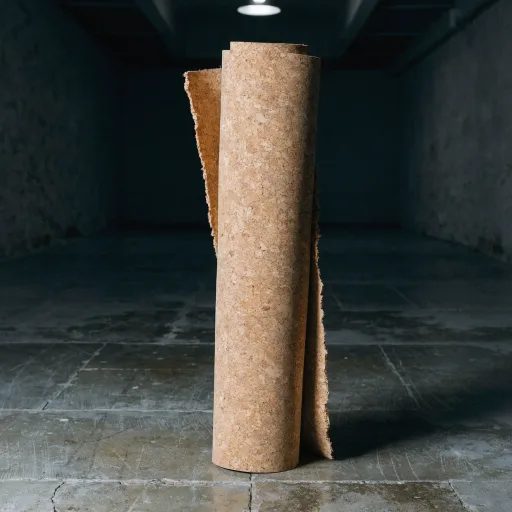
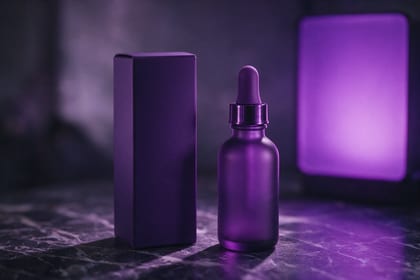
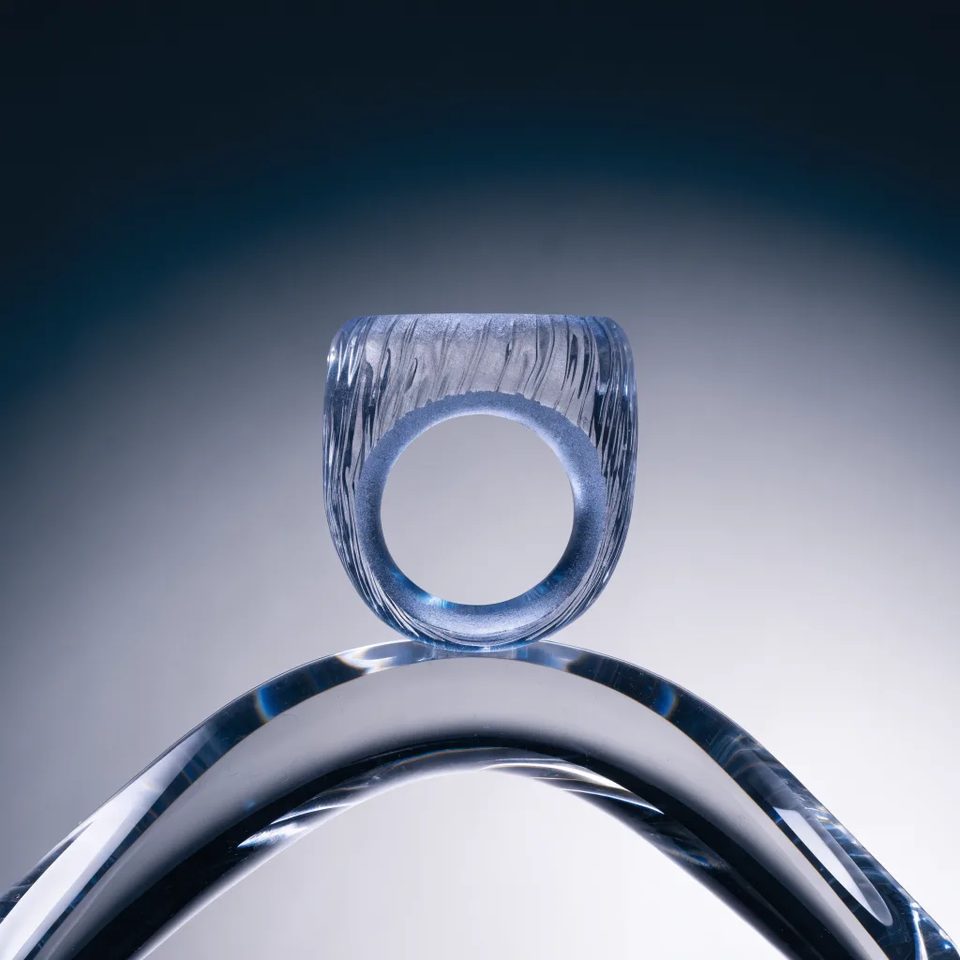
Product photograph of a translucent frosted-blue smart ring resting on a curved acrylic riser, cool rim light and a soft gradient falloff.
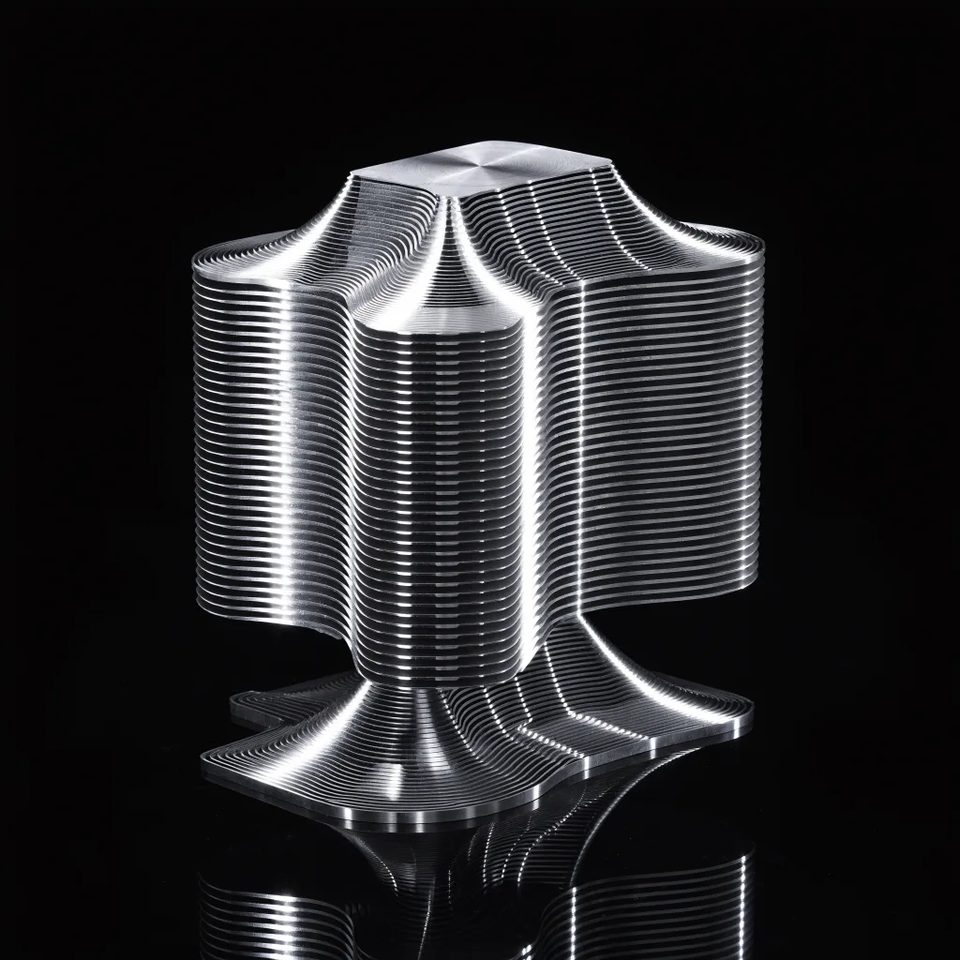
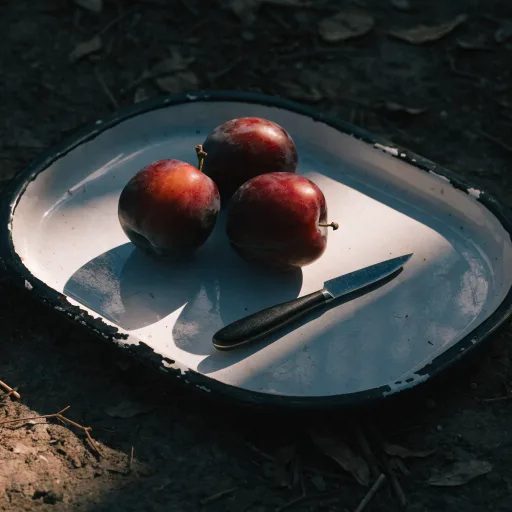
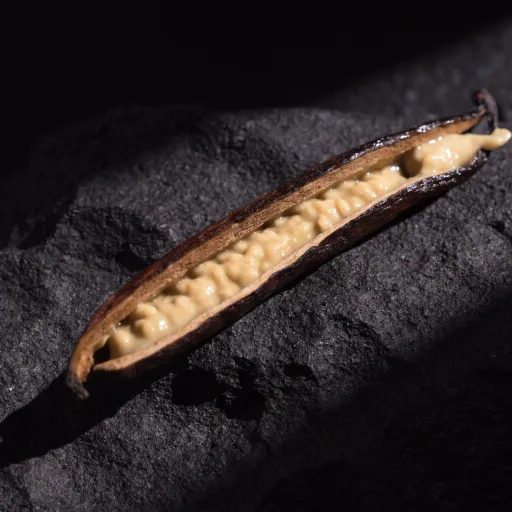
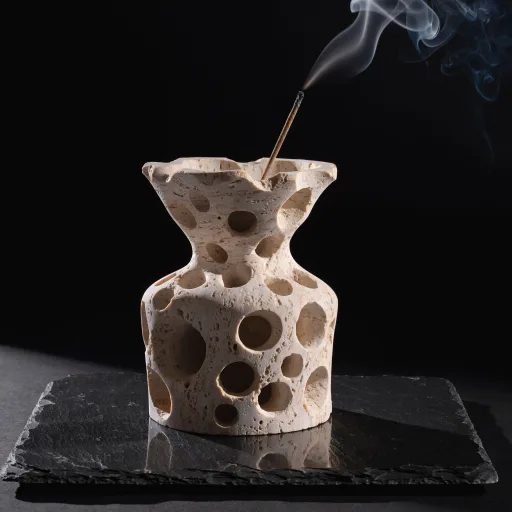
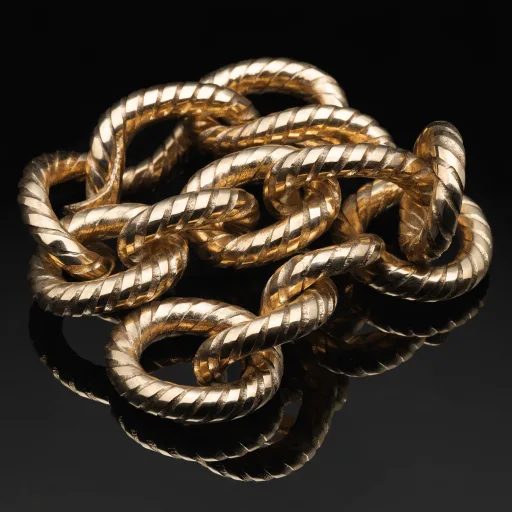
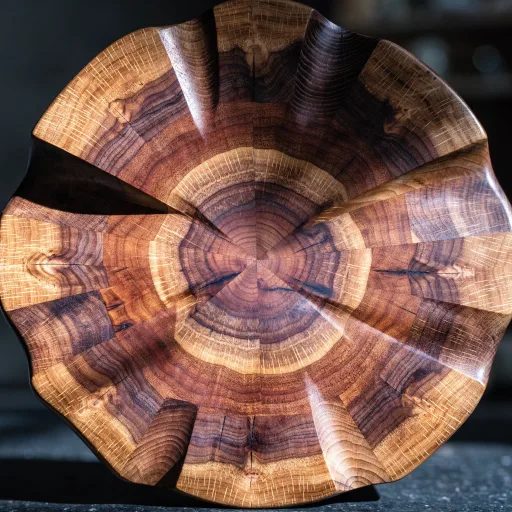
Also 2048px and large canvases only, from ⚡51. Machined edges and open stone are what a Pro render is for.
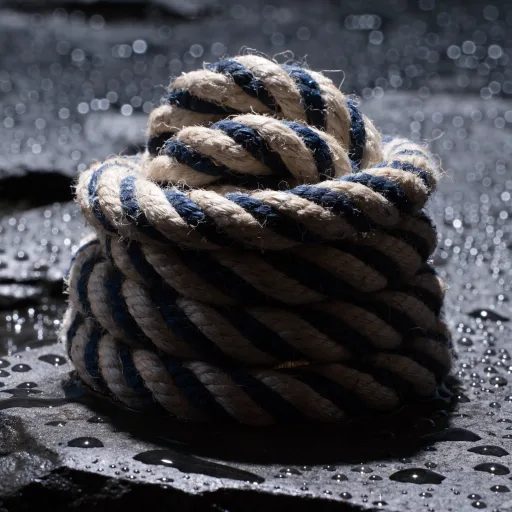

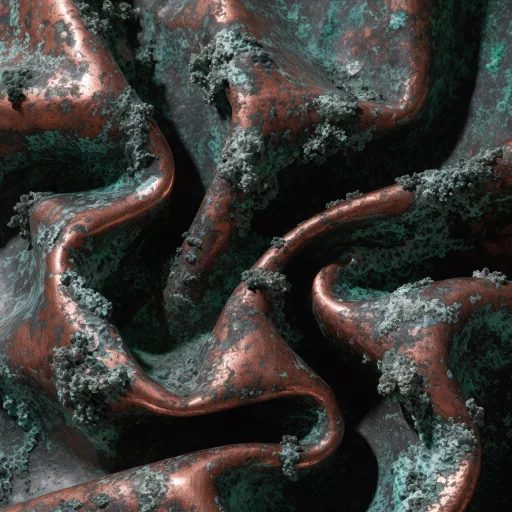
Studio product photograph of a CNC-machined aluminium heatsink standing on black glass, hard raking light picking out every fin edge and circular tool mark.
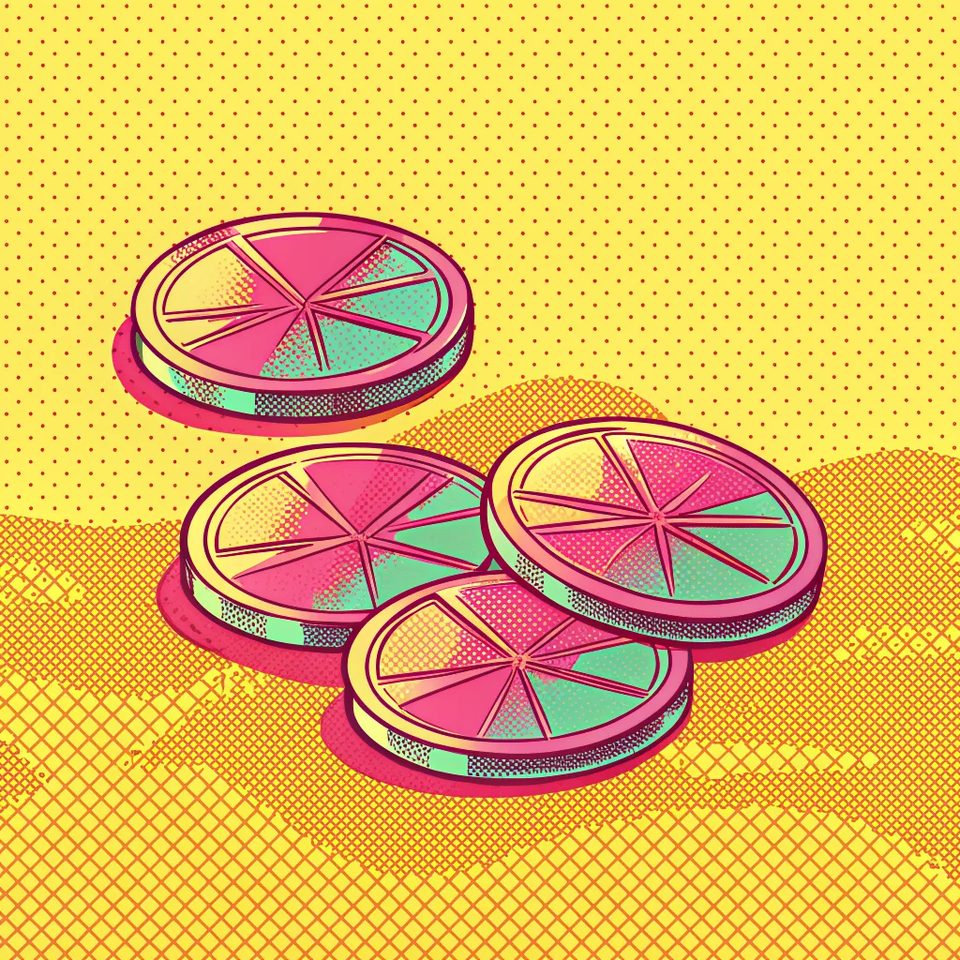
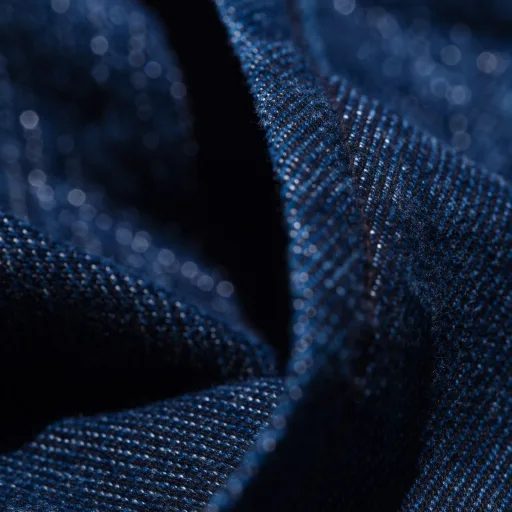
The only raster tier carrying a style field, at ⚡9. Both tiles ran a similar prompt. Only the named style changed.
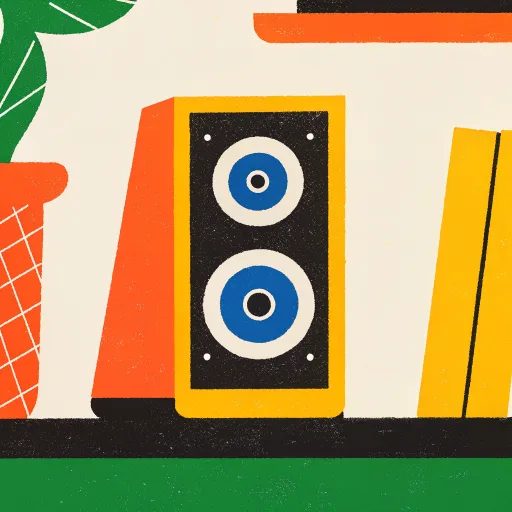



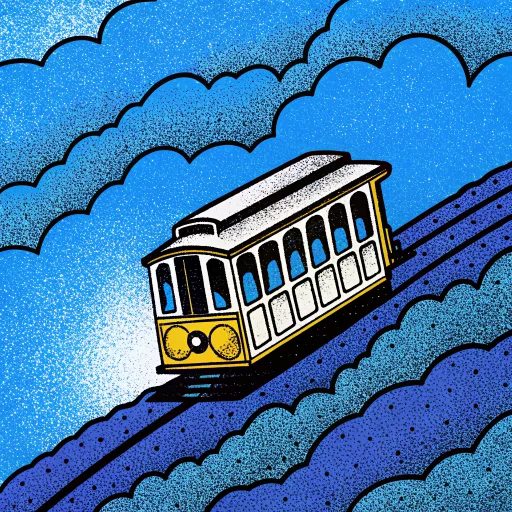
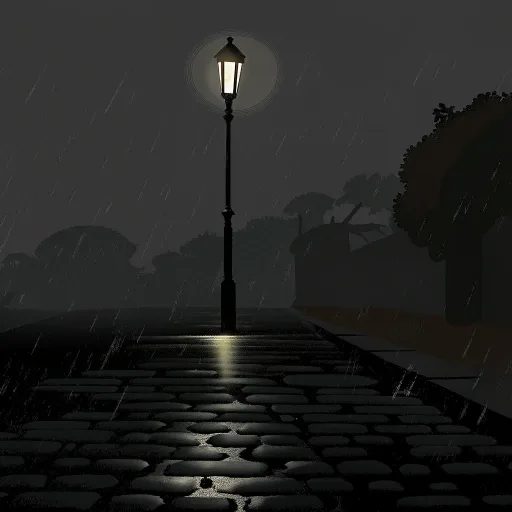
Four iridescent dichroic glass coasters overlapping on a hot coral ground, hard light throwing spectra across the edges.

A true SVG file at ⚡17, across the same fourteen ratios. The vector engine that also takes a named style.



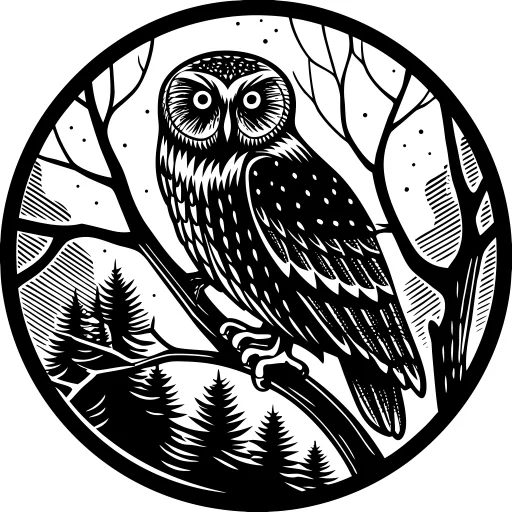


Generate a goldfish bowl on a sunny shelf

Same ⚡17, same fourteen ratios, newer engine. Take this one unless you want a V3 style by name.

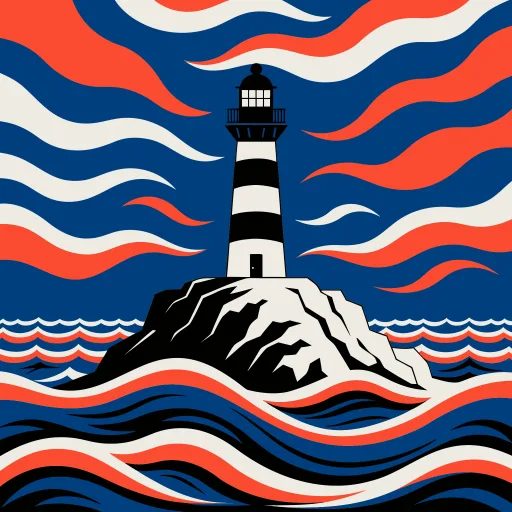
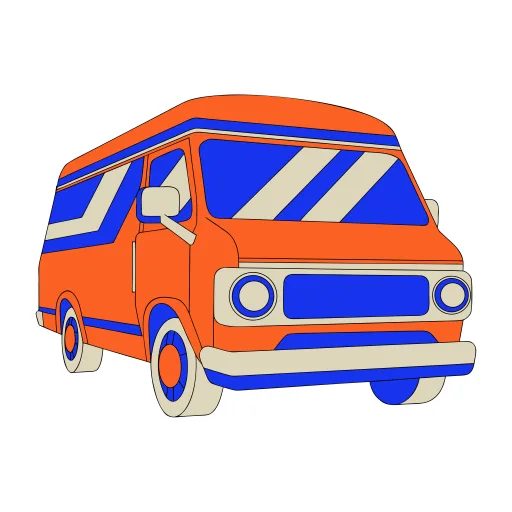
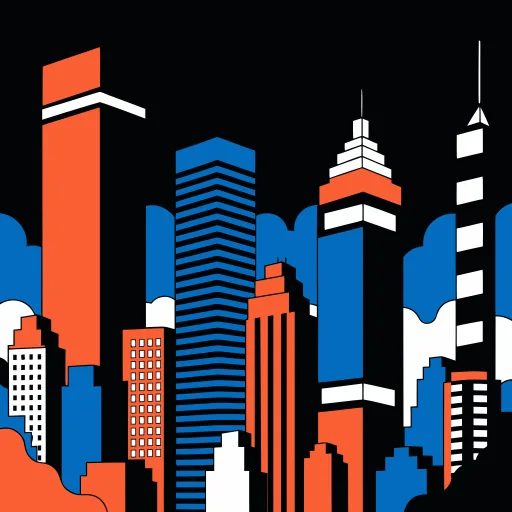

Make a retro cinema camera in flat vector style
● The sheet
Figures reflect OpenClips defaults, August 2026.
● Version by version
Raster and vector, standard and Pro. The price ladder is the honest way to choose.
| Spec | Output | Notes | ⚡ |
|---|---|---|---|
| Recraft V4.1 | OutputRaster | NotesDesign-grade raster art with fine style control | ⚡⚡8 |
| Recraft V4 | OutputRaster | NotesPrevious generation. Still design-grade | ⚡⚡9 |
| Recraft V3 | OutputRaster | Notes65 named styles, from photoreal to pop art | ⚡⚡9 |
| Recraft V3 (vector / SVG) | OutputSVG | NotesTrue SVG output. 23 vector styles, 14 ratios | ⚡⚡17 |
| Recraft V4 (vector / SVG) | OutputSVG | NotesTrue SVG output, newer engine, 14 ratios | ⚡⚡17 |
| Recraft V4.1 Pro | OutputRaster | NotesHighest fidelity. Large canvases only | ⚡⚡43 |
| Recraft V4 Pro | OutputRaster | NotesPro tier of V4. Large canvases only | ⚡⚡51 |
● What the set covers
The jobs these twelve renders actually do.
● Quoted first
V4.1 · 1:1 · recraft-v4.1
8
from $0.05
The everyday tier. Most of the set above.
V3 or V4 · 14 ratios · recraft-v4-vector
17
from $0.11
Real paths, for anything that has to scale.
large canvases · recraft-v4.1-pro
43
from $0.27
When it is going to print at size.
● Three moves
01
Recraft answers best to a described thing, not a mood.
02
65 named raster styles, 23 vector ones. The style does the heavy lifting.
03
The price sits on the button before you press it.
● OpenClips MCP
No console and no syntax. Your agent briefs Recraft through the OpenClips MCP server.
https://mcp.openclips.aiStep 01
One sentence is the brief. The object, the style, the surface.
Step 02
Raster or vector, the ratio and the ⚡ quote. Queued for you.
Step 03
Download the SVG or the raster. Credits settle automatically.
● Design notes
Four habits that separate a usable asset from an expensive re-roll.
V3 carries 65 named raster styles and 23 vector ones. Naming one beats a paragraph of adjectives.
Name the style
Logos, icons and anything for print want the SVG engines at ⚡17. A raster upscale is not a path.
SVG for anything that scales
Find the composition on V4.1 at ⚡8. Then spend a Pro render on the frame you keep.
Draft on V4.1 first
Fourteen ratios render native. Cropping a 1:1 afterwards throws away pixels you paid for.
Frame it up front
● The gaps
The vendor ships these. The composer does not.
Recraft Studio offers an "Exploration Mode" that generates multiple visual directions from a single prompt. The composer renders one direction per dispatch.
Read the vendor pageRecraft Studio ships an "Image combiner". The composer attaches one reference image per prompt.
Read the vendor pageRecraft Studio exports to SVG, PNG, PDF, TIFF or Lottie. OpenClips hands back the raster or the SVG, and nothing else.
Read the vendor pageRecraft Studio ships a "Mockup generator" that places a render on a product. The composer has no field for it.
Read the vendor page● Questions
Recraft is a design-focused image model, and on OpenClips it runs in seven variants. The raster tiers render packaging, key art and editorial still life. The vector tiers hand back a real SVG file. Pricing is flat per render, from ⚡8, and the composer quotes the exact cost before anything runs.
Yes. The vector line returns actual paths, not a traced raster. Open the file in Illustrator, recolour it, scale it to a billboard. It stays sharp because there are no pixels to lose.
V3 ships 65 named styles, from photoreal to pop art. The vector engine has 23. The style chip does most of the heavy lifting. Name the object, pick the style, generate.
The Pro tiers. V4.1 Pro from ⚡43 and V4 Pro from ⚡51 render at print size when the deliverable needs it. For the everyday raster job, V4.1 at ⚡8 is enough.
Flat ⚡17 on both V3 and V4 vector engines, at any of the 14 supported ratios. The composer shows the exact ⚡ before you commit.
Yes. The output is a real SVG file. Illustrator, Figma, Inkscape and every other vector editor opens it and edits every path. Same for recolouring: the fills are named, not baked into pixels.
A free account starts with ⚡50, which covers a first run of renders on the cheaper tiers. After that you pay per render in credits, with no subscription needed to reach the model. The smallest pack is $10/800⚡. Nothing is charged before you accept the quote.
● The receipts
Every link goes to the vendor's own page.
Open it in Illustrator and keep working.
Generate with RecraftFree account. ⚡50 on signup. Price shown per render.
Or roll with a sibling model
Most image models give you pixels and a shrug. Recraft's vector line gives you an SVG: real paths, editable, recolourable, scalable to a billboard without a single soft edge. For logos, icons and any illustration that has a second life in a layout, that is the difference between an asset and a screenshot.
V4.1 and the Pro tiers are built for packaging mockups, key art and editorial still life. That is work judged at 100% zoom. V3 adds the style picker on top: 65 named looks, from photoreal to pop art.
Every Recraft tier dispatches from the same composer and the same wallet. Draft on V4.1 from ⚡8, switch to a vector engine when the file has to scale, and spend a Pro render only when the deliverable goes to print. Browse the rest of the roster on the models hub, or start from the AI Image Generator and switch models without moving your prompt.
● Where to go next