Ideogram text to image
Write the words. Name the object. Ideogram draws both. The type stays readable at poster size. Steal a setup from the community wall.
Ask any model for a logo. You get alphabet soup. Ask Ideogram. You get lettering.
Free account · ⚡50 on signup · No card
● Made with Ideogram
Product and still-life work off both live versions.
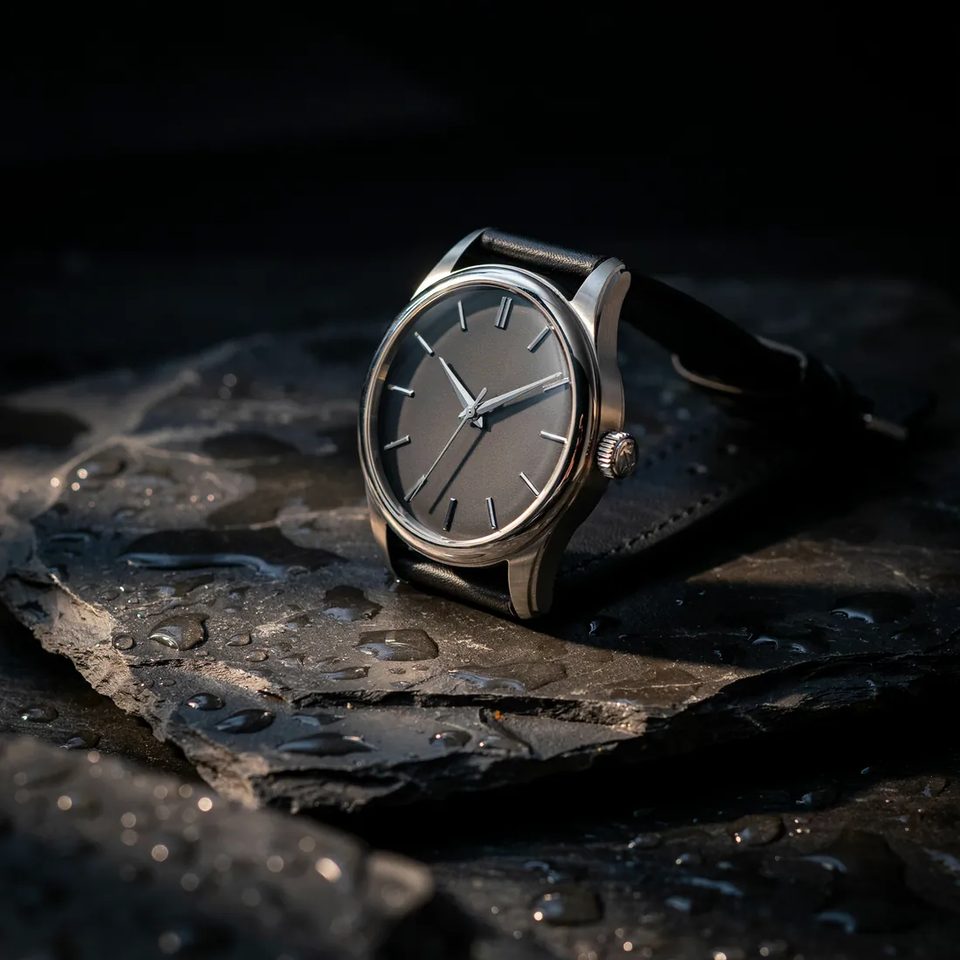
Text to Image · 4.0Product still on wet stone. One hard light, no studio.
Generate a minimalist steel watch on wet black slate
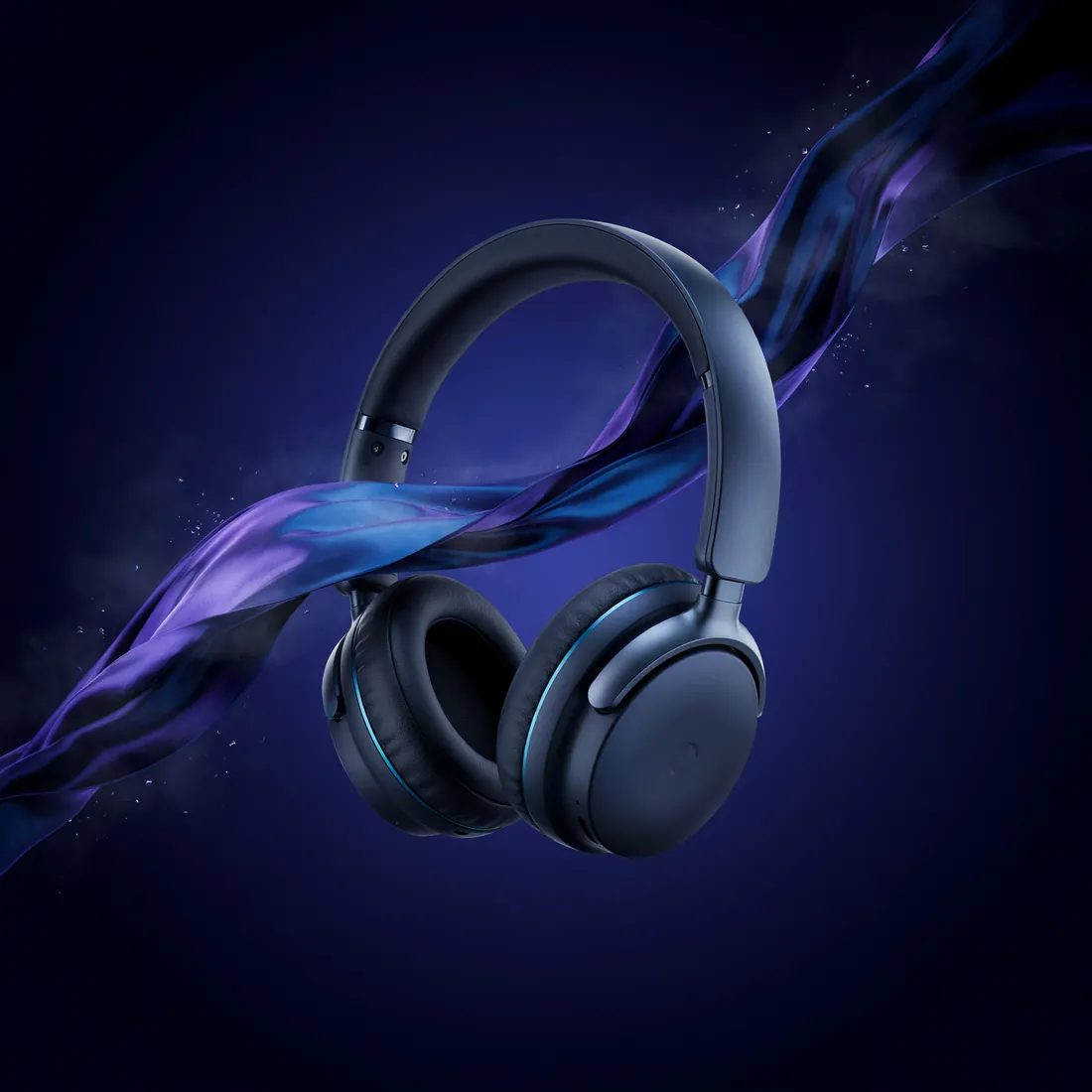
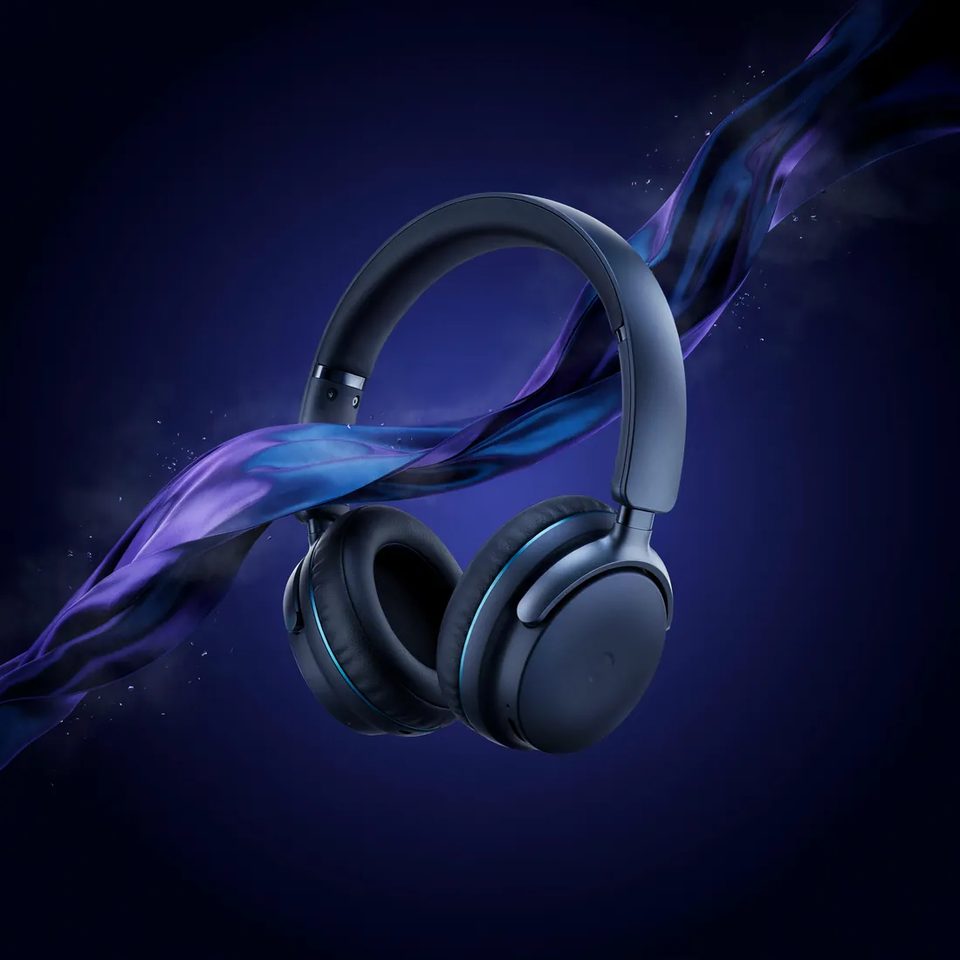
Text to Image · 4.0Silk and float, both invented. A launch tile in one pass.
Make wireless headphones floating in violet silk
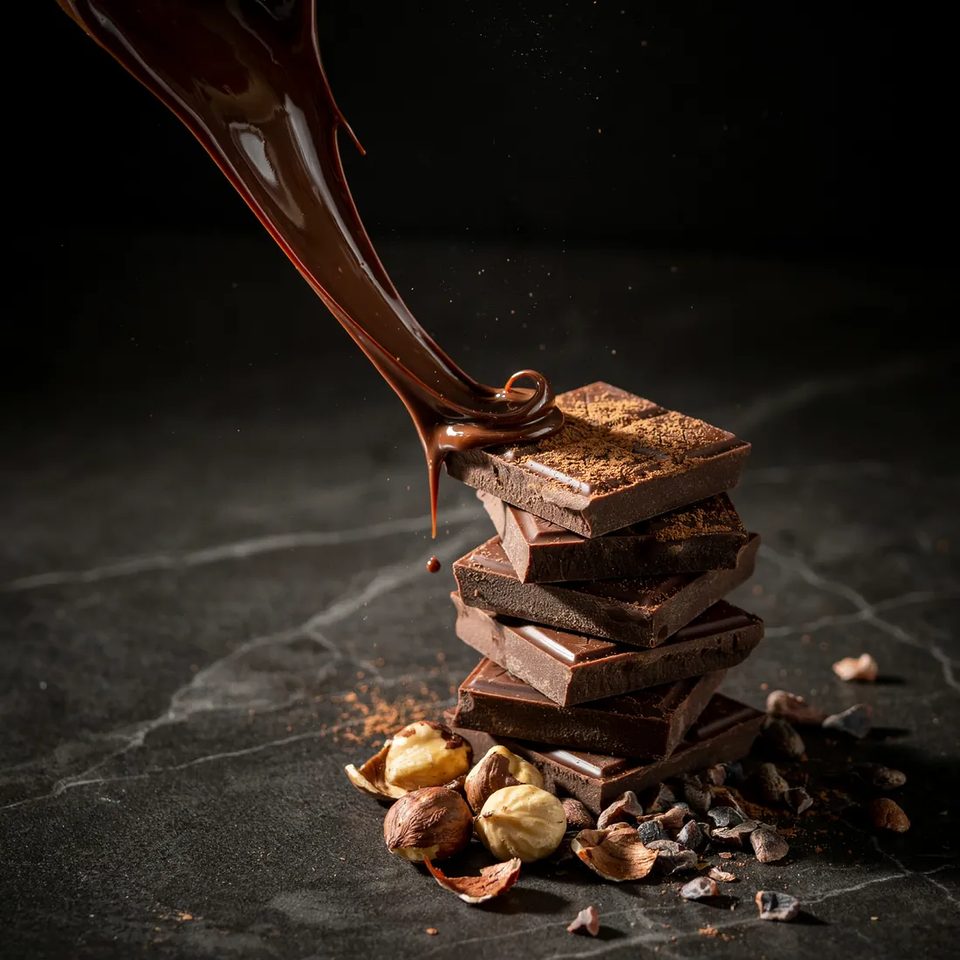
Text to Image · 4.0Food in motion, frozen sharp. Gloss and crumb both read.
Generate molten chocolate pouring over stacked squares
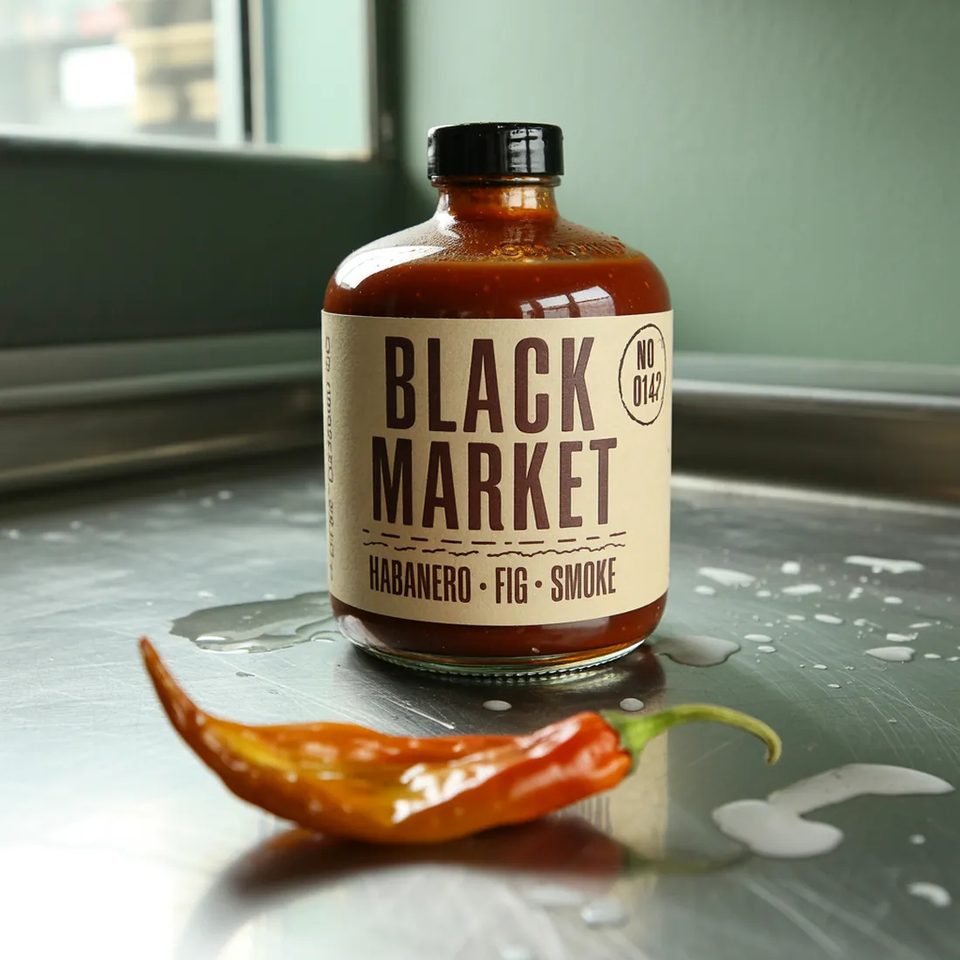 Text to Image · 3.0
Type as the subject. The label sets clean and reads.
Generate a hot sauce bottle labelled BLACK MARKET on wet steel
 Text to Image · 3.0
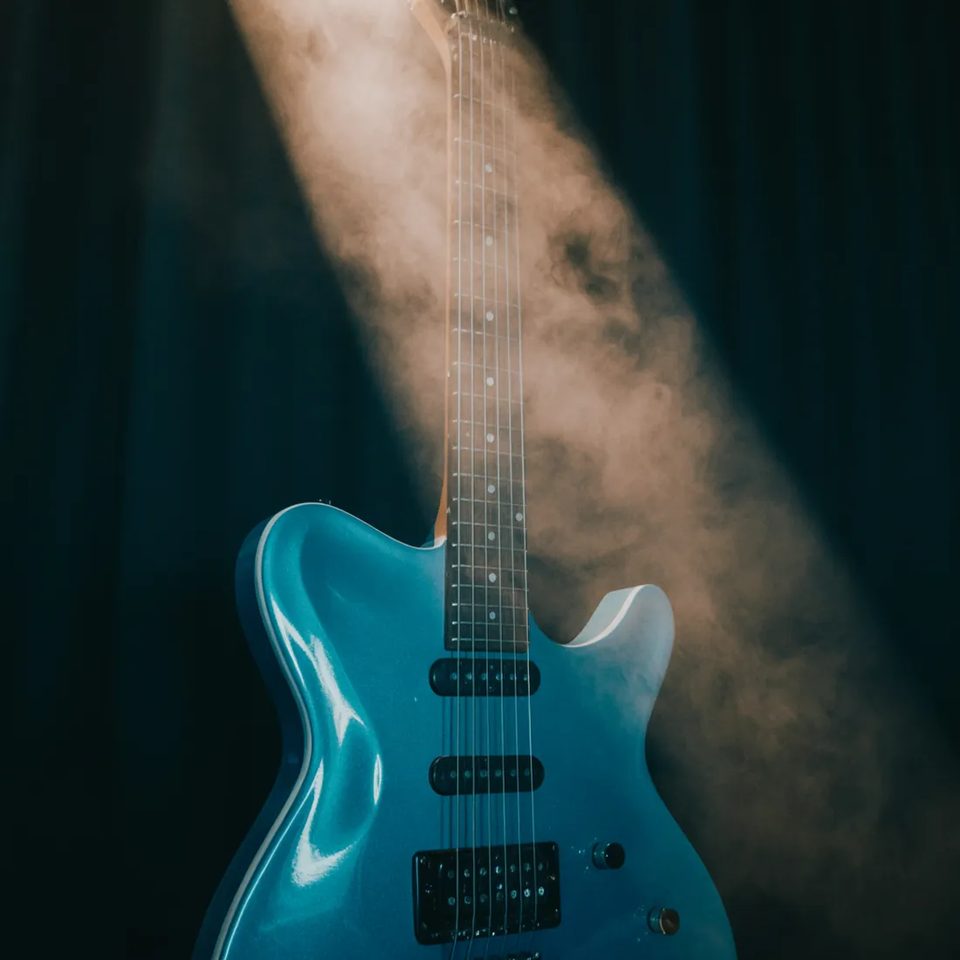
Stage light is the whole set. Beam, haze, chrome.
Generate an electric guitar in a beam of stage light
 Text to Image · 3.0
A night sky with no night shoot. Glow and scale.
Make a glowing tent under the Milky Way
 Text to Image · 3.0
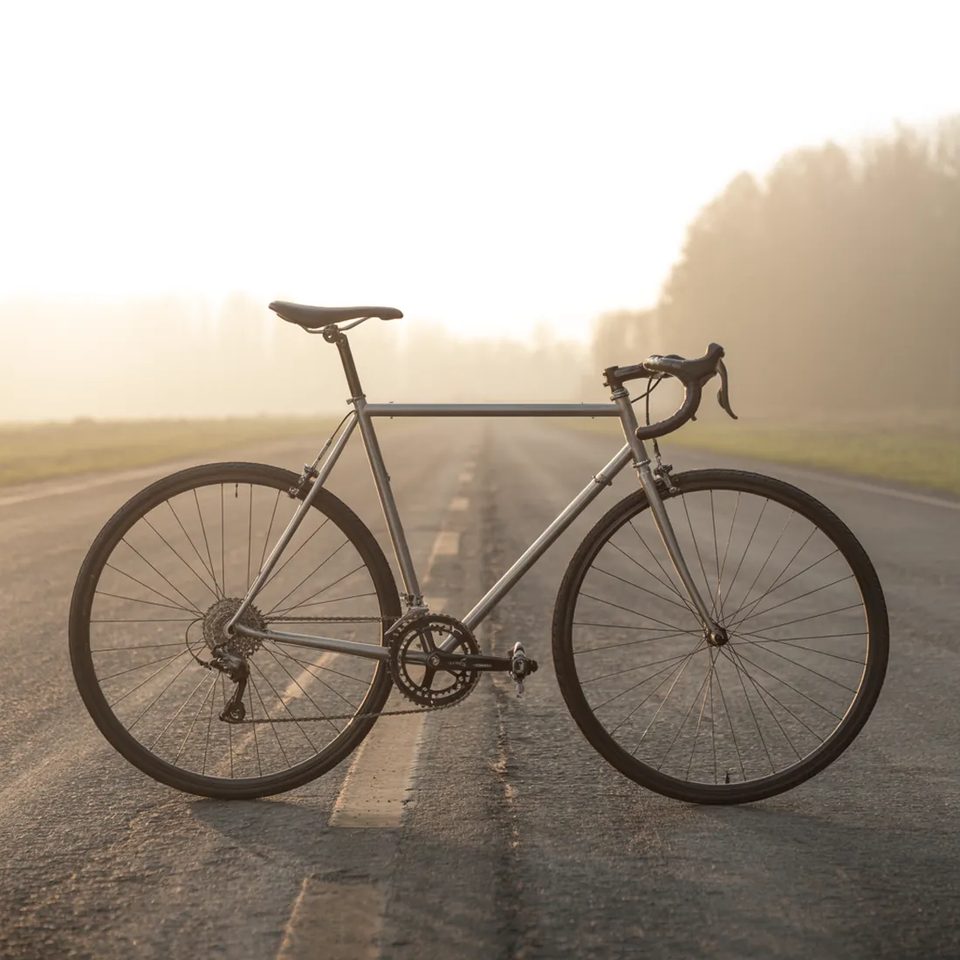
Dawn mist on demand. Catalogue framing, no location.
Generate a road bike on a misty road at dawn
 Text to Image · 3.0
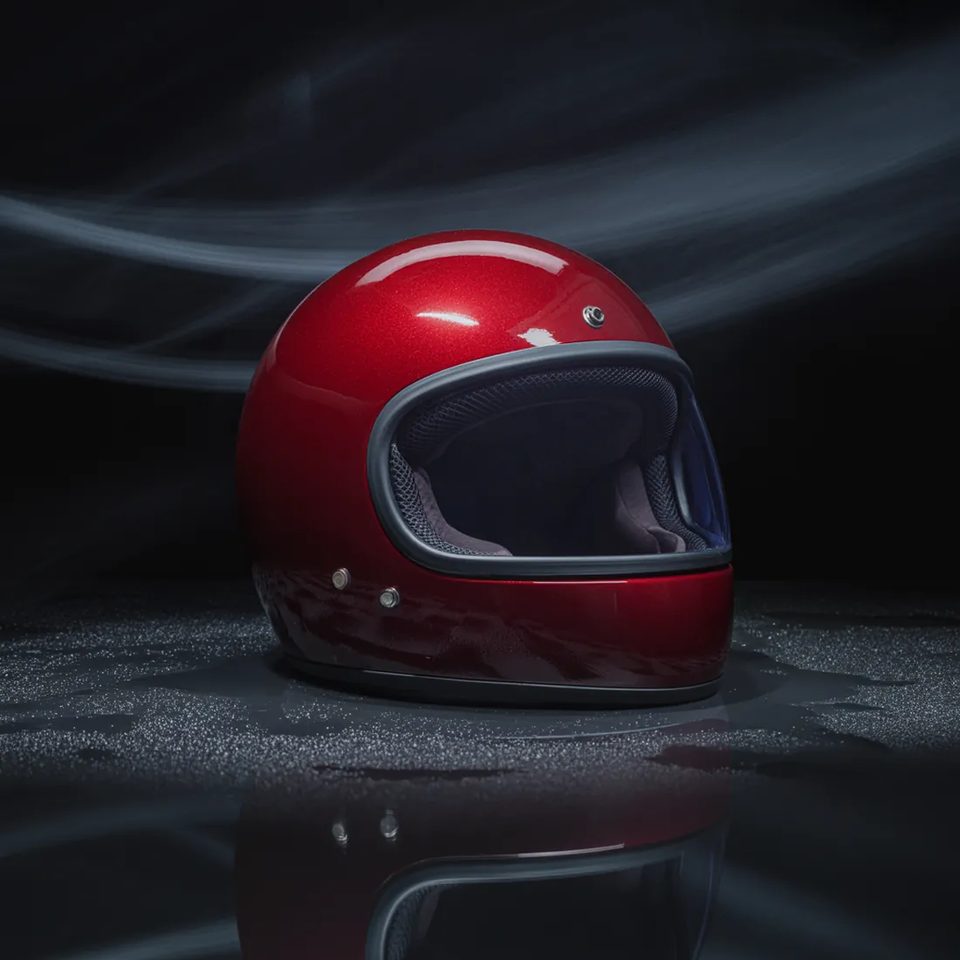
Studio gloss on a curved shell. Clean seam, clean falloff.
Make a crimson motorcycle helmet in studio light
● Why people pick it
01
Wordmarks, logos and hand-lettered type that actually reads.
02
4.0 sharpens type. Output sizes come from a fixed list.
03
Ideogram 3.0 takes 15 frame ratios. Banners and stories included.
04
4.0 for sharper type. 3 for text rendering at a lower price.
● Three moves
01
Ideogram answers to described things.
02
Exactly as they should appear.
03
Banner, square or story.
● Two ways in
Write the words. Name the object. Ideogram draws both. The type stays readable at poster size. Steal a setup from the community wall.
Attach one reference image. Hold a palette, a layout, a mark. Set the reference weight in the composer. Full rates sit on the pricing page.
● What it covers
The jobs that live or die on the lettering.
● Version by version
Both live. 4.0 is sharper and pricier. 3.0 keeps the knobs.
| Spec | Ideogram 4.0 | Ideogram 3.0 |
|---|---|---|
| Status | Ideogram 4.0Live | Ideogram 3.0Live |
| Type rendering | Ideogram 4.0Sharper | Ideogram 3.0Best in class |
| Resolutions | Ideogram 4.0Fixed | Ideogram 3.0Flexible |
| Ratios | Ideogram 4.01:1 · 3:1 · 1:3 · 9:16 | Ideogram 3.01:1 · 1:3 · 3:1 · 1:2 · 2:1 · 9:16 |
| Best for | Ideogram 4.0Finished lettering | Ideogram 3.0Drafting type |
| From | Ideogram 4.0⚡21 | Ideogram 3.0⚡19 |
● Spec sheet
Figures reflect OpenClips defaults, August 2026.
● Quoted first
From ⚡21 (from $0.13).
From ⚡19 (from $0.12).
Flat price on both versions. No duration, no resolution ladder. The composer shows the exact ⚡ before you commit. A free account starts with ⚡50, which covers a first run of lettering tests. Packs start at $10/800⚡.
● OpenClips MCP
No console and no syntax. Your agent briefs Ideogram through the OpenClips MCP server.
https://mcp.openclips.aiStep 01
One sentence is the brief. Quote the words you want set.
Step 02
Frame or output size, and the ⚡ quote. Queued for you.
Step 03
Download it, remix it, or ship it. Credits settle automatically.
● Director notes
Type the exact words in the prompt. Do not describe them.
Quote the line
All 38 sizes cost the same ⚡21. Start from the delivery size.
Size it first
Ideogram 3.0 holds the knobs at ⚡19. Reprint the winner here.
Draft cheap
Turbo · Default · Quality bill the same flat ⚡21. Quality when the type ships.
Quality on the final
● From the blog
 Prompt Craft
Which frame wins where, and how to compose for it before you render.
Read it →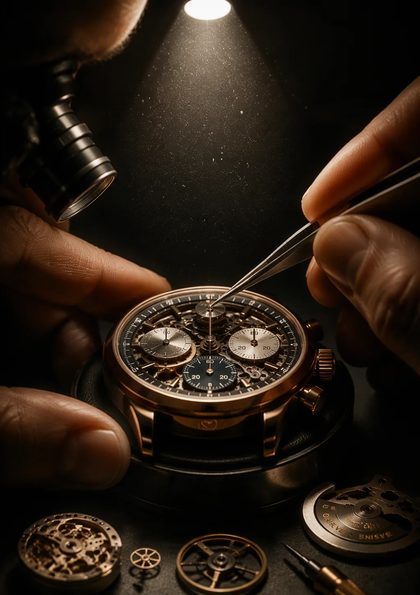 Studio News
One wallet, every model, and where the free signup grant goes.
Read it → Studio News
How the MCP door is built, and what an assistant may call through it.
Read it →● Questions
Yes. Text-as-subject is the entire reason Ideogram is on the roster. Wordmarks, logos and hand-lettering come back readable. Where other models approximate letterforms, this one draws them. Write the words exactly as they should appear, then name the object they sit on.
4.0 for sharper type and a fixed list of 38 output sizes at ⚡21. Ideogram 3.0 for text rendering at ⚡19, with 15 frame ratios instead of a size list, plus a style type and a negative prompt. Both live in the composer today. A common flow is steering on 3.0 and finishing on 4.0 when the letterform has to be crisp. The full sheet is in the comparison above.
Ideogram 3.0 takes 15 frame ratios: 1:1 · 1:3 · 3:1 · 1:2 · 2:1 · 9:16 · 16:9 · 10:16 · 16:10 · 2:3 · 3:2 · 3:4 · 4:3 · 4:5 · 5:4. Ideogram 4.0 renders into a fixed list of 38 output sizes covering the same shapes, squares included. Banners for wide type, portrait for stories, square for social. The composer surfaces the full ladder before you commit.
Seedream for typography-in-scene, meaning a product with sharp copy on it. Ideogram for typography as the subject: a wordmark, a logo, a hand-lettered poster. Both live in the same composer, so the same brief can run on both and you pick the winner. One wallet covers the pair.
Flat pricing on both. Ideogram 4.0 at ⚡21. Ideogram 3.0 at ⚡19. There is no duration and no resolution ladder to price, so the number does not move with the brief. The composer shows the exact ⚡ before you commit, and a new account starts with ⚡50.
Yes. Both versions take one reference image alongside the prompt, and the composer carries a reference weight from 1 to 100. Use it to hold a palette, a layout or an existing mark while the type gets redrawn. Attach the file, set the weight, then render. The take lands in your library.
● The receipts
Every link goes to the vendor's own page.
Bring the copy. Ideogram sets it.
Generate with IdeogramFree account. ⚡50 on signup. Price shown per render.
Or roll with a sibling model
Ideogram built its reputation on text as art: wordmarks, logos, hand-lettering. Where other models approximate letterforms, this one draws them.
Ideogram 3.0 is live in the composer with no new subscription and no new wallet. The price sits on the button before you render. The roster splits the work: Seedream 5.0 Pro handles typography-in-scene, Ideogram handles type as the subject.
Ideogram 4.0 sharpens the letterforms and renders into a fixed list of 38 output sizes. Ideogram 3.0 keeps the 15-ratio ladder and the lower price, and it carries three controls 4.0 does not: a style type, a magic-prompt switch and a negative prompt. Both take one reference image, both run from the same composer, and both bill per render from one wallet.
Browse the rest of the roster on the models hub, or read the full rate card on the pricing page.
● Where to go next