
Pricing
VIDEOText to videoxAI

Grok Imagine VideoNo still needed. Fifteen seconds out.

You stop hunting for a frame to animate. Grok Imagine Video writes the shot from words. Fifteen seconds, seven frames.

  • Text to video
  • 1 to 15 seconds
  • 480p · 720p
  • Seven frames
  • No audio control

Free account · 50 on signup · No card

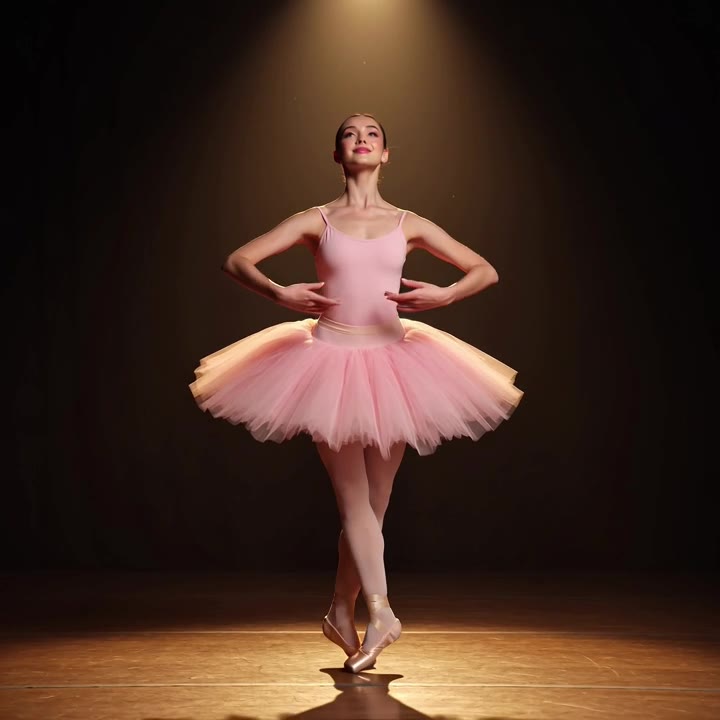
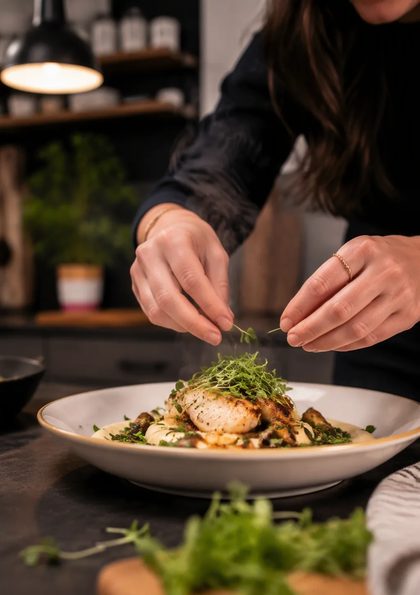
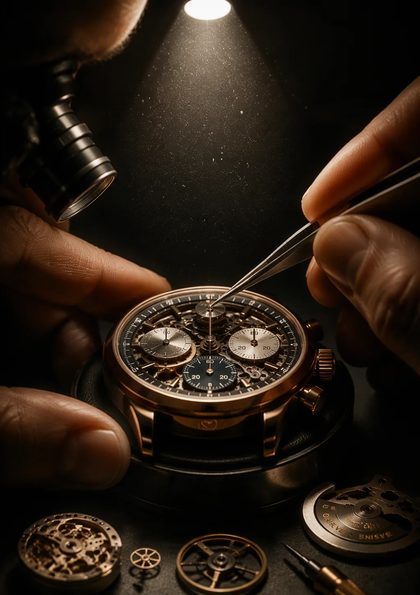
Shot on Grok Imagine Video

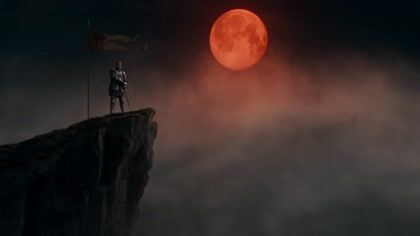
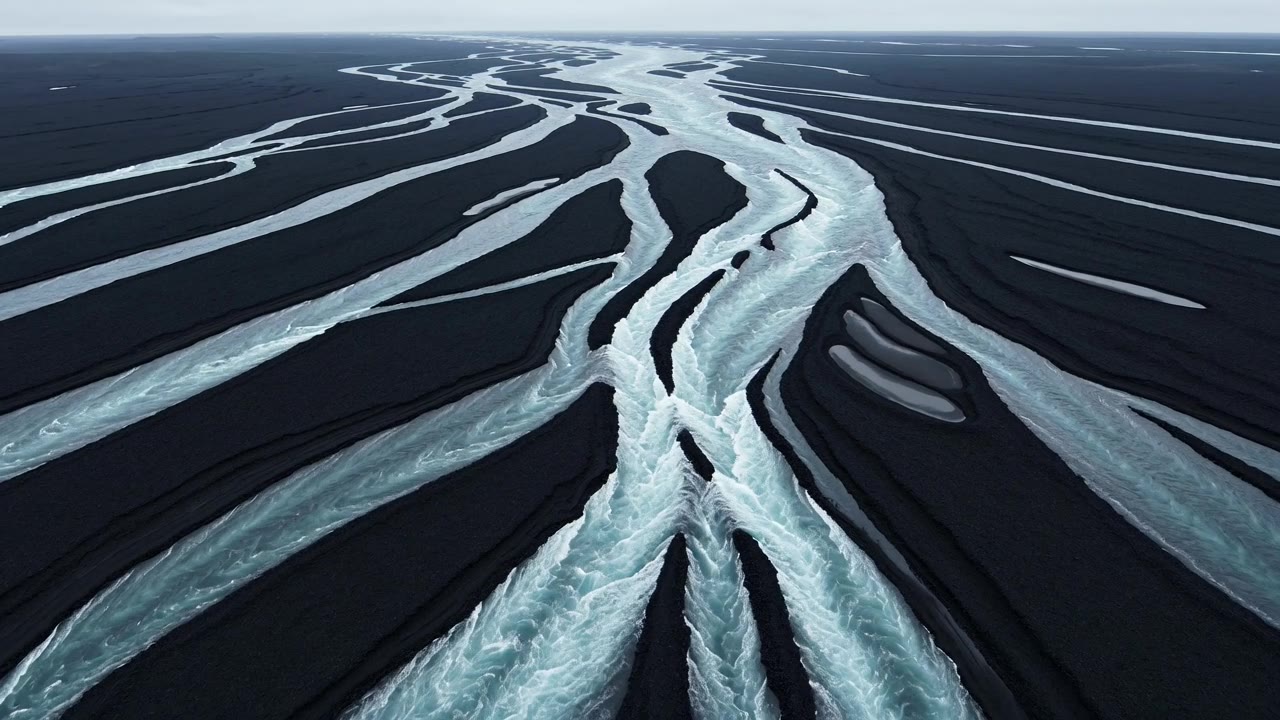
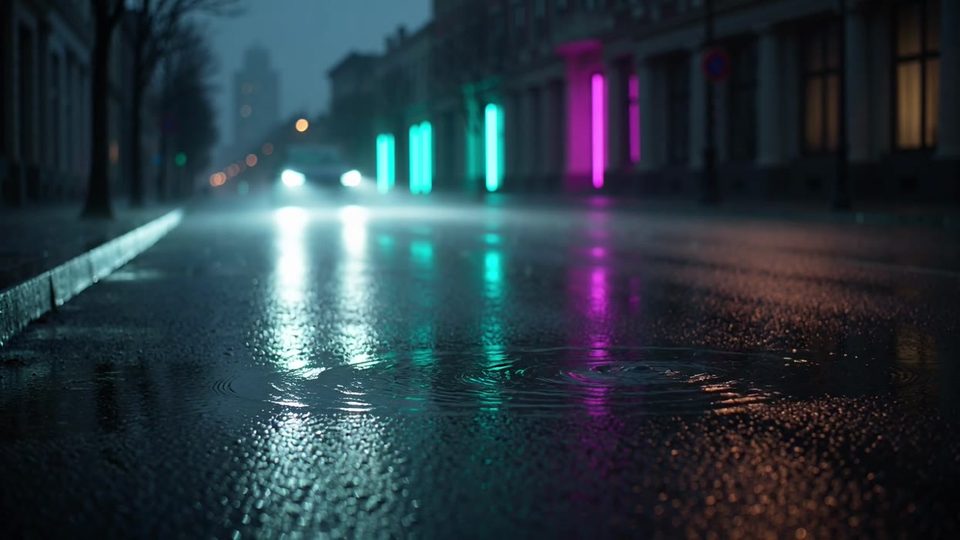
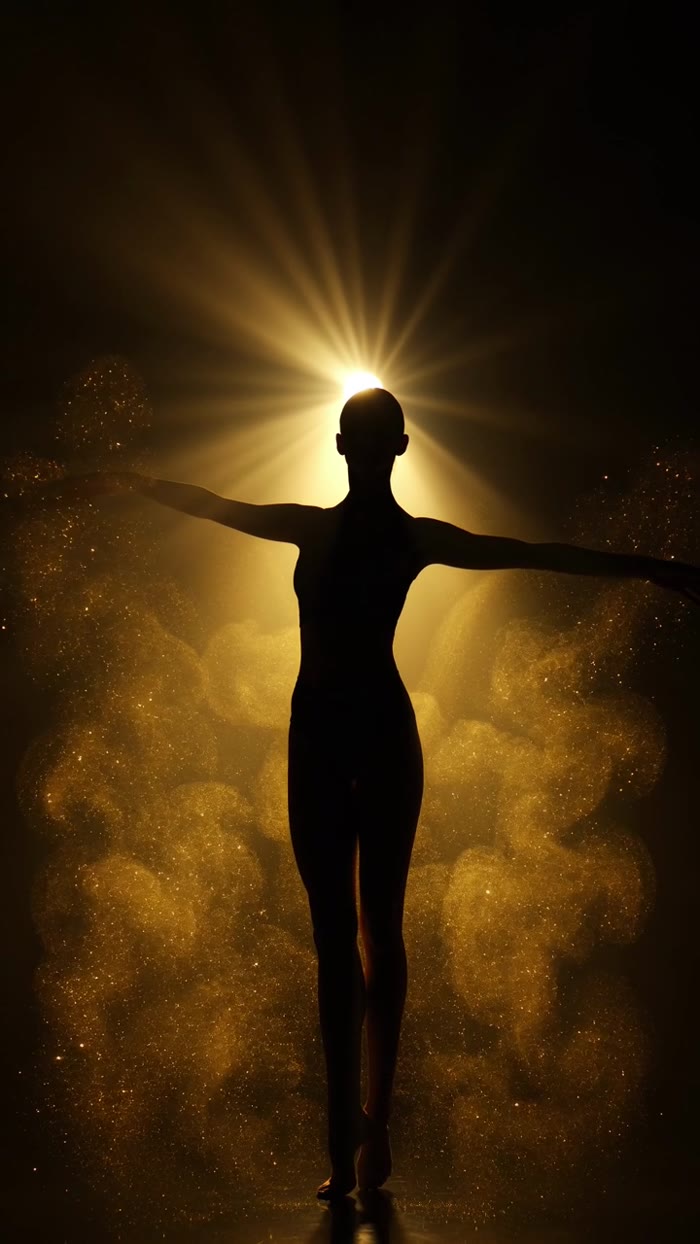
Four takes, no still attached

Widescreen and vertical. Six seconds each, words only.

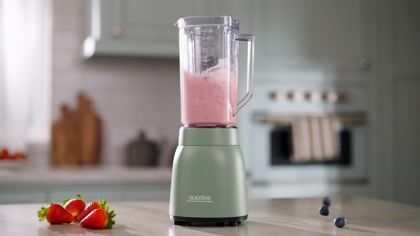
Also shot on it

Three shapes, one model

Widescreen, vertical and square. Six seconds each.

Why people pick it

What Grok Imagine Video is for

01

A sentence is enough

No still to find, shoot or render first.

02

Cheapest way in

Every cell undercuts the 1.5 line. Draft freely.

03

Eight references when it matters

Optional, not required. Pin what has to stay exact.

04

Seven frames, one model

Widescreen, vertical, square and four more.

Three moves

How do you use Grok Imagine Video on OpenClips?

01

Write the shot

Subject, motion, light. Short beats long here.

02

Pick length and frame

One to fifteen seconds. Seven frames.

03

Render

The ⚡ price is on the button before you press it.

One model, ten jobs

What people point it at

Whatever has to exist before anything else does.

Concept testsPattern-interrupt hooksB-roll from nothingVertical ad draftsSquare social loopsStoryboard beatsMood reelsAbstract identsMeme clipsPitch placeholders

The sheet

The three Grok surfaces

Grok Imagine Video when nothing exists yet. Grok Imagine 1.5 when the still does. Grok Imagine image for the still itself.

SpecGrok Imagine VideoGrok Imagine 1.5Grok Imagine image
OutputVideoVideoStill images
InputText, or up to 8 referencesOne still, and it is requiredText, or up to 3 references
Length1 to 15 seconds1 to 15 secondsNot applicable
Resolution480p or 720p480p, 720p or 1080p1K or 2K
Frames16:9 · 9:16 · 1:1 · 4:3 · 3:4 · 3:2 · 2:316:9 · 9:16 · 1:1 · 4:3 · 3:4 · 3:2 · 2:3Fifteen, plus auto
AudioNo audio controlNo audio controlNot applicable
Typical waitAbout 90 secondsAbout 90 secondsAbout 10 seconds
From111911

The sheet

Grok Imagine Video model parameters

Status
Live in the composer
Input
Text. References are optional.
Length
1 to 15 seconds. Opens at 6.
Resolution
480p or 720p. Opens at 480p.
Frames
16:9 · 9:16 · 1:1 · 4:3 · 3:4 · 3:2 · 2:3
Audio
No control in the composer
Reference images
Up to eight
Negative prompt
Not offered
Typical render
About 90 seconds
Cost on OpenClips
From 11 per render
Vendor
xAI

Figures reflect the OpenClips catalog, August 2026.

Compare every model that takes several references.

Quoted first

How much does a Grok Imagine Video render cost?

480p

6s · grok-imagine-video

62

$0.62 at pack rate

Where the composer opens.

Most used

720p

6s · grok-imagine-video

86

$0.86 at pack rate

Same beat, more detail.

720p

15s · grok-imagine-video

215

$2.15 at pack rate

Fifteen seconds, top of the ladder.

The price grid

Every length, both tiers

Read the cell you plan to render.

Grok Imagine Video

Length480p720p
1s11$0.1115$0.15
2s21$0.2129$0.29
3s31$0.3144$0.44
4s42$0.4258$0.58
5s52$0.5272$0.72
6s62$0.6286$0.86
7s72$0.72101$1.01
8s82$0.82115$1.15
9s93$0.93129$1.29
10s103$1.03143$1.43
11s113$1.13158$1.58
12s123$1.23172$1.72
13s133$1.33186$1.86
14s143$1.43200$2.00
15s154$1.54215$2.15

Dollars are the pack rate: $10/1,000⚡. Plans buy credits cheaper. The exact ⚡ price shows on the Generate button before you spend.

OpenClips MCP

Drive Grok Imagine Video from your AI agent

No console and no syntax. Your agent briefs Grok Imagine Video through the OpenClips MCP server. It queues the render and hands back the take.

Server addresshttps://mcp.openclips.ai
ClaudeClaude CodeChatGPTCursorVS CodeGrokHermes agentOpenClawOther MCP client
  1. Step 01

    Say the shot in one line

    One sentence is the brief. No file to attach.

  2. Step 02

    Your agent sets length and frame

    Resolution, aspect and the ⚡ quote. Queued for you.

  3. Step 03

    The take lands in your library

    Download it, remix it, or ship it.

Director's notes

Tips for best results with Grok Imagine Video

Four habits that separate a clean take from a re-roll.

  • Name the motion, not the mood

    Say what moves and where the camera goes.

    Motion first

  • Keep lettering out of frame

    Grok renders text badly. Ask for shapes and glow.

    No words in shot

  • Draft at one second

    Prove the shot on the cheapest stop. Then buy length.

    Test short, buy long

  • Plan the sound elsewhere

    You cannot direct the sound. Plan it in your editor.

    No sound control

From the blog

Read before you render

Questions

Frequently asked questions

No. It is a text-to-video model, so a prompt on its own dispatches. References are optional, up to eight, for when a product or a face has to stay exact. The 1.5 line is the one that requires a still.

One to fifteen seconds in one call, set in the composer. It opens at six. The price moves with the length and the resolution, and the exact figure sits on the Generate button before you press it.

480p or 720p. The composer opens at 480p. There is no 1080p rung on this line, so take the shot to Grok Imagine 1.5 when the deliverable needs one.

The composer offers no audio control for this model. There is no sound switch and nothing to steer. Plan the audio in your editor, or render on Veo 3.1 when the scene needs it written with the picture.

From ⚡11 for one second at 480p, up to ⚡215 for fifteen seconds at 720p. A free account opens with ⚡50. Packs start at $10/1,000⚡.

Start here when nothing exists yet: words are the whole brief, and every cell costs less. Move to 1.5 when you have a frame worth animating or the take needs 1080p. Both run one to fifteen seconds, neither offers an audio control, both draw on the same wallet.

The receipts

Where do these Grok Imagine Video facts come from?

Every link goes to the vendor's own page.

Version history

What changed in each Grok Imagine release?

Newest first, straight off the roster.

  1. Grok Imagine 1.5

    Vendor states no date

    video · Live on OpenClips

    Rapid generation with bold aesthetics.

  2. Grok Imagine Video

    Vendor states no date

    video · Live on OpenClips

    Expressive, stylized looks — pattern-interrupt creatives.

  3. Grok Imagine

    Vendor states no date

    image · Live on OpenClips

    xAI's expressive, stylized images.

Write it. Watch it move.

Ten drafts for the price of one finish. Keep the two that land.

Generate with Grok Imagine Video

Free account · ⚡50 on signup · No card

Words are the whole brief

Grok Imagine Video is xAI's text-to-video line. Nothing has to exist first. You write the shot and it renders, one to fifteen seconds, up to 720p. Attach up to eight reference images when something has to stay exact.

The cheaper door into the family

Every length and size on this line costs less than the same cell on 1.5. It stops at 720p, and that is the trade. Draft the idea here. Move it up when a take earns the higher tier.

When the frame already exists

Grok Imagine 1.5 animates a still you attach, and it requires one. Grok Imagine image renders that still up to 2K. Three doors, one wallet, one models roster.

What it will not do

Grok Imagine Video gives you no audio control. The composer shows no sound switch for this model, so there is nothing to steer. There is no 1080p rung either. Plan the audio in your editor, or take the shot to Veo 3.1 when it needs sound written with the picture.

Where to go next

Related models