Start from a template
Describe your clip… @ to tag what you attached
01 ·
≈ 2 min
Write the scene
The subject, the move, the light. Then the sound.

HeyGen · Video 1
You stop adding sound in the edit. Write the scene. The take comes back with its own.
From $0.017/s on MAX yearly
● The first set
Six takes, sound on. One prompt each.
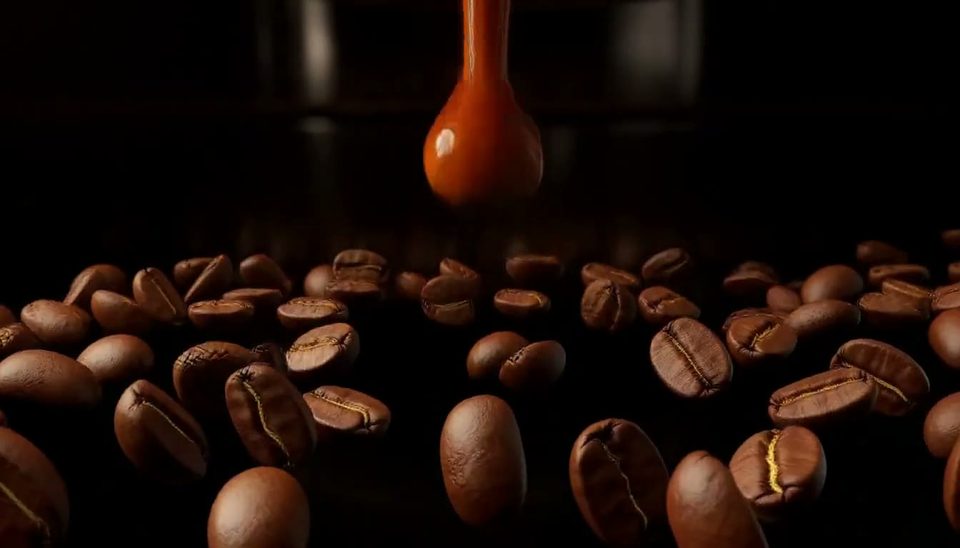 Product00:00:10:00
Make a product video of roasted coffee beans orbiting an espresso pour before a chrome machine comes into view.
Watch with sound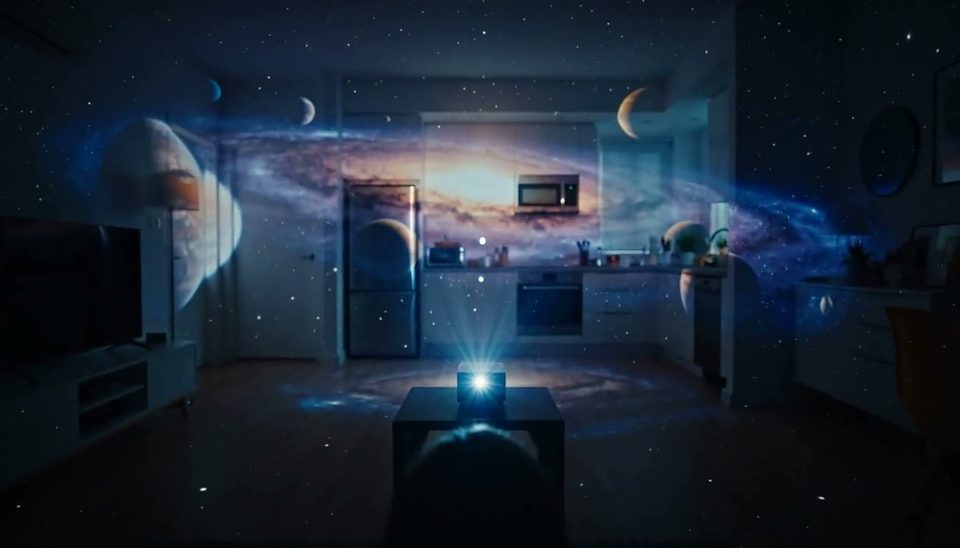 Home00:00:10:00
Make a video of a tiny projector turning a dark apartment into a galaxy of planets and nebulae.
Watch with sound Concept00:00:10:00
Make a video of a sheet of white paper unfolding into a city of skyscrapers, bridges and roads.
Watch with sound Fantasy00:00:10:00
Make a video of an old map in a dark library rising into mountains and rivers, then opening into a full landscape.
Watch with sound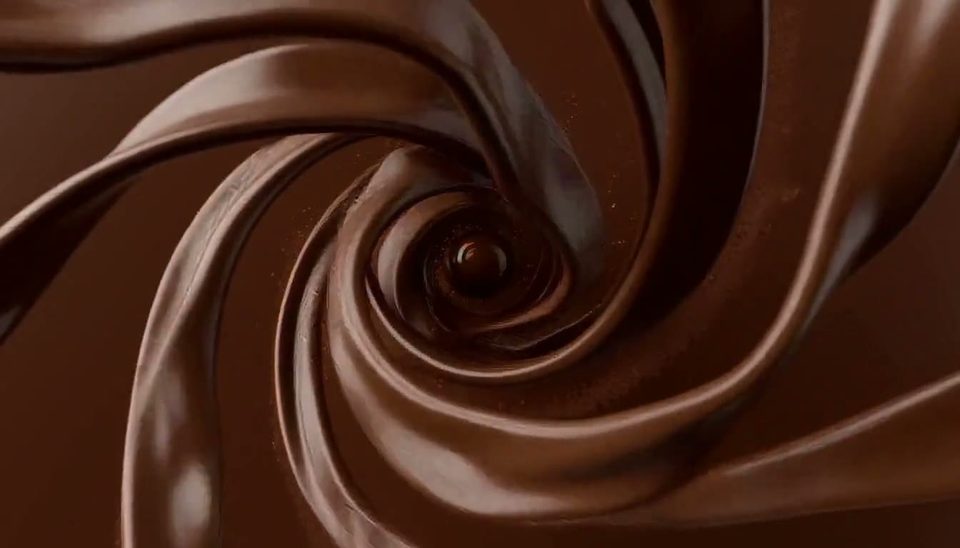 Food00:00:10:00
Make a product video of a chocolate sphere bursting into ribbons of chocolate and caramel that settle into a gift box.
Watch with sound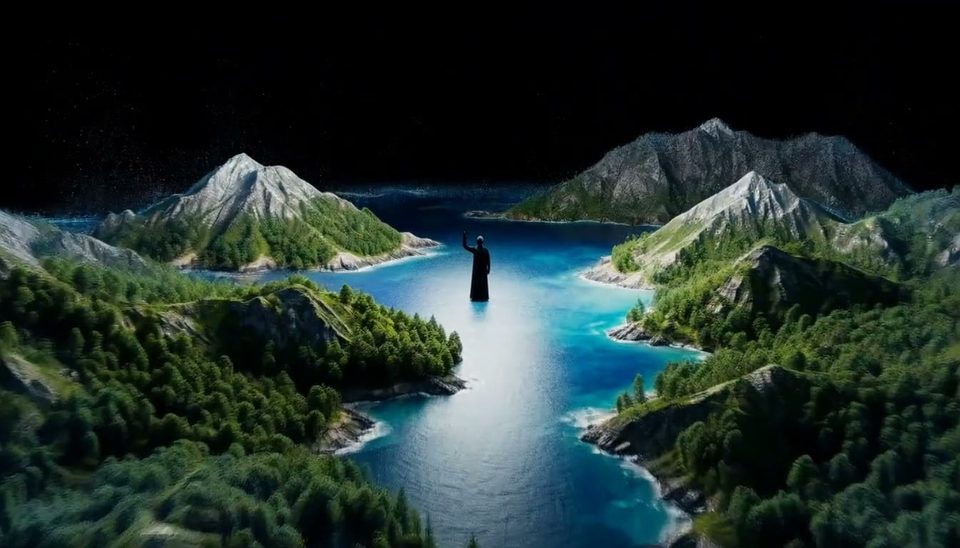 Epic00:00:10:00
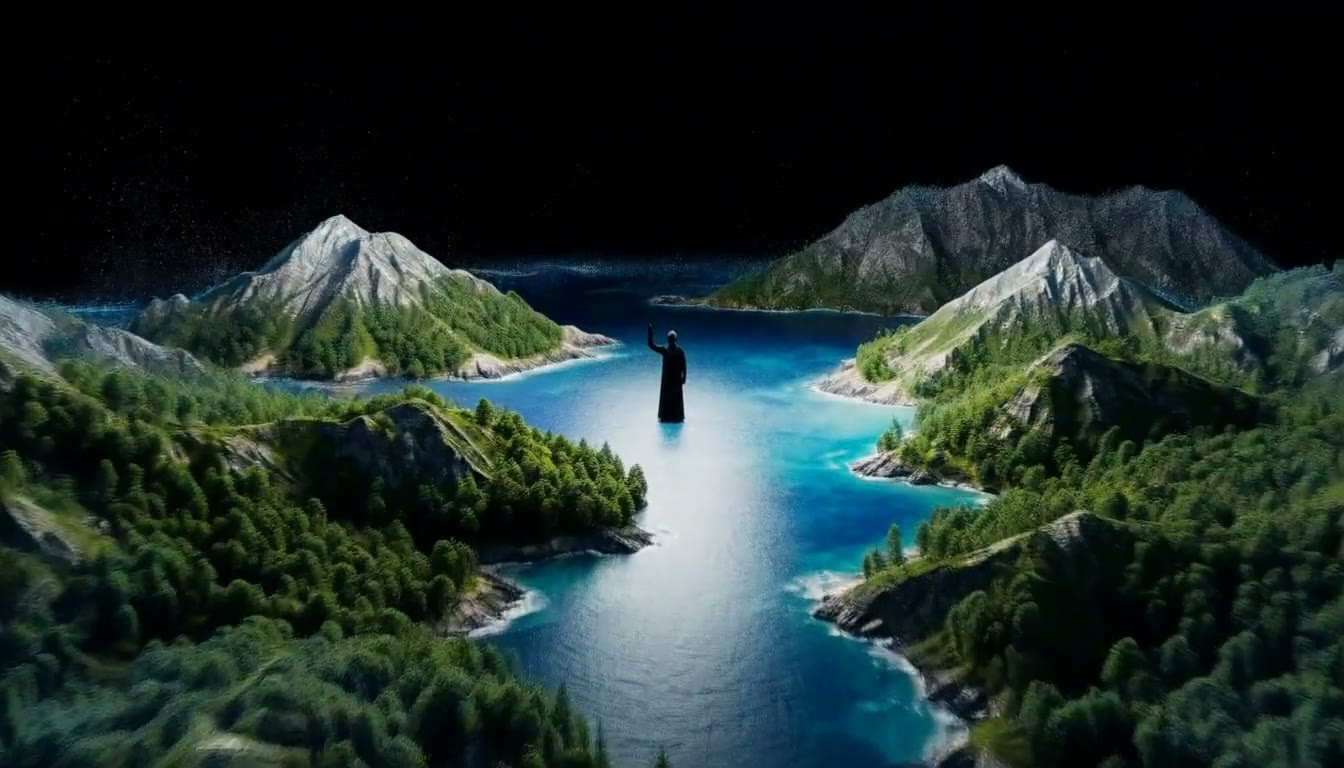
Make a cinematic video of a lone figure raising one hand as mountains, oceans and cities assemble into a new planet.
Watch with sound● Release notes
Chapter 01 · The mix
Effects, dialogue and score render with the picture. Name each sound in the prompt.
Chapter 02 · The length
Any whole second in the band. Every take on this page runs 10.
Chapter 03 · The tier
480p · 768p · 1080p · 2k. Draft cheap, then buy the finish.

Chapter 04 · Doors in
A prompt, a first frame, or up to 9 references.
● How to
Three steps from a blank box to a take with sound. The page works logged out. Sign-in gates the render only.
Describe your clip… @ to tag what you attached
01 ·
≈ 2 min
The subject, the move, the light. Then the sound.
02 ·
≈ 1 min
One image opens the take. Pick ratio, length and tier.
03 ·
~0–2 min
Confirm the ⚡ quote. Render, download, remix.
● Built for the reveal
One prompt carries the setup, the turn and the payoff.
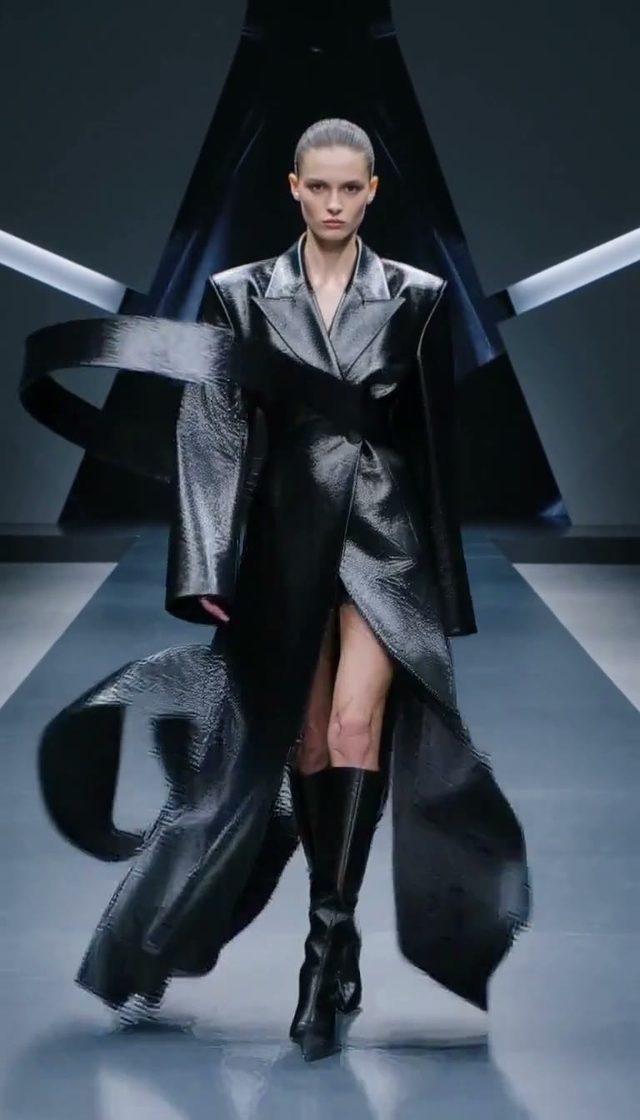 9:16
9:16A walk, a turn, a final pose.
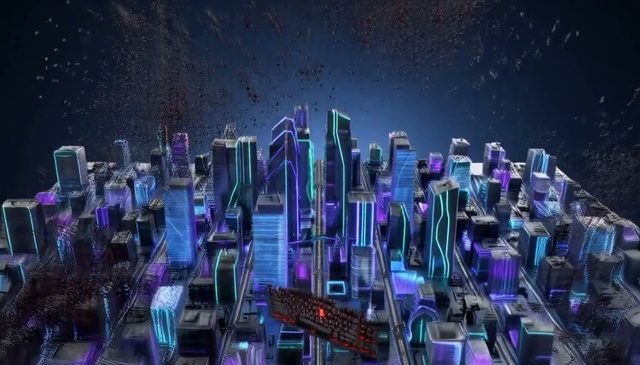 One take
One press, a world, back in the box.
 10s
10sMaterial, motion, then the hero shot.
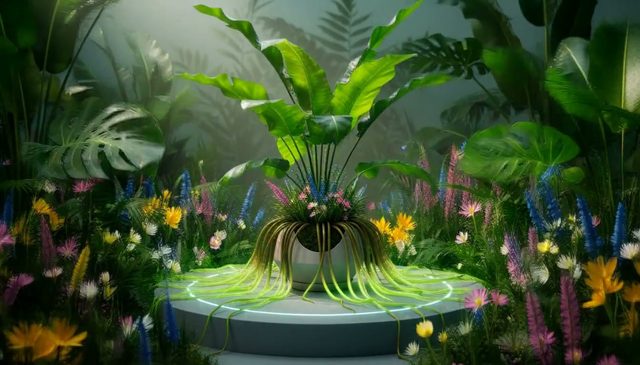 Sound on
The room grows, then settles.
 16:9
16:9A launch, a trail, a mark in the sky.
● Every format
Six frames, wide to tall. Press any tile for sound.
Rendered on OpenClips with HeyGen Video 1. October 2026.
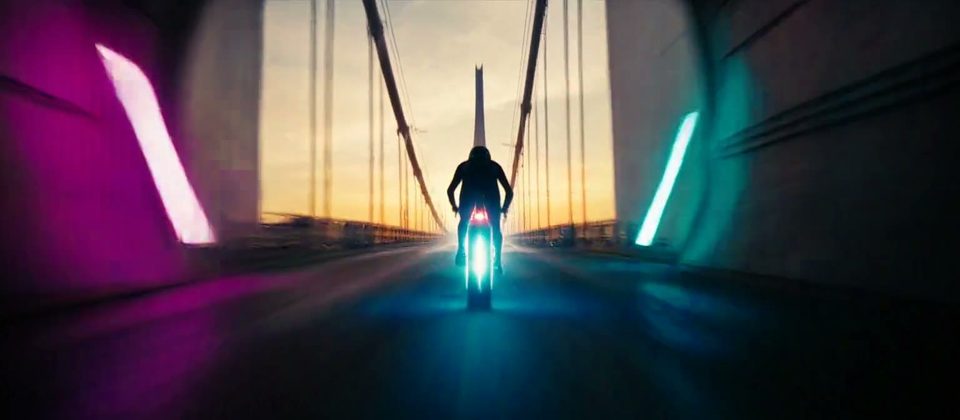 21:900:00:10:00
Make an ultra-wide video of an e-bike rider racing out of a neon tunnel onto a bridge at sunrise.
Watch with sound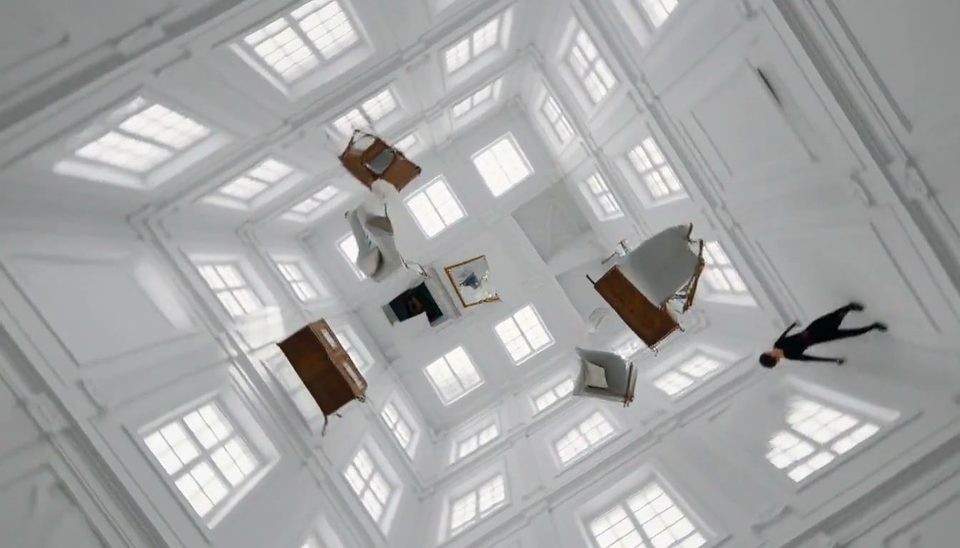 Dance00:00:10:00
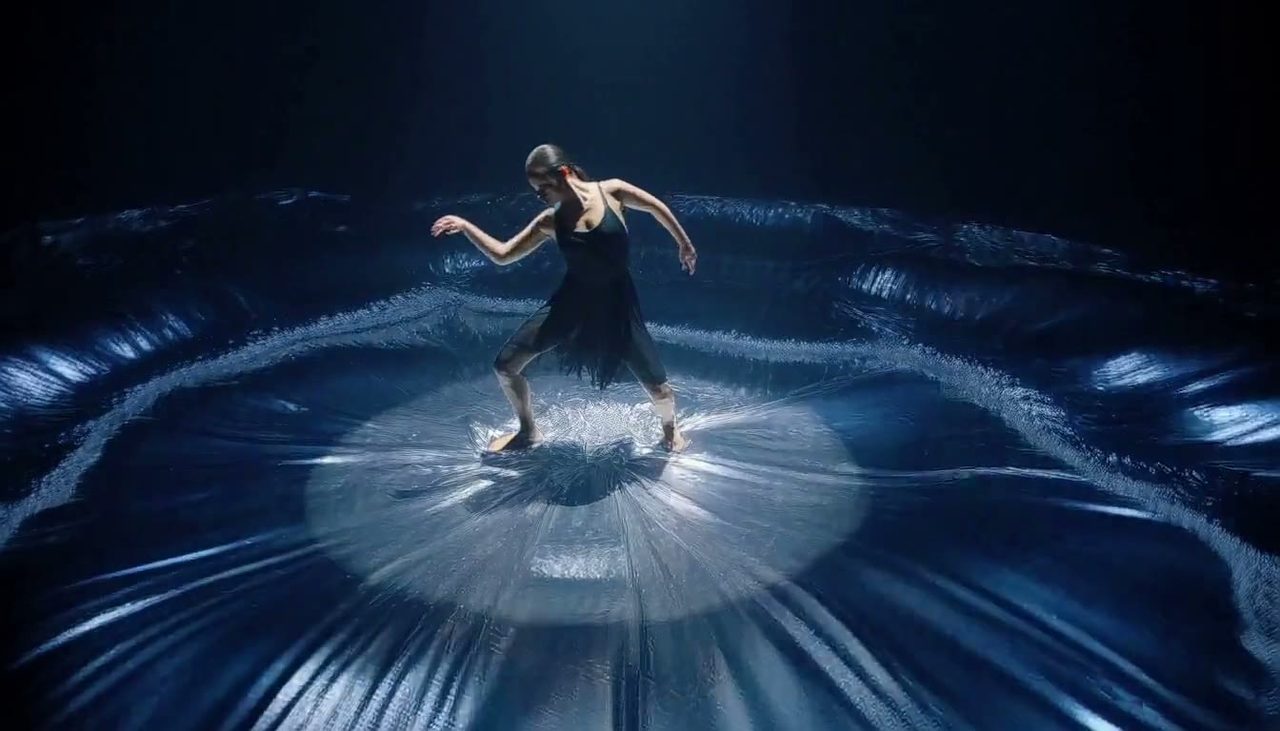
Make a video of a dancer walking across the walls of a white room as gravity shifts and the furniture floats.
Watch with sound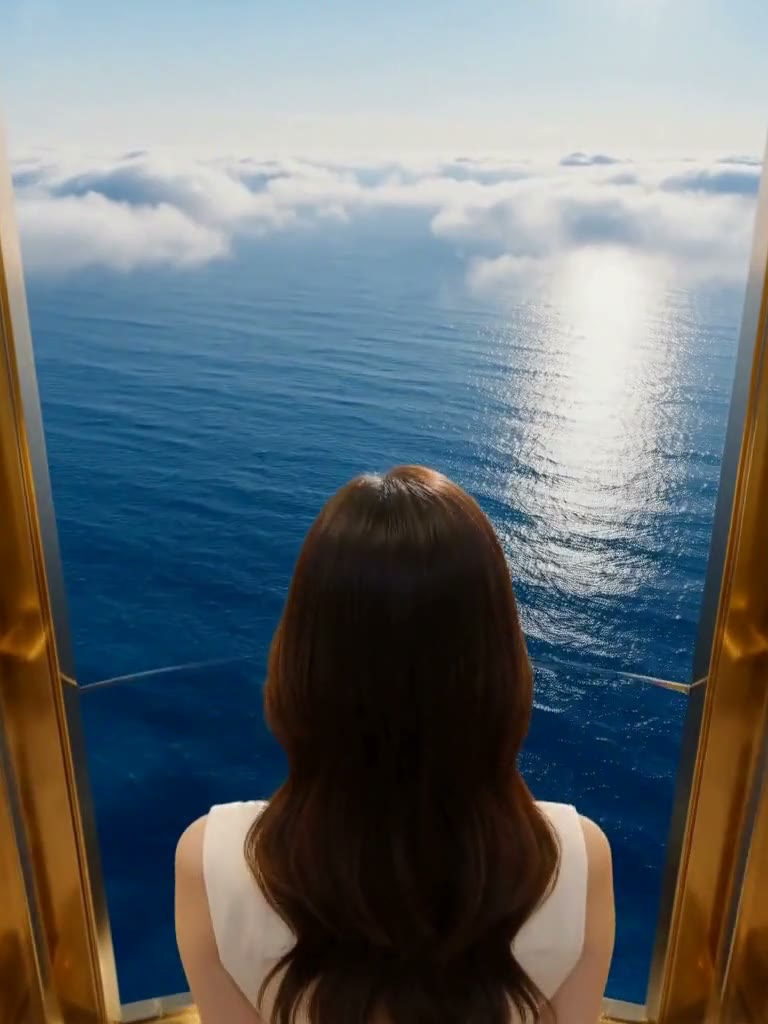 3:400:00:10:00
Make a video of a woman stepping into a golden elevator whose doors open onto an ocean above the clouds.
Watch with sound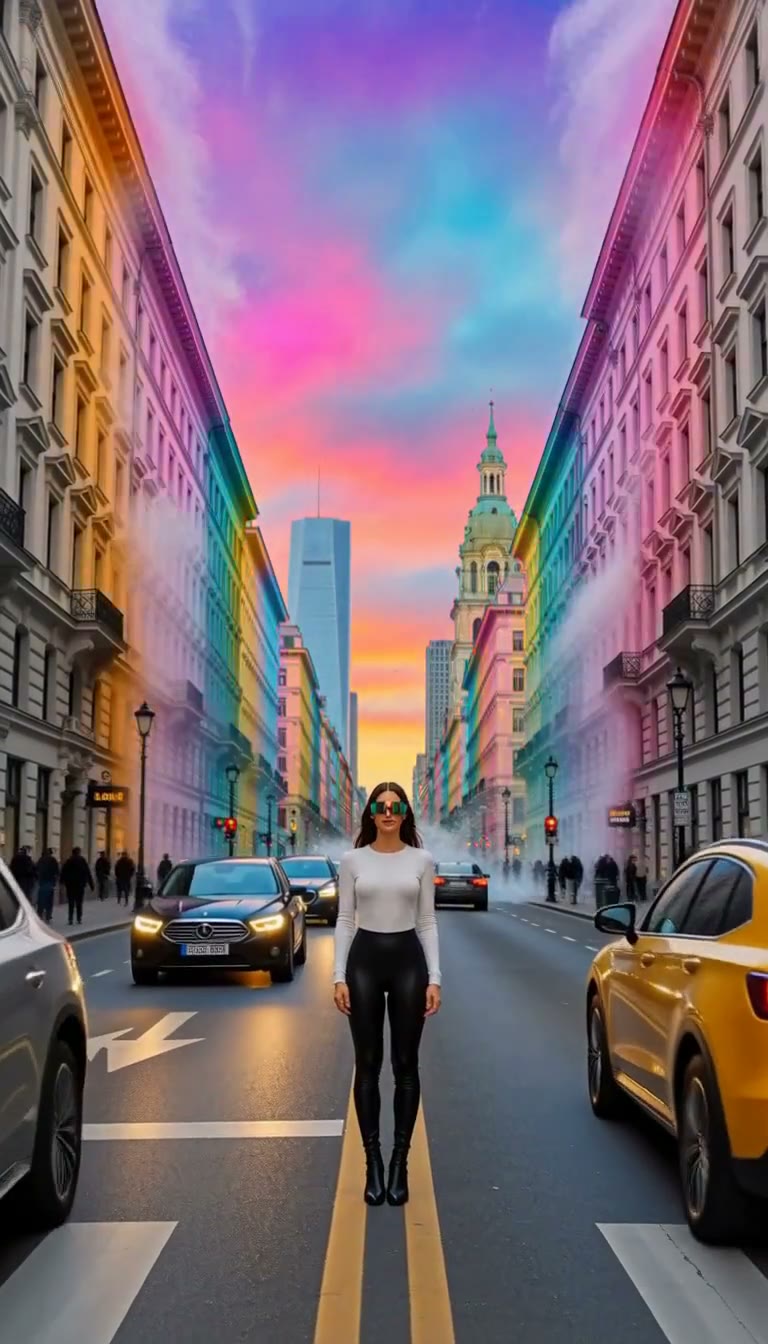 9:1600:00:10:00
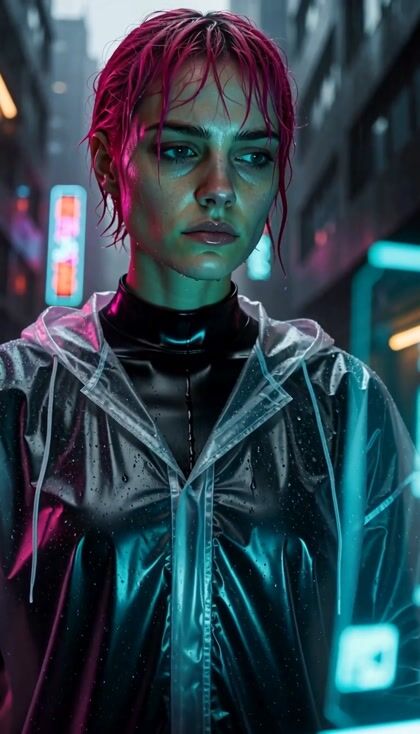
Make a vertical video of a woman on a grey city street putting on sunglasses as a wave of colour floods the city.
Watch with sound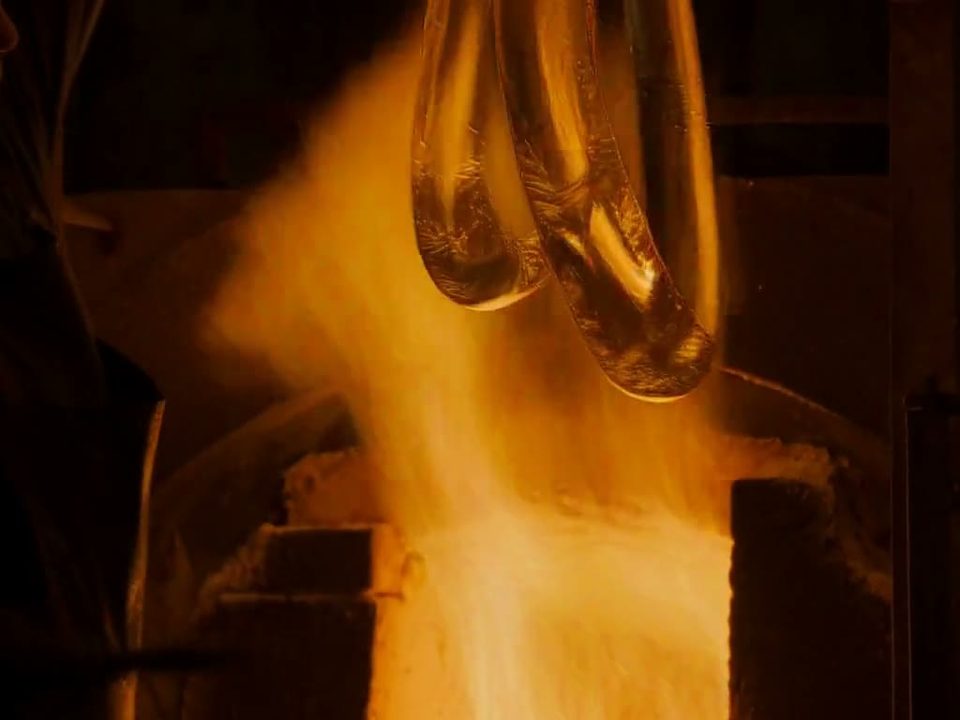 4:300:00:10:00
Make a video of molten glass stretching into ribbons that spiral into a crystal glass in a dark workshop.
Watch with sound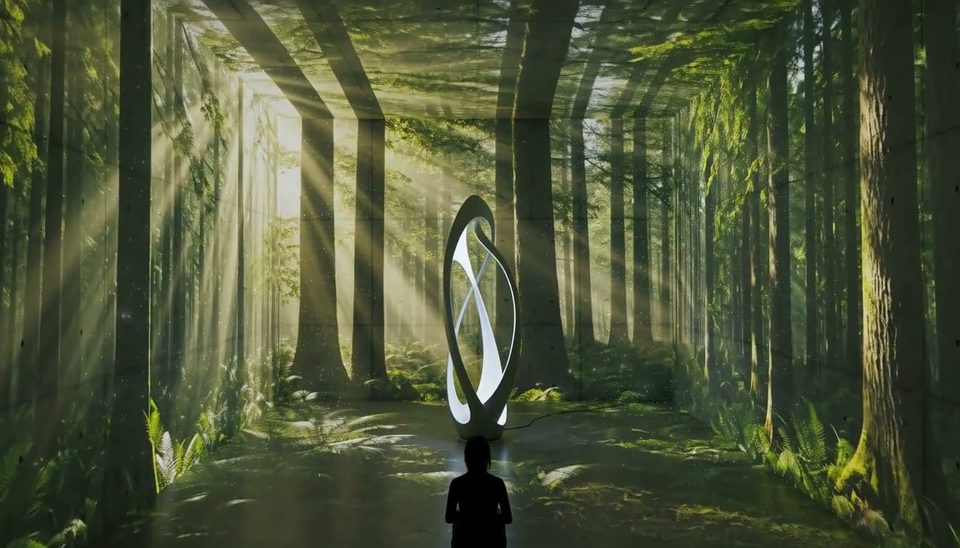 Interior00:00:10:00
Make a product video of a sculptural lamp turning a concrete room into a sunlit forest.
Watch with sound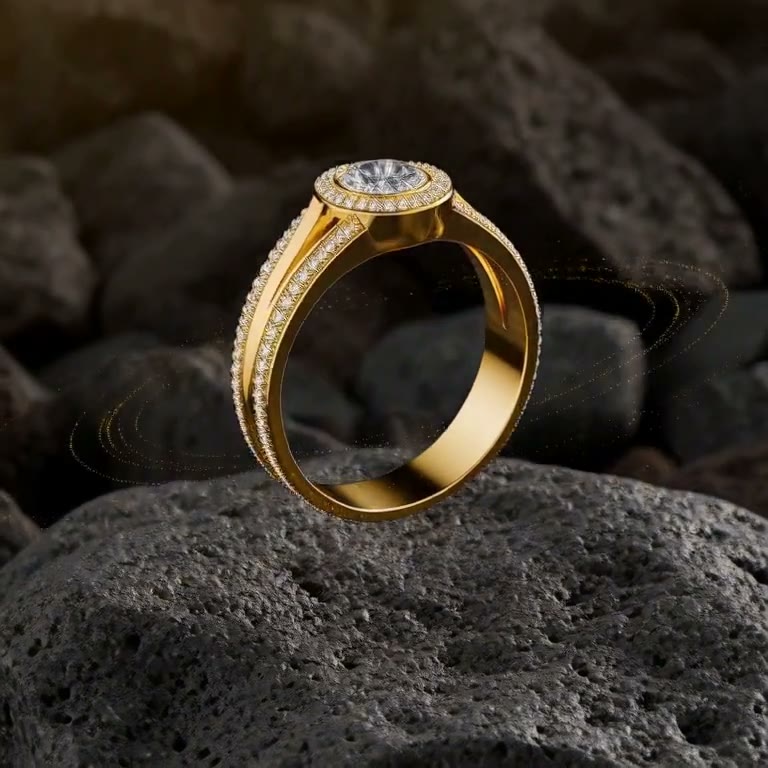 1:100:00:10:00
Make a square product video of a gold ring rising off volcanic stone inside a ring of golden particles.
Watch with sound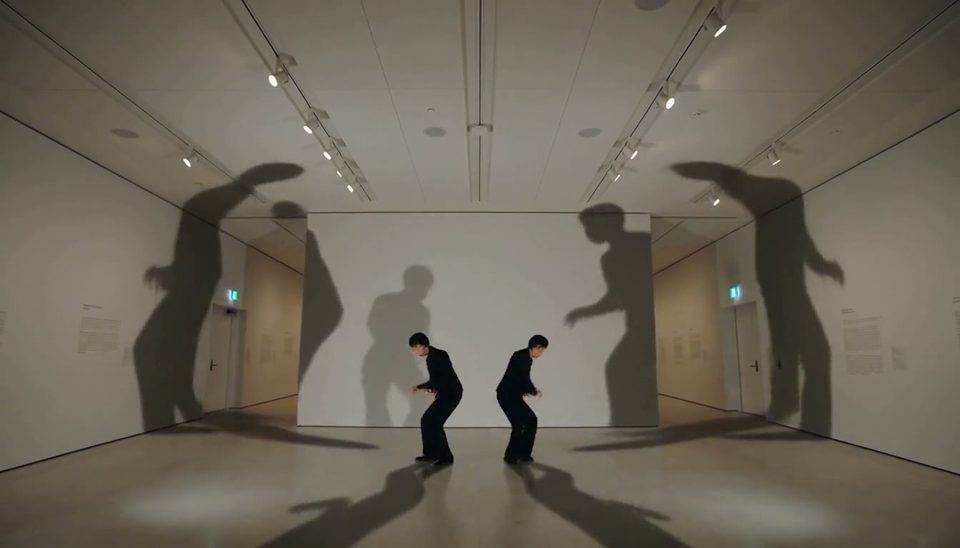 Performance00:00:10:00
Make a video of two performers in an empty museum whose shadows break free and dance across the walls.
Watch with sound| Model | Specs | ⚡ | |
|---|---|---|---|
| HeyGen Video 1heygen-video-1 | Text or a first frame to video, with generated sound.480p / 768p / 1080p / 2k · 16:9 21:9 4:3 1:1 3:4 9:16 · up to 15s · audio always on | from ⚡21 per renderfrom $0.017/s | Generate → |
| HeyGen Video 1 Referenceheygen-video-1-r2v | Images, a clip and audio tracks, cited by position in the prompt.480p / 768p / 1080p / 2k · 16:9 adaptive 21:9 4:3 1:1 3:4 9:16 · up to 15s · audio always on | from ⚡72from $0.297 | Generate → |
● Spec sheet
Read from the live catalog. The composer quotes your exact render before it runs.
● Briefs it lands
Anywhere the take needs its own sound.
● Quoted first
5s · heygen-video-1
21
from $0.087
Where the composer opens. Prove the beat here.
15s · heygen-video-1
62
from $0.256
The full length, on the cheap tier.
15s · heygen-video-1
306
from $1.27
The deliverable. Top of the grid.
Priced per clip, never per month. Length and resolution set the figure. Reference takes start at ⚡72. The composer shows the exact ⚡ before you press it. A free account starts with ⚡50. Packs start at $10/800⚡.
● OpenClips MCP
No console and no syntax. Your agent briefs HeyGen Video 1 through the OpenClips MCP server.
https://mcp.openclips.aiStep 01
One sentence is the brief.
Step 02
Frame, length, sound and the ⚡ quote.
Step 03
Download it, remix it, or ship it.
● Director's notes
Four habits that save a re-roll.
Setup, transformation, payoff. Three beats in one prompt.
Beat by beat
Name every sound you want, in order.
Sound is yours
Printed words on a product can come back garbled. Ask for a plain label.
Plain packs
A first-frame take keeps that image’s ratio.
Shape from the still
● Read before you render
 Prompt Craft
Six beats that turn one line of text into a trailer-grade clip.
Read it → Prompt Craft
Which frame wins where, and how to compose for it before you render.
Read it → Model Guides
Eight AI video generators, ranked by the shot each one wins.
Read it →● Questions
No. HeyGen Video 1 opens with your first purchase: a plan from $9/month or a credit pack. Packs start at $10/800⚡. A new account still gets ⚡50 on signup with no card. Spend it on the models the free plan runs.
HeyGen’s first general-purpose video model, launched on 30 September 2026. It renders a scene from a prompt, with sound effects and dialogue in the same pass.
No. HeyGen Video 1 renders the whole scene from your prompt. It does not clone a presenter or read a script with your face.
Yes, on every take. Describe the sounds you want in the prompt. Write no music when the take needs none.
Any whole second from 5 to 15. At 480p a 5-second take is ⚡21 (from $0.087) and a 15-second one is ⚡62 (from $0.256). At 2k, 15 seconds is ⚡306 (from $1.27).
Yes. One image becomes the first frame. HeyGen Video 1 Reference takes up to 9 images, 1 clip and 3 audio tracks. Cite them by position in the prompt.
16:9, 21:9, 4:3, 1:1, 3:4, 9:16.
~0–2 min per take, read from the live catalog.
● The receipts
Every link goes to the vendor's own page.
HeyGen launched HeyGen Video, its first general-purpose video model, rendering picture, dialogue and sound effects in one pass.
https://www.heygen.com/blog/introducing-heygen-videoWrite the scene. Hear it back.
Picture and sound in one pass. The price is on the button.
Generate with HeyGen Video 1Free account · ⚡50 on signup · No card
Or roll with a sibling model
HeyGen Video 1 is HeyGen's first general-purpose video model. HeyGen launched it on 30 September 2026. It renders the whole scene from a prompt: picture, sound effects and dialogue in one pass. It is not HeyGen's avatar product. Nobody has to stand in front of a camera.
Two tools. HeyGen Video 1 takes text, and one image can open the take as its first frame. HeyGen Video 1 Reference takes up to 9 images, 1 clip and 3 audio tracks, cited by position in the prompt. 5 to 15 seconds, 480p · 768p · 1080p · 2k. From ⚡21.
Product reveals that need their own sound. Scenes that transform mid-take. Short spots for a feed, in any of 6 frames. For longer single takes, try Seedance. Browse the whole models roster.
● Where to go next