
GuideLibrary & sharing
Find and download your videos
The short answer
Every video you make waits in your Library, under Creations, newest first. Press a video to open it, then press Download to save the file.
On this page6 sections
Before you start
What you need
- An OpenClips account with at least one video in it.
Who can use it
Every plan: Free, Starter, Creator, Pro and MAX.
Models marked with a lock unlock with your first purchase.
What it costs
From ⚡2 a clip. See every price
That is what making a video costs. Finding and downloading your videos costs nothing.
Steps
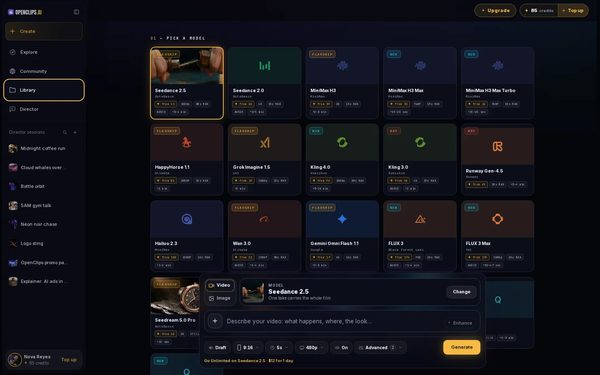
Open your Library
Press Library in the App menu. It opens on Creations: everything you made, newest first.
On a phone: Tap Open menu, then Library. Your Library opens on Creations.
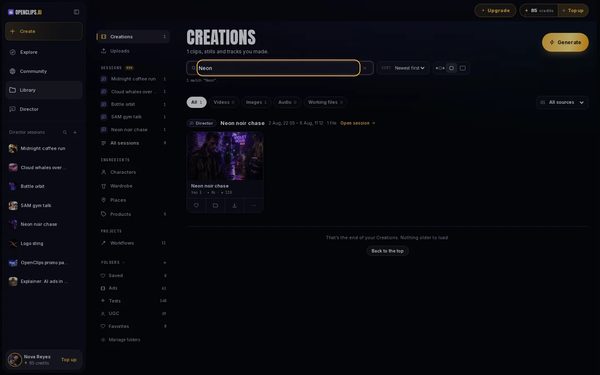
Find the video
Type a word from the video’s name in Search your Library. To see only your videos, press Videos in the row above your cards.
On a phone: Tap Search your Library and type a word from the video’s name. To see only your videos, tap Videos in the row under the title.
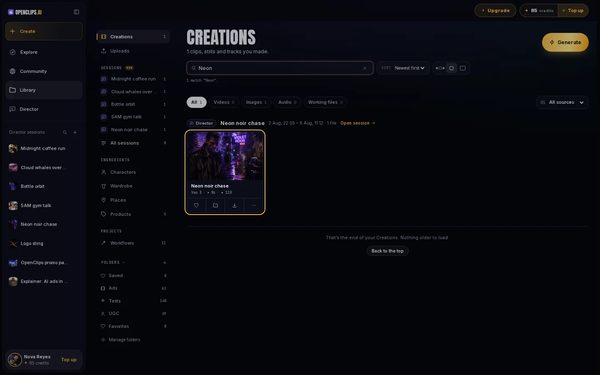
Open the video
Press the video. It opens full size, with its prompt and its details beside it.
On a phone: Tap the video. It opens full size, with its prompt and its details under it.
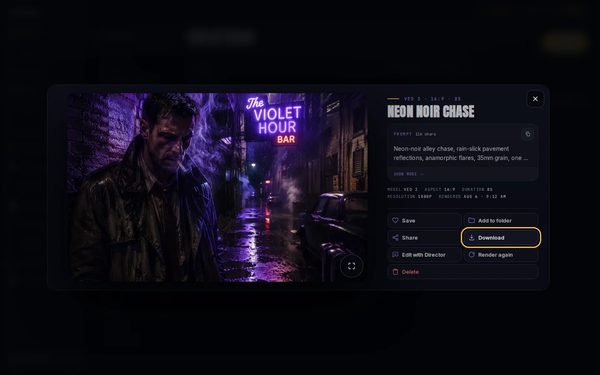
Press Download
Press Download. Your browser saves the video file.


What you get
The video as an MP4 file, saved where your browser keeps its downloads.
Tips and limits
- On a computer, the arrow under each card downloads the video without opening it.
- The ⋯ button under a card has Download too.
- To keep videos together, press Add to folder on a video and pick a folder. Your folders are in the Library’s side list on a computer, and in its menu on a phone.
If something goes wrong
- A video that is still being made has nothing to download yet. Wait until its card shows the video.
- The video failed: a failed render gives its credits back.Fix
- The video has a watermark. See Remove the free-plan mark from one video.
Questions
Where are the videos I made?
In your Library, under Creations. The newest is first, and the videos are grouped by the day you made them.
Does downloading a video cost credits?
No. You pay credits when a video is made, and downloading it is free, as often as you like.
Can I download a video on my phone?
Yes. Open the video in your Library and tap Download. The file goes where your phone keeps its downloads.
What file do I get?
A video downloads as an MP4 file, ready to post or edit.
Related
Steps checked in the app Updated