
GuideImages
How to use GPT Image
The short answer
Open Create, press Change, choose Image and pick a GPT Image model, then say what you want in the prompt and press Generate. Your image lands in your Library under Creations.
Before you start
What you need
- An idea for one image, and a photo of your own if you want to edit it.
- An OpenClips account. You can start without one and sign up when you press Generate.
Who can use it
Starter, Creator, Pro and MAX.
Models marked with a lock unlock with your first purchase.
What it costs
From ⚡1 an image. See every price
The Generate button shows the exact price before you press it. It depends on the model and the size.
Steps
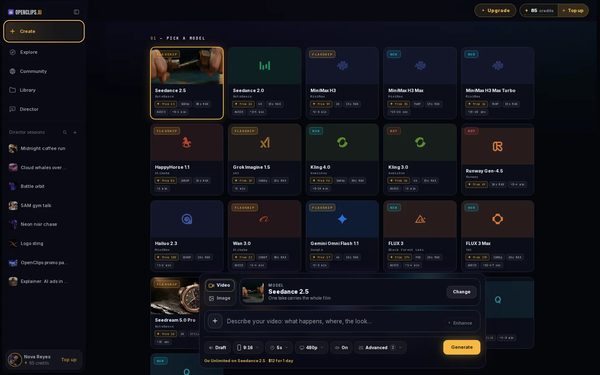
Open Create
Press Create in the App menu. The composer opens.
On a phone: Tap Create in the menu. The full-screen composer opens.
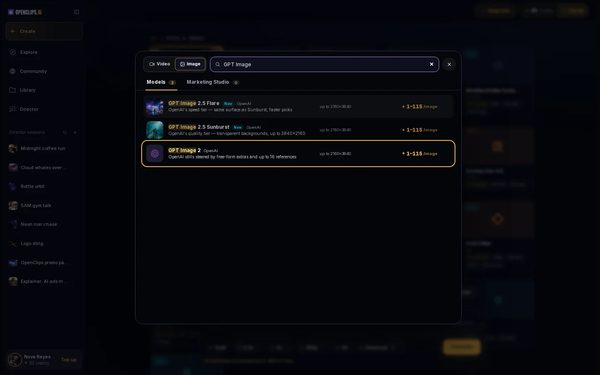
Find GPT Image in the picker
Press Change on the model card. In the picker, choose Image at the top, then type GPT Image in the search box.
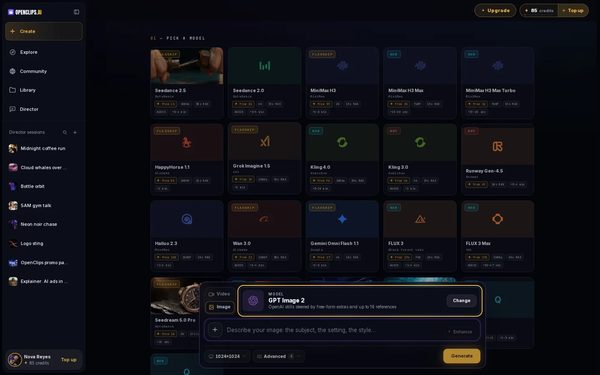
Pick a GPT Image model
Press the model you want. The model card above the prompt now shows it.
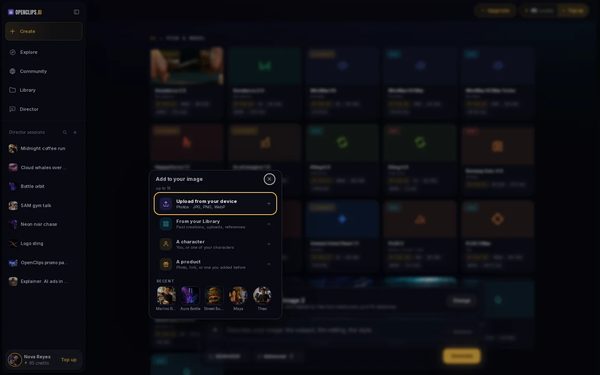
Add a photo if you want one
Press + next to the prompt and choose Upload from your device. Your photo appears beside the prompt, and its tile says how the model uses it, such as Reference. Press the tile to change that.
On a phone: Tap +, then Take a photo or Upload from your device. The photo’s tile says how the model uses it, such as Reference.
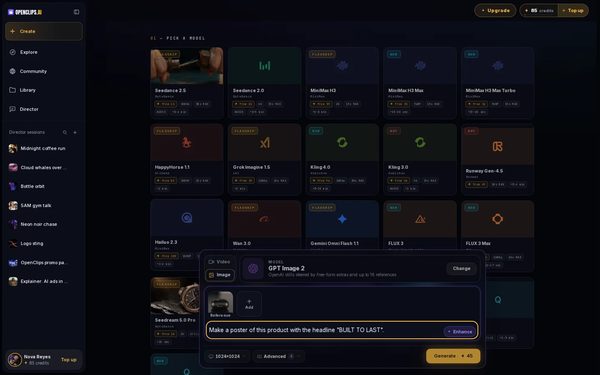
Say what you want
Write what you want in the prompt. With a photo, say what to change. For example: “Make a poster of this product with the headline “BUILT TO LAST”.”
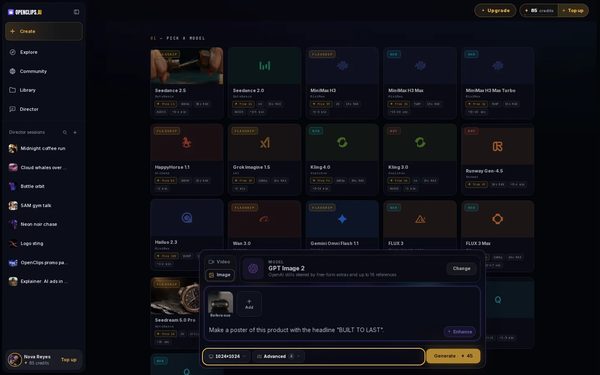
Choose the quality
Use the pill under the prompt to set the quality, which for this model is the image’s size. Every option shows its own price.
On a phone: Use the tile Quality.
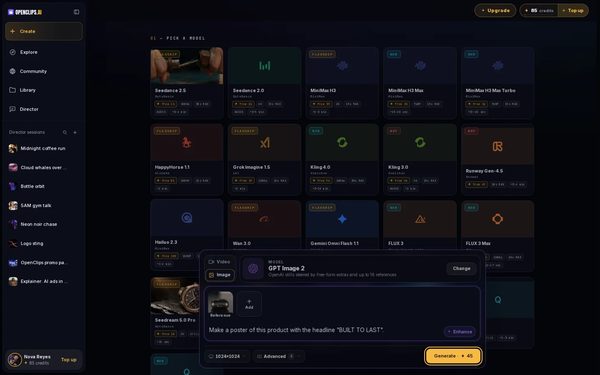
Press Generate
Press Generate. The button shows the exact price in credits before you press it, and credits are taken only when the render starts.
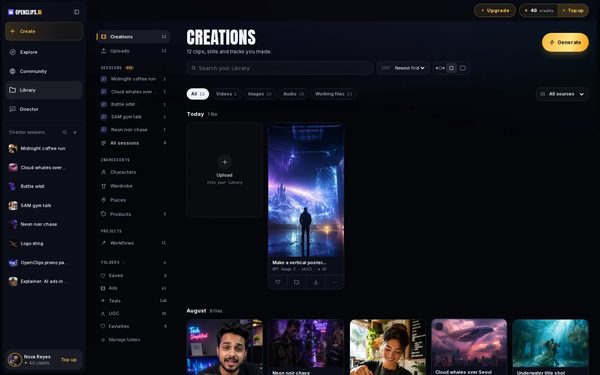
Find it in your Library
Your image lands in your Library, under Creations. While it renders, its card says how long that model usually takes.


What you get
An image made with GPT Image, in your Library under Creations.
Tips and limits
- To see what OpenClips makes from words and photos, open the AI Image Generator page.
- For how to brief GPT Image, and renders of our own, read What is GPT Image 2.5 on The Cut.
- Each GPT Image model has its own page with its specs and price, starting with the GPT Image page.
If something goes wrong
- The button says Top Up instead of Generate: your balance is too low for this image.
- The search finds no GPT Image model: choose Image at the top of the picker.
- A model shows a lock.Explainer
Questions
Which GPT Image model should I pick?
The picker shows each model’s price beside its name. The table under What each model offers on this page lists what each one makes, and each model’s page has the rest, starting with the GPT Image page.
Can I edit my own photo with GPT Image?
Yes. Add it with + and Upload from your device, then say in the prompt what to change. The add menu says how many photos the model you picked takes.
What is GPT Image?
GPT Image is a family of image models made by OpenAI. For what it does well and our own renders, read What is GPT Image 2.5 on The Cut.
Related
Steps checked in the app Updated