Prompt to SVG
Describe the mark. Get paths back, not pixels.

Real SVG paths. Not a traced bitmap. Open it and move a point.
● Arrow 2, rendered
Six takes off the model this page is about.
Rendered on Arrow 2 and Arrow 2 Telos in September 2026. Prompts verbatim under each tile, sent with one shared technical tail.
 Text to SVG
Arrow 2
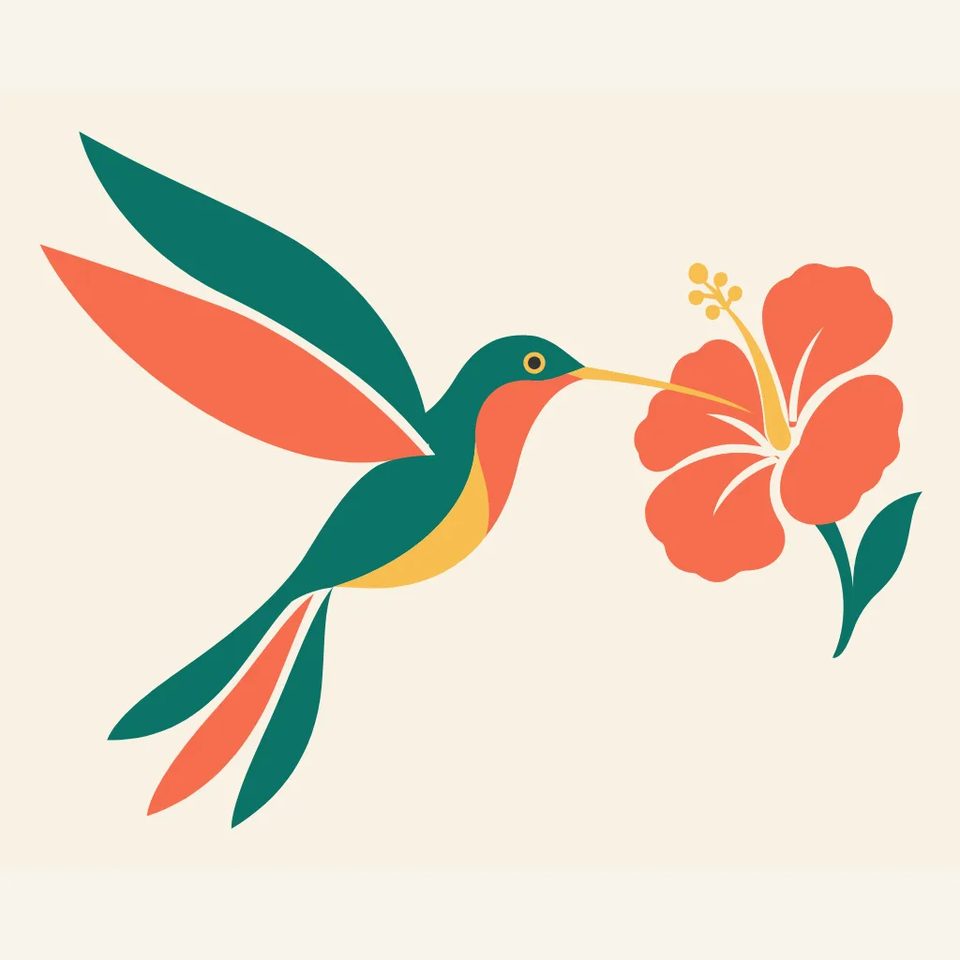
A hummingbird hovering in profile, beak toward a single stylised hibiscus. Wings swept into two long clean arcs, tail feathers as three separate paths. Body built from a few large shapes. Palette: emerald #0F7B6C, coral #F26B4F, gold #F2C14E on cream #F7F4EC. Square 1:1, subject centred.
 Text to SVG
Arrow 2
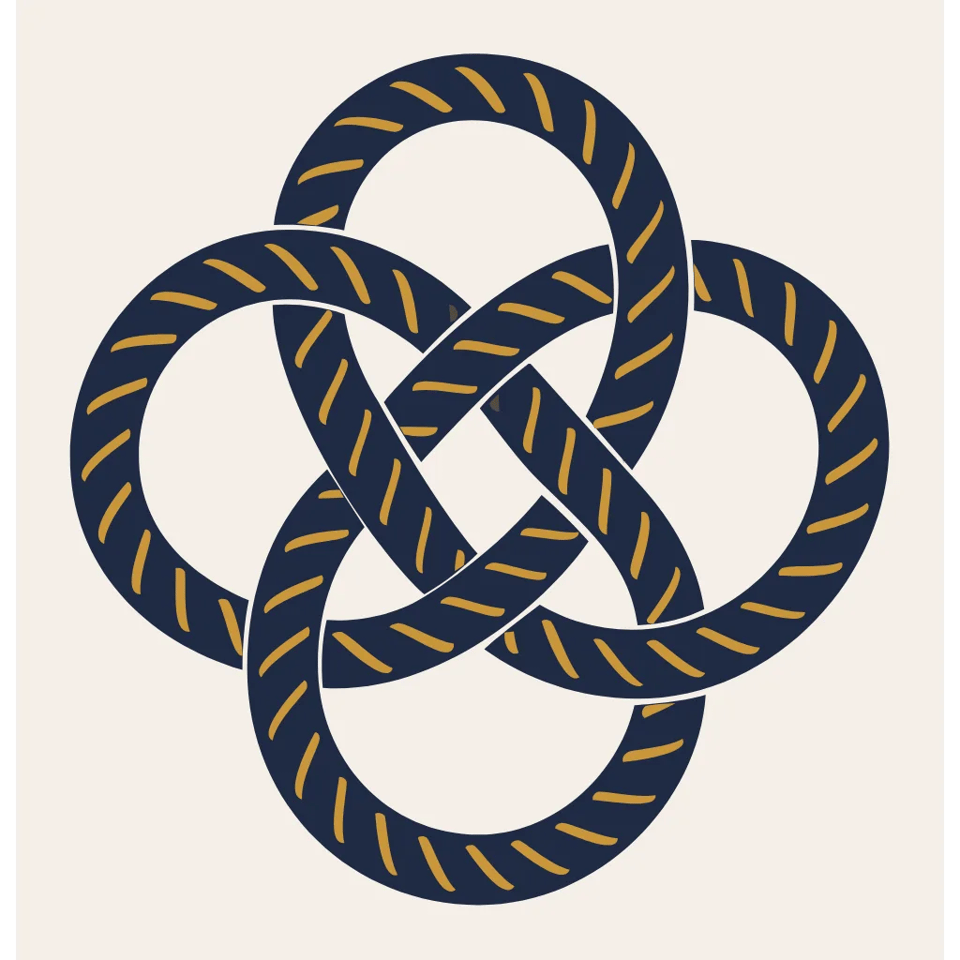
A single nautical rope knot seen from directly above, the rope crossing over and under itself four times. Constant rope thickness the whole way, each strand one continuous unbroken path, twist marks as short parallel dashes. Palette: navy #1F2A44 rope with ochre #C9963A highlights on off-white #F4EFE6. Square 1:1.
 Text to SVG
Arrow 2 Telos
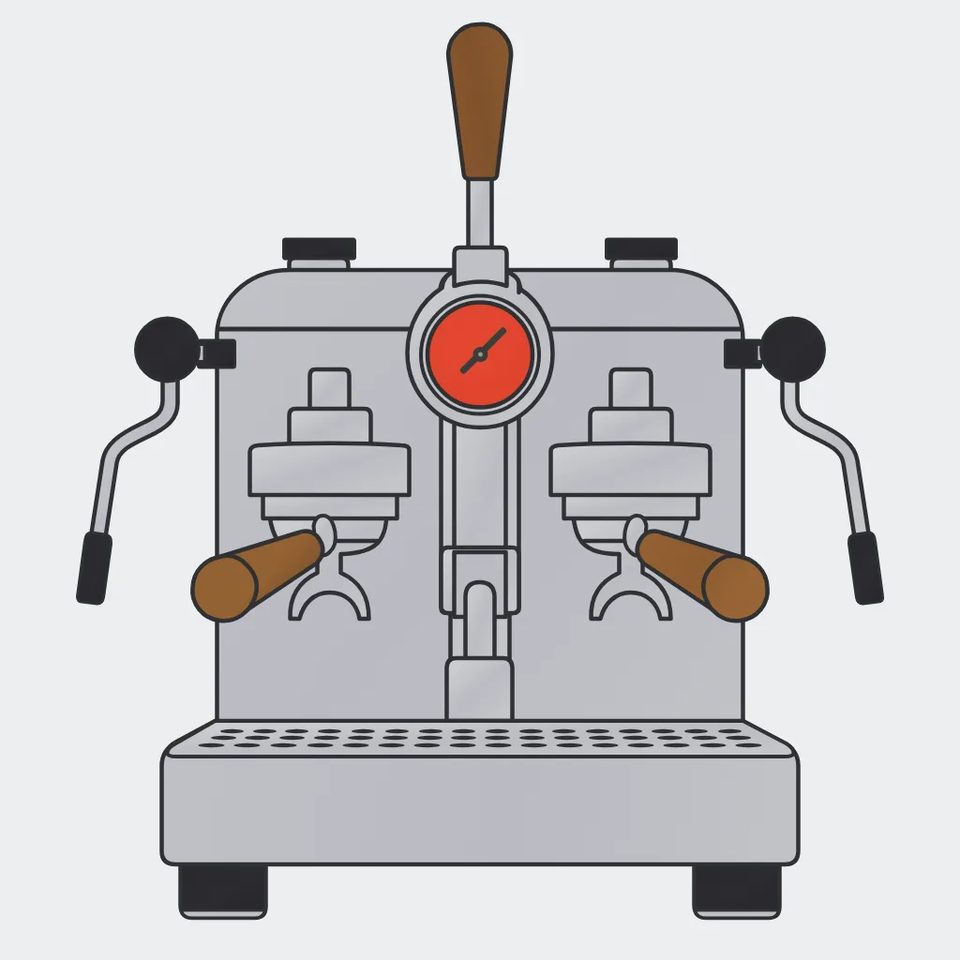
A vintage lever espresso machine in strict front view: chrome body as flat light-grey shapes, a round pressure gauge, two portafilters, a wooden lever handle. Symmetrical, every edge either straight or a clean arc. Palette: charcoal #2B2B2E, silver #C9CCD1, walnut #7A4B2A, one red #D9412F dial on pale grey #EDEEF0. Square 1:1.
 Text to SVG
Arrow 2
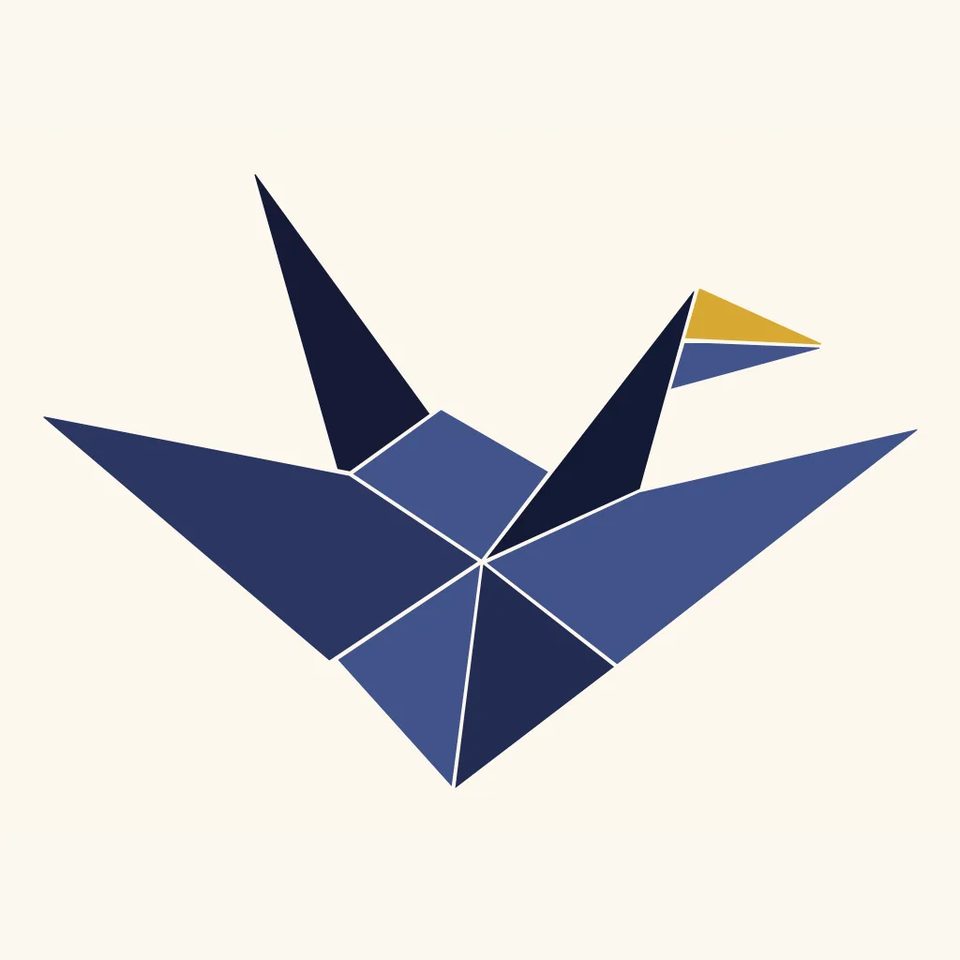
An origami paper crane in flight, built from nine flat folded planes, each plane a separate solid shape with a visible fold line between them. One plane in gold, the rest in three tones of ink blue. Symmetrical about a diagonal axis, floating on a plain warm-white field #FBF8F1. Palette: ink #141A33, #26325C, #3E4F8A, gold #D4A72C. Square 1:1.
 Text to SVG
Arrow 2
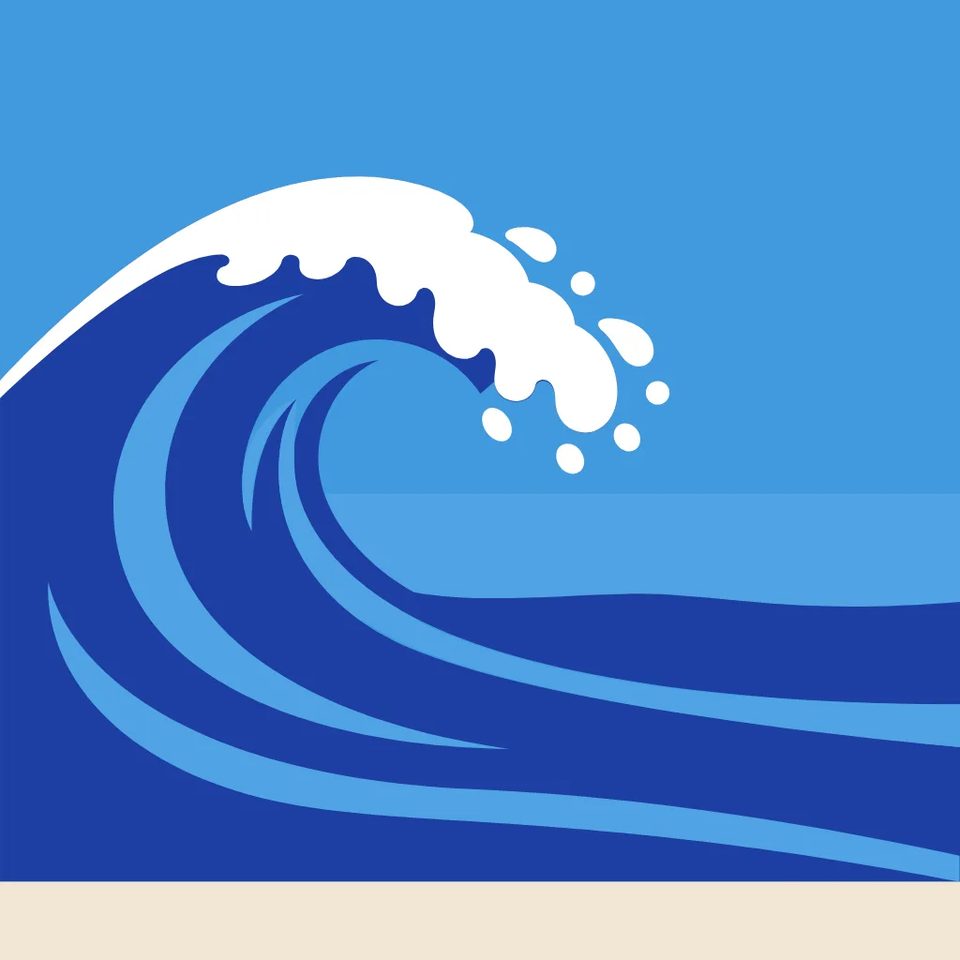
A breaking ocean wave curling to the left, its foam broken into rounded droplet shapes along the crest, three layered bands of water behind it receding to a flat horizon. Palette: cobalt #1E3FA3, sky #4FA3E3, foam white #FFFFFF, pale sand #F1E6D2 in the lower strip. Square 1:1.
 Text to SVG
Arrow 2
A 1960s rotary desk telephone in three-quarter view: rounded body, a ten-hole dial with a finger stop, coiled handset cord drawn as an even repeating curve. Smooth compound curves, no hard corners. Palette: mustard #E0A526 body, olive #4E5D3A dial, cream #F5EFDF field, ink #1E1E1E cord. Square 1:1.
● What Quiver claims
01
Fewer control points. They sit where you would put them.
02
Spacing, padding and alignment survive the export.
03
Hand it a bitmap. Get paths back, not an outline.
04
Keeps the palette and the shape language across a set.
● Use cases
Scales without softening. Every frame below is an Arrow 2 render.
 ARROW 2 TELOS
Seven triangles, one colour. Drop it on anything.
 ARROW 2
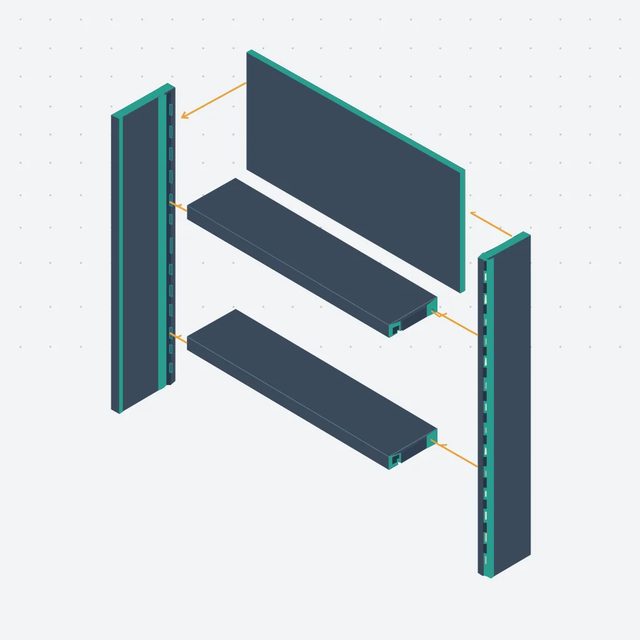
Five parts on a dot grid. Aligned, and they stay aligned.
 ARROW 2
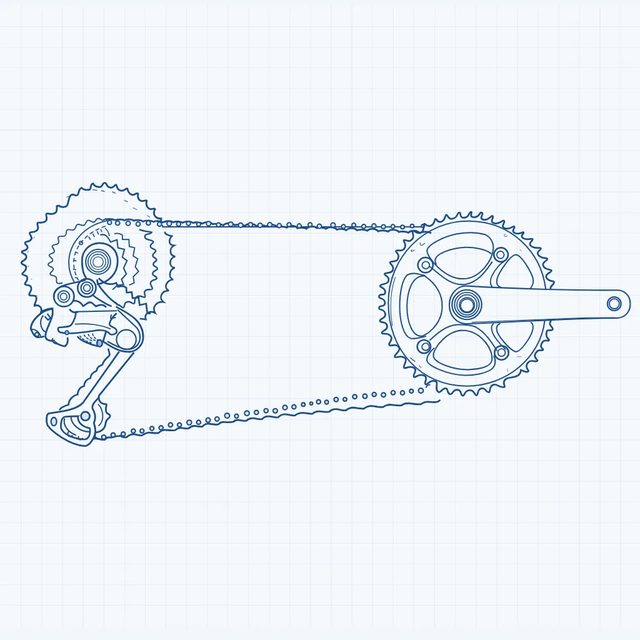
One stroke weight, every tooth drawn. Recolour it in one click.
 ARROW 2
Transparent background, two colours. Sits on video without a halo.
● The two tiers
Same model family. One is built for volume, one for the hard brief.
| Spec | Arrow 2 | Arrow 2 Telos |
|---|---|---|
| Output | Arrow 2Editable SVG | Arrow 2 TelosEditable SVG |
| Built for | Arrow 2Speed and cost per asset | Arrow 2 TelosHarder briefs, more refinement |
| Overall rank | Arrow 22nd of 54, 1495 Elo | Arrow 2 Telos1st of 54, 1508 Elo |
| Icons and UI | Arrow 21st, 1330 Elo | Arrow 2 Telos2nd, 1293 Elo |
| Logos and branding | Arrow 2Outside the top six | Arrow 2 Telos6th, a statistical tie |
| Context window | Arrow 2Base | Arrow 2 TelosFar larger, per Quiver |
| Rate | Arrow 2Base | Arrow 2 TelosHigher, per Quiver |
Ranks read off Rapidata's public SVG leaderboard on 18 September 2026. The logo slice rests on seventeen prompts with intervals near 62 points, so treat it as a tie. Sizes, limits and OpenClips prices arrive from the catalog, not from this table.
● Shape language
Line art to linocut. Every one is a real SVG.
Rendered on Arrow 2 and Arrow 2 Telos in September 2026. Prompts verbatim under each tile, sent with one shared technical tail.
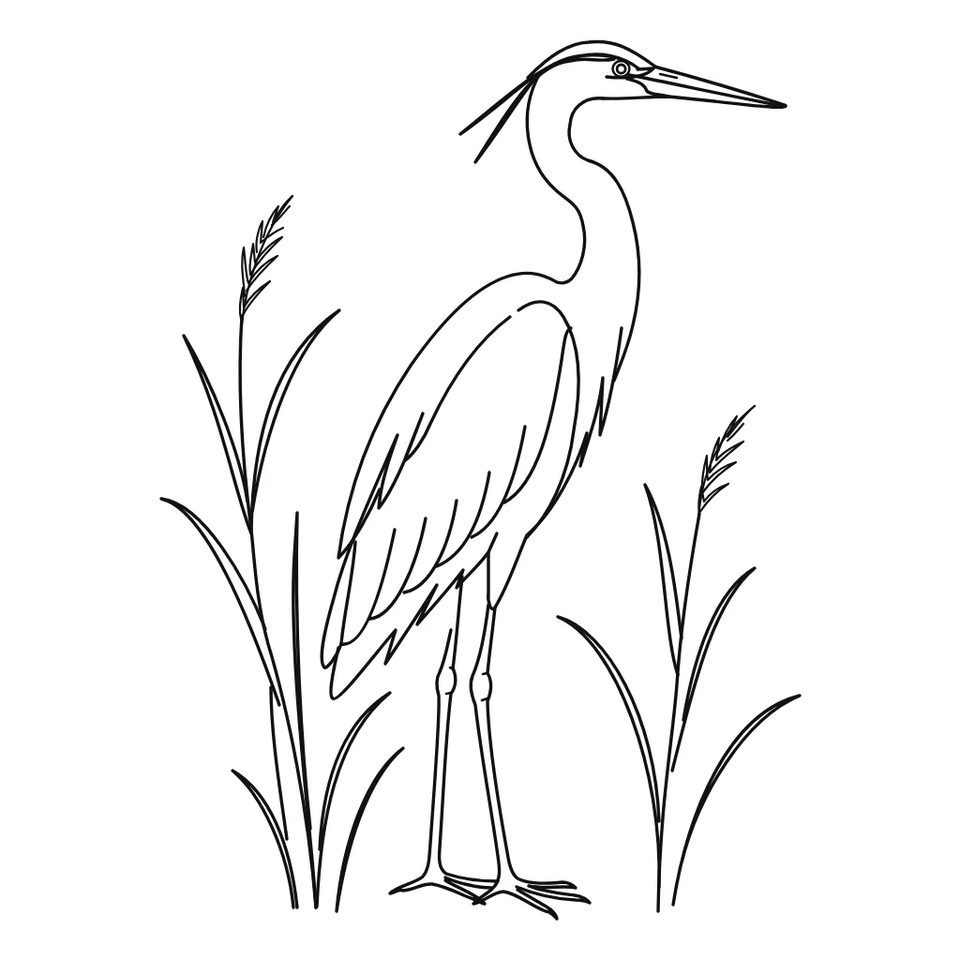 Text to SVG
Arrow 2 Telos
A grey heron standing among reeds, in single-weight black line art: one constant stroke, no fills, negative space doing the work. Black #111111 on white #FFFFFF. Square 1:1.
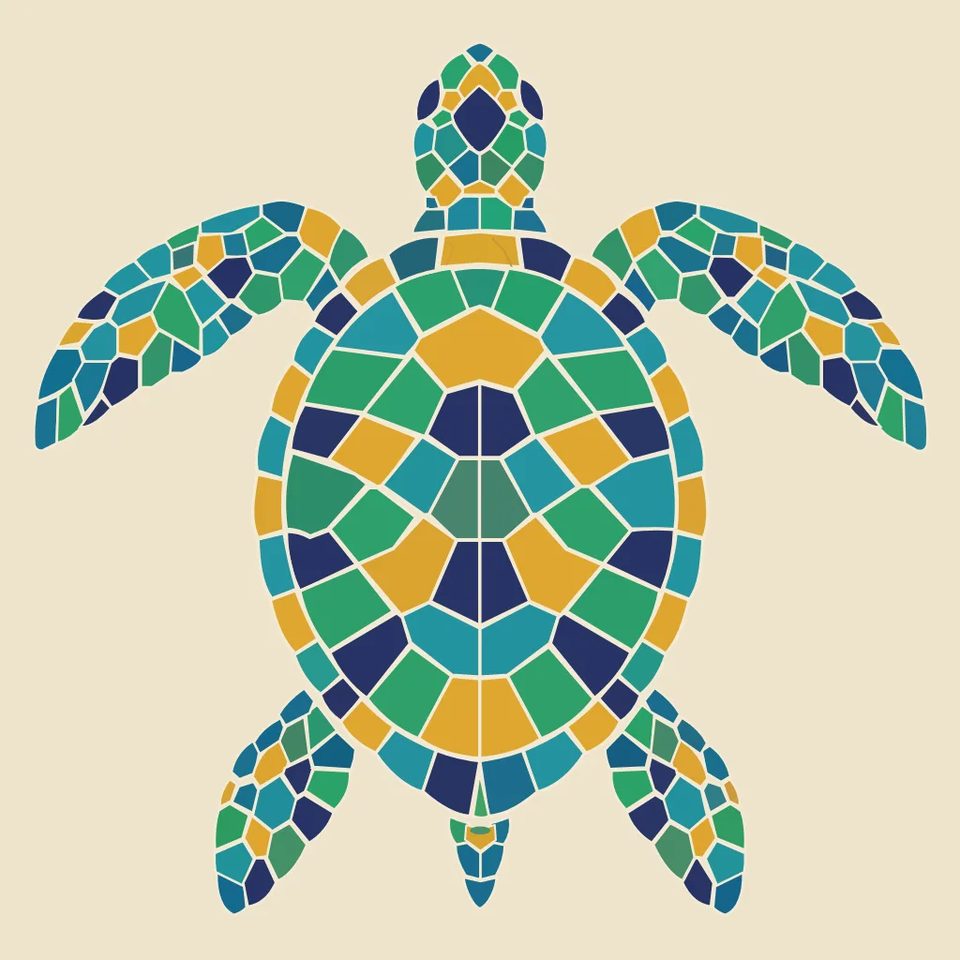 Text to SVG
Arrow 2
A sea turtle in top view rendered as a mosaic: the whole body tessellated into small irregular tiles with thin white grout lines between them. Jewel tones: teal #1F8A9C, emerald #2E9E6B, amber #E0A526, deep blue #23306B. On a sand #EFE4CC field. Square 1:1.
 Text to SVG
Arrow 2
A single sunflower head and stem painted in thick confident brush-like strokes, each petal one bold shape, the centre a dense field of dots. Only three colours: black #111111, sunflower yellow #F2B90C, leaf green #3D7A3A on warm white #FBF7EE. Square 1:1.
 Text to SVG
Arrow 2
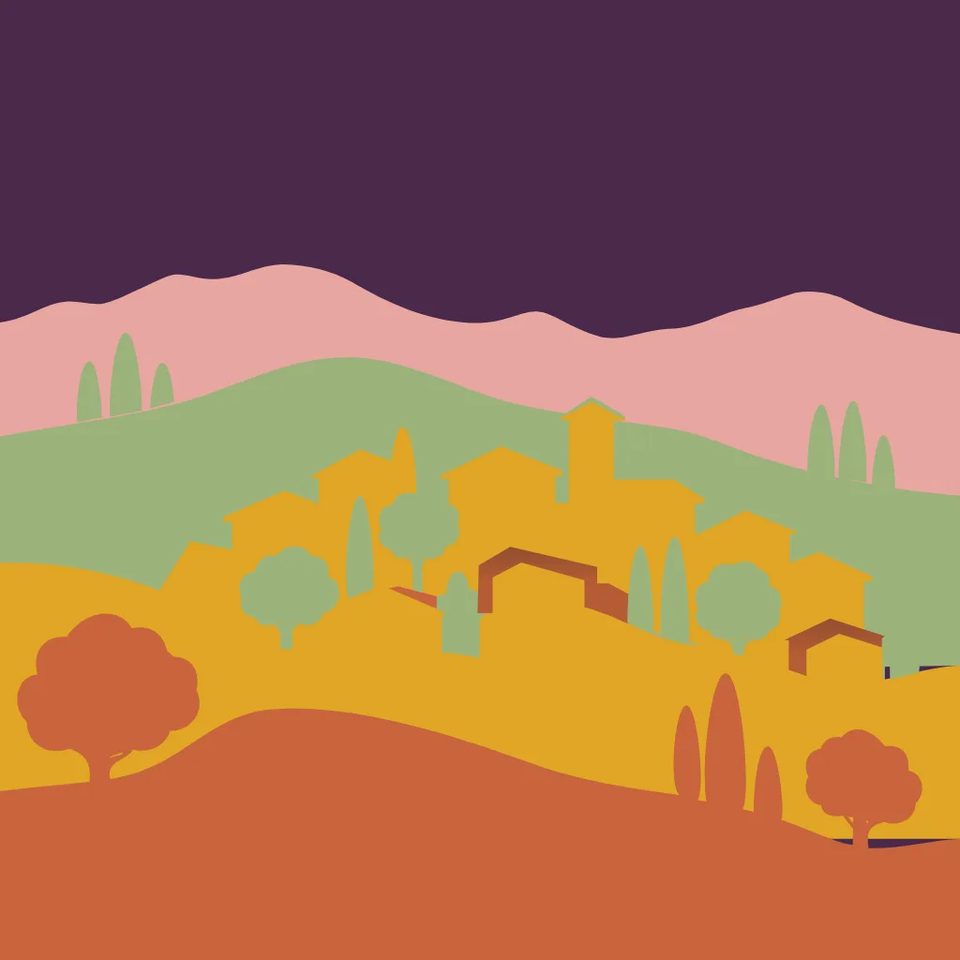
A hillside village built as layered paper cutouts: five stacked layers from foreground to sky, each a flat shape slightly offset from the one behind to suggest depth, houses and trees as simple silhouettes. Warm palette: terracotta #C8643C, ochre #E0A526, sage #9BB27A, dusk pink #E8A6A1, deep plum #4A2C4F sky. Square 1:1.
 Text to SVG
Arrow 2
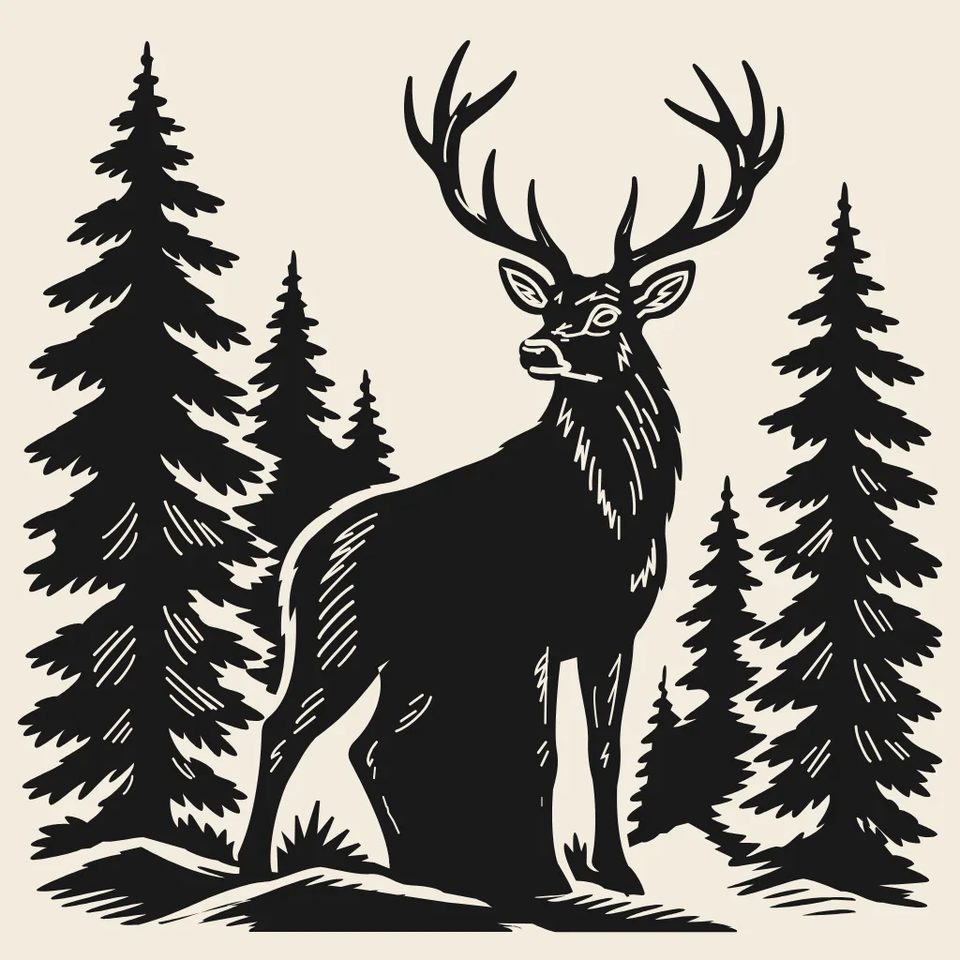
A stag standing among pine trees in linocut style: carved-looking marks, rough-edged shapes, hatched textures made of short parallel cuts. Two colours only, ink #1A1A1A on cream #F3EBDD. Square 1:1.
 Text to SVG
Arrow 2
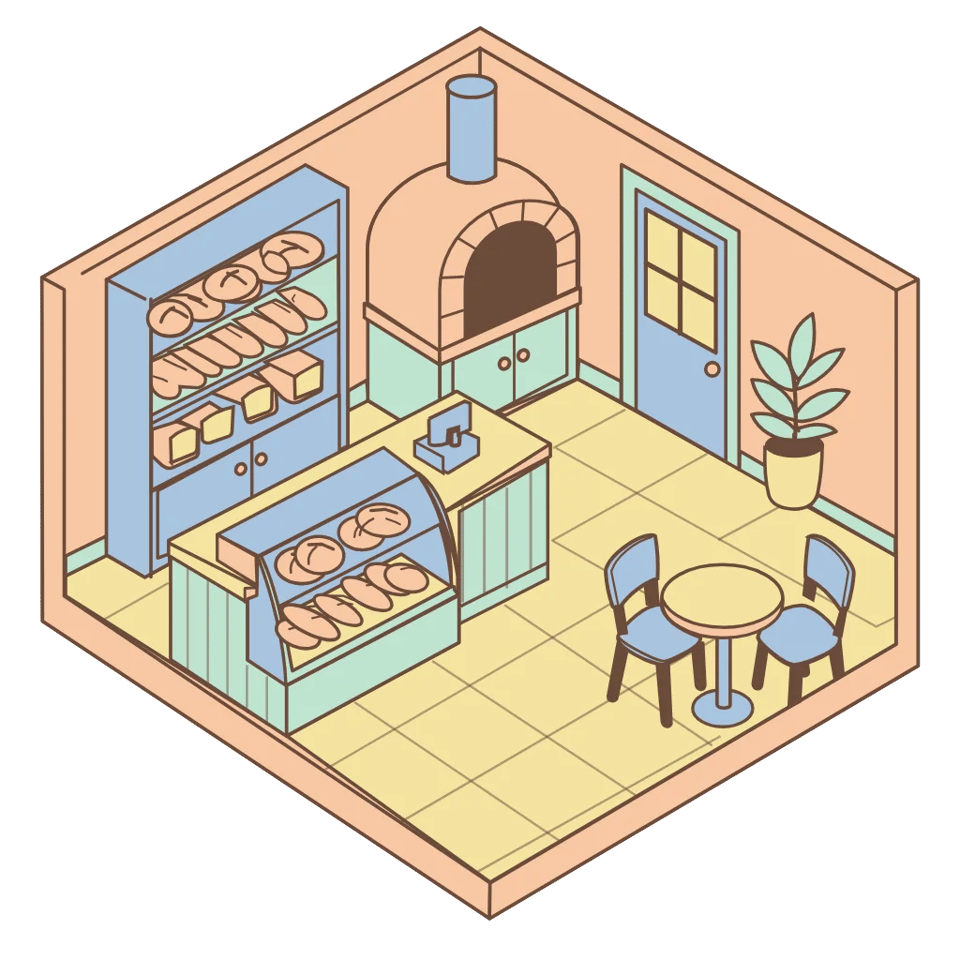
A tiny bakery interior in isometric view at 30 degrees, roof removed: counter, display case with loaves, an oven, a small round table with two chairs, a potted plant by the door. Pastel palette: peach #F7C7A3, mint #BFE3D0, butter #F5E3A1, dusty blue #A9C4E0, cocoa #6B4A3A outlines. Square 1:1.
● Two doors
Describe the mark. Get paths back, not pixels.
Upload a bitmap. Arrow 2 redraws it as editable shapes.
● Three moves
01
Name the subject. Keep the palette short.
02
Pick Recraft in the composer. Take several, they are cheap.
03
Drop the SVG into your editor. Move a point.
● The sheet
Vendor and roster facts only. Sizes, aspect ratios and OpenClips prices arrive from the catalog.
● Pointed at
Line art an ad needs. Editable after the render.
● Questions
A Quiver AI model that writes vector graphics. The output is SVG: shapes described as code, with control points you can move afterwards. Quiver announced it on 7 September 2026 alongside a second tier, Arrow 2 Telos.
Quiver puts it plainly. Choose Arrow 2 when speed and cost per asset are the priority, and Telos for harder briefs that benefit from more refinement. Same model family, one page, no separate door.
Yes, on Recraft. Its vector models return an editable file rather than a raster image, and they are in the composer now. Arrow 2 is not in our catalog, so the composer cannot dispatch it and we will not imply otherwise.
Because part of every ad is line art. A logo, an icon set, a badge, a shape that sits over footage. Those need to scale without softening and stay editable when the brand team asks for one change. A raster model hands you a picture of that artwork. A vector model hands you the artwork.
Not yet. The composer dispatches what our catalog serves, and Quiver has not reached it. Recraft covers the same brief today, one click from this page. Nothing here quotes an Arrow price or spec, because the catalog is where those come from and it has none to give.
● Sixty seconds
Works on any tool. Run it on ours too.
Open one simple shape. Six points is drawn. Four hundred is traced.
OPEN ONE SHAPE
Lettering should be a text element. Outlines mean it was flattened.
SELECT THE TYPE
A named group recolours in one click. Colour regions do not.
CHANGE ONE FILL
A circle should still be a circle. Not a path with forty points.
INSPECT A PRIMITIVE
● OpenClips MCP
No console and no syntax. Your agent briefs the roster through the OpenClips MCP server. Ten vectors, one instruction.
https://mcp.openclips.aiStep 01
One sentence is the brief. Nothing to attach.
Step 02
Model, count and the ⚡ quote. Drafted for you.
Step 03
Keep the winner. Credits settle automatically.
● The gaps
Three things Quiver ships that no composer field reaches yet.
Quiver ships micro animations: Arrow 2 animates the shapes and groups already inside an SVG, for logo reveals, loading states and animated icons. The composer has no slot for a source SVG and no player for the result.
Read the vendor pageQuiver lists vectorization of raster images among the five jobs Arrow 2 does. No upload reaches Arrow 2 from this page, because no marketplace id exists to send it to.
Read the vendor pageArrow 2 Telos is a second tier Quiver positions for harder briefs that benefit from more refinement. It carries no marketplace id of its own and no separate page here.
Read the vendor page● From the blog
 Model Guides
Arrow 2 tops the SVG board. We filtered the categories it loses.
Read it → Model Guides
What OpenAI shipped, and the spec sheet nobody has published.
Read it → Model Guides
Three versions, one nickname. Which tier your brief belongs on.
Read it →● The receipts
Every link goes to the vendor's own page.
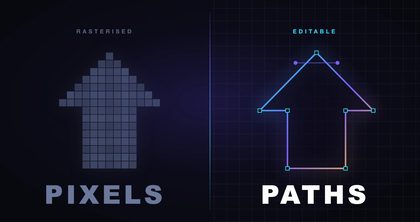
Most tools call the export a vector. You open it and find a traced bitmap. Thousands of points. Nothing you can move.
Arrow 2 writes the paths instead. Quiver states the principle plainly: vectors should be intentionally crafted through code. The model writes the markup, so the file arrives with named groups, real shapes, and curves a designer would recognise.
Every vector tool says its output is editable. The word does three separate jobs, and knowing which one you were sold is the useful part.
Traced blobs. A rasteriser run backwards. Paths exist, but they describe colour regions instead of objects. Hundreds of nodes, no grouping, lettering flattened to outlines. Technically an SVG. Practically a photograph in a costume.
Optimised paths. Curves pushed around until the render matches the prompt. The result is fragmented, and the research literature on those methods says so itself.
Generated code. The model writes the markup. Only this class returns named groups, real text elements, and a circle that is still a circle. It is what Arrow does.
Node count is not a nerd detail. An auto-traced logo can carry thousands of control points describing a curve a designer would draw with six. Every one of them can drift when somebody nudges the shape.
Arrow is not a wrapper on somebody else's image model. Quiver's CEO is first author of StarVector, the CVPR 2025 paper on writing SVG code directly from images and text. The product is that research line, commercialised by the people who wrote it.
That history predicts what the model is good at. Structure, not surface.
On the public human-preference leaderboard for SVG, read in September 2026, Arrow 2 Telos ranks first and Arrow 2 second in a field of 54. Current frontier models are in that field.
Read the category filters before quoting the rank. On logos and branding Telos sits sixth, on seventeen prompts, with confidence intervals near 62 points. That is a statistical tie, not a defeat. On icons and interface work, built on sixty-one prompts, Arrow 2 leads. The cheaper base model beats Telos there by 37 points.
So the tier advice has a shape. Telos for harder briefs. The base model for structured, flat, repeatable artwork.
Two disclosures, because both are material. That table is one benchmark on 500 fixed prompts, not a verdict. And the vector models we serve today are not the ones at the top of it: Recraft's two vector entries sit 23rd and 28th overall.
Quiver lists five jobs. Illustrations, illustrative diagrams, technical drawings and line work, vectorisation of raster images, and micro animations.
Part of every ad is line art. A logo, an icon set, a badge, a shape that sits over footage. Those need to scale without softening, recolour without a re-render, and stay editable when the brand team asks for one change. A raster model hands you a picture of that artwork. A vector model hands you the artwork.
Vector work has two live doors on the roster. Recraft V4 (vector / SVG) writes true SVG today. Ideogram 4.0 handles marks and layout when the output can stay raster.
We read the launch properly. What Is Quiver Arrow 2? opens the public leaderboard, filters the categories nobody filtered, and does the pricing arithmetic.
Arrow 2 writes the paths. The artwork stays editable after the render. The composer picks it up the day Quiver reaches our catalog.
Shot on Recraft V4.1
Need it today
Recraft leads with V4.1 for design work. Its vector engines sit in the same composer.
Open Recraft● Where to go next