What Is Pruna P-Video 2 Pro Avatar? Talking Video From One Photo
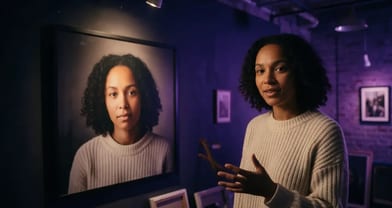
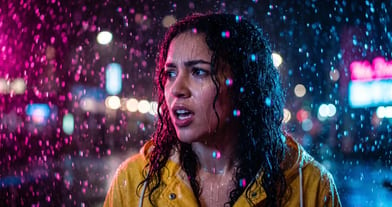
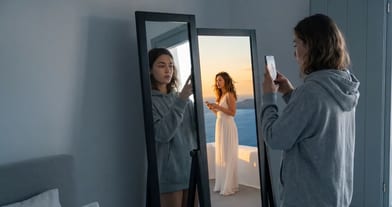
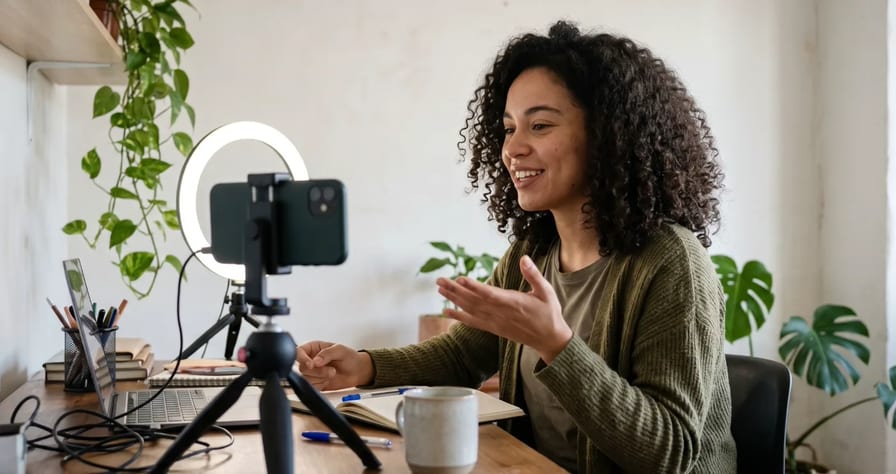
Pruna P-Video 2 Pro Avatar makes the person in one photo say your script, with lips and expression synced. You type the words, pick a voice and a language, and describe the shot; or you upload your own audio instead.
Scene select — 6 scenes
Pruna P-Video 2 Pro Avatar makes the person in one photo say your script, with lips and expression synced. You type the words, pick one of 30 voices and 10 languages, and describe the shot; or you upload your own audio instead. The price scales with the length of your script, and the Generate button shows the exact cost before you render.
It landed on OpenClips in October 2026; it sits on the models page. Below: what it does and will not do, what a script really costs, when to pick it over OmniHuman 2.0 or FLUX 3, how to fill each field, three ad scripts and the mistakes to avoid. We rendered Template 1 once on our account (below); everything else comes from Pruna’s docs and the OpenClips composer, not from a wider quality test.
What it does, and what it will not do
It is a talking-video model, based on MiniMax H3 according to Pruna. The portrait sets the identity, the framing and the aspect ratio. The soundtrack sets everything else.
| It does | It does not |
|---|---|
| Speak your script word for word | Follow stage directions typed into the script (it reads them aloud) |
| Run as long as the script or audio | Use a duration slider to change the length |
| Animate one person: talking, expression, small gestures | Walk around, change scene or cut to a second shot |
| Make paintings, sculptures, anime and game characters talk | Animate the product by itself |
| Sing along to an uploaded song | Add captions or on-screen text |
| Keep the portrait’s ratio (9:16 in, 9:16 out) | Take a trained avatar directly (use a still of it) |
For ads, the useful case is a spokesperson or creator talking to camera with the product already in the photo, in their hand or on the table. Pruna’s own examples include a presenter gesturing toward a kettle.
Here is that case, rendered once on our account with Template 1 below, exactly as printed: one portrait, the script, voice Zephyr (Female) in English (US), at the default resolution. This is the portrait we started from:
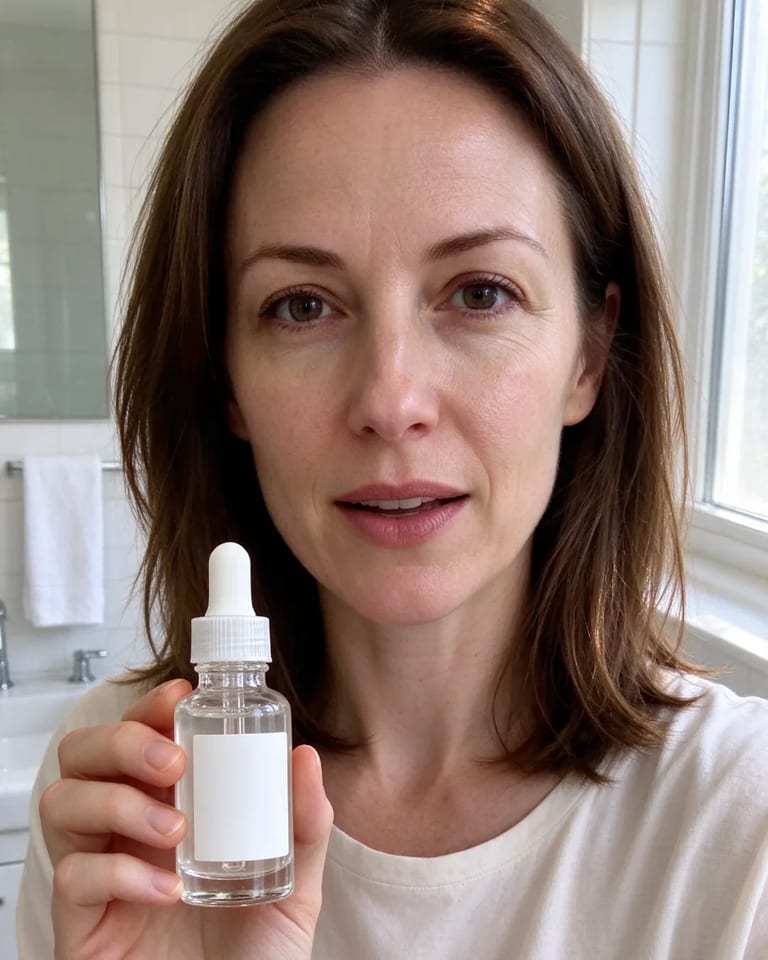
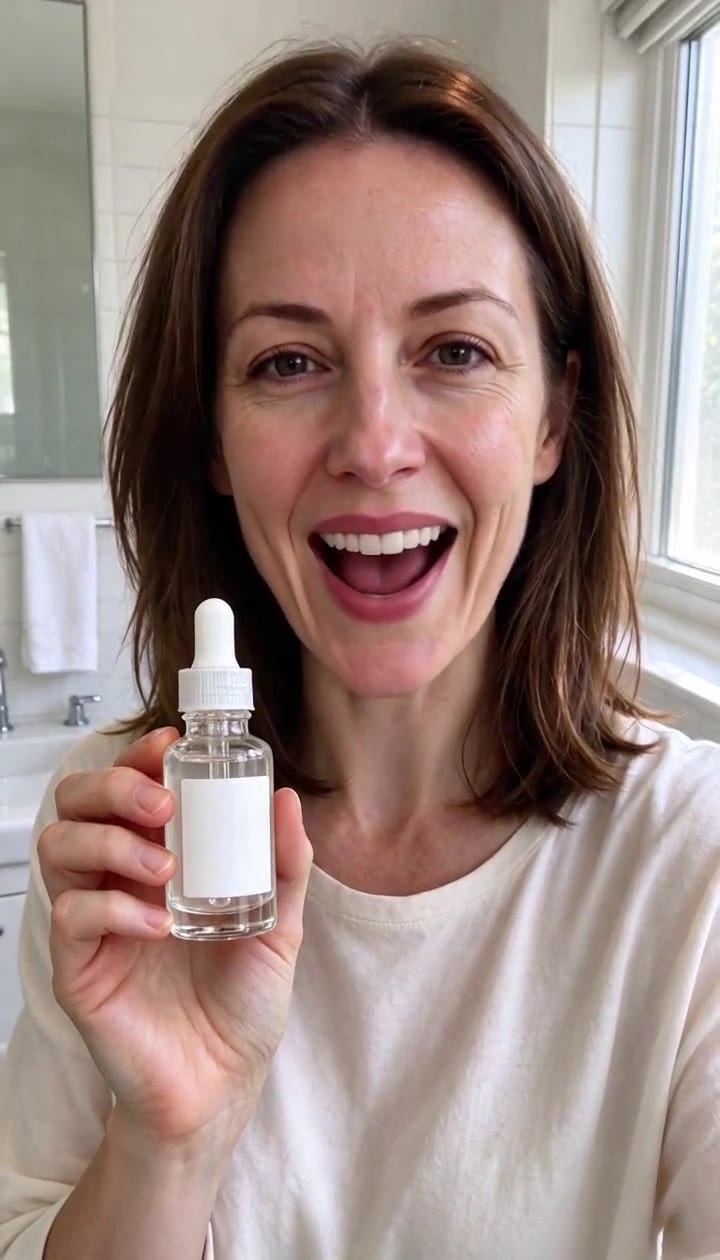
It was ready about 2 minutes after we started it, and it was charged exactly what the price preview showed.
What it did well, and where it stops. Across the whole clip the face, hair, top and bottle stay the same, the bottle stays in her right hand at chest height with the label toward the camera and five fingers, her mouth moves with the words, every line of the script comes out in order, and the background holds still with no stray text. The framing is static, though: she never moves the bottle or herself much beyond small head tilts and expressive brows, which is what this model is built for, so if your ad needs product motion, cut to a product shot from another model.
What it costs: real previews by script length
The model is priced per render, at runtime. With a script, OpenClips estimates how long it takes to say and bills those seconds at your resolution. With uploaded audio, it measures the clip. Voice and language do not change the price.
We priced our own scripts with OpenClips’ price preview on 4 November, then rendered Template 1 once: it was charged exactly what the preview showed. The spoken length is what you pay for:
| Script | Words | Spoken length (est.) |
|---|---|---|
| Template 3 (bakery) | 23 | about 10 s |
| Template 1 (skincare) | 38 | about 15 s |
| Template 2 (SaaS founder) | 42 | about 17 s |
| Template 2 read three times | 126 | about 50 s |
Rule of thumb: every word costs. Every sentence you cut before rendering saves credits; a sentence you regret after rendering costs a full new render.
Which resolution to pick. The default tier is the sharpest native one. The higher tiers are upscales of the same picture: in our previews the first upscaled tier cost 50% more without new detail from the model. Draft scripts at the lowest tier, deliver at the default.
| Pruna P-Video 2 Pro Avatar on OpenClips | |
|---|---|
| Input | 1 portrait (JPG, PNG or WebP, up to 20 MiB) plus a script or one audio clip |
| Voices | 30 built-in, each tagged male or female |
| Script languages | English (US), English (UK), Spanish, French, German, Italian, Portuguese (Brazil), Japanese, Korean, Hindi |
| Uploaded audio | Speech or song, up to 64 MiB; it overrides the script |
| Aspect ratio | From the portrait |
| Frame rate | 24 fps |
| Render time | From under a minute to a few minutes, per the model card (our Template 1 clip: about 2 minutes) |
Length, resolutions and the starting price, straight from the catalog:
| Modality | Video |
|---|---|
| Length | 1s to 180s |
| Resolutions | 480p, 768p, 1080p, 2k, 4k |
| Audio | Available |
| References | Up to 1 |
| Price | from ⚡5 (from $0.021) |
New accounts get ⚡30 on signup, enough to preview and render a short test at the lowest resolution. Commercial use is not included on the Free plan; see pricing.
P-Video 2 Pro Avatar vs OmniHuman 2.0 vs FLUX 3
All three put speech in a video. They solve different jobs.
| P-Video 2 Pro Avatar | OmniHuman 2.0 | FLUX 3 | |
|---|---|---|---|
| You give it | Portrait plus script or audio | Portrait plus your voice clip | A text prompt, optional images |
| Writes the voice from text | Yes, 30 voices, 10 languages | No, you bring the audio | Speech written into the prompt |
| Scene | One person, one continuous shot | One person, stays put | Full scenes, several shots and speakers |
| Render time | The fastest of the three on the model cards | Several minutes or more | A few minutes |
| A short spokesperson clip, in our previews | Previewed cheaper than OmniHuman | The dearer of the two | Not a portrait tool |
Lengths, resolutions and starting prices for the other two:
| Modality | Video |
|---|---|
| Length | 4s to 120s |
| Audio | Available |
| References | Up to 1 |
| Price | from ⚡58 per render (from $0.059/s) |
| Modality | Video |
|---|---|
| Length | 5s to 20s |
| Resolutions | HD, FHD |
| Audio | Available |
| References | Up to 10 |
| Price | from ⚡153 per render (from $0.126/s) |
Pick P-Video 2 Pro Avatar when you have a face and a script and want it said fast and cheap in one of the 10 listed languages, or when you need a longer talking take.
Pick OmniHuman 2.0 when you already have the exact audio, such as your own recorded voice. Our OmniHuman 2.0 guide found it calmer and more natural than Pruna’s earlier P-Video 2, which was livelier and cheaper. We have not run that test on this Pro Avatar model.
Pick FLUX 3 when you need a scene rather than a talking portrait: two characters, a location, effects and dialogue with cuts. See our FLUX 3 test.
How to make a talking-head ad with it
- Prepare the portrait. Crop it to the ratio you need first, because the output copies it: 9:16 for Reels and TikTok, 4:5 or 1:1 for feed, 16:9 for YouTube (aspect ratio cheat sheet). One well-lit, front-facing photo with the mouth clearly visible. If the product belongs in the ad, put it in the photo.
- Open the model at Pruna P-Video 2 Pro Avatar in the composer and attach the portrait.
- Fill the four fields as in the table below.
- Set the lowest resolution for the first take, check the ⚡ on the Generate button, render, and listen.
- Fix the script, then render the keeper at the default resolution.
| Field | What goes in | What never goes in |
|---|---|---|
| Script (main prompt) | Only the words to be said, in short lines, in the language you pick | “She says”, brackets, pauses written as words, emojis |
| Visual direction | Framing, setting, one or two named gestures, what stays still, “one continuous shot” | Cuts, a second scene, on-screen text, the product moving |
| Voice and Voice language | One voice (names carry the gender, for example Kore (Female), Puck (Male)) | A language that does not match the script |
| Speaking style | Pace, tone, emotion, where to pause, mic sound | Any of the script’s words (Pruna says never paste the script here) |
Your own voice instead. Attach an MP3 or WAV clip and it replaces the script, voice and speaking style. Use this for exact pronunciation, a brand name the voices stumble on, or a language outside the ten.
The same face across many videos. Train a custom avatar in Character Studio for scene shots, and keep one clean still of that avatar as the portrait for talking parts. Our consistent character guide covers the rest.
Three talking-head ad scripts you can copy
These are templates. We rendered Template 1 once (the clip above); Templates 2 and 3 are not rendered. Each follows our 15-second UGC formula: hook in the first line, one concrete product detail, one clear call to action.
Template 1: skincare hook, 9:16, about 15 s (rendered above, voice Zephyr (Female))
Okay, I did not expect this. I have tried every serum on my shelf, and this is the first one my skin actually drinks. Two drops at night, that's it. Link is below, go see for yourself.Run this prompt →
Vertical selfie framing, woman in her late twenties at a bathroom counter in soft morning window light. She holds a small glass serum bottle at chest height in her right hand, label toward camera. Small natural head tilts, relaxed shoulders, one slow nod on "that's it". Background stays still. One continuous shot, no on-screen text.
Casual and a little surprised at the start, then warm and confident. Medium pace, a short pause after "I did not expect this". Close phone-mic sound, small room.
Template 2: SaaS founder, 16:9, about 17 s
Every Monday I lost three hours to the same report. So we built a button that writes it for you. Connect your data once, and the report is ready before your coffee is. Try it free this week, link in the description.Run this prompt →
Man in his forties seated at a desk in a bright home office, medium shot, laptop open beside him. He speaks to camera, one hand resting on the desk, an open-palm gesture toward the laptop on "a button that writes it for you". Calm posture, camera locked. One continuous shot, no text on screen.
Friendly and dry, a founder talking to peers, not a salesman. Even pace, slight smile on "before your coffee is". Clean studio-mic sound.
Template 3: local shop, 4:5, about 10 s
Fresh bread comes out at seven every morning. Come before nine and the first coffee is on us. See you on Main Street.Run this prompt →
Baker in an apron behind a wooden counter, warm bakery light, a tray of loaves on the counter in front of her. She rests one hand on the counter edge and gestures gently toward the bread on "fresh bread". Steady framing, background still. One continuous shot.
Warm, neighbourly, unhurried. Smile in the voice, slight emphasis on "on us".
Going multilingual. To run Template 1 in Spanish, translate the script itself and set Voice language to Spanish. Changing only the language field does not translate anything, because the text is spoken as written.
Mistakes to avoid, and a pre-render check
| Mistake | What happens | Fix |
|---|---|---|
| Stage directions in the script | They are read aloud | Move them to Visual direction or Speaking style |
| Script pasted into Speaking style | Pruna says this field is delivery only | Tone, pace and pauses there, words in the script |
| Portrait in the wrong ratio | The output copies it; an extreme ratio gets cropped | Crop to 9:16, 4:5, 1:1 or 16:9 before upload |
| Rendering at an upscaled tier | Costs 50% more or above for an upscale | The default tier for delivery, the lowest for drafts |
| A long clip in a wide room | Long clips are stitched; Pruna warns a seam can show | Frame tighter, plain background, same room throughout |
| Asking the product to move | Not what this model does | Product in the photo, a hand gesture toward it |
| Spanish voice, English script | The English words get spoken | Write the script in the chosen language |
| Long script, first render at the default tier | Every word costs | Trim first, draft at the lowest tier |
Before you press Generate:
- Portrait cropped to the final ratio, face lit, mouth visible
- Script read aloud once by you, under 40 words for a 15-second ad
- No directions or brackets in the script
- Visual direction says “one continuous shot” and names what stays still
- Voice language matches the script’s language
- Lowest resolution for the draft, the default for the keeper
- ⚡ on the Generate button checked
For the bigger picture on AI presenters, see AI UGC ads that last and AI video of yourself from one selfie.
One photo, one script, a talking take. New to OpenClips? Start free with ⚡30 on signup, no card.
Sources, read on 4 November 2026: the OpenClips models hub and video model compare, the OpenClips composer data for P-Video 2 Pro Avatar and OmniHuman 2.0 (settings, voices, languages, rates and our price previews), our render #57742 and its portrait #57741, Pruna’s P-Video-2-Pro-Avatar docs and API guide, and our OmniHuman 2.0 and FLUX 3 posts on The Cut.