
GuideVideo
Choose length, format and quality
The short answer
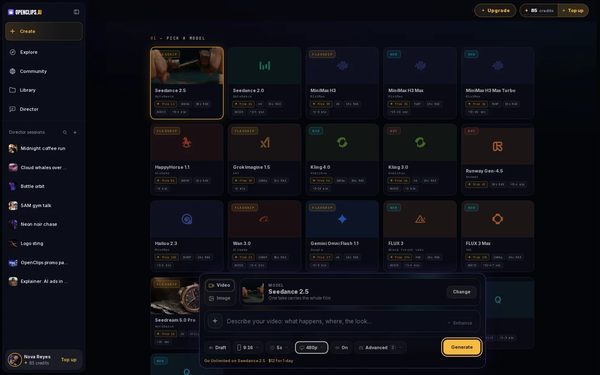
Set the shape, the length and the quality under the prompt, before you press Generate. Each model offers its own options, and every length and quality shows its price.
Before you start
What you need
- An OpenClips account. You can start without one and sign up when you press Generate.
- The model you want to use. Its options decide what you can pick.
Who can use it
Every plan: Free, Starter, Creator, Pro and MAX.
Models marked with a lock unlock with your first purchase.
What it costs
From ⚡2 a clip. See every price
Every length and every quality shows its own price, and Generate shows the price for your settings before you press it.
Steps
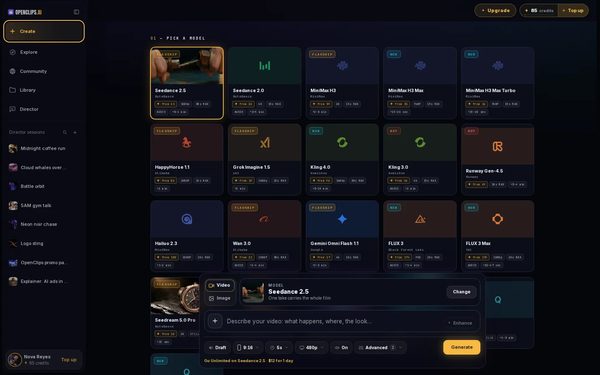
Open Create
Press Create in the App menu. To use another model, press Change on the model card and pick one.
On a phone: Tap Create in the menu. The full-screen Create video composer opens.
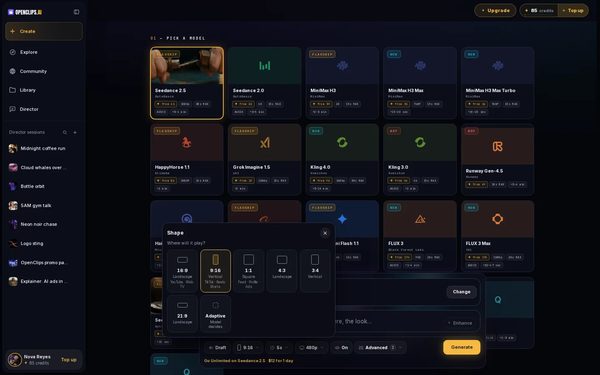
Choose the shape
Press the shape pill under the prompt. The Shape menu asks where the video will play: pick Vertical for phones, Landscape for a wide screen or Square for a feed.
On a phone: Tap Shape. Pick Vertical, Landscape or Square.
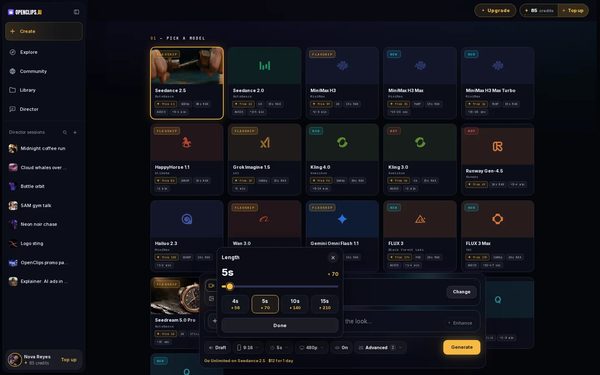
Choose the length
Press the length pill. In Length, drag the slider or press one of the lengths under it, then press Done. A model that offers set lengths shows only those.
On a phone: Tap Length. Drag the slider or tap a length, then tap Done.
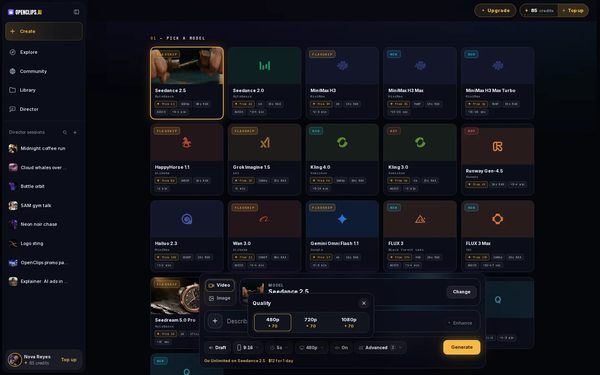
Choose the quality
Press the quality pill and pick one in Quality. A quality that renders only at some lengths or shapes says so under it.
On a phone: Tap Quality and pick one.
Check the price and press Generate
Generate shows the price for the shape, length and quality you picked. Press it to make the video.


What you get
A video in the shape, length and quality you chose, in your Library under Creations.
Tips and limits
- Adaptive leaves the shape to the model.
- On the models that offer Draft, turning it on makes a preview at a lower quality. Turn it off for the final video.
- A longer video costs more. On many models a sharper quality does too.
If something goes wrong
- An option is greyed out: the model can’t make it with what you’ve added. Its menu says why.
- The button says Top Up instead of Generate: your balance is too low for these settings.
- The video failed: a failed render gives its credits back.Fix
Questions
Which shape should I pick for Reels, TikTok or Shorts?
Pick Vertical. The Shape menu names where each shape plays best.
Why can't I pick a longer video?
Each model has its own longest length, listed in the table on this page. The Length menu also says when a length needs a plan.
Does a sharper video cost more?
On many models it does. Each quality shows its price in the Quality menu, and Generate shows the price for all your settings together.
Related
Steps checked in the app Updated